glyphcast
Glyphcast is a browser-based ASCII studio that turns images, GIFs, and videos into customizable ASCII animations, with…
 narsixyz

Glyphcast
Convert videos into ASCII sequences.
Browser-native ASCII studio for image, GIF, and video workflows.
About The Project
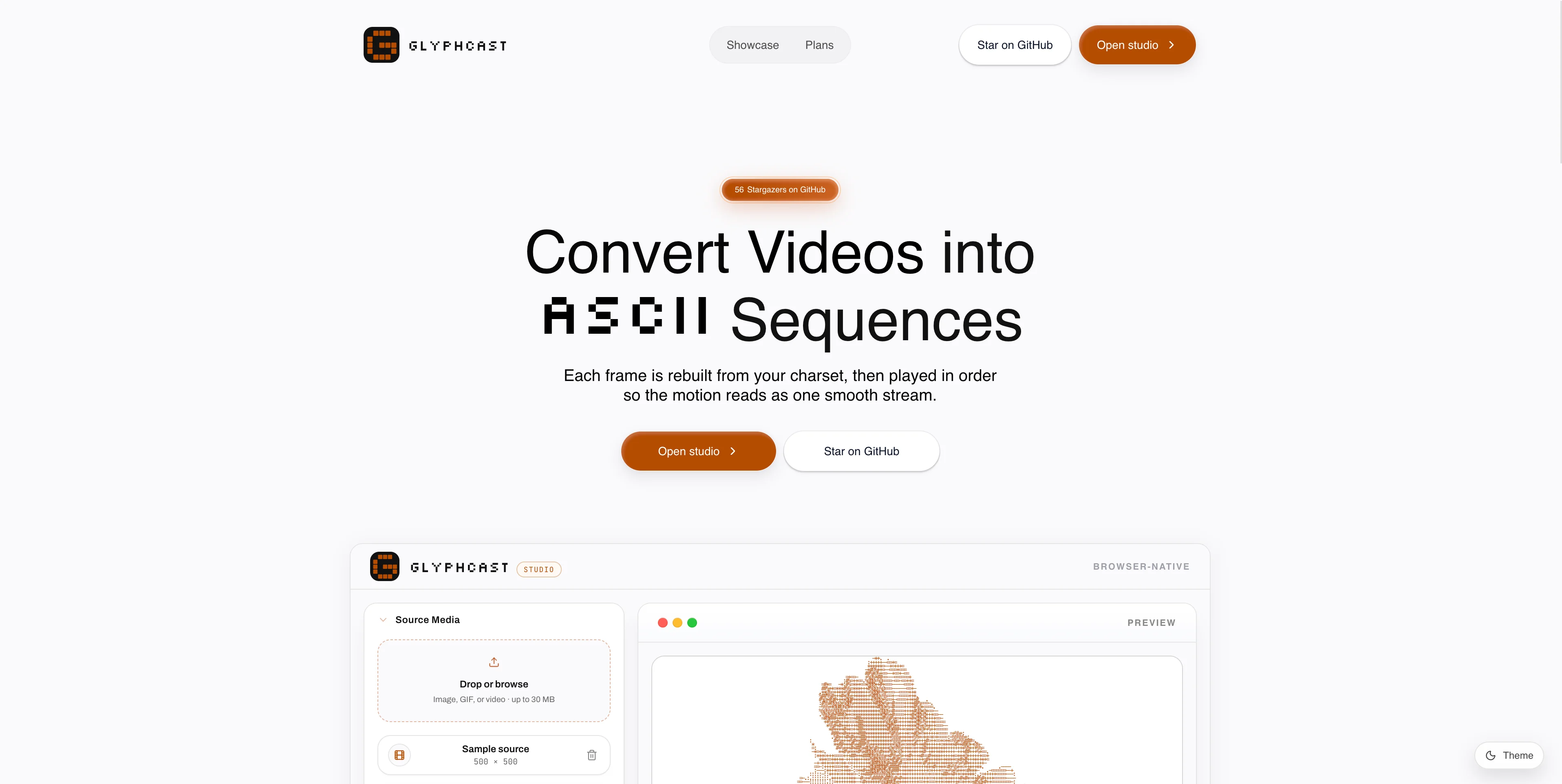
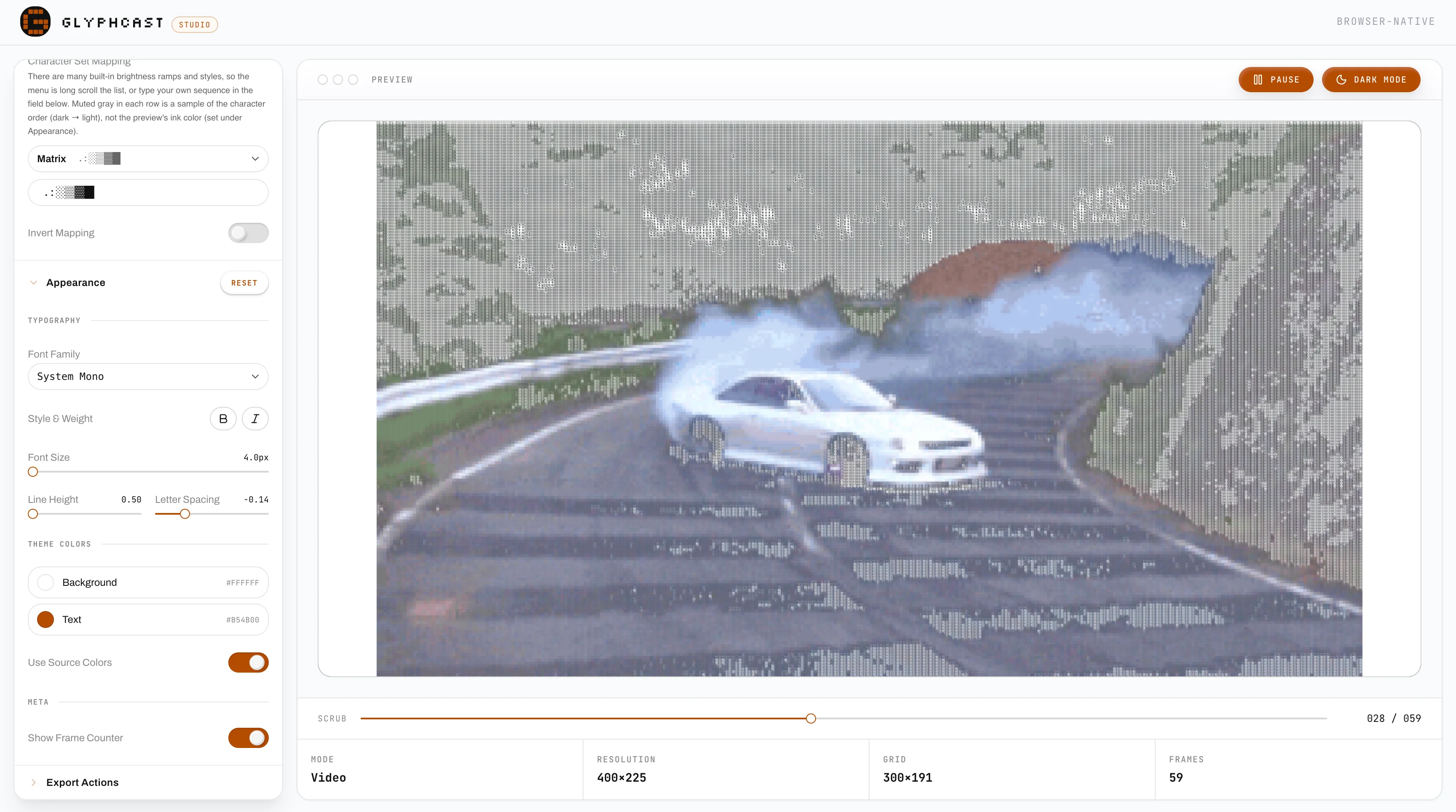
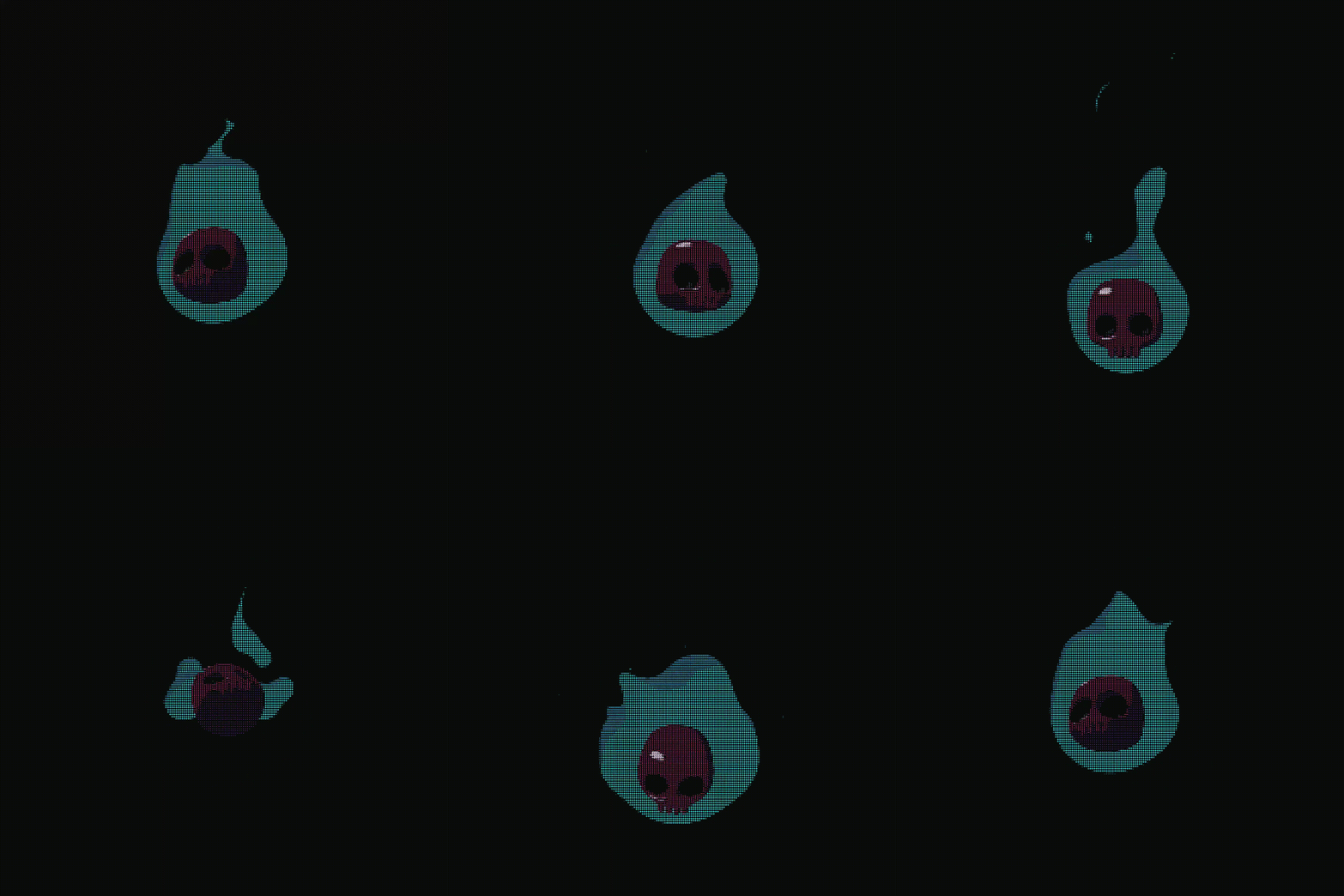
Glyphcast is an interactive studio that converts visual media into animated ASCII output.
Each frame is sampled on a pixel grid, mapped to a character set by luminance, styled with typography/effects, and rendered in real time for preview and export.
The studio supports:
- source uploads (image, GIF, video)
- live preview and playback controls
- editable charset, columns, threshold, invert, and appearance controls
- multiple export formats for design, code, and content pipelines
Project Preview
 |
 |
 |
 |
Add your video file to assets/site and update this link path when ready.
Core Features
- Real-time ASCII conversion with adjustable columns and threshold
- Rich charset presets (
Standard,Retro Terminal,Matrix,Binary, and more) - Appearance controls for font family, size, spacing, colors, and text effects
- Playback/scrubbing for animated sources (video and GIF)
- Built-in exports:
- PNG snapshot
- video export (browser MediaRecorder, MP4/WebM support depending on browser)
- React component (
.tsx) export for embedding generated animations - ZIP export of per-frame text files
- one-click copy of current ASCII frame to clipboard
How Conversion Works
Glyphcast’s conversion pipeline is implemented in src/lib/ascii/ascii-converter.ts and src/lib/ascii/ascii-export.ts.
- Resolve source dimensions (
image,video, orcanvas) - Downsample source to ASCII grid (
columnsx derivedrows) on an offscreen canvas - Compute luminance using ITU-R BT.601 coefficients (
0.299r + 0.587g + 0.114b) - Map luminance to charset index (with optional invert + threshold offset)
- Build text frame and optional per-cell RGB colors
- Render preview/export frames with appearance settings and optional effects
Studio UX Details
- Input types:
image/*,video/*, andimage/gif - Upload limit: 30 MB max source file (intentional guardrail to prevent very large video/asset uploads in the browser studio)
- Default video behavior: auto-loads a demo clip in studio when no source is present
- Keyboard shortcuts:
Space→ play/pauseLeft / Right→ frame stepCmd/Ctrl + S→ trigger export action
Tech Stack
- Next.js 16 (App Router)
- React 19
- TypeScript
- Tailwind CSS 4
- Framer Motion
- Zustand
- Radix UI primitives
gifuct-jsfor GIF frame decodingfflatefor ZIP frame exports
Project Structure
glyphcast/
├── assets/
│   └── site/                  # README/site branding assets
├── public/                    # static media, logos, preview clips
├── src/
│   ├── app/
│   │   ├── api/               # Next.js API routes (e.g. GitHub stars)
│   │   ├── page.tsx           # landing page
│   │   └── studio/page.tsx    # ASCII studio page
│   ├── components/
│   │   ├── animations/        # ASCII animations and shape variants
│   │   ├── landing/           # Landing page sections and UI
│   │   ├── providers/         # Global context providers (Theme, Studio)
│   │   ├── shared/            # Reusable components
│   │   ├── studio/            # ASCII Studio interface components
│   │   └── ui/                # Base design system components
│   ├── config/                # Site and SEO configurations
│   ├── data/
│   │   └── ascii-frames/      # JSON data for static ASCII animations
│   ├── hooks/                 # Custom React hooks
│   └── lib/
│       ├── ascii/             # Core ASCII conversion and export logic
│       └── store.ts           # global studio state (Zustand)
├── example.env
└── README.md
Configuration
Copy env values from example.env:
cp example.env .env
Environment variables:
NEXT_PUBLIC_SITE_URL— base URL used by metadata routesNEXT_PUBLIC_GITHUB_REPO— repo slug inowner/nameformat
Getting Started
Prerequisites
- Node.js 20+
- Bun
Install and run
bun install
bun run dev
Open http://localhost:3000.
Available scripts
bun run dev
bun run build
bun run start
bun run lint
bun run format
Output Formats
- Image export: PNG of current rendered frame
- Video export: canvas-recorded animation (MP4/WebM depending on browser support)
- React export: generated TSX component with frame data + playback logic
- ZIP export: sequence of text frames (
frame_0001.txt, etc.) - Clipboard export: current frame plain text
Known Notes
- Video encoding capability depends on the browser’s
MediaRecordercodec support. - Large files and high frame counts increase export time and memory usage.
- The 30 MB upload cap is intentional so users cannot upload oversized videos/assets that degrade in-browser conversion performance.
- Browser permissions can block clipboard access.
Star History
Links
- GitHub: narsibhati-dev/glyphcast
- X: @marsihq
- LinkedIn: narsibhati
more like this
thorn
a pure lazy functional programming language to make ASCII art animations (and other things too)