open-dungeon
Open Dungeon — the first easy-to-use, fully local AI roleplay app. Story and inline scene images generated 100% on your…
 newideas99
git clone https://github.com/newideas99/open-dungeon.gitnewideas99/open-dungeonOpen Dungeon
The first easy-to-use, fully local AI roleplay app. The story and the inline scene images are both generated on your own machine — no accounts, no API keys, no cloud, no GPU rig. Your stories never leave your computer.
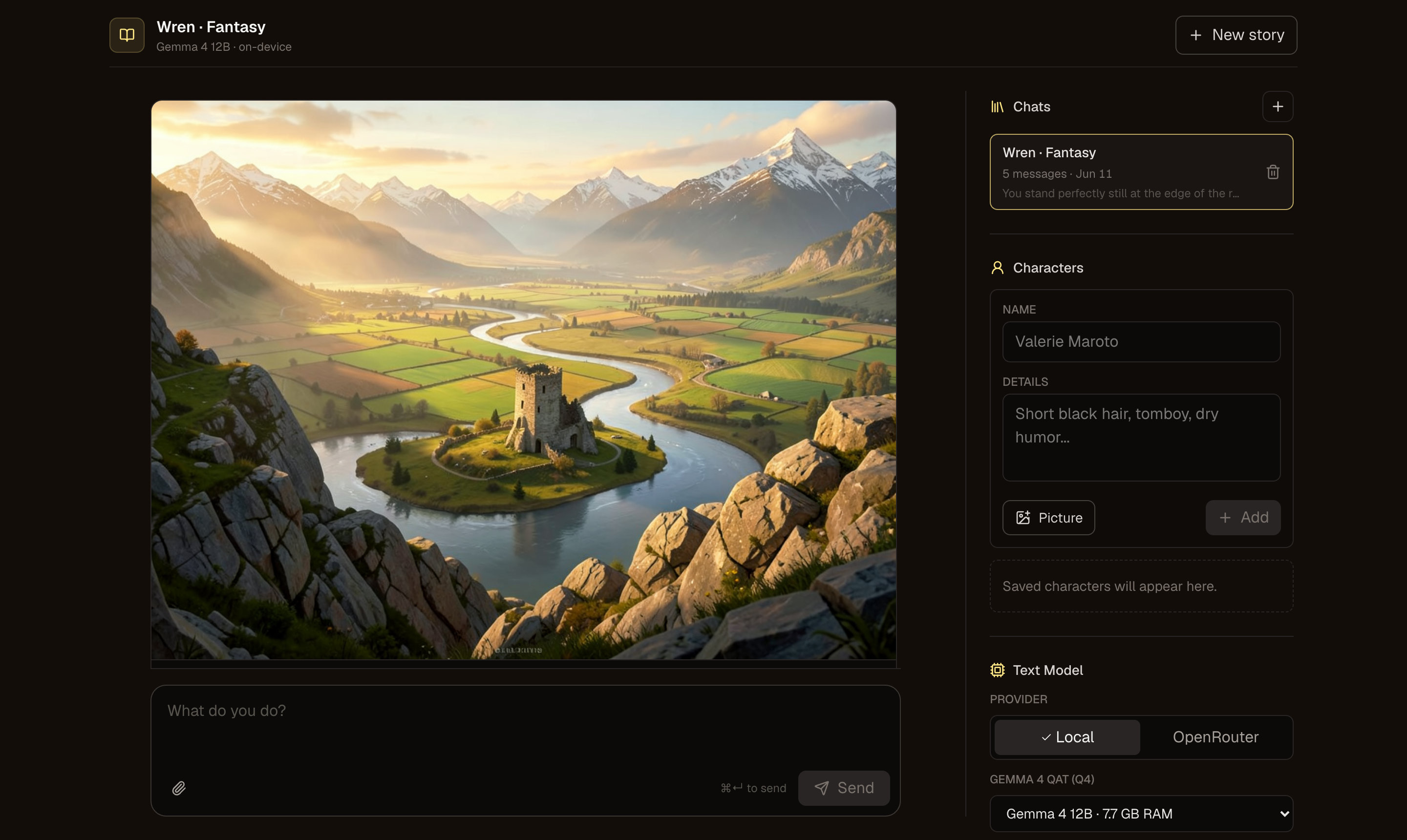
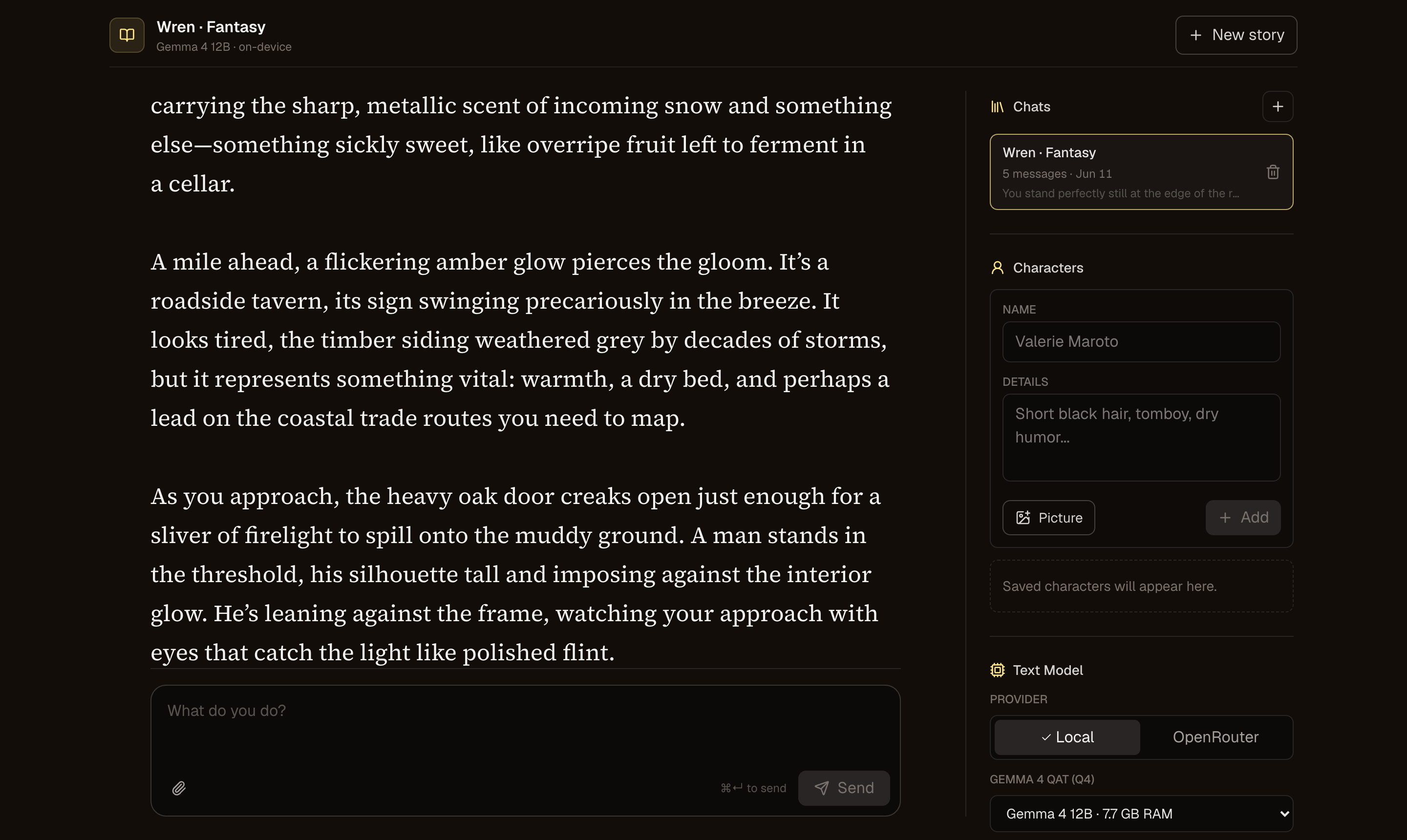
- Local text generation via Ollama (Gemma 4 QAT), or Connect a server to any OpenAI-compatible backend — llama.cpp, LM Studio, vLLM, a remote Ollama, OpenRouter. Narration streams in real time as the model writes.
- Local image generation — the narrator calls a
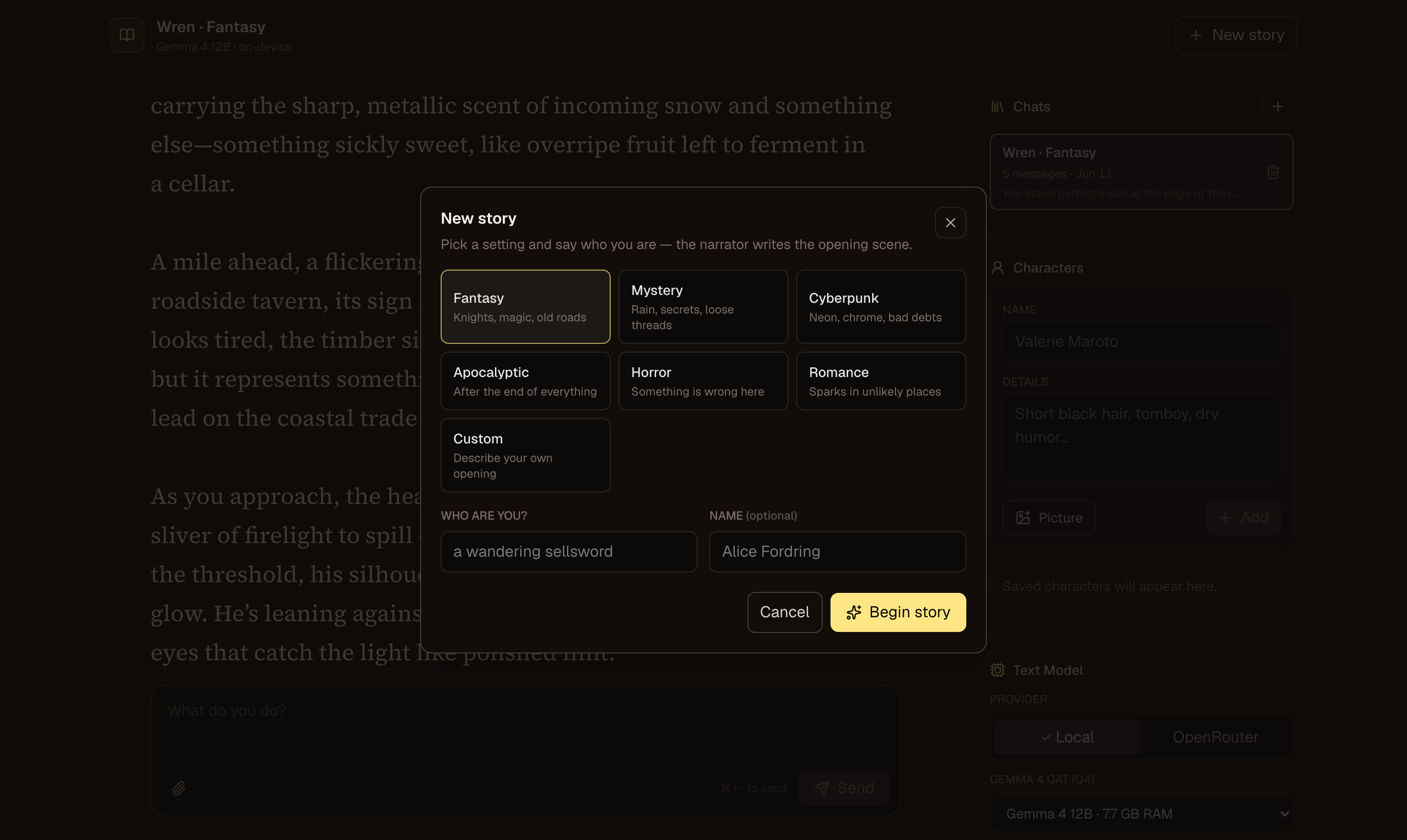
generate_imagetool and scenes render inline: FLUX.2-klein on Apple Silicon / NVIDIA / supported AMD Radeons, or point the app at your own ComfyUI instance. - Full play controls — Do / Say / Story input, Continue, Retry, Erase, and inline Edit on any passage. Quick-start presets write a custom opening.
- Long-story memory — history fills the model's context window (128K–256K), and older passages compact into a rolling "story so far" summary instead of being forgotten.
- Characters with visual continuity — saved portraits feed both the narrator (vision context) and the image generator (reference images).
- Private by design — everything lives in a local SQLite database and folders on your disk. Play from your phone over Tailscale.
 |
 |
Quick start
Mac (Apple Silicon): grab the DMG from Releases, drag Open Dungeon to Applications, and open it (right-click → Open the first time — it's unsigned). It walks you through everything, including choosing Ollama or your own server as the narrator.
Windows: download the release zip (or clone), then double-click
Launch-Windows.bat. It checks Node.js, builds the app, and starts
http://localhost:3000. Ollama and image generation are optional prompts —
see the Windows guide.
From a clone (any OS):
git clone https://github.com/newideas99/open-dungeon && cd open-dungeon
npm install

# optional, only if you want the bundled Ollama provider
ollama pull gemma4:12b-it-qat

npm run dev
Open http://localhost:3000 and start writing. Node.js 22+ required; text play needs no other setup.
Playing
The composer has three input modes — Do (a player action), Say (dialogue), and Story (write narration yourself) — plus Continue, Retry, and Erase above it. Hover any message and hit Edit to rewrite it in place. Everything saves to the local database as you go.
Guides
| Guide | Covers |
|---|---|
| Text backends | Gemma 4 model choices and benchmarks, Connect a server, long-story memory |
| Image generation | FLUX worker setup, ComfyUI backend, AMD GPUs, the story image tool |
| Windows | Launcher details, image smoke tests, diagnostics, tuning |
| Configuration | Environment variables, playing from your phone, local data |
Content note
This app is built for private, local fiction. The default narrator prompt
permits consensual adult content between adults; everything is generated and
stored only on your machine. Edit the system prompt in
src/lib/story-prompt.ts if you want different defaults.
Support the project
Open Dungeon is free and MIT-licensed, and it always will be. If it earns a spot on your machine and you want to help with development, a tip goes a long way:
Starring the repo and sharing it helps too.
License
MIT
more like this