meine
meine 🌒 - A CLI file manager and system utility built with Textual. It combines intuitive command parsing with rich t…
Python★ 50
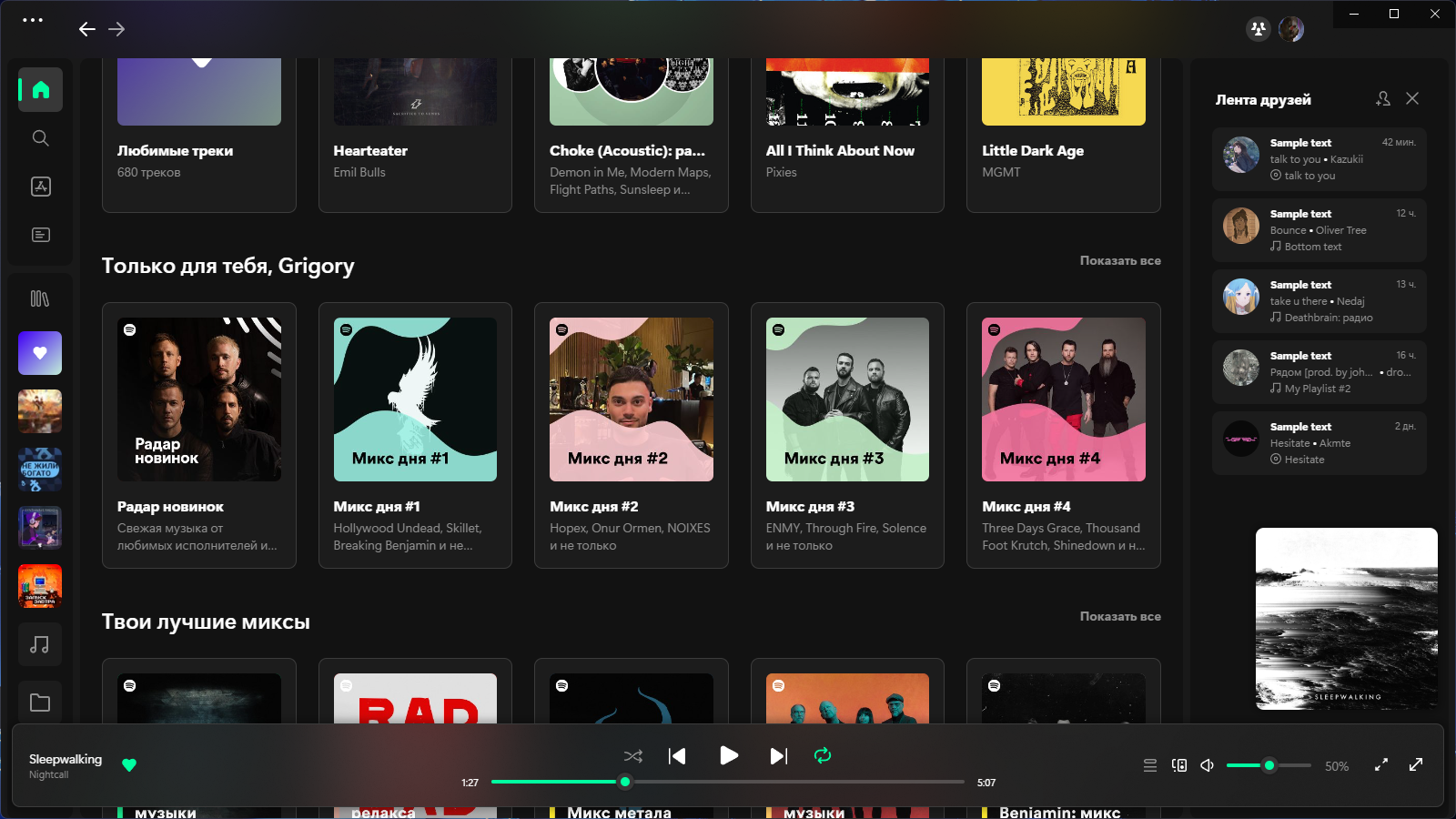
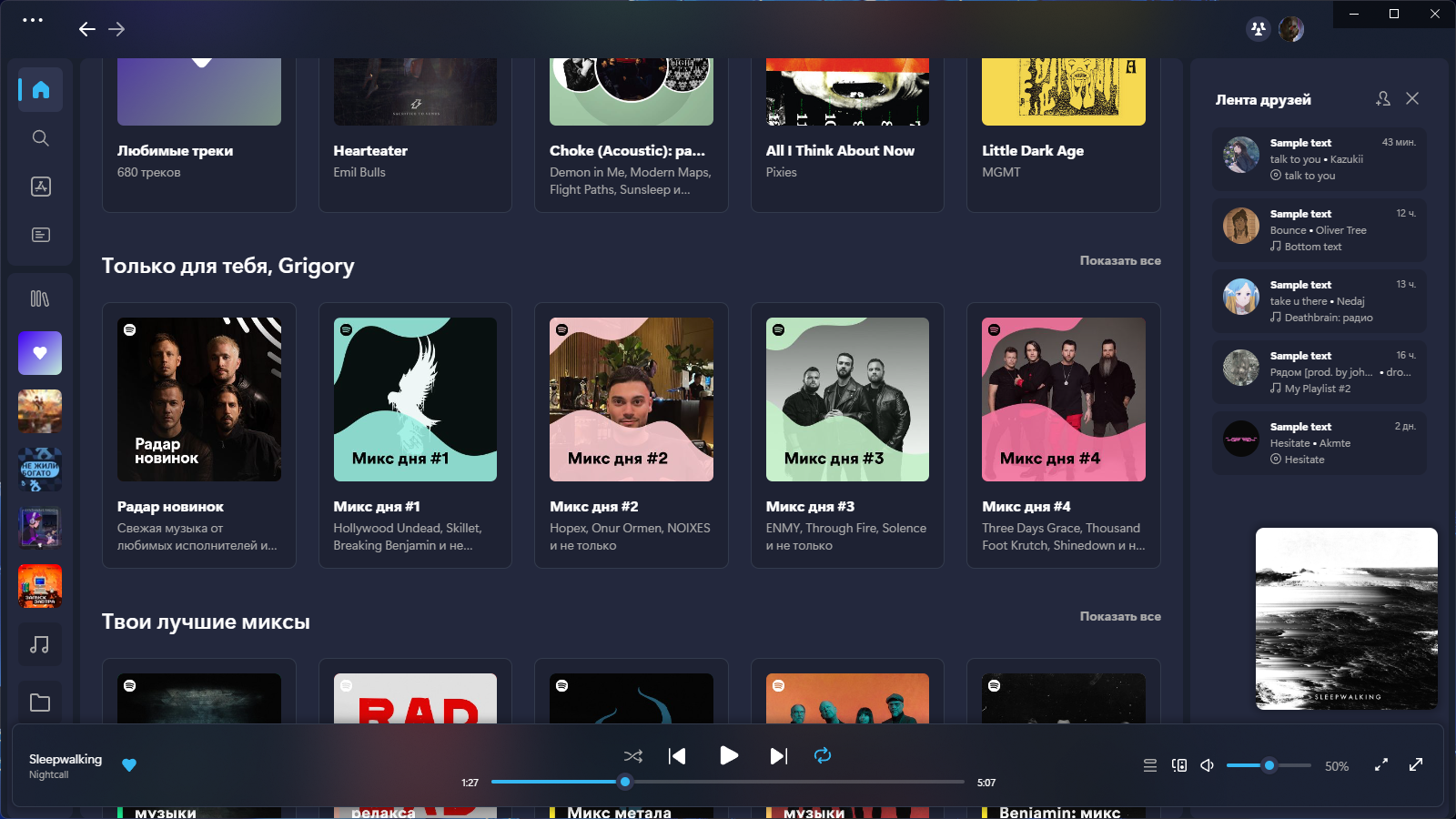
Spicetify theme inspired by Microsoft's Fluent Design, Always up-to-date!, A Powerful Theme to Calm your Eyes While Lis…
 nimsandu
git clone https://github.com/nimsandu/spicetify-bloom.gitnimsandu/spicetify-bloomSpicetify theme inspired by Microsoft's Fluent Design System.
Consider starring us and suggest stuff by submitting a comment!
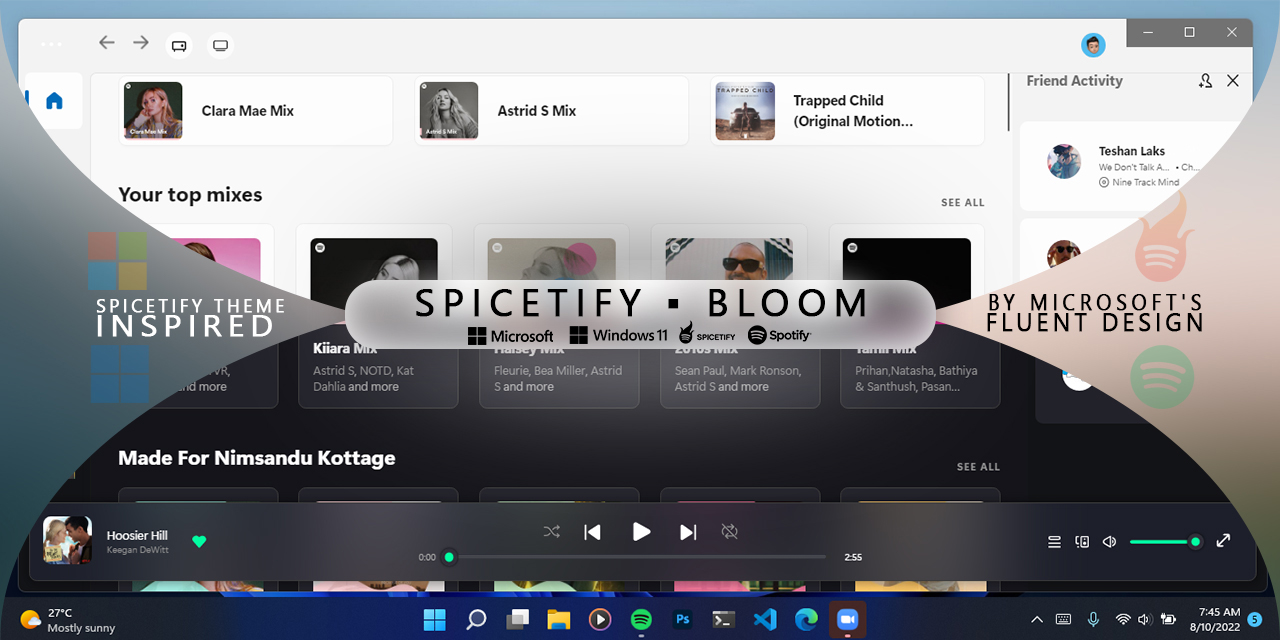

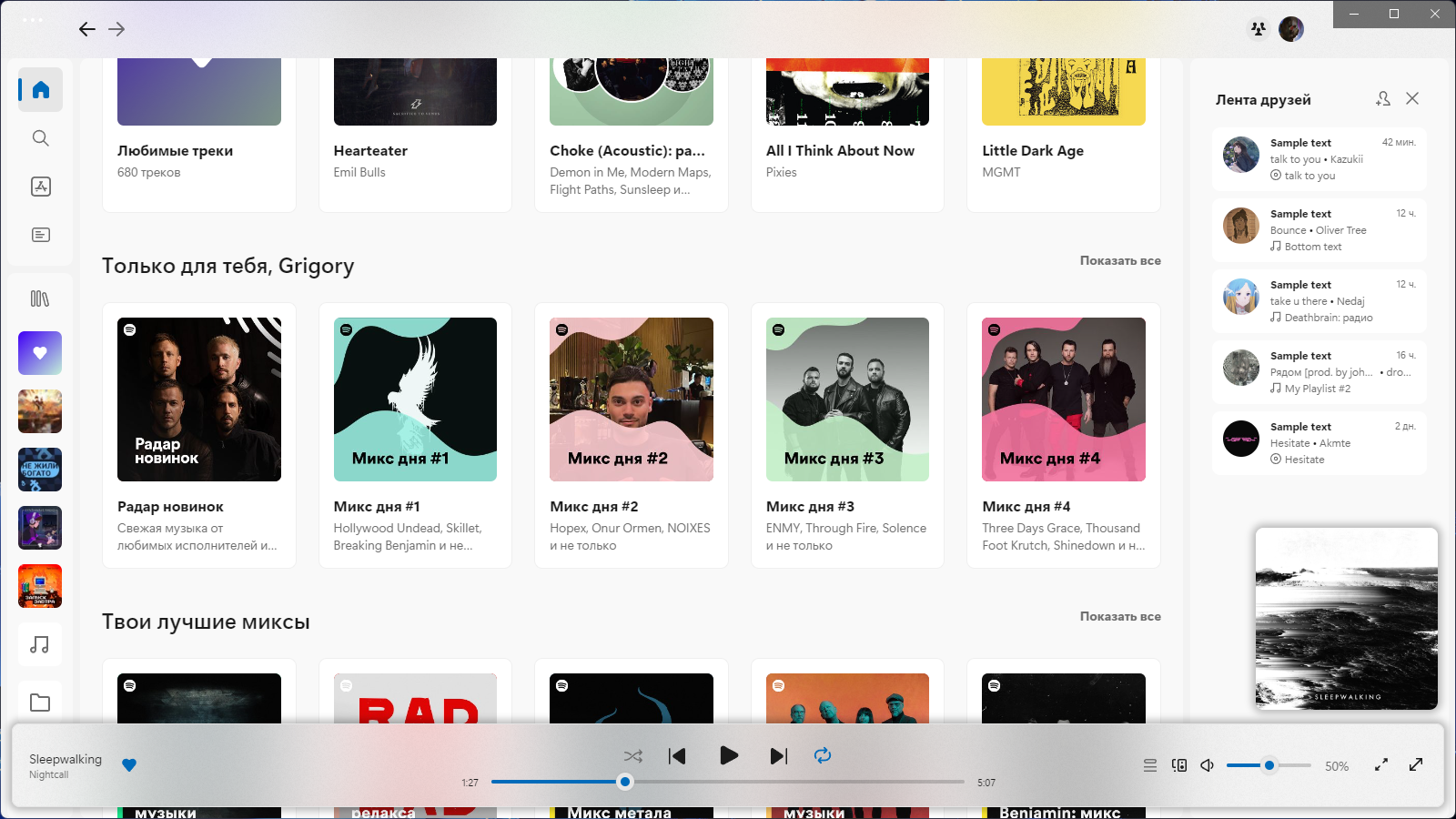
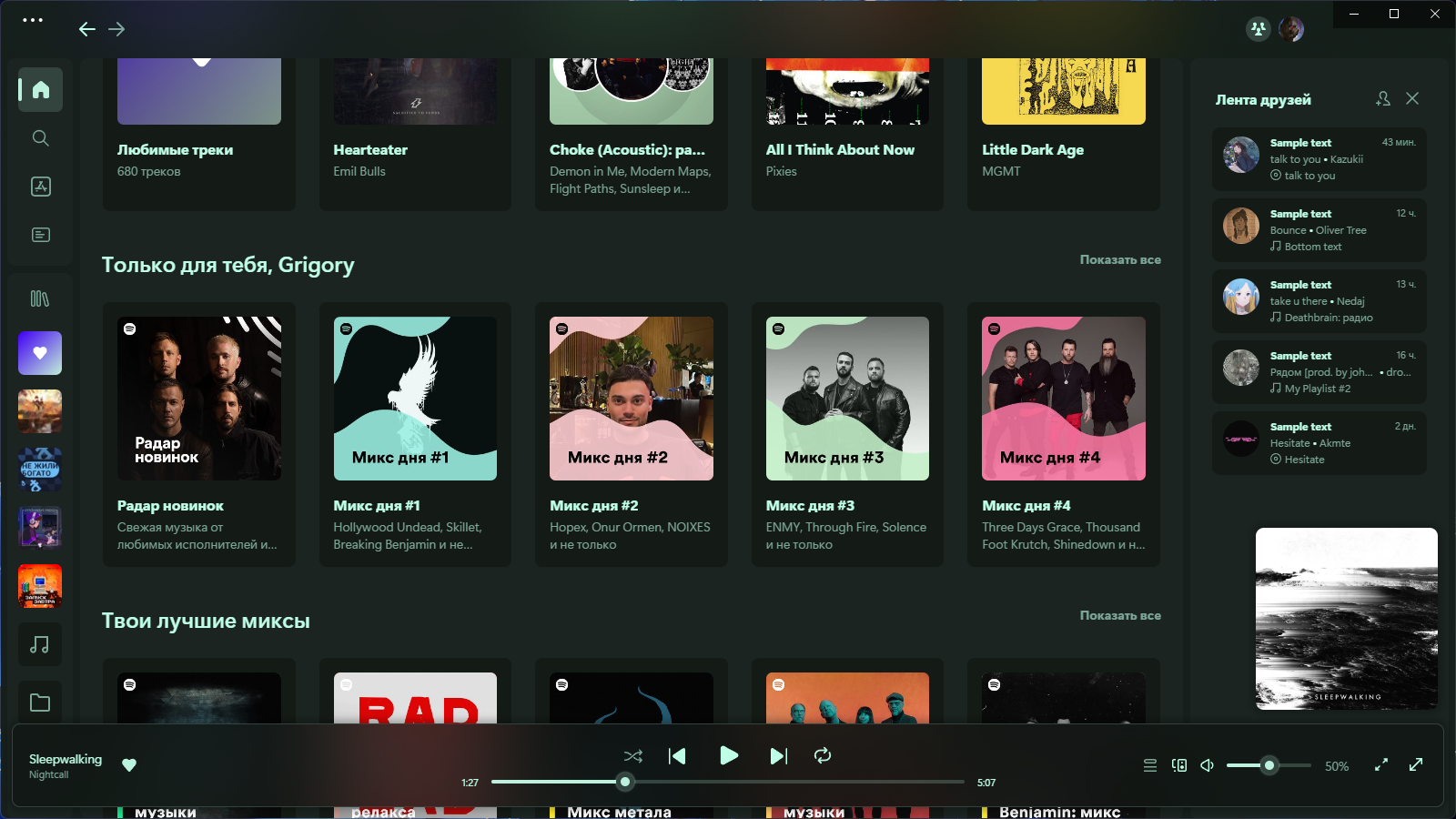 by stpnwf
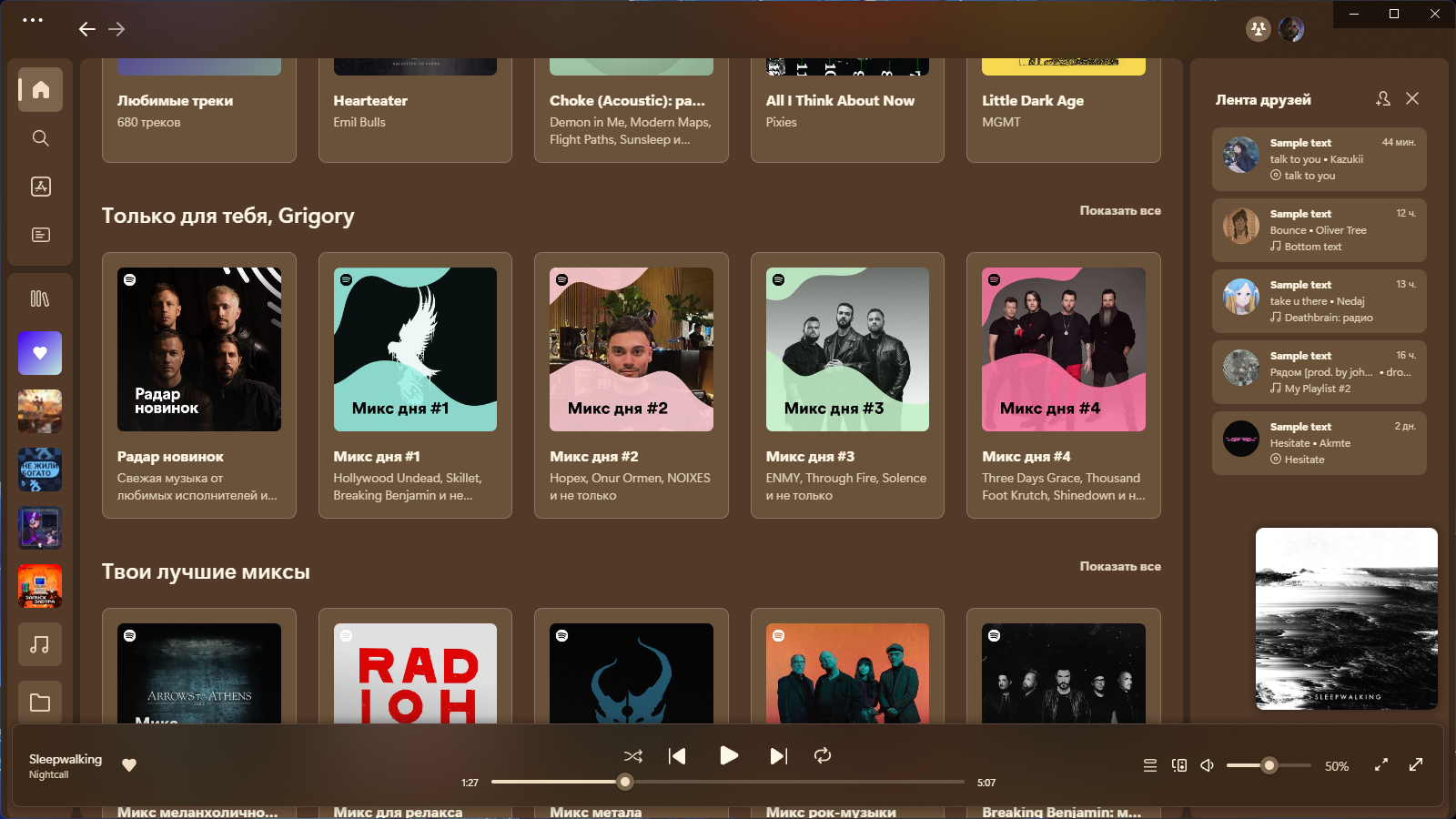 by yumegenso
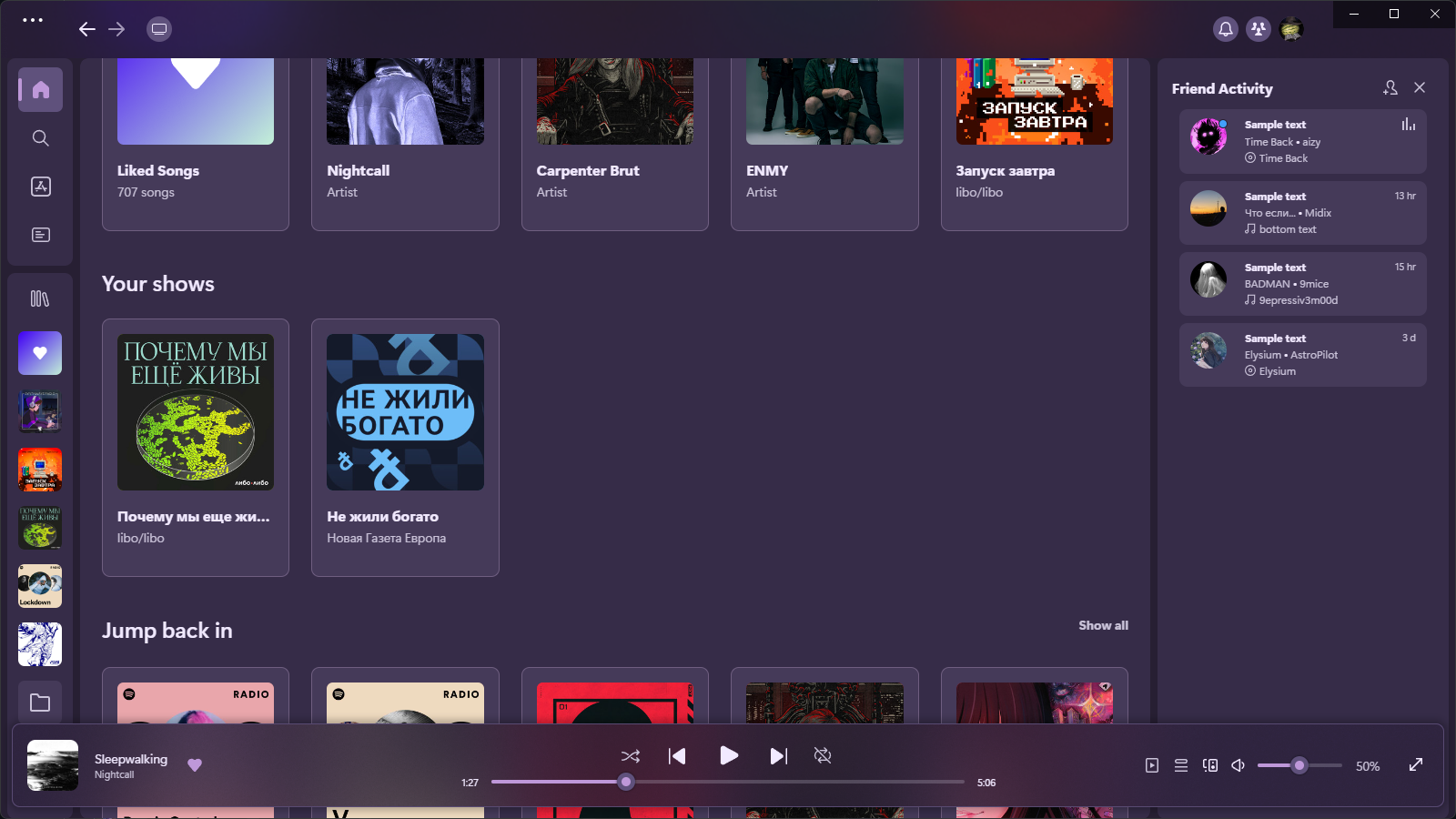 by bugreportion
Simply install spicetify-marketplace by following it's
installation instructions. Then look for Bloom theme and click the install button.
[Net.ServicePointManager]::SecurityProtocol = [Net.SecurityProtocolType]::Tls12
iex "& { $(iwr -useb 'https://raw.githubusercontent.com/nimsandu/spicetify-bloom/main/install/PowerShell/Bloom.ps1') }"
curl -fsSL https://raw.githubusercontent.com/nimsandu/spicetify-bloom/main/install/install.sh | bash
Replace `install.sh` in the above command with `install_debian.sh`. Spotify made a derp that it doesn't work on some Debian installations. Passing `--no-zygote` flag to it will fix this issue, which also means we also need to add it to launcher entry. `install_debian.sh` script's whole purpose is to run the `install.sh` as usual, then applying the fix. Issues about it are welcome!
credit for the Bash scripts: windowz414
Use this guide to install if you're having trouble using the shell commands/installation scripts:
Download this repo as archive.
Navigate to the Spicetify's Themes directory. Use spicetify path userdata command to get the path.
In the directory, create a new folder called Bloom.
Open the downloaded repo archive, and move all of the files from the src subfolder to the Bloom folder you created.
Open a terminal/command prompt window and type the following commands:
 spicetify config current_theme Bloom color_scheme dark
 spicetify config inject_css 1 replace_colors 1 overwrite_assets 1 inject_theme_js 1
 spicetify apply
The dark color scheme is applied by default during the installation process. If you install Bloom via PowerShell the installed color scheme depends on your Windows settings.
The available color schemes are: dark light darkmono darkgreen coffee comfy . Apply one using the following commands:
spicetify config color_scheme <color scheme>
spicetify apply
If you installed Bloom from Marketplace you can change the color scheme on its page.
Themes directory. Use spicetify path userdata command to get the path.Bloom folder.color.ini file.spicetify apply command.If you installed Bloom from Marketplace you can change the accent color using built-in Color.ini Editor.
For those who used scripts and not Marketplace.
[Net.ServicePointManager]::SecurityProtocol = [Net.SecurityProtocolType]::Tls12
iex "& { $(iwr -useb 'https://raw.githubusercontent.com/nimsandu/spicetify-bloom/main/install/PowerShell/Bloom.ps1') } -Action Update"
Use the Bash installation script or manually update the files.
For those who used scripts and not Marketplace.
[Net.ServicePointManager]::SecurityProtocol = [Net.SecurityProtocolType]::Tls12
iex "& { $(iwr -useb 'https://raw.githubusercontent.com/nimsandu/spicetify-bloom/main/install/PowerShell/Bloom.ps1') } -Action Uninstall"
spicetify config color_scheme ' ' current_theme ' '
spicetify apply
If you uninstall Bloom let us know how to shape our future!
spicetify config current_theme marketplace color_scheme marketplace
spicetify config inject_css 1 replace_colors 1 overwrite_assets 1 inject_theme_js 1
spicetify apply
Spotify releases updates very frequently, and when that happens, it's common for things to break. Generally, we'll be able to fix these issues, but there are certain issues that are out of our control. If you experience such an issue, please report them via the repository's issues page.
Open Spotify settings and turn on Enable hardware acceleration.
Please report about that via the repository's issues page.
In Spotify version 1.2.14, not only has the classic UI been cut, but also the indication that a new UI is active. Since it is now problematic to identify the active UI, only Library X support remains.
If you want to keep using the classic UI with Bloom - use the legacy branch (unsupported). Otherwise - update your Spotify or enable Library X view in the Spotify experimental settings.
In Spotify version 1.2.23 the main app grid has been revamped and the top bar has become part of the main view. Since it is problematic to support both grid variants, only the current variant support remains.
And to every Contributor, Stargazer and Bloomer!
Due to immense academic pressure. I wouldn't be able to actively participate in issue resolving and maintenance of the Spicetify Bloom until 10th of December 2025. I'm sorry for the inconvenience and I'm really looking forward for the support of my Bloom Family on active maintenance of Bloom for me and for all of us. Your Contributions will let Bloomers Bloom all around the world, a little better.
Thank You, Nimsandu.
more like this
meine 🌒 - A CLI file manager and system utility built with Textual. It combines intuitive command parsing with rich t…
Custom color themes for GNS3 GUI. Built-in schemes, custom JSON themes, device symbols. Supports Linux and macOS.
A Python utility for the Divoom Pixoo 64, allowing for advanced control, customization, and interaction via its API.
A Visual Nintendo GameBoy using HTML, CSS, Javascript & WebComponents 👾 (old version)
search projects, people, and tags