perplexity-cli
🧠 A simple command-line client for the Perplexity API. Ask questions and receive answers directly from the terminal! 🚀🚀🚀
Python★ 176
An arctic, north-bluish clean and elegant iTerm2 color scheme.
 nordtheme
An arctic, north-bluish clean and elegant iTerm2 color scheme.
Designed for a fluent and clear workflow based on the Nord color palette.
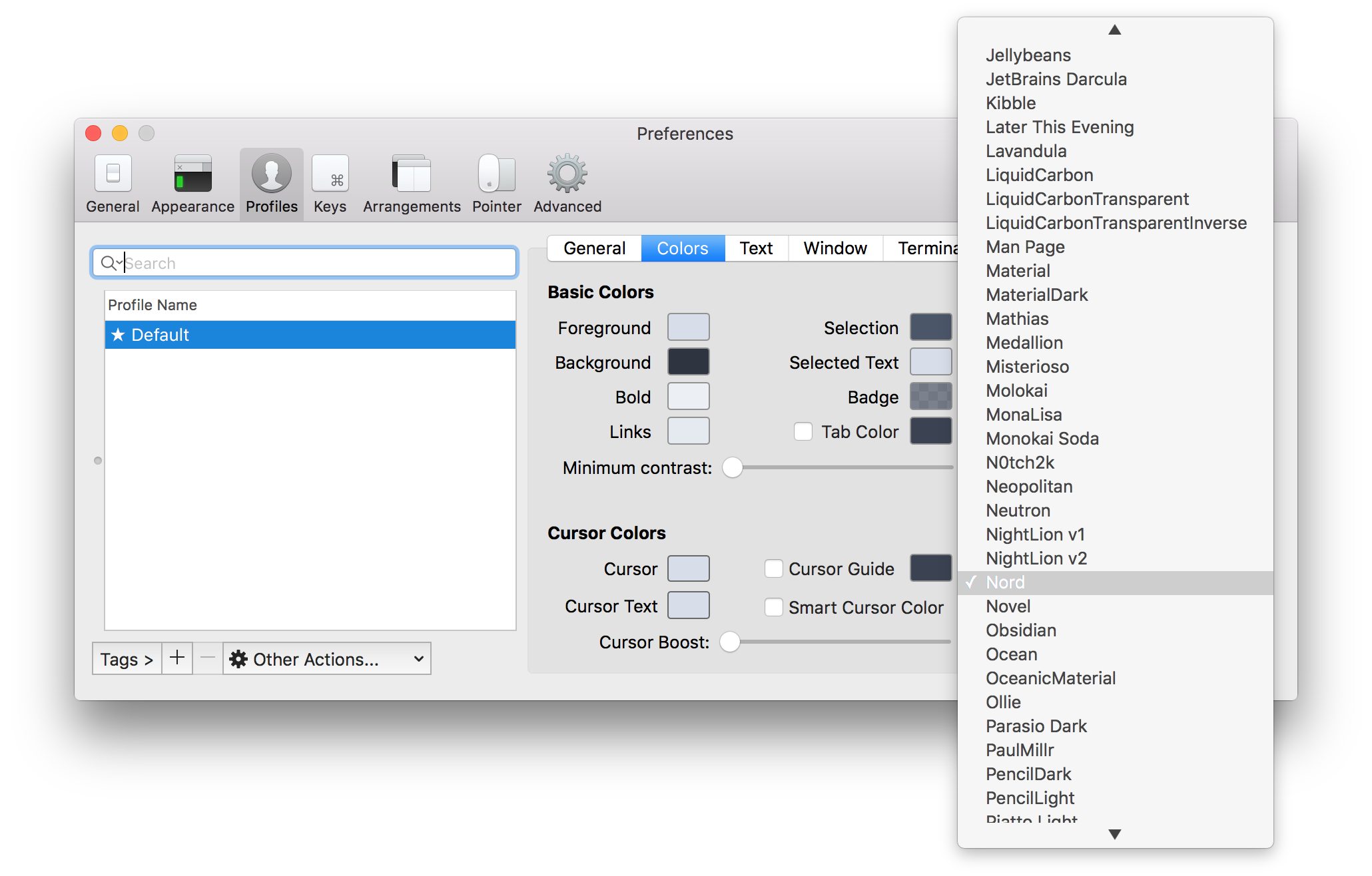
Download the latest Nord.itermcolors file from the GitHub repository and import it:
Nord.itermcolors file and import itNord
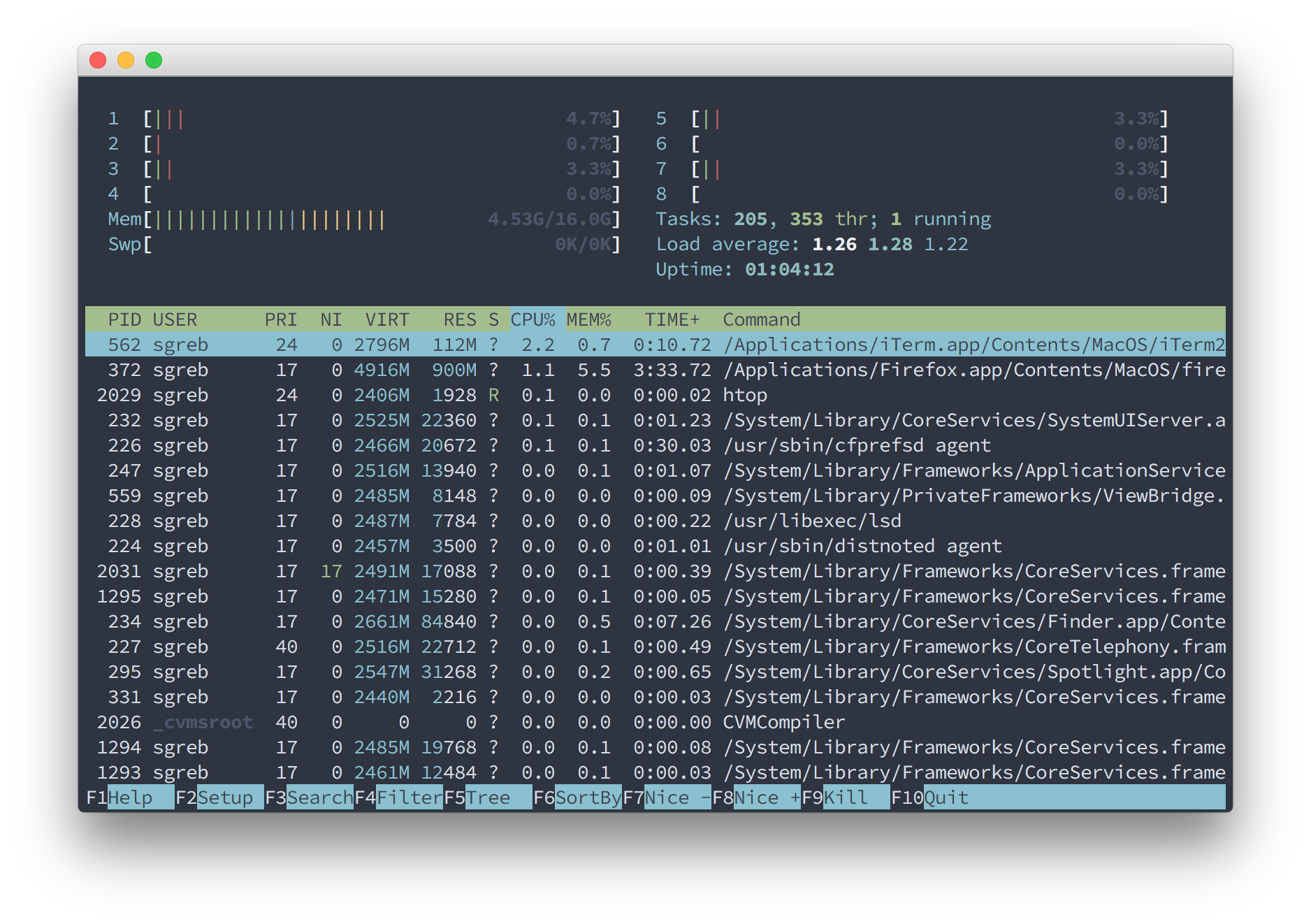
htop
Please report issues/bugs, feature requests and suggestions for improvements to the issue tracker.

Copyright © 2016-present Sven Greb
more like this
🧠 A simple command-line client for the Perplexity API. Ask questions and receive answers directly from the terminal! 🚀🚀🚀
meine 🌒 - A CLI file manager and system utility built with Textual. It combines intuitive command parsing with rich t…
search projects, people, and tags