perplexity-cli
🧠 A simple command-line client for the Perplexity API. Ask questions and receive answers directly from the terminal! 🚀🚀🚀
Python★ 176
An arctic, north-bluish clean and elegant Konsole color scheme.
 nordtheme
An arctic, north-bluish clean and elegant Konsole color scheme.
Designed for a fluent and clear workflow based on the Nord color palette.
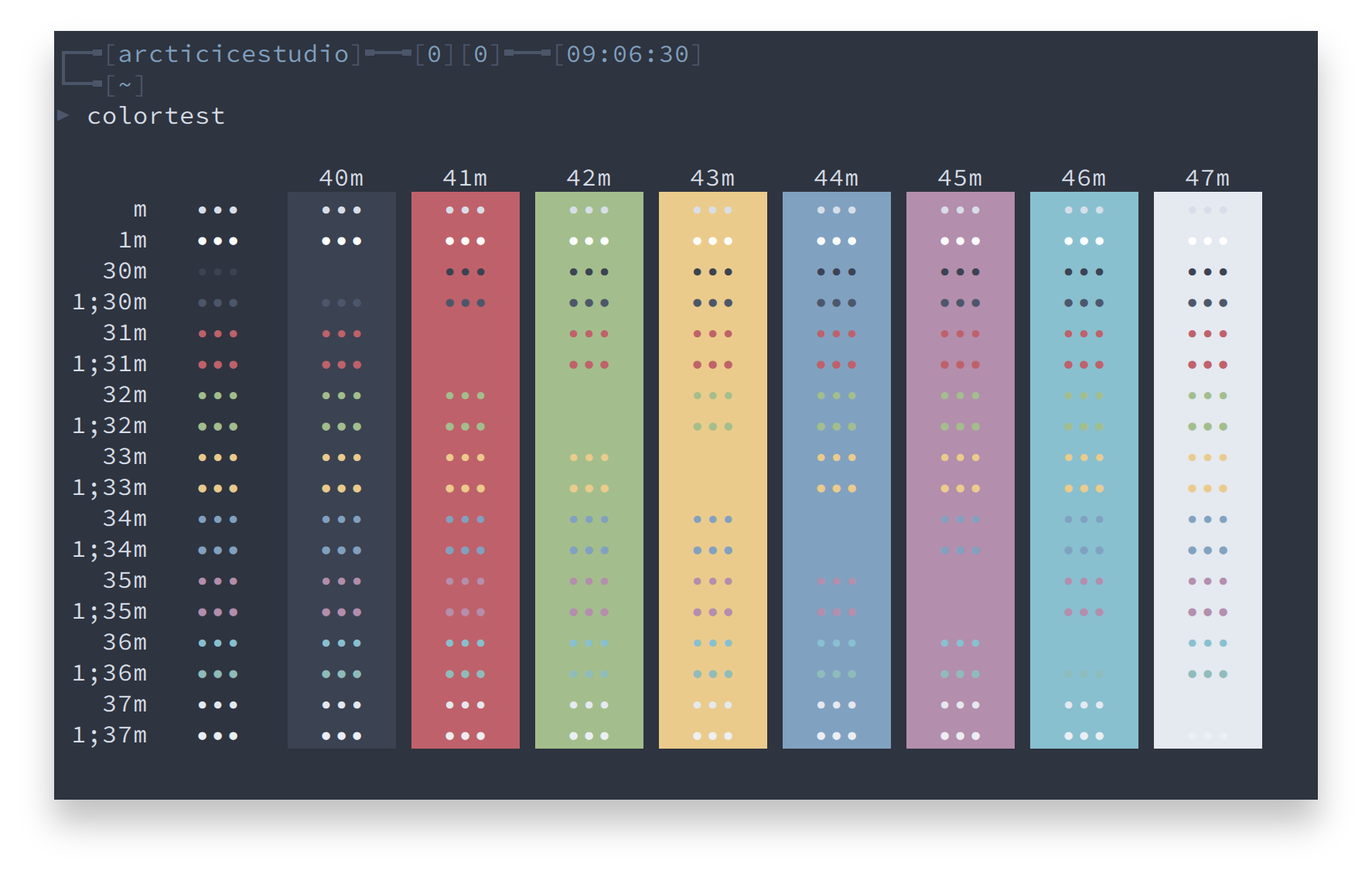
Copy the nord.colorscheme file to the local configuration directory ~/.local/share/konsole.
The included install.sh shell script can be used for an automated installation.
If no option is specified, the default color scheme file is src/nord.colorscheme.
A list of available options can be shown with the --help option.
./install.sh --help
Syntax: install.sh [OPTIONS]
| Option | Description |
|---|---|
-h, --help |
Shows the help |
-v, --verbose |
Verbose output |
-s <SCHEME_FILE>, --schemefile <SCHEME_FILE> |
Use the specified color scheme file |
Nord from the list
htop
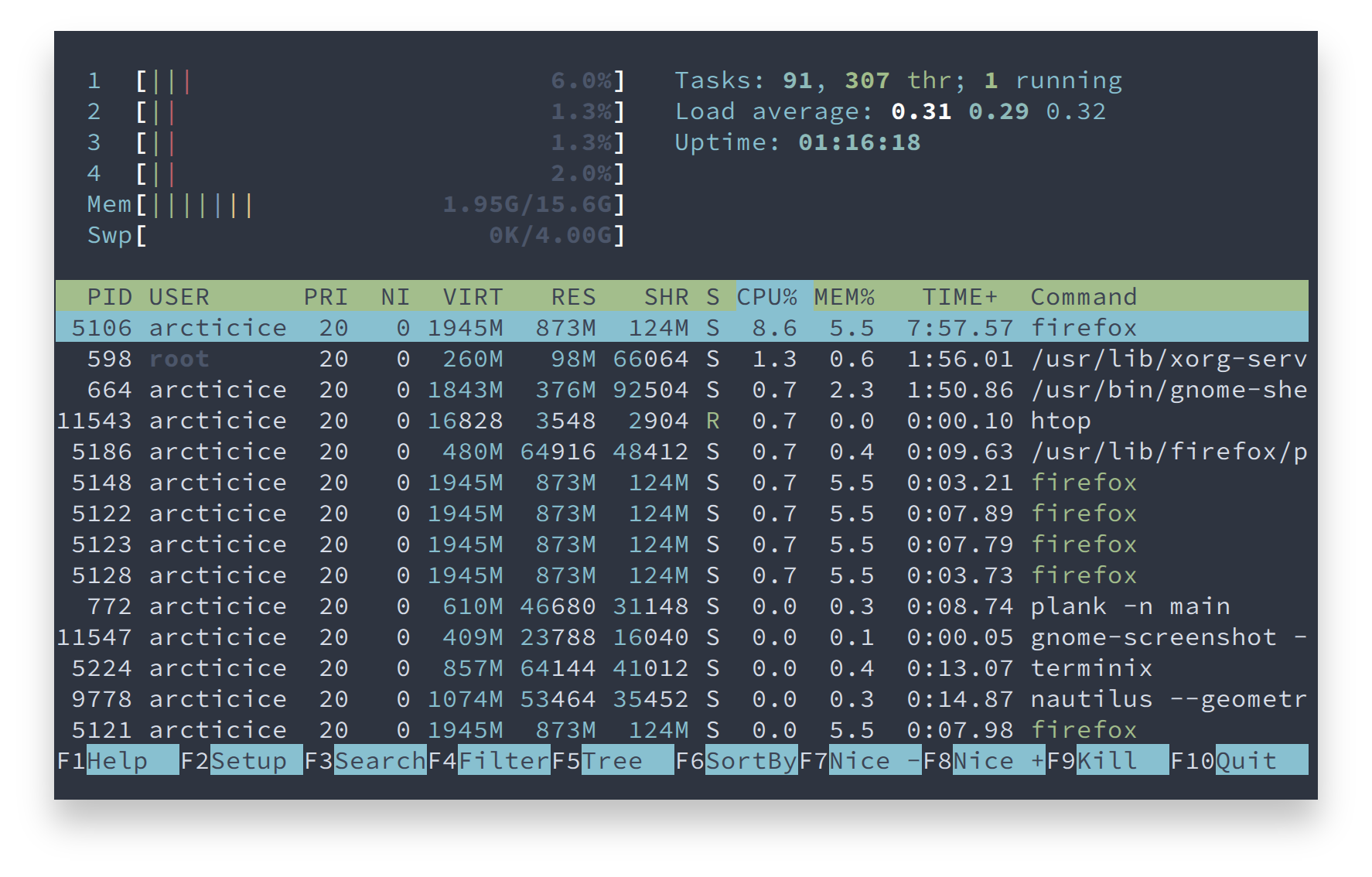
Please report issues/bugs, feature requests and suggestions for improvements to the issue tracker.

Copyright © 2016-present Sven Greb
more like this
🧠 A simple command-line client for the Perplexity API. Ask questions and receive answers directly from the terminal! 🚀🚀🚀
XMB for Plasma BigScreen, console-like fullscreen launcher for living room gamepad users
meine 🌒 - A CLI file manager and system utility built with Textual. It combines intuitive command parsing with rich t…
search projects, people, and tags