notepadplusplus
An arctic, north-bluish clean and elegant Notepad++ theme.
 nordtheme
An arctic, north-bluish clean and elegant Notepad++ color theme.
Designed for a fluent and clear workflow based on the Nord color palette.
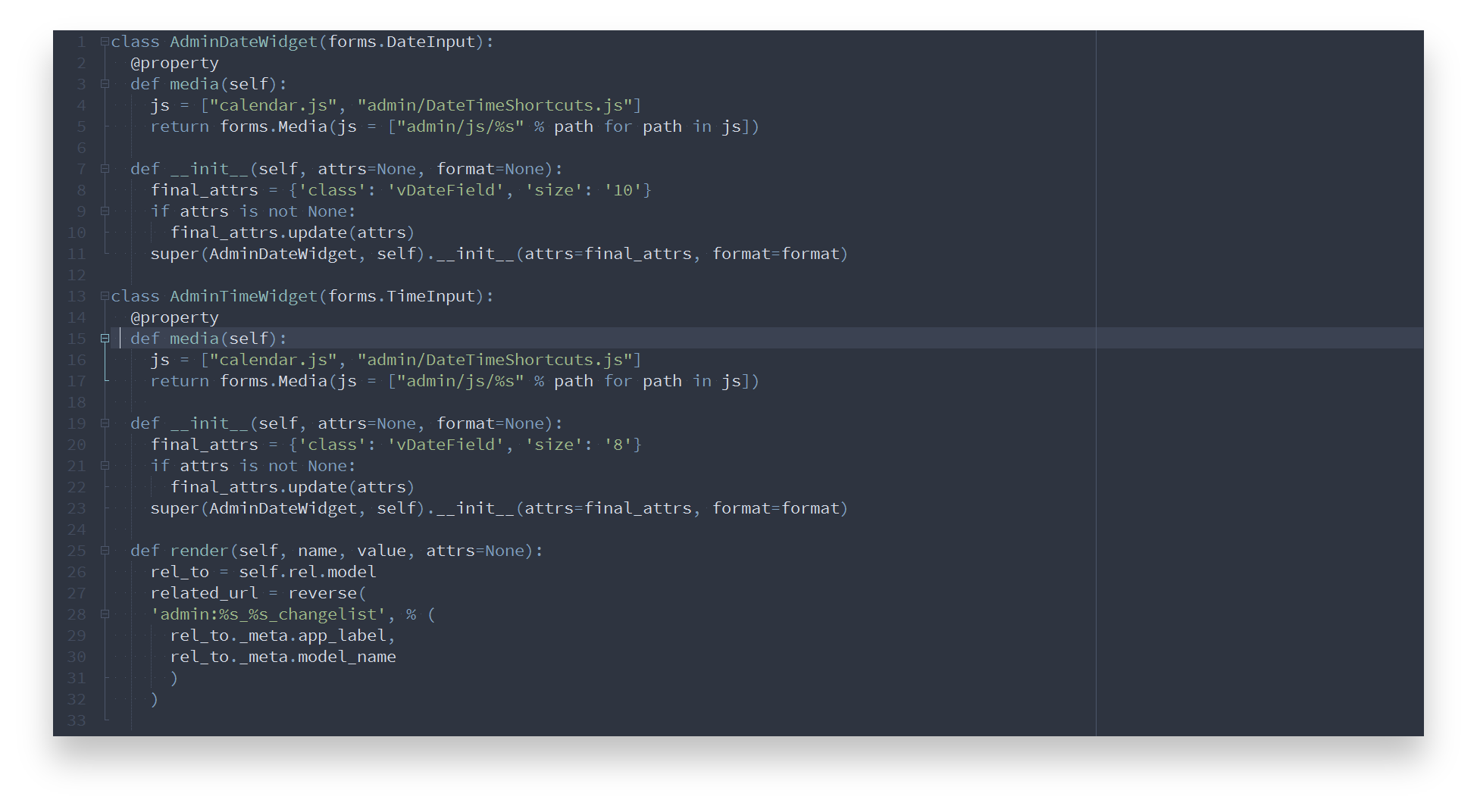
Getting started
Installation
Manual
Copy the nord.xml file into the theme directory located in the install directory of Notepad++.
The default path is %AppData%\notepad++\themes unless the Don't use %APPDATA% option was set during setup. In this case, the default path would be C:\ProgramFiles\Notepad++\themes or C:\Program Files(x86)\Notepad++\themes depending on your OS architecture type.
Activation
- Restart Notepad++
- Open the Settings menu and select Style Configurator
- Select
nordfrom the theme drop-down box - Apply the change with the Save & Close button
Languages
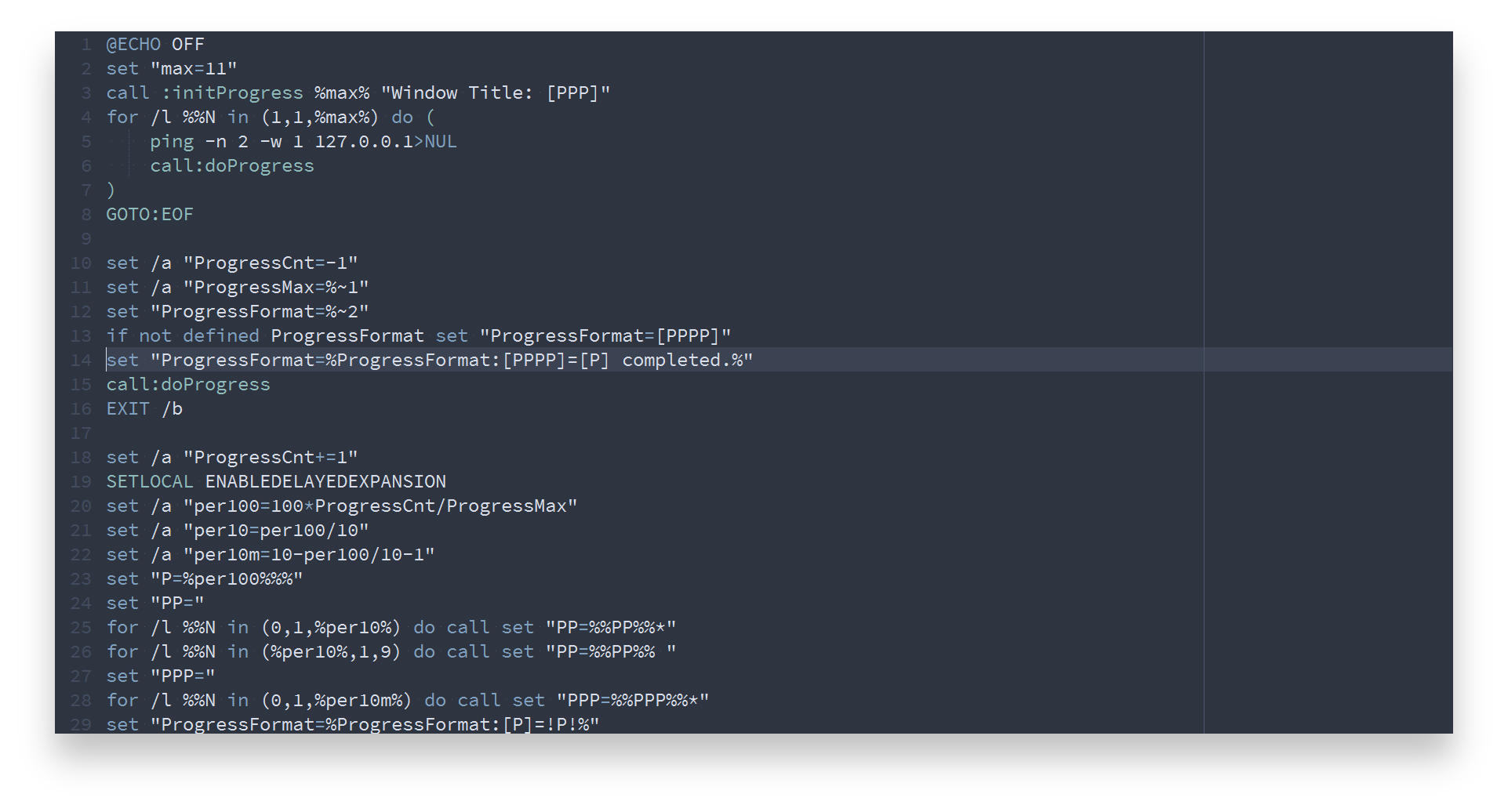
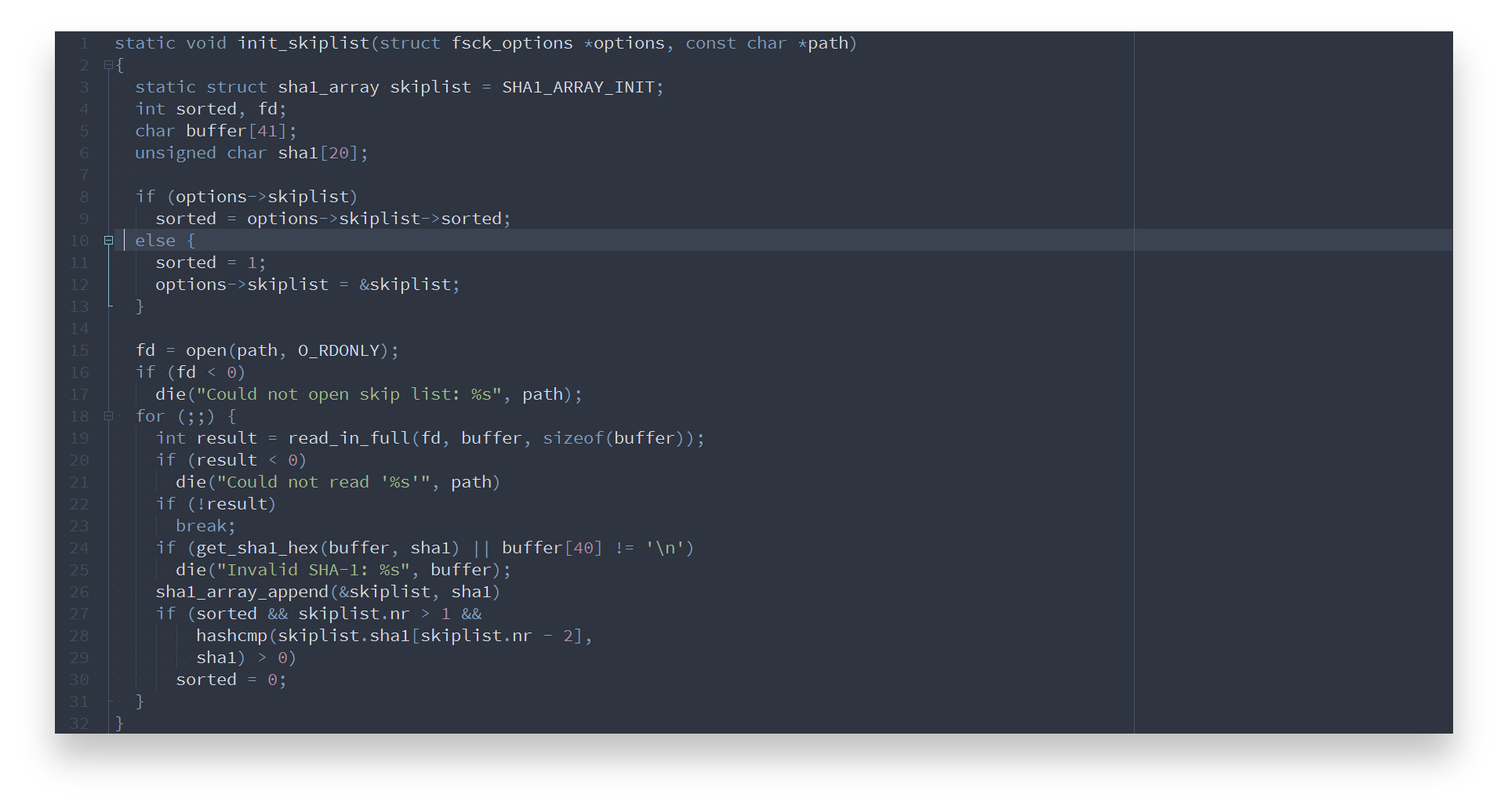
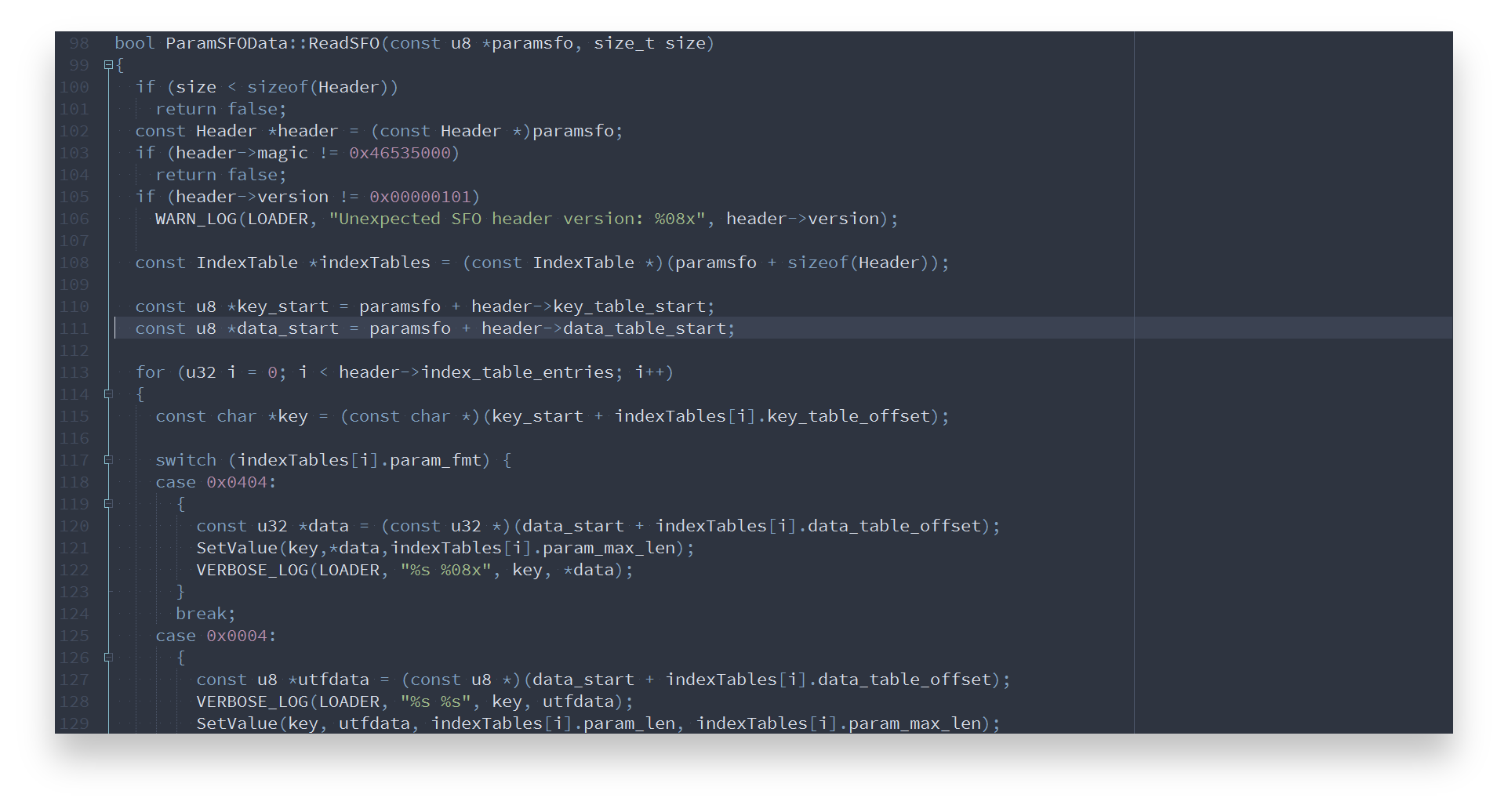
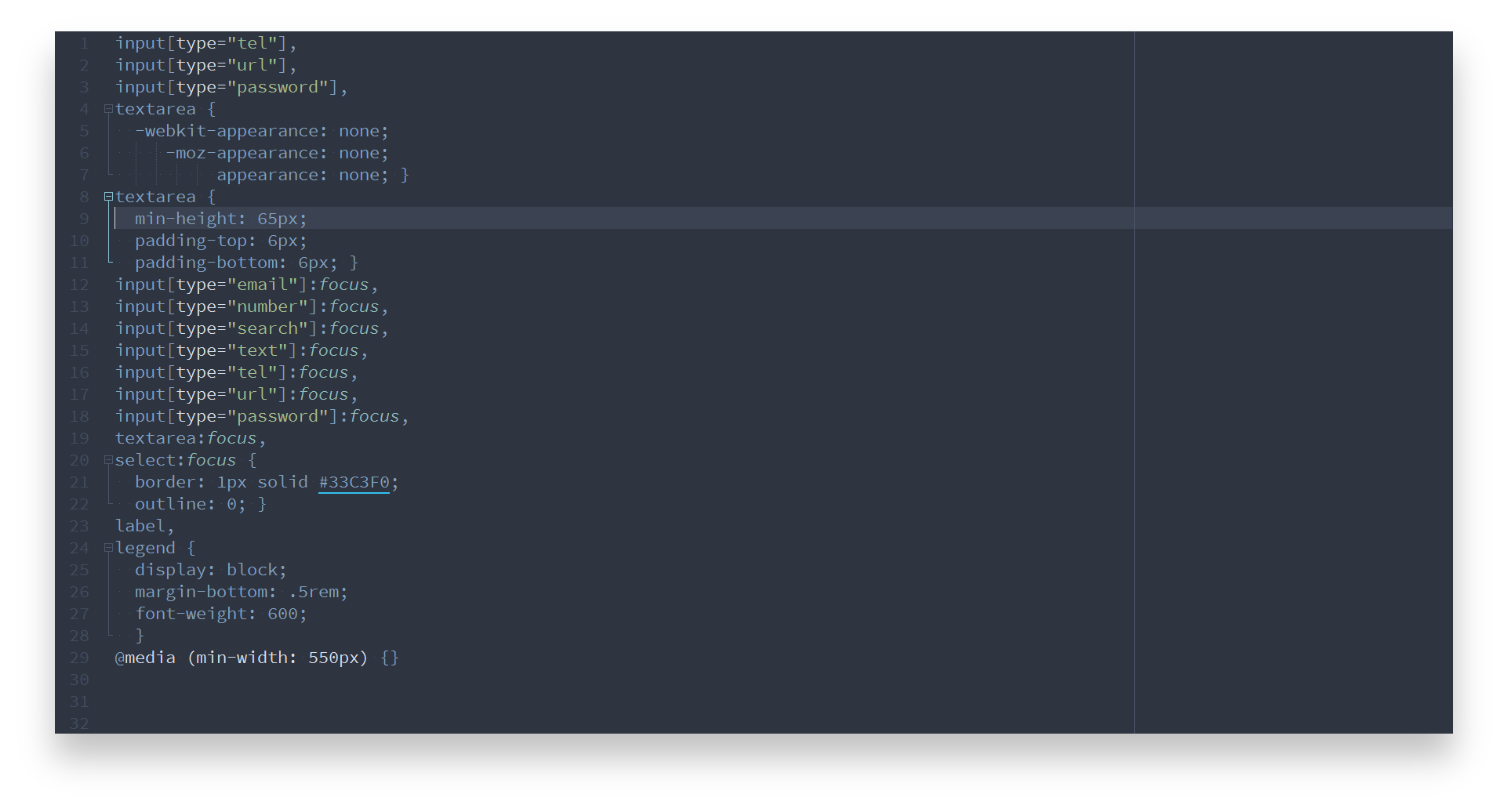
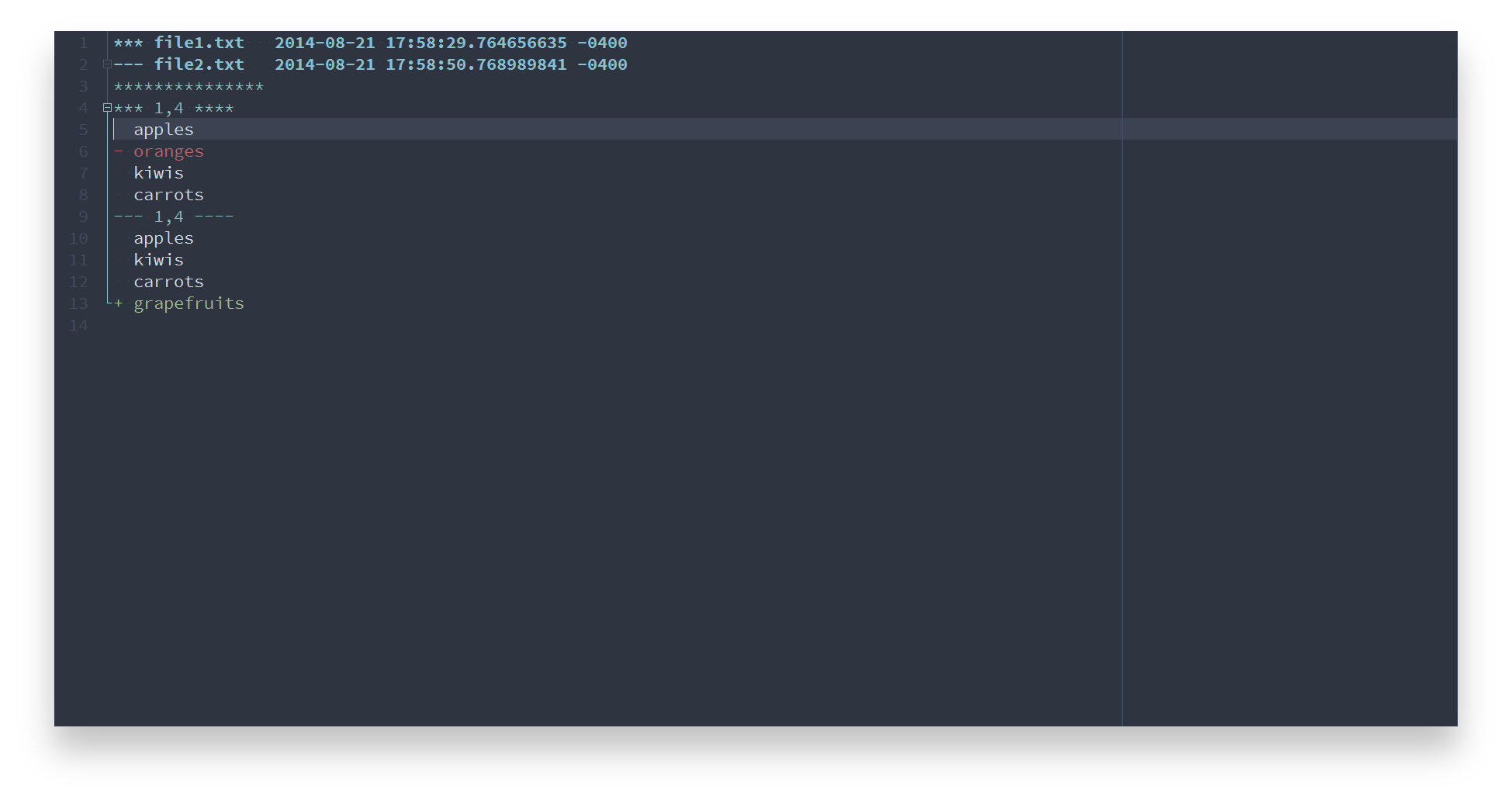
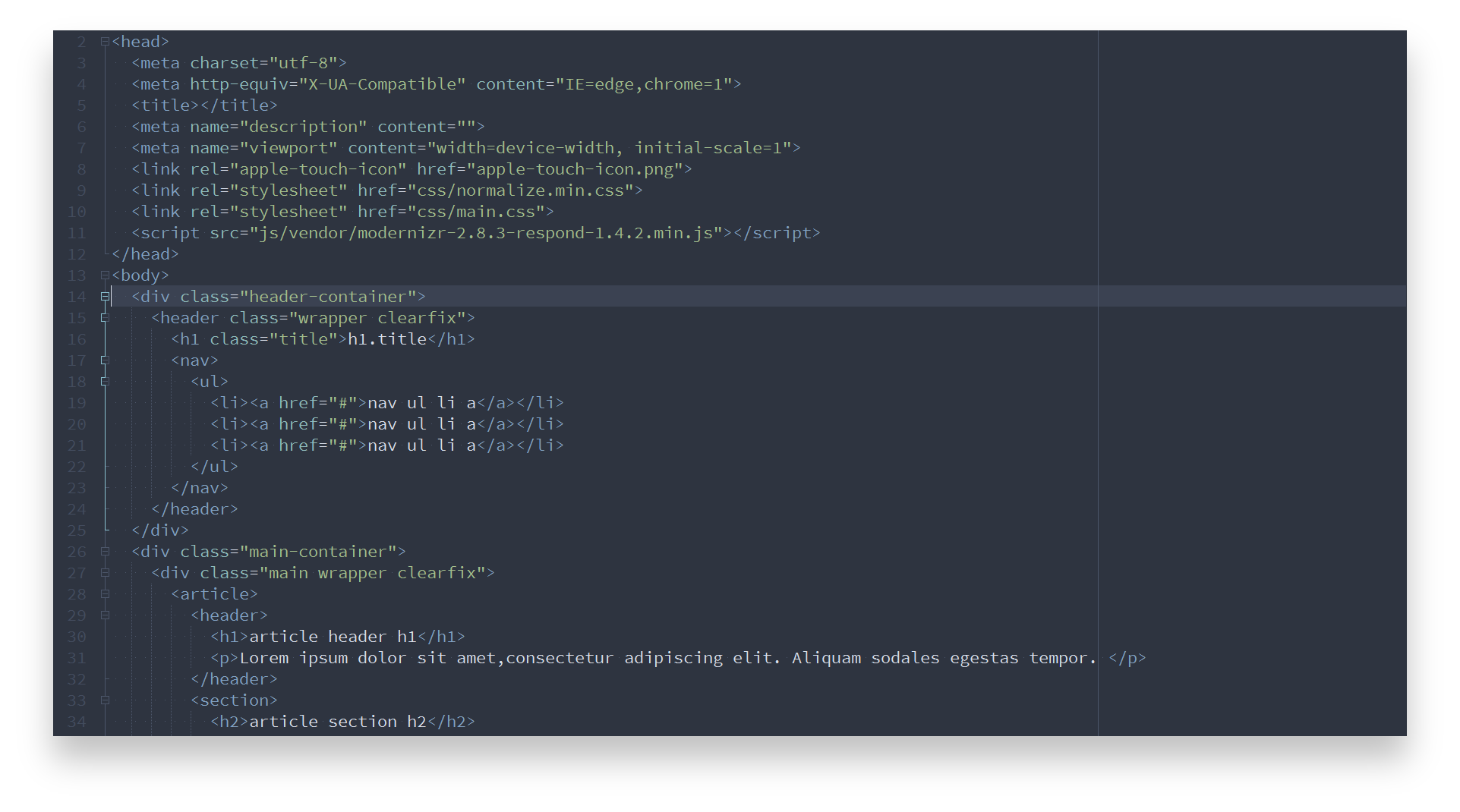
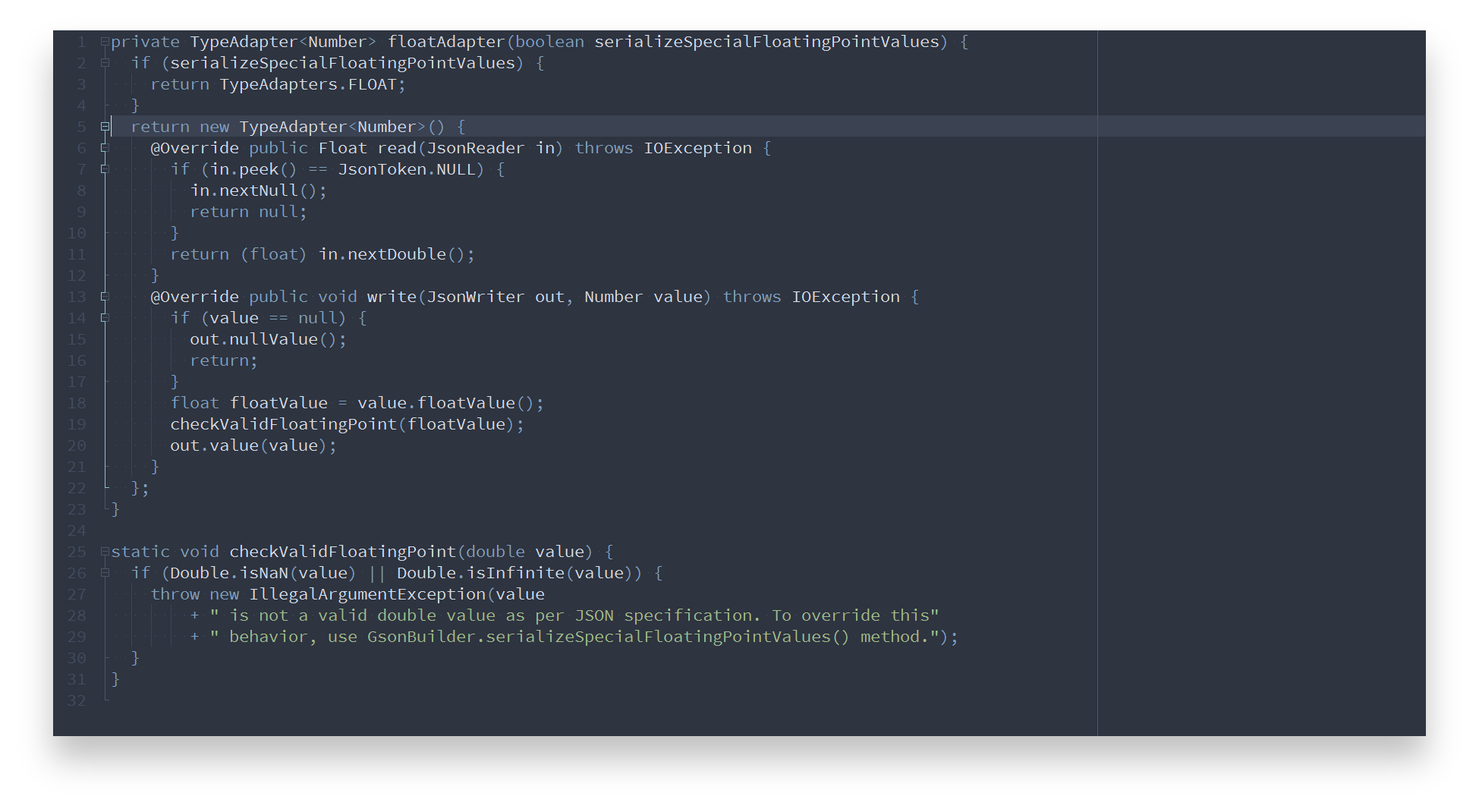
Nord Notepad++ contains optimized styles to achieve a consistent and uniform coloring across languages.
Batch
C
C++
CSS
diff
HTML
Java
JavaScript
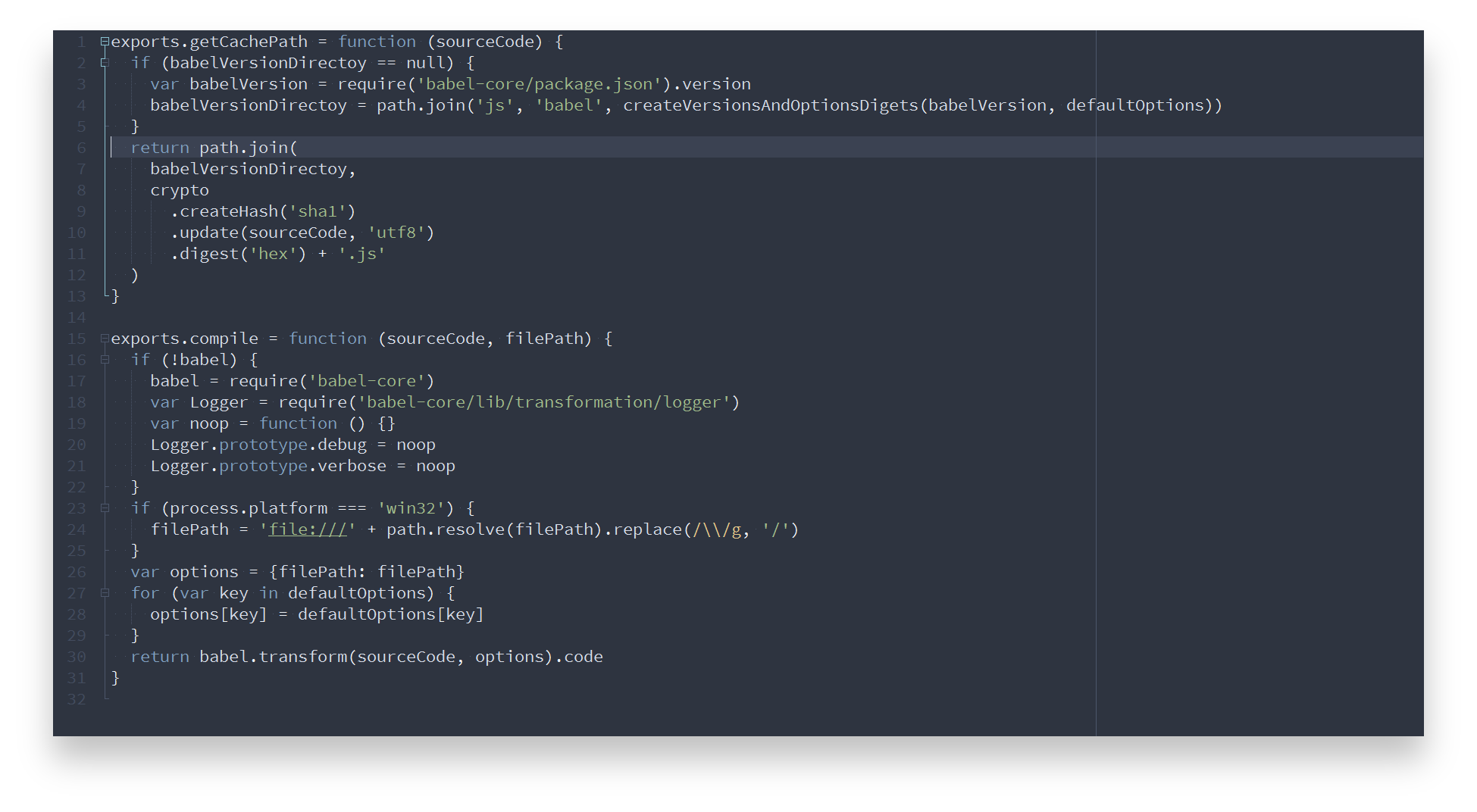
PHP
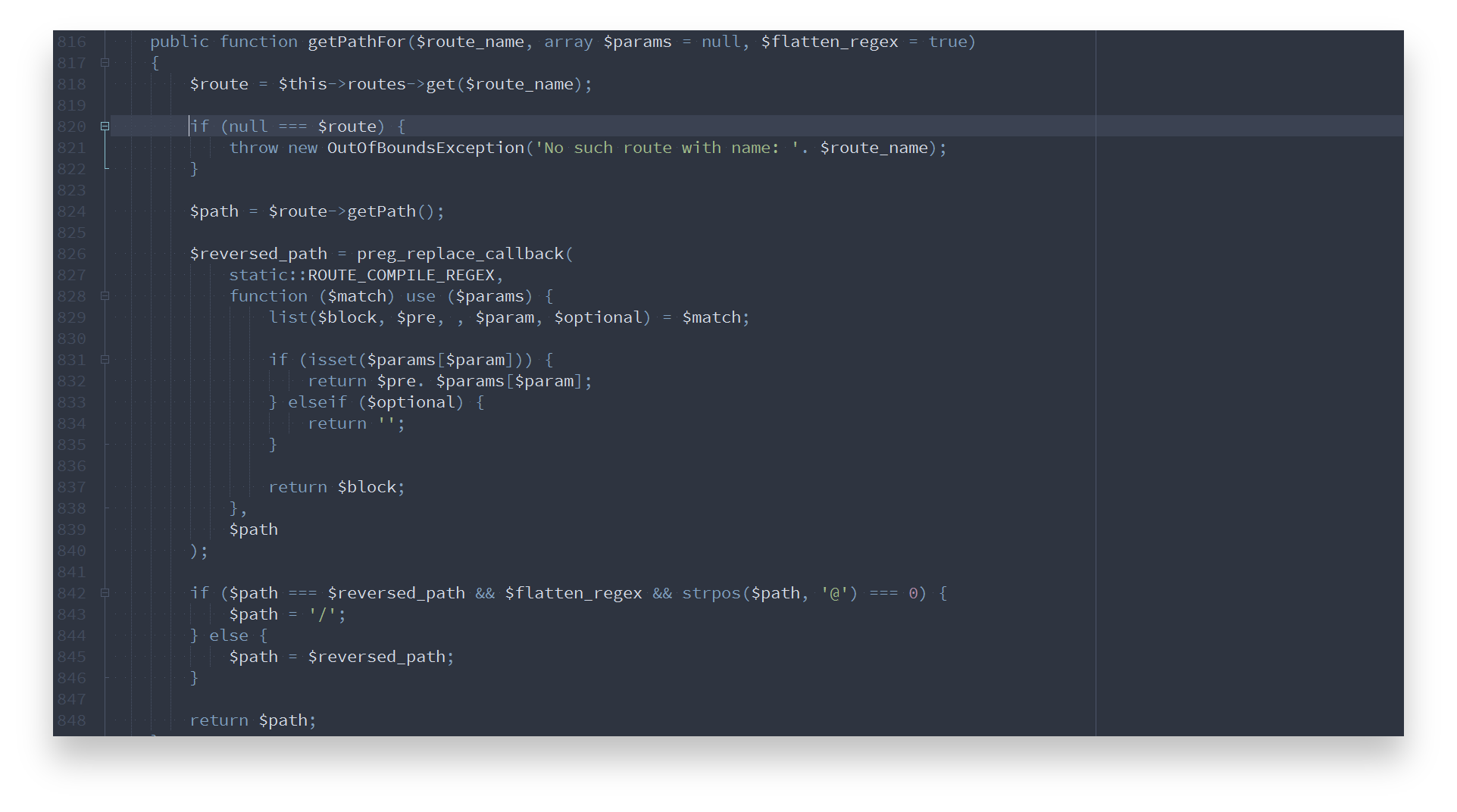
Python
Ruby
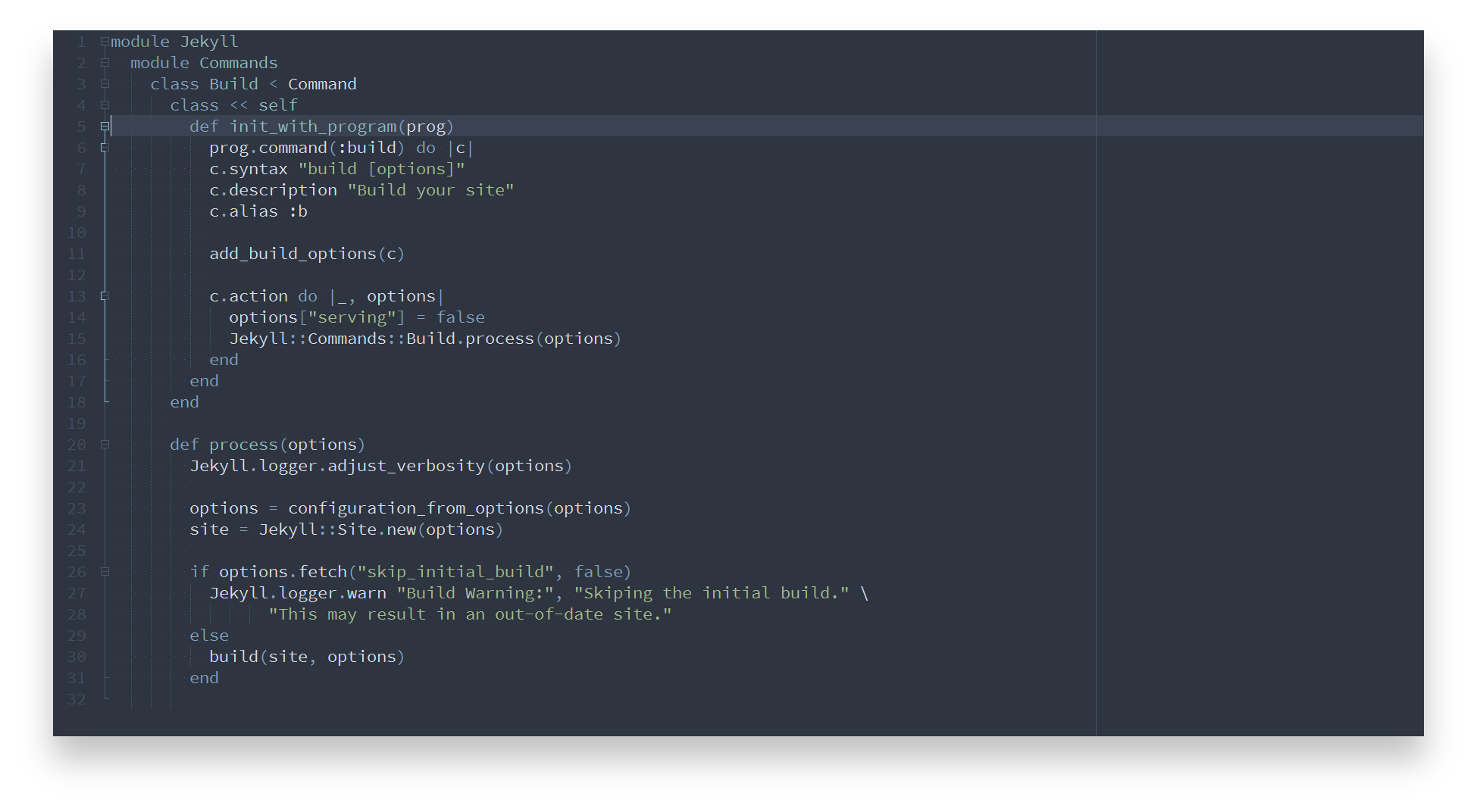
Shell
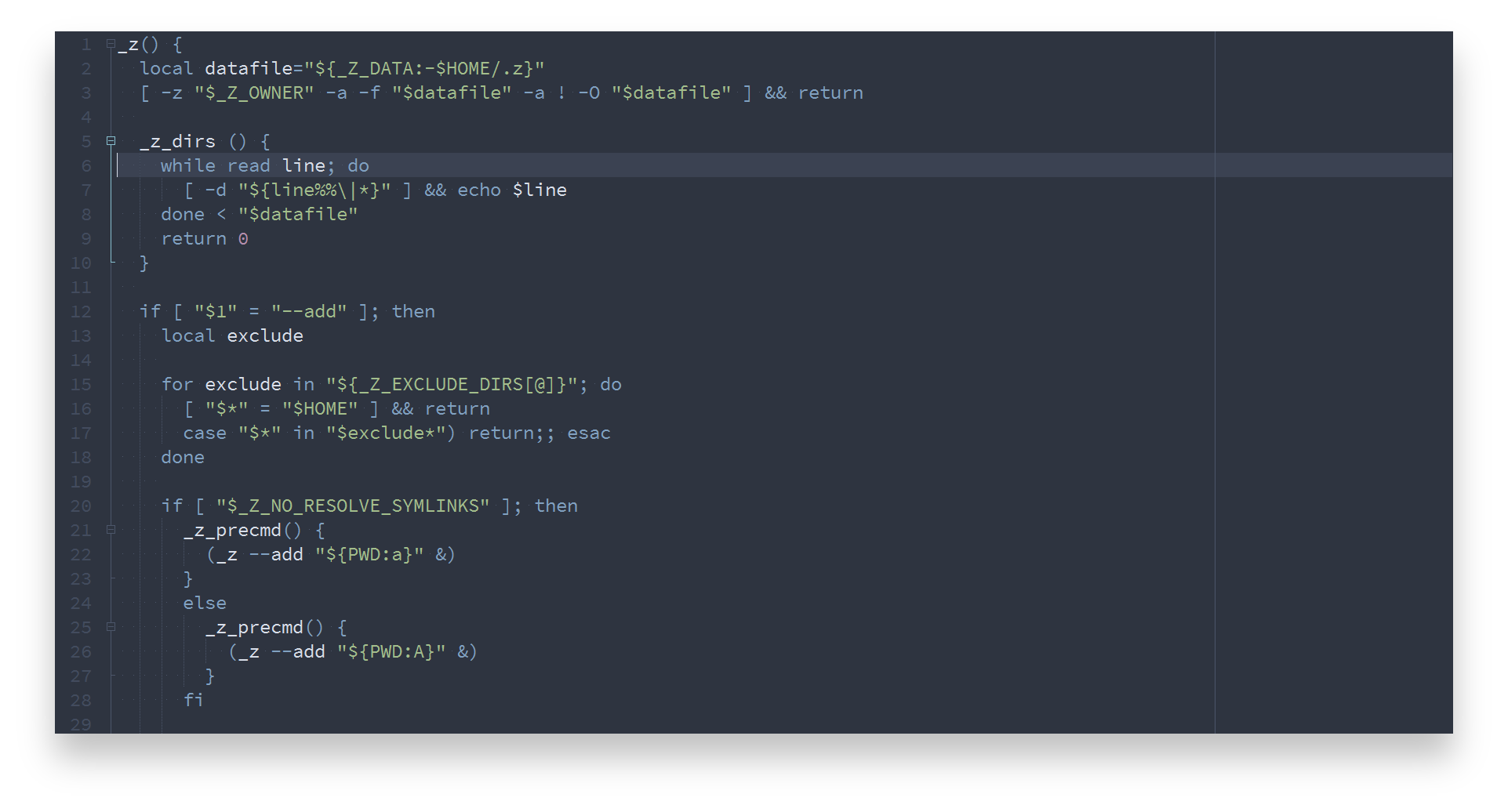
SQL
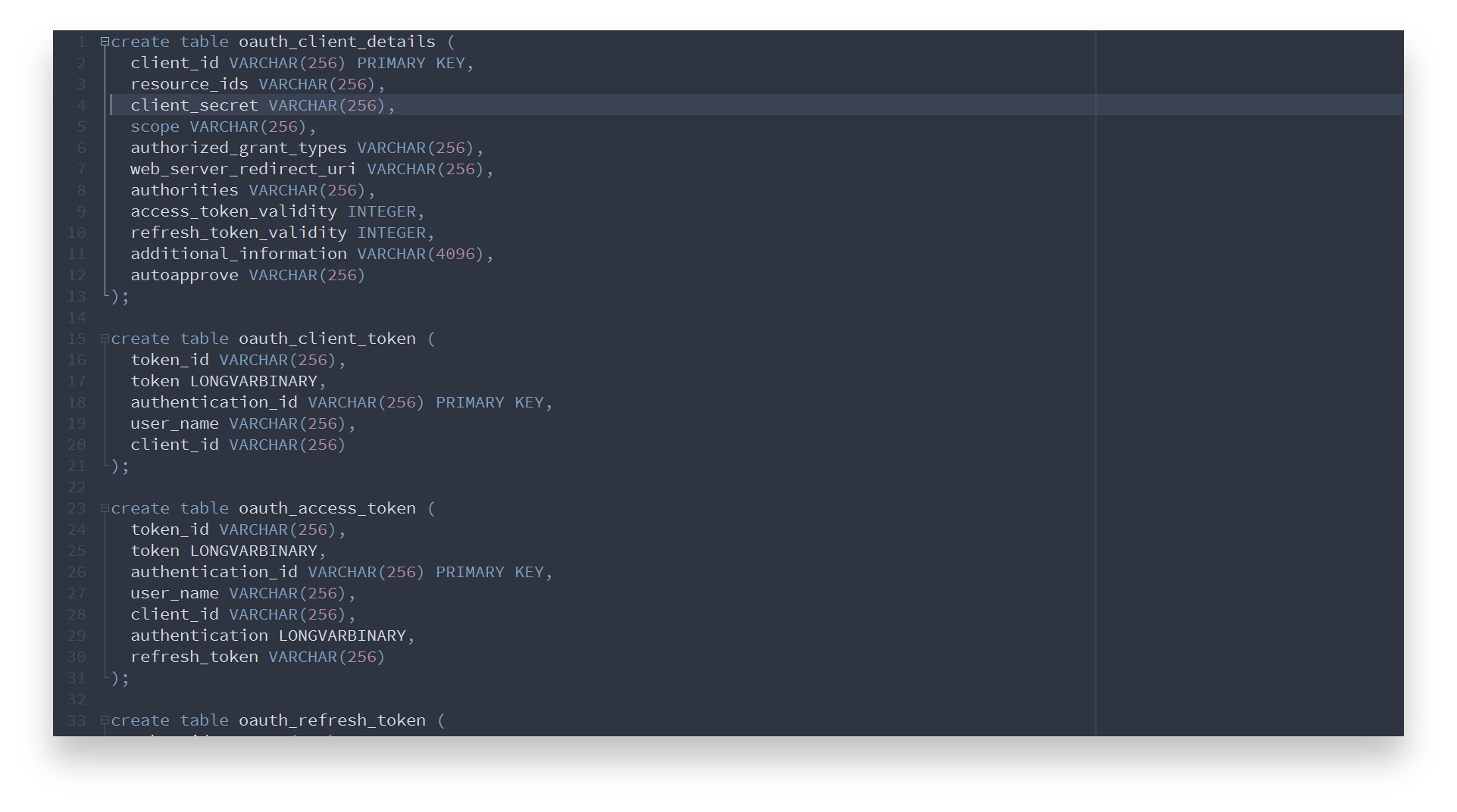
VB
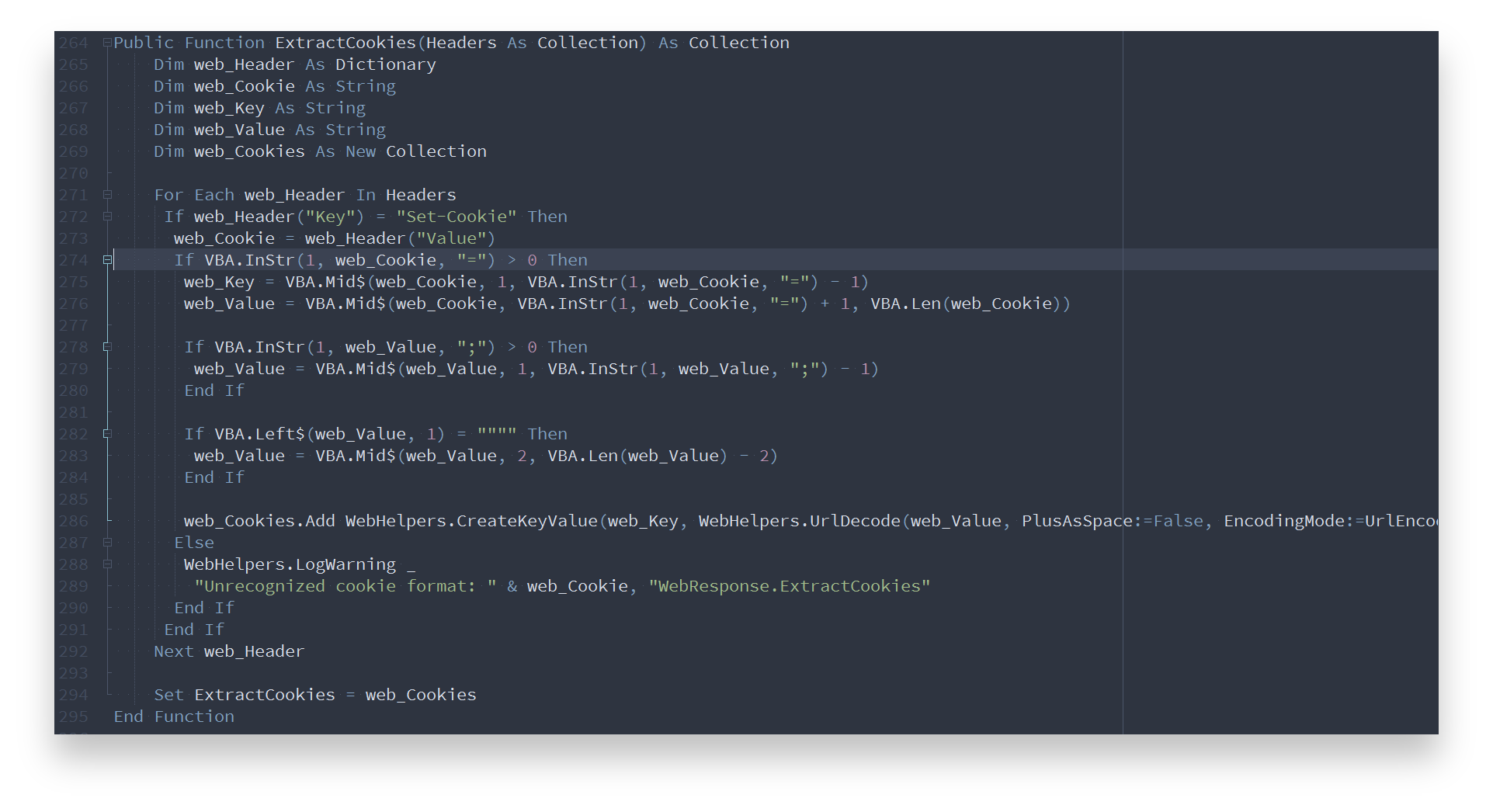
XML
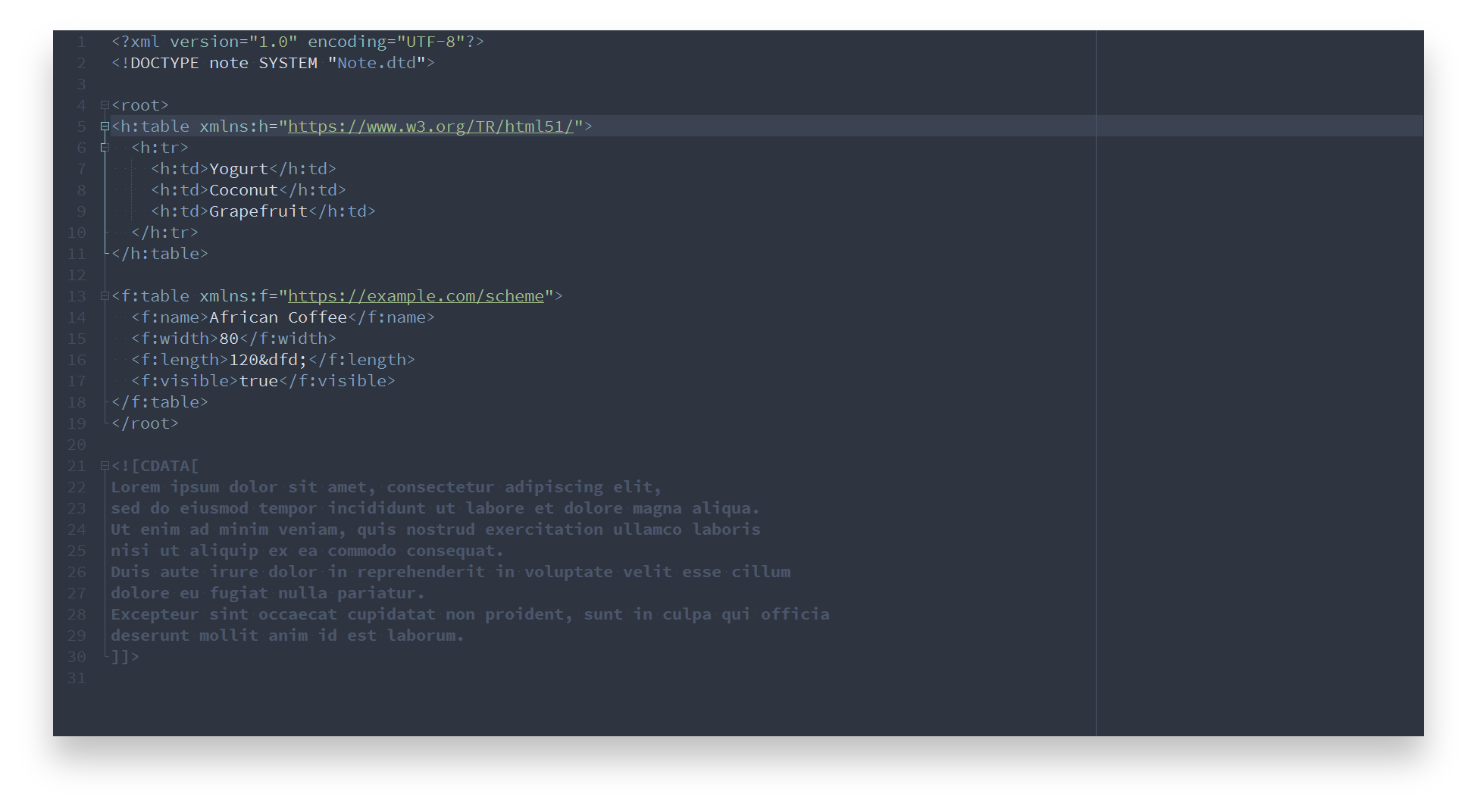
YAML
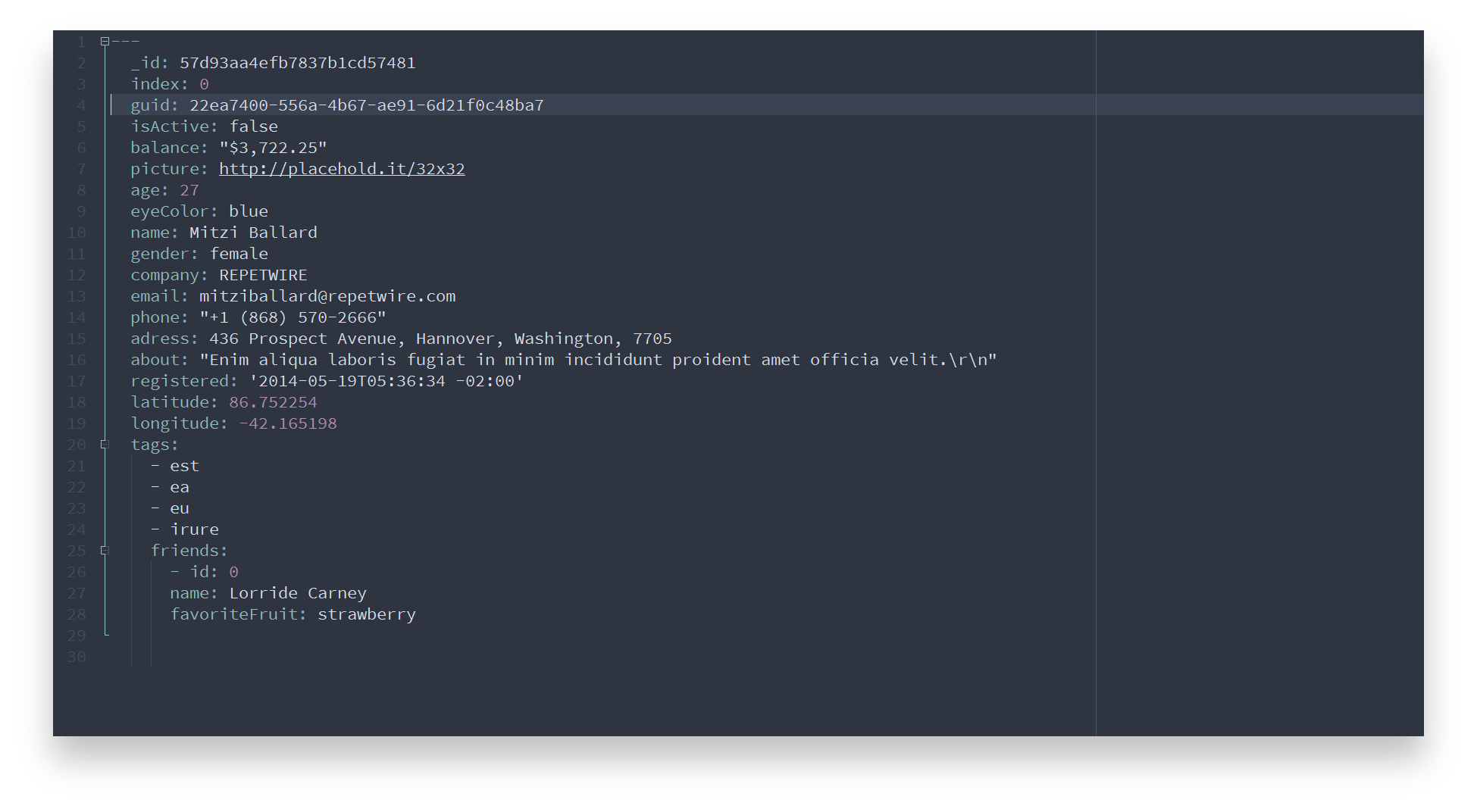
Contribution
Please report issues/bugs, feature requests and suggestions for improvements to the issue tracker.

Copyright © 2016-present Sven Greb
more like this
gns3theme
Custom color themes for GNS3 GUI. Built-in schemes, custom JSON themes, device symbols. Supports Linux and macOS.
Aritim-Light
A Light theme for both KDE and GTK based distros, pleasant to the eyes and perfect for your daily workload.