 onmyway133
README.mdfork it — it’s yours
𝗙𝗶𝗻𝗱𝗲𝗿 𝗚𝗼
Checkout https://indiegoodies.com/

Description
- A macOS app and Finder Sync Extension to open Terminal, iTerm, Hyper from Finder
- Support macOS 10.12
How to install
- Get the binary from https://github.com/onmyway133/FinderGo/releases
How to use
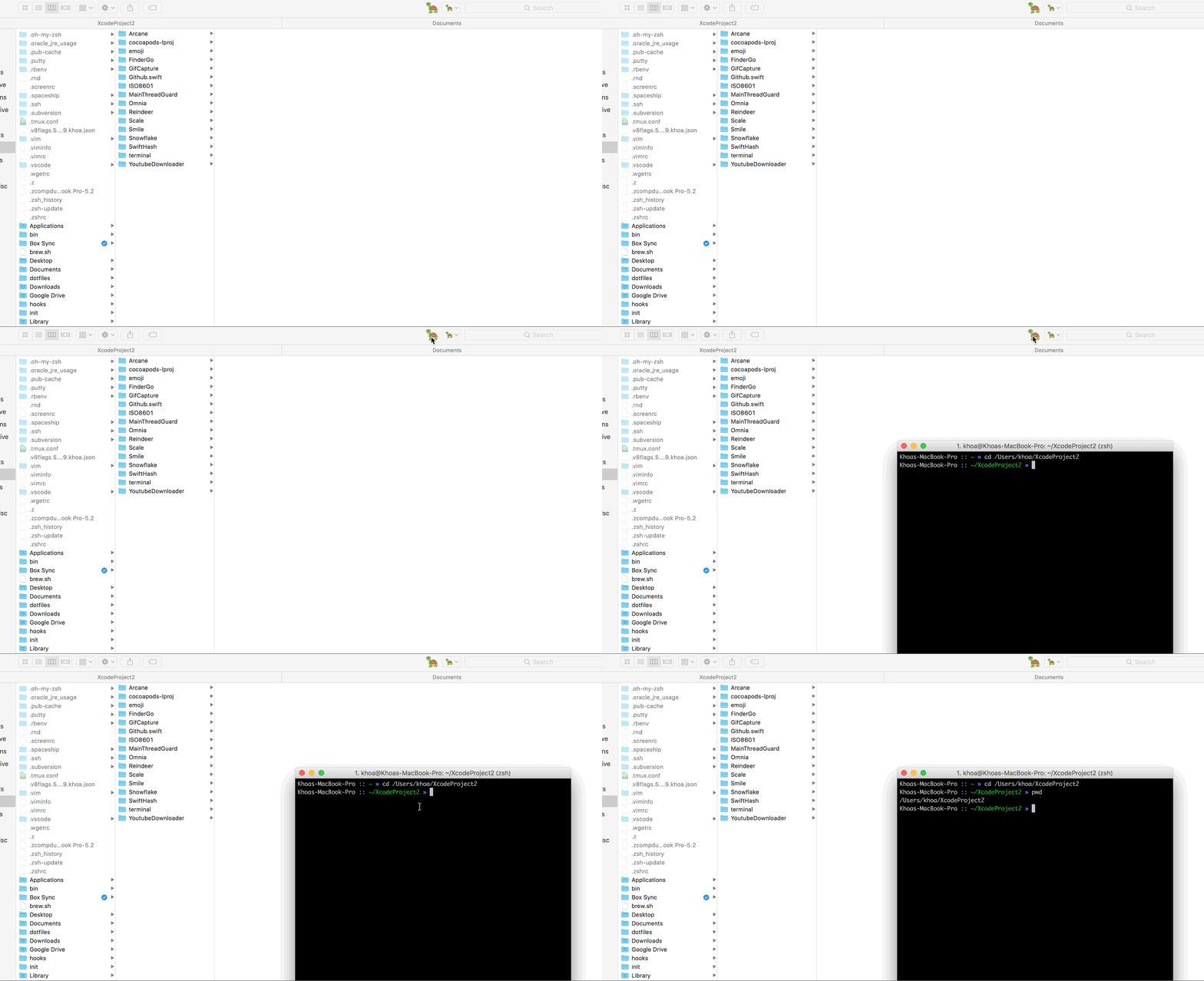
As a macOS application
- Support
iTermfor now
How to use
- Right click on app to open, because this is not from AppStore
- Cmd+Drag app icon into Finder toolbar
How to change default terminal
Run either of these to change your default terminal that FinderGo uses
defaults write com.onmyway133.FinderGo terminal Terminal
defaults write com.onmyway133.FinderGo terminal iTerm
defaults write com.onmyway133.FinderGo terminal Hyper
How to change icon
- Follow #7
As a Finder Sync Extension
- Go to Terminal
- Go to iTerm
- Go to Hyper

How to use
- Because of sandbox, we need to copy scripts from
FinderSyncExtension/Scriptsin project to/Library/Application Scripts/com.onmyway133.FinderGo.FinderSyncExtensionby running
curl -fsSL https://raw.githubusercontent.com/onmyway133/FinderGo/master/install.sh | sh
- Check for
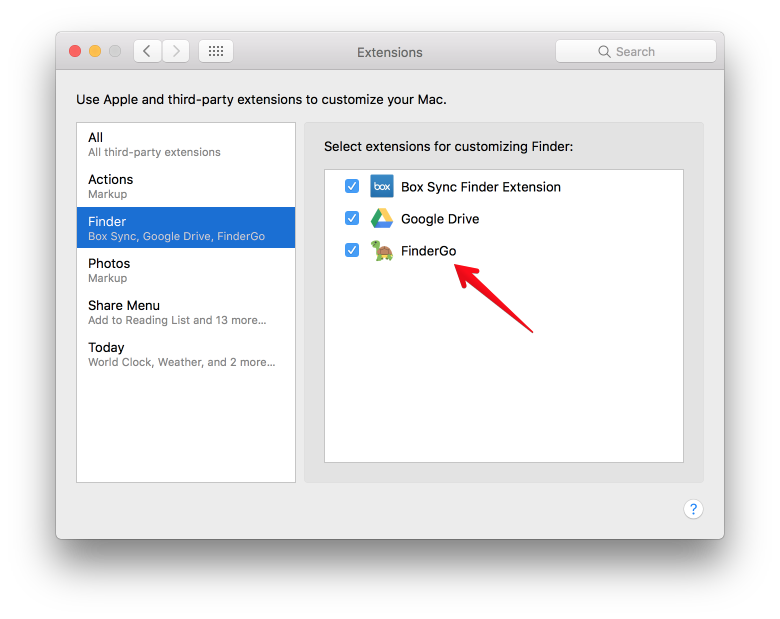
System Preferences->Extensions->Finderto enableFinderGoif it is not enabled yet
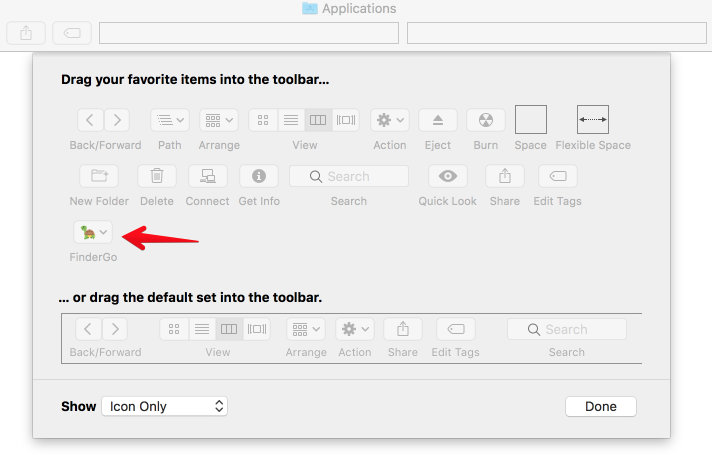
- Right click on Finder toolbar ->
Customize Toolbar, then Cmd+DragFinderGoonto toolbar
Credit
- Icon http://emojione.com/
Author
Khoa Pham, onmyway133@gmail.com
License
FinderGo is available under the MIT license. See the LICENSE file for more info.
more like this
sd-pixel
Quickly and easily perform downscaling, color palette limiting, and other useful pixel art effects through the extras t…
Python★ 53
raytracing-go
A simple Go library for 3D ray-tracing rendering, implementing the book Ray Tracing in One Weekend. 📸
Go★ 55