honukai-iterm-zsh
Honukai theme and colors for Oh My ZSH and iTerm
 oskarkrawczyk
★ 1.1k⑂ 137 forksupdated 8 years ago
git clone https://github.com/oskarkrawczyk/honukai-iterm-zsh.gitoskarkrawczyk/honukai-iterm-zshREADME.mdfork it — it’s yours
Honukai theme and colors for Oh My ZSH and iTerm by @oskar
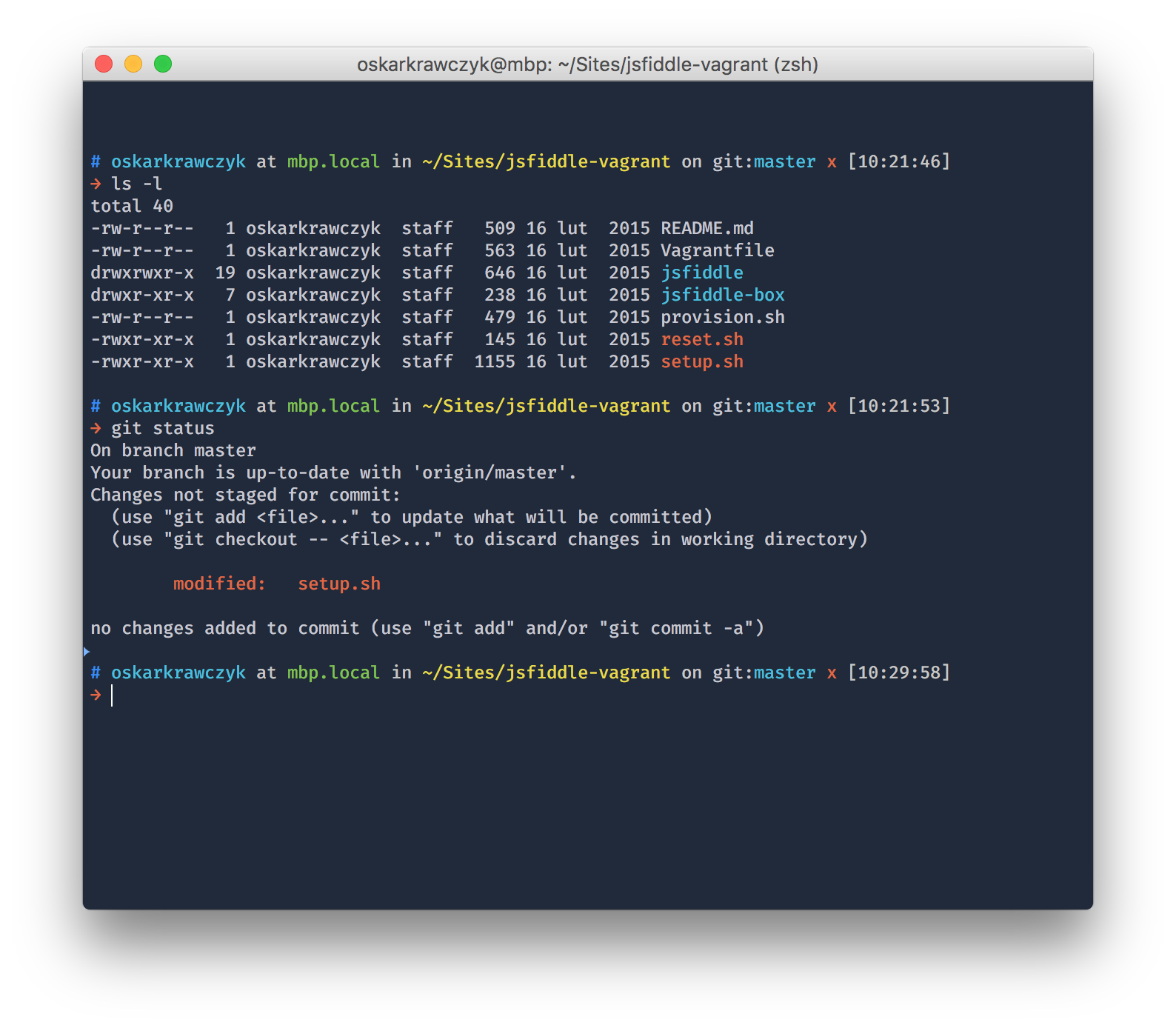
See how it looks with blur and transparency (video).
Installation
Theme
The theme is based on the wonderfully made ys theme from the official oh-my-zsh repo.
- Drop
honukai.zsh-themeinto the~/.oh-my-zsh/custom/themes/directory (simply create thethemesdirectory if it does not exist) - Change the theme variable name to
ZSH_THEME="honukai"in~/.zshrc - Reload ZSH with
source ~/.zshrc
Colors
- Open Preferences pane on the Profiles tab in iTerm
- Switch to the Colors tab and import the
honukai.itermcolors(drop-down in the lower right corner)
NOTE: You'll need at least iTerm2.9-nightly (aka 3.0)
Extra eye-candy
There's a bunch of settings you might want to change in your profile in order to get the extra eye-candy.
Text tab:
Cursor
- Set to Vertical
Font
- Change to 12pt Fira Mono Medium (I personally love the Fira font-face, and highly suggest using it)
Text Rendering
- Disable Draw bold in bold font
- Disable Draw bold in bright colors
- Enable Draw anti-aliased text with thin strokes
Window tab
Window appearance
- Transparency to 10-15%
- Blur to 40-50%
more like this
Aritim-Light
A Light theme for both KDE and GTK based distros, pleasant to the eyes and perfect for your daily workload.
CSS★ 51
deoplete-zsh
Shell★ 51