dont-track-me-google
Firefox and Chrome extensions to prevent Google from making links ugly.
JavaScript★ 587
VIM Colour scheme
 patstockwell
git clone https://github.com/patstockwell/vim-monokai-tasty.gitpatstockwell/vim-monokai-tastyvim-monokai-tasty
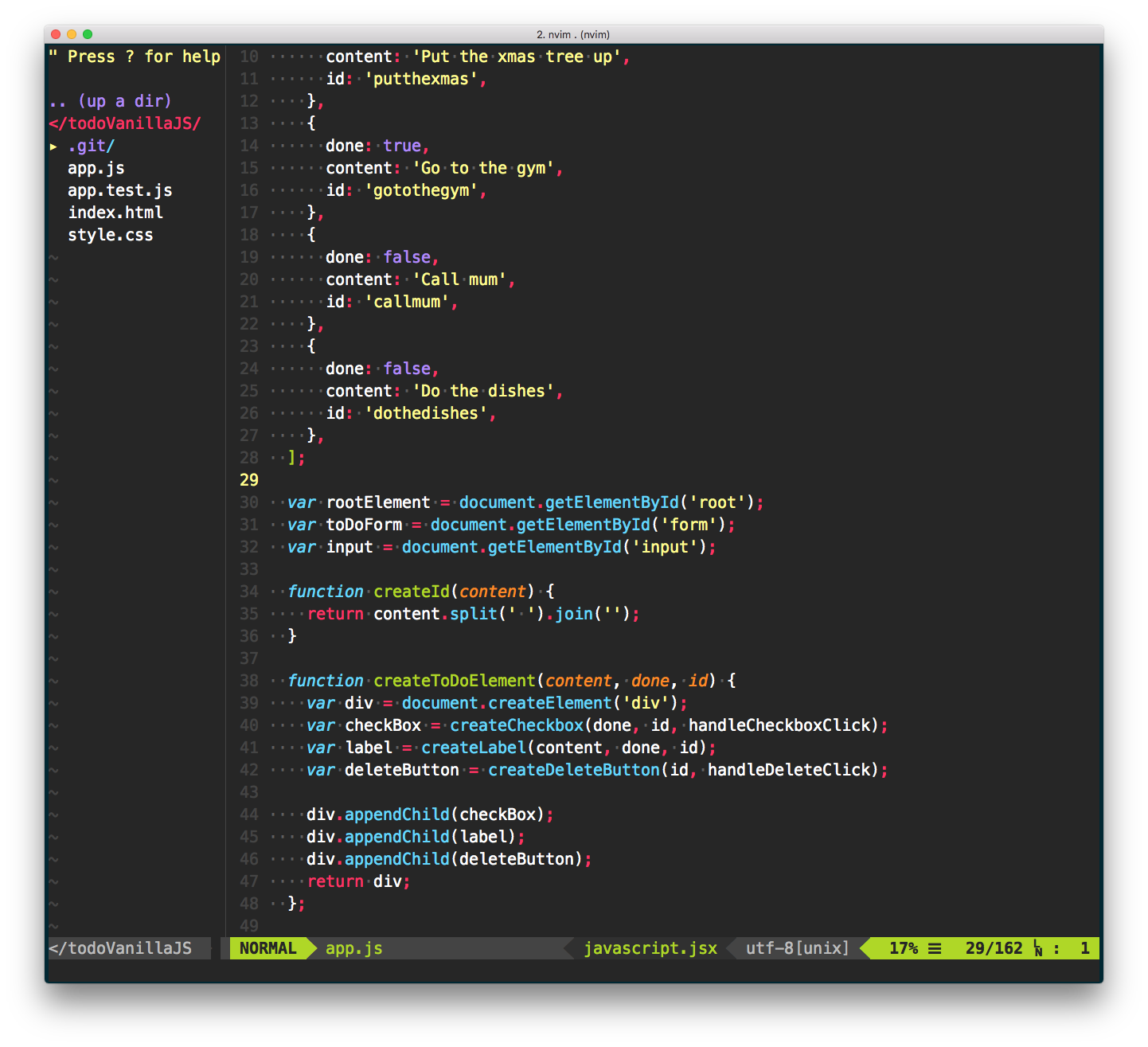
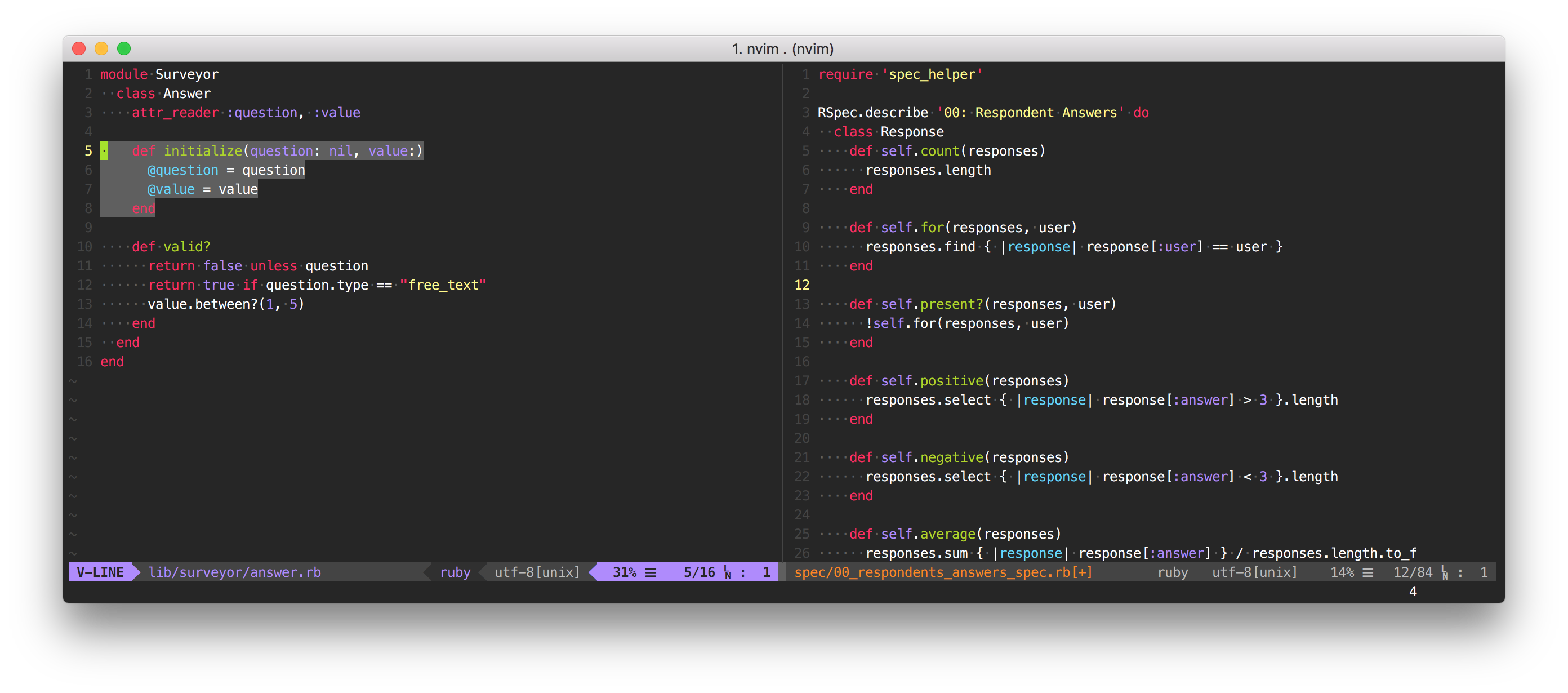
Monokai forever! 🎉 Inspired by Sublime Text's interpretation of monokai, this colour is both gui- and cterm-supported. It works for all languages, and is particularly good for JavaScript and TypeScript development ❤️
Unlike other monokai implementations, vim-monokai-tasty targets named syntax groups from a variety of plugins (listed below). 1This colorscheme is 74% tastier than competitors 🌮
1according to me
If you use pathogen
git clone https://github.com/patstockwell/vim-monokai-tasty.git ~/.vim/bundle/vim-monokai-tasty
If you use vim-plug, add the following and run :PlugInstall
Plug 'patstockwell/vim-monokai-tasty'
If you use Vundle, add the following and run :PluginInstall
Plugin 'patstockwell/vim-monokai-tasty'
If you use minpac, add the following and run :call minpac#update()
call minpac#add('vim-jp/syntax-vim-ex')
Add the following to your .vimrc (after the Plug declaration):
colorscheme vim-monokai-tasty
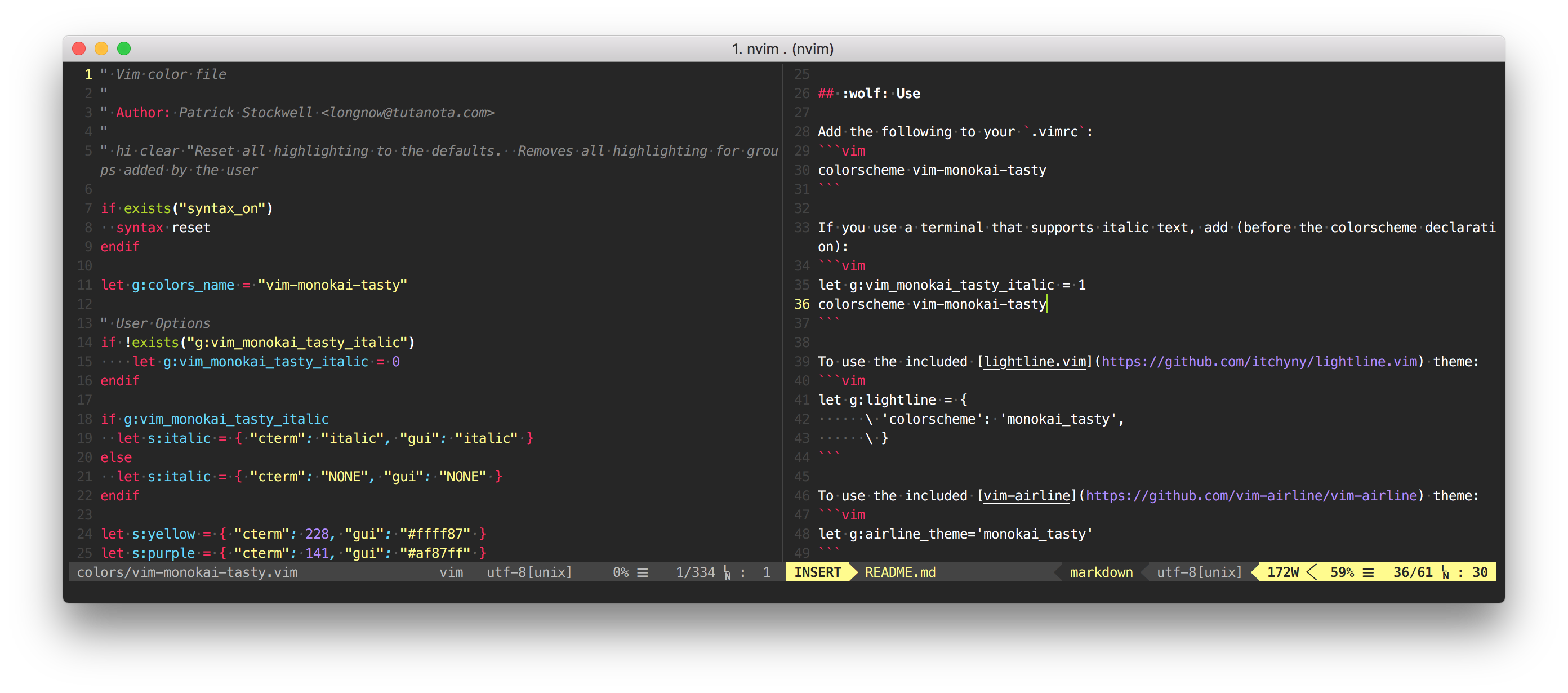
If you use a terminal that supports italic text, add (before the colorscheme declaration):
let g:vim_monokai_tasty_italic = 1
colorscheme vim-monokai-tasty
If you want the slightly darker blue variant of monokai called "Machine"
let g:vim_monokai_tasty_machine_tint = 1
colorscheme vim-monokai-tasty
If you want to make the active window stand out, add
let g:vim_monokai_tasty_highlight_active_window = 1
colorscheme vim-monokai-tasty
To use the included lightline.vim theme:
let g:lightline = { 'colorscheme': 'monokai_tasty' }
To use the included vim-airline theme:
let g:airline_theme='monokai_tasty'
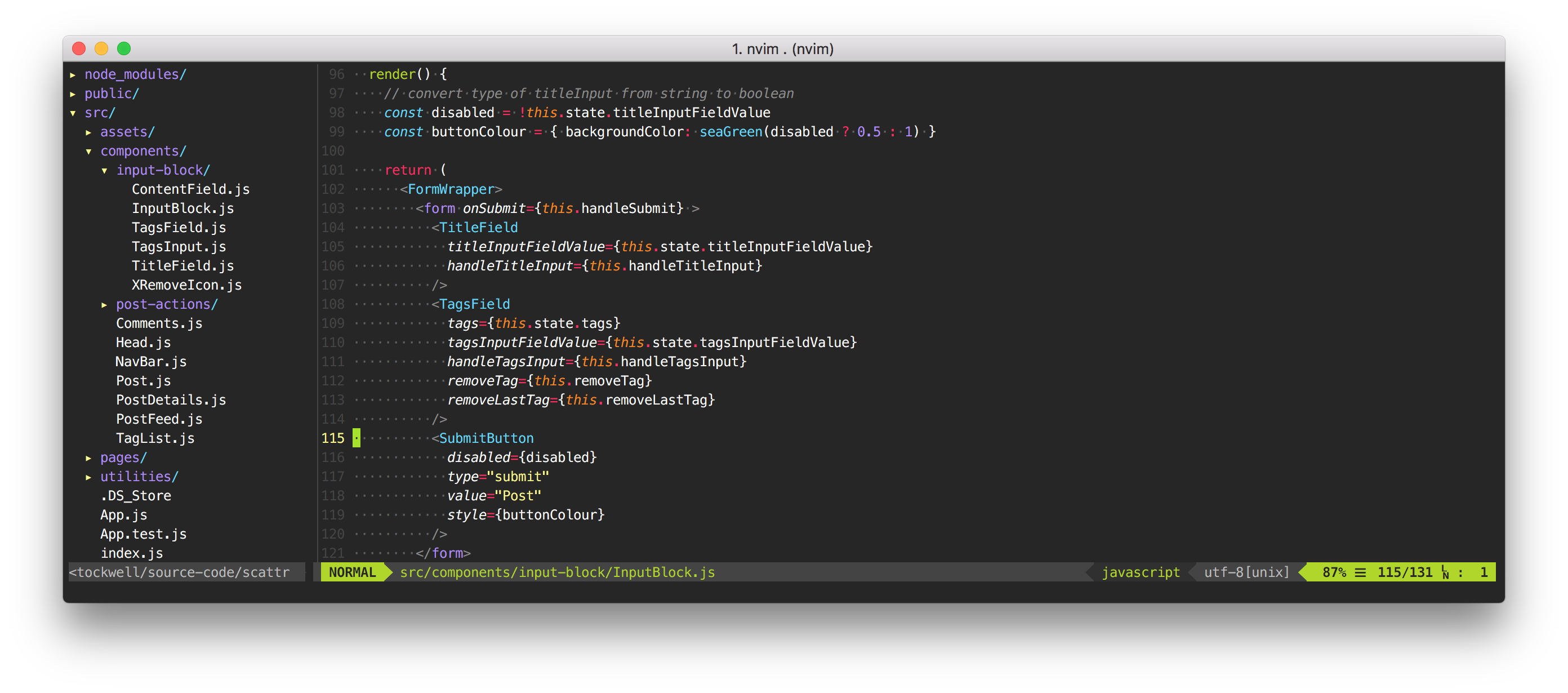
For JavaScript, TypeScript, and React development, monokai-tasty supports definitions from all these plugins. Add some of these for an even better look and feel:
Plug 'HerringtonDarkholme/yats.vim'
Plug 'pangloss/vim-javascript'
Plug 'MaxMEllon/vim-jsx-pretty'
Plug 'styled-components/vim-styled-components'
Plug 'elzr/vim-json'
Plug 'jparise/vim-graphql'
.vimrc" put Plug declaration first
call plug#begin('~/.vim/plugged')
Plug 'patstockwell/vim-monokai-tasty'
Plug 'HerringtonDarkholme/yats.vim'
Plug 'pangloss/vim-javascript'
Plug 'MaxMEllon/vim-jsx-pretty'
Plug 'elzr/vim-json'
Plug 'styled-components/vim-styled-components'
Plug 'itchyny/lightline.vim'
Plug 'vim-airline/vim-airline'
call plug#end()
let g:vim_monokai_tasty_italic = 1 " allow italics, set this before the colorscheme
let g:vim_monokai_tasty_machine_tint = 1 " use `mahcine` colour variant
let g:vim_monokai_tasty_highlight_active_window = 1 " make the active window stand out
colorscheme vim-monokai-tasty " set the colorscheme
" Optional themes for airline/lightline
let g:airline_theme='monokai_tasty' " airline theme
let g:lightline = { 'colorscheme': 'monokai_tasty' } " lightline theme
" If you don't like a particular colour choice from `vim-monokai-tasty`, you can
" override it here. For example, to change the colour of the search hightlight:
hi Search guifg=#bada55 guibg=#000000 gui=bold ctermfg=green ctermbg=black cterm=bold
" If you want to know what the name of a particular hightlight is, you can use
" `:What`. It prints out the syntax group that the cursor is currently above.
" https://www.reddit.com/r/vim/comments/6z4aau/how_to_stop_vim_from_autohighlighting_italics_in/
command! What echomsg synIDattr(synID(line('.'), col('.'), 1), 'name')
| Colour name | Colour Code | Colour |
|---|---|---|
| Yellow | #ffff87 |
|
| Purple | #af87ff |
|
| Light Green | #A4E400 |
|
| Light Blue | #62D8F1 |
|
| Magenta | #FC1A70 |
|
| Orange | #FF9700 |
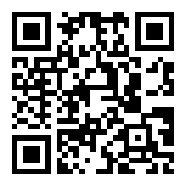
If you like vim-monokai-tasty or find this plugin useful, you can support me by donating bitcoin to the following address.
1AddzniWjahrTidwC1QhBkcX7RYwn2JVoq
more like this
Firefox and Chrome extensions to prevent Google from making links ugly.
Custom color themes for GNS3 GUI. Built-in schemes, custom JSON themes, device symbols. Supports Linux and macOS.
search projects, people, and tags