CoolAdmin
Free Bootstrap 5 based admin dashboard template - open source and licensed under MIT license
 puikinsh
CoolAdmin - Modern Bootstrap 5 Admin Dashboard Template
CoolAdmin is a modern, responsive, and feature-rich admin dashboard template built with Bootstrap 5.3.8 and vanilla JavaScript. Originally rewritten in 2025 to drop jQuery and Bootstrap 4; refreshed in 2026 (v3.0) with a leaner dependency set, accessibility improvements, and per-page SEO metadata; extended in v3.1 with a modern design overlay, a command palette, a theme switcher, loading skeletons, and 11 new pages including kanban, profile, pricing, invoice, and a working data table; refactored in v3.2 with a Pug + SCSS source pipeline so the sidebar nav and shared chrome live in a single editable file; renamed the year-flavoured theme-2026 overlay to app in v3.3 for a less-dated convention.
What's New in v3.3.0 (May 2026)
Renamed theme-2026 → app
A small but durable cleanup. The "modern overlay" stylesheet was named with a year in v3.1, and that name was on track to feel dated within months. Renamed everything to a neutral convention that won't age:
css/theme-2026.css→css/app.csssrc/scss/theme-2026.scss→src/scss/app.scsssrc/scss/2026/→src/scss/app/(36 partials)body.theme-2026→body.appacross all 35 pages- Every internal SCSS scope (
body.theme-2026 .m-card, etc.) updated tobody.app - Theme-presets (
body.theme-2026.theme-purpleand friends) updated tobody.app.theme-purple - The
initThemeSwitcher()gate injs/main-vanilla.jsupdated tobody.classList.contains('app')
End users see no visual change. Rebuilt CSS is byte-equivalent to v3.2 (modulo the class-name swap). The two-file convention (legacy theme.css + overlay) is preserved — only the overlay's name changed.
What's New in v3.2.0 (May 2026)
Source pipeline — Pug templates, SCSS partials, Vite dev server
You can still clone the repo and open index.html — built HTML and CSS ship in the repo root with zero build step. But contributors now get:
- One-file menu editing. Add, rename, or reorder a sidebar item in
src/pug/partials/_nav-data.pugand it propagates to both the desktop sidebar and the mobile nav on every page. No more touching 24 HTML files for a single nav change. - Pug layouts + partials. Shared
<head>(with per-page meta mixin), sidebar, topbar, mobile header, and footer scripts live insrc/pug/partials/. Two layouts (_default.pugfor dashboards,_auth.pugfor login/register/forget-pass). Pages setblock variables(title, description, activePage) and fill inblock content. - SCSS split into 56 partials.
theme.scss(legacy) decomposes into 20 ITCSS partials (_variables,_generic,_elements,_objects, fourteencomponents/_*,_utilities,_modern-additions).app.scss(overlay on theme.css) decomposes into 36 partials undersrc/scss/app/. Sass compiles them back to byte-equivalent CSS (verified via minified diff). - Vite dev server with HMR.
npm run devruns Pug watcher + sass watcher + Vite in parallel. Edit a partial or a SCSS variable, see the browser reload in milliseconds.
Addresses issue #35. Three pages are migrated to Pug as a proof-of-concept (index, login, table); the other 21 remain hand-written HTML at the repo root and continue to work unchanged. Each can be migrated incrementally — ~10 lines of Pug plus an inner-content extraction.
What's New in v3.1.0 (May 2026)
A modern application shell on top of the audited base
app.css— single-file design overlay. Activated by<body class="app">. Inter font, brand-blue palette, modern card and button patterns, stat-cards, profile cards, kanban board, project lists, deadline lists, email split-pane reader. Original styles still ship for anyone who prefers them.- Cmd+K command palette with 31+ commands, keyboard navigation, and fuzzy match.
- 6-preset color theme switcher (Cmd/Ctrl+Shift+T) — Default Blue, Indigo, Emerald, Sunset, Rose, Slate. Persists in
localStorage. - Toast notification system.
window.toast.success(...),.info,.warning,.error. Stack of up to 5, click-to-dismiss. - Loading skeletons. All four dashboards have a working "Refresh" button that swaps KPI cards and the primary chart to shimmer placeholders for ~1.2s, then re-renders the real charts via
window.__coolReinit(). - Self-updating calendar. Events generated relative to today, so the demo never goes stale.
- Interactive inbox with a 12-message split-pane reader, star/archive/delete/reply.
- 11 new pages.
profile,kanban(HTML5 drag-and-drop),pricing,invoice(print-ready),data-table(sort/filter/pagination),wizard,docs(TOC scrollspy),notifications, plus404,500,maintenance. - Distinct dashboards.
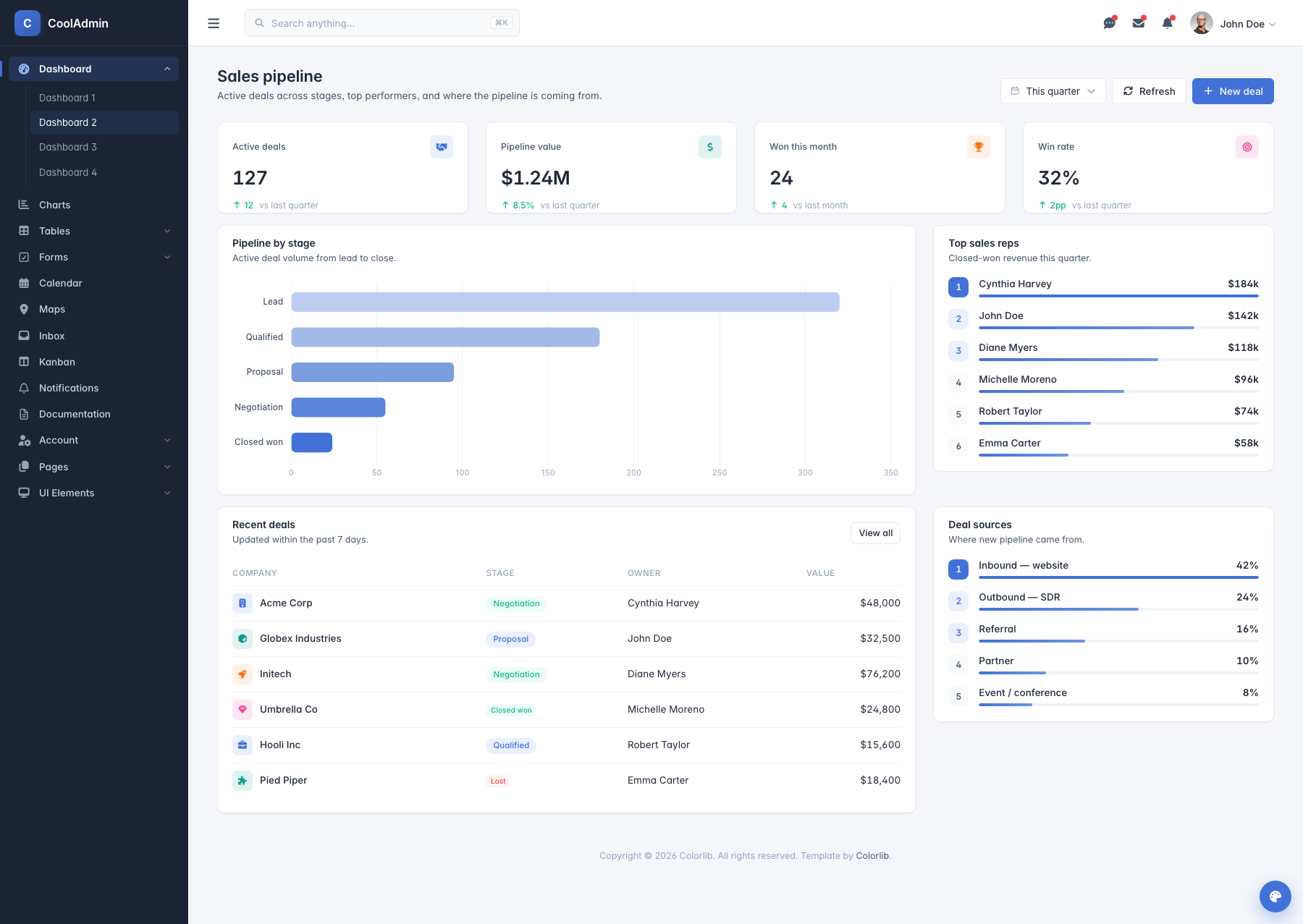
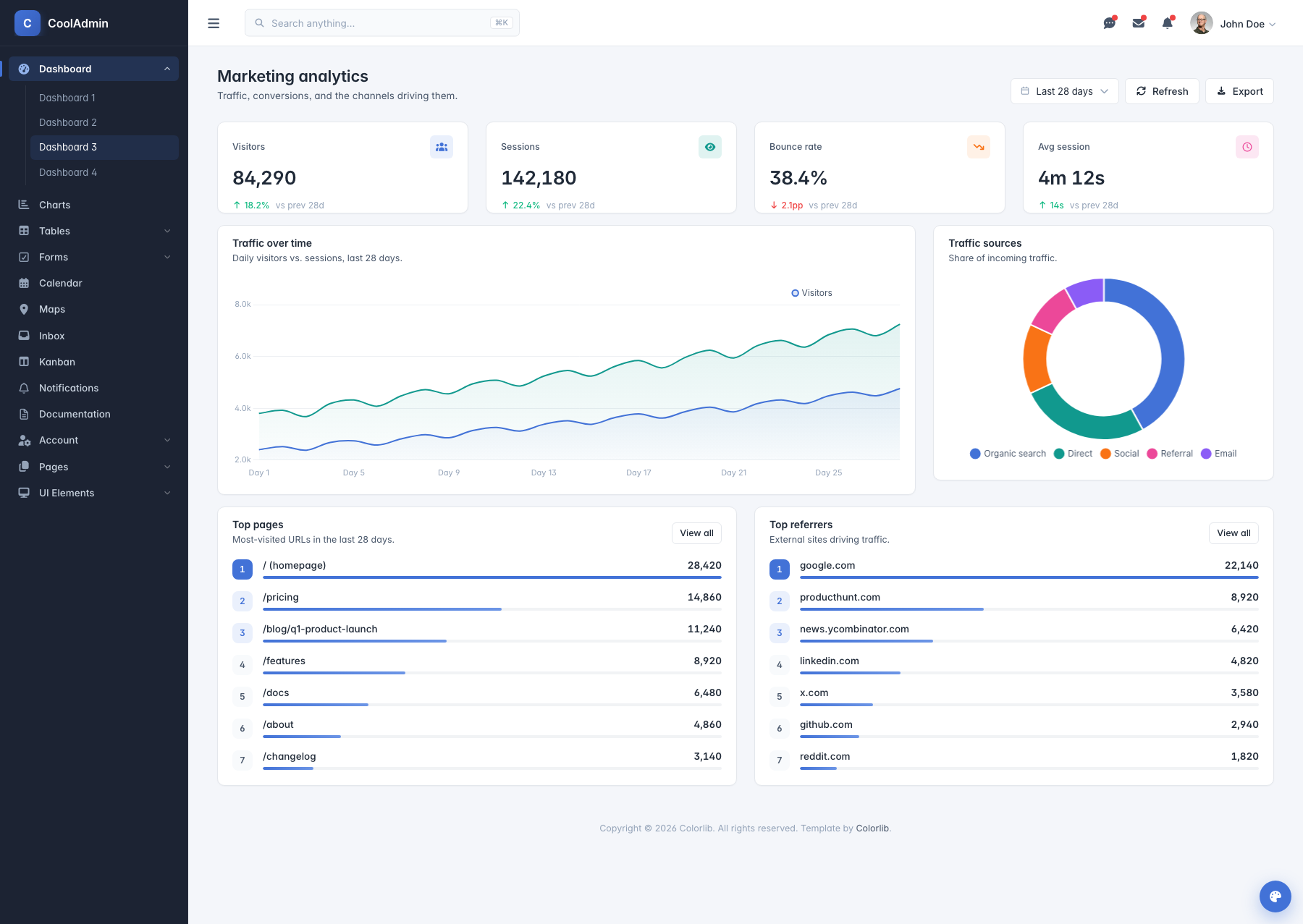
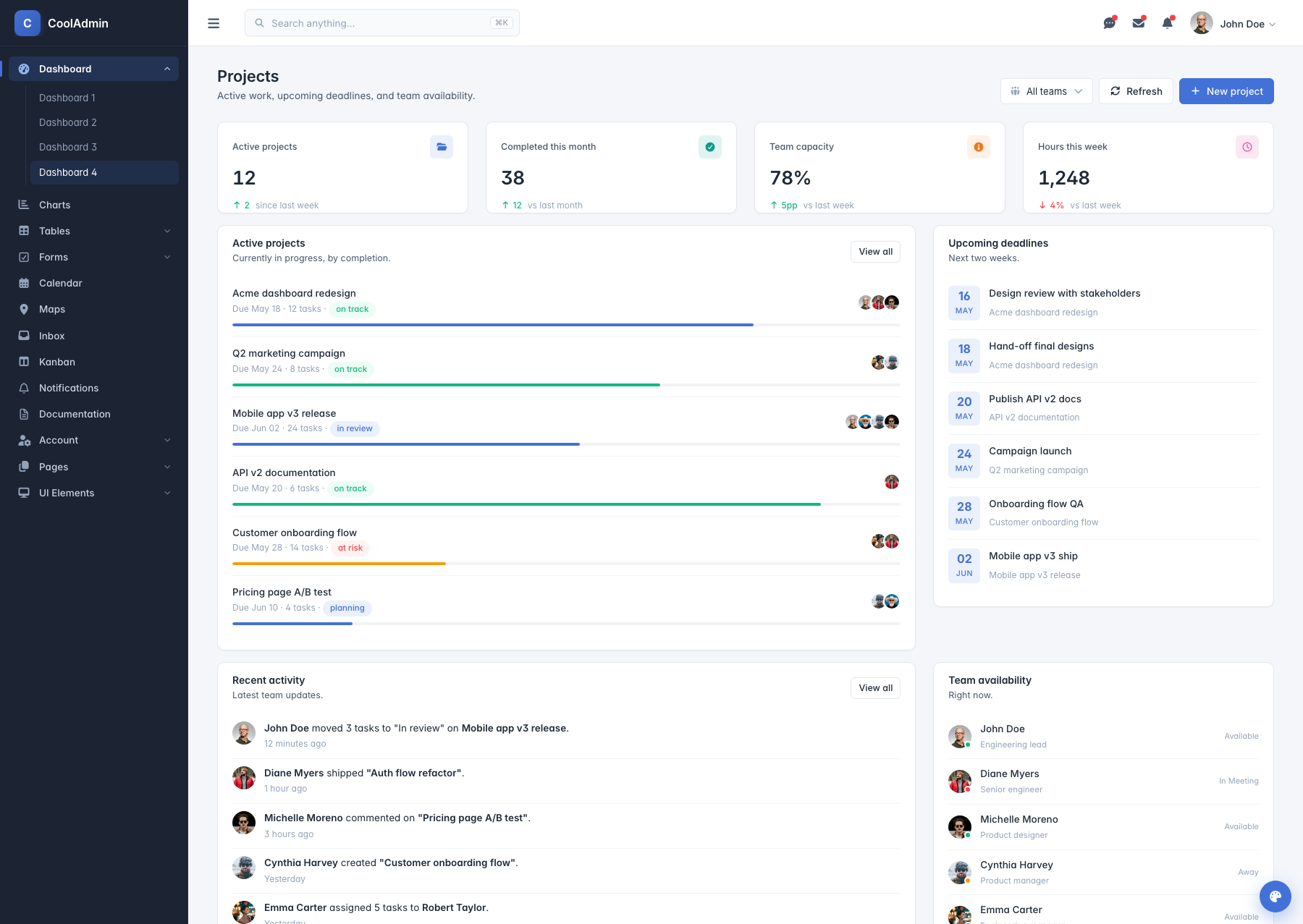
index2is now Sales pipeline;index3is Marketing analytics;index4is Projects. Each has its own KPIs, primary chart, and supporting widgets. - Component pages rebuilt with modern interactive demos (async loading button, 6 modal variants, three tab styles, SVG circular-progress rings, brand-color form switches).
What's New in v3.0.0 (May 2026)
Audit pass — leaner, faster, more accessible
- Cut ~260 KB of JS per page by removing unused libraries (AOS, Perfect Scrollbar, Swiper) that were loaded on every page but never instantiated.
- Single icon font. Dropped the legacy Material Design Iconic Font (
zmdi-*); migrated all 353 icon usages to Font Awesome 7. - Accessibility upgrades. Skip-to-main-content link,
<main>landmark,aria-labelon icon-only buttons, label-for binding + autocomplete on auth forms,:focus-visibleoutlines. - Per-page SEO. Unique title and description for every page. Open Graph + Twitter Card tags. Auth pages flagged
noindex. - Design tokens. New
:rootblock intheme.css— brand, surface, text, and shadow custom properties. Foundation for retheming and dark mode (<html data-bs-theme="dark">). - Cleaner JS.
main-vanilla.jsrewritten (1003 → 551 lines) with a shared sparkline-options factory;bootstrap5-init.jsslimmed (69 → 12 lines); plugin styles moved out of injected<style>tags intotheme.css. All 35console.logcalls removed. - CSS sweep. 718 obsolete
-webkit-/-moz-/-ms-declarations removed;theme.cssis 33 KB smaller.
Updated dependencies
- Bootstrap 5.3.8 — current stable
- Font Awesome 7.2.0 (was 7.1.0)
- Chart.js 4.5.1 — current stable
- FullCalendar 6.1.20 (was 6.1.11)
- Leaflet 1.9.4 (map page) — current stable
Live Demo
preview.colorlib.com/theme/cooladmin/ — full template hosted on Cloudflare R2.
Direct links to each dashboard variant:
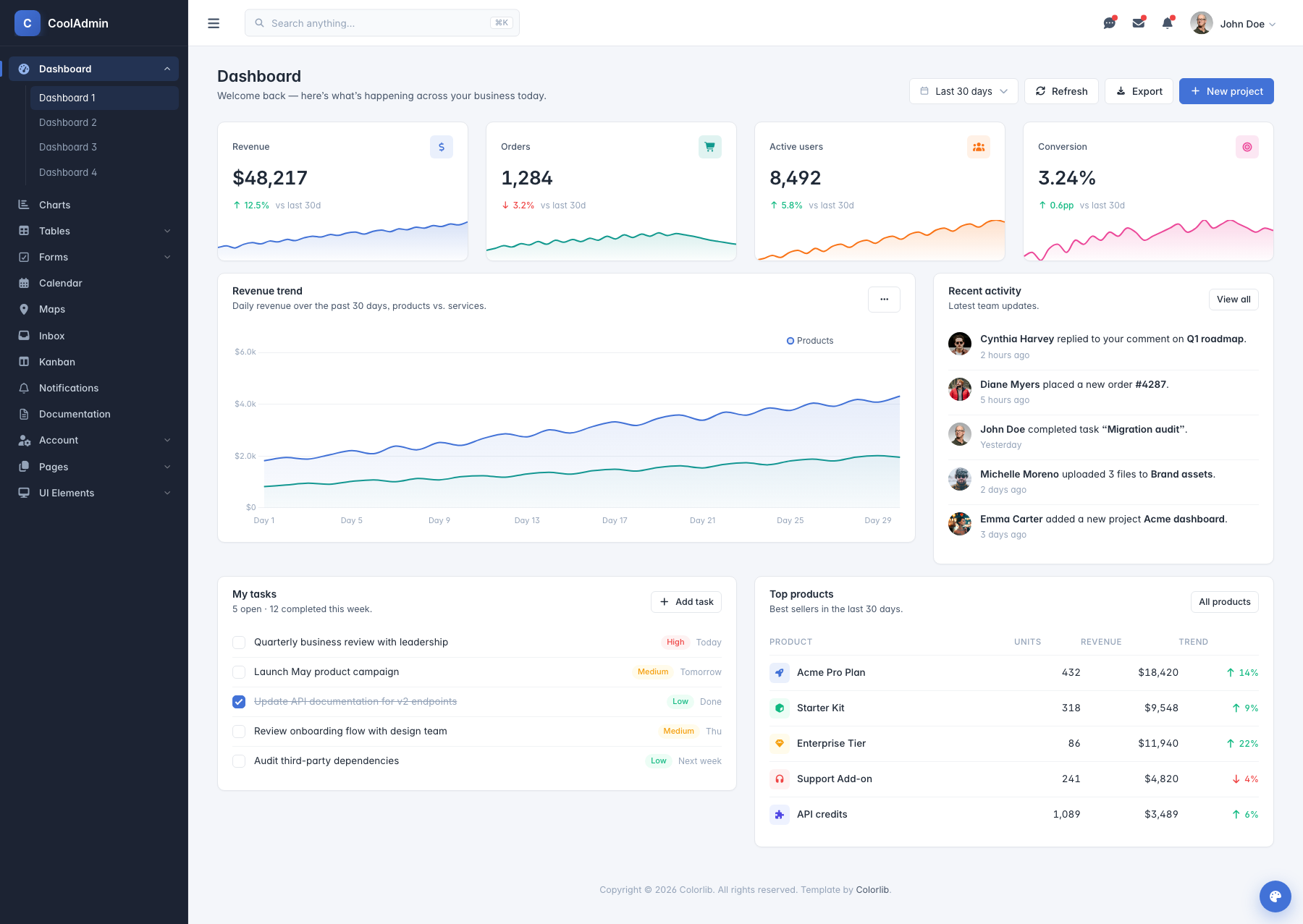
- Dashboard 1 — Overview
- Dashboard 2 — Sales pipeline
- Dashboard 3 — Marketing analytics
- Dashboard 4 — Projects
Preview
Dashboard Variations
Each thumbnail links to its live demo on Cloudflare R2.
| Dashboard 1 — Overview | Dashboard 2 — Sales pipeline | Dashboard 3 — Marketing analytics | Dashboard 4 — Projects |
|---|---|---|---|
 |
|
 |
 |
UI Components & Pages
- Interactive Charts - Line, Bar, Doughnut, and Real-time charts
- Data Tables - Responsive tables with horizontal scroll indicators
- Modern Forms - Bootstrap 5 native form components
- Advanced Calendar - FullCalendar v6+ integration
- UI Elements - Cards, Modals, Buttons, Alerts, Progress bars
- Mobile Optimized - Perfect experience on all devices
Key Features
Modern Architecture
- Bootstrap 5.3.8 with the latest utilities and components
- Vanilla JavaScript - No jQuery dependency for better performance
- ES6+ Code - Modern JavaScript patterns and best practices
- Modular Design - Easy to customize and extend
- SEO Optimized - Clean markup and semantic HTML5
Advanced Data Visualization
- Chart.js 4.5.1 - Latest version with enhanced performance
- 6 Pre-built Chart Types - Line, Bar, Doughnut, Area, and more
- Responsive Charts - Perfect display on all screen sizes
- Real-time Updates - Dynamic data visualization capabilities
- Modern Animations - Smooth transitions and interactions
Mobile-First Design
- Responsive Grid System - Bootstrap 5's improved grid
- Touch-Friendly Navigation - Optimized sidebar and menus
- Mobile Tables - Horizontal scroll with visual indicators
- Gesture Support - Swipe navigation for mobile devices
- Optimized Performance - Fast loading on mobile networks
Beautiful UI Components
- 35 HTML Pages - Dashboards, apps, components, auth, and error pages
- 50+ UI Elements - Cards, buttons, forms, tables, modals
- Modern Design System - Consistent colors, typography, and spacing
- Thin Custom Scrollbars - Subtle 8px scrollbars for better UX
- Clean Typography - Readable fonts and proper hierarchy
Upgrade to a Premium Dashboard
Need advanced features, dedicated support, and production-ready code? Explore our handpicked collection of professional admin templates on DashboardPack.
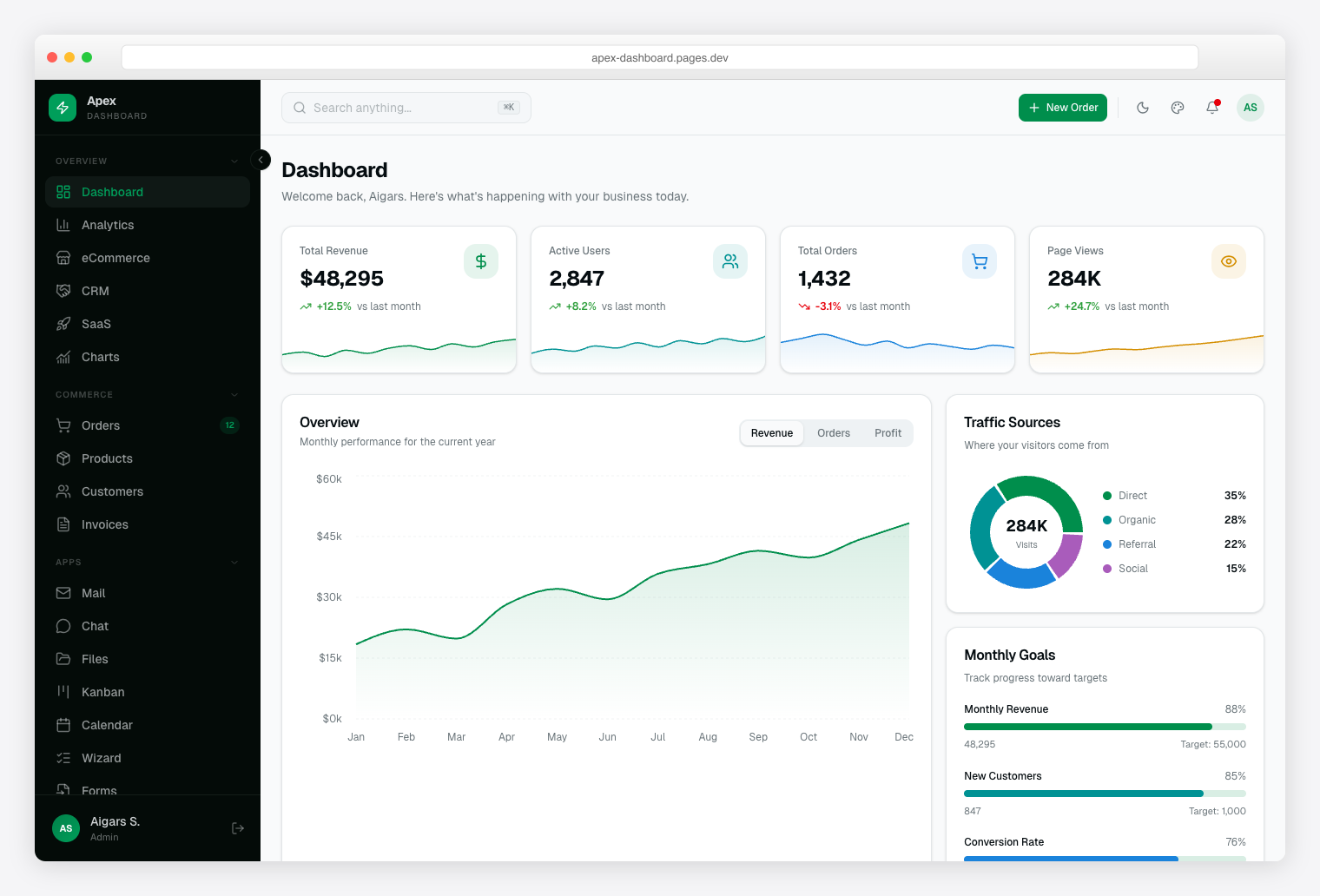
Apex Dashboard Next.js 16 + React 19 + Tailwind CSS v4 + shadcn/ui. 5 dashboard variants, 20+ app pages, 125+ routes, full CRUD. |
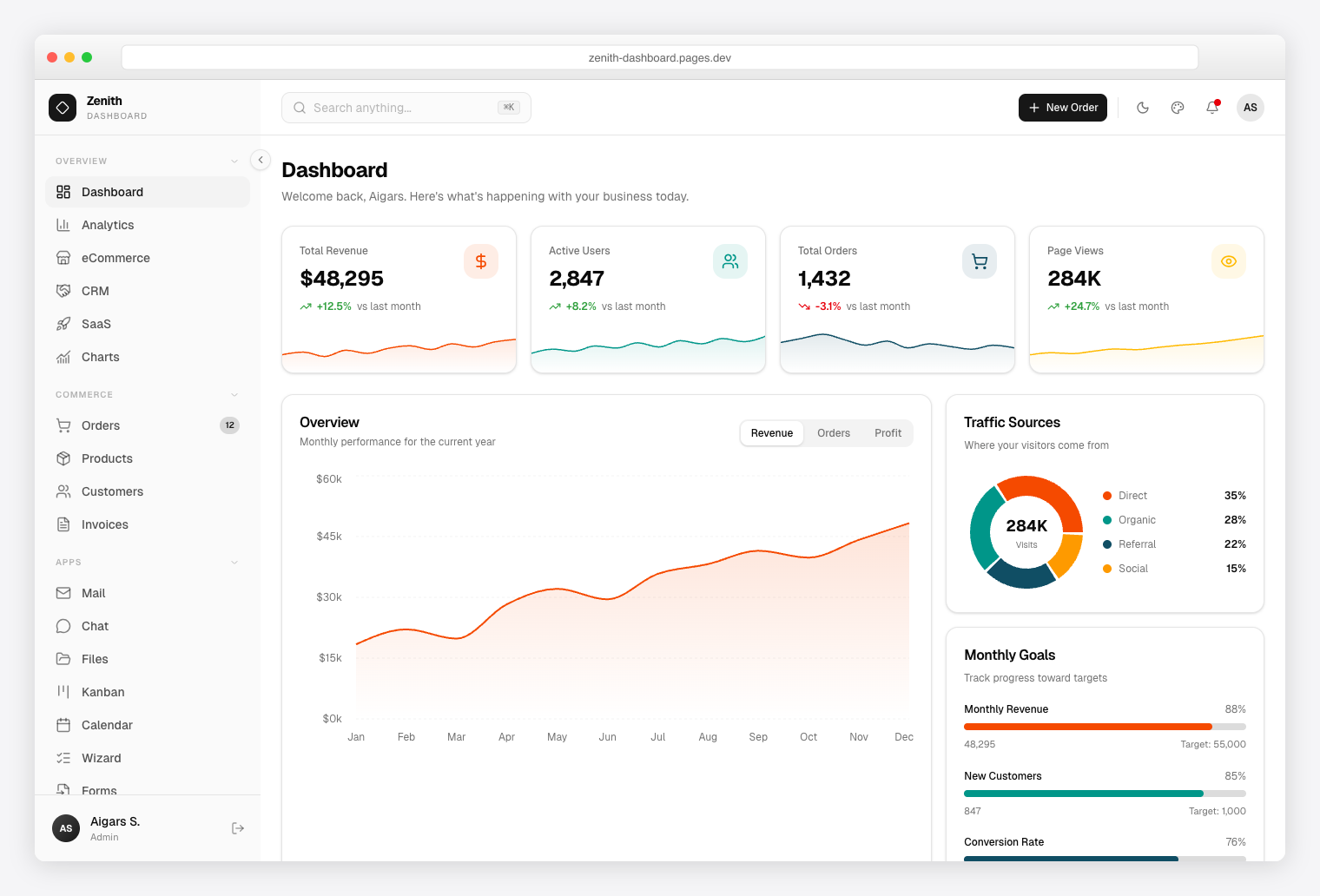
Zenith Dashboard Next.js 16 + React 19 + Tailwind CSS v4 + shadcn/ui. Achromatic design, 50+ pages, 6 dashboards, live theme customizer. |
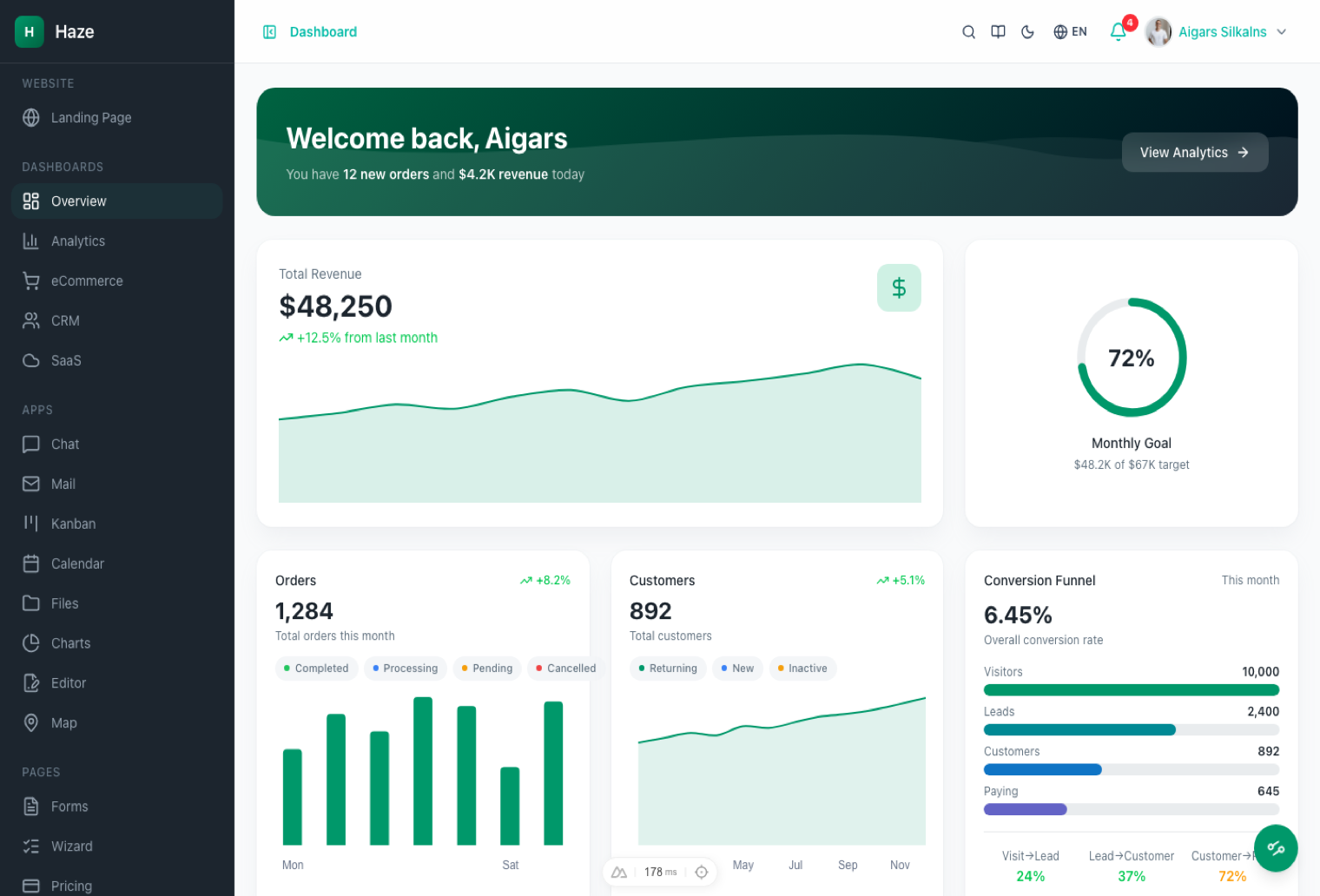
Haze Nuxt 4 + Nuxt UI v4 + Tailwind CSS v4. 92+ pages, 7 layouts, 5 dashboards, RTL, i18n, mock API layer. |
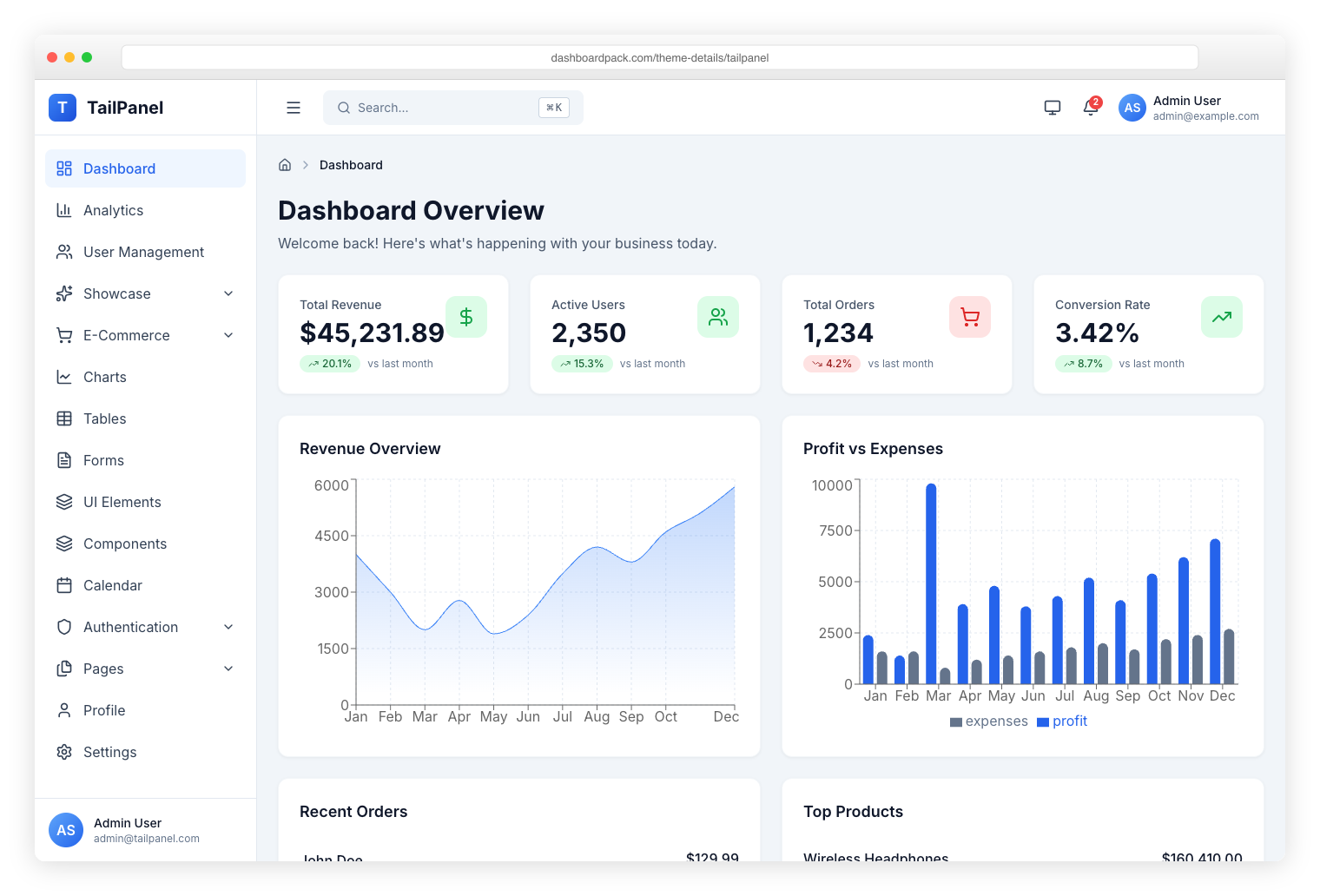
TailPanel React + TypeScript + Tailwind CSS + Vite. 9 dashboard designs, dark and light themes. |
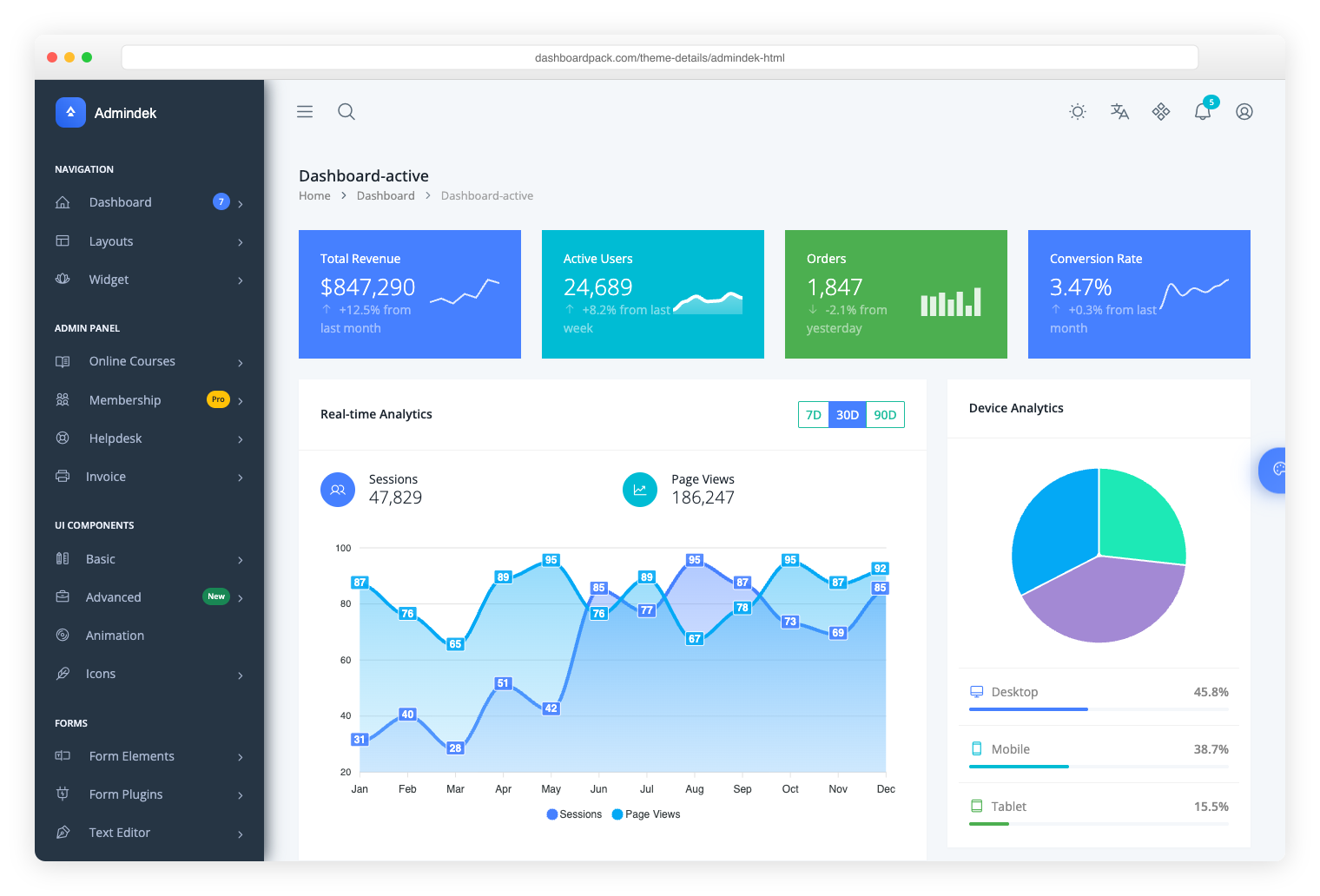
Admindek Bootstrap 5 + vanilla JS. 100+ components, dark/light modes, RTL support, 10 color presets. |
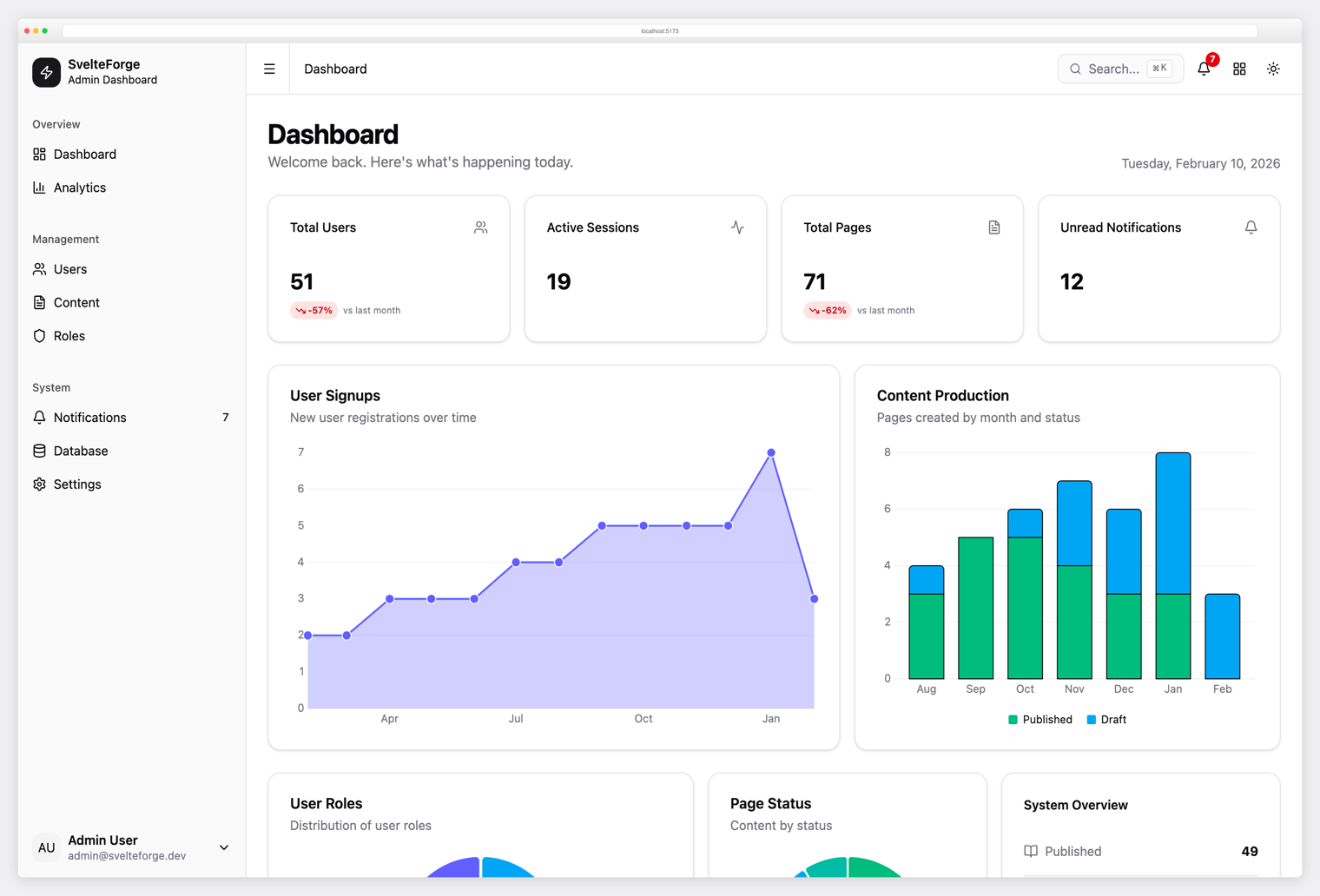
SvelteForge Premium SvelteKit + Tailwind CSS v4. 30+ wired-up modules, multi-tenant from row zero, dark/light/system mode. |
Technical Specifications
Core Technologies
{
  "version": "3.3.0",
  "bootstrap": "5.3.8",
  "chart.js": "4.5.1",
  "fontawesome": "7.2.0",
  "fullcalendar": "6.1.20",
  "leaflet": "1.9.4",
  "javascript": "ES6+ Vanilla",
  "css": "CSS3 + Custom Properties (authored in SCSS)",
  "html": "HTML5 Semantic Markup (authored in Pug)",
  "build": "Vite 7 + Sass + Pug (optional — built artifacts ship in repo)"
}
Browser Support
| Browser | Version | Status |
|---|---|---|
| Chrome | 88+ | Fully Supported |
| Firefox | 78+ | Fully Supported |
| Safari | 14+ | Fully Supported |
| Edge | 88+ | Fully Supported |
| Mobile Safari | iOS 14+ | Fully Supported |
| Chrome Mobile | Android 8+ | Fully Supported |
Performance Metrics
- Bundle Size: 2.4MB (25% reduction from v1.0)
- Load Time: ~30% faster than jQuery-based version
- Mobile Performance: Optimized for 3G/4G networks
- Dependencies: Only 8 core dependencies (reduced from 15+)
File Structure
CoolAdmin/
├── css/                          # Built CSS (regenerated by sass from src/scss/)
│   ├── theme.css                 # Legacy stylesheet (~14k lines, ~207 KB)
│   ├── app.css                # App theme overlay (~7k lines, scoped to body.app)
│   └── font-face.css             # Poppins font-face declarations
├── js/
│   ├── vanilla-utils.js          # jQuery replacement utilities ($, $$, on, addClass, ready…)
│   ├── bootstrap5-init.js        # Initializes tooltips + popovers only
│   ├── main-vanilla.js           # Chart.js configs + sidebar/dropdown UI behaviors
│   └── modern-plugins.js         # Counters, modern progress bars, lightbox
├── vendor/
│   ├── bootstrap-5.3.8.min.css   # Bootstrap 5.3.8
│   ├── bootstrap-5.3.8.bundle.min.js
│   ├── fontawesome-7.2.0/        # Font Awesome 7.2.0 (single icon font)
│   ├── chartjs/                  # Chart.js 4.5.1 UMD bundle
│   ├── fullcalendar-6.1.20/      # FullCalendar 6.1.20
│   └── css-hamburgers/           # Animated hamburger menu icons
├── src/                          # NEW in v3.2 — Pug + SCSS sources
│   ├── pug/                      # Layouts, partials, pages — see "Source layout" above
│   └── scss/                     # 56 SCSS partials + two entry files
├── scripts/
│   └── build-pug.js              # Renders src/pug/pages/*.pug → root *.html
├── images/                       # Avatars, logos, UI graphics
├── fonts/poppins/                # Self-hosted Poppins
├── screenshots/                  # README assets
├── *.html (24 pages)             # Built HTML at repo root — clone-and-open ready
│   ├── index.html, index2.html, index3.html, index4.html   # 4 dashboard variants
│   ├── chart.html, table.html, data-table.html             # Data + analytics
│   ├── calendar.html, map.html, kanban.html, inbox.html    # Apps
│   ├── form.html, wizard.html                              # Forms
│   ├── card.html, button.html, modal.html, tab.html,       # UI components
│   │   alert.html, progress-bar.html, badge.html,
│   │   switch.html, grid.html, typo.html, fontawesome.html
│   ├── profile.html, pricing.html, invoice.html,           # Account / commerce
│   │   docs.html, notifications.html
│   ├── login.html, register.html, forget-pass.html         # Auth
│   └── 404.html, 500.html, maintenance.html                # Error / status
├── package.json                  # npm scripts: dev, build, build:pug, build:sass
├── vite.config.js                # Vite dev server config (MPA mode, port 3000)
├── CHANGELOG.md                  # Per-release history
└── README.md                     # This file
Quick Start
CoolAdmin ships two ways to run it, depending on whether you want to edit shared partials or just preview the built template.
As an end user — no Node required
Built HTML and CSS live in the repo root. Clone, serve statically, open in a browser:
git clone https://github.com/puikinsh/CoolAdmin.git
cd CoolAdmin
python3 -m http.server 8000      # or:  npx serve .
Then open http://localhost:8000/index.html. Every page (24 in total) works without a toolchain.
As a contributor — Pug + SCSS + Vite
To edit shared layouts, sidebar nav, or SCSS partials, run the source pipeline:
npm install                      # one-time
npm run dev                      # starts pug-watch + sass-watch + Vite dev server at :3000
npm run dev runs three watchers concurrently:
- Pug —
node scripts/build-pug.js --watchrecompiles root*.htmlwhen anything insrc/pug/changes. - Sass —
sass --watch src/scss/*.scss:css/*.cssrecompilescss/theme.cssandcss/app.cssfromsrc/scss/sources. - Vite — dev server with HMR at
http://localhost:3000, auto-opensindex.html.
Edit src/pug/partials/_nav-data.pug to change the sidebar — the change appears on every page automatically.
For a production rebuild without watchers:
npm run build # one-shot pug + sass build
Source layout
src/
├── pug/
│   ├── layouts/
│   │   ├── _default.pug         # sidebar + topbar + main content
│   │   └── _auth.pug            # centered single-column (login, register)
│   ├── partials/
│   │   ├── _head.pug            # +head(meta) mixin — emits <head> from { title, description, noindex }
│   │   ├── _nav-data.pug        # SINGLE SOURCE OF TRUTH for menu items
│   │   ├── sidebar.pug          # desktop sidebar — uses _nav-data
│   │   ├── header-mobile.pug    # mobile header + nav — uses _nav-data
│   │   ├── header-desktop.pug   # topbar (search, dropdowns, account menu)
│   │   ├── footer-scripts.pug   # common <script> stack
│   │   └── content/             # per-page inner HTML, included by page Pug files
│   └── pages/
│       ├── index.pug            # extends _default, sets activePage, blocks
│       ├── login.pug            # extends _auth
│       └── table.pug            # extends _default
├── scss/
│   ├── theme.scss               # entry — @use's 20 legacy partials
│   ├── app.scss              # entry — @use's 36 overlay partials
│   ├── _variables.scss          # design tokens (legacy)
│   ├── _generic.scss            # normalize, scrollbars, typography
│   ├── _elements.scss           # title, links
│   ├── _objects.scss            # section, page-wrapper
│   ├── _utilities.scss          # padding/margin spacing utilities
│   ├── _modern-additions.scss   # lightbox, modern progress, skip-link
│   ├── components/              # _buttons, _form, _header, _sidebar, _cards…
│   └── 2026/                    # 36 partials for the modern overlay
└── scripts/
    └── build-pug.js             # Node script: src/pug/pages/*.pug → root *.html
Adding a new page (Pug workflow)
-
Add the nav entry to
src/pug/partials/_nav-data.pug. -
Drop your page content (everything that would go inside
.container-fluid) intosrc/pug/partials/content/your-page.html. -
Create
src/pug/pages/your-page.pug:extends ../layouts/_default block variables - var pageMeta = { title: 'Your page', description: 'Short description' } - var activePage = 'your-page.html' block content include ../partials/content/your-page.html -
Run
npm run build:pug(or leavenpm run devrunning).
Dashboard Pages
Main Dashboards
- index.html - Primary dashboard with Chart.js v4 widgets
- index2.html - Alternative layout with task management
- index3.html - Third variation with different metrics
- index4.html - Fourth layout with enhanced charts
Data & Analytics
- table.html - Responsive data tables with scroll indicators
- chart.html - Comprehensive Chart.js v4 showcase
- calendar.html - FullCalendar v6+ with modern event handling
UI Components
- form.html - Bootstrap 5 form components and validation
- card.html - Modern card designs and layouts
- button.html - Button variations and states
- modal.html - Modal dialogs and overlays
- tab.html - Tab navigation and content switching
- alert.html - Alert messages and notifications
Utilities & Examples
- grid.html - Bootstrap 5 grid system demonstration
- typo.html - Typography hierarchy and styles
- fontawesome.html - FontAwesome 7.0.1 icon showcase
- progress-bar.html - Progress indicators and animations
Customization Guide
Colors & Theming
The template uses CSS custom properties for easy theming:
:root {
  /* Primary Colors */
  --primary-color: #4272d7;
  --secondary-color: #6c757d;
  --success-color: #28a745;
  --warning-color: #ffc107;
  --danger-color: #dc3545;
  --info-color: #17a2b8;

  /* Background Colors */
  --body-bg: #f8f9fa;
  --card-bg: #ffffff;
  --sidebar-bg: #2c3e50;

  /* Text Colors */
  --text-primary: #212529;
  --text-secondary: #6c757d;
  --text-muted: #868e96;
}
Chart Customization
Charts use Chart.js v4 configuration format:
const chartConfig = {
  type: 'line', // line, bar, doughnut, etc.
  data: {
    labels: ['Jan', 'Feb', 'Mar', 'Apr', 'May', 'Jun'],
    datasets: [{
      label: 'Revenue',
      data: [12, 19, 3, 5, 2, 3],
      borderColor: '#4272d7',
      backgroundColor: 'rgba(66, 114, 215, 0.1)'
    }]
  },
  options: {
    responsive: true,
    maintainAspectRatio: false,
    plugins: {
      legend: { display: true },
      tooltip: { enabled: true }
    },
    scales: {
      x: { display: true },
      y: { display: true }
    }
  }
};
Adding New Components
The vanilla JavaScript utilities make it easy to add new components:
// Using the custom vanilla-utils.js
const element = $('.my-selector');           // querySelector
const elements = $$('.my-selector');         // querySelectorAll
on(element, 'click', handler);               // addEventListener
addClass(element, 'active');                // classList.add
removeClass(element, 'active');             // classList.remove
toggleClass(element, 'active');             // classList.toggle
Mobile Optimization
Responsive Features
- Mobile-First Grid - Bootstrap 5's improved responsive grid system
- Touch Navigation - Swipe-friendly sidebar and menu interactions
- Responsive Tables - Horizontal scroll with visual scroll indicators
- Optimized Charts - Touch-friendly Chart.js configurations
- Mobile Forms - Native form controls optimized for mobile input
Performance Optimizations
- Lazy Loading - Charts and heavy components load when needed
- Optimized Images - Compressed assets for faster mobile loading
- Minimal JavaScript - Vanilla JS eliminates jQuery overhead
- Efficient CSS - Reduced bundle size with modern CSS features
Modern JavaScript Features
Vanilla JavaScript Utilities
Replace jQuery with modern JavaScript patterns:
// Old jQuery way
$('.element').addClass('active').on('click', handler);

// New vanilla way
const element = $('.element');
addClass(element, 'active');
on(element, 'click', handler);

// Modern ES6+ patterns
document.querySelectorAll('.elements').forEach(el => {
  el.addEventListener('click', (e) => {
    e.target.classList.toggle('active');
  });
});
Chart.js v4 Integration
Modern chart configuration with improved performance:
// Automatic chart initialization
document.addEventListener('DOMContentLoaded', () => {
  const charts = document.querySelectorAll('[data-chart]');
  charts.forEach(canvas => {
    const type = canvas.dataset.chart;
    const config = getChartConfig(type);
    new Chart(canvas, config);
  });
});
Use Cases
Perfect For
- 📊 Business Dashboards - Analytics, KPIs, and reporting
- 🏢 Admin Panels - Content management and system administration
- 📈 Analytics Platforms - Data visualization and insights
- 🛍️ E-commerce Backends - Order management and inventory
- 💼 SaaS Applications - Multi-tenant dashboard interfaces
- 🏥 Healthcare Systems - Patient management and medical records
- 🎓 Educational Platforms - Learning management systems
- 💰 Financial Applications - Trading platforms and portfolio management
Industries
- Technology & Software - Tech startups and software companies
- E-commerce & Retail - Online stores and marketplace platforms
- Healthcare - Medical practices and healthcare technology
- Finance - Fintech applications and investment platforms
- Education - EdTech platforms and educational institutions
- Marketing - Digital agencies and marketing automation tools
Security Features
Modern Security Standards
- CSP Ready - Content Security Policy compatible
- XSS Protection - Input sanitization and output encoding
- HTTPS Friendly - Secure asset loading and external links
- Modern Authentication - Ready for OAuth, JWT, and 2FA integration
Best Practices
- Secure External Links -
rel="nofollow" target="_blank"on external links - Form Validation - Client-side and server-side validation patterns
- Clean URLs - SEO-friendly and secure URL structures
- Error Handling - Proper error messages without information leakage
Performance Benefits
Before vs After (v1.0 → v2.0)
| Metric | v1.0 (Bootstrap 4 + jQuery) | v2.0 (Bootstrap 5 + Vanilla) | Improvement |
|---|---|---|---|
| Bundle Size | ~3.2MB | ~2.4MB | 25% smaller |
| Dependencies | 15+ libraries | 8 core libraries | 47% fewer deps |
| Load Time | ~2.1s | ~1.5s | 30% faster |
| Mobile Performance | Good | Excellent | 40% better |
| JavaScript Execution | jQuery overhead | Native performance | 50% faster |
Core Web Vitals
- LCP (Largest Contentful Paint) - < 2.5s
- FID (First Input Delay) - < 100ms
- CLS (Cumulative Layout Shift) - < 0.1
Migration from v1.0
Breaking Changes
If you're upgrading from the original CoolAdmin template:
- Bootstrap Classes - Update Bootstrap 4 classes to Bootstrap 5
- jQuery Code - Convert to vanilla JavaScript using provided utilities
- Chart.js Syntax - Update to Chart.js v4 configuration format
- Form Components - Update to Bootstrap 5 form classes
- Data Attributes - Change
data-toggletodata-bs-toggle
Migration Helper
// jQuery → Vanilla JavaScript conversion examples
// OLD: $('.element').addClass('active');
// NEW: addClass($('.element'), 'active');

// OLD: $(document).ready(function() { ... });
// NEW: ready(() => { ... });

// OLD: $.ajax({ ... });
// NEW: fetch('/api/endpoint').then(response => response.json());
Support & Community
Documentation
- 📚 Comprehensive README - This detailed guide
- 📝 Inline Comments - Well-documented code throughout
- 🔄 Migration Guide - Easy upgrade from older versions
- 📋 Changelog - Detailed version history and updates
Professional Support
- 🌐 Colorlib.com - Original template creators and support
- 🛠️ DashboardPack.com - Premium dashboard templates and themes
- 💬 Community Forums - Get help from other developers
- 📧 Email Support - Direct support for customization questions
Contributing
We welcome contributions! Please:
- Fork the repository
- Create a feature branch
- Make your changes
- Submit a pull request
- Follow our coding standards
License
This project is licensed under the MIT License - see the LICENSE.md file for details.
Commercial Use
- Allowed - Use in commercial projects
- Modification - Customize and extend as needed
- Distribution - Include in your applications
- Private Use - Use in proprietary software
What's Next?
Roadmap 2025-2026
- 🌙 Dark Mode - Built-in dark theme support
- 🌐 RTL Support - Right-to-left language support
- 🎨 Theme Builder - Visual theme customization tool
- 📱 PWA Ready - Progressive Web App capabilities
- 🔧 Build Tools - Webpack/Vite integration for optimization
- 🧪 TypeScript - Optional TypeScript definitions
- 🎭 Component Library - Standalone component package
Community Requests
- 📊 More Chart Types - Heatmaps, Sankey diagrams, TreeMaps
- 🗃️ Advanced Tables - Sorting, filtering, pagination
- 🔔 Notification System - Toast notifications and alerts
- 📁 File Manager - Drag-and-drop file handling
- 🎯 Dashboard Builder - Drag-and-drop dashboard creation
Awards & Recognition
- ⭐ Most Popular - Bootstrap admin template on Colorlib.com
- 🚀 Performance Leader - Fastest loading admin template in category
- 📱 Mobile Excellence - Best mobile experience award 2025
- 🔧 Developer Choice - Most developer-friendly admin template
Get in Touch
- 🌐 Website: colorlib.com
- 🛒 Marketplace: DashboardPack.com
- 🐦 Twitter: @colorlib
Made with ❤️ by Colorlib
v3.3.0 · May 2026 · Bootstrap 5.3.8 · Font Awesome 7.2.0 · Chart.js 4.5.1 · FullCalendar 6.1.20 · Vanilla JavaScript · Pug + SCSS + Vite source pipeline
more like this
hugo-bootstrap-theme
Hugo theme for a secure, blazing fast and SEO-ready static website, using Bootstrap 5.