TachiSnap
TachiSnap — Pixel Snapper for animation pixel artists. Rust + WebAssembly client-side tool for cleaning up AI-generated…
HTML★ 50
A powerful tool that translates ComfyUI workflows into executable Python code.
 pydn
pydngit clone https://github.com/pydn/ComfyUI-to-Python-Extension.gitpydn/ComfyUI-to-Python-Extension
Build a workflow in ComfyUI, then walk away with runnable Python.
ComfyUI-to-Python-Extension turns visual workflows into executable scripts so you can move from node graphs to automation, experiments, and repeatable generation without rebuilding everything by hand.
This project supports:
Save As ScriptChoose the setup that matches how you want to use the project. This project supports Python 3.12 and newer.
File -> Save As Script)For ComfyUI to recognize this project as an extension, the repo must be discoverable through ComfyUI's custom_nodes search paths.
Clone directly into ComfyUI/custom_nodes:
cd /path/to/ComfyUI/custom_nodes
git clone https://github.com/pydn/ComfyUI-to-Python-Extension.git
Or keep the repo elsewhere, then either:
ComfyUI/custom_nodescustom_nodes search paths via extra_model_paths.yamlExample symlink setup:
git clone https://github.com/pydn/ComfyUI-to-Python-Extension.git
cd /path/to/ComfyUI/custom_nodes
ln -s /path/to/ComfyUI-to-Python-Extension ComfyUI-to-Python-Extension
Then install this extension into the same Python environment that launches ComfyUI.
The pyproject.toml file declares the package dependencies, but those dependencies still need to be installed into ComfyUI's runtime Python.
If you run ComfyUI from a source checkout with uv:
cd /path/to/ComfyUI
uv pip install -e ./custom_nodes/ComfyUI-to-Python-Extension
uv run python main.py
If you use the Windows portable build:
cd C:\path\to\ComfyUI_windows_portable\ComfyUI\custom_nodes\ComfyUI-to-Python-Extension
..\..\..\python_embeded\python.exe -m pip install -e .
Running uv sync inside ComfyUI-to-Python-Extension creates this extension's own .venv.
ComfyUI does not automatically import dependencies from that .venv; it imports custom nodes with the Python interpreter used to launch ComfyUI.
After installation, restart ComfyUI.
You can keep the repo anywhere for CLI usage and generated-script execution.
git clone https://github.com/pydn/ComfyUI-to-Python-Extension.git
cd ComfyUI-to-Python-Extension
uv sync
export COMFYUI_PATH=/path/to/ComfyUI
COMFYUI_PATH helps the exporter and generated scripts find the ComfyUI codebase. It does not, by itself, register this repo as a ComfyUI extension for the Web UI.
It also does not install ComfyUI runtime dependencies such as torch into the current Python environment.
COMFYUI_PATH is checked first. If it is not set, the exporter falls back to searching parent directories for a folder named ComfyUI.
If the CLI fails with ModuleNotFoundError: No module named 'torch', run the command with the same Python environment that launches ComfyUI, or install ComfyUI's runtime dependencies into the environment you are using for the CLI.
For Windows portable builds, run the CLI with ComfyUI's embedded Python from the extension directory:
..\..\..\python_embeded\python.exe -m comfyui_to_python --input_file ".\workflow_api.json" --output_file ".\workflow_api.py"
In current ComfyUI builds, Save As Script is typically available under:
File -> Save As Script
The command downloads a generated .py file.
The current UI export uses the default filename workflow_api.py so it works in ComfyUI Desktop without relying on prompt().
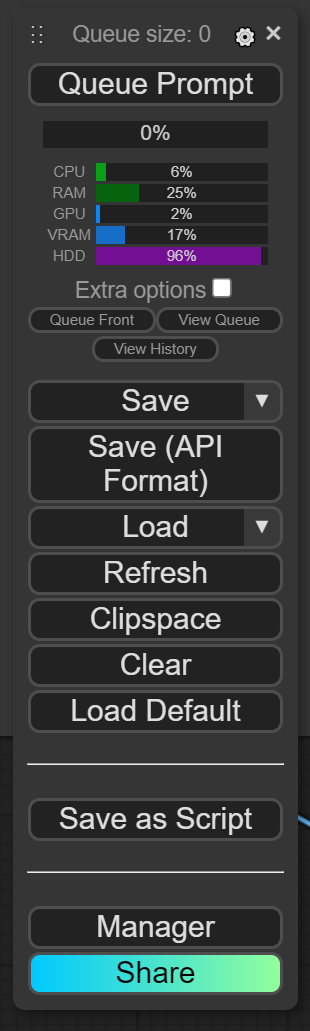
Notes:
File -> Export (API).uv run python -m comfyui_to_python
Options:
uv run python -m comfyui_to_python \
  --input_file workflow_api.json \
  --output_file workflow_api.py \
  --queue_size 10
The legacy wrapper still works if you prefer it:
uv run python comfyui_to_python.py
Flags:
--input_file: input workflow JSON, default workflow_api.json--output_file: output Python file, default workflow_api.py--queue_size: default execution count in the generated script, default 10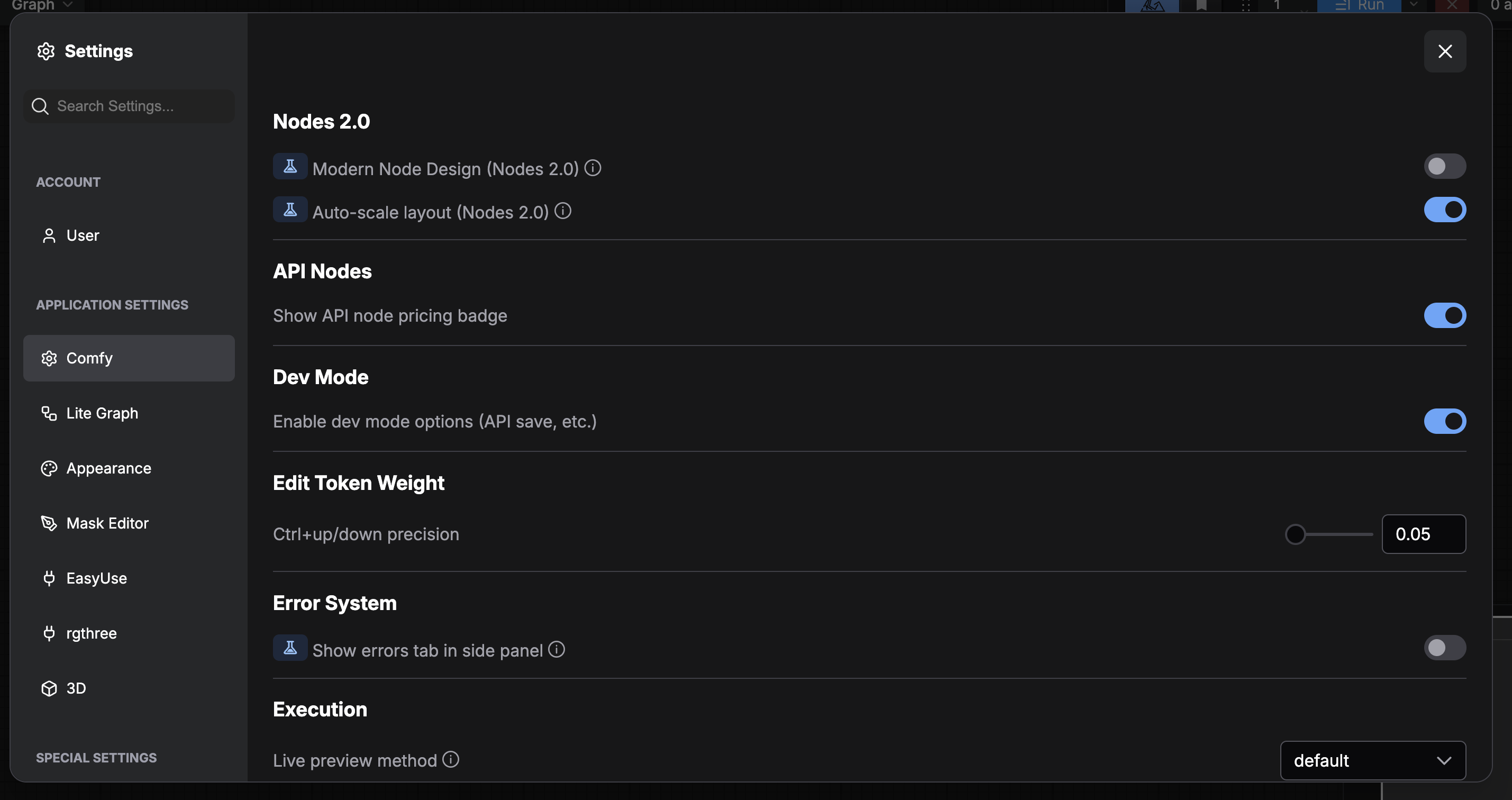
Generated scripts depend on a working ComfyUI runtime.
If the repo is not inside ComfyUI, set:
export COMFYUI_PATH=/path/to/ComfyUI
The generated script is a workflow export. It does not automatically turn workflow inputs into command-line arguments.
Scripts exported directly from File -> Save As Script in the ComfyUI UI already include the frontend workflow metadata needed for drag-and-drop reimport. Images saved by those scripts can be dropped back into ComfyUI and reopen with the original workflow metadata.
Generated scripts reuse ComfyUI's runtime argument parser during bootstrap, so common ComfyUI memory flags such as --highvram, --normalvram, --lowvram, --novram, --cpu, and --disable-smart-memory can be passed directly to the exported .py file.
Lifecycle notes:
main() now performs best-effort ComfyUI model/cache cleanup in a finally blockCOMFYUI_TOPYTHON_UNLOAD_MODELS=1 or call main(unload_models=True) if an embedded or repeated-call host should aggressively unload models after each run instead of preserving them for reuseuv sync:
uv sync in this repo installs dependencies into this repo's .venv, but ComfyUI loads custom nodes with its own Python environment. Install the extension into the Python interpreter that launches ComfyUI.uv sync:
ComfyUI portable uses its bundled python_embeded interpreter. From the extension directory, run ..\..\..\python_embeded\python.exe -m pip install -e ., then restart ComfyUI.No module named 'torch':
the extension .venv may not have ComfyUI's runtime dependencies. Either run the CLI from the Python environment that launches ComfyUI, or make sure the target ComfyUI environment is installed and COMFYUI_PATH points to it.Save As Script not visible:
check your current ComfyUI menu/frontend version and look under FileSave As Script not visible after restart:
make sure this repo is discoverable by ComfyUI through custom_nodes by cloning it into ComfyUI/custom_nodes, symlinking it there, or adding an external custom_nodes path in extra_model_paths.yamlworkflow_api.py after download if you want a different local filenameCOMFYUI_PATHextra_model_paths.yamlmore like this
TachiSnap — Pixel Snapper for animation pixel artists. Rust + WebAssembly client-side tool for cleaning up AI-generated…
[WACV 2022] "Sandwich Batch Normalization: A Drop-In Replacement for Feature Distribution Heterogeneity" by Xinyu Gong,…
A web app that dynamically generates playable 'Spot the Difference' games from a single text prompt using a multimodal…
search projects, people, and tags