meine
meine 🌒 - A CLI file manager and system utility built with Textual. It combines intuitive command parsing with rich t…
Python★ 50
💫 Neumorphic theme for Home Assistant Lovelace
 qiz-li
git clone https://github.com/qiz-li/lovelace-soft-ui.gitqiz-li/lovelace-soft-uiNote: This project is archived and no longer maintained. It remains available as a reference for anyone exploring neumorphic UI in Home Assistant. See the community forum thread for discussion and examples from other users.
Thank you to everyone who used, contributed, or shared feedback on this project ❤️
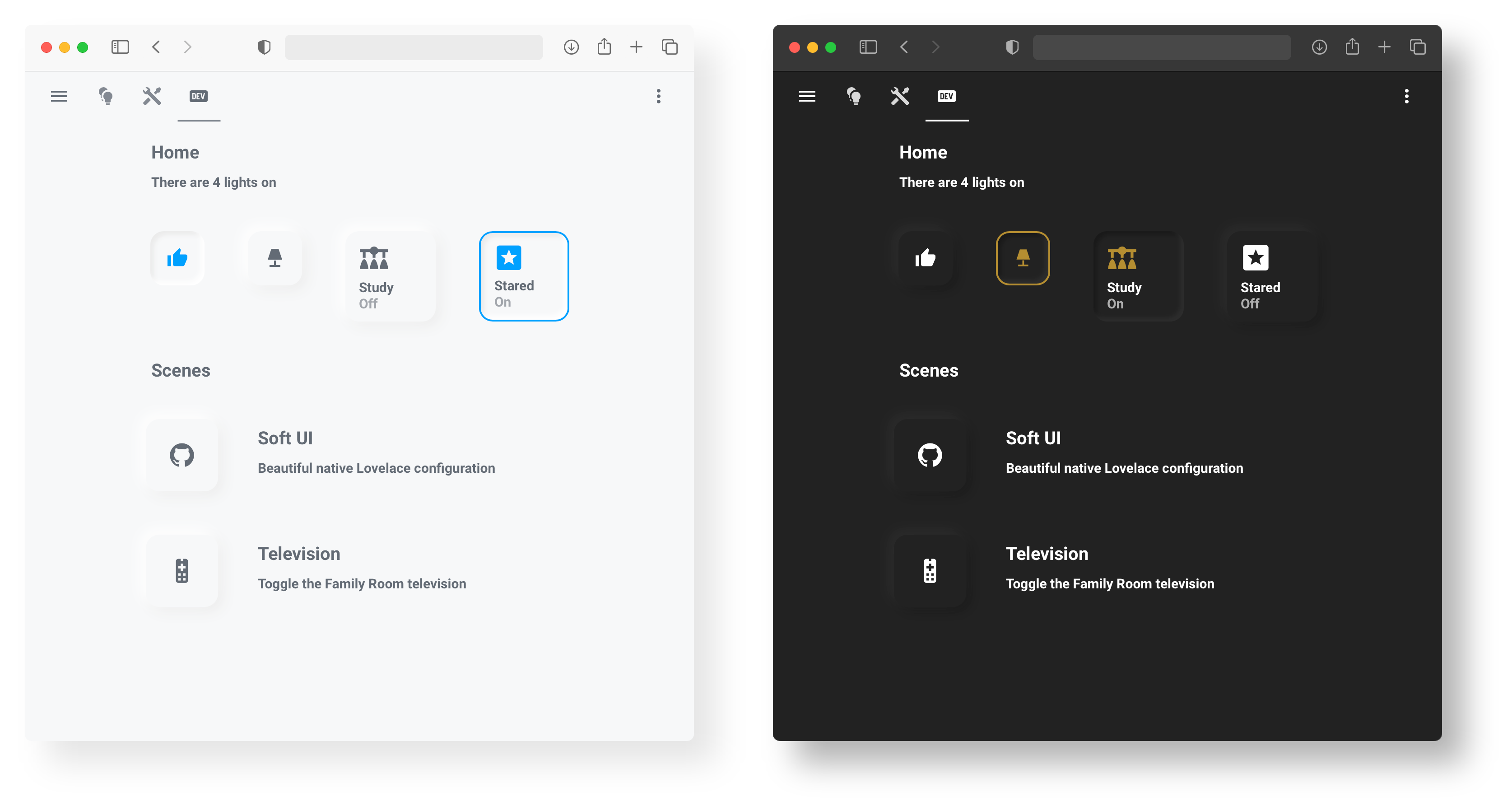
A neumorphic theme for Home Assistant Lovelace. Elegant soft shadows, light & dark modes, and a set of reusable card components.
Requires card-mod (install via HACS).
Add the soft UI styles to your theme YAML (config/themes/{theme_name}/{theme_name}.yaml) using one of two methods:
# Light
theme_name:
  card-mod-theme: theme_name
  card-mod-card: |
    ha-card {
      margin: 20px;
      border-radius: 15px;
      background-color: var(--primary-background-color);
      box-shadow: -5px -5px 15px #ffffff, 5px 5px 15px #ebebeb;
    }
  soft-ui-pressed: 'inset -4px -4px 5px #ffffff, inset 4px 4px 5px #ebebeb'
# Dark
theme_name:
  card-mod-theme: theme_name
  card-mod-card: |
    ha-card {
      margin: 20px;
      border-radius: 15px;
      background-color: var(--primary-background-color);
      box-shadow: -5px -5px 15px #2c2c2c, 5px 5px 15px #191919;
    }
  soft-ui-pressed: 'inset -4px -4px 5px #2c2c2c, inset 4px 4px 5px #191919'
soft-ui class# Light
theme_name:
card-mod-theme: theme_name
card-mod-card: |
ha-card.soft-ui {
margin: 20px;
border-radius: 15px;
background-color: var(--primary-background-color);
box-shadow: -5px -5px 15px #ffffff, 5px 5px 15px #ebebeb;
}
soft-ui-pressed: 'inset -4px -4px 5px #ffffff, inset 4px 4px 5px #ebebeb'
# Dark
theme_name:
  card-mod-theme: theme_name
  card-mod-card: |
    ha-card.soft-ui {
      margin: 20px;
      border-radius: 15px;
      background-color: var(--primary-background-color);
      box-shadow: -5px -5px 15px #2c2c2c, 5px 5px 15px #191919;
    }
  soft-ui-pressed: 'inset -4px -4px 5px #2c2c2c, inset 4px 4px 5px #191919'
Then reference the class in any card:
card_mod:
  class: soft-ui
Button cards require button-card. Add cards via the Manual card option in the Lovelace UI.
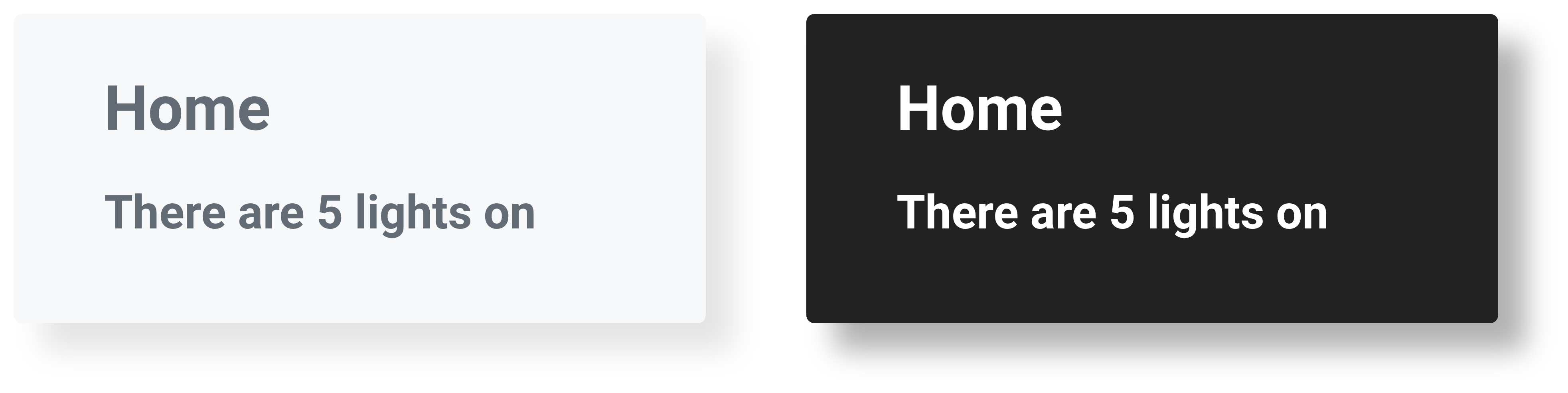
Heading (heading.yaml)

Heading & Subheading (heading_subheading.yaml)
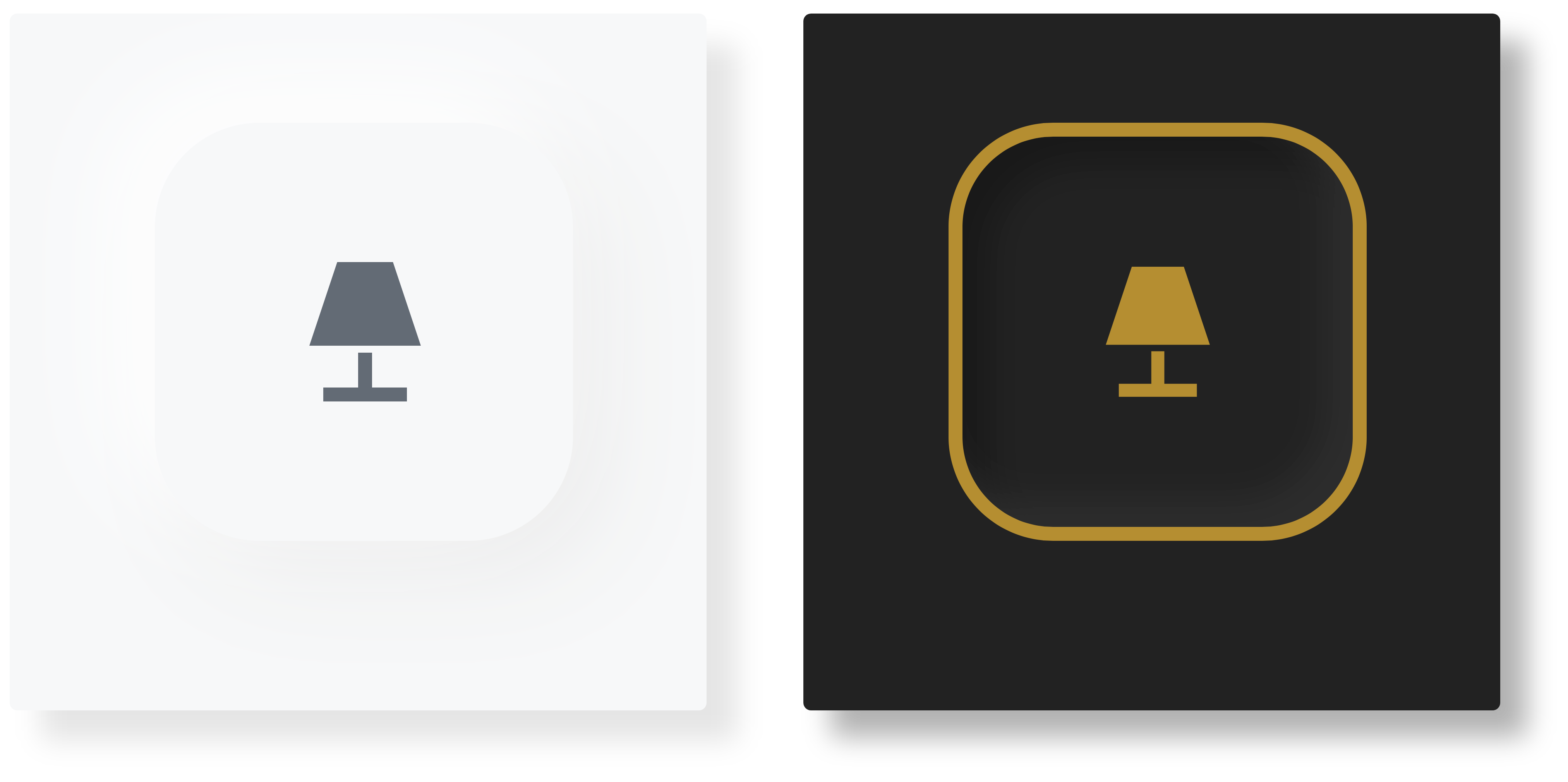
Button (button.yaml)

Button Border (button_border.yaml)
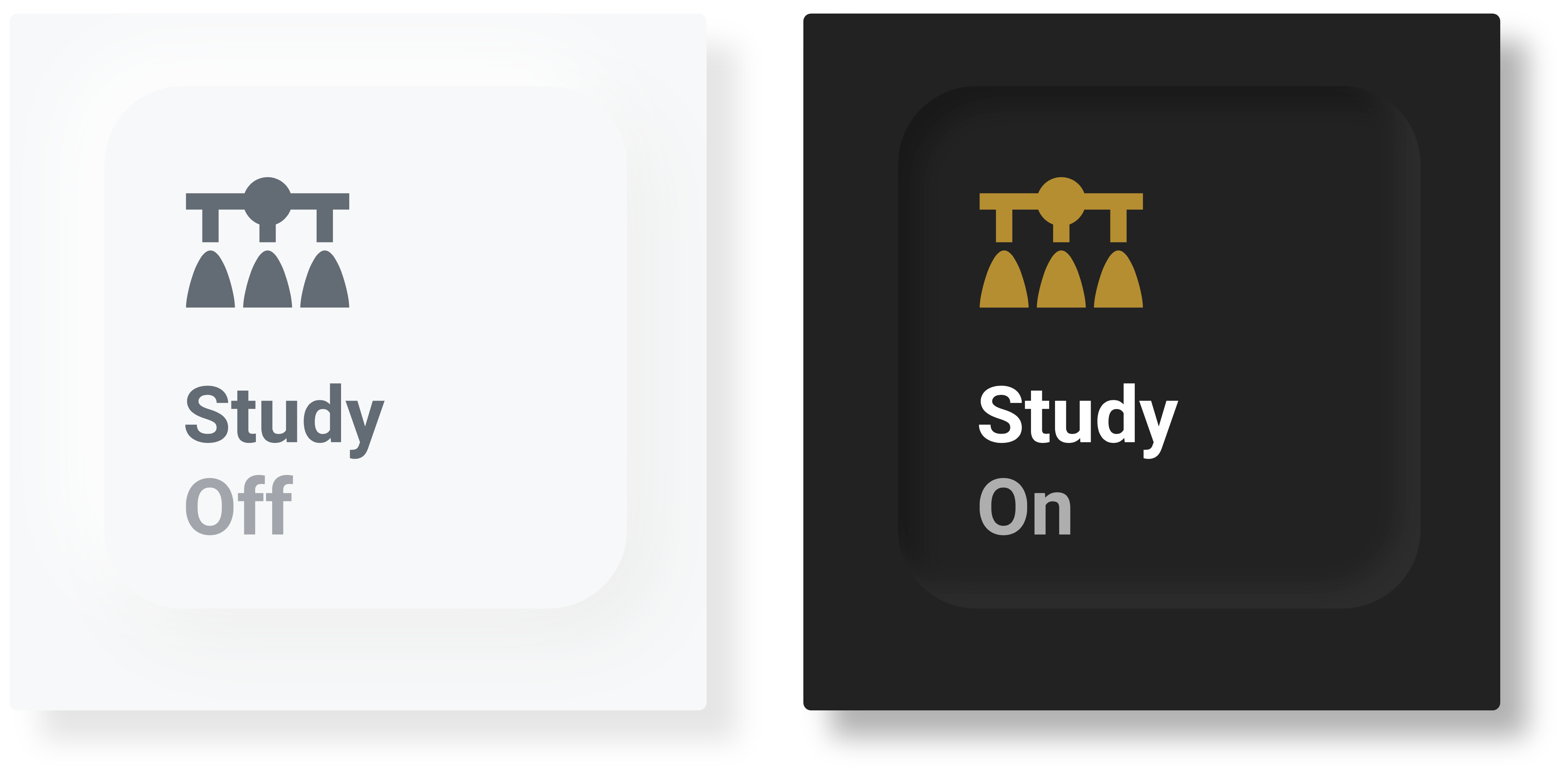
Button Text (button_text.yaml)
Button Border Text (button_border_text.yaml)
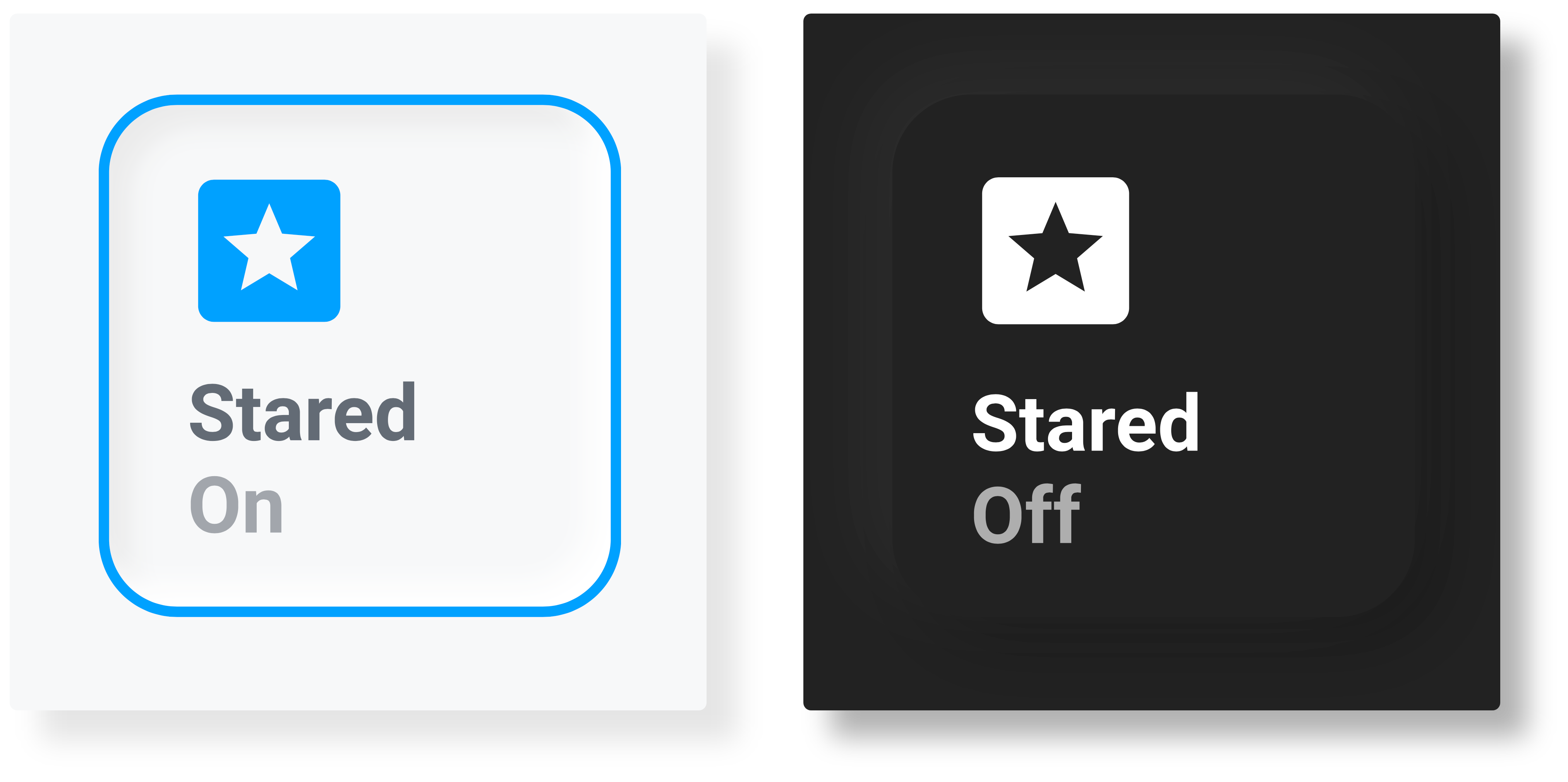
Button Description (button_description.yaml)
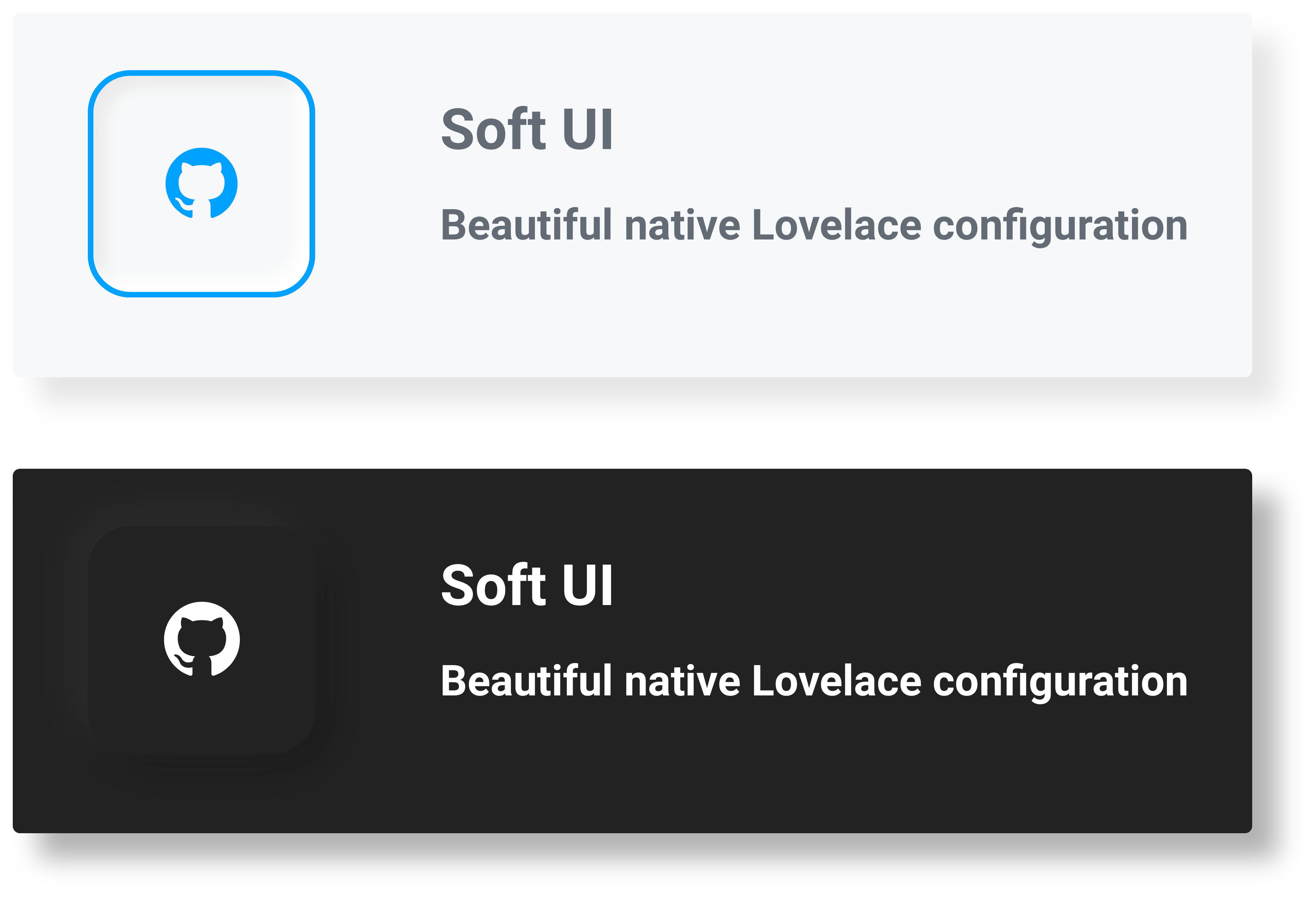
more like this
meine 🌒 - A CLI file manager and system utility built with Textual. It combines intuitive command parsing with rich t…
A specialized swipe card for todo lists in Home Assistant with custom styling
ESPHome Modbus TCP↔RTU Bridge – Transparent bridge for ESP8266/ESP32 that lets multiple Modbus TCP clients communicate…
search projects, people, and tags