


































agentlytics
Comprehensive analytics dashboard for AI coding agents — Cursor, Windsurf, Claude Code, VS Code Copilot, Zed, Antigravi…
JavaScript★ 555
A pixel desktop pet that watches Claude Code, Codex, Cursor & other AI coding agents — so you don't have to.
 rullerzhou-afk
git clone https://github.com/rullerzhou-afk/clawd-on-desk.gitrullerzhou-afk/clawd-on-desk
🌏 Don't see your language? Open a PR to add one — Español, Français, Deutsch, etc. all welcome.
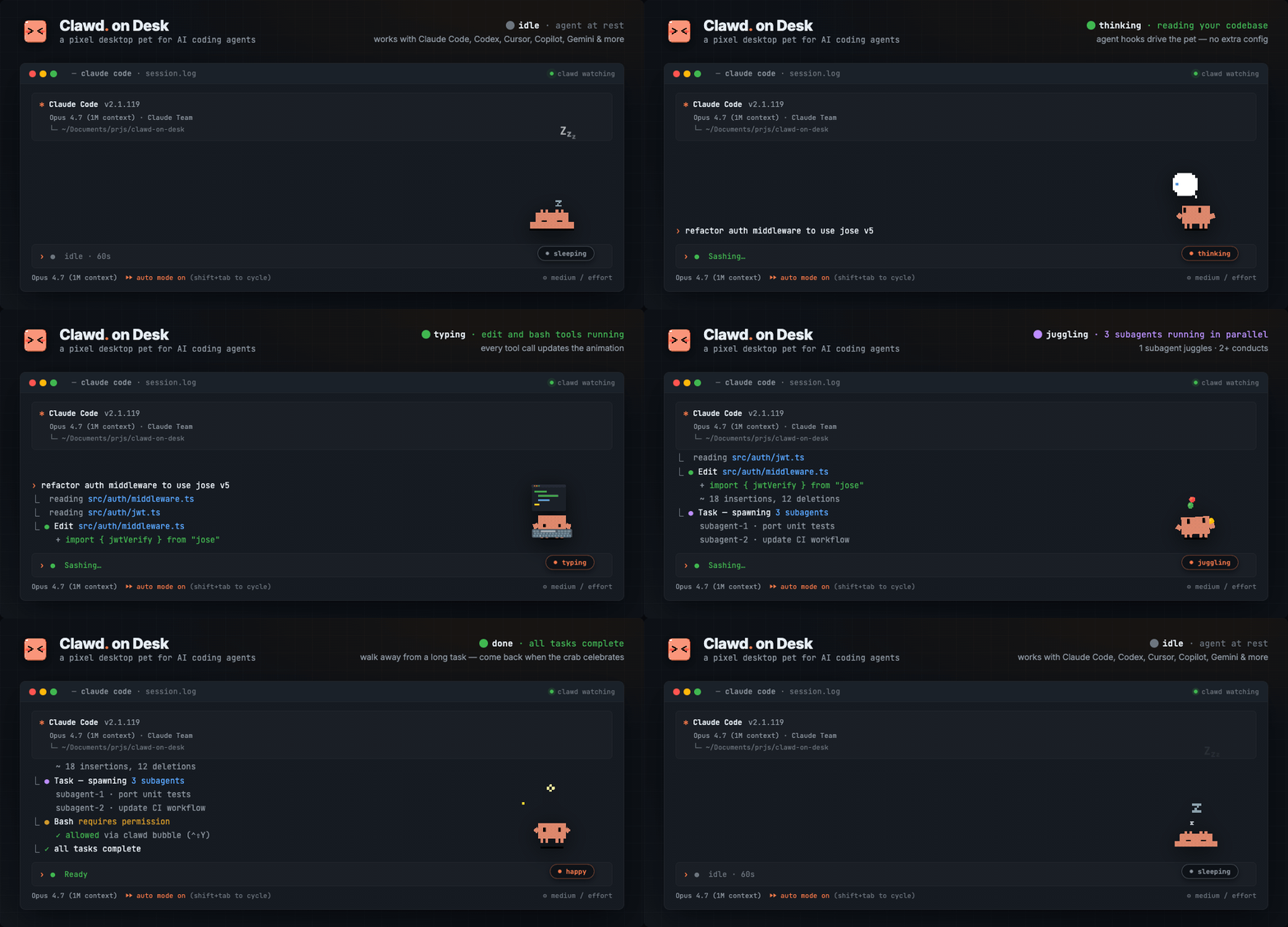
Clawd lives on your desktop and reacts to what your AI coding agent is doing — in real time. Start a long task, walk away, come back when the crab tells you it's done.
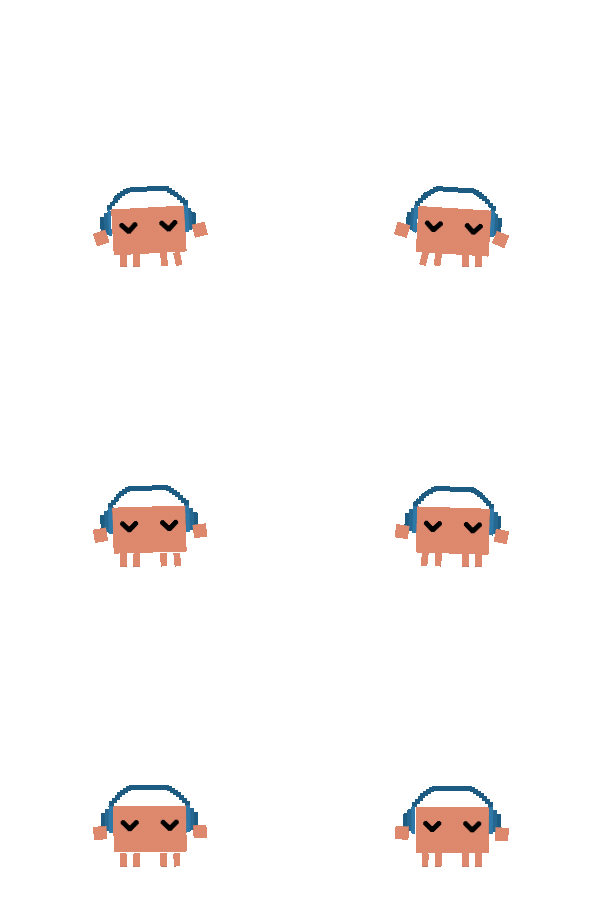
Thinking when you prompt, typing when tools run, grooving or juggling for subagents, reviewing permissions, celebrating when tasks complete, sleeping when you step away. Ships with three built-in themes: Clawd (pixel crab), Calico (三花猫), and Cloudling (云宝), with full support for custom themes and imported Codex Pet animation packs.
Supports Windows 11, macOS, and Ubuntu/Linux. Windows releases provide separate x64 and ARM64 installers. Source builds require Node.js. Works with Claude Code, Codex CLI, Copilot CLI, Gemini CLI, Antigravity CLI (agy), Cursor Agent, CodeBuddy, WorkBuddy, Kiro CLI, Kimi Code CLI (Kimi-CLI), Qwen Code, ZCode, CodeWhale, opencode, MiMo Code, Pi, OpenClaw, Hermes Agent, Qoder, QoderWork, and Reasonix CLI.
~/.codex/sessions/), auto-synced by default with real permission bubbles~/.copilot/hooks/hooks.json (install from Settings → Agents; see the Copilot guide for manual JSON fallback)~/.gemini/settings.json (install from Settings → Agents or run npm run install:gemini-hooks)~/.gemini/config/hooks.json (install from Settings → Agents or run npm run install:antigravity-hooks); state-only: Clawd never pops a permission bubble for agy. Every Allow / Deny / Always-allow choice happens in agy's own terminal menu~/.cursor/hooks.json (install from Settings → Agents or run npm run install:cursor-hooks)~/.codebuddy/settings.json (install from Settings → Agents or run node hooks/codebuddy-install.js)/state endpoint. Registration does not install hooks or make an arbitrary application report automatically; v1 is state-only and leaves permission decisions in the application's own UI. See the custom HTTP agent guide.~/.workbuddy-ai/settings.json (current) or ~/.workbuddy/settings.json (legacy; install from Settings → Agents or run node hooks/workbuddy-install.js). State + Notification only: the desktop app resolves permissions in its own native sandbox and GUI, so Clawd does not register a permission hook for it.~/.kiro/agents/, plus an auto-created clawd agent that is re-synced from Kiro's built-in kiro_default after you install the integration, so you can opt into hooks with minimal behavior drift via kiro-cli --agent clawd or /agent swap clawd. State hooks are verified on macOS and Windows.~/.kimi/config.toml ([[hooks]] entries) (install from Settings → Agents or run npm run install:kimi-hooks)~/.qwen/settings.json (install from Settings → Agents or run npm run install:qwen-hooks); state tracking and Qwen PermissionRequest desktop approval bubbles are supported~/.zcode/cli/config.json → hooks.events.* (install from Settings → Agents or run npm run install:zcode-hooks); Phase 1 drives session, prompt, tool, failure, and completion animations without intercepting ZCode permissions. Clawd preserves explicit global or per-hook enabled:false settings~/.codewhale/config.toml ([[hooks.hooks]] entries) (install from Settings → Agents or run npm run install:codewhale-hooks); Phase 1 drives idle, thinking, working, sleeping, error, attention, and sweeping animations only, without permission bubbles or subagent tracking<Reasonix home>/settings.json (~/.reasonix/settings.json on macOS/Linux, %APPDATA%\reasonix\settings.json on Windows; install from Settings → Agents or run npm run install:reasonix-hooks); Phase 1 drives lifecycle, tool, notification, compaction, and subagent-stop animations while leaving permission decisions in Reasonix's own terminal flow~/.config/opencode/opencode.json (install from Settings → Agents or run node hooks/opencode-install.js); zero-latency event streaming and permission bubbles with Allow/Always/Deny. Child sessions spawned by the task tool are headless and do not participate in the visible multi-session animation fanout~/.config/mimocode/mimocode.jsonc (install from Settings → Agents or run node hooks/mimocode-install.js); shares the same @mimo-ai/plugin SDK and permission behavior as opencode. Its task child sessions are likewise headless~/.pi/agent/extensions/clawd-on-desk (install from Settings → Agents or run npm run install:pi-extension); state-only interactive lifecycle and tool activity updates while preserving Pi's default YOLO behavior~/.openclaw/openclaw.json (install from Settings → Agents or run npm run install:openclaw-plugin; OpenClaw also needs an initialized config); local openclaw tui --local sessions drive Clawd animations, without permission bubbles or terminal focus in Phase 1npm run install:hermes-plugin); state, sessions, SessionEnd, and terminal focus are supported~/.qoder/settings.json (install from Settings → Agents or run npm run install:qoder-hooks); Phase 1 drives Clawd animations only — Qoder permission prompts are observed as notifications, and every Allow / Deny choice stays in Qoder's own flow~/.qoderwork/settings.json (install from Settings → Agents or run npm run install:qoderwork-hooks); Phase 1 drives Clawd animations and the Session HUD — QoderWork permission events are observed silently as part of the working flow, and every Allow / Deny choice stays in QoderWork's own flowSettings… → Theme; Clawd adapts their atlas animations into managed themesAlways actions when the source agent supports themCtrl+Shift+Y to Allow, Ctrl+Shift+N to Deny the latest permission bubble (only registered while bubbles are visible)Settings… → Agents, pick an agent, and turn off Show pop-up bubbles to keep prompts in that agent's own terminal/TUIOpen Dashboard to inspect live sessions, recent events, aliases, and jump to a terminal; a compact HUD near Clawd keeps current live sessions visiblerate_limits payload; it does not make an additional request to Anthropic. See the data-flow and ownership notes.Settings… → Mobile / PWA and open the pairing URL on your phone; the Clawd Mobile web app shows your agent sessions and their live states in real timeThe mobile companion line — from the first prototype to token rotation — is built and led by core contributor @Bynlk, who also maintains clawd-on-mobile, a sister fork with a native Android app.
git pull + restart when running from a cloned repo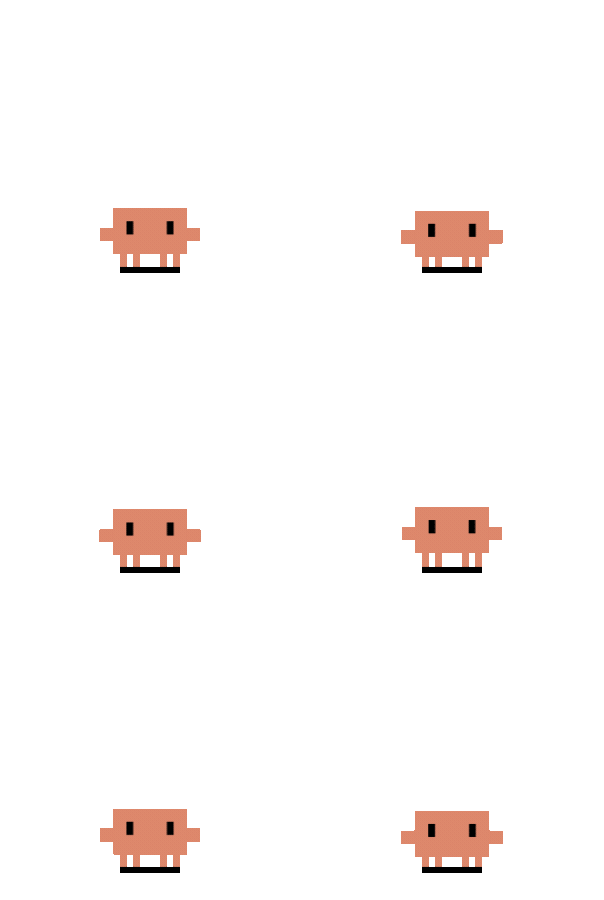 Idle |
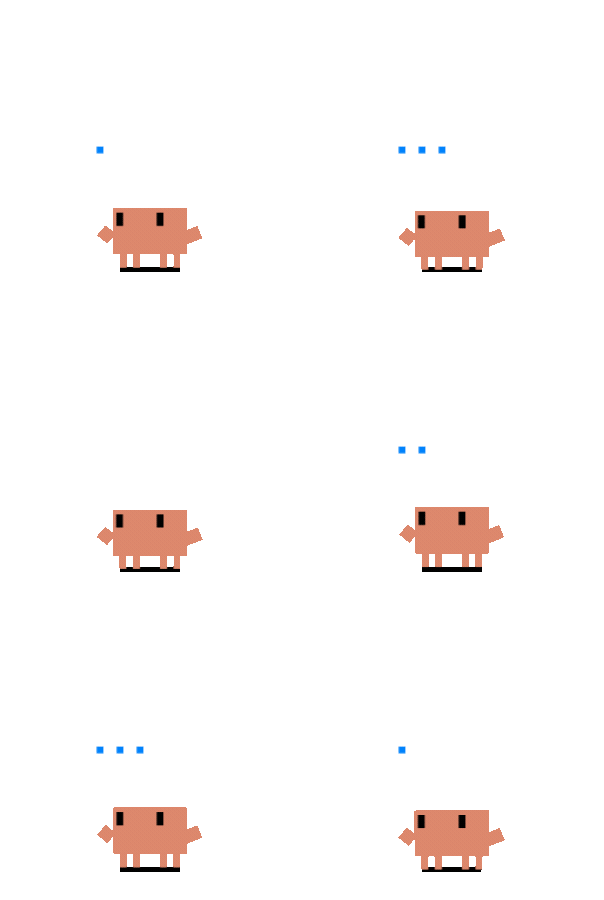 Thought Bubble |
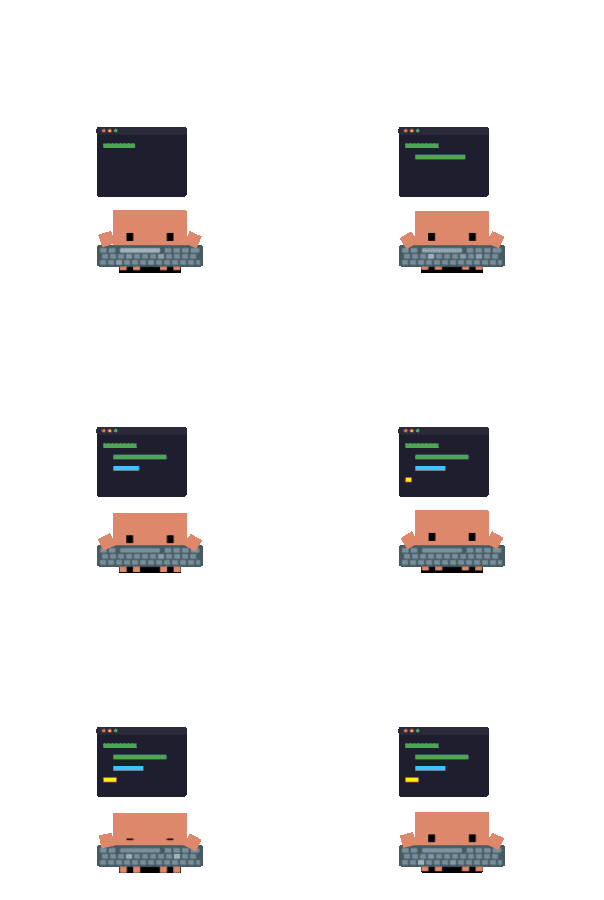 Typing |
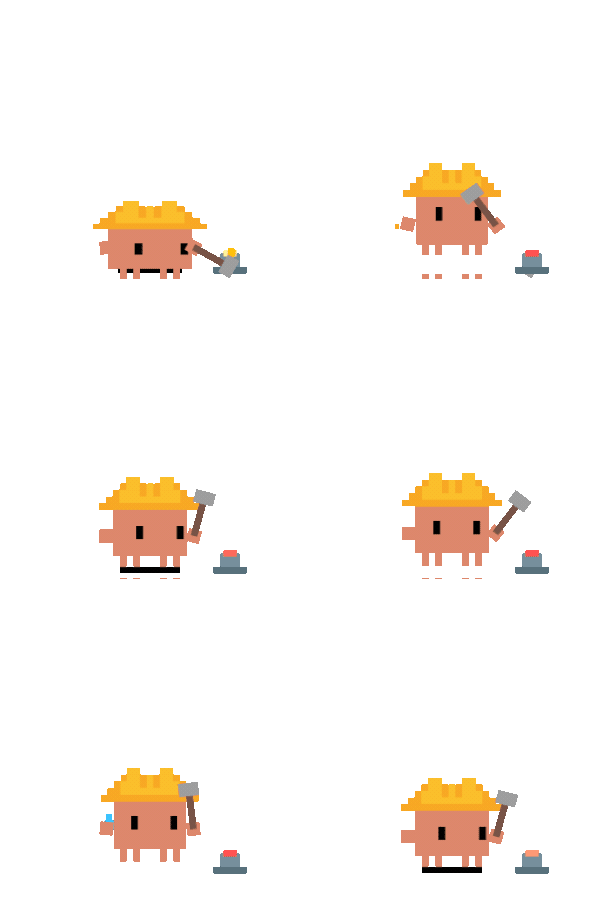 Building |
 1 Subagent |
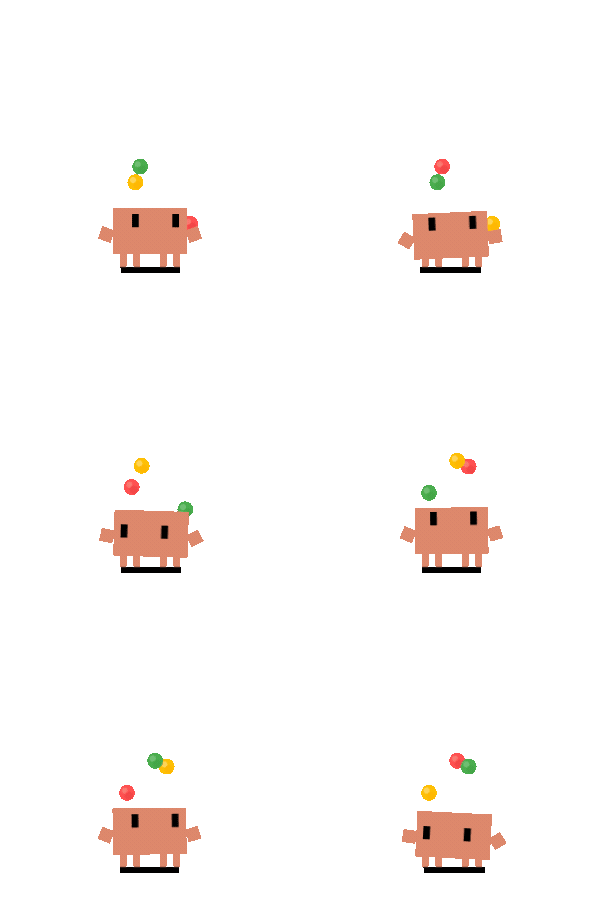 2+ Subagents |
 Calico Idle |
 Calico Thinking |
 Calico Typing |
 Calico Building |
 Calico Juggling |
 Calico Conducting |
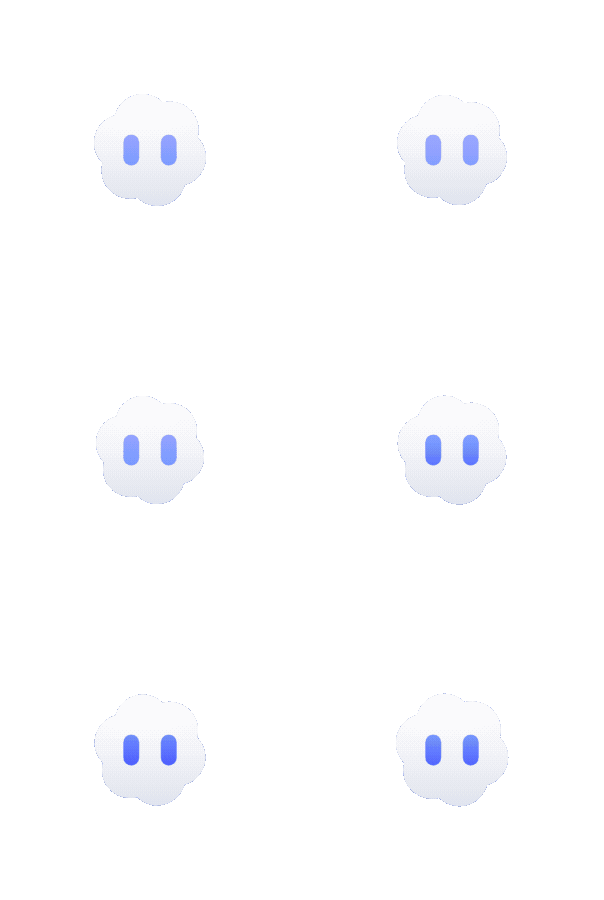 Cloudling Idle |
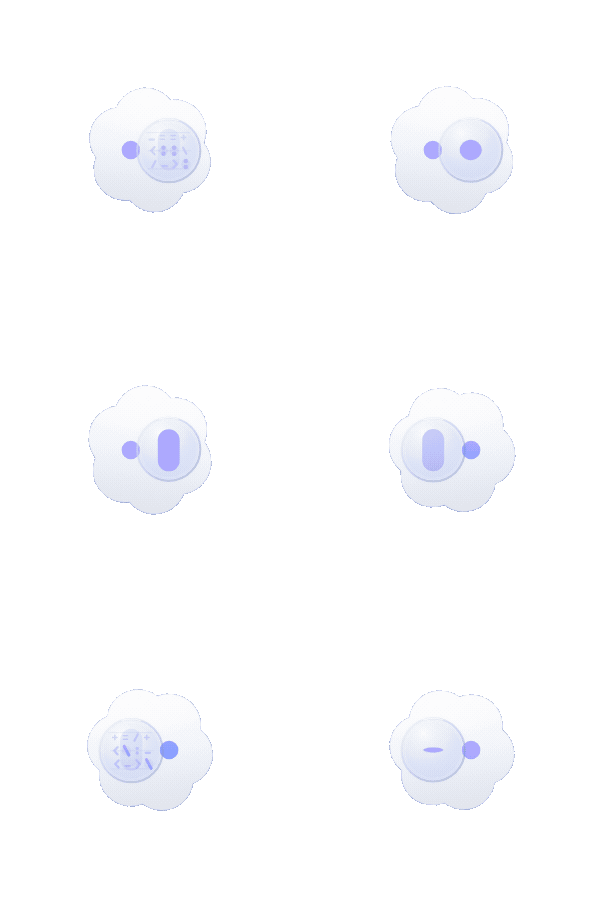 Cloudling Thinking |
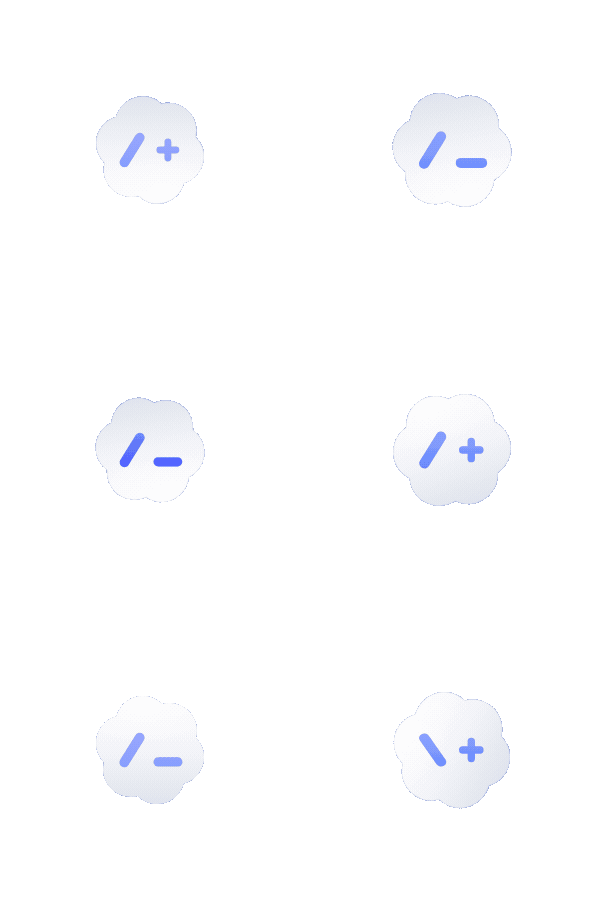 Cloudling Typing |
 Cloudling Building |
 Cloudling Juggling |
 Cloudling Conducting |
Full event-to-state mapping, mini mode, and click reactions: docs/guides/state-mapping.md
Clawd adapts to multi-monitor setups: proportional sizing uses the display Clawd launches on, portrait monitors get a bounded boost so the pet stays readable on tall narrow screens, and you can drag Clawd across displays.
Want to see the real multi-monitor behavior? Watch the demo video in this repository.
For normal use, download the latest prebuilt installer from GitHub Releases:
Clawd-on-Desk-Setup-<version>-x64.exe or Clawd-on-Desk-Setup-<version>-arm64.exe.dmg.AppImage or .debLaunch Clawd after installing it. Fresh installs auto-sync Claude Code and Codex only; install other local agent integrations from Settings → Agents when you need them.
Run from source only if you're contributing, testing unreleased code, or debugging integrations. Source installs download Electron/build tooling and can create a large node_modules tree.
# Clone the repo
git clone https://github.com/rullerzhou-afk/clawd-on-desk.git
cd clawd-on-desk

# Install dependencies
npm install

# Start Clawd (auto-registers Claude Code and Codex hooks on launch)
npm start
Claude Code and Codex CLI work out of the box with auto-registered hooks. For Copilot CLI, Gemini CLI, Antigravity CLI (agy), Cursor Agent, CodeBuddy, WorkBuddy, Kiro CLI, Kimi Code CLI (Kimi-CLI), Qwen Code, ZCode, CodeWhale, opencode, MiMo Code, Pi, OpenClaw, Hermes Agent, Qoder, QoderWork, and Reasonix CLI, install the integration from Settings → Agents first; Clawd then keeps it synced while it remains enabled. Also covers remote SSH, WSL, and platform-specific notes (macOS / Linux): docs/guides/setup-guide.md
Want to run Claude Code / Codex CLI on a remote server and surface state plus permission bubbles in your local Clawd? Use the in-app Settings → Remote SSH → Deploy / Repair Hooks. Full walkthrough, shared-server isolation boundary, Doctor boundary, and FAQ: docs/guides/guide-remote-ssh.md
For the official Codex + WSL status, Clawd's current implementation boundary, and why this is easy to misread, see: docs/guides/codex-wsl-clarification.md
Some agents have feature gaps (no permission bubble, polling latency, no terminal focus). See the full table: docs/guides/known-limitations.md
Clawd supports custom themes — replace the default crab with your own character and animations. If you already have a Codex Pet package, import its zip from Settings… → Theme → Import pet zip; Clawd turns the atlas into a managed theme automatically.
Quick start:
node scripts/create-theme.js my-theme
# or
npm run create-theme -- my-theme
No argument also works: it creates the next available
my-theme scaffold in your user themes directory.theme.json and create your assets (SVG, GIF, APNG, WebP, PNG, JPG, or JPEG)Settings… → Theme → select your themeMinimum viable theme: 1 SVG (idle with eye tracking) + 7 GIF/APNG files (thinking, working, error, happy, notification, sleeping, waking). Eye tracking can be disabled to use any format for all states.
Validate your theme before distributing:
node scripts/validate-theme.js path/to/your-theme
Theme cards in Settings… → Theme now expose capability badges such as Tracked idle, Static theme, Mini, Direct sleep, and No reactions, so users can tell what a theme supports before switching.
See docs/guides/guide-theme-creation.md for the full creation guide with tiered paths (beginner → advanced), theme.json field reference, and asset guidelines.
Third-party SVG files are automatically sanitized for security.
Some things we'd like to explore in the future:
codex.exe PIDClawd on Desk is a community-driven project. Bug reports, feature ideas, and pull requests are all welcome — open an issue to discuss or submit a PR directly.
 @rullerzhou-afk 鹿鹿 · creator |
 @YOIMIYA66 maintainer |
 @Bynlk core contributor · Mobile / PWA |
Thanks to everyone who has helped make Clawd better:
Source code is licensed under the GNU Affero General Public License v3.0 (AGPL-3.0).
Artwork and bundled theme assets (including assets/ and themes/*/assets/) are NOT covered by AGPL-3.0. All rights reserved by their respective copyright holders. See assets/LICENSE and the notices below for details.
No cryptocurrency. This project has no token, coin, NFT, or airdrop, and is not affiliated with any cryptocurrency project.
more like this
Comprehensive analytics dashboard for AI coding agents — Cursor, Windsurf, Claude Code, VS Code Copilot, Zed, Antigravi…
TachiSnap — Pixel Snapper for animation pixel artists. Rust + WebAssembly client-side tool for cleaning up AI-generated…
search projects, people, and tags