meine
meine 🌒 - A CLI file manager and system utility built with Textual. It combines intuitive command parsing with rich t…
Python★ 50
A privacy-focused, intelligent security camera system.
 scottbarnesg
git clone https://github.com/scottbarnesg/smart-sec-cam.gitscottbarnesg/smart-sec-camA privacy-focused, intelligent security camera system.
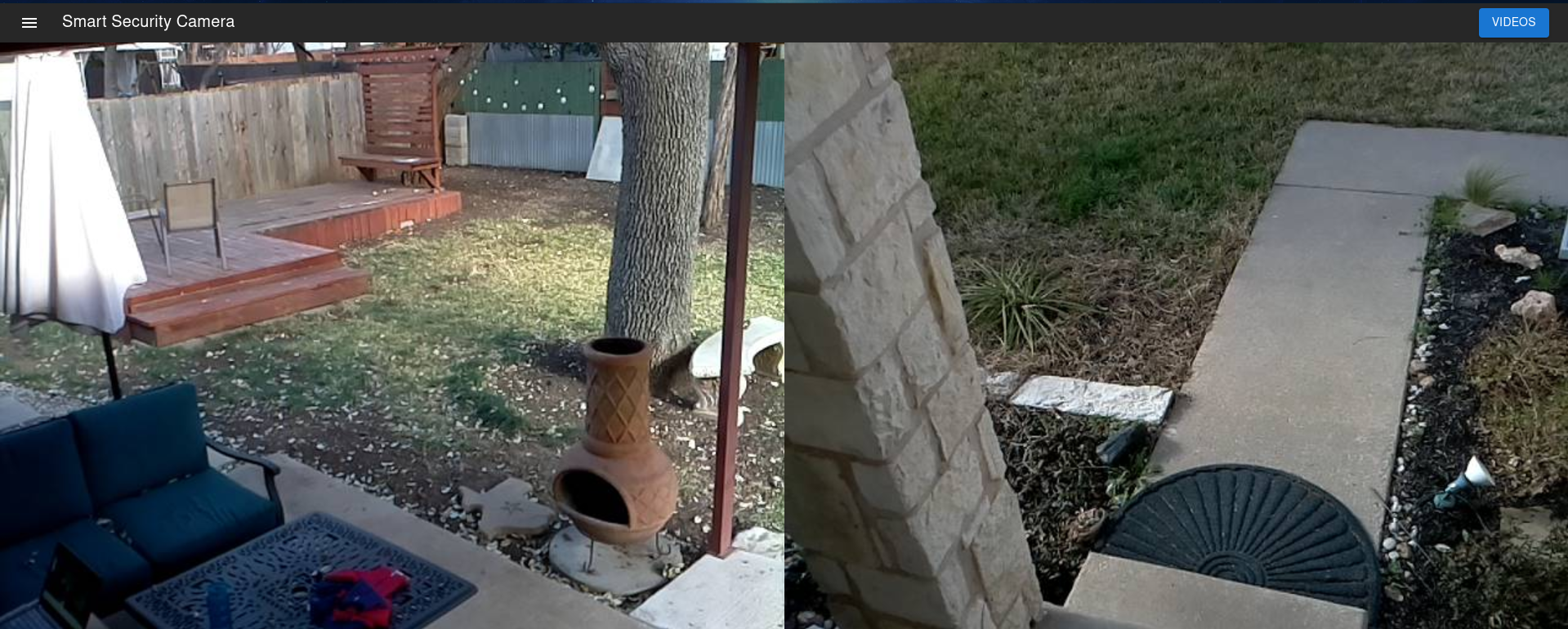
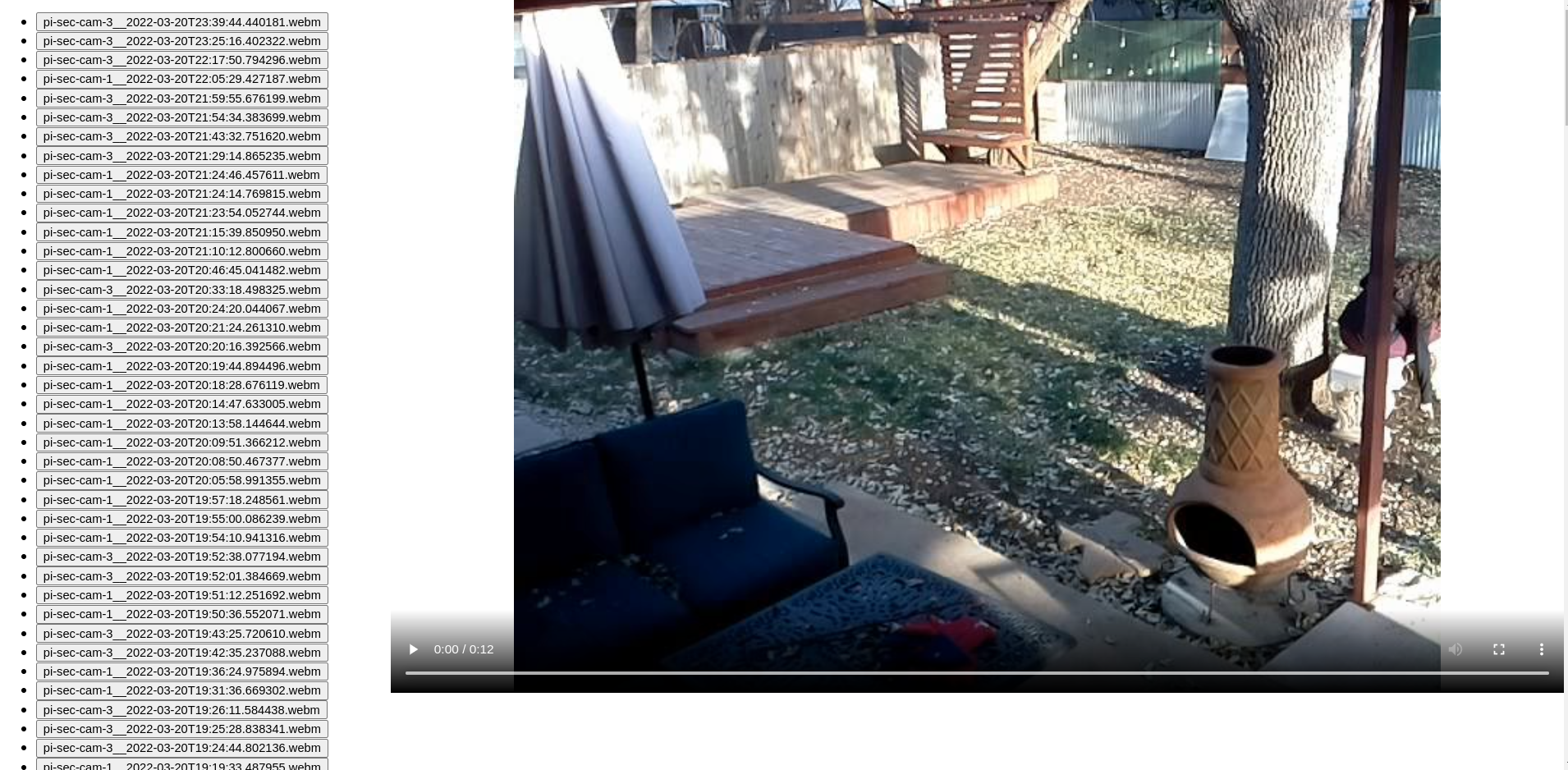
Sec-cam-server is designed to be deployed flexibly. There are 2 core components:
A device capable of capturing video and streaming to the server. Requirements:
The server components aggregates feeds from the cameras, performs motion detection, and makes video available in a web UI via an API. The server can be a standalone host, or can run on one of your cameras (e.g. a Raspberry Pi). Requirements:
Example 1: A standalone server, with the hostname sec-cam-server.local, and 2 cameras, with hostnames camera1.local and
camera2.local.
sec-cam-server.local, follow the instructions in "Setting up the server". Replace <server-hostname:server-port> with
sec-cam-server.local:8443.run.sh should be updated to contain
--server_url sec-cam-server.local.https://sec-cam-server.local:8443Example 2: 2 cameras with hostnames camera1.local and camera2.local, with the "server" running camera1.local
camera1.local, follow the steps to install the server.camera1.local, follow the steps to install the in "Adding a camera". In Step 3, run.sh should be updated to contain
--server_url localhost.camera2.local, follow the steps to install the in "Adding a camera". In Step 3, run.sh should be updated to contain
--server_url camera1.local.https://camera1.local:8443./create-certs.sh. Alternatively, you may place your own certs in the certs dirdocker-compose pull API_URL=<server-hostname:server-port> docker-compose up -d
For example, if the server was running on the host sec-cam-server and port 8443 (the default), you should use
API_URL=sec-cam-server:8443.
5. You should now be able to view the UI at https://<server-hostname>:8443.
6. Until a user is created, you will be automatically redirected to
By default, user registration will be disabled once an initial user is created. To enable registration to add
additional users, update the environment variable ENABLE_REGISTRATION under the server service:
- ENABLE_REGISTRATION=1
When you're done adding users, you should re-set this value to 0 and restart the server.
NOTE: These instructions assume you are deploying to a Debian-based OS.
sudo apt install python3-opencv libatlas-base-dev
a. If you are installing on a Raspberry Pi using a Pi Camera module, also run sudo apt install python3-picamera2.python -m venv .venv --system-site-packages. You can activate this virtual environment with source .venv/bin/activate.cd backend && python3 -m pip install .[streamer].--server_url in run.sh to point at the host you deployed the server to.cd scripts && ./create-streamer-service.sh./run.sh.more like this
meine 🌒 - A CLI file manager and system utility built with Textual. It combines intuitive command parsing with rich t…
Create and add progress bars, Office365 Files and Dropbox Paper papers by labels and link them to your Todoist tasks.
search projects, people, and tags