TachiSnap
TachiSnap — Pixel Snapper for animation pixel artists. Rust + WebAssembly client-side tool for cleaning up AI-generated…
HTML★ 50
This is an unofficial tool that can be used as a plugin in Godot to speed up the process of creating animations for the…
 sempitern0
git clone https://github.com/sempitern0/character-generator-importer-tool.gitsempitern0/character-generator-importer-tool
Speed up the process of creating animations from the character generator 2.0
·
Report Bug
·
Request Features
addons/ninetailsrabbit.character-generator-importer-tool folder into your /addons folder within the Godot projectProject > Project Settings > PluginsTo better understand what branch to choose from for which Godot version, please refer to this table:
| Godot Version | Character generator importer tool Branch | Character generator importer toolVersion |
|---|---|---|
4.3 |
1.x |
|
main |
1.x |
This is an unofficial tool that can be used as a plugin in Godot to speed up the process of creating animations for the character generator included in this asset https://limezu.itch.io/moderninteriors.
There is no examples of spritesheet in the repository as it is a paid tool but the process is very simple I promise
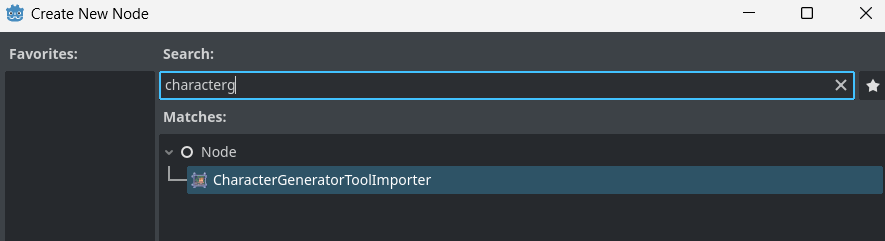
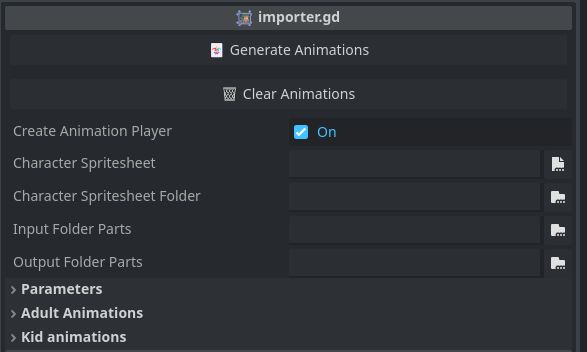
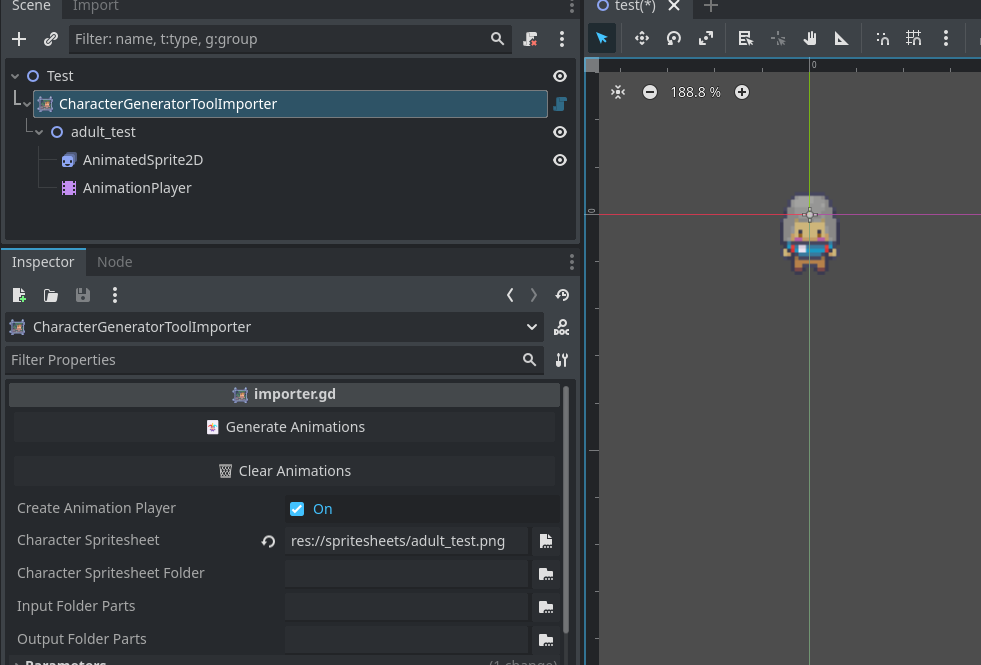
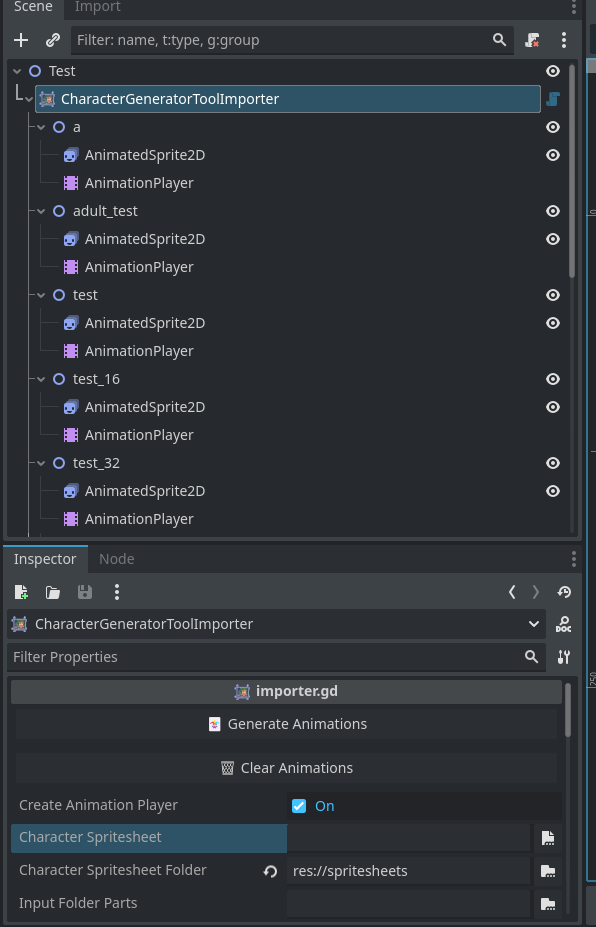
Generate animations: Tool button to start the generation of AnimatedSprite2D from the spritesheetsClear animations: Clear the animations generated in the scene treeCreate animation player: When active creates an AnimationPlayer node for each AnimatedSprite2D, needed if you want to use them later in an AnimationTree.Character spritesheet: Select an individual character spritesheet .png to import from your projectCharacter spritesheet folder: Select a folder to import all the character spritesheets insideInput folder parts: The folder where all the individual spritesheet parts to import are, animation frames will be generated as resources.Output folder parts: The folder where to generate the output animation frames created from the spritesheets found at input_folder_parts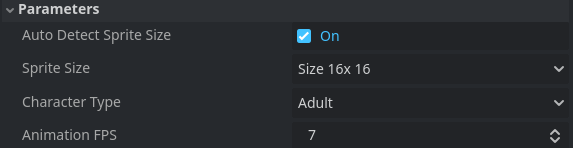
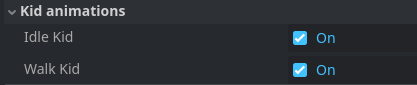
Auto detect sprite size: The tool auto detect the sprite size and character type (Adult, Kid) to create the frames correctlySprite Size (not used if auto is active) The character generator tool gives you an option to save the spritesheets into 16x16, 32x32 or 48x48. Set that value here if you already know the size beforehandCharacter type (not used if auto is active) The type of spritesheet to import Adult or KidAnimation FPS: The animation fps value for the generated AnimatedSprite2D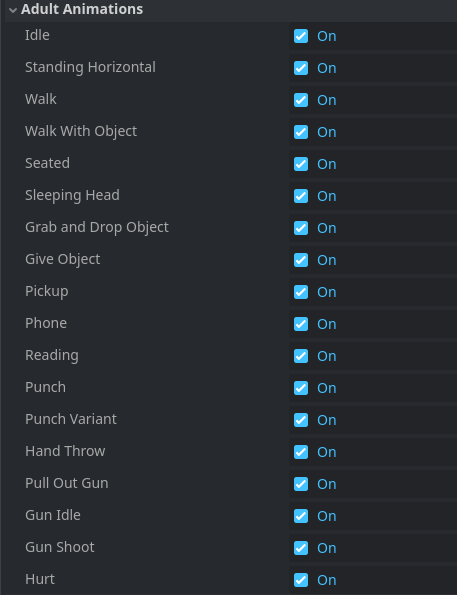
Individual spritesheet
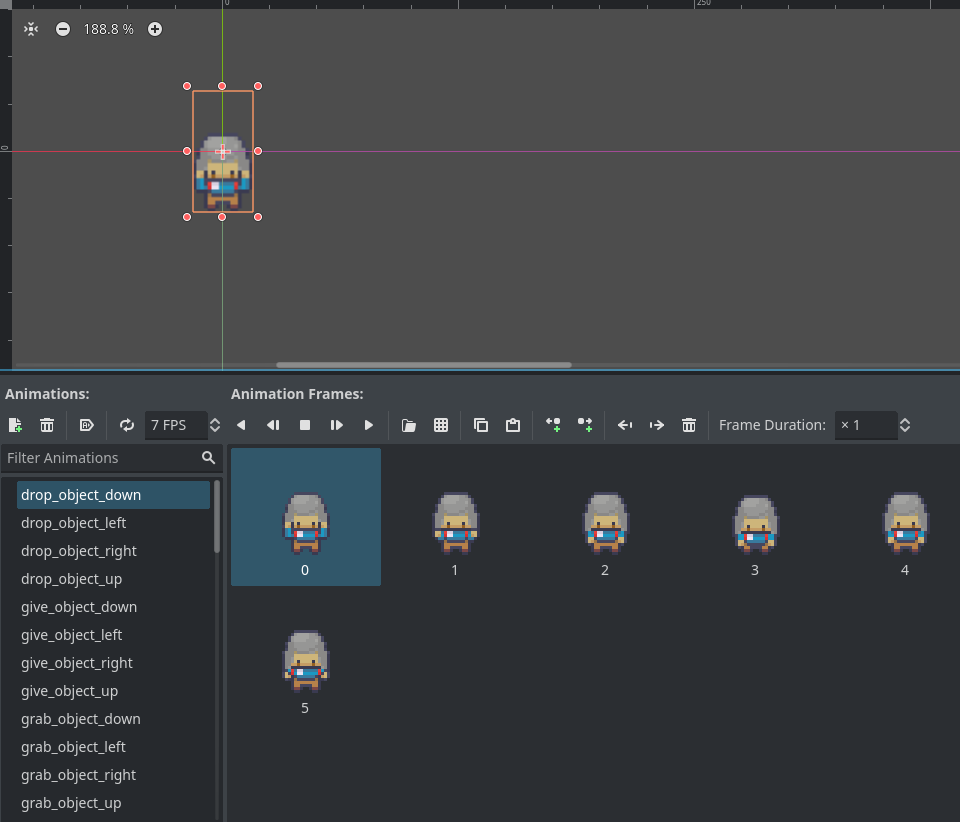
Spritesheet folder
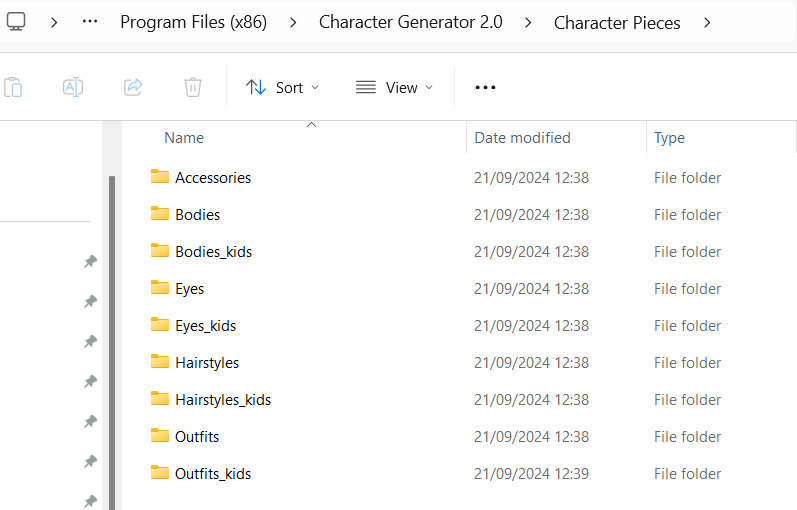
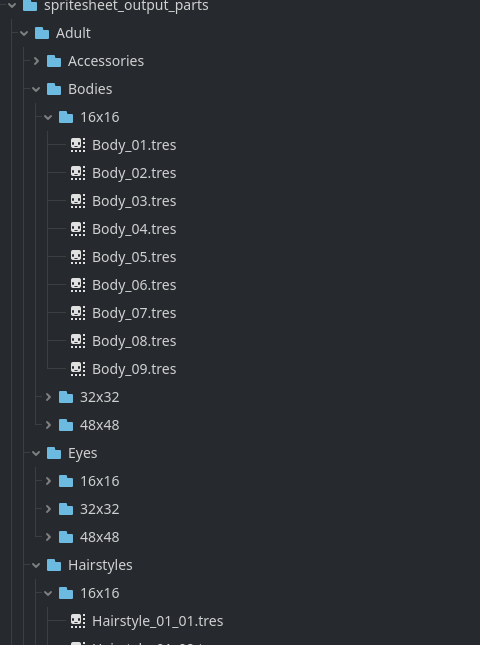
The character generator tool saves all the spritesheet as separated body parts on the path:
C:\Program Files (x86)\Character Generator 2.0\Character Pieces
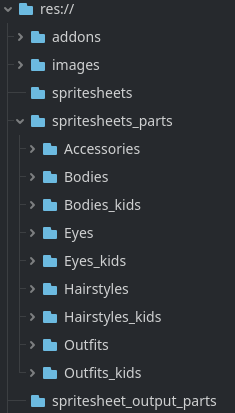
Set in the CharacterGeneratorImporterTool the property input_folder_parts with a folder that exists in your Godot project and then copy all the character pieces folders (or only the parts you want) into it.
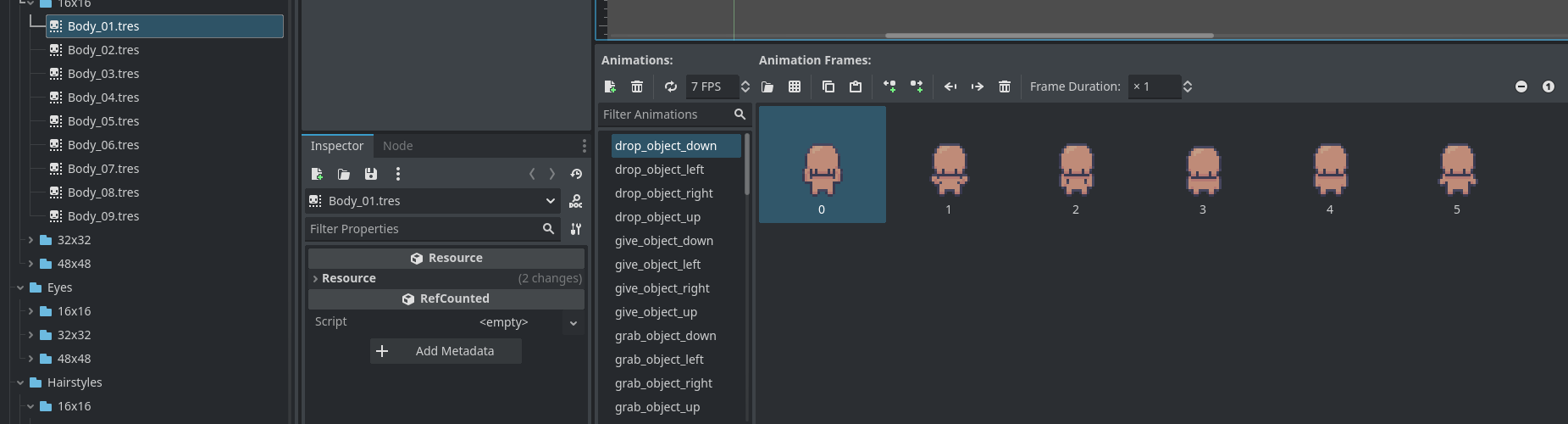
Set in the CharacterGeneratorImporterTool the property output_folder_parts with a folder that exists in your Godot project to generate the parts as animation frame resources
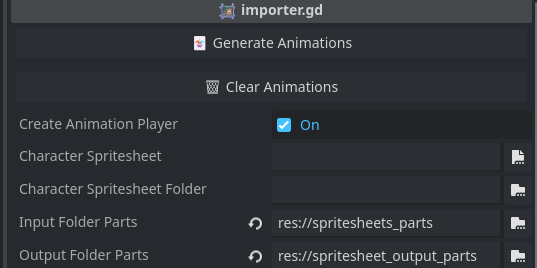
Click the Generate Animations button, this could take few seconds even using multiple threads so be patient if the editor freeze up for a moment.
⚠️ If you get an error when generate animations, you may have to restart the editor after importing all the parts ⚠️
more like this
TachiSnap — Pixel Snapper for animation pixel artists. Rust + WebAssembly client-side tool for cleaning up AI-generated…
search projects, people, and tags