perplexity-cli
🧠 A simple command-line client for the Perplexity API. Ask questions and receive answers directly from the terminal! 🚀🚀🚀
Python★ 176
JetBrains' IDEA/PhpStorm/PyCharm/DataGrip/GoLand/… theme inspired by the GitHub syntax highlighting style (version 3)
 sergeymakinen
git clone https://github.com/sergeymakinen/jetbrains-github-theme.gitsergeymakinen/jetbrains-github-themeJetBrains' IDEA/PhpStorm/PyCharm/DataGrip/GoLand/… theme inspired by the GitHub syntax highlighting style (version 3, early 2020).
Tested with:
Shameless rip-off from this document.
Copy GitHub 3.icls to your preferences directory:
<SYSTEM DRIVE>\Users\<USER ACCOUNT NAME>\.<PRODUCT><VERSION>\colors
<SYSTEM DRIVE>\Documents and Settings\<USER ACCOUNT NAME>\.<PRODUCT><VERSION>\colors
Product directory starting with dot can be found in your user home directory, the pattern is:
~/.<PRODUCT><VERSION>/colors
~/Library/Preferences/<PRODUCT><VERSION>/colors
PRODUCT valuesIntelliJIdea (IntelliJ IDEA Ultimate Edition)IdeaIC (IntelliJ IDEA Community Edition)RubyMineWebIde (PhpStorm versions before 2016.1 and WebStorm before 7.0 use this common directory)PhpStorm (PhpStorm starting from 2016.1 version)WebStorm (WebStorm starting from 7.0 version)PyCharmAppCodeCLionDataGripAndroidStudioRestart your product.
Go to Preferences, choose Editor > Color Scheme and select GitHub 3.
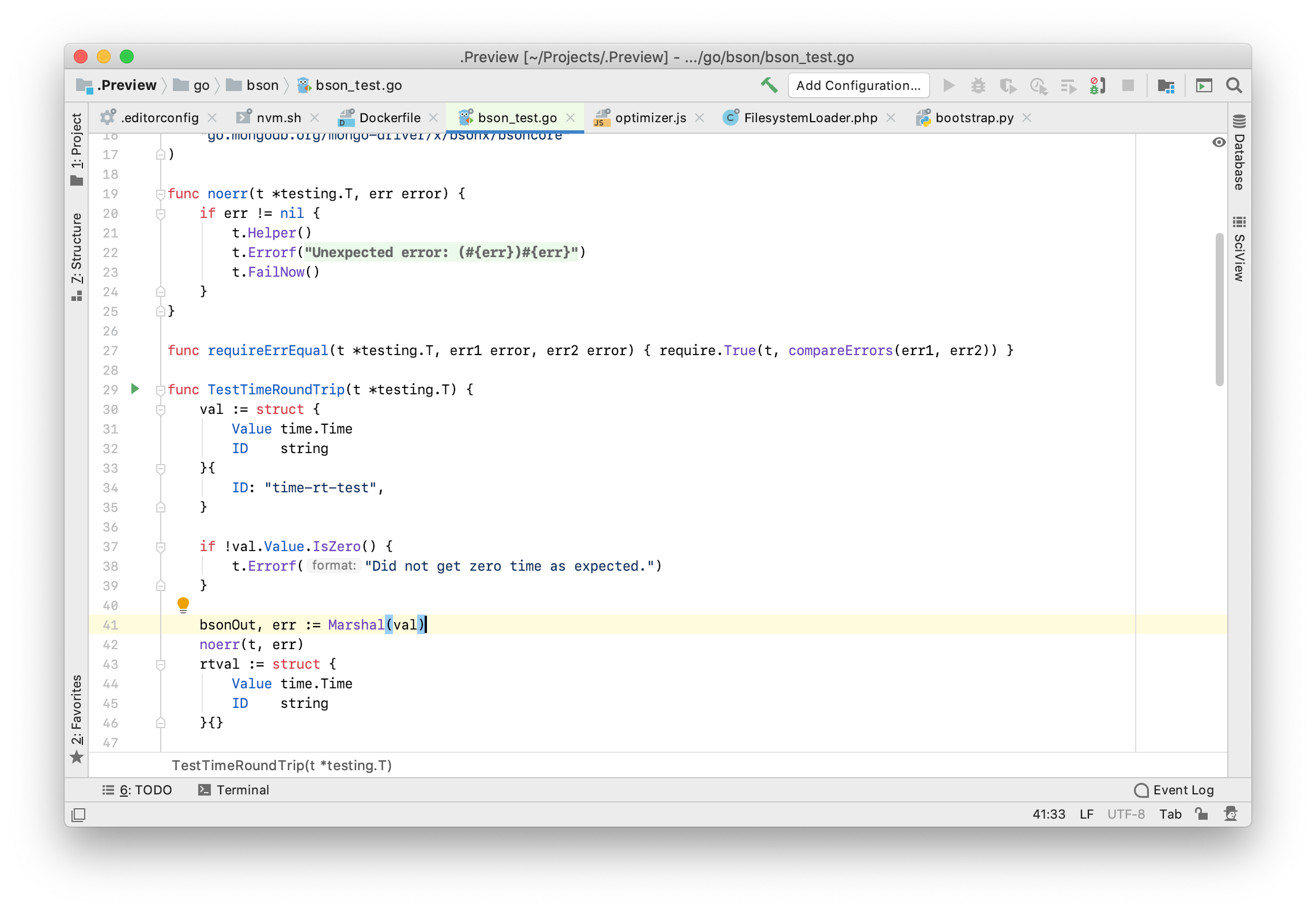
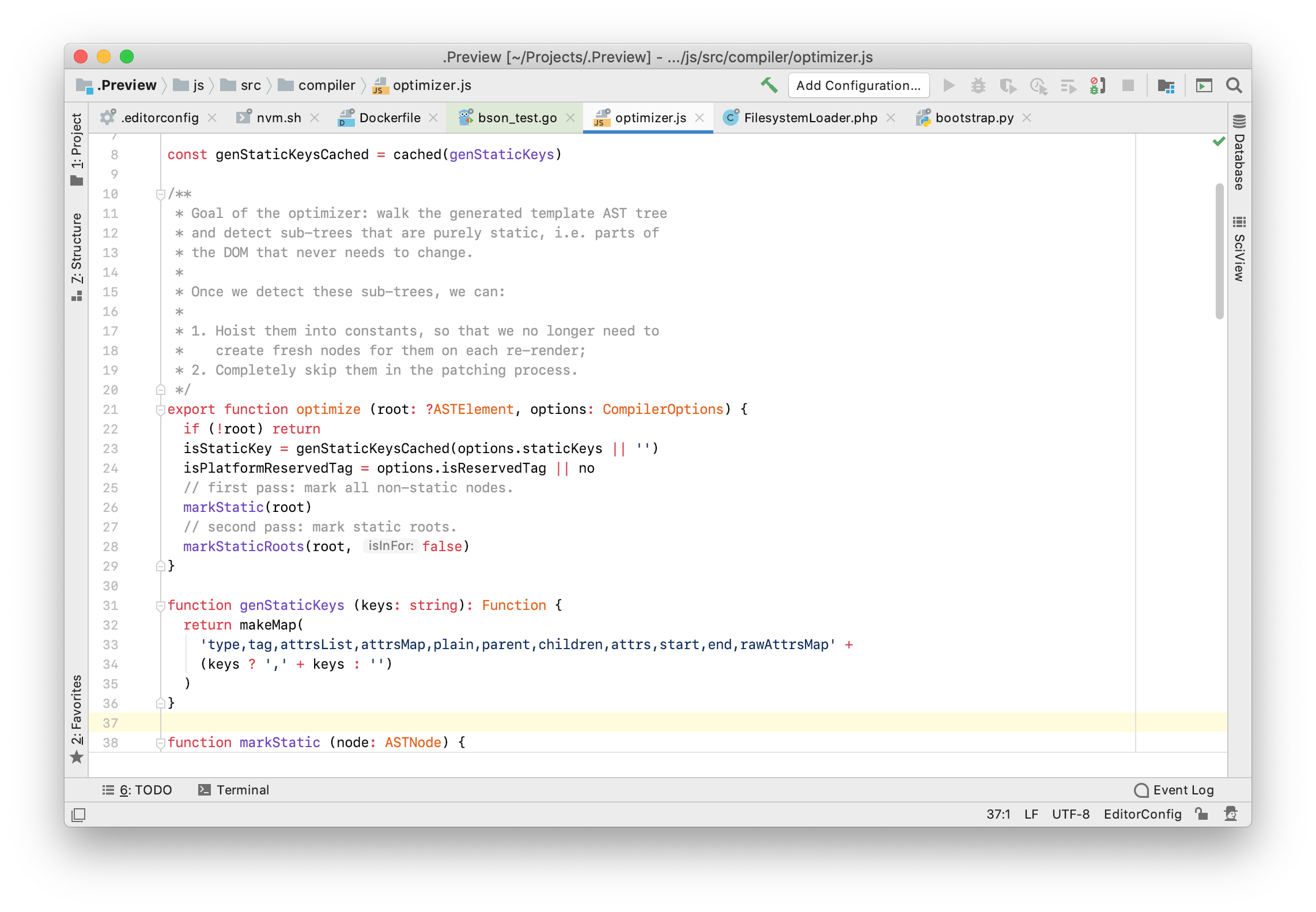
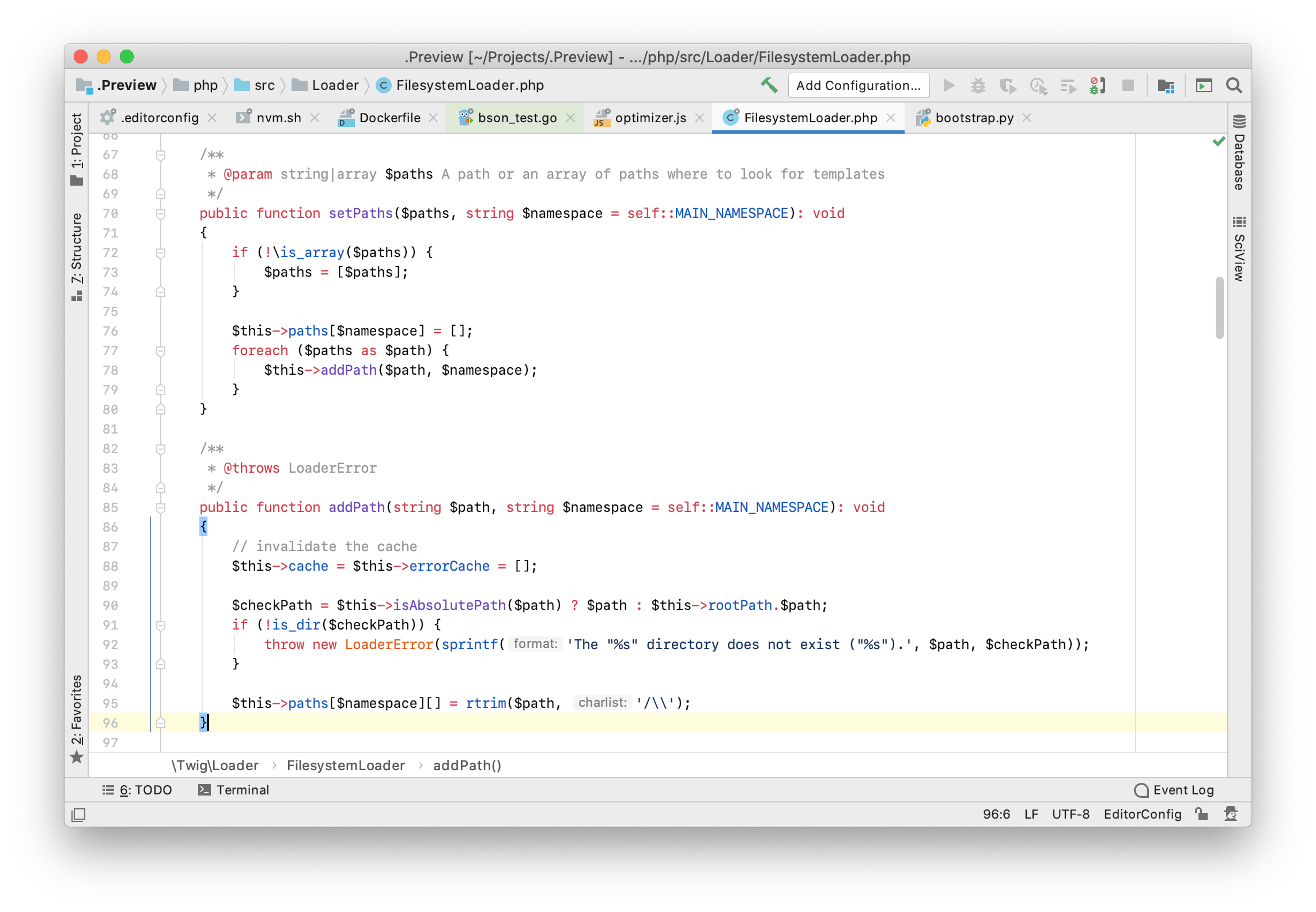
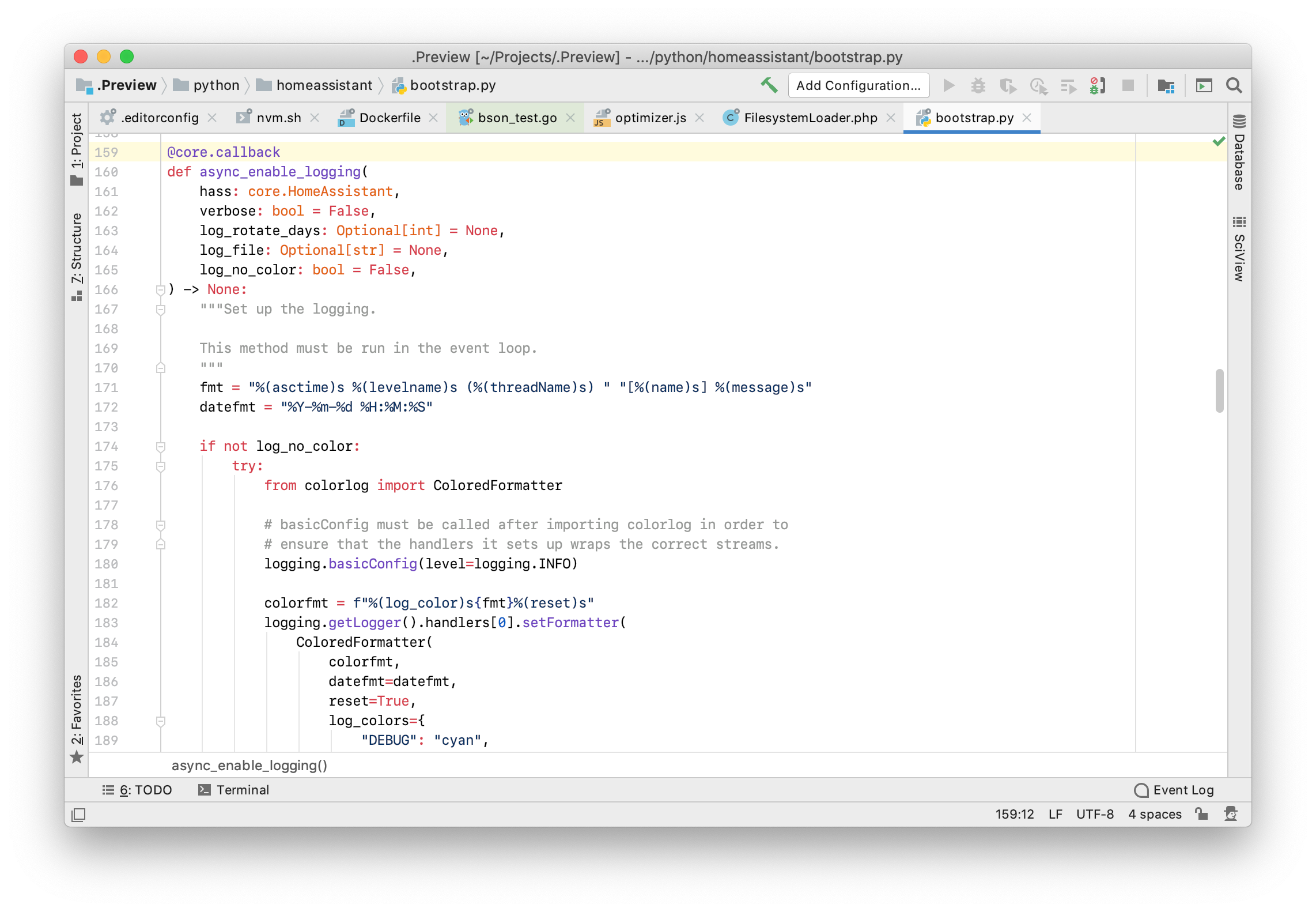
more like this
🧠 A simple command-line client for the Perplexity API. Ask questions and receive answers directly from the terminal! 🚀🚀🚀
meine 🌒 - A CLI file manager and system utility built with Textual. It combines intuitive command parsing with rich t…
search projects, people, and tags