ps-monokai-theme
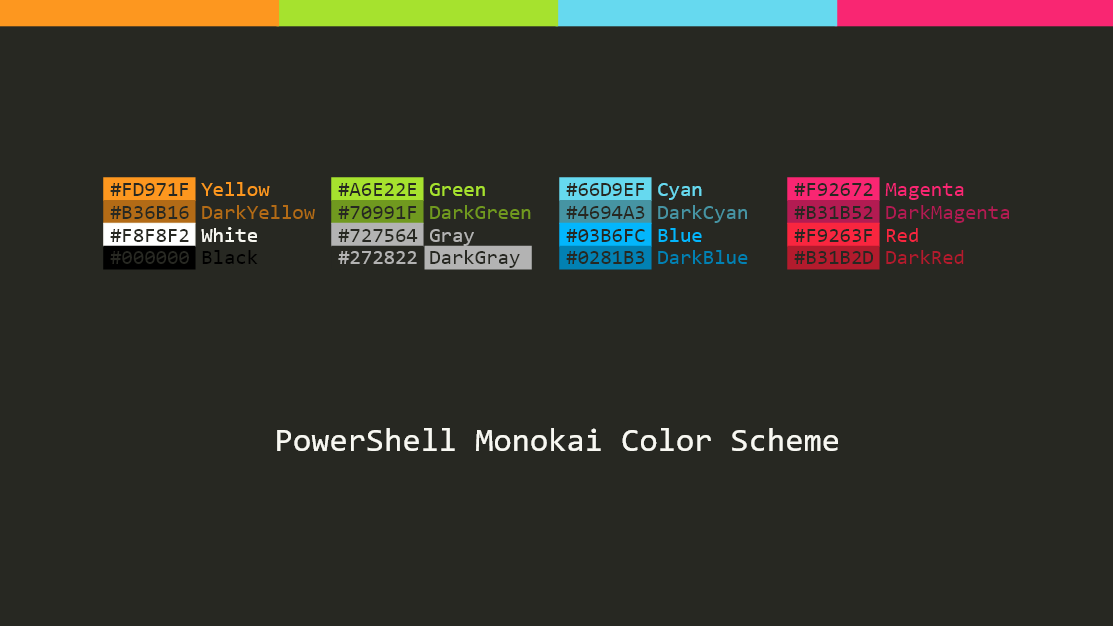
PowerShell Monokai Theme
 seven-two-eight
git clone https://github.com/seven-two-eight/ps-monokai-theme.gitseven-two-eight/ps-monokai-themePowerShell Monokai Theme
Installation
-
Warning: installation below changes registry irreversibly. You may want to create backup of the items mentioned in
colors.regbefore proceed. -
Clone or download the git repo
git clone https://github.com/seven-two-eight/ps-monokai-theme.git -
Run
install.ps1with administrator privilege from the repo folder to import registry and PowerShell profile.-
Or you can do this manually by double clicking
colors.reg, and then copyMicrosoft.PowerShell_profile.ps1from the repo folder to$HOME\Documents\WindowsPowerShell\Microsoft.PowerShell_profile.ps1. -
The profile script works for PowerShell 5 and some versions of PowerShell 6 (depending on your version of
PSReadlinemodule).
-
-
Restart all PowerShell instances to see effect.
- Note each shortcut of
powershell.exehas its own color pallets. You need to recreate such shortcut to see the effect. - If you use VS Code, you can enforce the integrated terminal background color by setting:
"workbench.colorCustomizations" : {"terminal.background" : "#272822"}
- Note each shortcut of
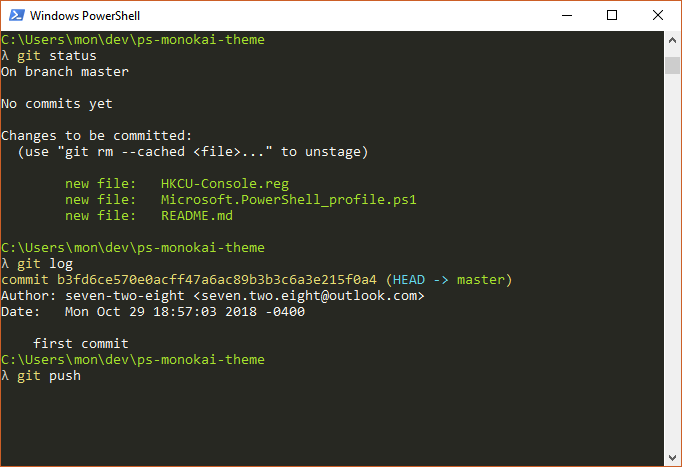
Screenshots
Credits
colors.regis inspired byHKCU-Console.regfrom the archived repohttps://github.com/ntwb/posh-monokai.Microsoft.PowerShell_profile.ps1is set up to reproduce Cmder-style prompt.- Monokai color scheme is created by Wimer Hazenberg (correct me if I'm wrong).
more like this
gns3theme
Custom color themes for GNS3 GUI. Built-in schemes, custom JSON themes, device symbols. Supports Linux and macOS.
Aritim-Light
A Light theme for both KDE and GTK based distros, pleasant to the eyes and perfect for your daily workload.