meine
meine 🌒 - A CLI file manager and system utility built with Textual. It combines intuitive command parsing with rich t…
Python★ 50
The Tulip Creative Computer and AMYboard - portable Python synthesizers
 shorepine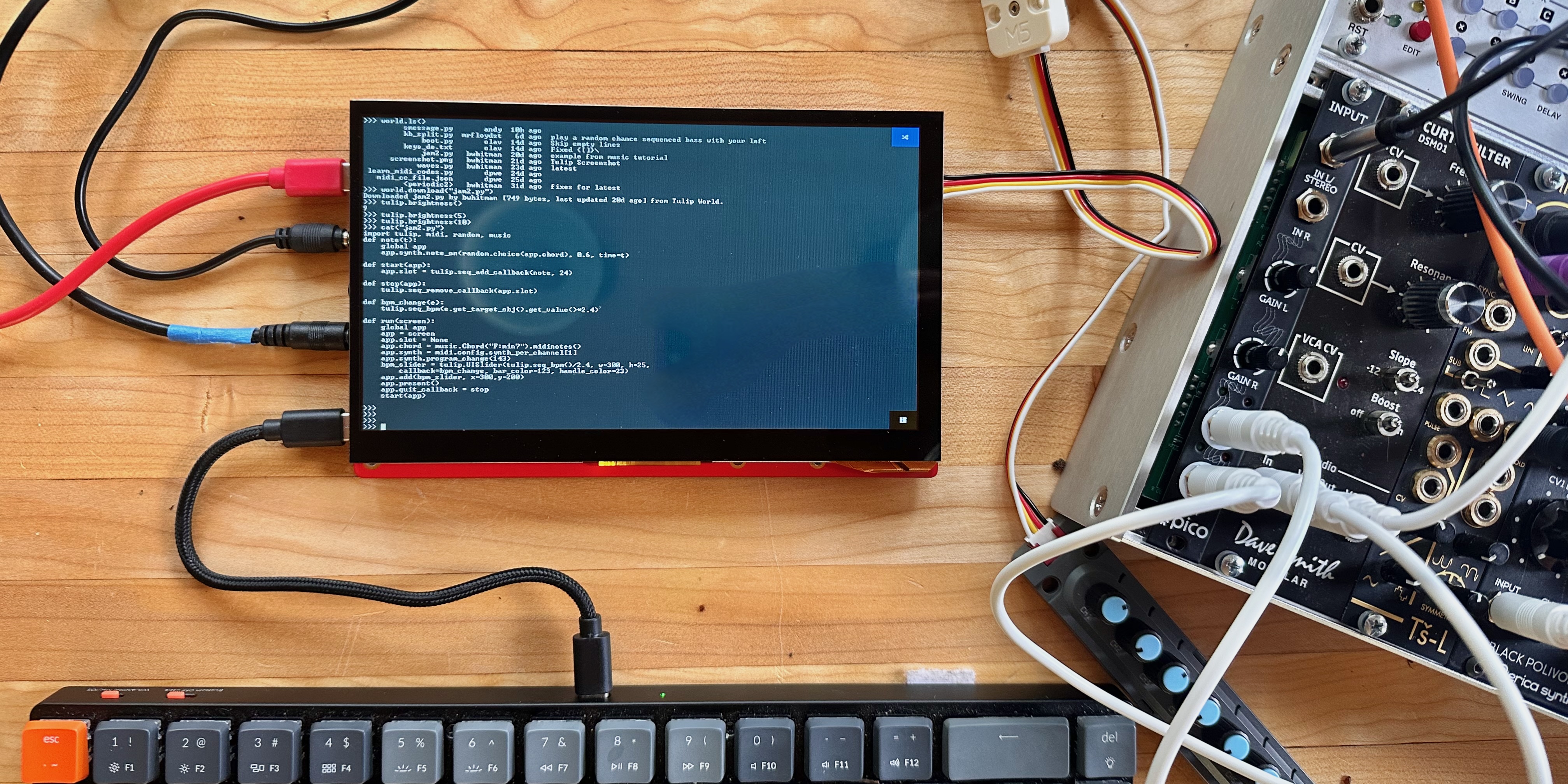
Welcome to the Tulip Creative Computer (Tulip CC) and AMYboard!
Tulip is a low power and affordable self-contained portable computer, with a touchscreen display and sound. It's fully programmable - you write code to define your music, games or anything else you can think of. It boots instantaneously into a Python prompt with a lot of built in support for music synthesis, fast graphics and text, hardware MIDI, network access and external sensors. Dive right into making something without distractions or complications.
The entire system is dedicated to your code, the display and sound, running in real time, on specialized hardware. The hardware and software are fully open source and anyone can buy one or build one. You can use Tulip to make music, code, art, games, or just write.
AMYboard is a headless (no screen) version of Tulip with more audio capability - audio input, modular 10hp and 10vpp audio, S/PDIF digital audio, CV jacks, SD card. It's based on the Tulip code but focused on music synthesis.
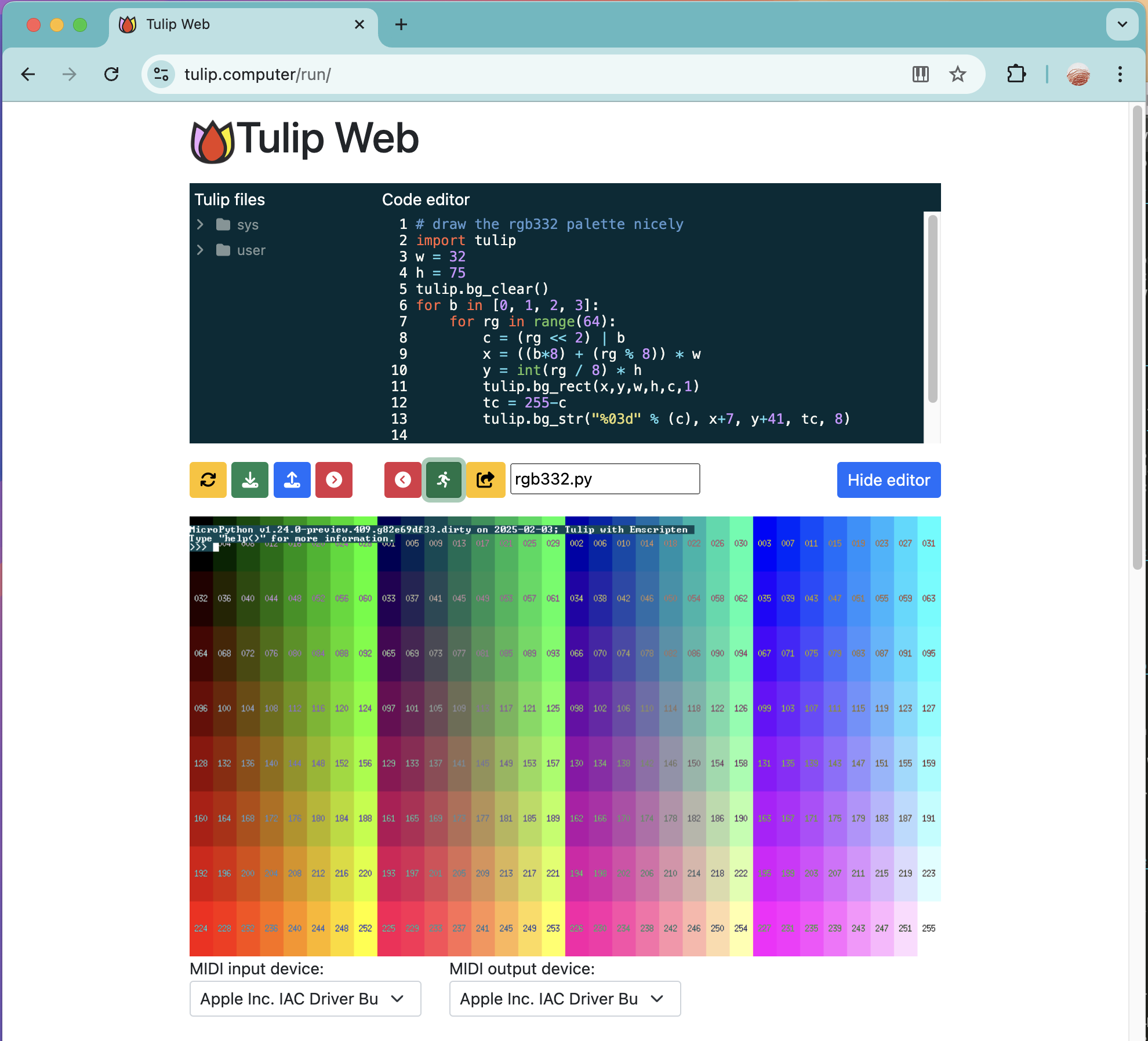
You can now even run Tulip on the web and AMYboard on the web and share your creations with anyone!
Tulip and AMYboard are powered by MicroPython, AMY, and LVGL. The Tulip hardware runs on the ESP32-S3 chip using the ESP-IDF.
 Chat about Tulip on our Discord!
Check out this video!
You can use Tulip one of three ways:
If you're nervous about getting or building the hardware, try it out on the web!
The hardware Tulip CC supports:
I've been working on Tulip on and off for years over many hardware iterations and hope that someone out there finds it as fun as I have, either making things with Tulip or working on Tulip itself. I'd love feedback, your own Tulip experiments or pull requests to improve the system.

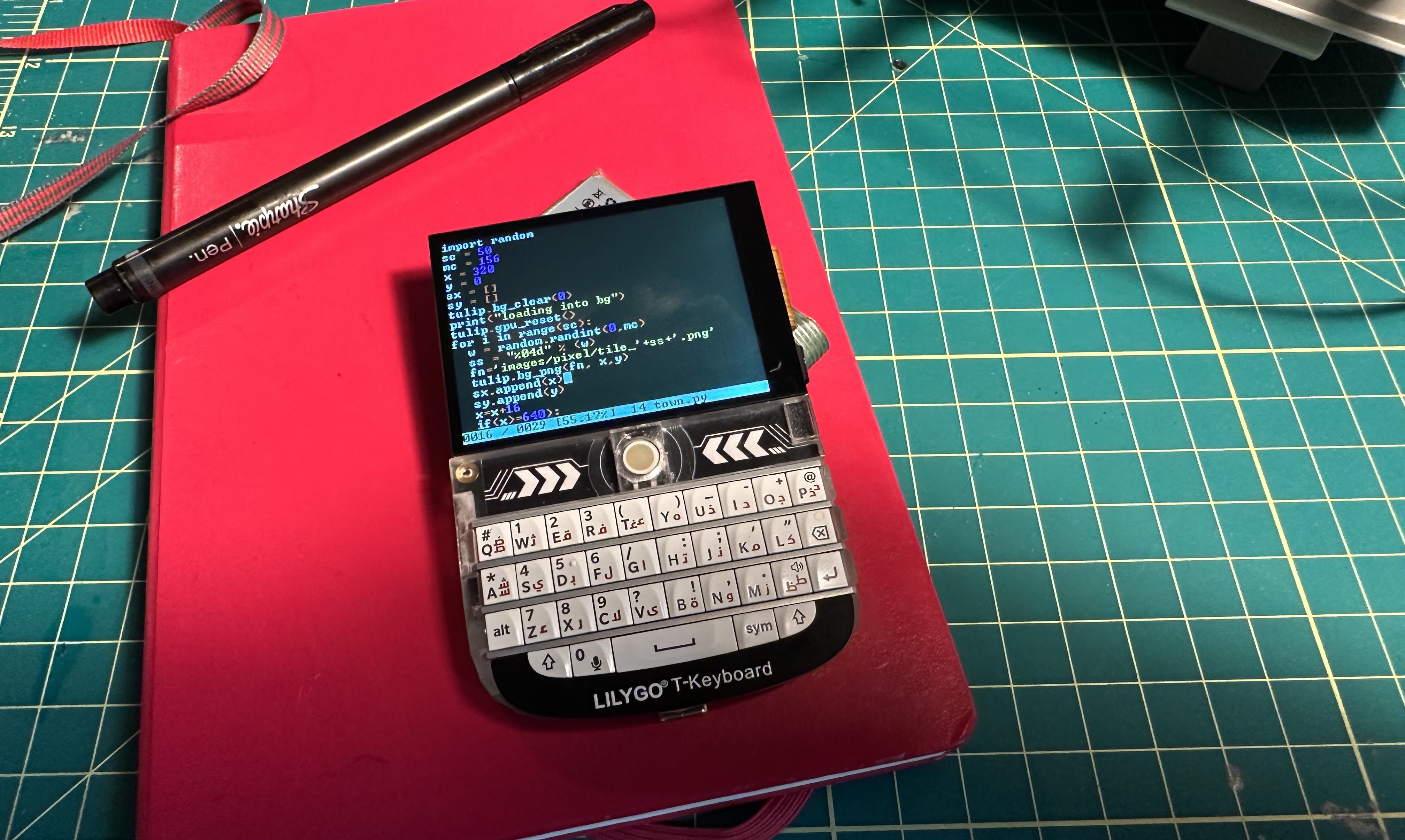
A new small option: get yourself a T-Deck and install Tulip CC on it directly! Check out our T-Deck page for more detail.
Once you've bought a Tulip, opened Tulip Web, built a Tulip or installed Tulip Desktop, you'll see that Tulip boots right into a Python prompt and all interaction with the system happens there. You can make your own Python programs with Tulip's built in editor and execute them, or just experiment on the Tulip REPL prompt in real time.
See the full Tulip API for more details on all the graphics, sound and input functions.
Below are a few getting started tips and small examples. The full API page has more detail on everything you can do on a Tulip. See a more complete getting started page or a music making tutorial as well!
# Run a saved Python file. Control-C stops it
cd('ex') # The ex folder has a few examples and graphics in it
execfile("parallax.py")
# If you want to run a Tulip package (folder with other files in it)
run("game")
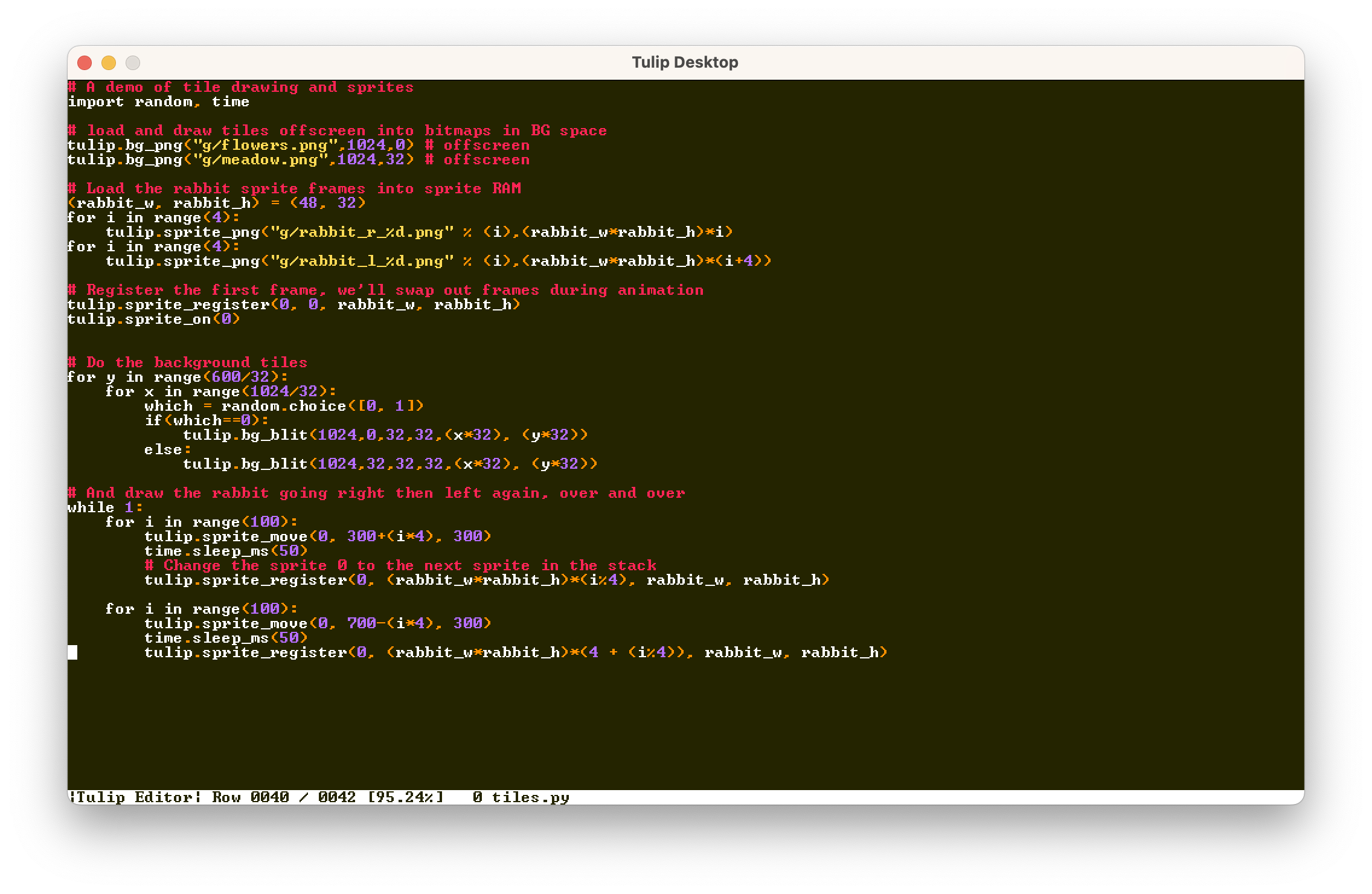
Tulip ships with a text editor, based on pico/nano. It supports syntax highlighting, search, save/save-as.
# Opens the Tulip editor to the given filename.
edit("game.py")
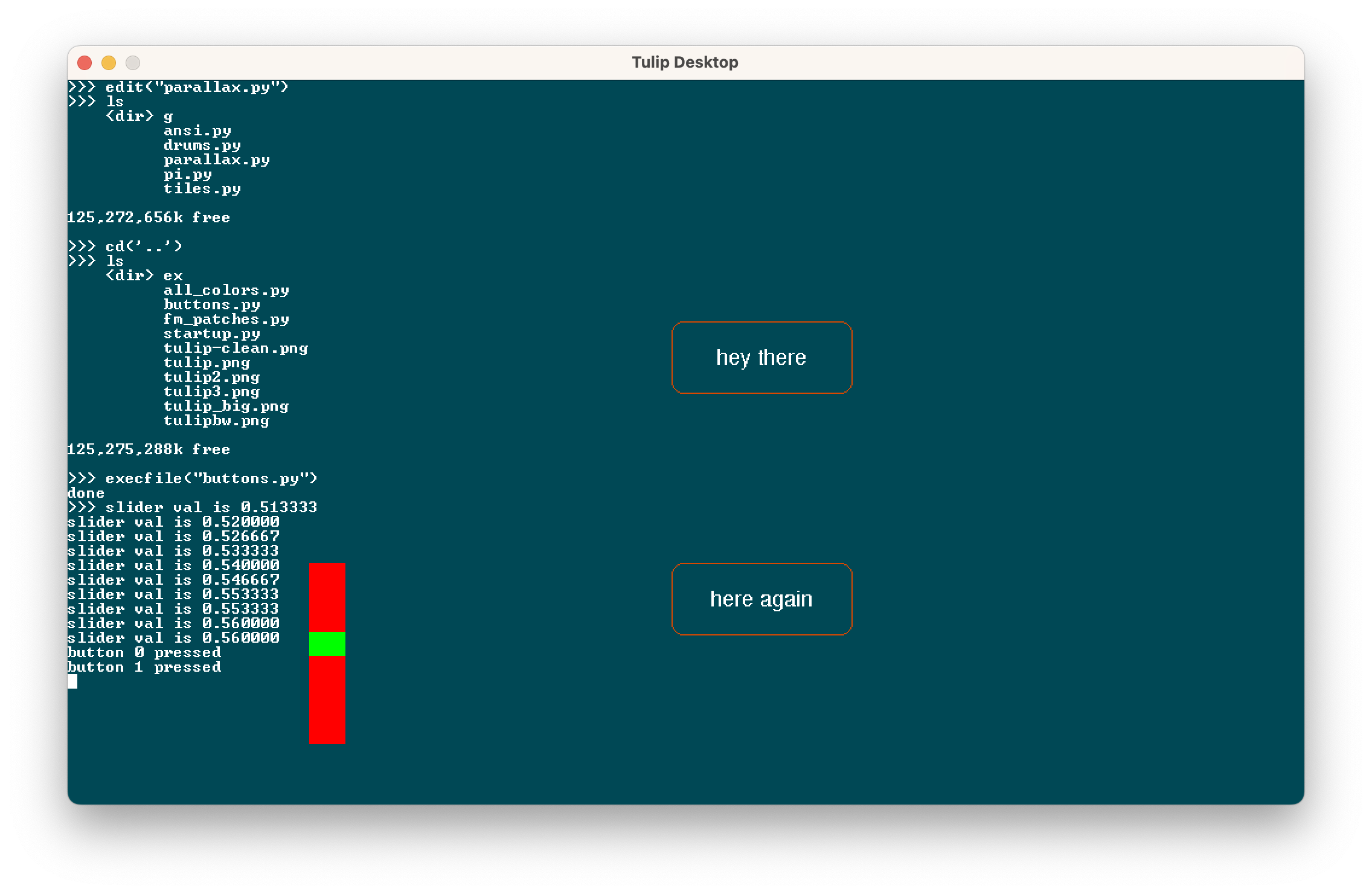
Tulip supports USB keyboard and mice input as well as touch input. (On Tulip Desktop and Web, mouse clicks act as touch points.) It also comes with UI elements like buttons and sliders to use in your applications, and a way to run mulitple applications as once using callbacks. More in the full API.
(x0, y0, x1, y1, x2, y2) = tulip.touch()
Tulip CC has the capability to connect to a Wi-Fi network, and Python's native requests library will work to access TCP and UDP. We ship a few convenience functions to grab data from URLs as well. More in the full API.
# Join a wifi network (not needed on Tulip Desktop or Web)
tulip.wifi("ssid", "password")

# Get IP address or check if connected
ip_address = tulip.ip() # returns None if not connected

# Save the contents of a URL to disk (needs wifi)
bytes_read = tulip.url_save("https://url", "filename.ext")
Tulip comes with the AMY synthesizer, a very full featured 120-oscillator synth that supports FM, PCM, additive synthesis, partial synthesis, filters, and much more. We also provide a useful "music computer" for scales, chords and progressions. More in the full API and in the music tutorial. Tulip's version of AMY comes with stereo sound, which you can set per oscillator with the pan parameter.
amy.drums() # plays a test song
amy.send(volume=4) # change volume
amy.reset() # stops all music / sounds playing
Tulip supports MIDI in and out to connect to external music hardware. You can set up a Python callback to respond immediately to any incoming MIDI message. You can also send messages out to MIDI out. More in the full API and music tutorial.
m = tulip.midi_in() # returns bytes of the last MIDI message received
tulip.midi_out((144,60,127)) # sends a note on message
tulip.midi_out(bytes) # Can send bytes or list
The Tulip GPU supports a scrolling background layer, hardware sprites, and a text layer. Much more in the full API.
# Set or get a pixel on the BG
pal_idx = tulip.bg_pixel(x,y)

# Set the contents of a PNG file on the background.
tulip.bg_png(png_filename, x, y)

tulip.bg_scroll(line, x_offset, y_offset, x_speed, y_speed)
Hardware sprites are supported. They draw over the background and text layer per scanline per frame:
(w, h, bytes) = tulip.sprite_png("filename.png", mem_pos)

...

# Set a sprite x and y position
tulip.sprite_move(12, x, y)
Still very much early days, but Tulip supports a native chat and file sharing BBS called TULIP ~ WORLD where you can hang out with other Tulip owners. You're able to pull down the latest messages and files and send messages and files yourself. More in the full API.
import world
world.post_message("hello!!") # Sends a message to Tulip World. username required. will prompt if not set
world.upload(filename) # Uploads a file to Tulip World. username required
world.ls() # lists most recent unique filenames/usernames
Chat about Tulip on our Discord!
Two important development guidelines if you'd like to help contribute!
Have fun!
more like this
meine 🌒 - A CLI file manager and system utility built with Textual. It combines intuitive command parsing with rich t…
search projects, people, and tags