agentlytics
Comprehensive analytics dashboard for AI coding agents — Cursor, Windsurf, Claude Code, VS Code Copilot, Zed, Antigravi…
JavaScript★ 555
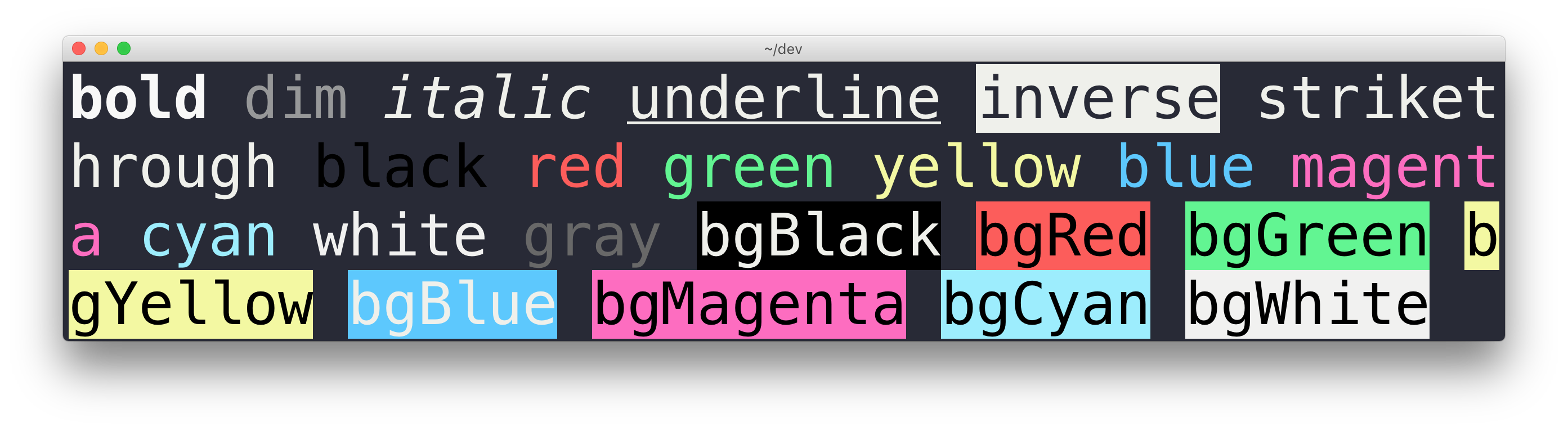
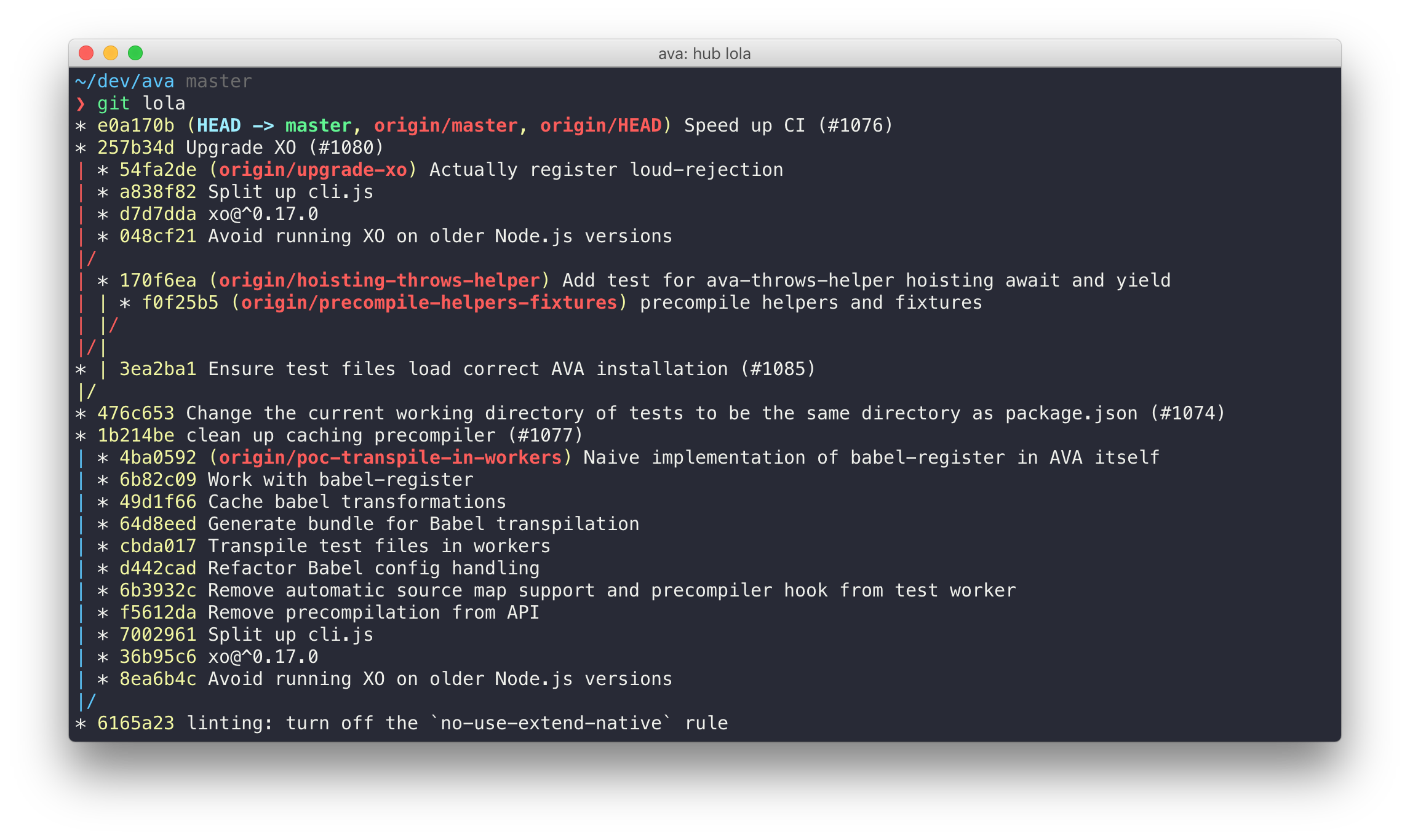
Elegant Terminal theme with bright colors
 sindresorhus
git clone https://github.com/sindresorhus/terminal-snazzy.gitsindresorhus/terminal-snazzyElegant Terminal theme with bright colors
Run this command in Terminal:
curl -O https://raw.githubusercontent.com/sindresorhus/terminal-snazzy/main/Snazzy.terminal && open Snazzy.terminal
Then go to Settings → Profiles, click Snazzy, and then click the Default button.
Alternatively, you can download it manually:
Snazzy.terminal and choose Save Link As….xattr -d com.apple.quarantine ~/Downloads/Snazzy.terminalTo get the exact same look as in the screenshot, you need to use the Pure prompt, Menlo font, and the zsh-syntax-highlighting plugin to have commands highlighted.
more like this
Comprehensive analytics dashboard for AI coding agents — Cursor, Windsurf, Claude Code, VS Code Copilot, Zed, Antigravi…
Free open-source Cloudflare R2 desktop client and S3 GUI for macOS, Windows, and Linux. Manage Cloudflare R2, AWS S3, M…
Custom color themes for GNS3 GUI. Built-in schemes, custom JSON themes, device symbols. Supports Linux and macOS.
search projects, people, and tags