jukebox
Open Source alternative to Spotify Collaborative Playlists. Turn your device into a jukebox where a group can queue mus…
 skeptrunedev
TypeScript★ 308⑂ 27 forksMITupdated 1 year ago
README.mdfork it — it’s yours
🌐 Language
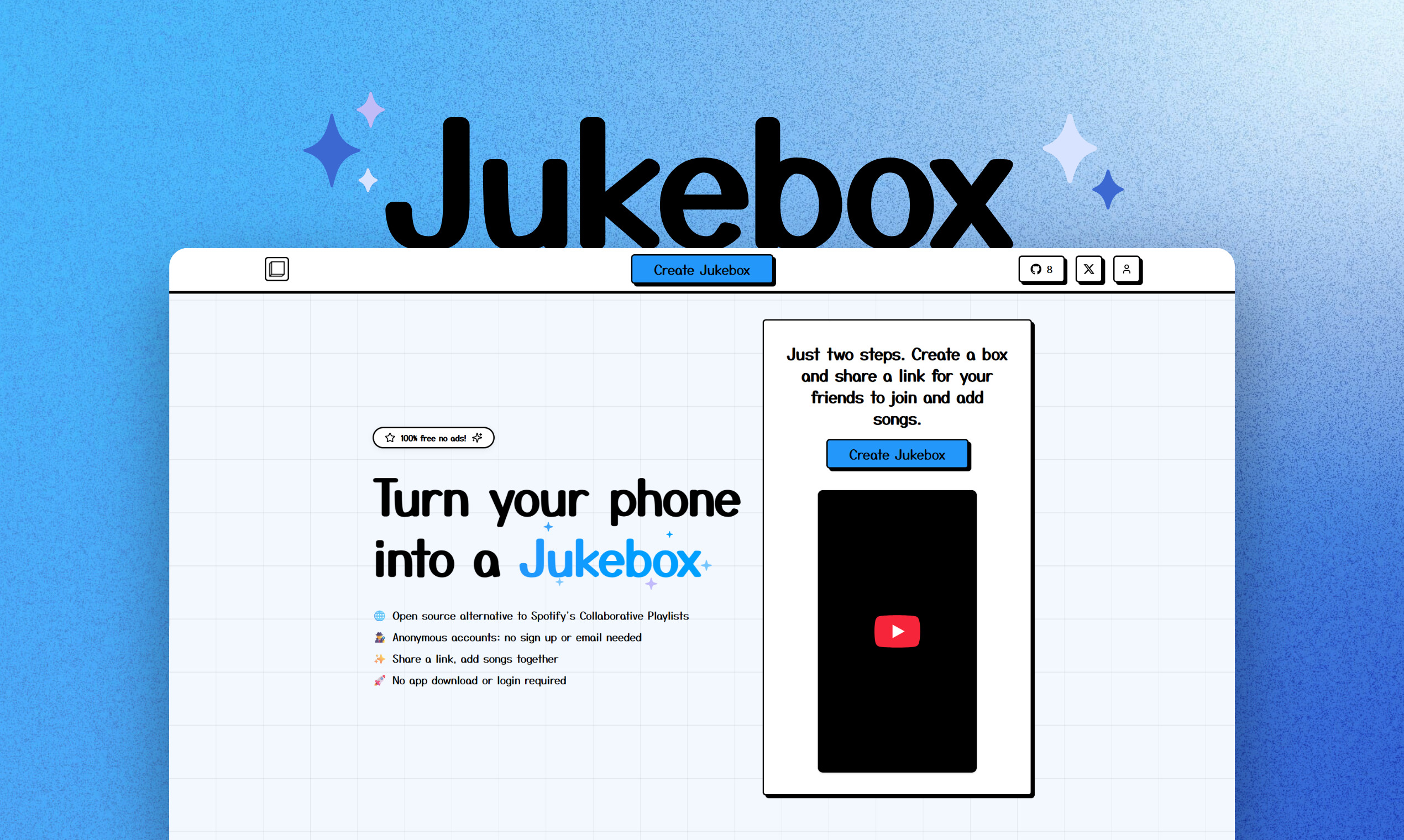
Turn Any Device Into a Collaborative Jukebox
Jukebox lets you instantly create a shared music playlist with friends—no app, no login, no ads. Just create a box, share a link, and start adding songs together. Perfect for parties, road trips, or any group hangout!
- 🌐 Open Source Alternative to Spotify Collaborative Playlists
- 🕵️ No Account Needed: Use anonymously—no sign up or email required
- ✨ Share a Link, Add Songs Together: Everyone can contribute in real time
- 🚀 No App Download Required: Works on any device, right in your browser
- 🎵 YouTube Integration: Search and play almost any song instantly
- 📱 Mobile Friendly: Designed for phones, tablets, and desktops
- ⚖️ Fair Queueing: Songs are auto-sorted so everyone gets a turn
- 🆓 100% Free, No Ads
Try It Now
- Create a Jukebox: Visit the homepage and create a new box
- Share the Link: Send the invite link to your friends
- Add Songs: Search YouTube or add songs manually
- Play Music: Use the built-in player to stream together
Features
- Collaborative playlists: Add, queue, and play songs together
- Anonymous usage: No login or account required
- YouTube search & playback: Access a huge music library
- Mobile-first, responsive UI
- Open source (MIT License)
- Easy deployment with Docker
Docker Compose Deployments
Spin up all services:
docker-compose up -d
Redeploy services with zero downtime after updating images:
bash ./redeploy.sh
Getting Started
Prerequisites
- Node.js 16+
- npm or yarn
- YouTube Data API v3 key (free from Google)
YouTube API Setup
- Go to the Google Cloud Console
- Create a new project or select an existing one
- Enable the YouTube Data API v3
- Create credentials (API Key)
- Copy your API key
Installation
# Clone the repository
git clone <your-repo-url>
cd jukebox

# Install server dependencies
cd server
yarn install

# Install frontend dependencies
cd ../frontend
yarn install

# Configure environment variables
cd ../server
cp .env.example .env
# Edit .env and add your YouTube API key

# Run database migrations
yarn migrate

# Start the development servers
# Backend:
cd server
yarn dev
# Worker:
cd server
yarn dev:worker
# Frontend (in a new terminal):
cd frontend
yarn dev
License
MIT
Contributing & Feedback
- Open an issue or pull request on GitHub
- Feature requests? DM @skeptrune on X (Twitter)
Changelog
See the Changelog for the latest updates and features.
more like this