agentlytics
Comprehensive analytics dashboard for AI coding agents — Cursor, Windsurf, Claude Code, VS Code Copilot, Zed, Antigravi…
JavaScript★ 555
A basic Mastodon client for Classic Mac OS
 smallsco
git clone https://github.com/smallsco/macstodon.gitsmallsco/macstodon
Macstodon is an app written in MacPython 1.5.2 for Classic Mac OS that lets you interact with a Mastodon server by viewing timelines, posting toots, and more!
No support is provided for this app, and I don't plan on maintaining it long-term. This is just a fun hack project, not a serious development effort.
Note: Macstodon comes with a bundled installer that will install any extensions that your OS version requires. However, if you are building from source, you will need to manually install the below extensions.
(Exception: If you are running an international version of System 7.1, you will need to manually update to Finder 7.1.3 or later in order to use text-to-speech functionality.)
For 68k Macs running System 7.1 through System 7.6.1:
For text-to-speech support on 68k Macs:
For text-to-speech support on PPC Macs:
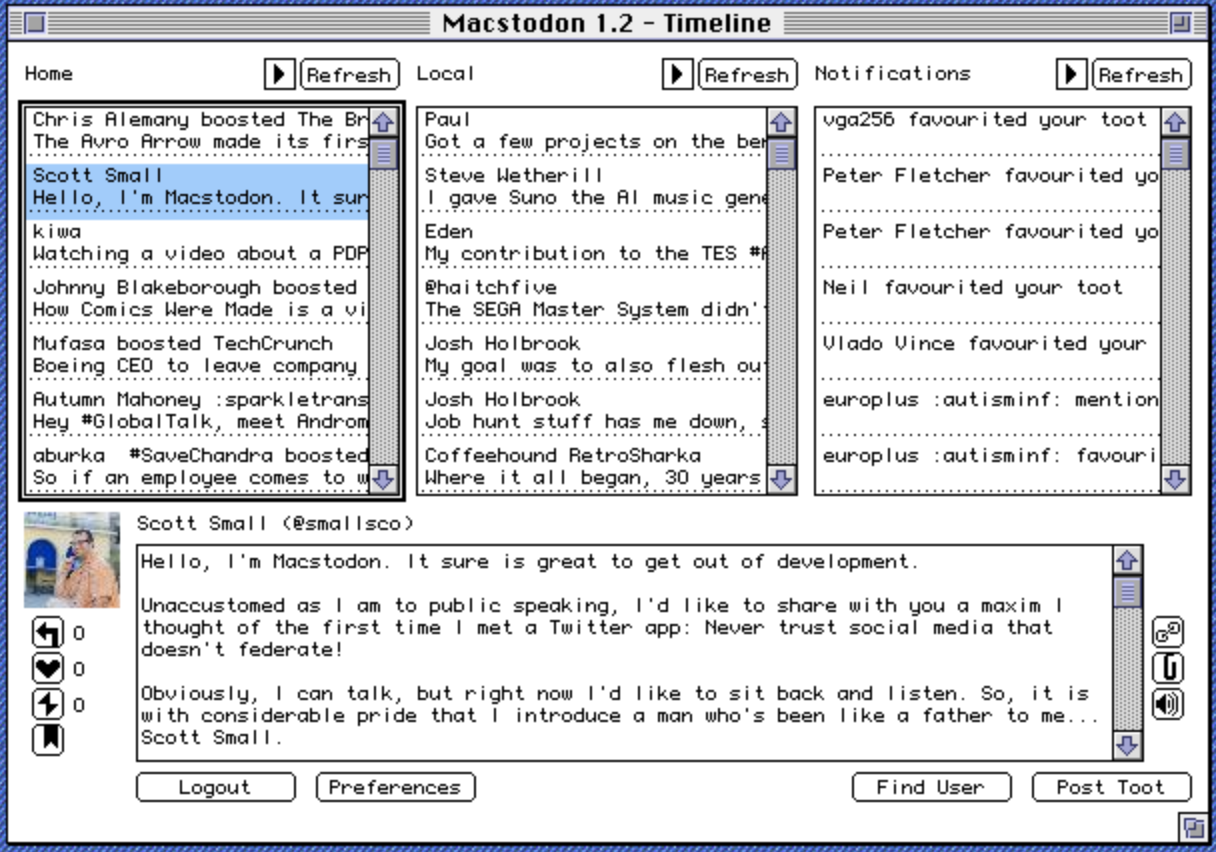
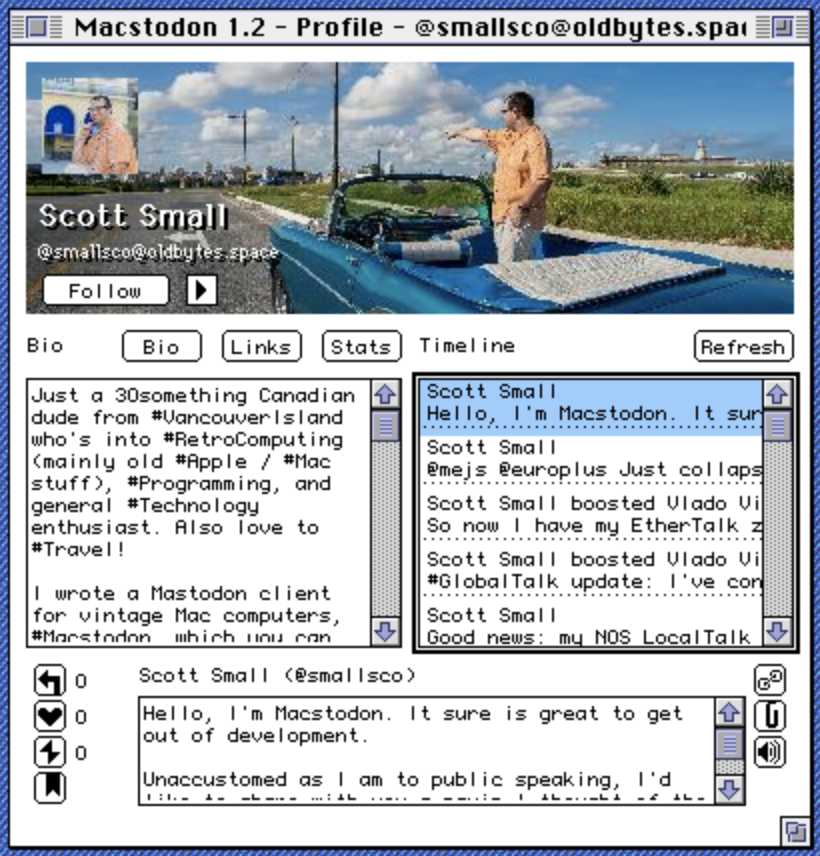
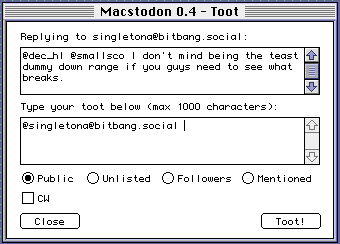
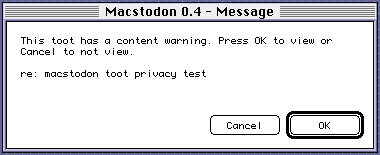
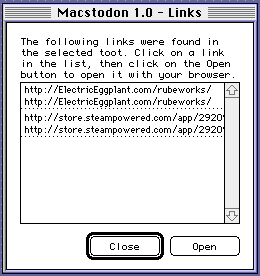
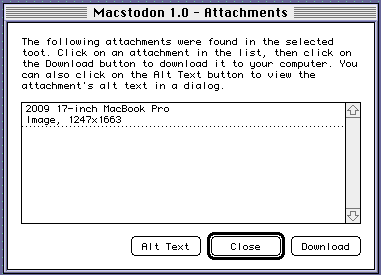
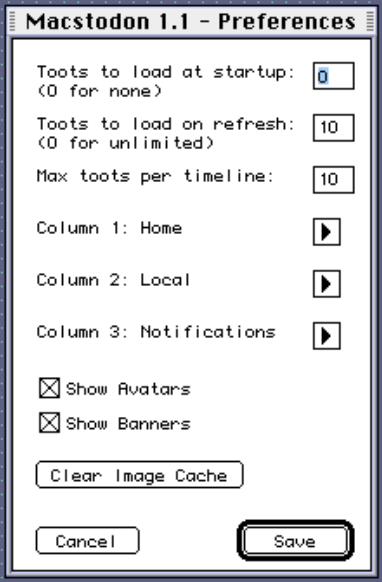
That's it for now. Maybe more features will be implemented in a later version.
Login button.Auth window will have appeared with another text box, paste the code into this box and press the OK button.Timeline window will appear and Macstodon will start loading the timelines and notifications from your instance. This will take some time, please be patient.Refresh button above one of the timelines to refresh that timeline with the latest data.Post Toot button in the Timeline window, a Toot window will appear. In this window you can type a message and press the Toot! button to post it to the Mastodon server. After tooting you can click Close to return to the Timeline window.Logout in the Timeline window will return you to the Server window.Quit in the Server window will quit Macstodon. The next time you run it, you will not need to re-authenticate unless you change the server URL.Note: Macstodon must be compiled using a PowerPC Macintosh. The resulting binary will still work on 68K machines, but the compilation must happen on a PowerPC.
$(PYTHON):Extensions:Imaging:PIL
$(PYTHON):Mac:Tools:IDE
Macstodon.rsrc.sit.hqx file until you have Macstodon.rsrc. Keep this in the same directory as Macstodon.py.macgen_bin.py file, which comes with MacPython and is located in the Mac:Tools:macfreeze directory. Comment out this line, it should look like this after your change:
#fss.SetCreatorType('Pyta', APPL)
Macstodon.py file onto the BuildApplication app that comes with MacPython.Build FAT Application radio button.bitbang.social), you will need to make two changes to the WebOne configuration:
ForceHTTPS section of WebOne's config file. Mozilla/5.0 (Macintosh; Intel Mac OS X 10_15_7) AppleWebKit/605.1.15 (KHTML, like Gecko) Version/16.2 Safari/605.1.15
When in doubt, delete the preferences file. It is named Macstodon Prefs and lives in the Preferences folder in your System Folder. Deleting the preferences file will make Macstodon forget about the saved server, tokens, etc.
There is also a subfolder of the Preferences folder named Macstodon Cache. This folder contains avatars and other images that have been resized, so we don't need to download and resize them again the next time we encounter them in the wild. Occasionally this can become corrupted and an original image can be cached instead of a resized one, leading to poor performance and high memory usage. If this happens, you can delete this folder, it will be recreated on the next launch.
Special thanks to the following people, for whom without Macstodon would not be possible:
Dan - for the inspiration to work on this project
Mingo - for suggesting the name
MhzModels - for the beautiful logo at the top of this README (and the splash screen), and the application icon
CM Harrington - for additional icon design
more like this
Comprehensive analytics dashboard for AI coding agents — Cursor, Windsurf, Claude Code, VS Code Copilot, Zed, Antigravi…
Free open-source Cloudflare R2 desktop client and S3 GUI for macOS, Windows, and Linux. Manage Cloudflare R2, AWS S3, M…
search projects, people, and tags