lottery
🎉🌟✨🎈年会抽奖程序,基于 Express + Three.js的 3D 球体抽奖程序,奖品🧧🎁,文字,图片,抽奖规则均可配置,😜抽奖人员信息Excel一键导入😍,抽奖结果Excel导出😎,给你的抽奖活动带来全新酷炫体验🚀🚀🚀
JavaScript★ 4.6k
dotfiles for the developer happiness: macos, zsh, brew, vscode, python, minimalism
 sobolevn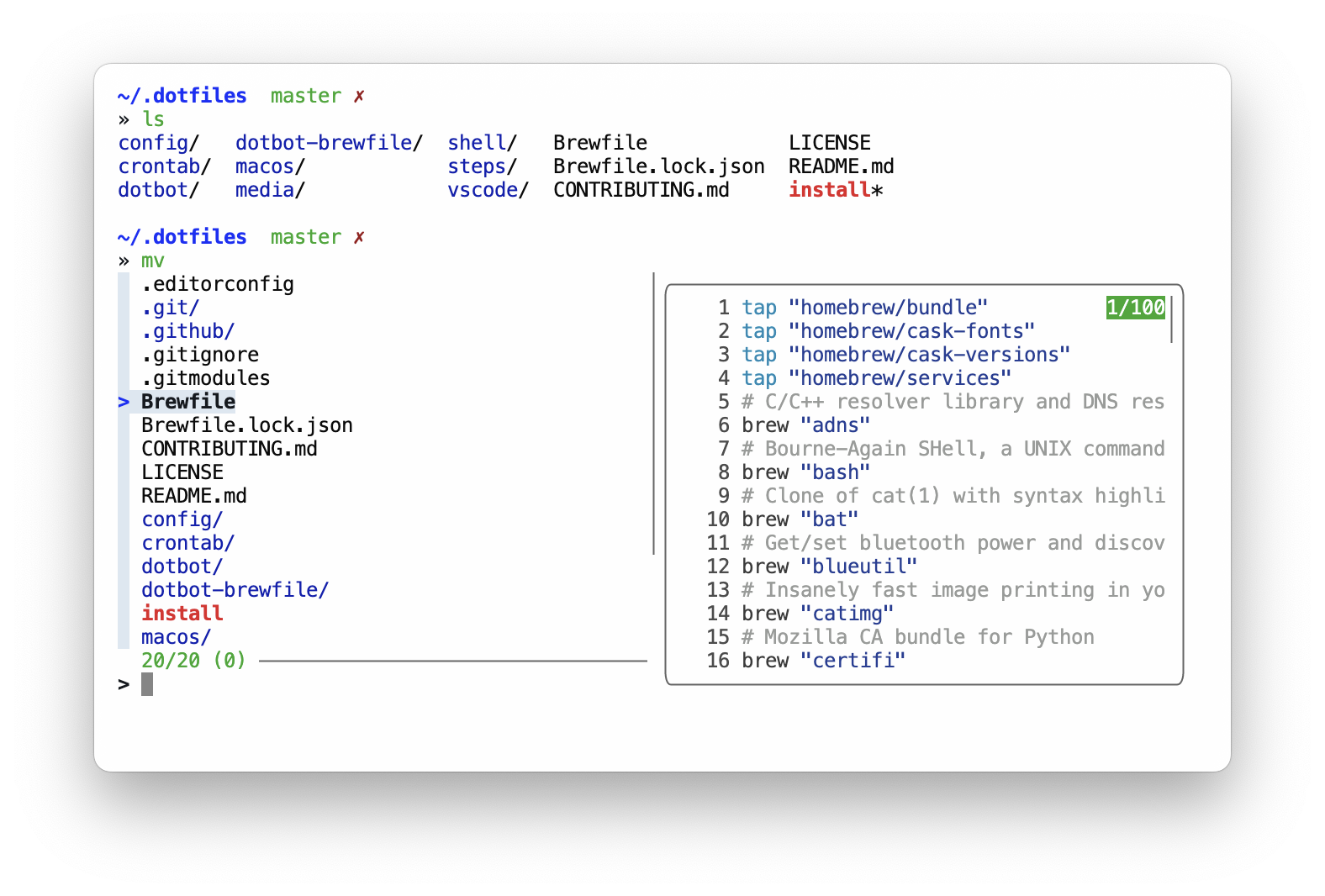
Here are some articles I wrote about my environment:
And talks / podcasts:
What's in there?
brew dependencies including: applications, fonts, etc. See BrewfilemacOS configuration. See macossobole theme. See shell/ and config/zshrcvscode configuration, including my own pustota theme. See vscode/firefox (and Zen) settings. See firefox/We are using dotbot
to set things up. Steps:
run_dotbot 'steps/...' that you don't needgit clone https://github.com/sobolevn/dotfiles dotfilescd dotfiles/bash ./installI loved my Sublime.
It was fast and beautiful.
The main reason is that Sublime is almost unmaintained.
Packages are also abandoned.
So, I have switched to vscode.
It solved almost all issues I had with Sublime.
Here's how my new vscode setup looks like, using my own theme called pustota:
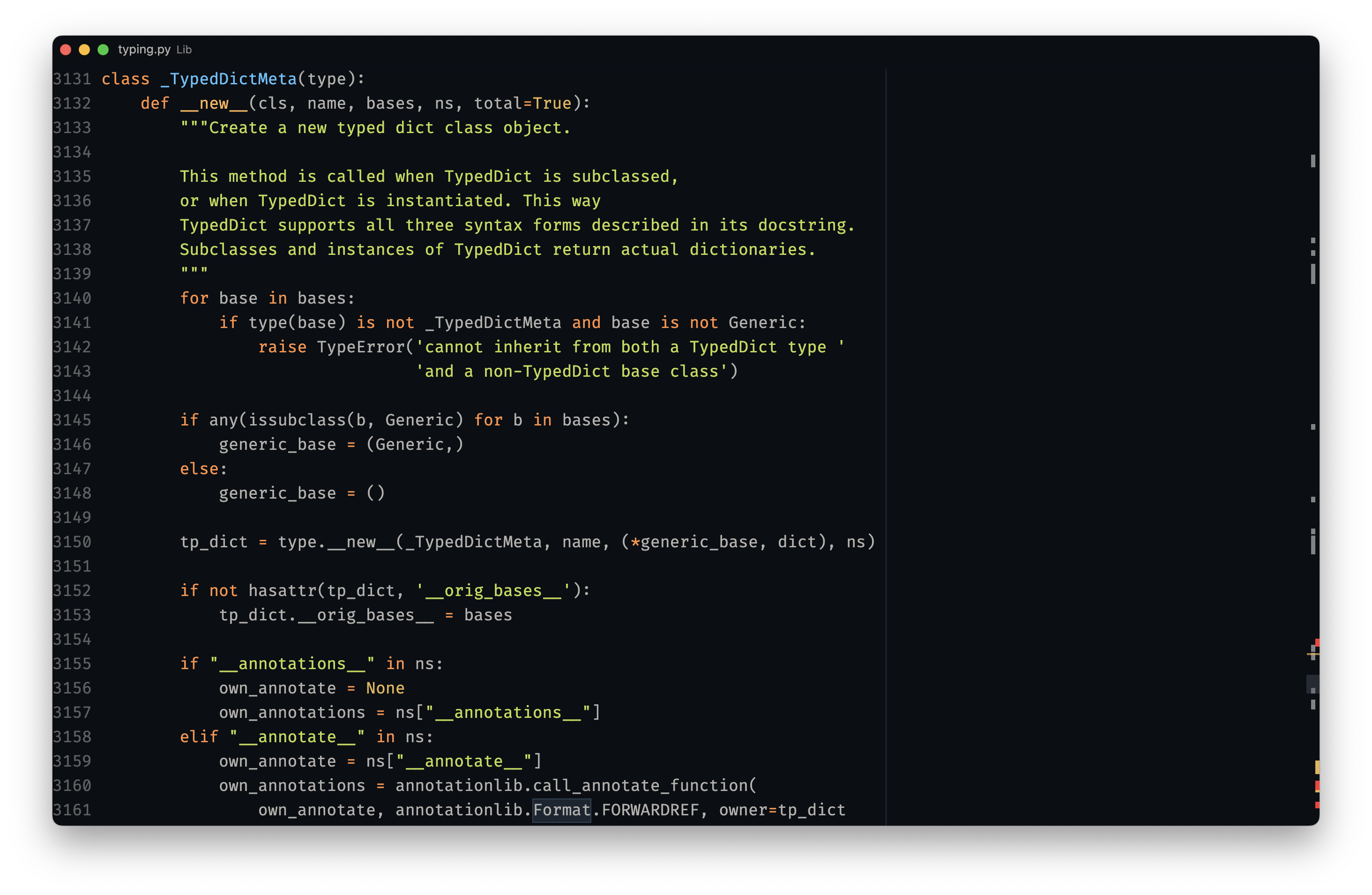
Here's a list of packages (see vscode calls at the bottom) I use:
pustota themePython plugineditorconfig integrationsubframe7536.custom-ui-stylefor better customizationI try to keep my vscode setup as simple as possible.
It was also heavily influenced by makevscodeawesome.
cmd + p opens up file navigation in the middle of the screen, so you don't have to move your eyes a lot to find most common UI element
ctrl + f opens global search
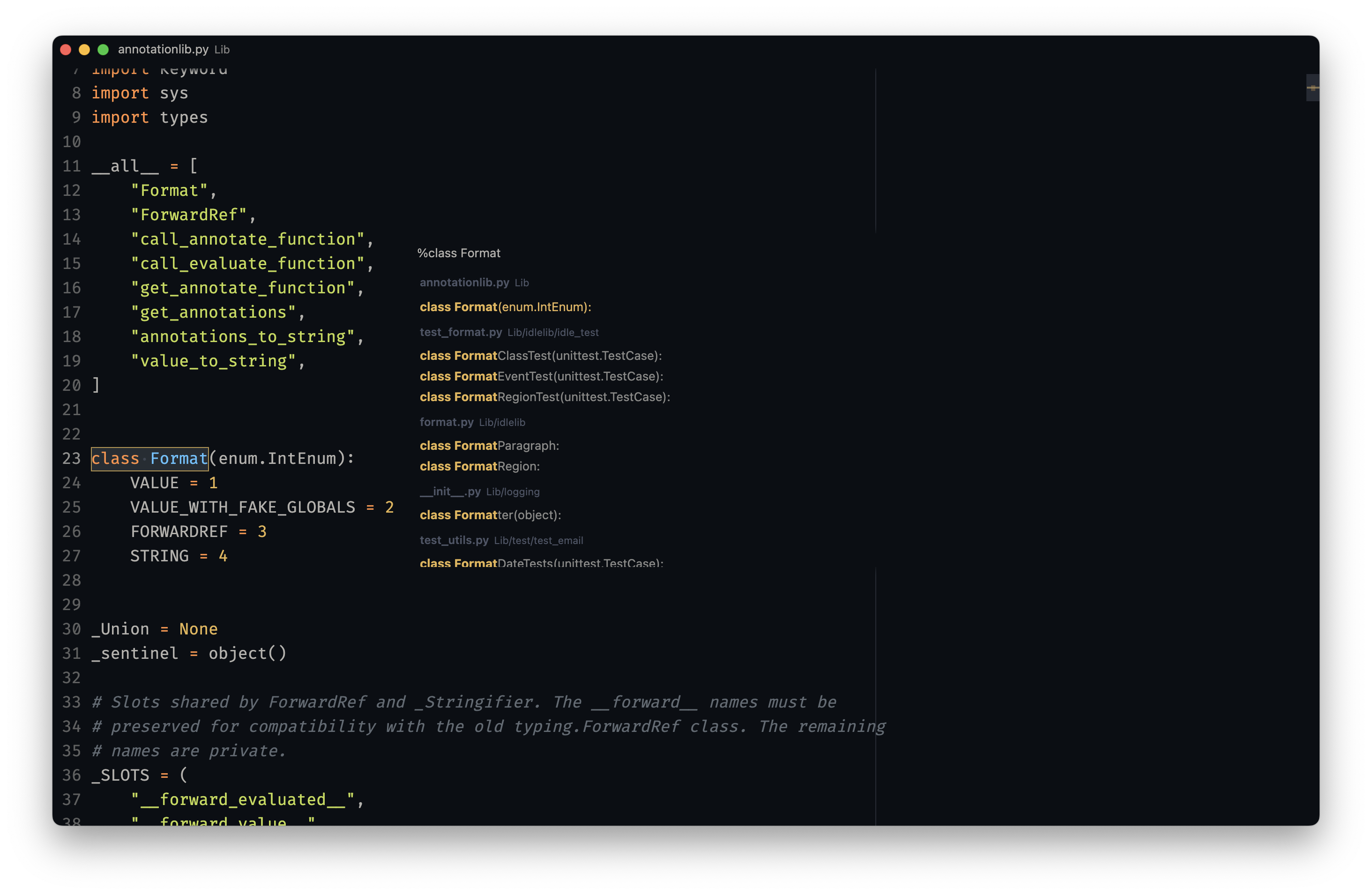
cmd + t opens global symbols index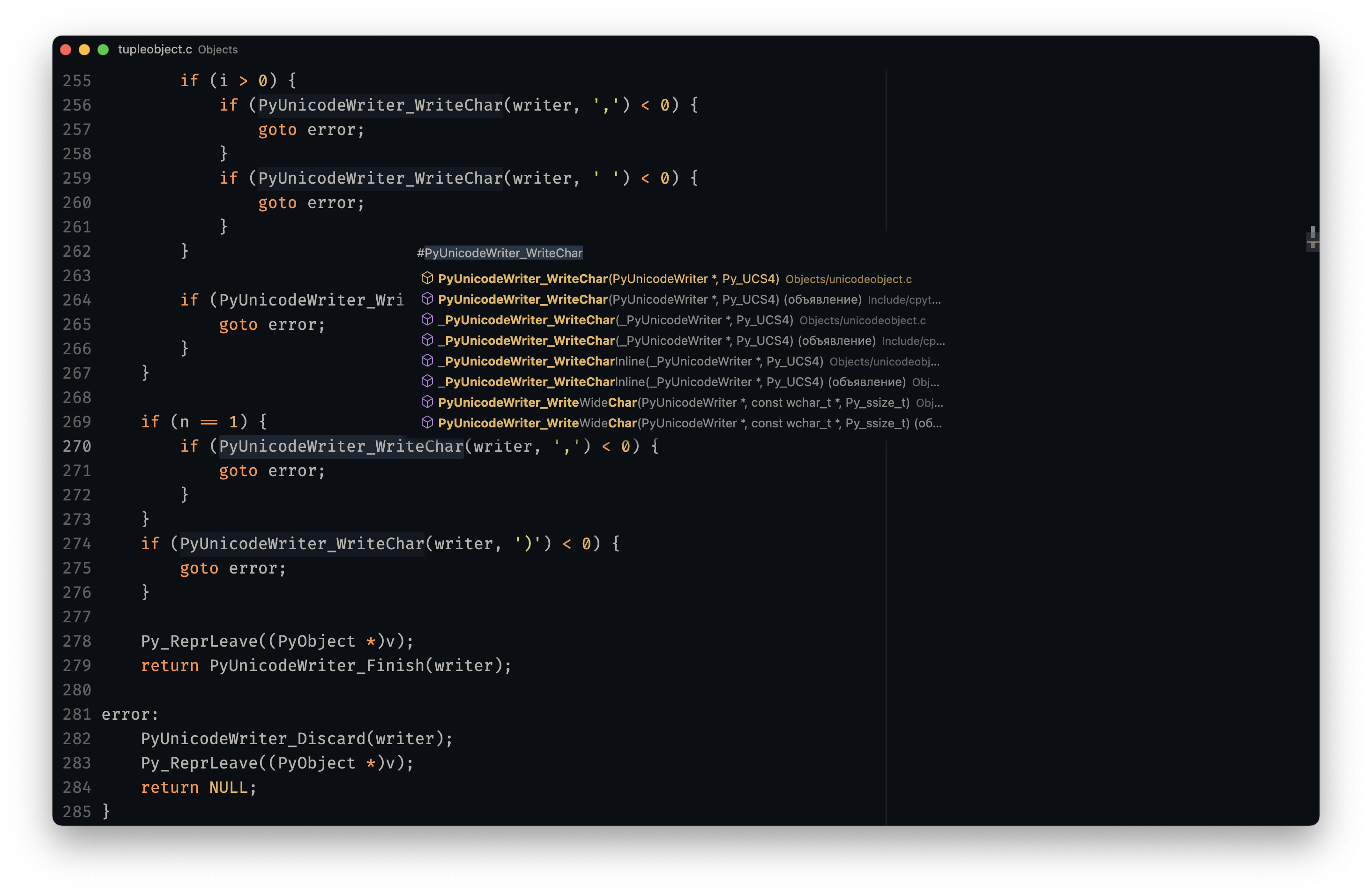
I am using hyper as my main terminal with my custom senya theme.
I am using zsh with oh-my-zsh
as the main shell.
And zplug to manage shell plugins.
I also have a some tools / scripts / aliases to make my working experience better.
But, I try to keep them minimal: only ones I truly use. Including: bat, zoxide, fzf, ag, fd, delta, gh, and many others.
I mainly work with:
pythonI also have several other languages installed. But I don't use them on a daily basis:
nodeelixirrustcI also use powered-up nano
for in-terminal editing.
I use fzf for several code completion tasks:
tab to autocomplete probably all the things using fzf-tab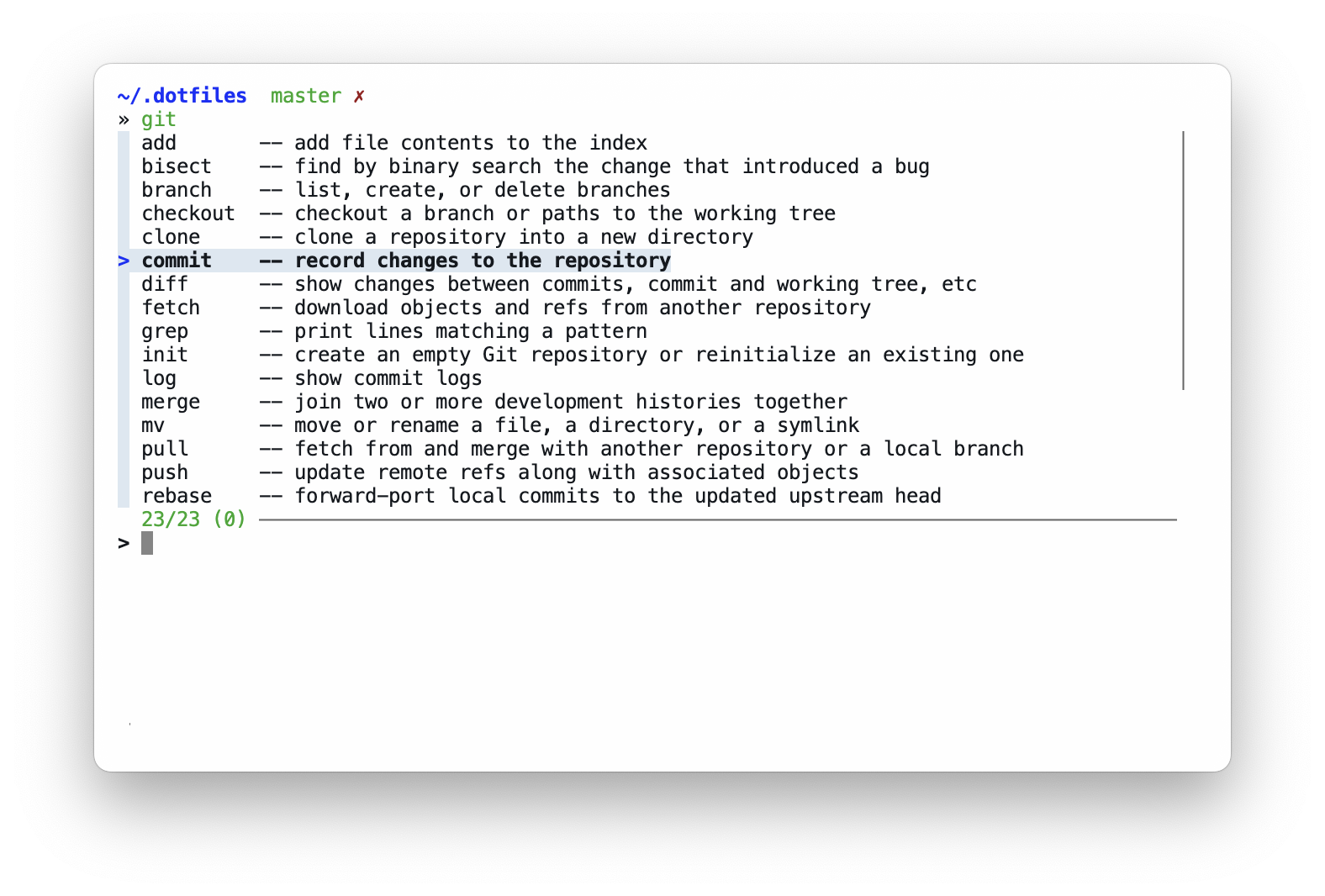
Multiple tools have custom completions like: zoxide, make, killall
that work well with fzf's preview feature.
ctrl+r allows me to fuzzy search command history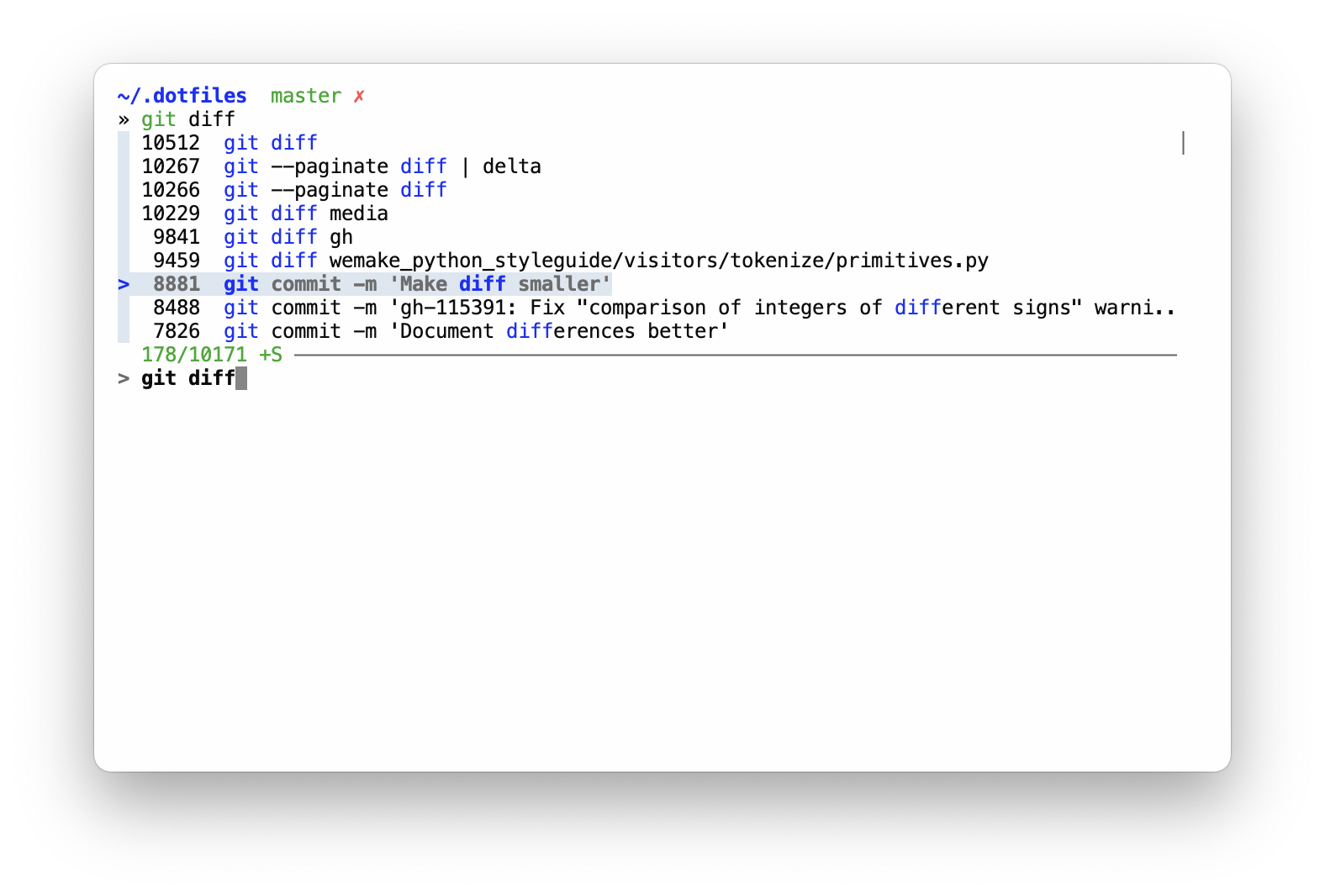
ctrl+t allows to fuzzy search files and dirs in the current tree to include paths in commands with instant previews for text files (content) and directories (inner tree)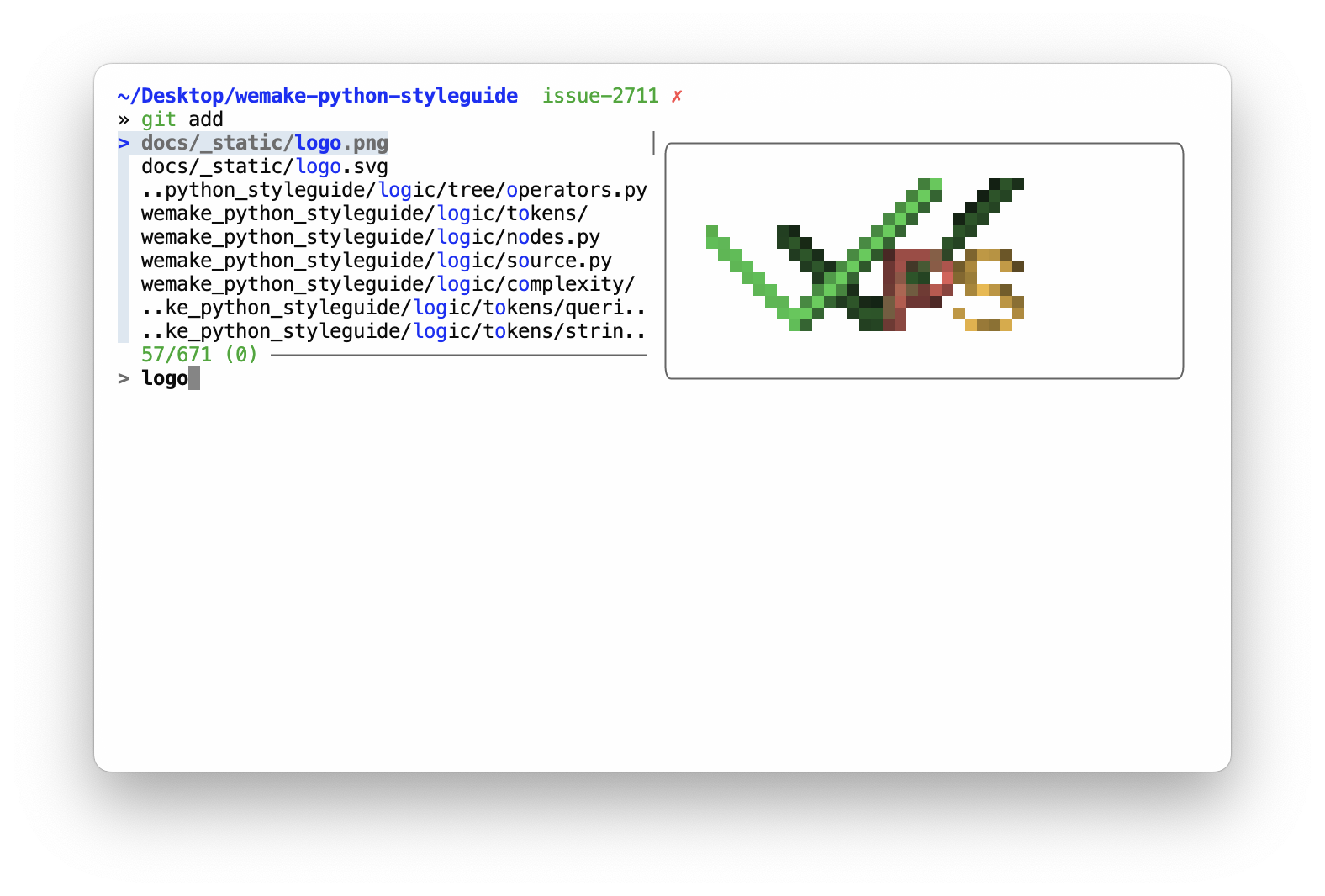
ctrl+g + many subcommands like ctrl+l open up fzf-simple-git, which is really helpful for git browsingI am using brew to install all free apps for my mac.
I also sync apps from AppStore with brew via mas,
so the resulting Brewfile contains everything.
I use zen browser as my main browser. Yes, it does not have any visible UI, even in regular non-fullscreen mode. It is also harded with arkenfox for extra privacy.
Since zen is based on firefox, you can copy all the configuration I have for zen and use with just regular firefox.
I try to containerize everything.
So, docker is my main development and deployment tool.
Some of the used tools requires local configuration. Such as git with username and email.
Here's the full list:
~/.gitconfig_local to store any user-specific data~/.shell_env_local to store local shell config, like: usernames, passwords, tokens, gpg keys and so onWTFPL: do the fuck you want. Enjoy!
more like this
🎉🌟✨🎈年会抽奖程序,基于 Express + Three.js的 3D 球体抽奖程序,奖品🧧🎁,文字,图片,抽奖规则均可配置,😜抽奖人员信息Excel一键导入😍,抽奖结果Excel导出😎,给你的抽奖活动带来全新酷炫体验🚀🚀🚀
Comprehensive analytics dashboard for AI coding agents — Cursor, Windsurf, Claude Code, VS Code Copilot, Zed, Antigravi…
Free open-source Cloudflare R2 desktop client and S3 GUI for macOS, Windows, and Linux. Manage Cloudflare R2, AWS S3, M…
search projects, people, and tags