vscode-bevy-inspector
Bevy Inspector Visual Studio Code Extension
 splo
sploTypeScript★ 90⑂ 7 forksMITupdated 1 month ago
git clone https://github.com/splo/vscode-bevy-inspector.gitsplo/vscode-bevy-inspectorREADME.mdfork it — it’s yours
Bevy Inspector Visual Studio Code Extension
Display live data from your Bevy application using the Bevy Remote Protocol HTTP plugin.
Features
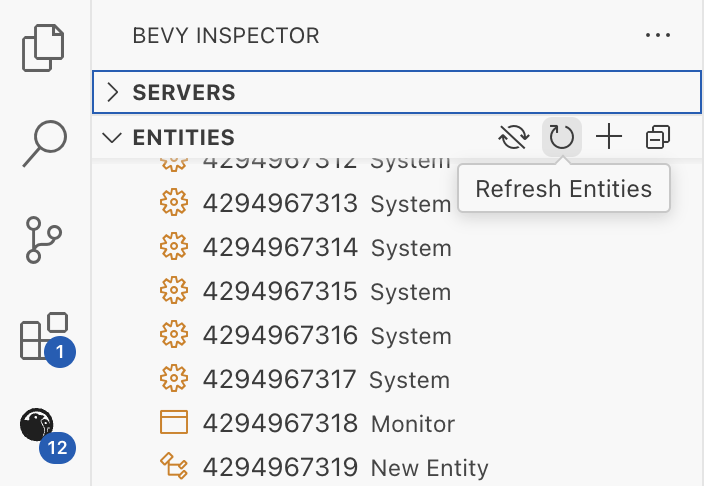
- 🧩 Display Bevy entities, components, resources and schema registry right in your editor side view.
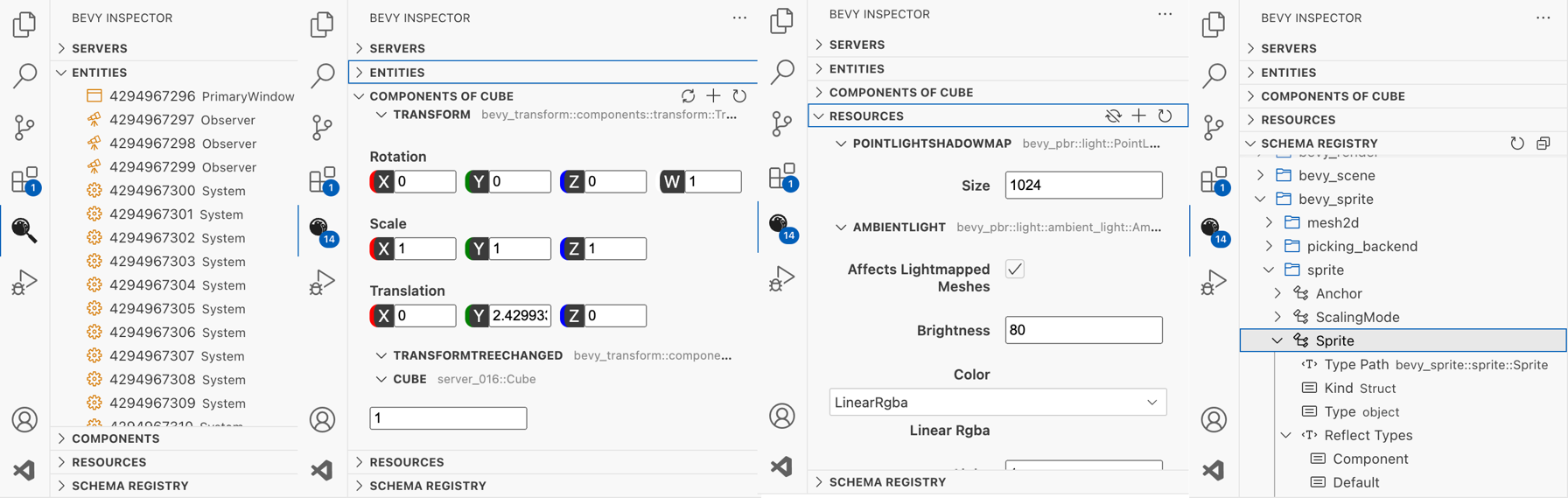
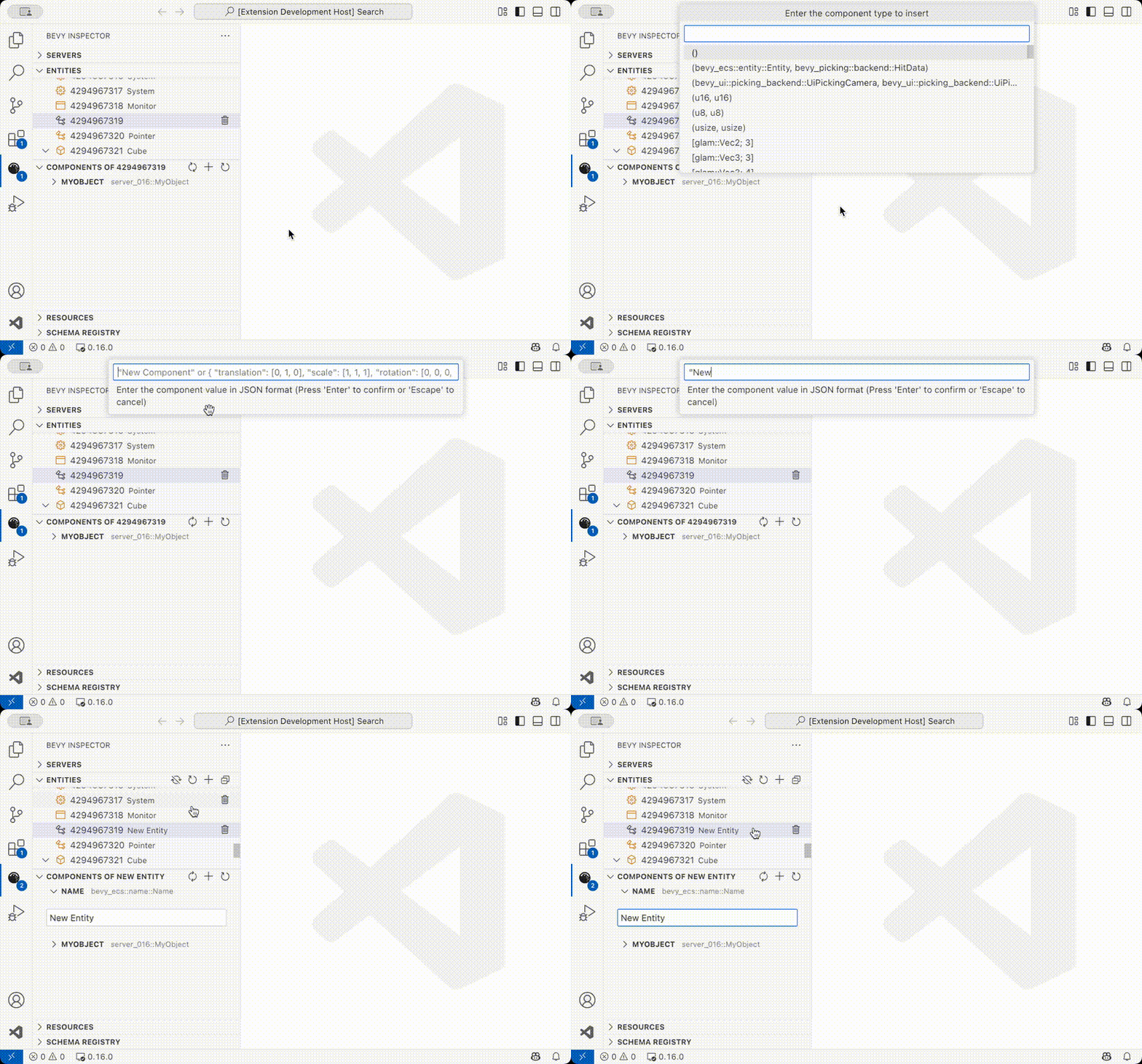
- ✏️ Insert or modify component and resource values (only on Bevy
0.16+).
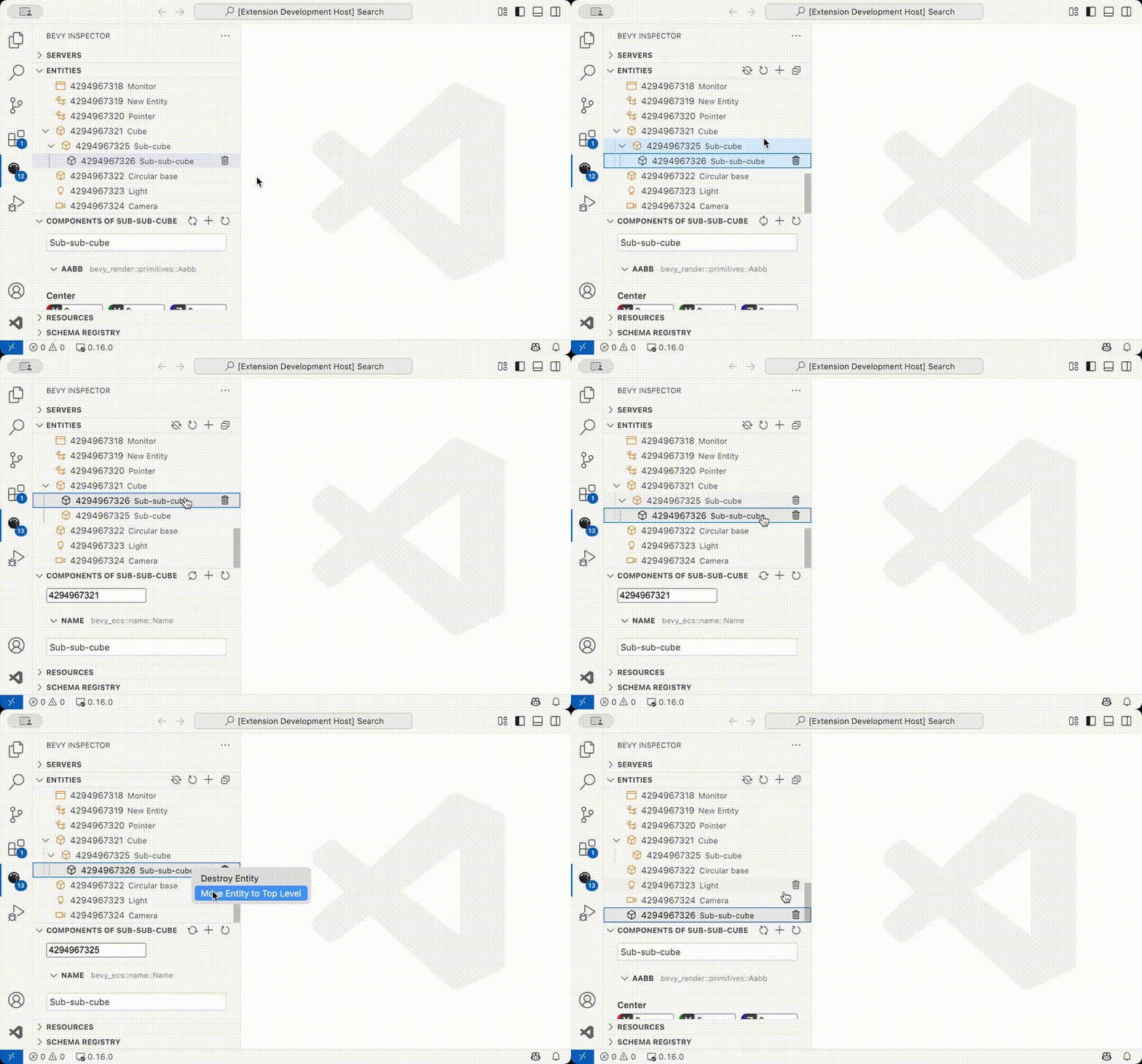
- 🏗️ Spawn, destroy or re-parent entities.
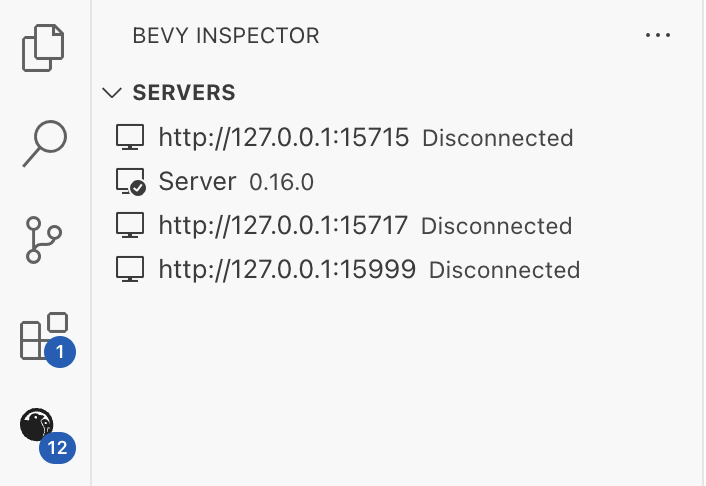
- 🔗 Manage multiple Bevy servers. Compatible with Bevy
0.15,0.16and more.
- 🔃 Refresh data when wanted or via automatic polling with configurable delay.
Usage
The extension can be installed from:
- The VS Code Marketplace.
- The Open VSX Registry.
There are example servers at examples/ that show valid Bevy application configurations for different Bevy versions.
In short here are the requirements:
- A Rust project with the
bevydependency and thebevy_remotefeature enabled. Bevy should be at least0.15.xbut0.16.xis required for multiple features (display resources and registry, modify components and resources).
# Cargo.toml
[dependencies]
bevy = { version = "0.18.0", features = ["bevy_remote"] }
- A Bevy application with the
RemotePluginandRemoteHttpPluginplugins enabled.
# src/main.rs
fn main() {
    App::new()
        .add_plugins(DefaultPlugins)
        .add_plugins(RemotePlugin::default())
        .add_plugins(RemoteHttpPlugin::default())
        .run();
}
By default the connection URL is http://127.0.0.1:15702.
Development
Read the contributing guide:
more like this