srcery-emacs
The dark color scheme for Emacs/Spacemacs. GUI and terminal support
 srcery-colors
Colorscheme with clearly defined contrasting colors and a slightly earthy tone.
Requirements
Emacs 24 or above
GUI
Should work out of the box.
Terminal
To use Srcery in the terminal you need to change your terminal emulator’s so-called “ASCII” colors to the ones in the table below.
| TERMCOL | NR | HEX | RGB |
|---|---|---|---|
| black | 0 | #1C1B19 | 28, 27, 25 |
| red | 1 | #EF2F27 | 239, 47, 39 |
| green | 2 | #519F50 | 81, 159, 80 |
| yellow | 3 | #FBB829 | 251, 184, 41 |
| blue | 4 | #2C78BF | 44, 120, 191 |
| magenta | 5 | #E02C6D | 224, 44, 109 |
| cyan | 6 | #0AAEB3 | 10, 174, 179 |
| white | 7 | #BAA67F | 186, 166, 127 |
| bright-black | 8 | #918175 | 145, 129, 117 |
| brright-red | 9 | #F75341 | 247, 83, 65 |
| bright-green | 10 | #98BC37 | 152, 188, 55 |
| bright-yellow | 11 | #FED06E | 254, 208, 110 |
| bright-blue | 12 | #68A8E4 | 104, 168, 228 |
| bright-magenta | 13 | #FF5C8F | 255, 92, 143 |
| bright-cyan | 14 | #2BE4D0 | 43, 228, 208 |
| bright-White | 15 | #FCE8C3 | 252, 232, 195 |
See srcery-terminal repository for a list of terminal configs.
In addition to the table above Srcery uses a few unmodified xterm colors. Since most terminals have these defined it pads out the color selection nicely without over complicating things.
Make sure your $TERM supports 256 colors.
Installation
Package.el
Srcery is available from MELPA
M-x package-install RET srcery-theme
Then load it with
M-x load-theme srcery
Or add this to your init file:
(load-theme 'srcery t)
Spacemacs
Either install using package-install or add srcery-theme to
dotspacemacs-additional-packages, then add srcery to dotspacemacs-themes
(setq-default
 dotspacemacs-additional-packages
 '(srcery-theme)
 dotspacemacs-themes
 '(srcery))
Doom Emacs
Include package in doom/packages.el
(package! srcery-theme)
Set theme in doom/config.el
(setq doom-theme 'srcery)
Run doom sync to install the package
Screenshots
Lisp
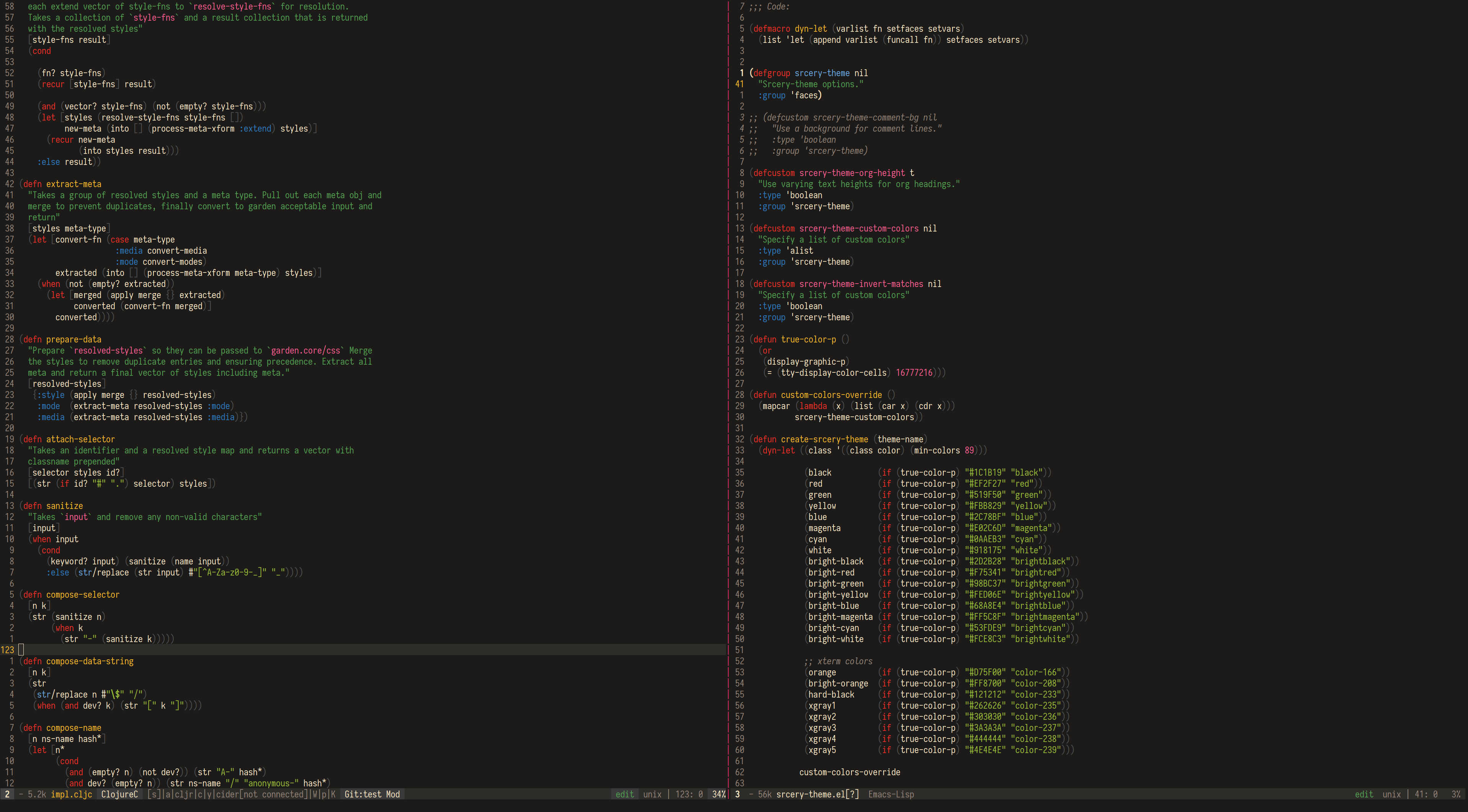 paren-face is used to color
parenthesis.
paren-face is used to color
parenthesis.
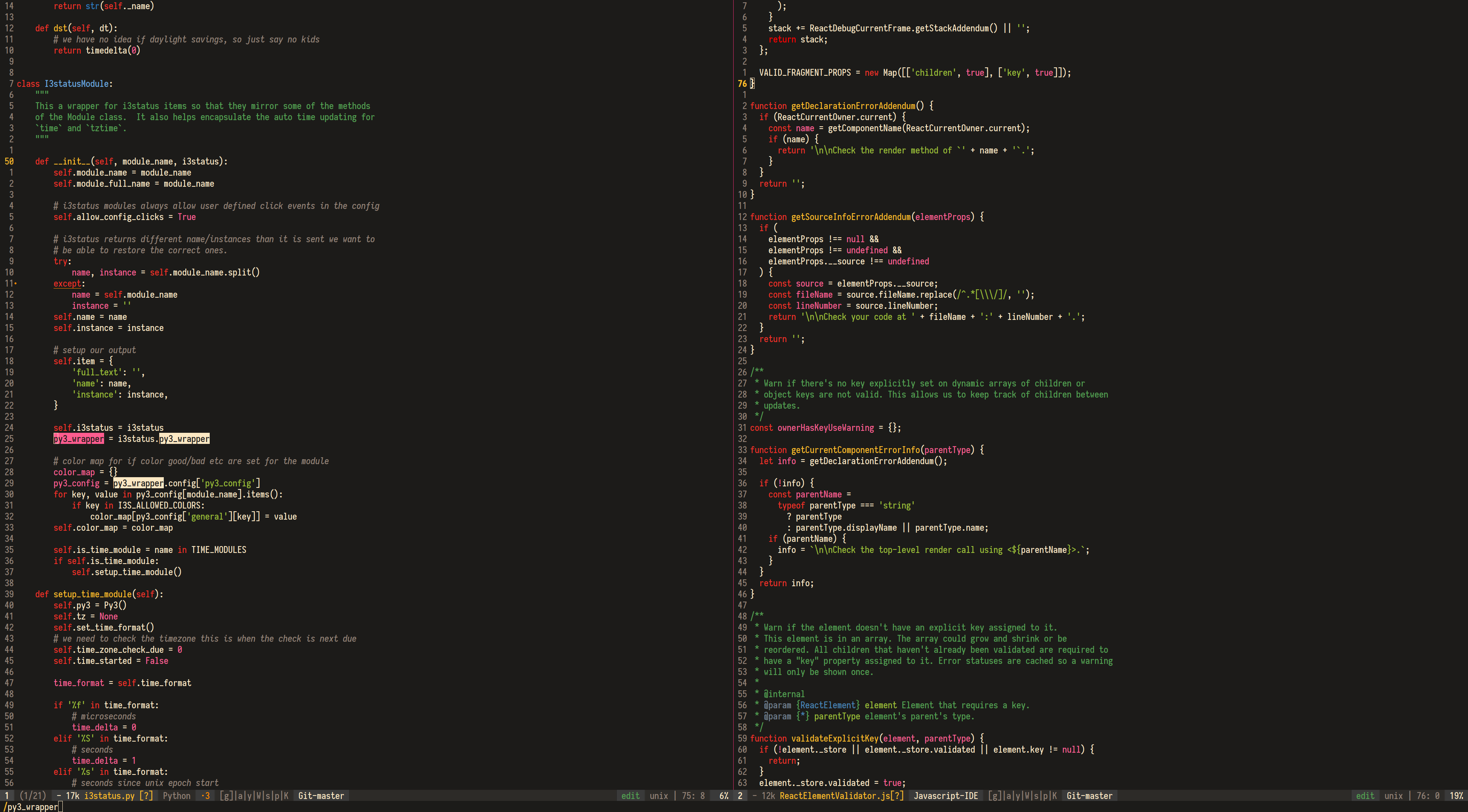
Python / JavaScript
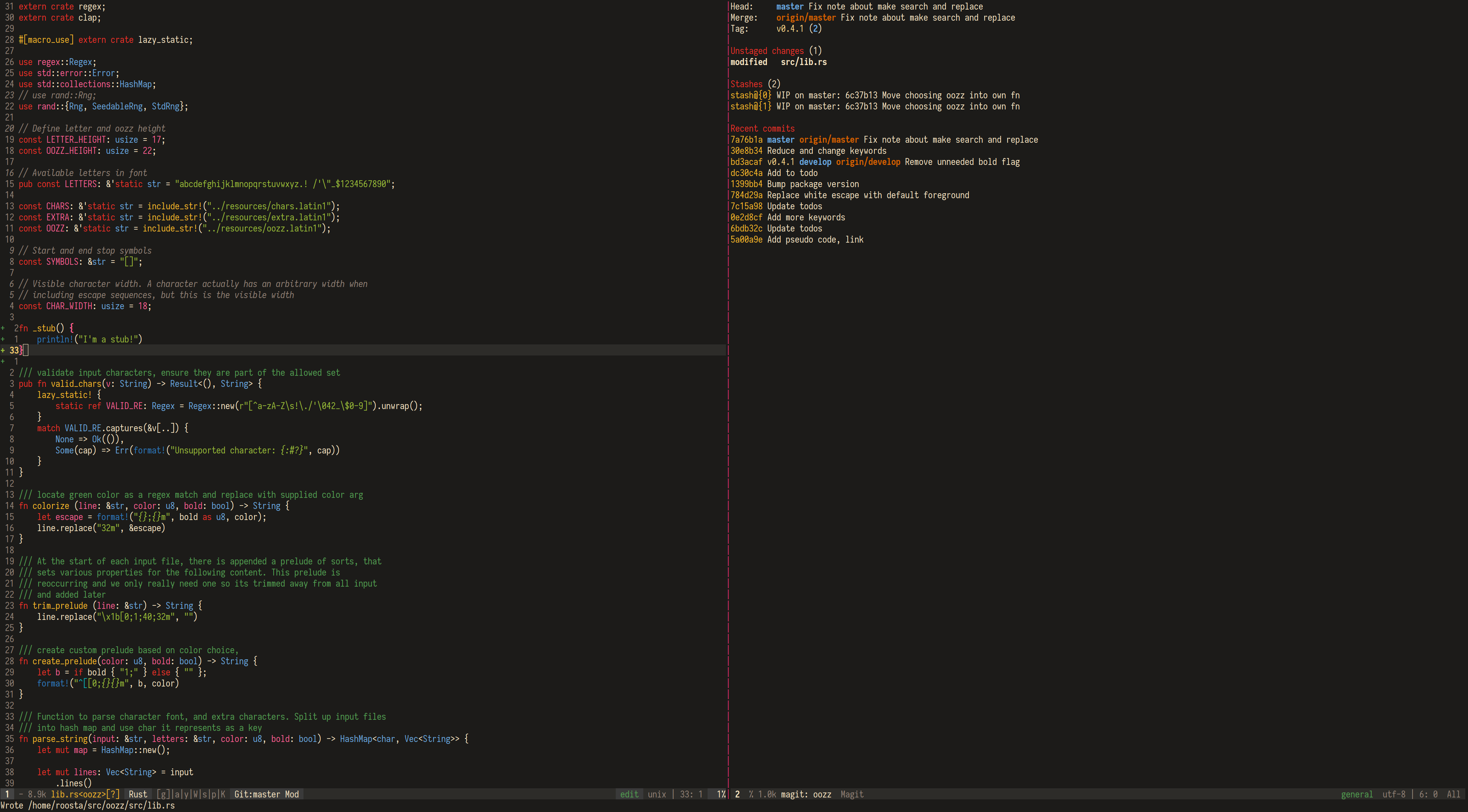
Rust / Magit
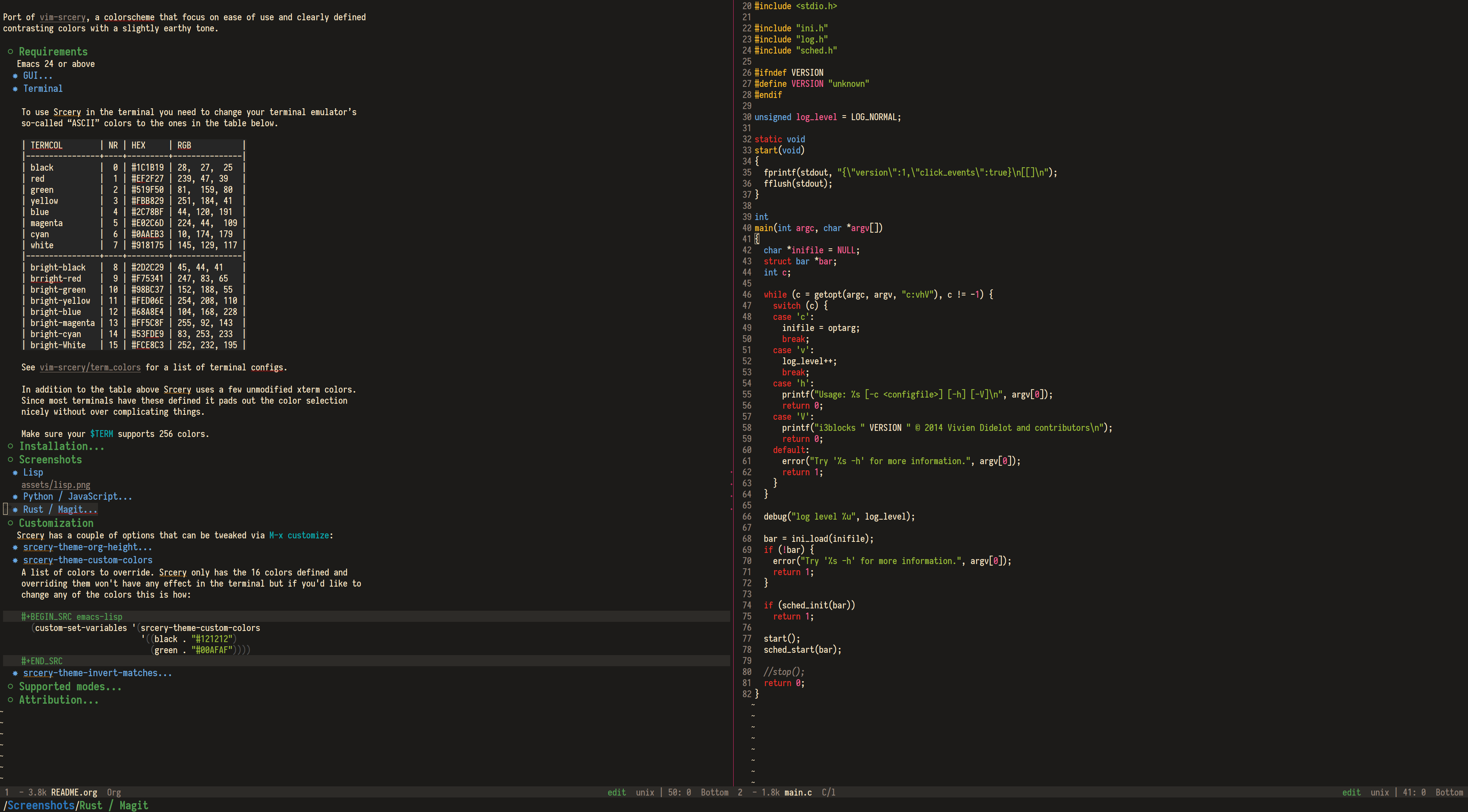
Org / C
Customization
Srcery has a couple of options that can be tweaked via M-x customize:
srcery-org-height
boolean, default: t
This toggles the use of varying org headings heights.
srcery-invert-matches
boolean, default: nil
Toggles whether to inverse-video search matches.
Make sure your cursor is inverted if this is enabled as otherwise it will make the cursor difficult to spot.
srcery-invert-region
boolean, default: t
Toggle inverse video for region
srcery-transparent-background
boolean, default nil
Sets the base background color to nil, and relies on underlying terminal
background color. This only works in the terminal, and the idea behind it is
that you can use for example tmux to control the background color.
Custom colors
Its possible to override the base srcery colors.
Possible colors are: srcery-black, srcery-red, srcery-green, srcery-yellow, srcery-blue, srcery-magenta, srcery-cyan, srcery-white srcery-bright-black, srcery-bright-red, srcery-bright-green, srcery-bright-yellow, srcery-bright-blue, srcery-bright-magenta, srcery-bright-cyan, srcery-bright-white srcery-orange, srcery-bright-orange, srcery-hard-black, srcery-gray-1, srcery-gray-2, srcery-gray-3, srcery-gray-4, srcery-gray-5.
Bear in mind that changing these will not work in termninal. Set your term colors to whatever you wish to override.
Supported modes
- company
- ein
- erc
- gnus
- helm
- ido
- info
- magit
- mu4e
- neotree
- org
- evil-snipe
- paren-face
- cider
- dired
- diredfl
- flycheck
- ivy
- latex
- powerline
- spaceline
- and others, more coming
Troubleshooting
Work in progress
This theme is a work in progress, if you see something that is off or doesn’t work please open an issue so it can be fixed.
org-bullets and transparent background
When setting the variable srcery-transparent-background and you are using
org-bullets the leading asterisks are colored white, which does nothing to
hide them. The problem is that org-bullets sets the :forground color to the
default background color, but when this is nil this issue arise. I’ve made a
fork that uses the org-hide face, fixing this issue. There is also an open
pull request that addresses this.
Attribution
I’m new to elisp, so I used the spacemacs-theme as a base for emacs-srcery. Huge thanks to everyone involved with that theme, and Spacemacs itself. I also used Monokai Emacs as a blueprint for handling 256 colors properly. Big thanks to maintainers of that theme.
more like this