moxon-frame-generator
simple generator for 3D-printed frames for a moxon rectangle antenna
OpenSCAD★ 50
PYNQ example of using the RFSoC as a QPSK transceiver.
 strath-sdr
git clone https://github.com/strath-sdr/rfsoc_qpsk.gitstrath-sdr/rfsoc_qpsk
|
|
Available Now! Software Defined Radio with Zynq® UltraScale+ RFSoC Free Download Printed Edition |
This repository has been tested with PYNQ image v3.1.1 (Vivado 2024.1) for the following RFSoC development boards. Newer PYNQ versions may require different Vivado versions; please verify compatibility against the PYNQ release notes:
The following boards are limited to PYNQ version 2.7 and Vivado 2020.2 since this board is not officially supported by PYNQ and no official SD card image exists:
The SD card image for this board has been made available from the following repository: sarafs1926/ZCU216-PYNQ.
This repo contains all the files needed to build and run the RFSoC QPSK demonstrator that was published in IEEE Access and was presented at both FPL and XDF conferences in 2018. The design is a full QPSK transceiver, which transmits and receives randomly-generated pulse-shaped symbols with full carrier and timing synchronisation. PYNQ is used to visualise the data at both the DAC and ADC side of the RFSoC data converters, as well as visualising various DSP stages throughout the transmit and receive signal path.
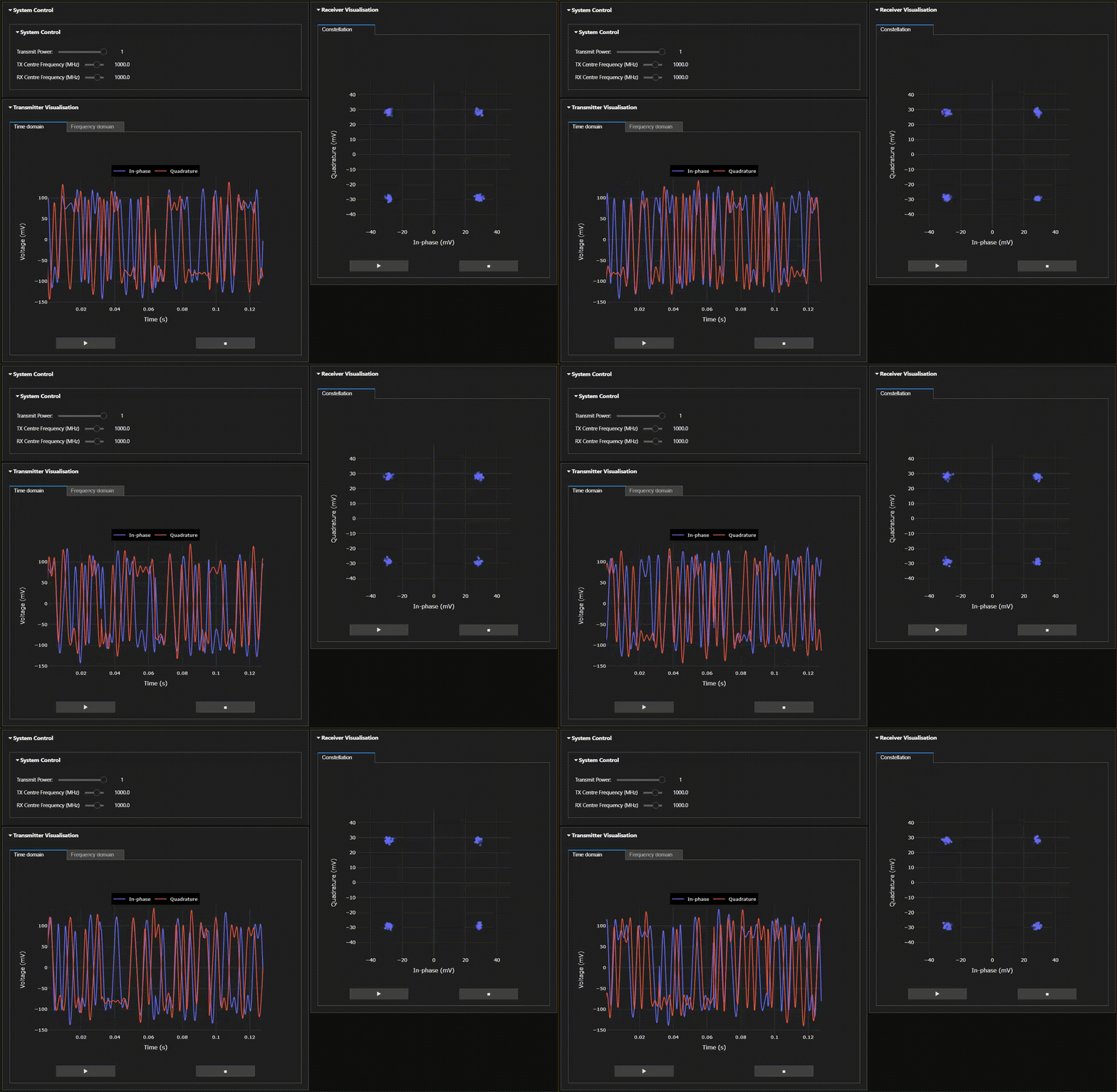
Follow the instructions below to install the QPSK demonstrator on your development board. You will need to give your board access to the internet.
http://<board_ip_address>:9090/lab.
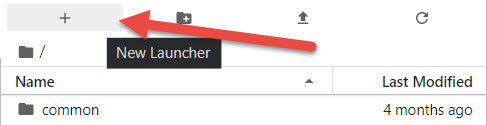
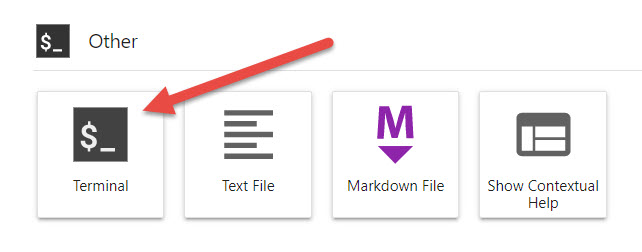
pip3 install https://github.com/strath-sdr/rfsoc_qpsk/releases/download/v1.5.0/rfsoc_qpsk.tar.gz
python -m rfsoc_qpsk install
Once installation has complete, you will find the QPSK demonstrator notebooks located in the jupyter home workspace in the rfsoc_qpsk folder.
This repository uses Voila to create simple web applications using Jupyter notebooks. Your RFSoC development board should already be preinstalled with a version of Voila and no further setup is required.
The following software is required to use the project files in this repository.
The Tx and Rx IPs are in separate directories in rfsoc_qpsk/boards/ip/sysgen/ that can be opened using the appropriate System Generator dialogue. Due to the large amount of decimation and interpolation in both IPs, simulating the output can take an extraordinarily long time. A less extreme multirate system would simulate much faster!
This project can be built with Vivado from the command line. Open Vivado 2024.1 and execute the following into the tcl console:
cd /<repository-location>/boards/<board-name>/rfsoc_qpsk/
Now that we have moved into the correct directory, make the Vivado project by running the make commands below sequentially.
make block_design
make bitstream
Alternatively, you can run the entire project build by executing the following into the tcl console:
make all
more like this
simple generator for 3D-printed frames for a moxon rectangle antenna
search projects, people, and tags