meine
meine 🌒 - A CLI file manager and system utility built with Textual. It combines intuitive command parsing with rich t…
Python★ 50
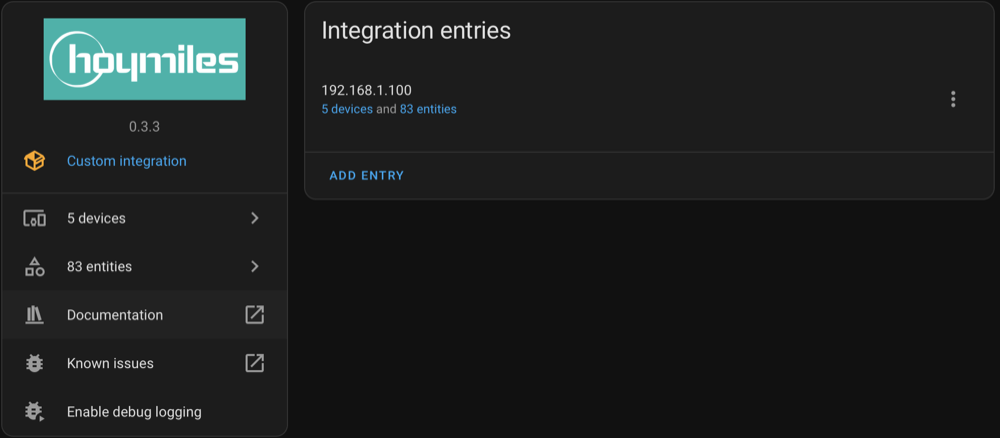
Home Assistant custom component for Hoymiles DTUs and the HMS-XXXXW-2T microinverters
 suaveolent
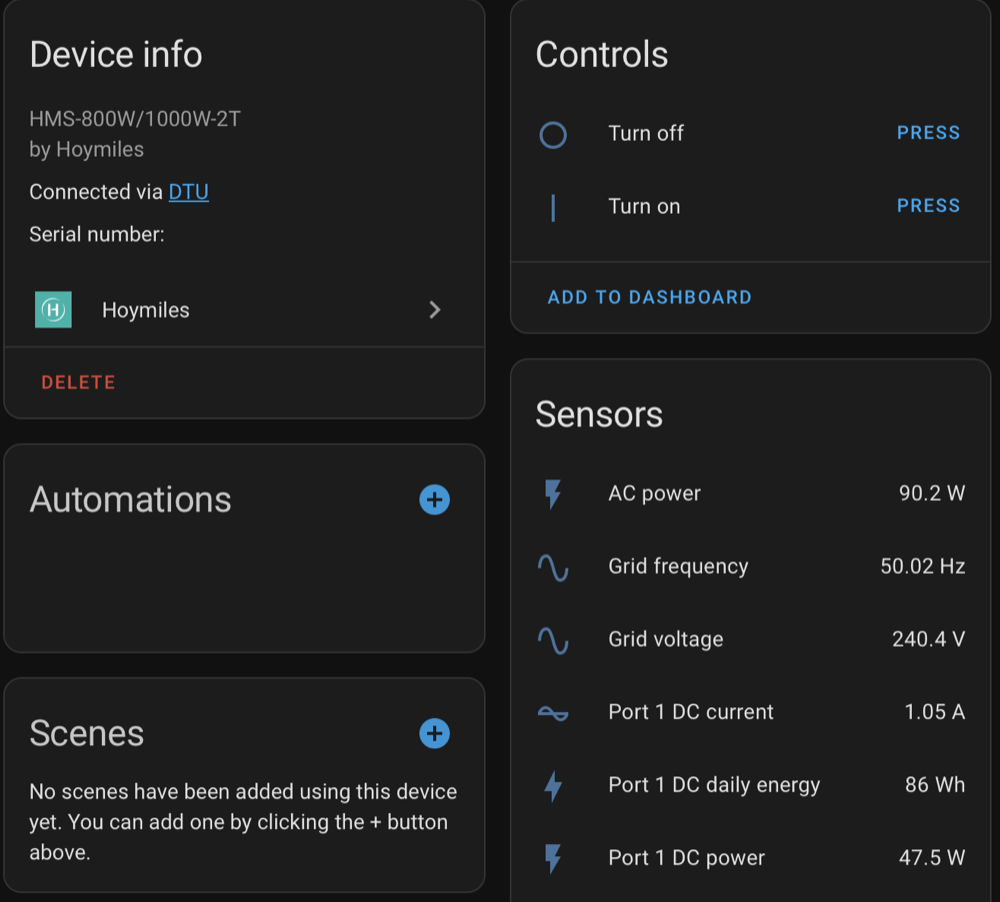
git clone https://github.com/suaveolent/ha-hoymiles-wifi.gitsuaveolent/ha-hoymiles-wifiThis custom component integrates Hoymiles DTUs, HMS-XXXXW microinverters and hybrid inverters into Home Assistant, providing live inverter data. It uses the hoymiles-wifi Python library to communicate directly with the devices over your local network — no cloud connection required.
Note
Disclaimer: This library is not affiliated with Hoymiles. It is an independent project developed to provide tools for interacting with Hoymiles DTUs and Hoymiles HMS-XXXXW series micro-inverters featuring integrated WiFi DTU. Any trademarks or product names mentioned are the property of their respective owners.
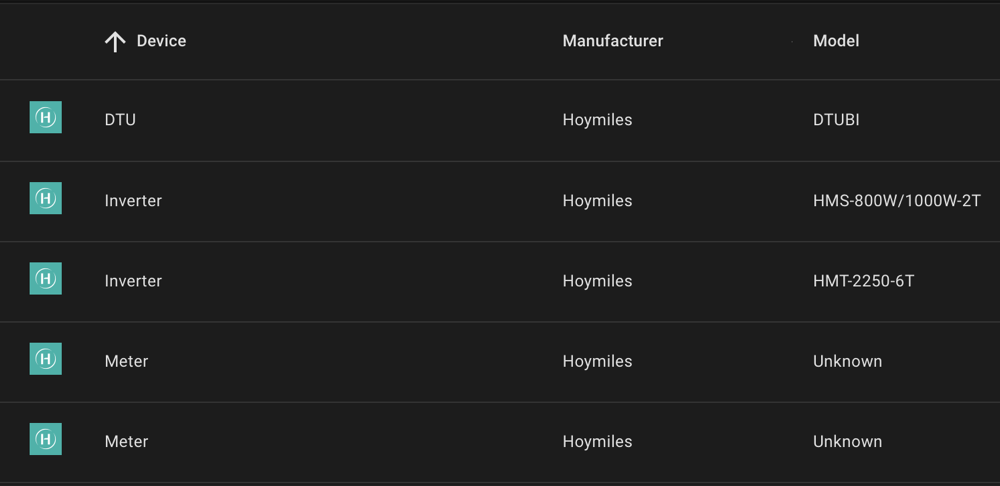
The custom component was successfully tested with:
Caution
Please refrain from using the current power limitation feature for zero feed-in, as it may lead to damaging the inverter due to excessive writes to the EEPROM.
Open the HACS panel in your Home Assistant frontend.
Navigate to the "Integrations" tab.
Click the three dots in the top-right corner and select "Custom Repositories."
Add a new custom repository:
URL: https://github.com/suaveolent/ha-hoymiles-wifi
Category: Integration
Click "Add"
Click on the Hoymiles integration.
Click "DOWNLOAD"
Navigate to "Settings" - "Devices & Services"
Click "ADD INTEGRATION" and select the Hoymiles integration.
Insert IP address of hoymiles DTUBI-xxxx in field Host and click on SUBMIT
Note
Sometimes the necessary lib
(https://github.com/suaveolent/hoymiles-wifi) is not correctly
installed. In this case you need to manually install the library by
running the pip install hoymiles-wifi command yourself.
Download the contents of this repository as a ZIP file.
Extract the ZIP file.
Copy the entire custom_components/hoymiles-wifi directory to your Home Assistant
Install the python requirements
Restart your Home Assistant instance to apply the changes.
If you encounter an HTTP 500 error when adding the integration in a Home Assistant Docker container, follow this workaround:
hoymiles-wifi library pre-installed:
FROM homeassistant/home-assistant
RUN pip install hoymiles-wifi
docker build -t ha-hoymiles .
Configuration is done in the UI.
Host: Enter the IP address or the hostname of your inverter or DTU.Note
To find the IP address or hostname of your inverter/DTU, you can either access your router’s web interface to view connected devices, or use a network scanning tool (such as Fing or Angry IP Scanner) to identify the device on your local network.
Update interval (seconds): This defines how frequently the system will request data from the inverter or DTU. Enter the desired time in seconds.Note
Setting the update interval below approximately 32 seconds (120 seconds for newer firmware versions) may disable Hoymiles cloud functionality. To ensure proper communication with Hoymiles servers, keep the update interval at or above this threshold.
Use this custom component responsibly and be aware of potential risks. There are no guarantees provided, and any misuse or incorrect implementation may result in undesirable outcomes. Ensure that your inverter is not compromised during communication.
Note
Update Frequency: The library may experience limitations in fetching updates, potentially around twice per minute. The inverter firmware may enforce a mandatory wait period of approximately 30 seconds between requests. This issue can be identified when the data returned matches the response from the previous request. If you encounter this, you can try the experimental performance data mode. (Needs to be enabled on each reboot of the DTU.)
Note
Compatibility: While developed for the HMS-800W-2T inverter, compatibility with other inverters from the series is untested at the time of writing. Exercise caution and conduct thorough testing if using with different inverter models.
This project was generated from @oncleben31's Home Assistant Custom Component Cookiecutter template.
more like this
meine 🌒 - A CLI file manager and system utility built with Textual. It combines intuitive command parsing with rich t…
Create and add progress bars, Office365 Files and Dropbox Paper papers by labels and link them to your Todoist tasks.
search projects, people, and tags