meine
meine 🌒 - A CLI file manager and system utility built with Textual. It combines intuitive command parsing with rich t…
Python★ 50
Broadlink Manager is a python based project that allows you to contorol your broadlink devices. Discover, Leran and sen…
 t0mer
t0mergit clone https://github.com/t0mer/broadlinkmanager-docker.gitt0mer/broadlinkmanager-dockerPlease ⭐ this repo if you find it useful
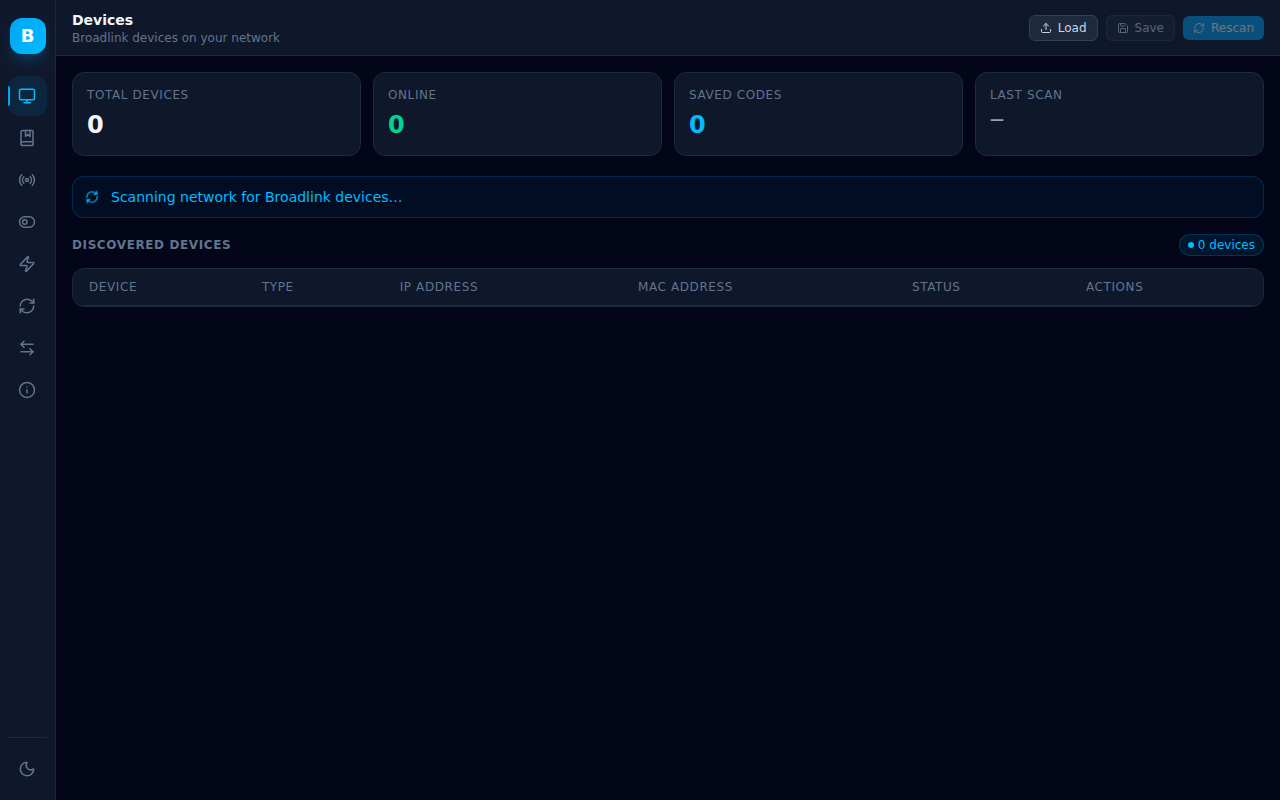
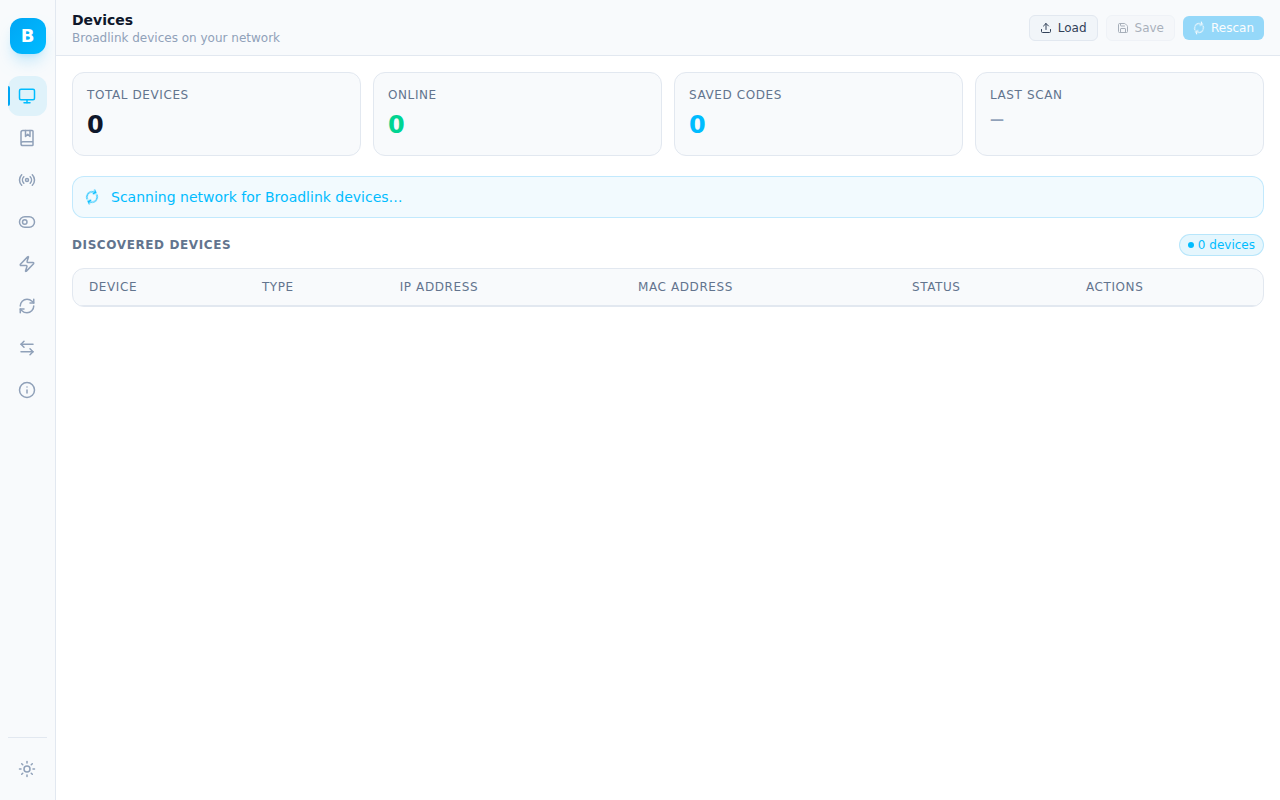
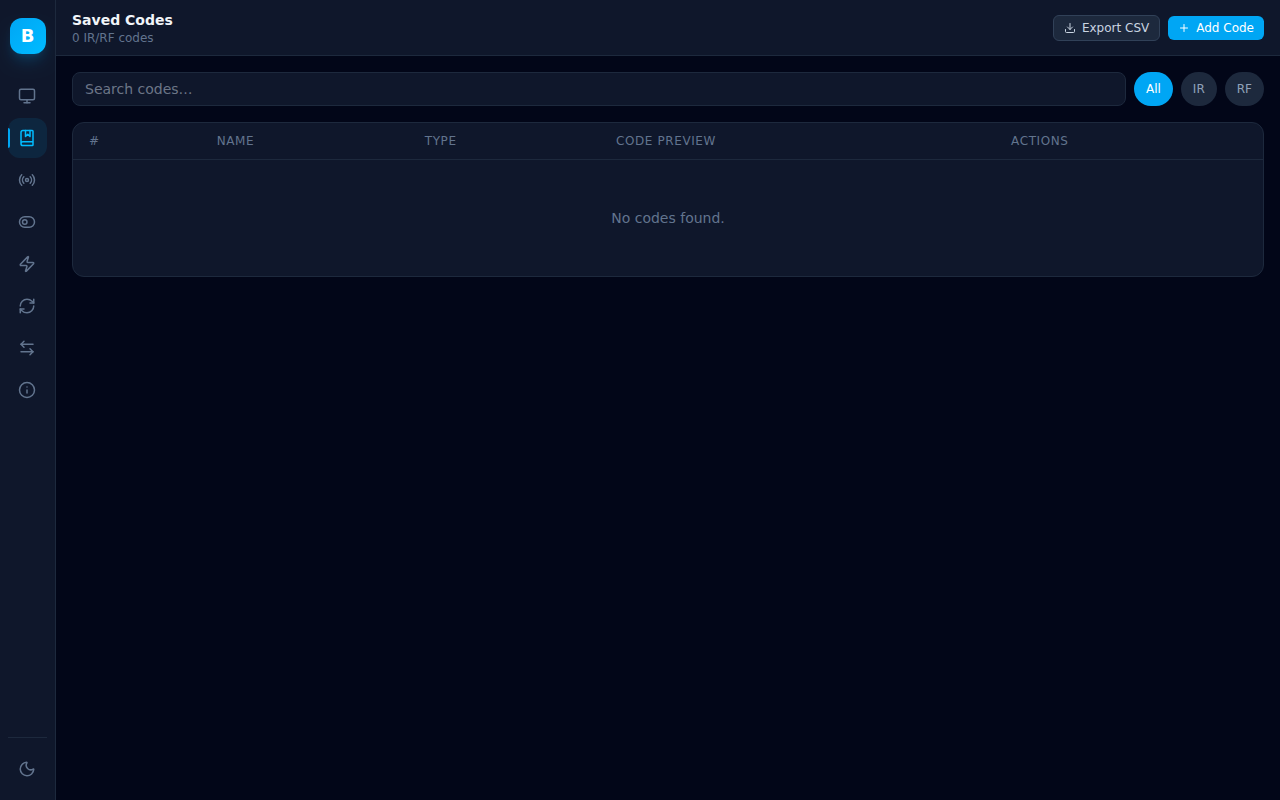
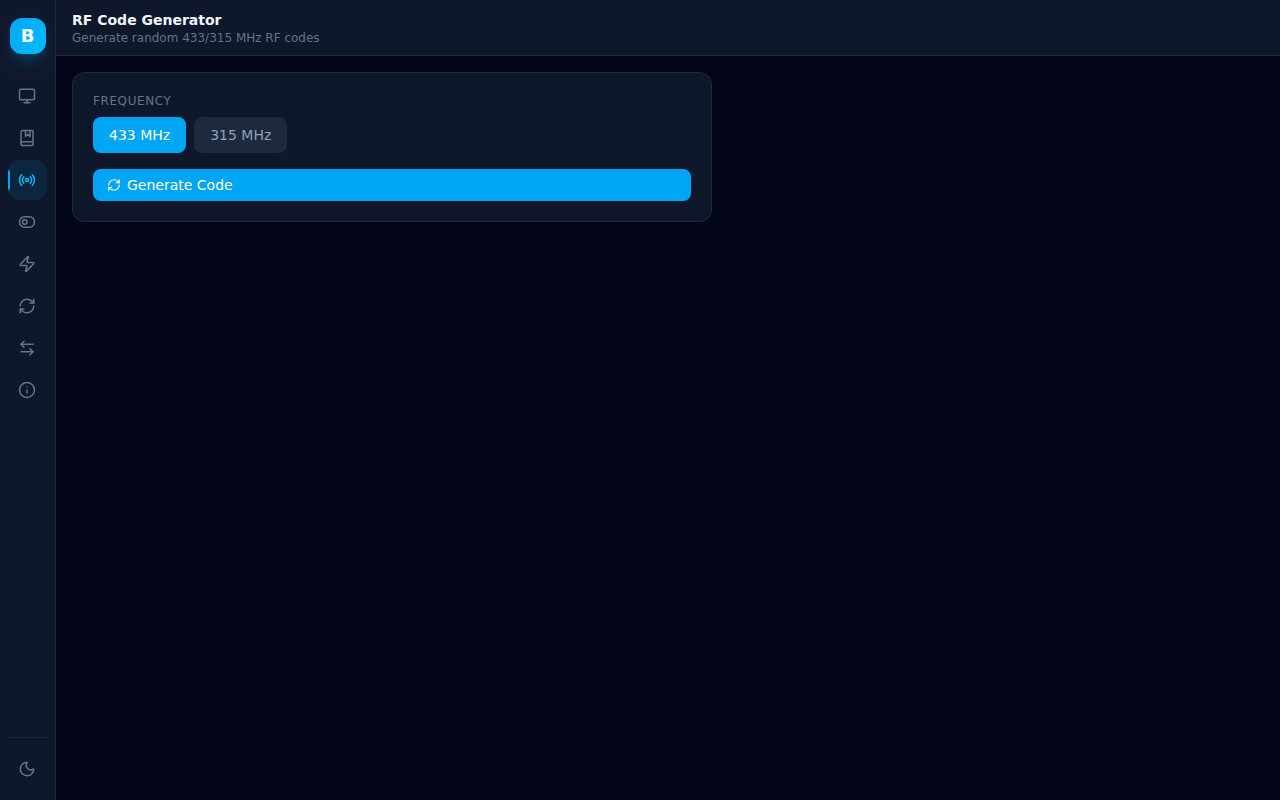
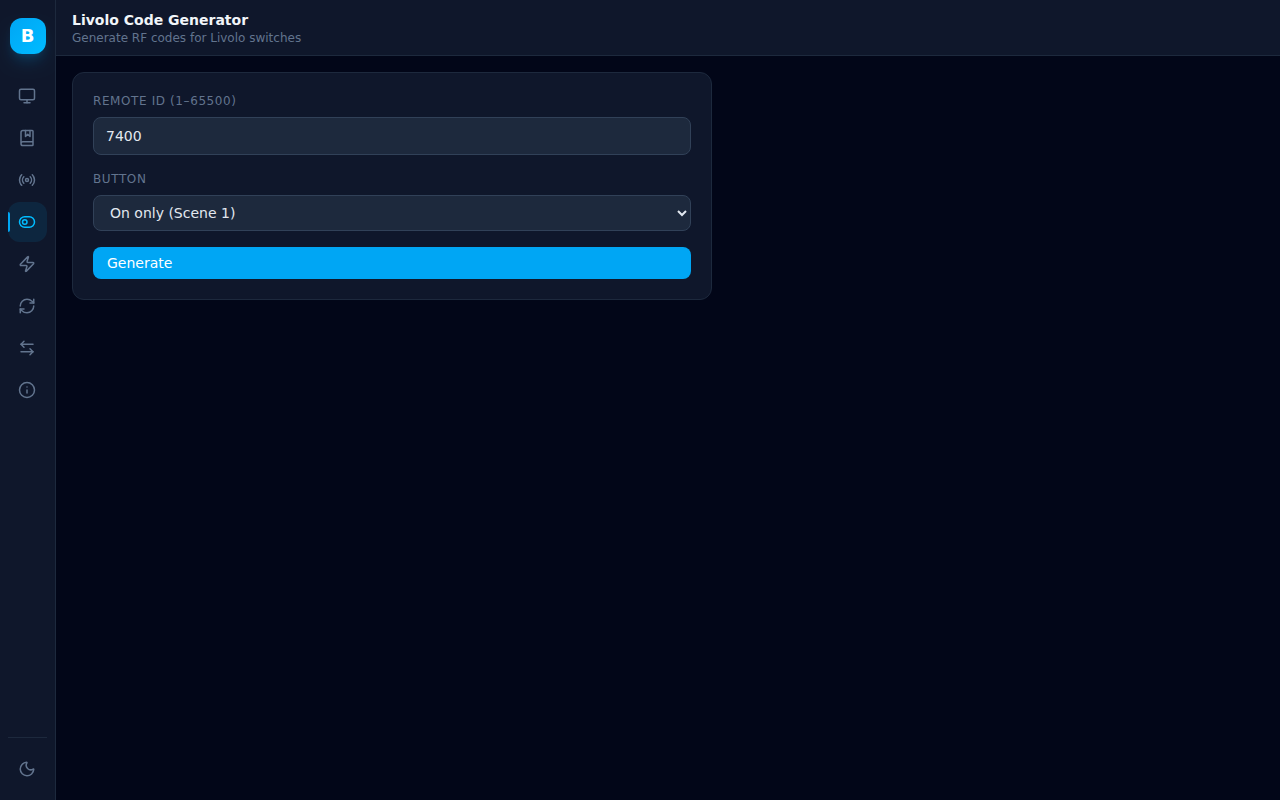
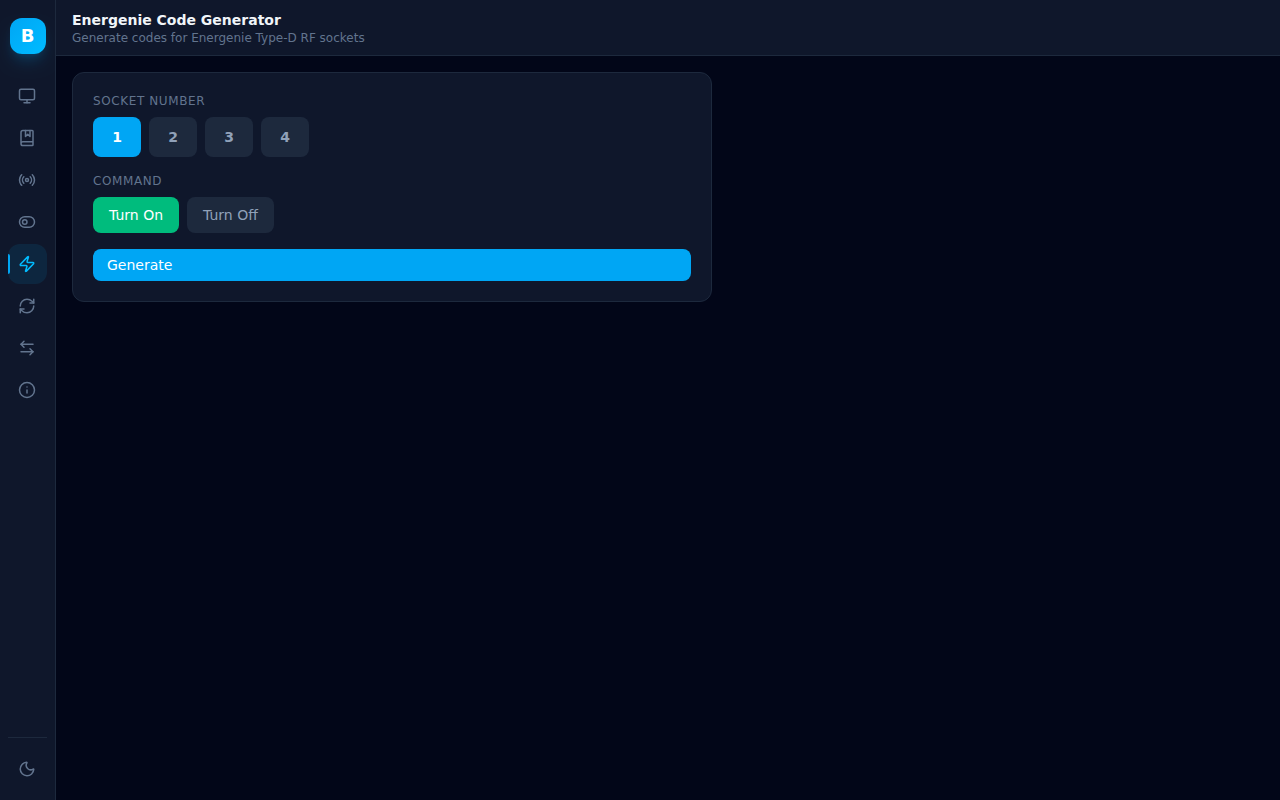
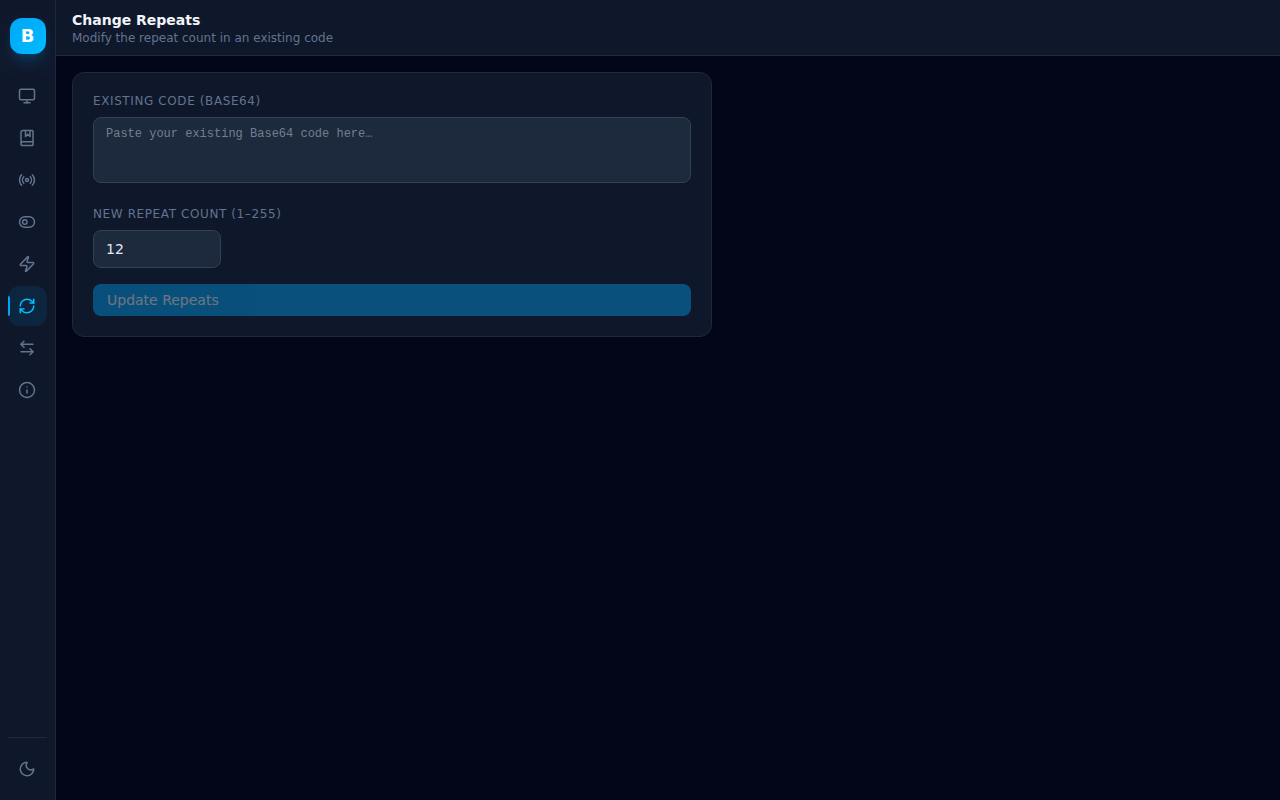
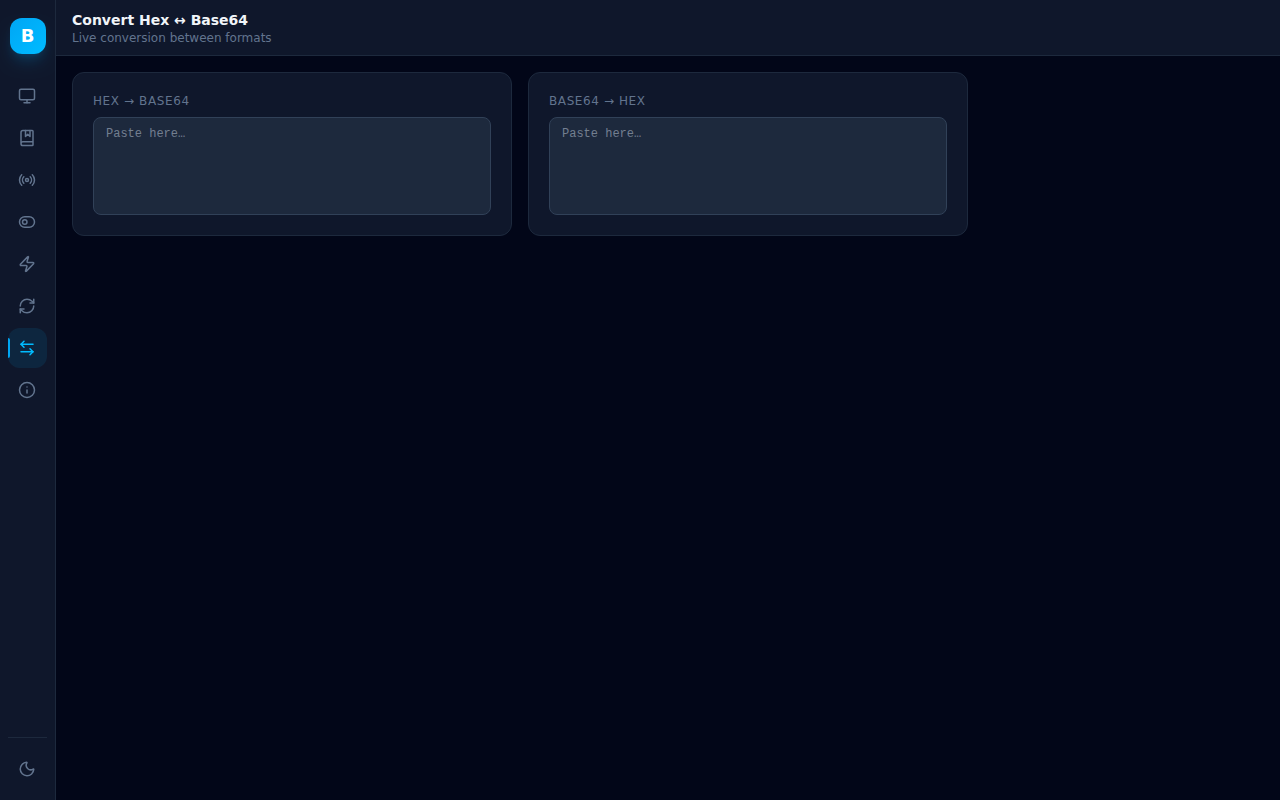
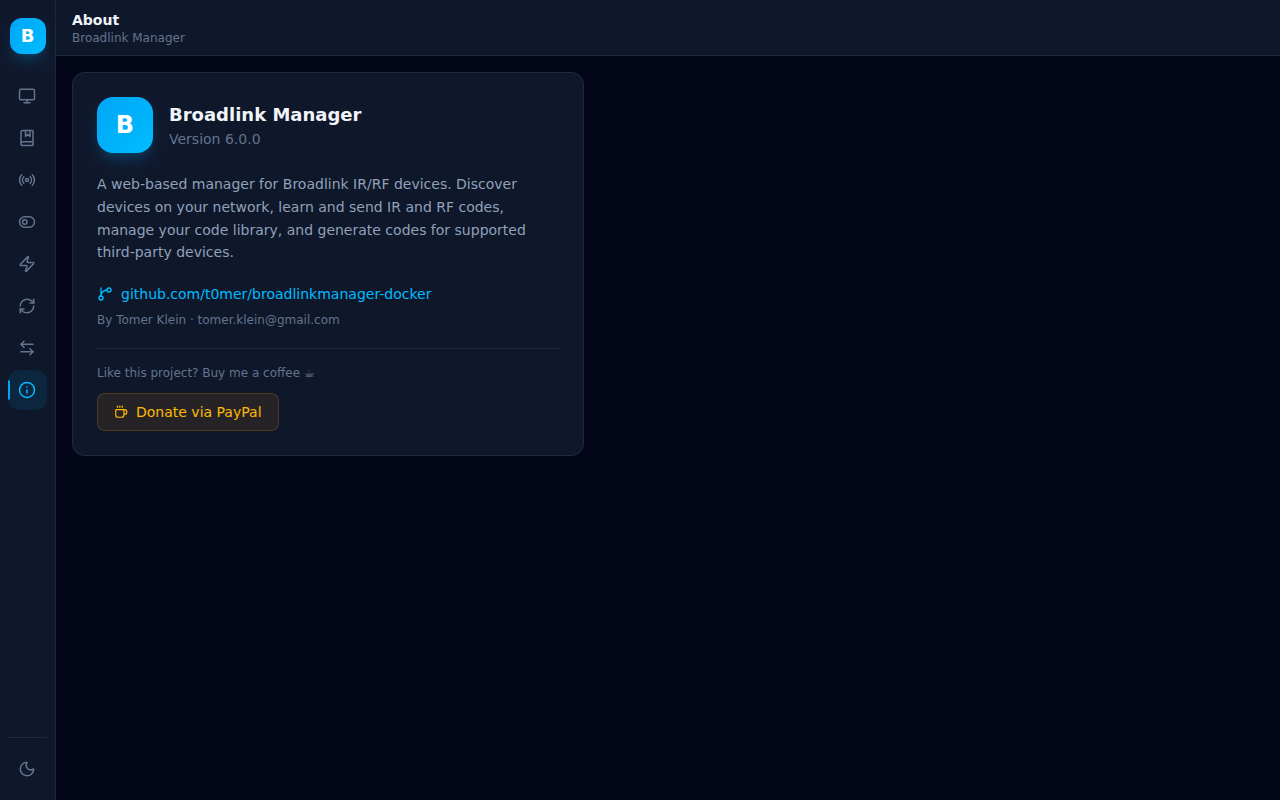
BroadlinkManager is a FastAPI powered web application that makes it easy to manage Broadlink IR/RF devices on your local network. It features a modern React UI with dark and light mode support, a full REST API, and runs as a single Docker container.
/docs/metricsservices:
broadlinkmanager:
image: techblog/broadlinkmanager
container_name: broadlinkmanager
network_mode: host
restart: unless-stopped
volumes:
- ./data:/app/data
Why
network_mode: host? Broadlink device discovery uses UDP broadcast packets on the local network. Host networking allows the container to send and receive those broadcasts. Without it, auto-discovery will not find any devices.
Once the container is running, open your browser at:
http://<docker-host-ip>:7020
| Variable | Default | Description |
|---|---|---|
DISCOVERY_IP_LIST |
(auto-detected) | Comma-separated list of local IP addresses to use for device discovery. Useful when the container has multiple network interfaces. Example: 192.168.1.10,192.168.2.10 |
DB_PATH |
/app/data/codes.db |
Path to the SQLite database file for saved codes |
You can pass arguments directly to the container to override discovery behaviour:
| Flag | Default | Description |
|---|---|---|
--ip <IP> |
(auto) | Specify a local interface IP for discovery (repeatable) |
--dst-ip <IP> |
255.255.255.255 |
Broadcast destination IP for discovery |
--timeout <s> |
5 |
Discovery timeout in seconds |
Example:
command: ["python", "broadlinkmanager.py", "--ip", "192.168.1.50"]
| Family | Models |
|---|---|
| SP1 | SP1 |
| SP2 | SP2, SP mini, SP2-compatible (Honeywell, URANT), NEO (Ankuoo), SP mini 3, MP2, SP2-CL, SC1 |
| SP2S | SP2, NEO PRO (Ankuoo), Ego (Efergy), SP mini+ |
| SP3 | SP3, SP3-EU |
| SP3S | SP3S-US, SP3S-EU |
| SP4 | SP4L-CN/EU/AU/UK/US, SP4M, MCB1, SCB1E, SCB2, SP mini 3 |
| RM mini | RM mini, RM mini 3 (all variants) |
| RM pro | RM pro/pro+, RM home, RM plus |
| RM mini B | RM mini 3 (0x5F36, 0x6507, 0x6508) |
| RM4 mini | RM4 mini, RM4C mini, RM4S, RM4 TV mate, RM4C mate |
| RM4 pro | RM4 pro, RM4C pro |
| Sensors | e-Sensor (A1) |
| Lights | LB1, LB26 R1, LB27 R1, SB500TD, SB800TD |
| Alarm | S2KIT, S3 |
| Climate | HY02/HY03 (Hysen) |
| Cover | DT360E-45/20 (Dooya) |
| BG Electrical | BG800/BG900, AHC/U-01 |
Interactive API documentation is available at http://<host>:7020/docs (Swagger UI).
Key endpoints:
| Method | Path | Description |
|---|---|---|
| GET | /autodiscover |
Scan network for Broadlink devices |
| GET | /device/ping?host=<ip> |
Check if a device is online |
| POST | /devices/save |
Save discovered device list to file |
| GET | /devices/load |
Load device list from file |
| GET | /ir/learn |
Start IR learning on a device |
| GET | /rf/learn |
Start RF sweep on a device |
| GET | /rf/status |
Poll RF learning status |
| GET | /rf/continue |
Continue RF sweep after frequency lock |
| GET | /command/send |
Send IR/RF code to a device |
| GET | /temperature |
Read temperature from a sensor device |
| GET | /api/codes |
List all saved codes |
| POST | /api/code |
Save a new code |
| PUT | /api/code/{id} |
Update a saved code |
| DELETE | /api/code/{id} |
Delete a saved code |
| GET | /api/version |
Get application version |
| GET | /metrics |
Prometheus metrics |
If you find this project useful, consider buying me a coffee ☕
more like this
meine 🌒 - A CLI file manager and system utility built with Textual. It combines intuitive command parsing with rich t…
Create and add progress bars, Office365 Files and Dropbox Paper papers by labels and link them to your Todoist tasks.
search projects, people, and tags