vscode-theme-iterm2
🎨 Color scheme for iTerm2 matching Visual Studio Code's default Dark+ and Light+ themes.
 tallpants
★ 114⑂ 20 forksMITupdated 5 years ago
git clone https://github.com/tallpants/vscode-theme-iterm2.gittallpants/vscode-theme-iterm2README.mdfork it — it’s yours
VS Code theme for iTerm2
A color scheme for iTerm2 that matches Visual Studio Code's default Dark+ and Light+ themes.
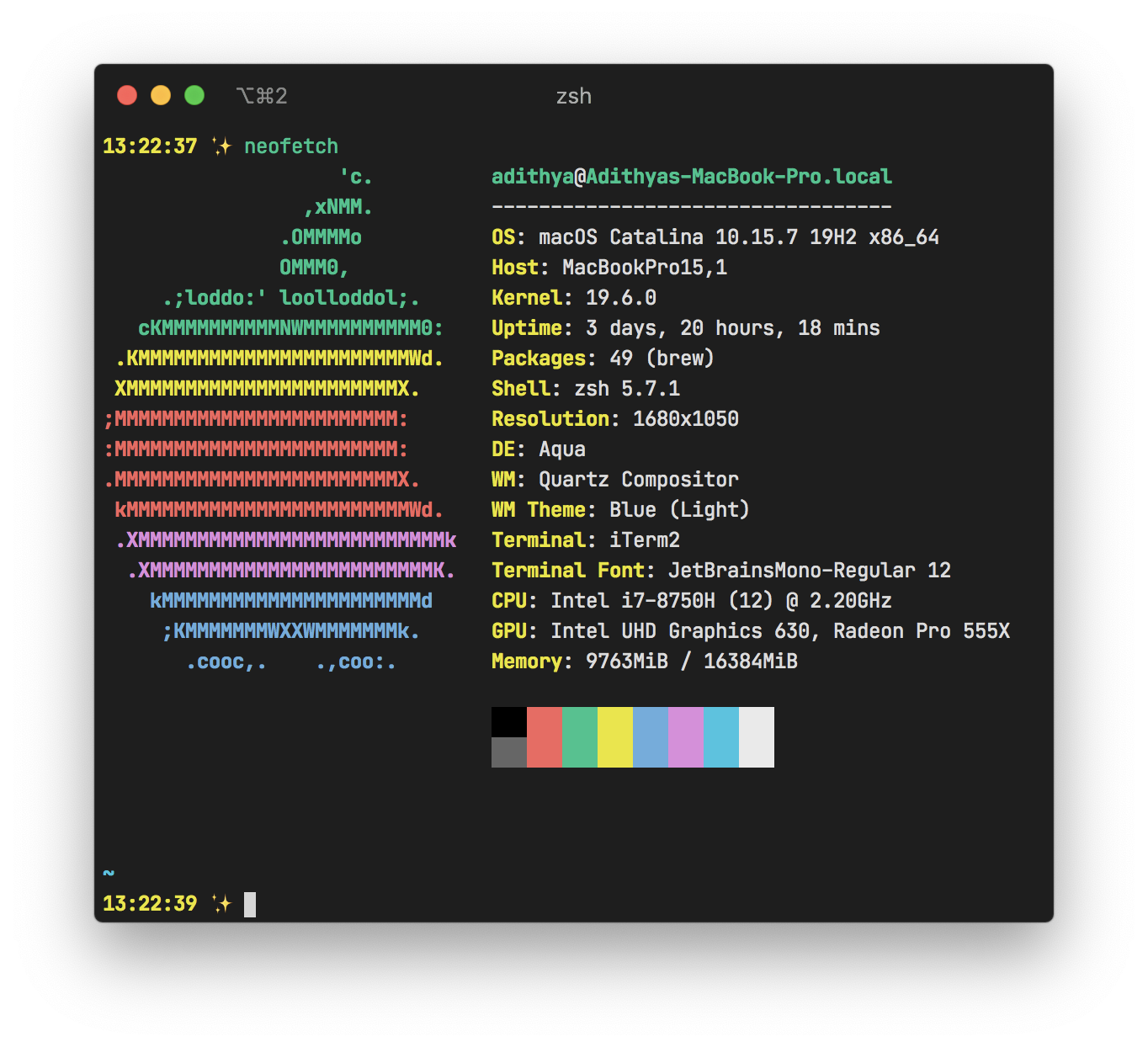 |
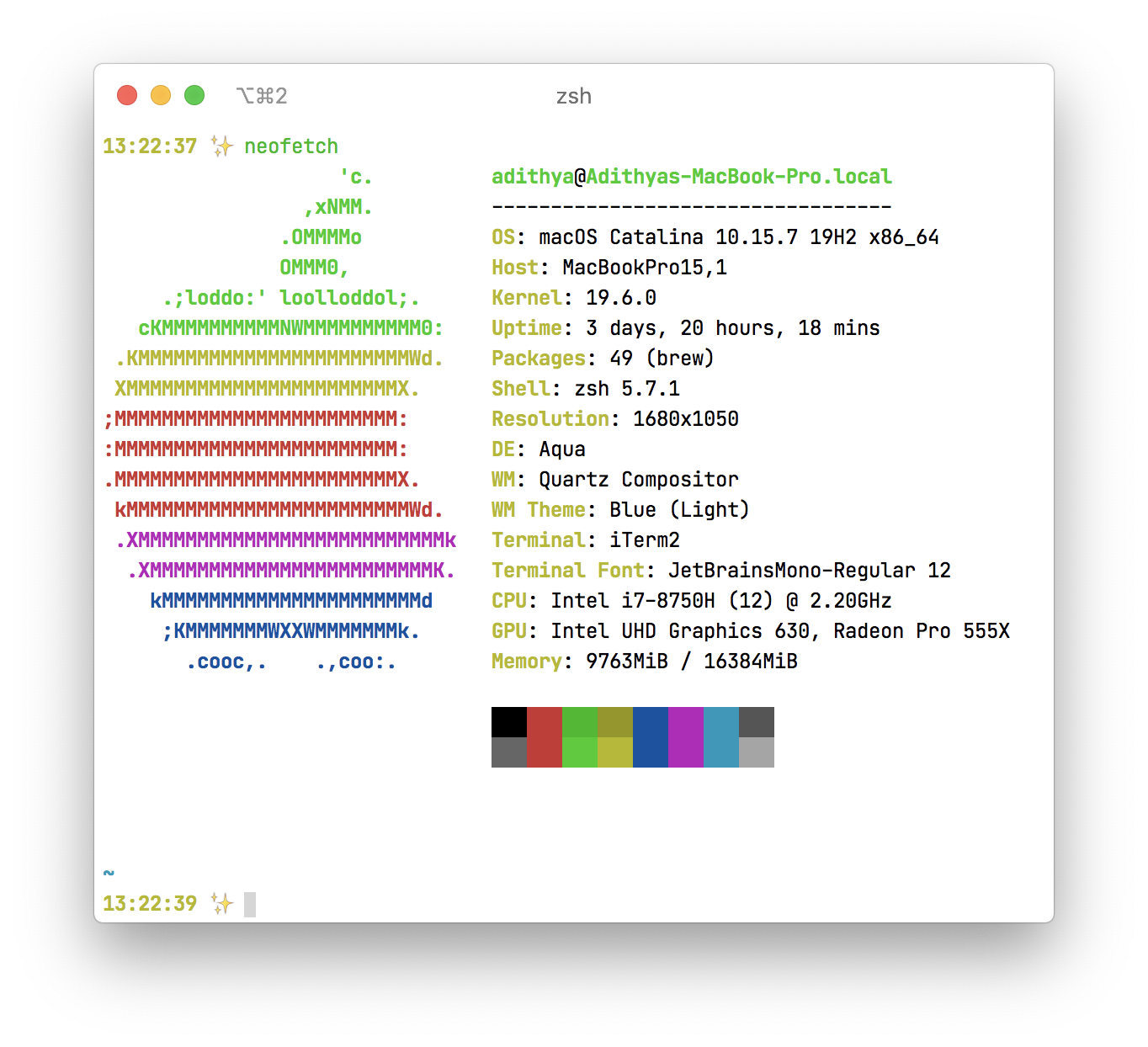 |
|---|
Installing
- Download the
vscode.itermcolorsfile from this repository's root. - Go to iTerm2 > Preferences > Profiles.
- Select the Colors tab.
- Click the "Color Presets" dropdown, scroll down and select "Import", then import the
vscode.itermcolorsandvscode-light.itermcolorsfiles. - Click the "Color Presets" dropdown again and select the "vscode" or "vscode-light" preset.
more like this
gns3theme
Custom color themes for GNS3 GUI. Built-in schemes, custom JSON themes, device symbols. Supports Linux and macOS.
Python★ 50
Aritim-Light
A Light theme for both KDE and GTK based distros, pleasant to the eyes and perfect for your daily workload.
CSS★ 51