r2
Free open-source Cloudflare R2 desktop client and S3 GUI for macOS, Windows, and Linux. Manage Cloudflare R2, AWS S3, M…
TypeScript★ 50
Team IDE 集成MySql、Oracle、金仓、达梦、神通等数据库、SSH、FTP、Redis、Zookeeper、Kafka、Elasticsearch、Mongodb、小工具等管理工具
 team-ide
git clone https://github.com/team-ide/teamide.gitteam-ide/teamideTeam IDE 集成MySql、Oracle、金仓、达梦、神通等数据库、SSH、FTP、Redis、Zookeeper、Kafka、Elasticsearch、Mongodb、小工具等管理工具
服务端:go开发
前端:vue开发
客户端:electron
Team IDE 支持单机运行以及服务器运行
单机运行
用户目录/temeide下服务器运行
teamide-server-amd64-xxx.zip、teamide-server-arm64-xxx.zip 或 docker 运行程序同级目录下admin 用户到 程序目录/data/init-user-info.json 中终端连接debian遇到不识别登录SSH的用户、目录,不记录历史命令情况,可以修改下 PS1 环境变量
~/.bashrc 文件export PS1="\[\e]0;${debian_chroot:+($debian_chroot)}\u@\h: \w\a\]${debian_chroot:+($debian_chroot)}\u@\h:\w\$"# 最新版本 至 https://hub.docker.com/repository/docker/teamide/teamide-server/tags?page=1&ordering=last_updated 查看 # amd64 环境 docker run -itd --name teamide-21080 -p 21080:21080 -v /data/teamide/data:/opt/teamide/data teamide/teamide-server:latest # arm64 环境 docker run -itd --name teamide-21080 -p 21080:21080 -v /data/teamide/data:/opt/teamide/data teamide/teamide-server-arm64:latest # 可以修改容器中 `conf/config.yaml` 配置 https 访问,这样浏览器可以使用复制粘贴功能
# 最新版本 至 https://github.com/team-ide/teamide/releases 查看
mkdir /opt
cd /opt

wget https://github.com/team-ide/teamide/releases/download/v2.1.0/teamide-server-2.1.0.zip

# 解压
unzip teamide-server-2.1.0.zip

cd teamide-server

# 修改端口
vi conf/config.yaml

# 授权可执行
chmod +x server.sh

# 启动
./server.sh
conf/           # 配置文件
internal/       # 服务源码
pkg/            # 工具等
前端调试运行
# 前端打包

git clone https://github.com/team-ide/teamide-html
# 进入html目录
cd teamide-html

# 安装依赖
npm install

# 运行
npm run serve
服务端调试运行
# 安装依赖
go mod tidy

# 运行
# --isDev dev模式,自动打开到 前端调试页面,日志输出控制台

# 单机版调试运行,需要谷歌浏览器
go run . --isDev
前端打包
# 前端打包

git clone https://github.com/team-ide/teamide-html
# 进入html目录
cd teamide-html

# 安装依赖
npm install

# 打包
npm run build
静态资源打包为Go文件
# 安装依赖
go mod tidy

# 前端文件发布到服务中
# 将自动将前端文件打包成到internal/static/html.go文件中
go test -v -timeout 3600s -run ^TestStatic$ teamide/internal/static
单机版可执行文件打包,单机版运行需要谷歌浏览器
# 安装依赖
go mod tidy

# 打包单机运行,需要本地安装谷歌浏览器,用于单个人员使用
# 不需要conf目录
go build .

go build -ldflags "-s -X teamide/pkg/base.version=2.0.0" -o server.exe .
作为服务部署打包
# 安装依赖
go mod tidy

# 作为服务端部署,通过浏览器打开,可供团队使用
# 需要conf目录
go build -ldflags "-s -X main.buildFlags=--isServer" .
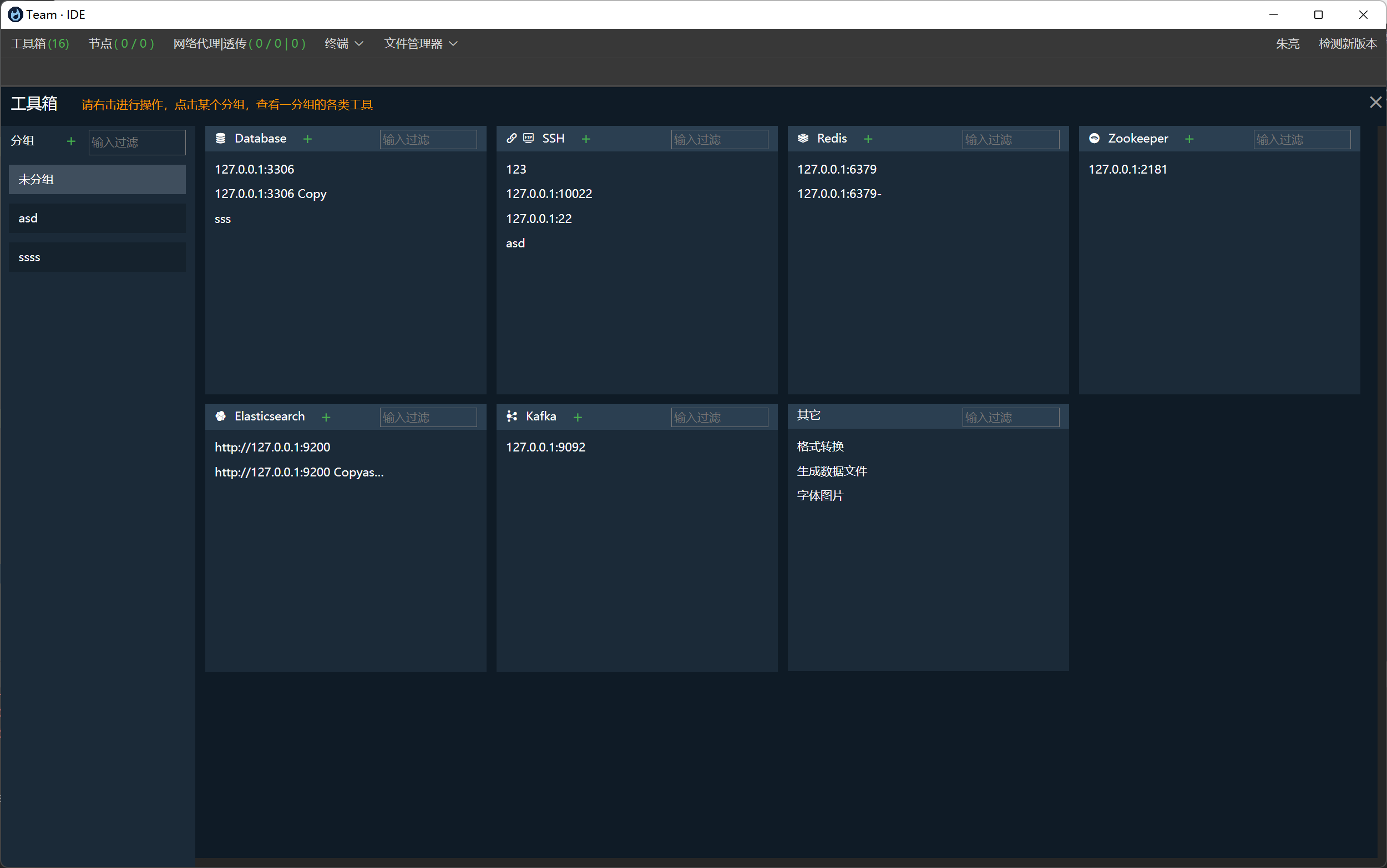
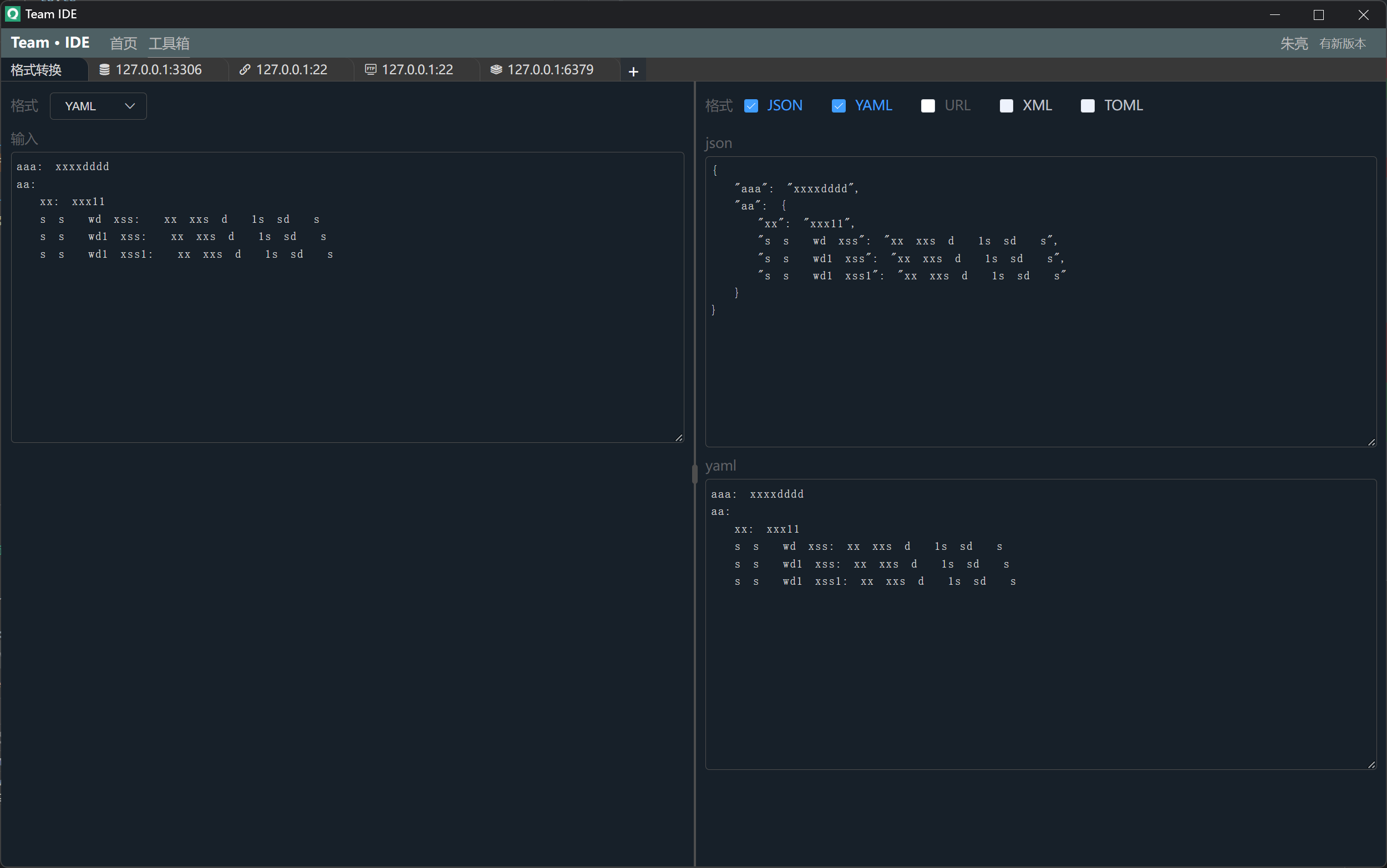
工具箱,用于连接Redis、Zookeeper、Database、SSH、SFTP、Kafka、Elasticsearch等
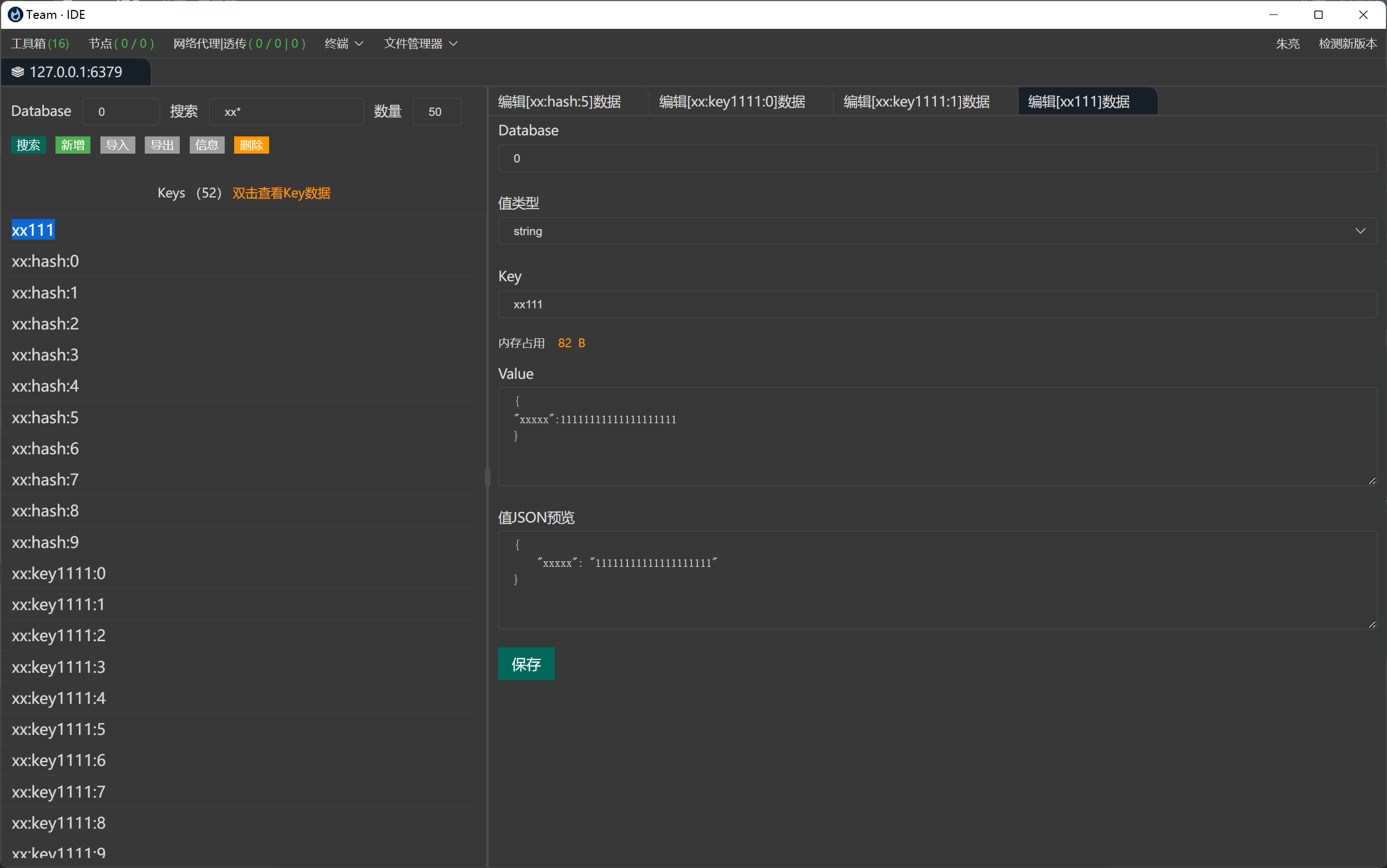
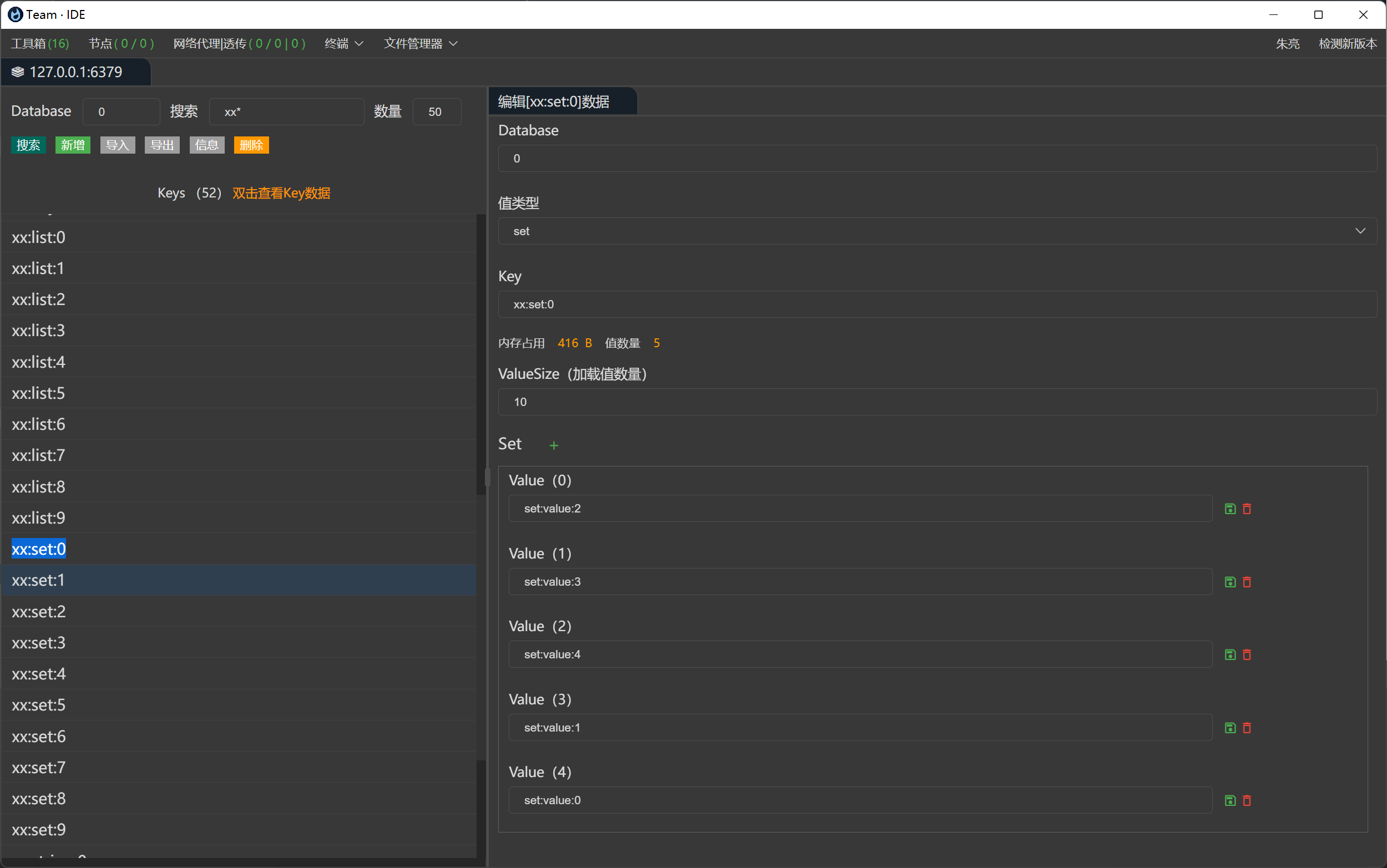
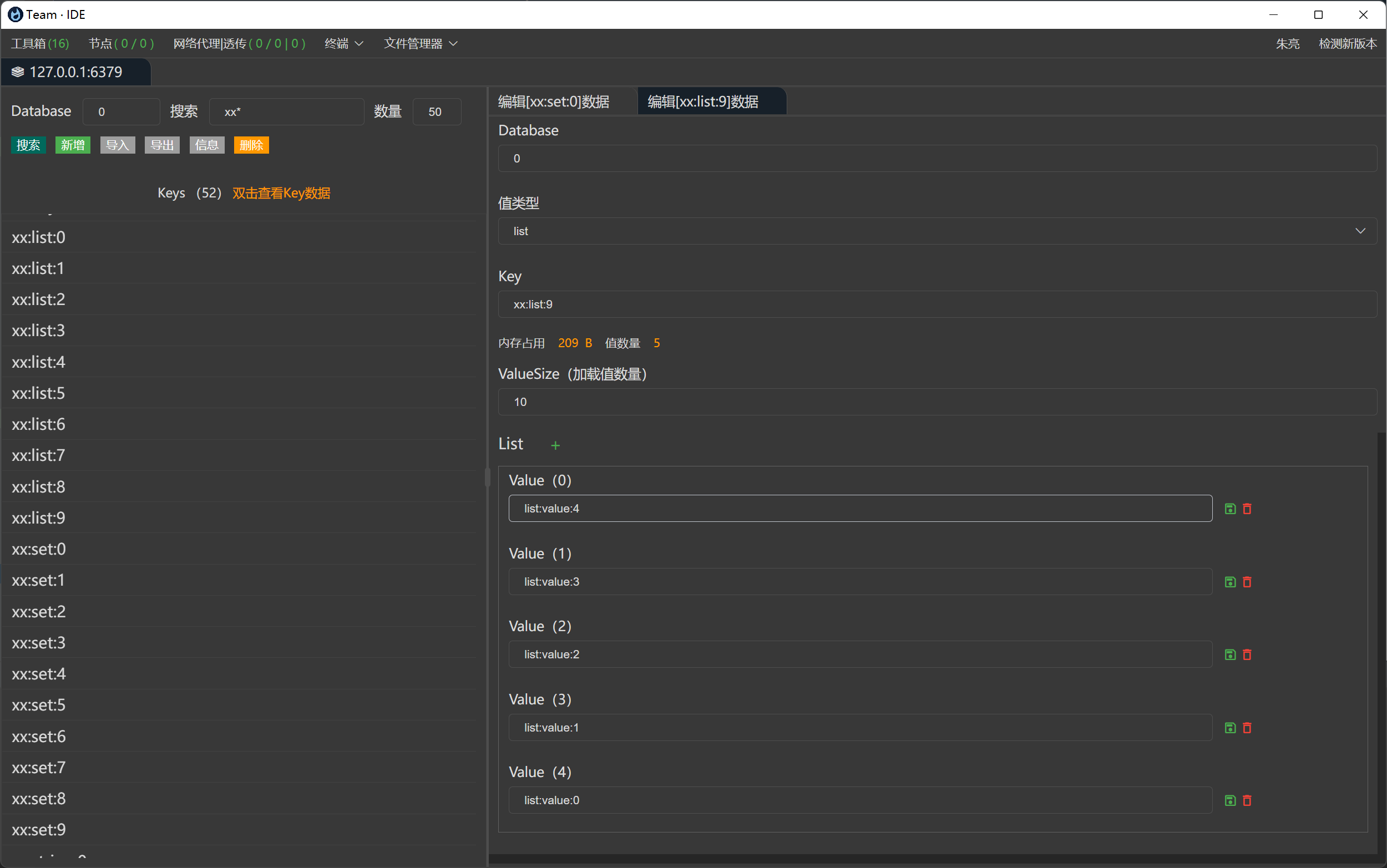
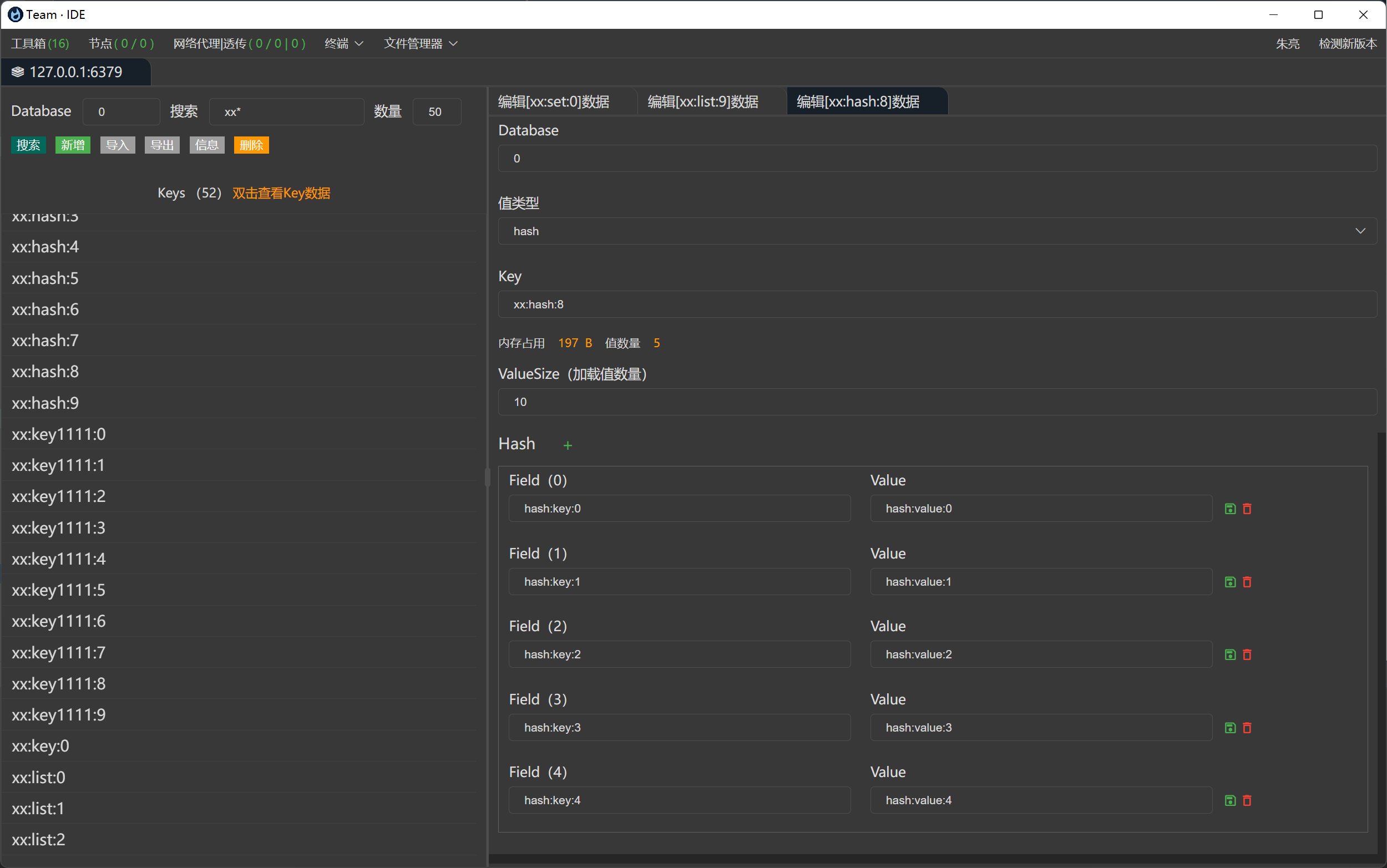
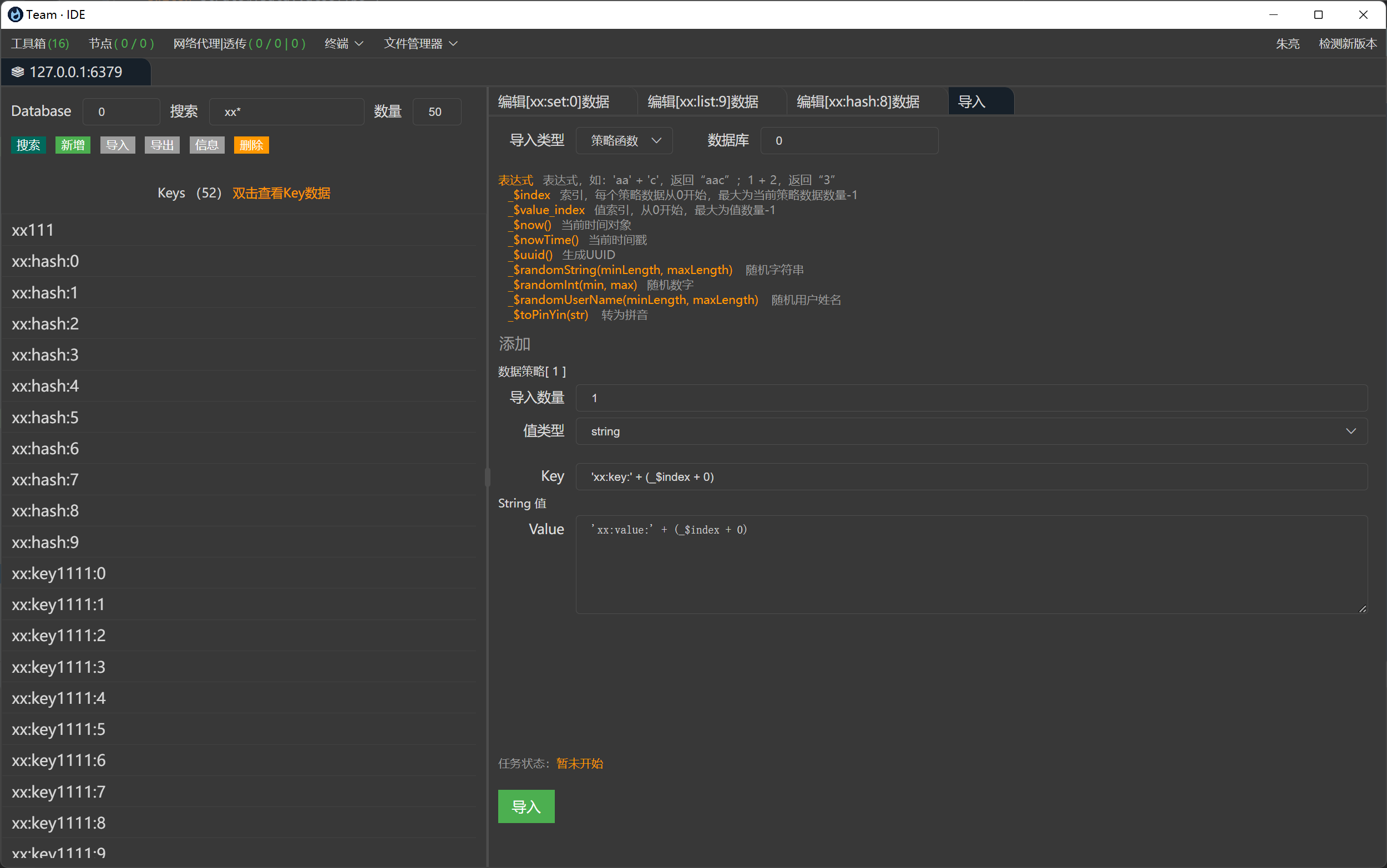
连接Redis,支持单机、集群,增删改查等操作,批量删除等
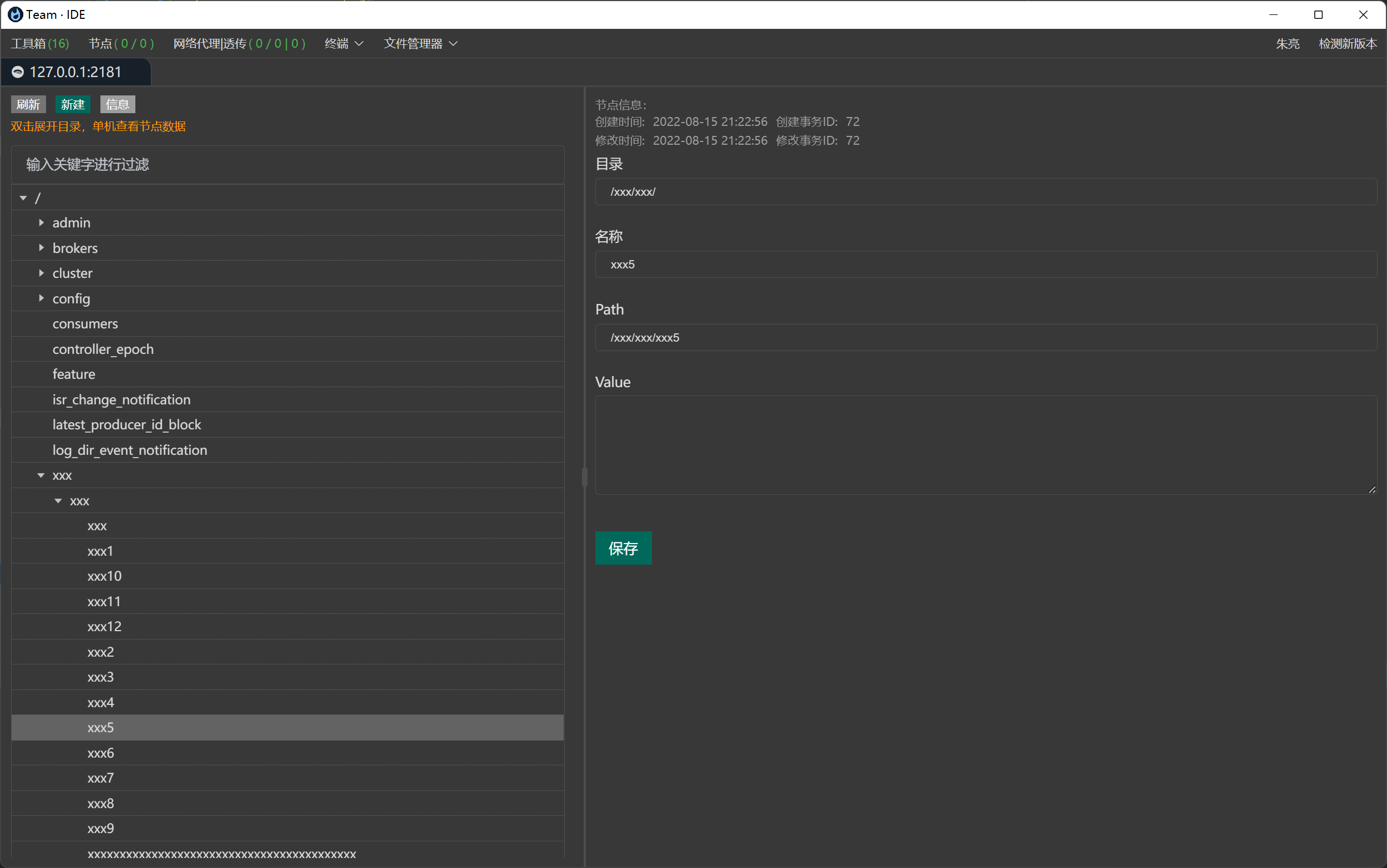
连接Zookeeper,支持单机、集群,增删改查等操作,批量删除等
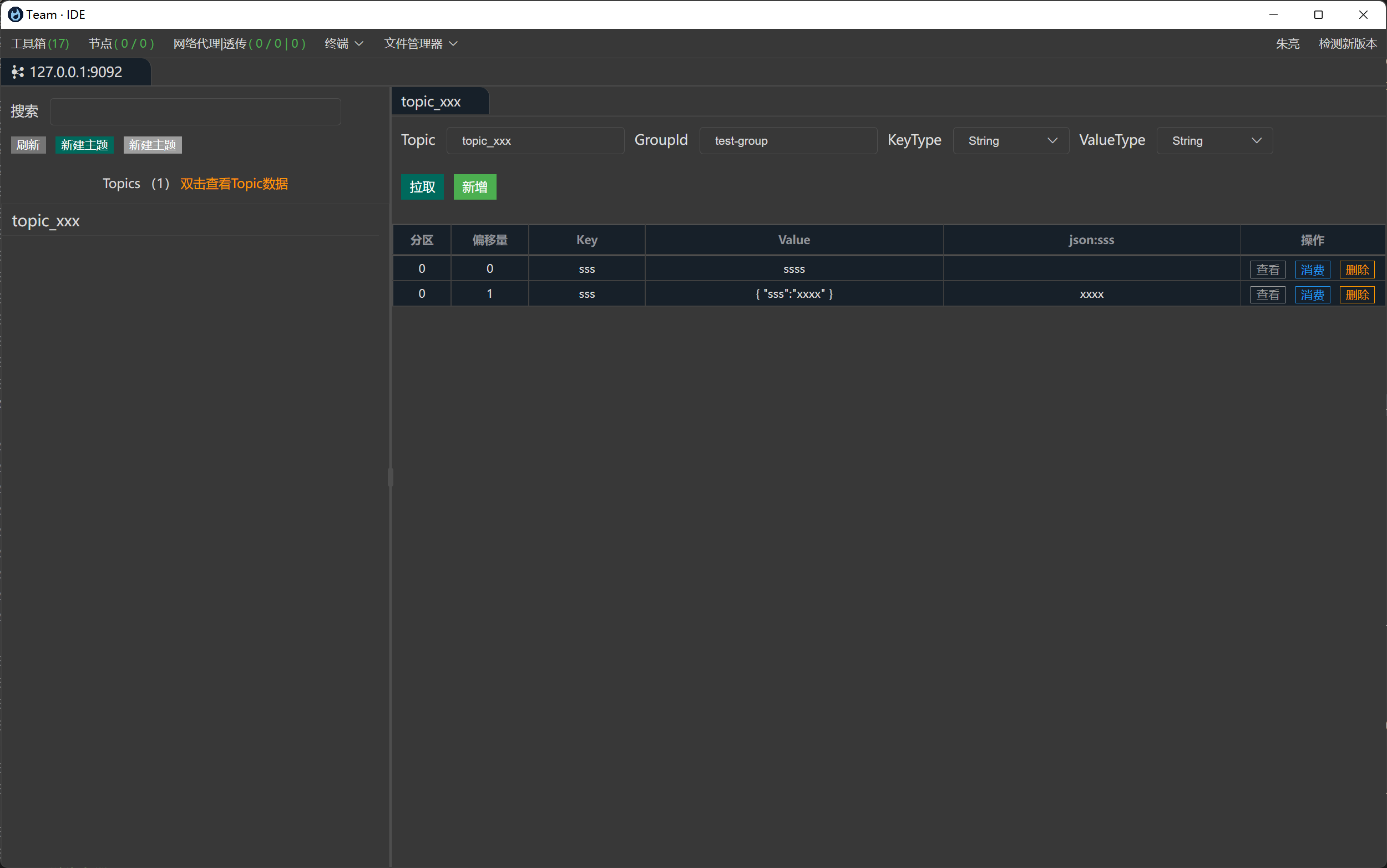
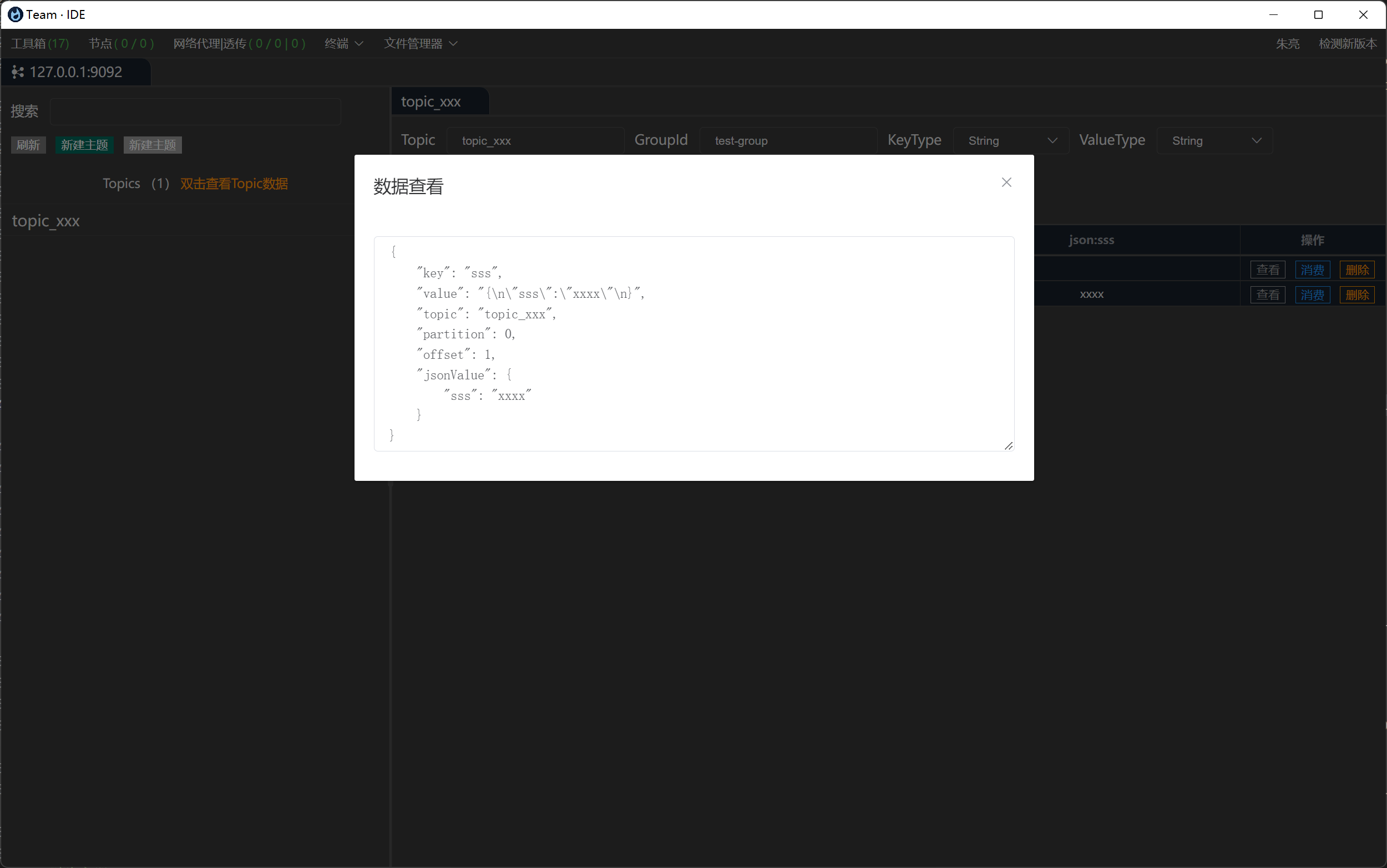
连接Kafka,增删改查主题,推送主题消息,自定义消费主题消息等
配置Linux服务器SSH连接,在线连接服务执行命令
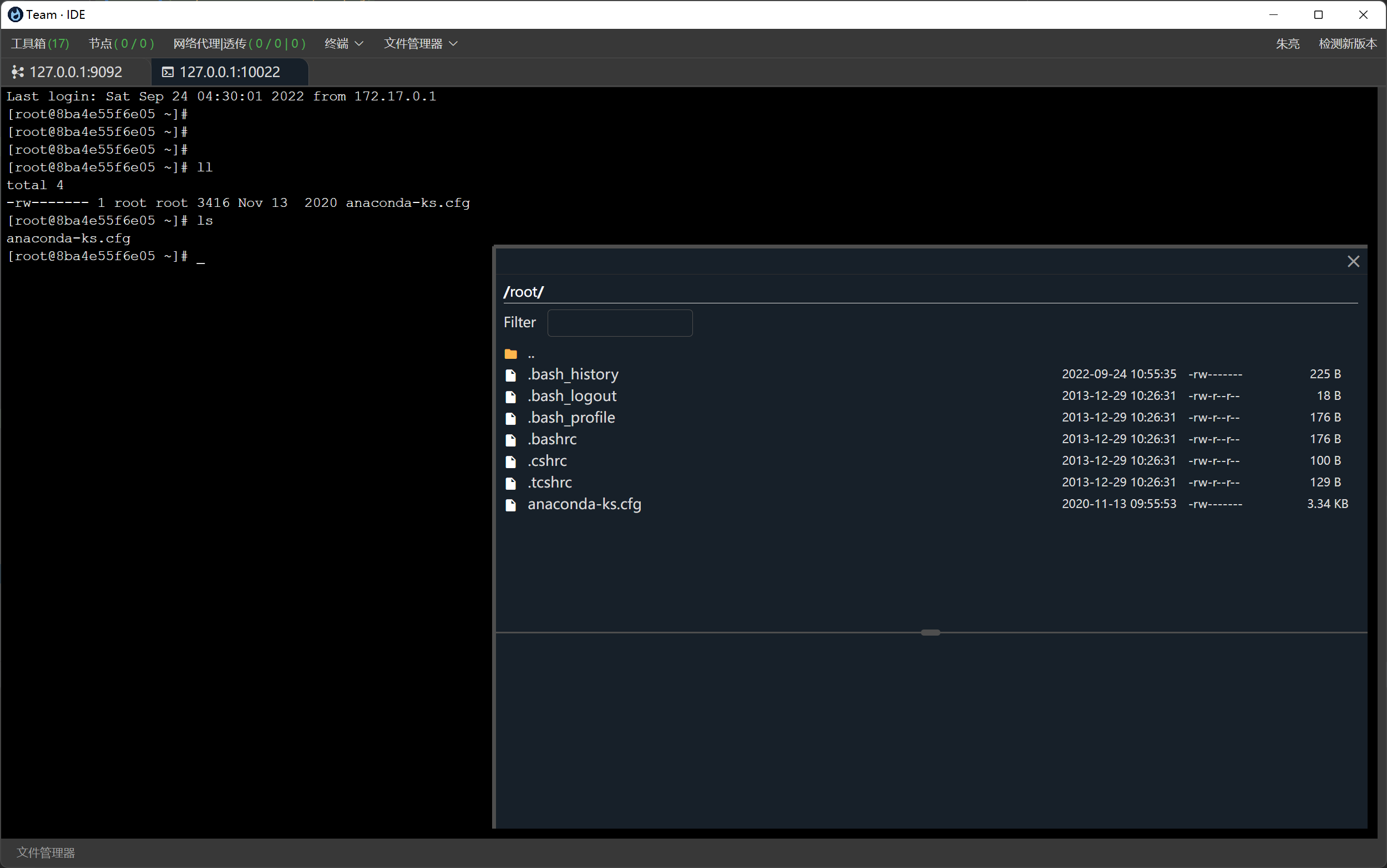
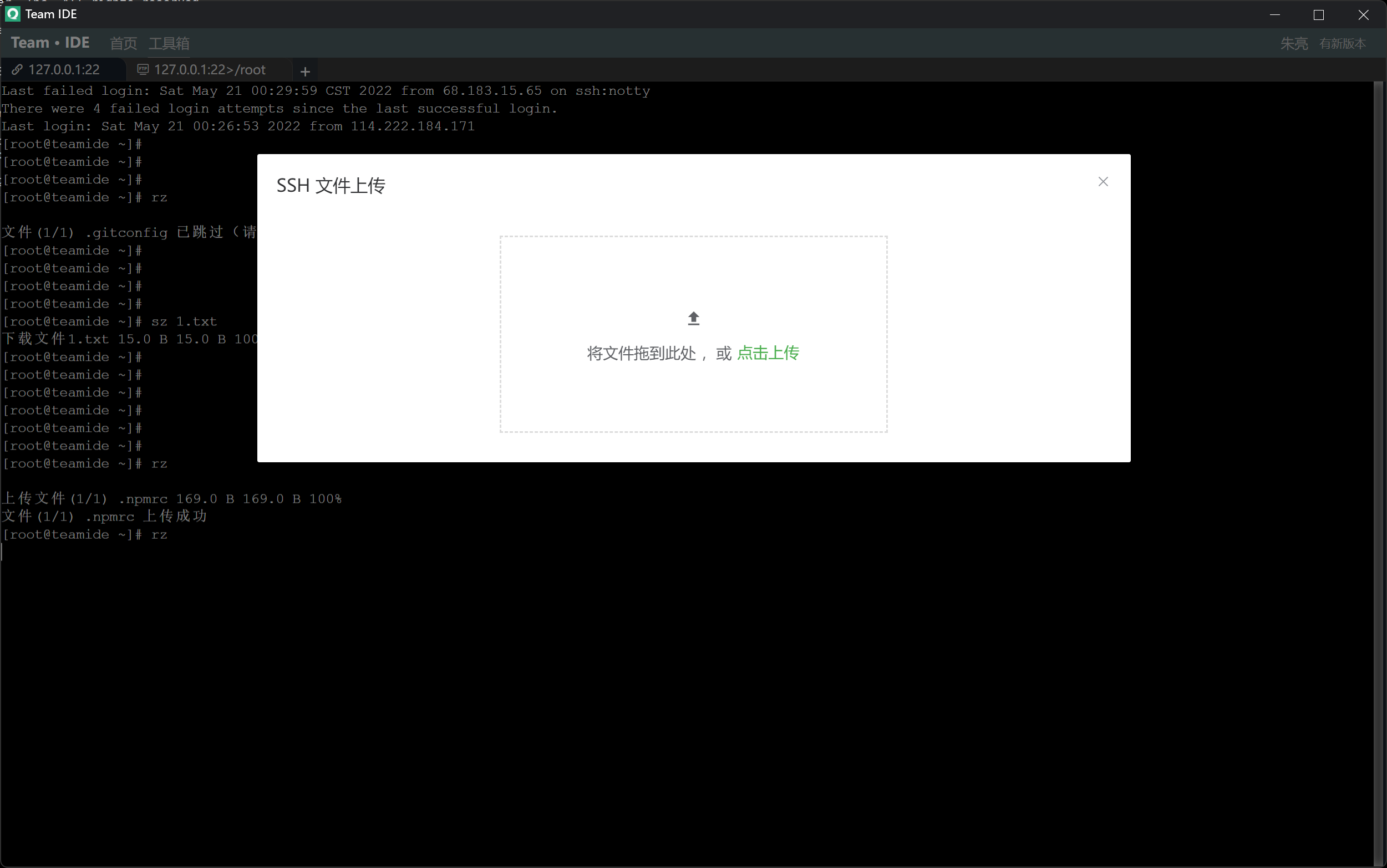
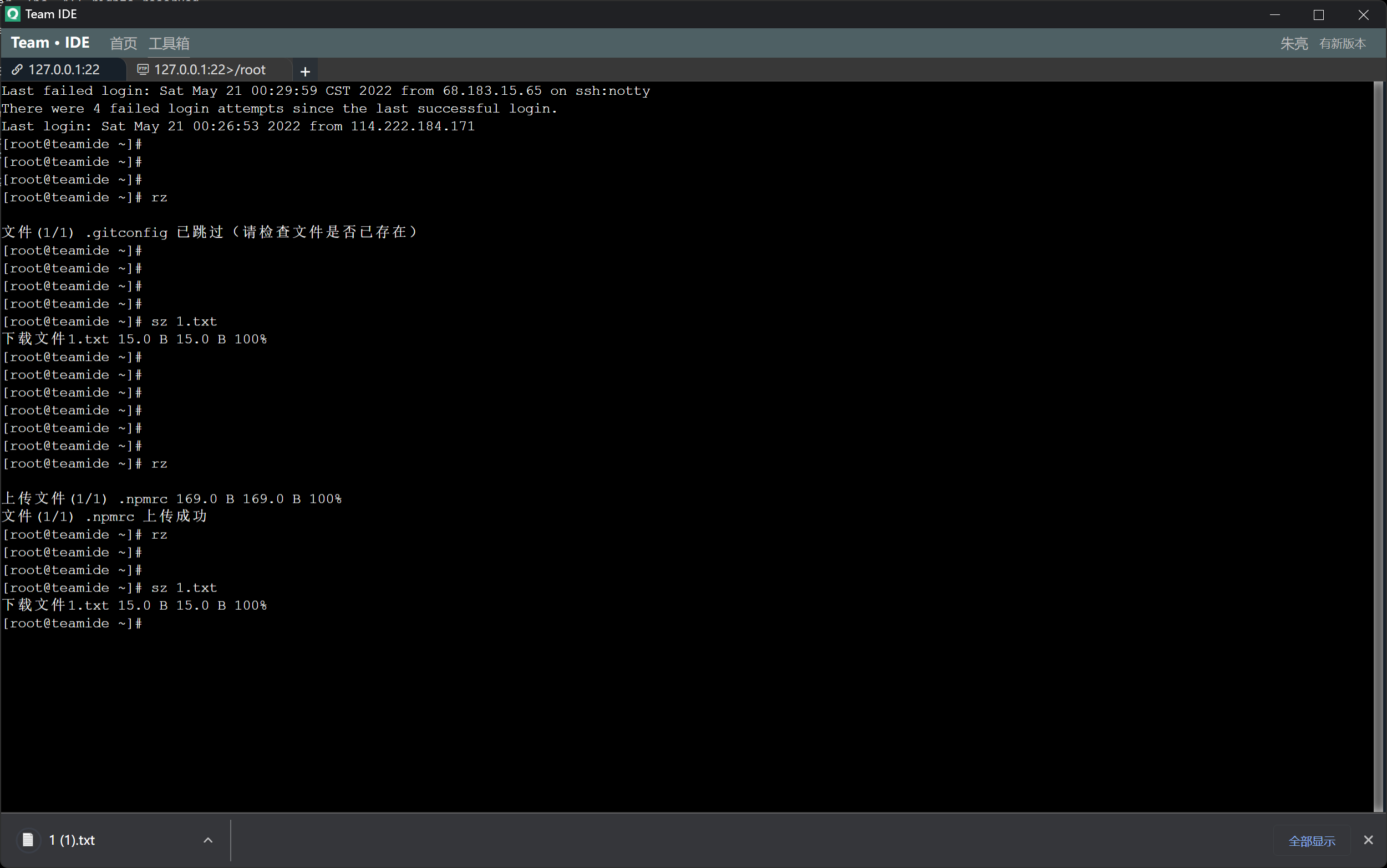
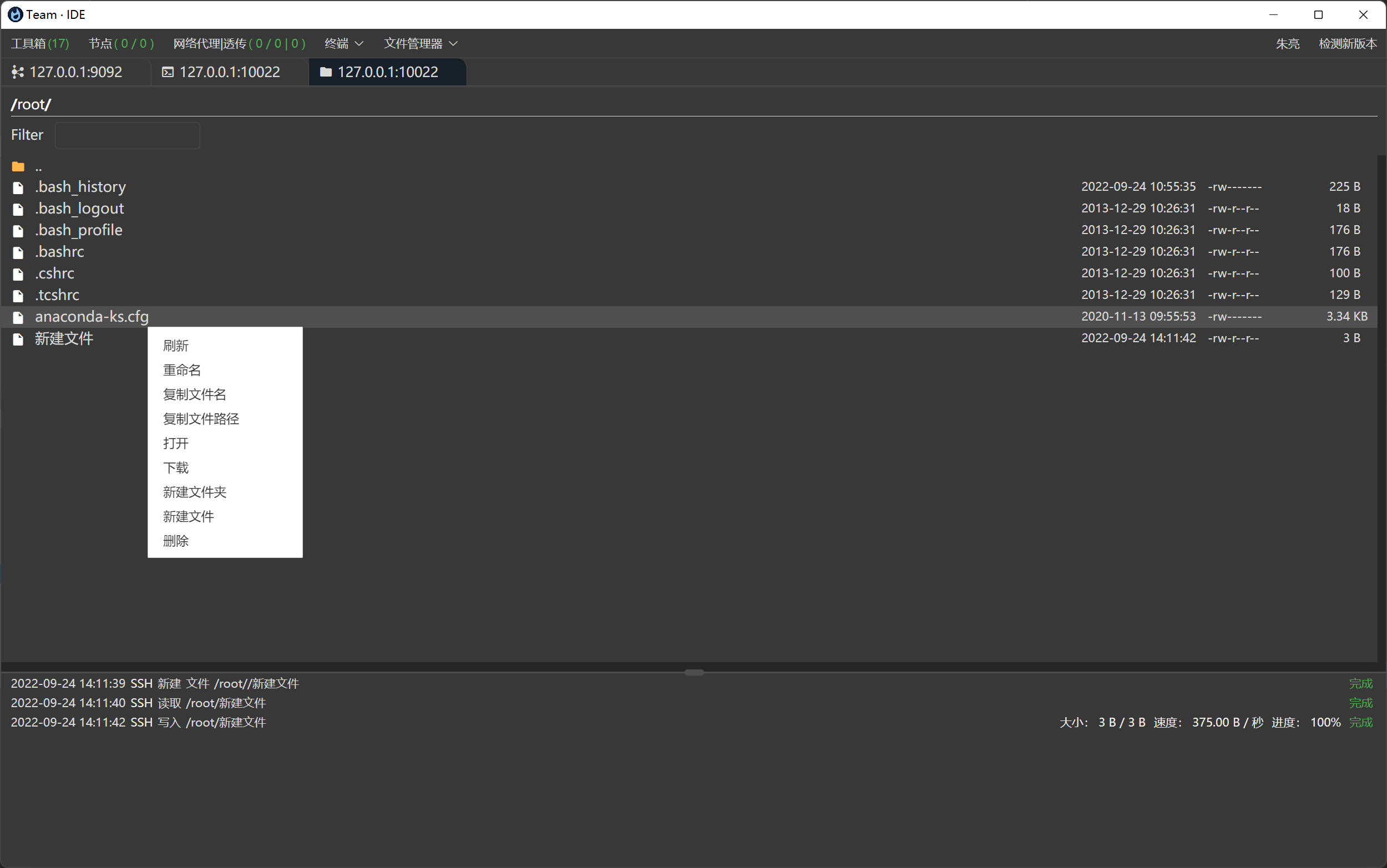
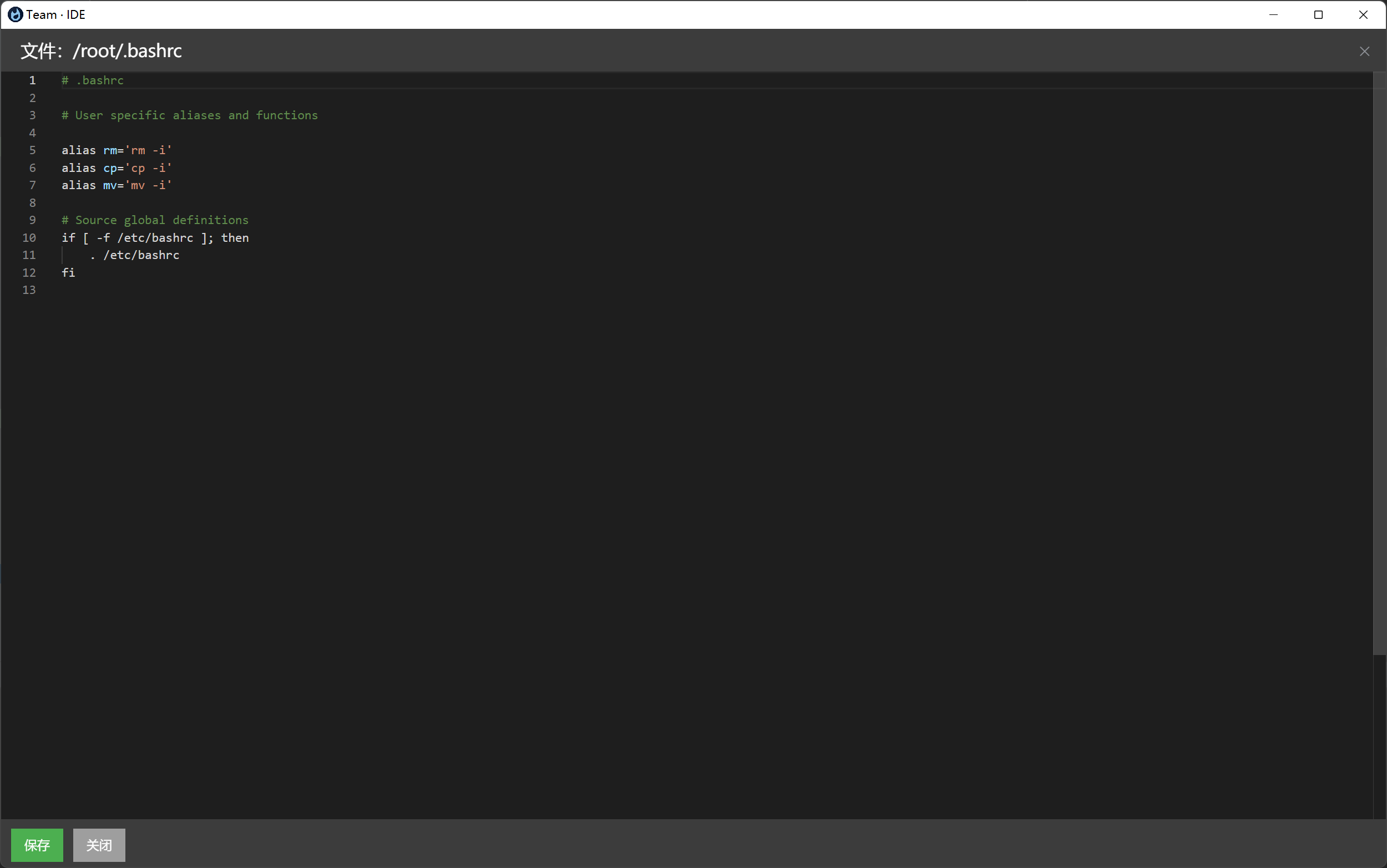
SSH模块可以点击FTP,进行本地和远程文件管理 FTP:上传、下载、移动、本地远程相互移动、重命名、删除、批量上传和下载等功能
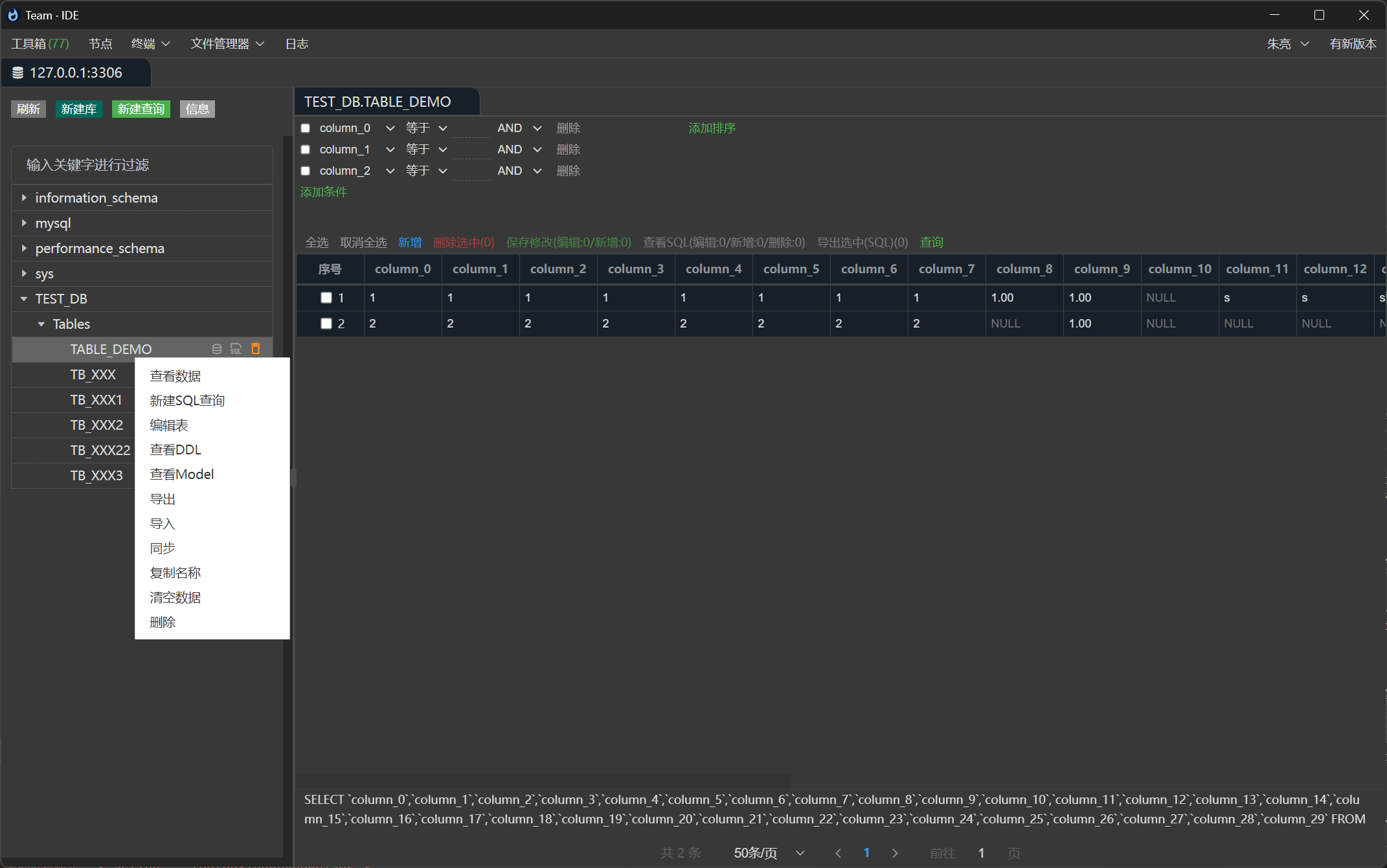
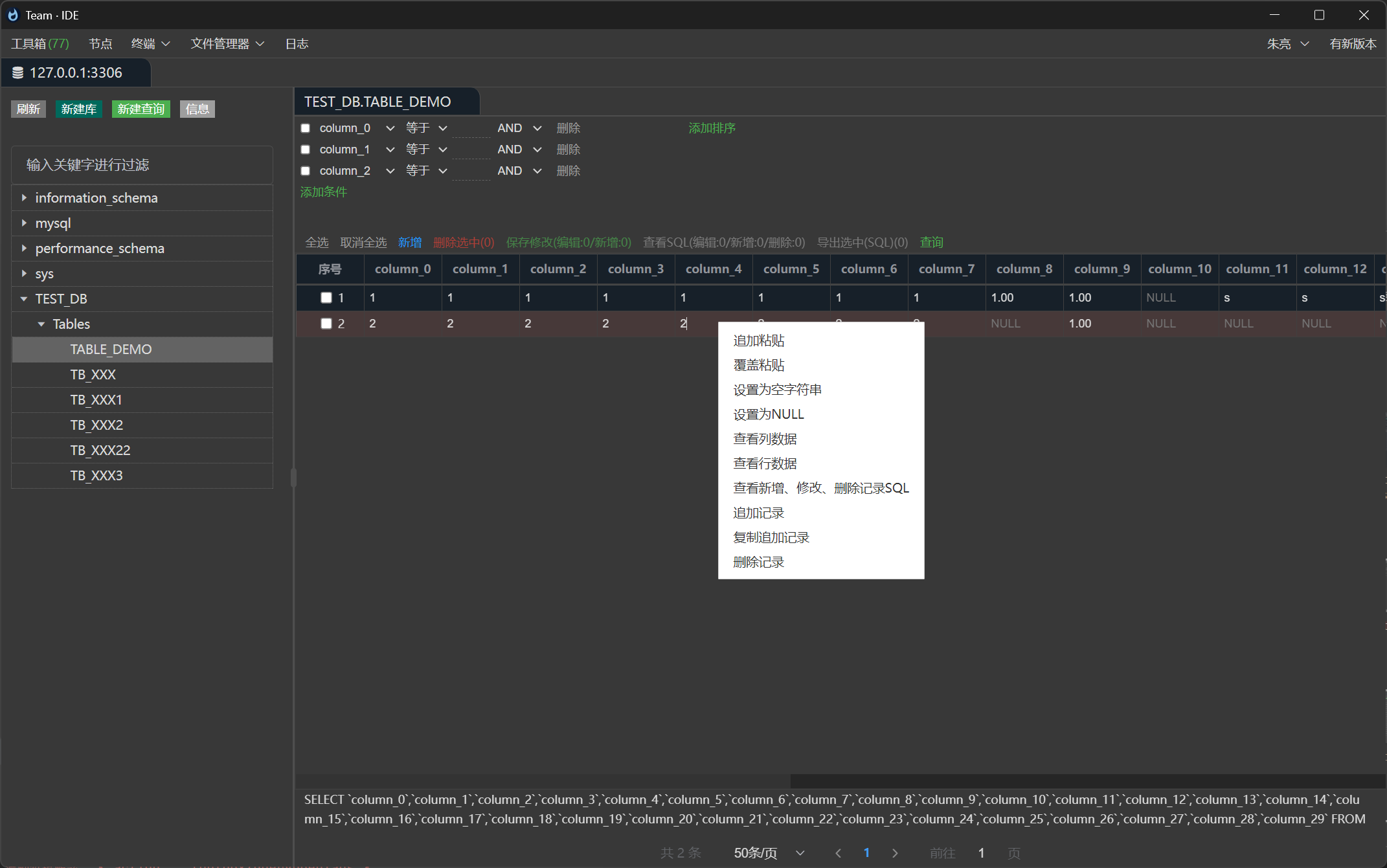
连接Database,在线编辑库表,编辑库表记录,查看表结构等
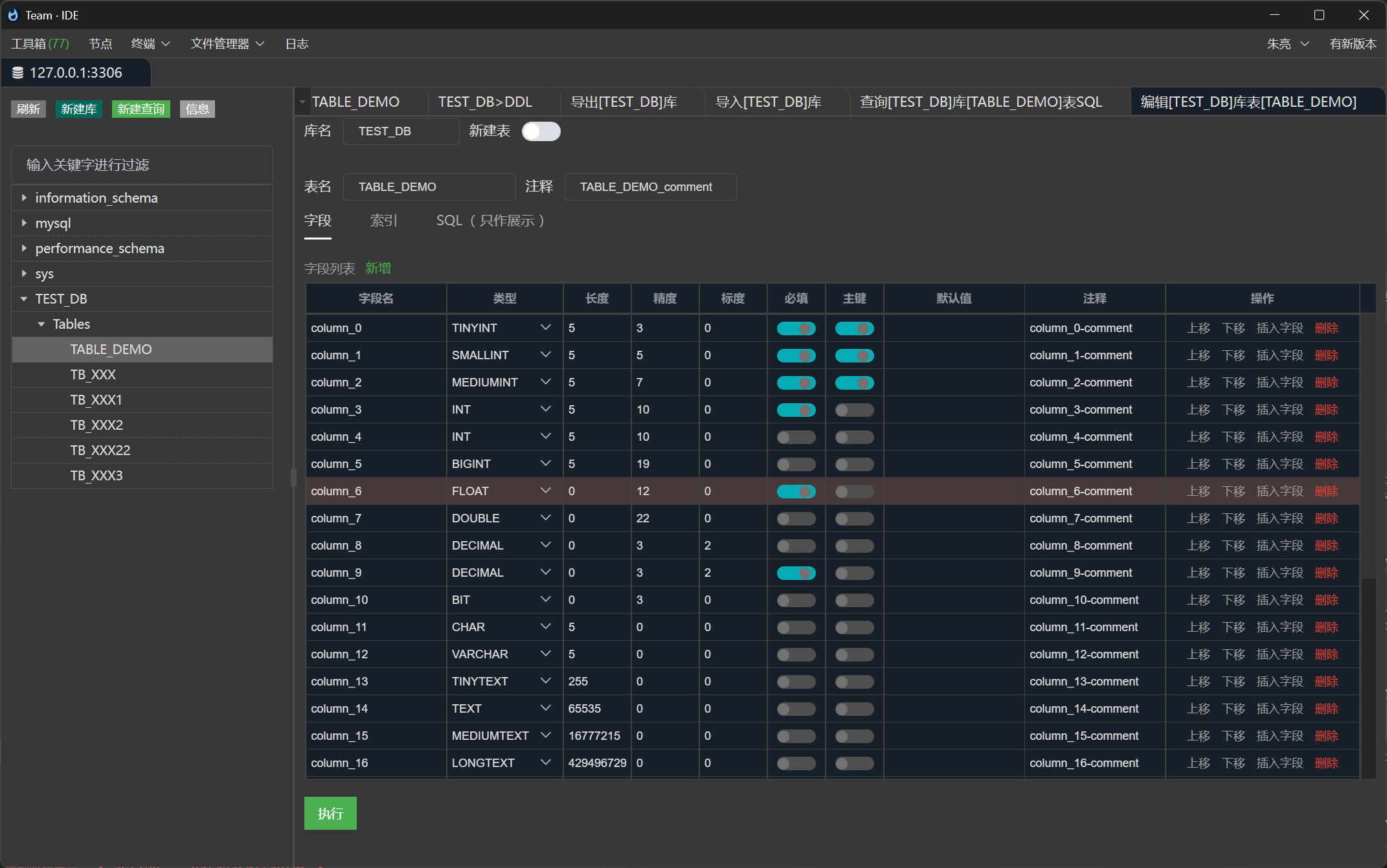
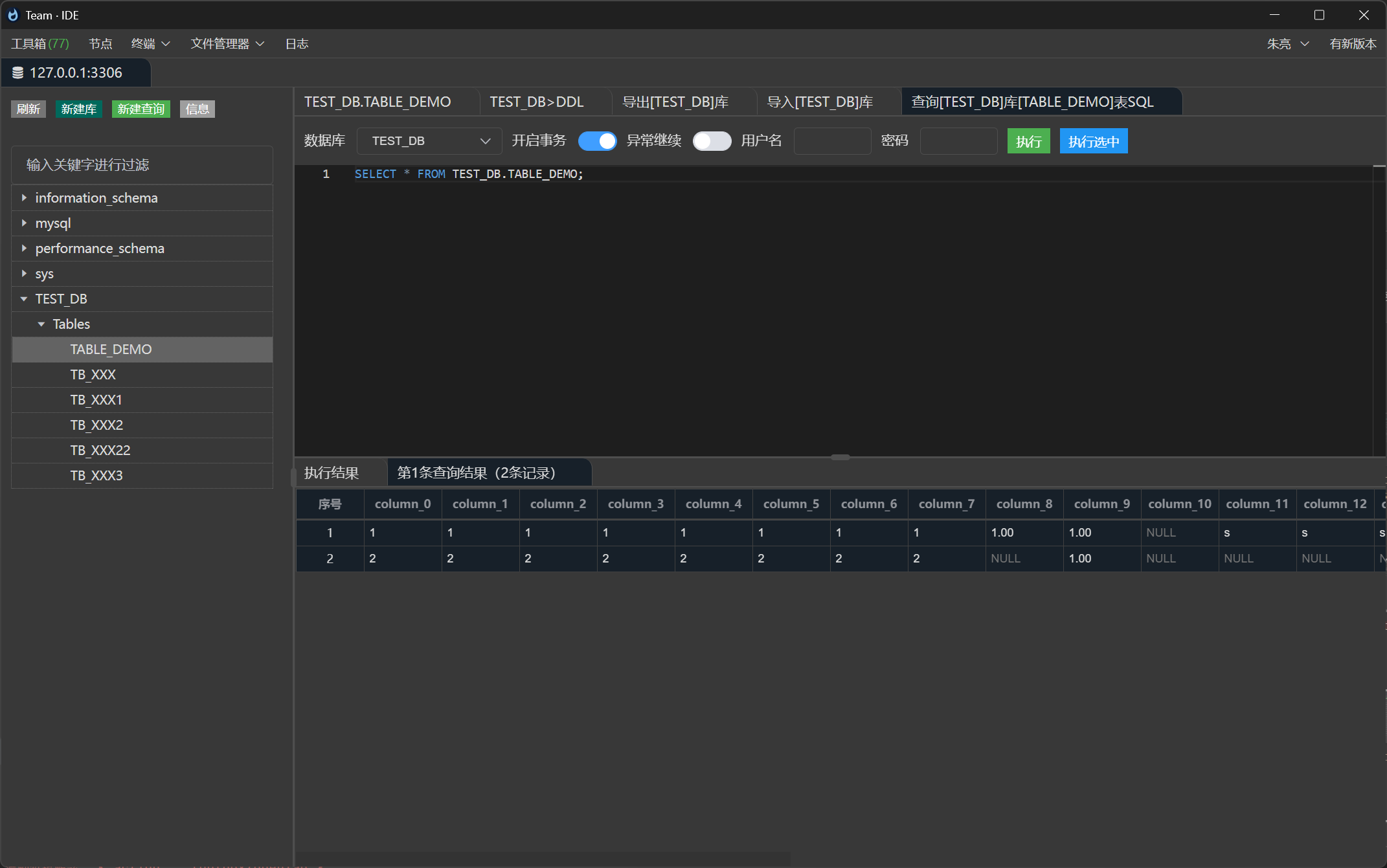
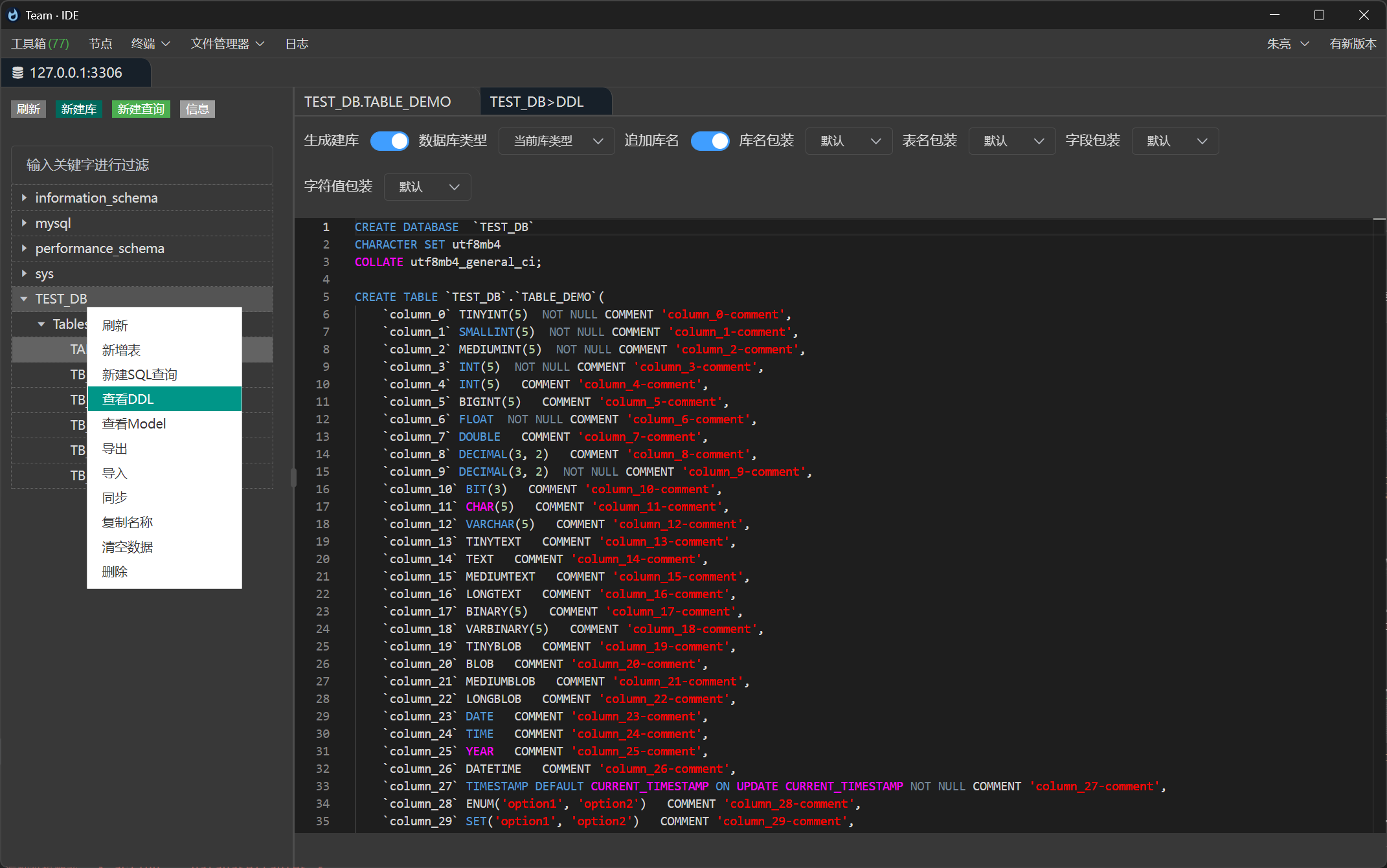
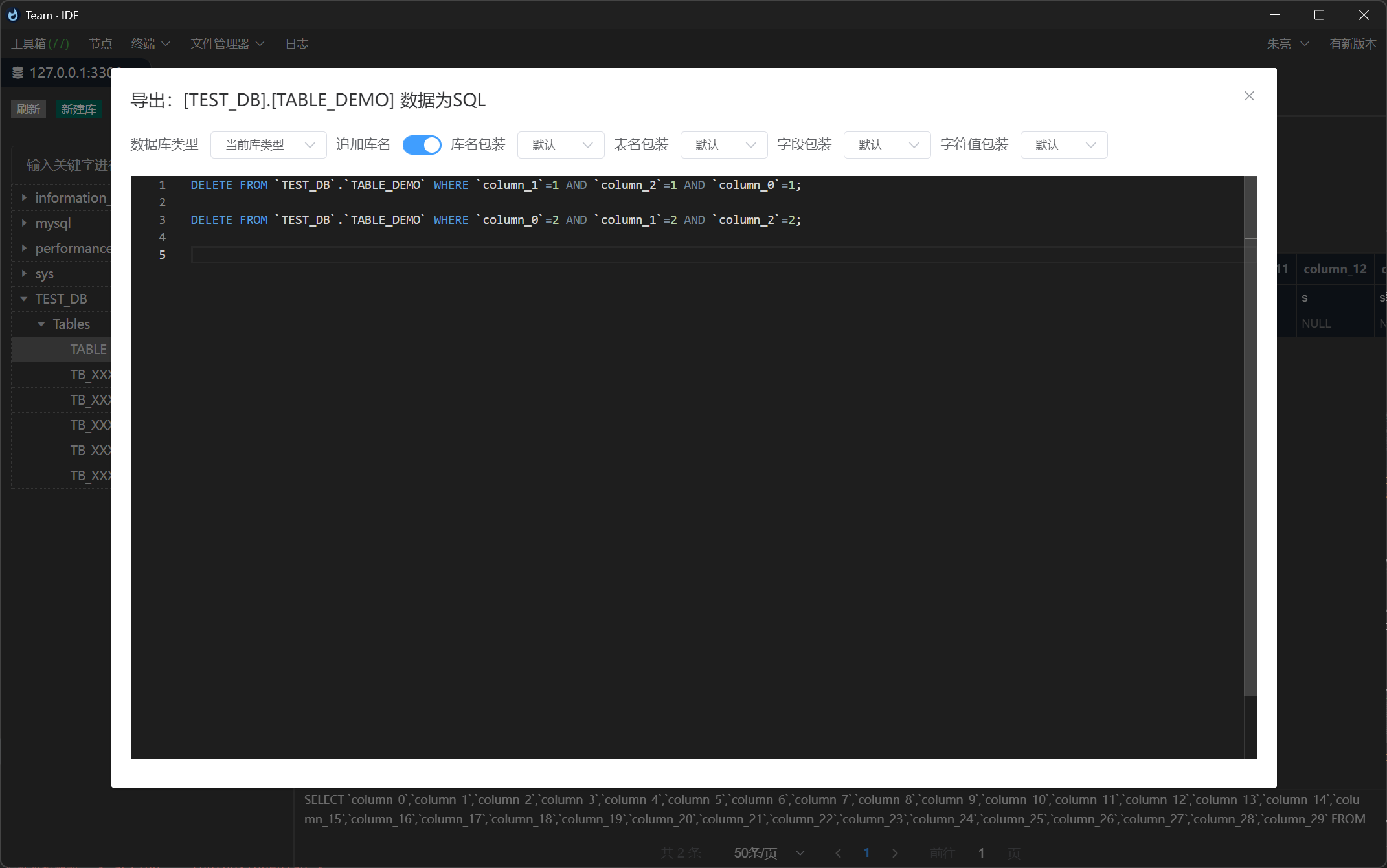
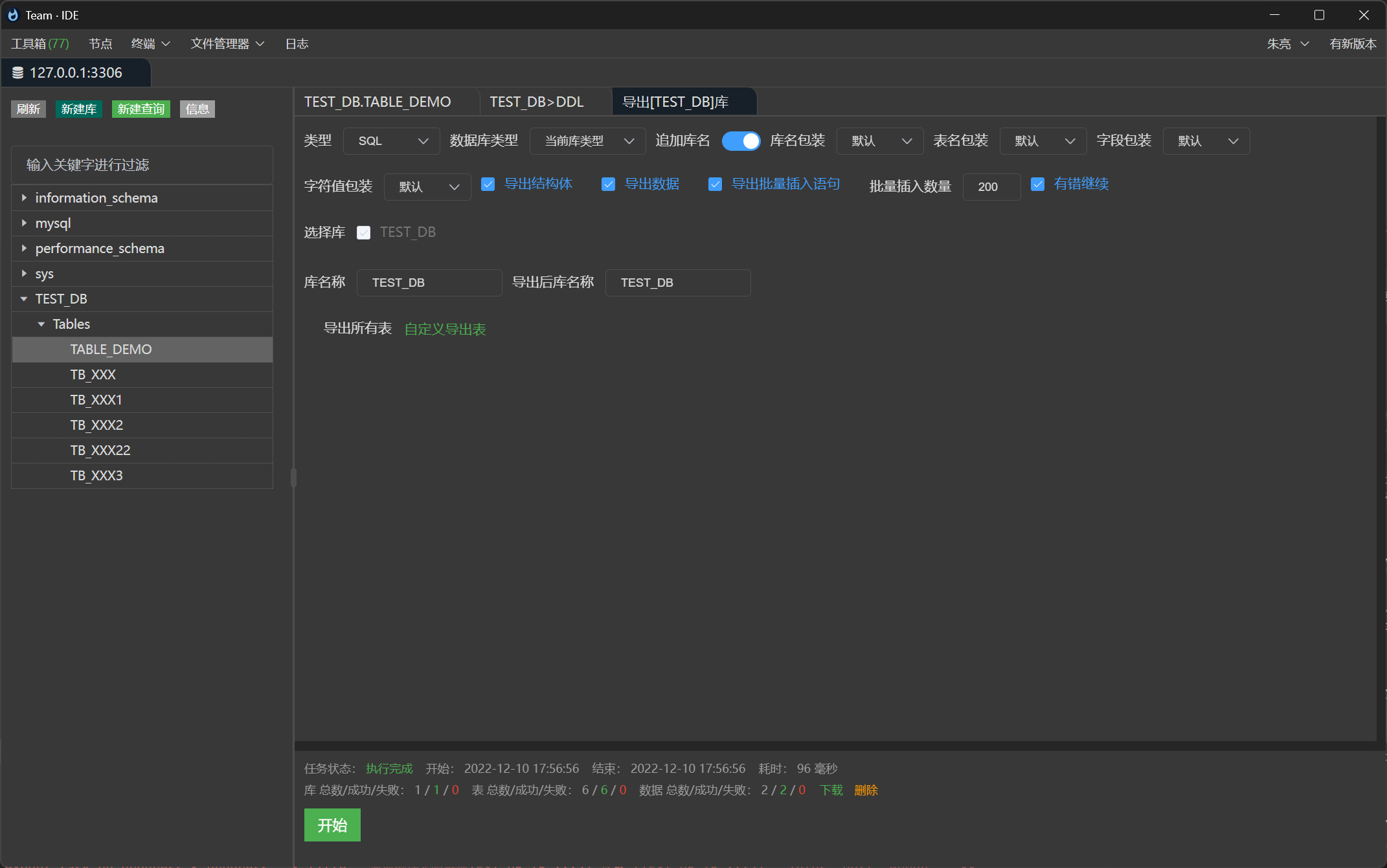
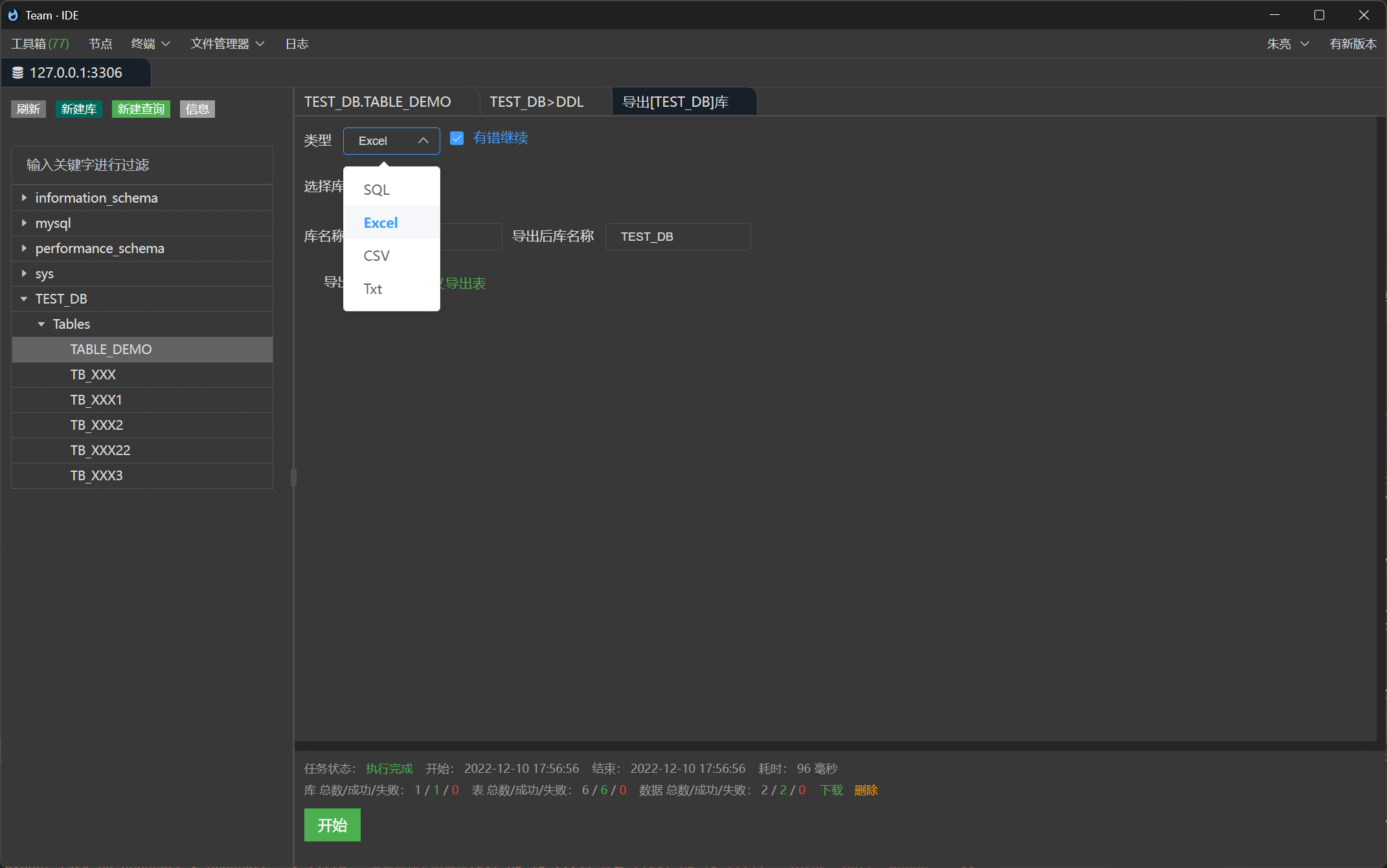
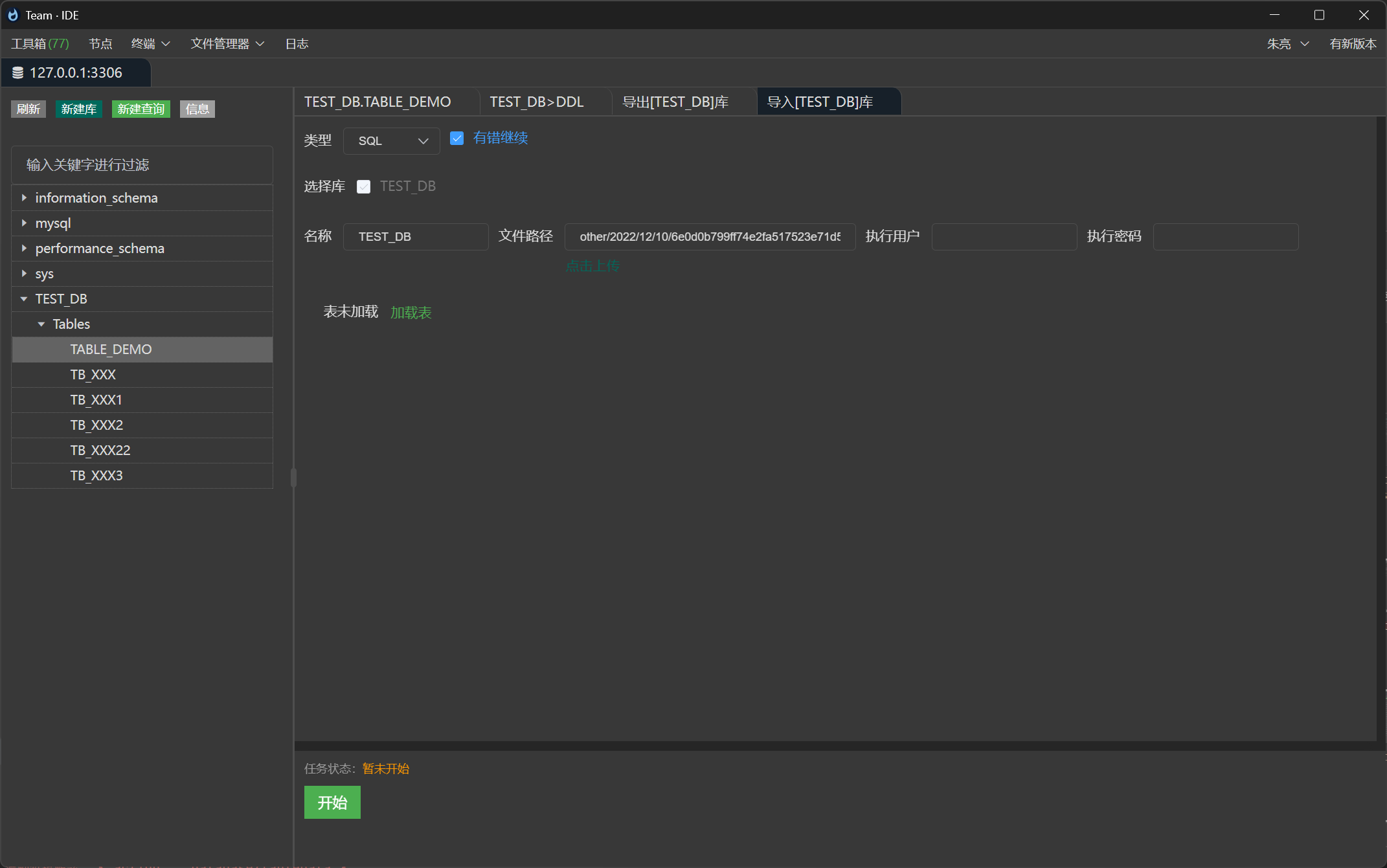
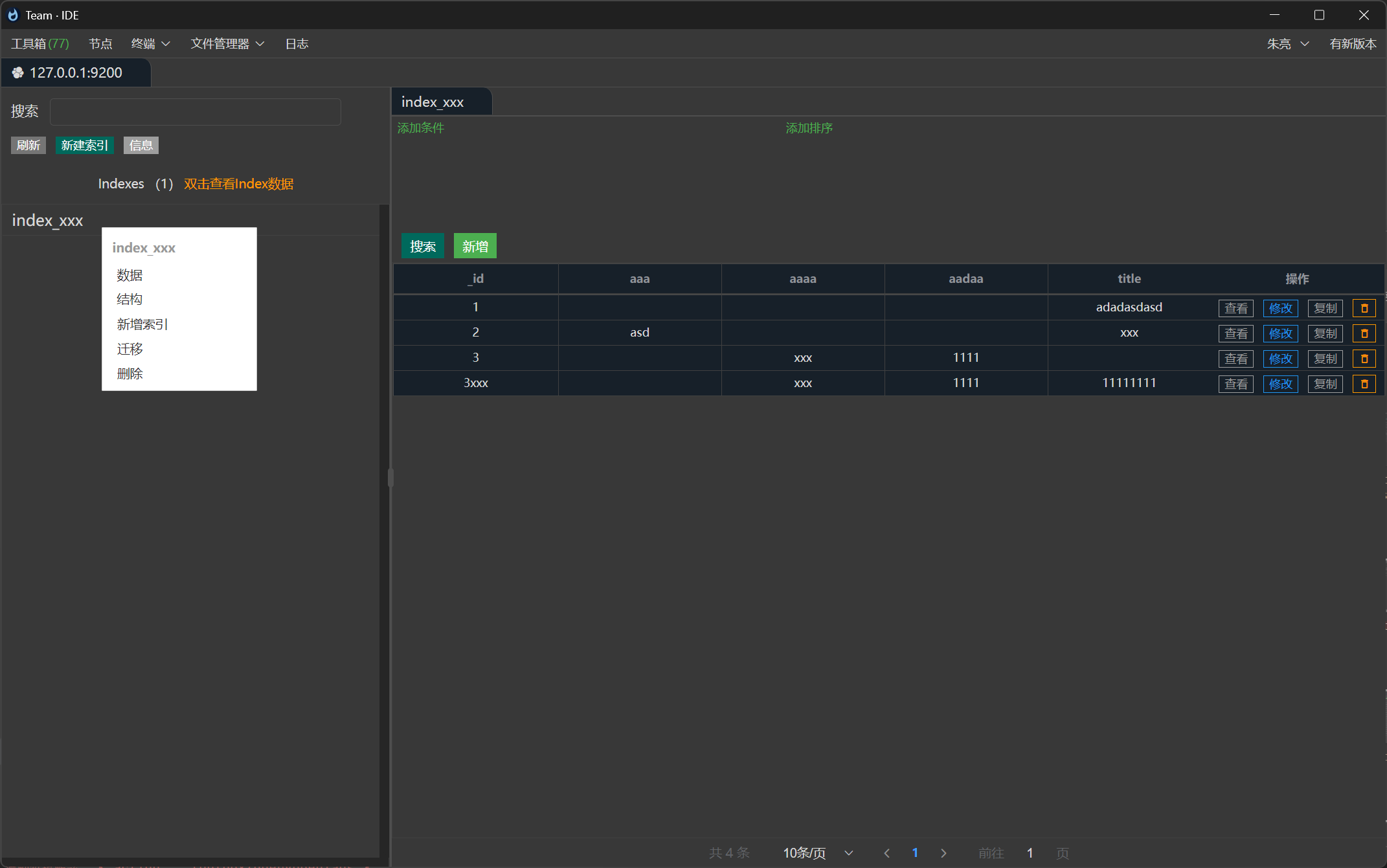
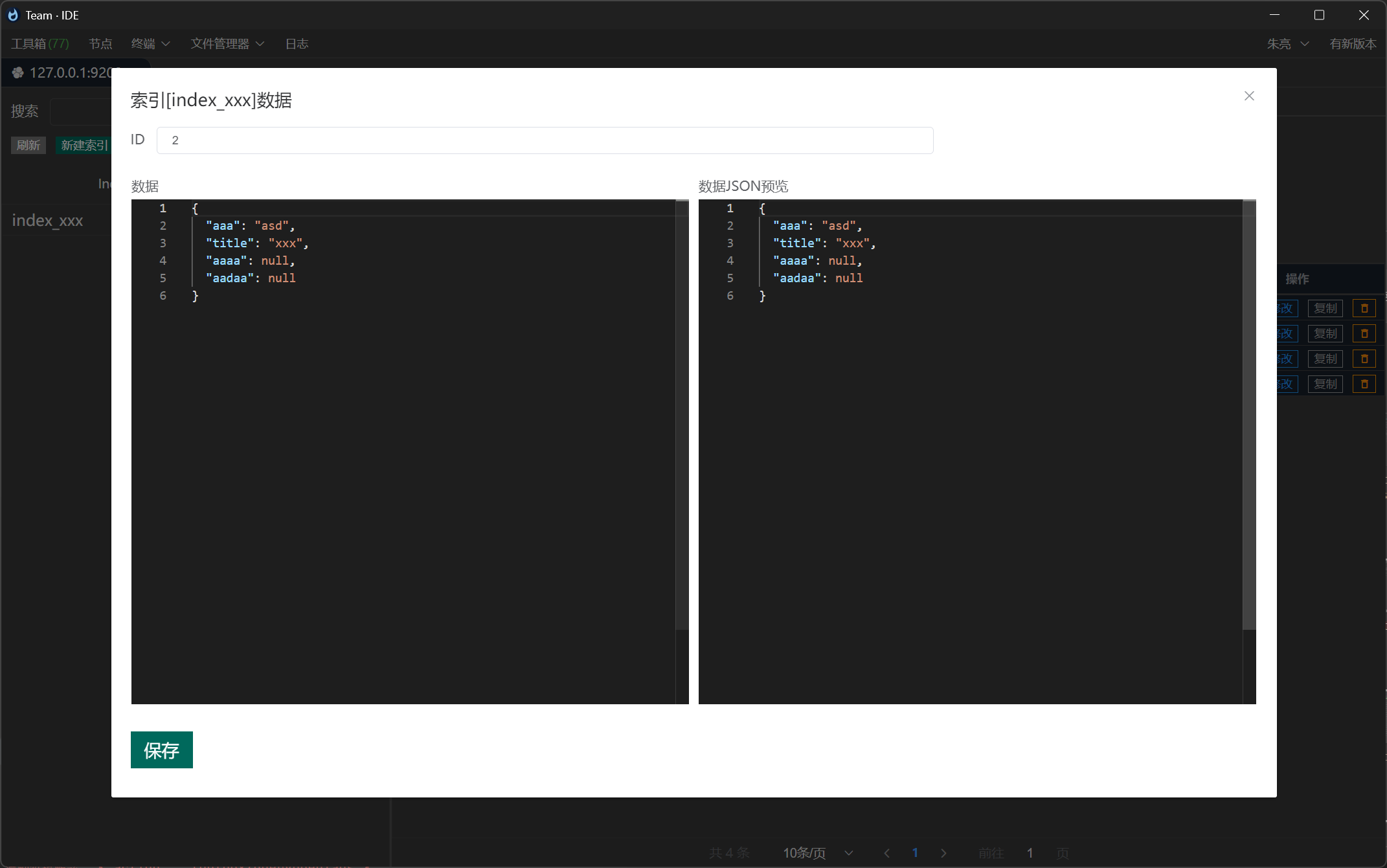
连接Elasticsearch,编辑索引,增删改查索引数据等
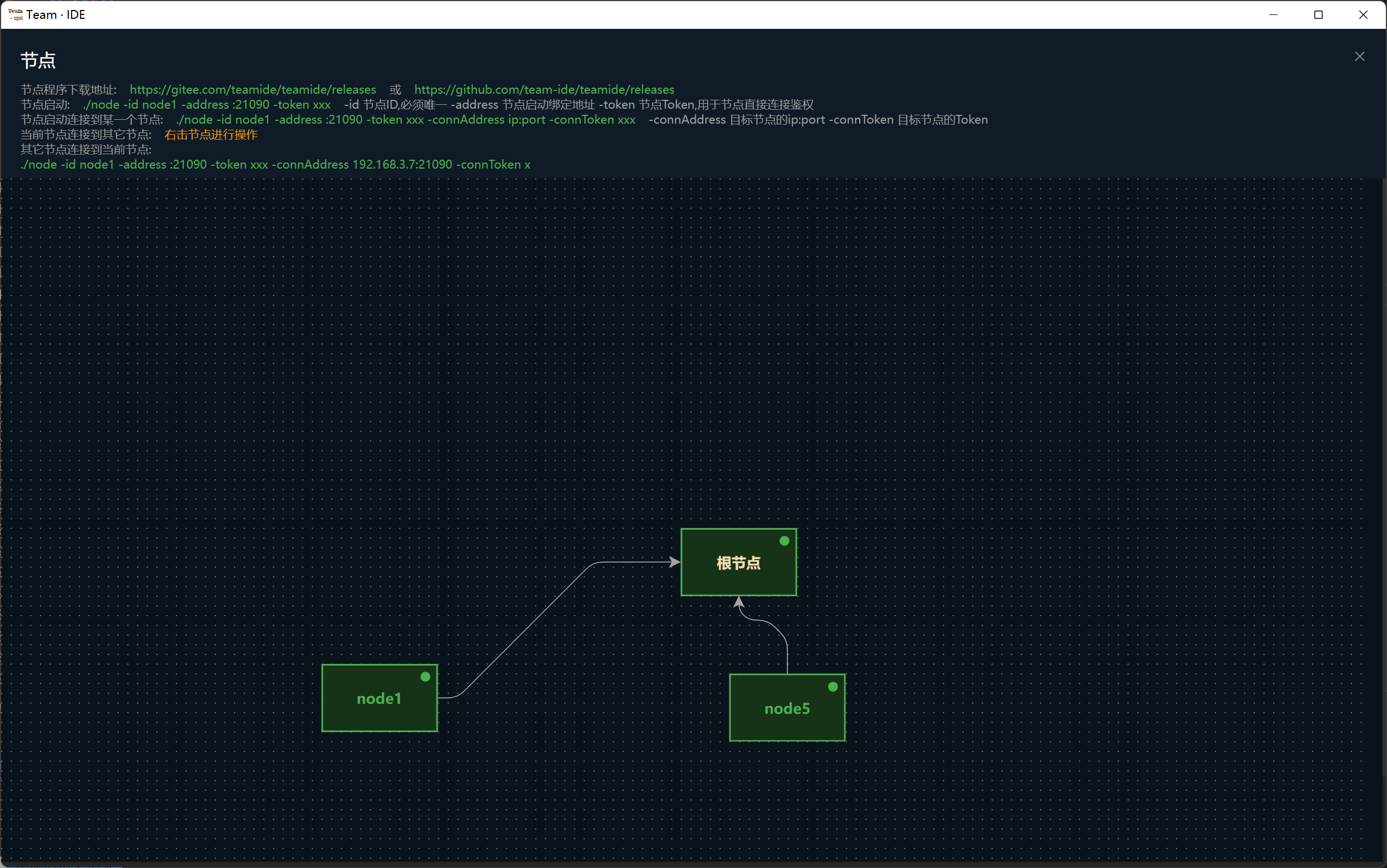
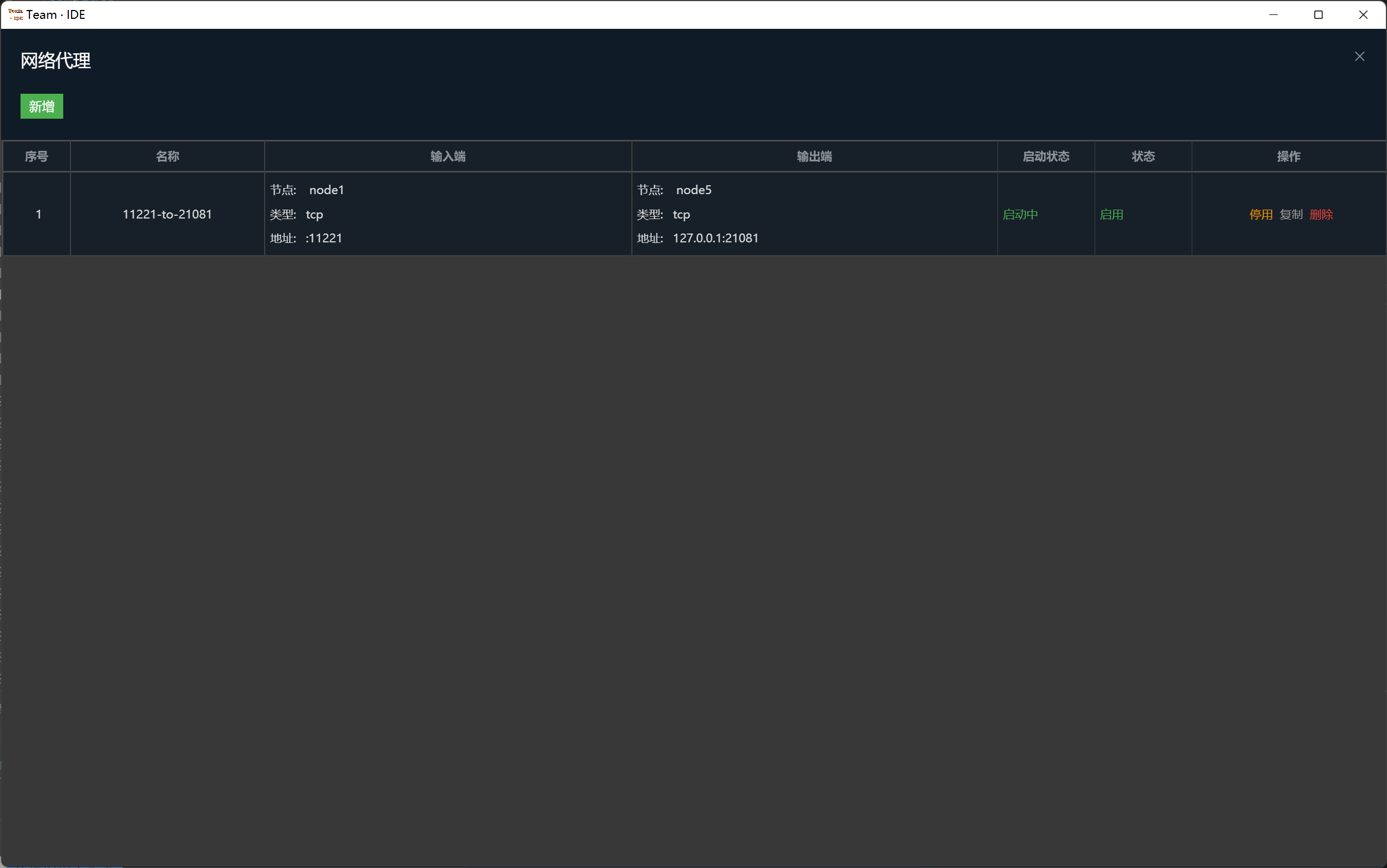
节点服务,用于不同网段通信,借助节点模块的网络代理实现内外网透传等
more like this
Free open-source Cloudflare R2 desktop client and S3 GUI for macOS, Windows, and Linux. Manage Cloudflare R2, AWS S3, M…
meine 🌒 - A CLI file manager and system utility built with Textual. It combines intuitive command parsing with rich t…
MTT File Manager is a Rust-based Windows file manager with tabbed navigation, rich media previews, deep system integrat…
search projects, people, and tags