ForwardWidgets
Widgets for Douban and Trakt watchlists plus personalized recommendations, live TV streaming including PlutoTV, Yatu ra…
JavaScript★ 247
Your proactive personal AI assistant & companion for daily productivity 🌎
 theexperiencecompany
GAIA is the open-source personal AI assistant that does the work you shouldn't be doing manually. It connects your tools, runs the repetitive work in the background, and reaches out to you — on WhatsApp, Telegram, Slack, or Discord — the moment something actually needs you. Proactive, multi-channel, and fully self-hostable.

We all drown in tools. Gmail, Calendar, Todos, Docs, Slack, Linear, WhatsApp — different stacks, same problem. Our days are eaten by small repetitive actions that are not real work. Each task feels small, but together they drain focus and energy. Over time inboxes clog, todo lists rot, and important things slip through.
Most automation doesn't fix this. Tools are rigid, built for power users, and ask you to explain your context every single time. A real personal assistant should already know you — how you write, who you work with, what you ignore. GAIA is that assistant. It remembers context across your tools, acts before you ask, and runs the repetitive work in the background while you do the real work.
An assistant, not a chatbot. The difference shows up in what each of these actually does.
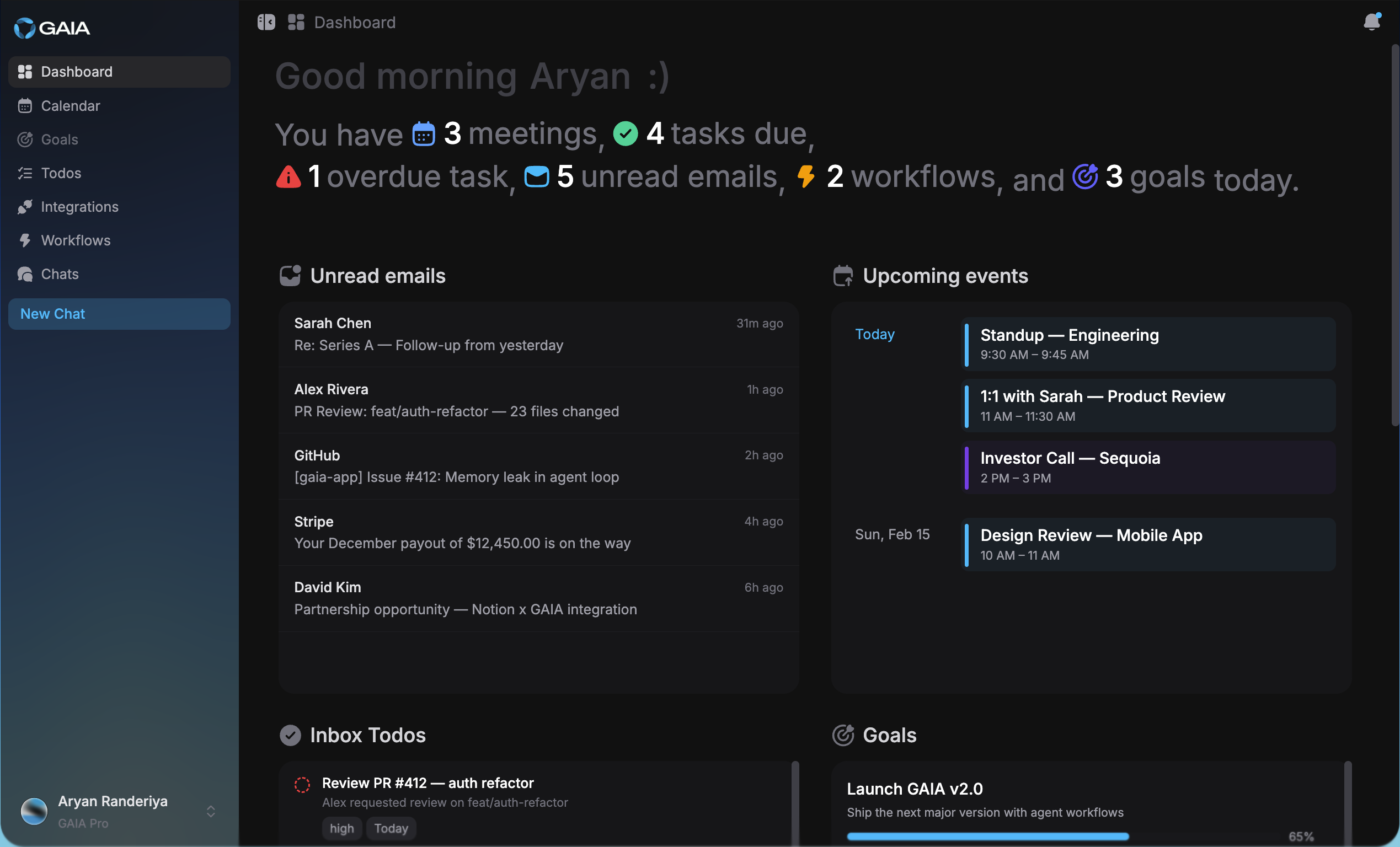
Dashboard |
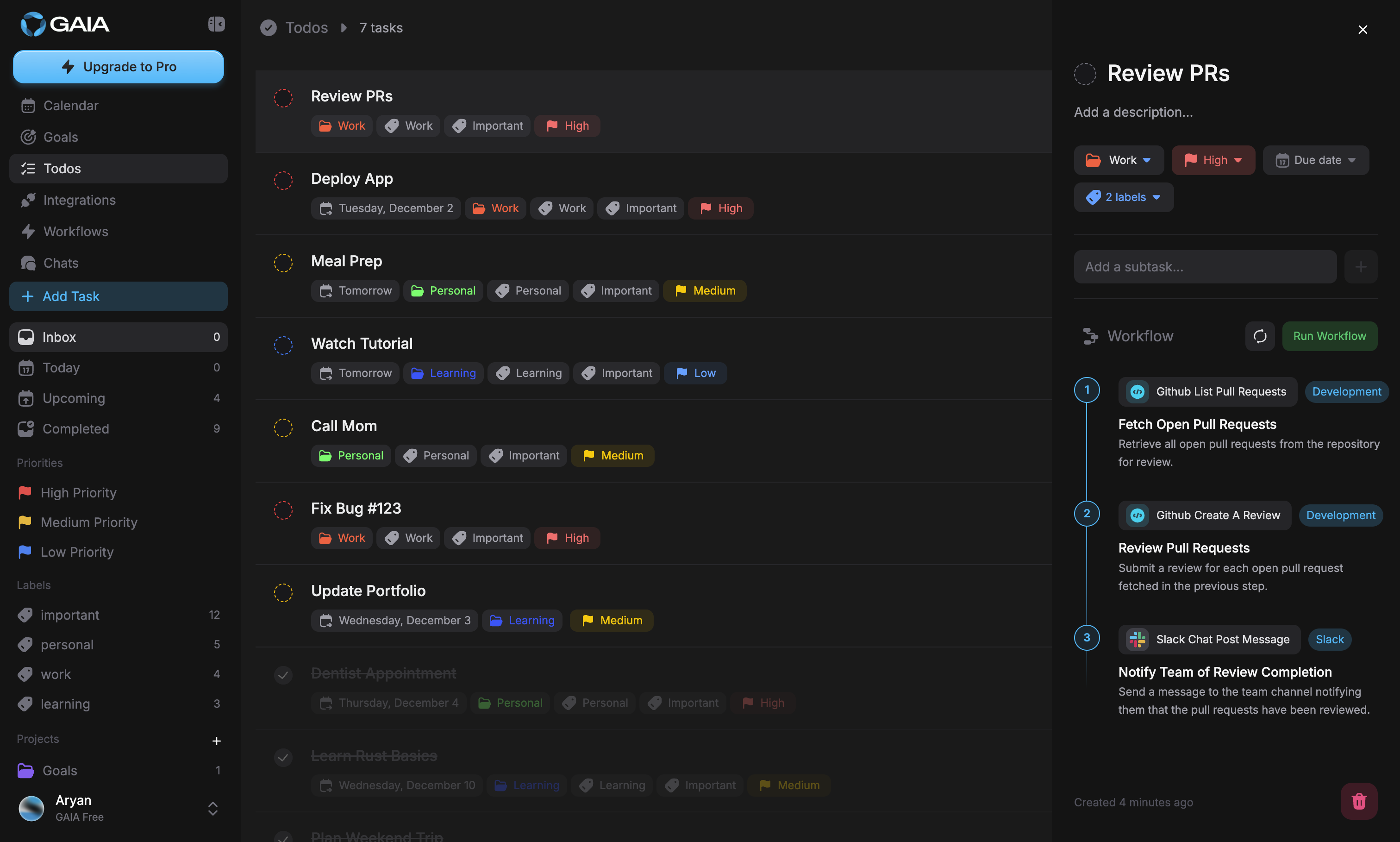
Smart Todos |
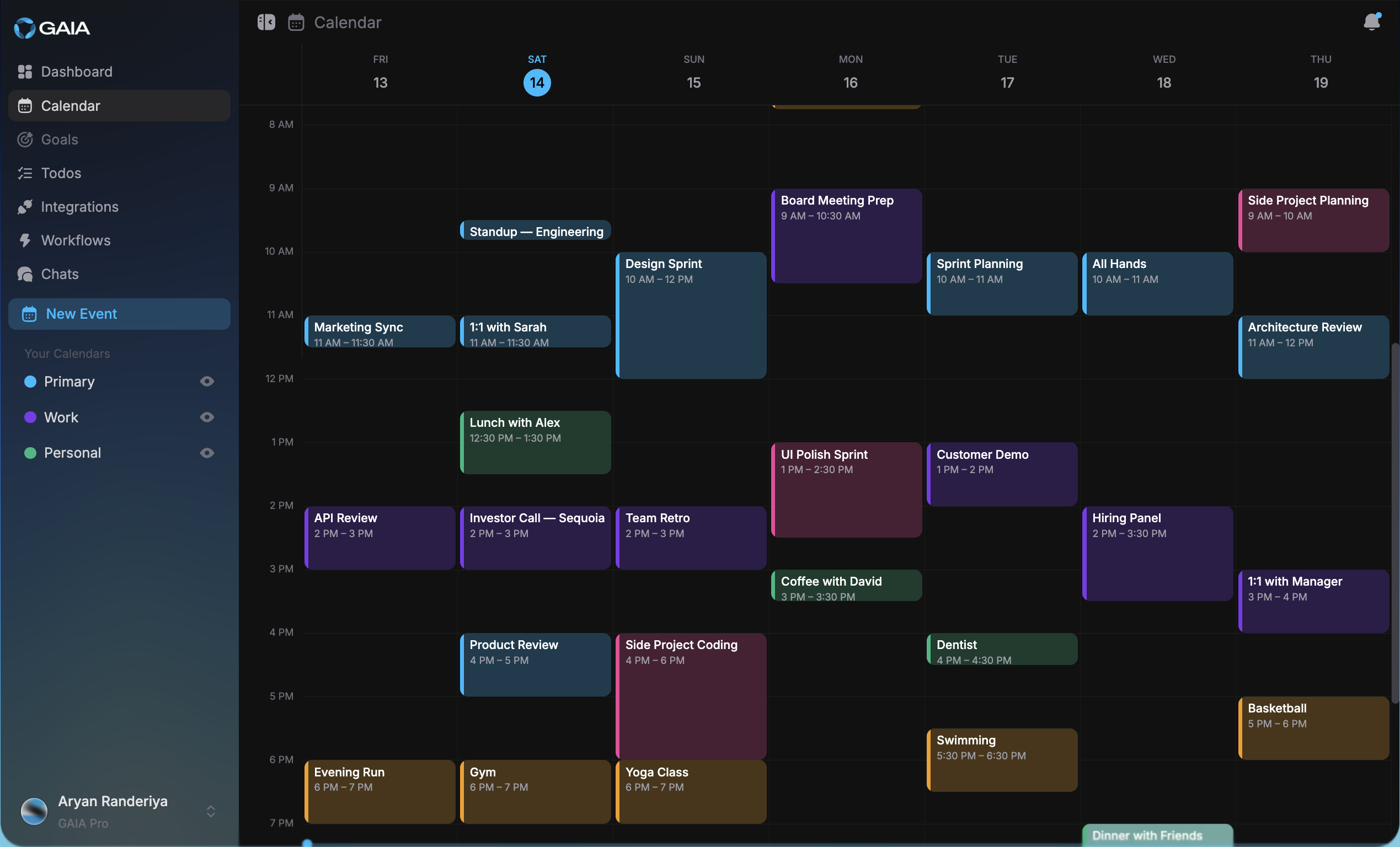
Calendar |
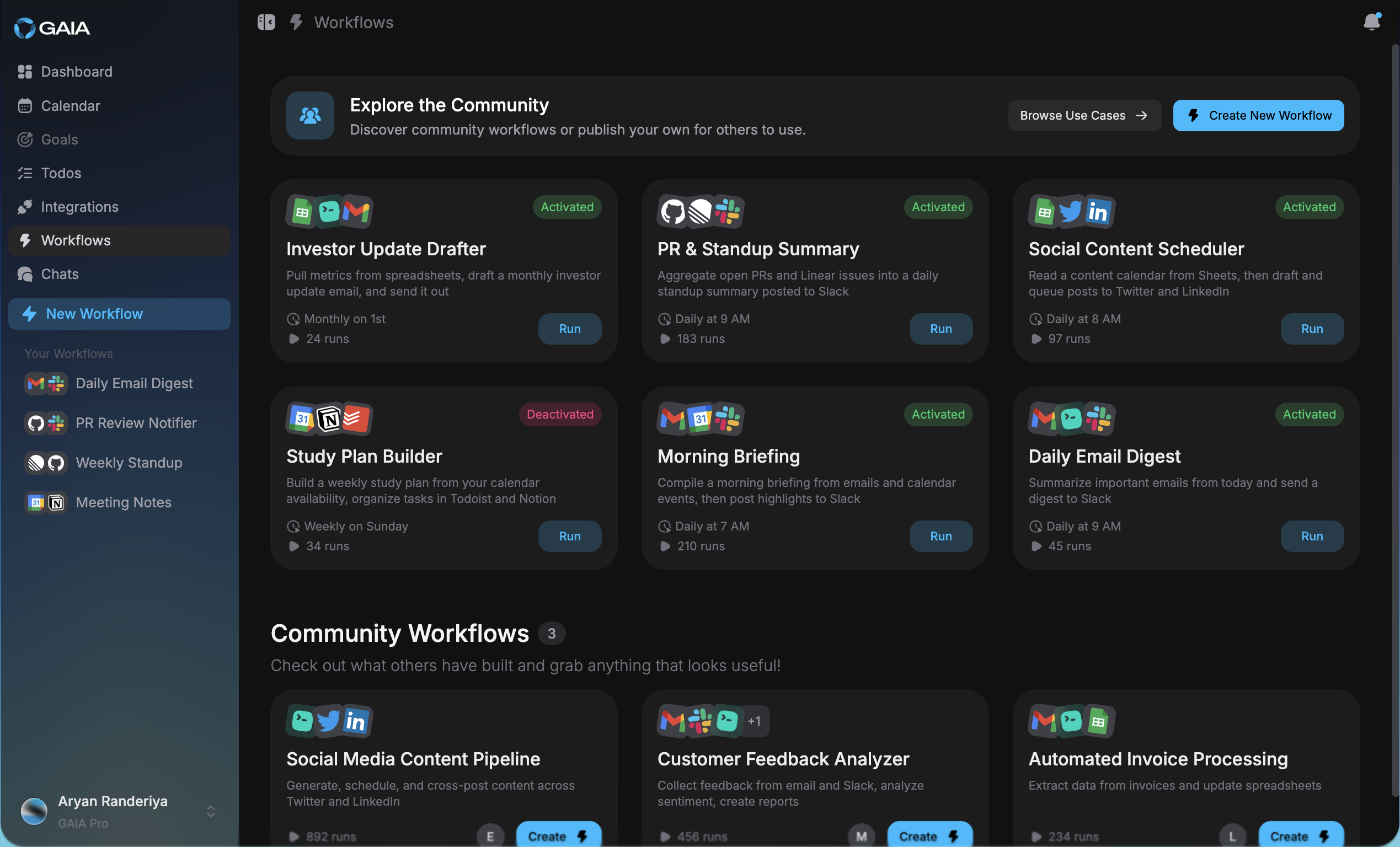
Automated Workflows |
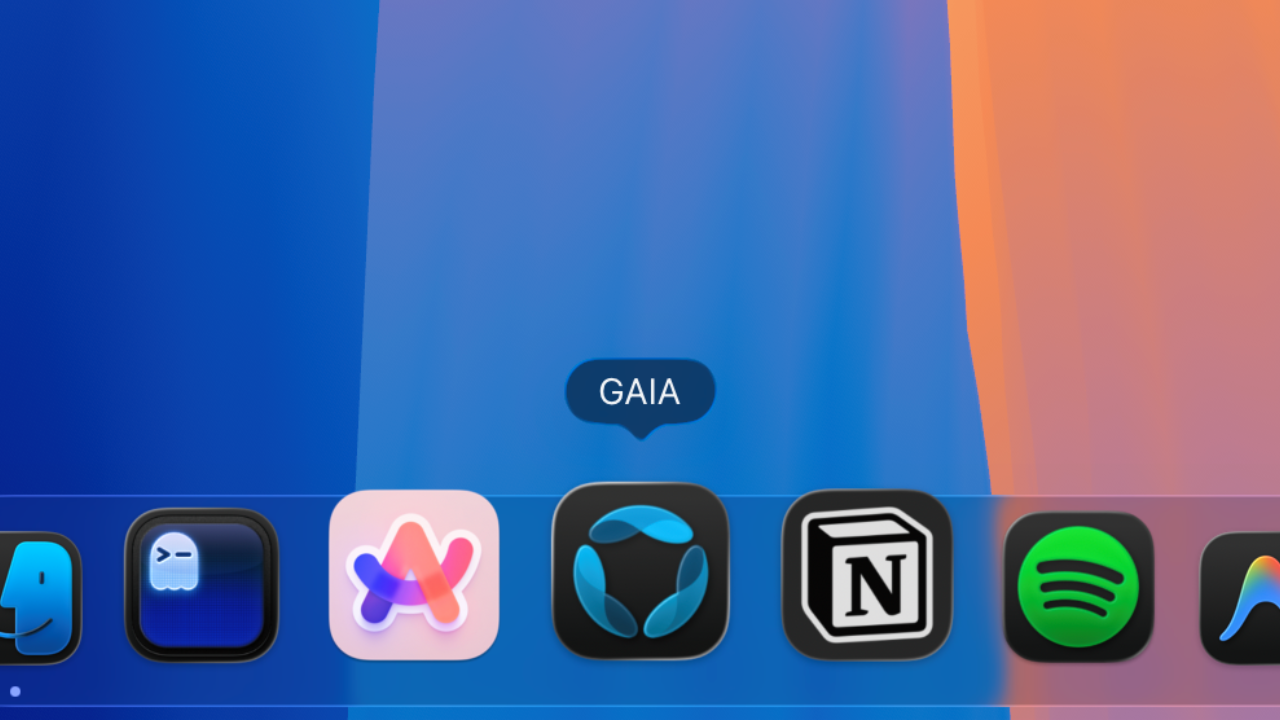
Desktop App |
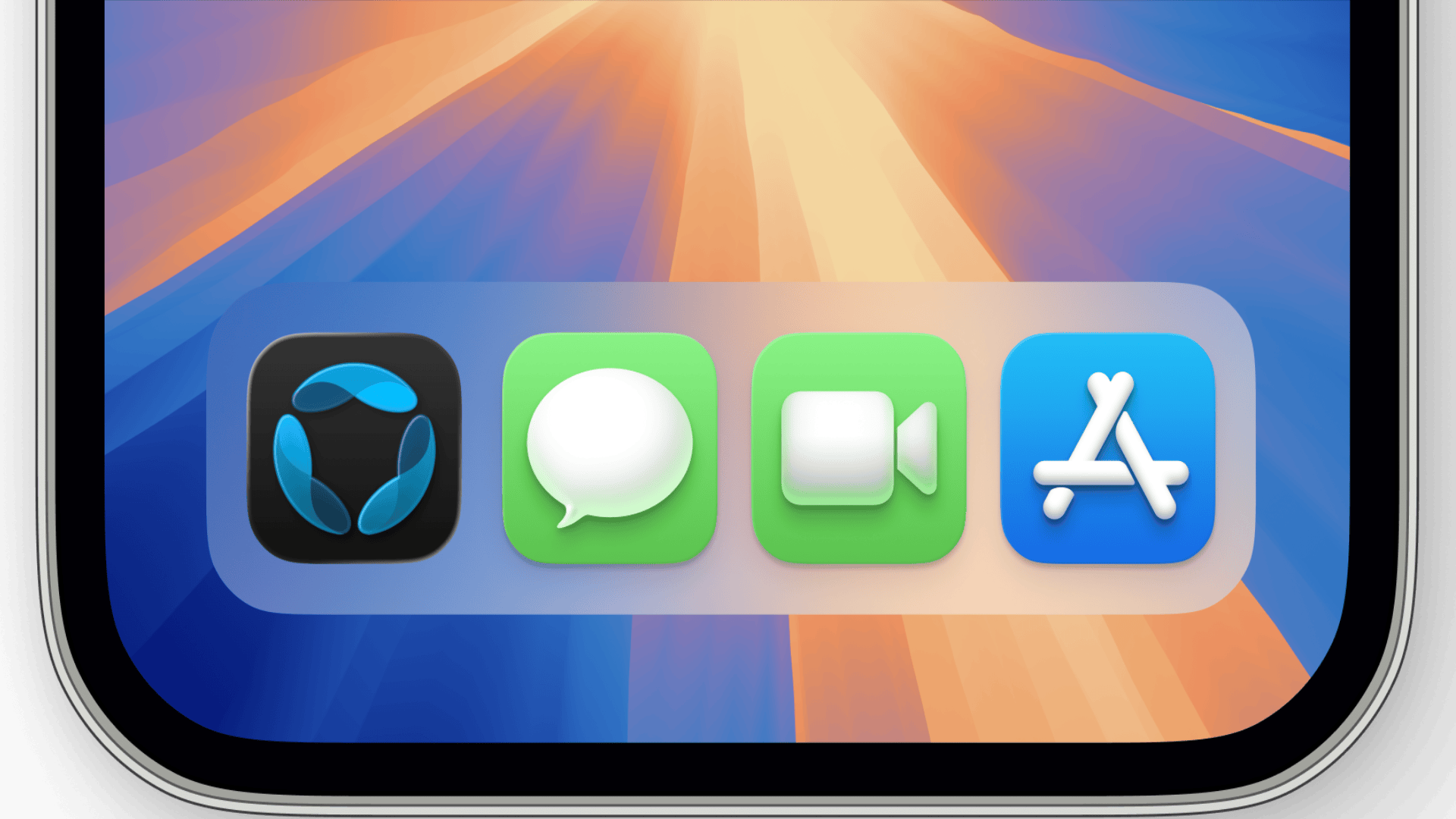
Mobile App |
Real things people use GAIA for — not hypothetical features. Every example below works today.
Visit heygaia.io to get started instantly — no installation required.
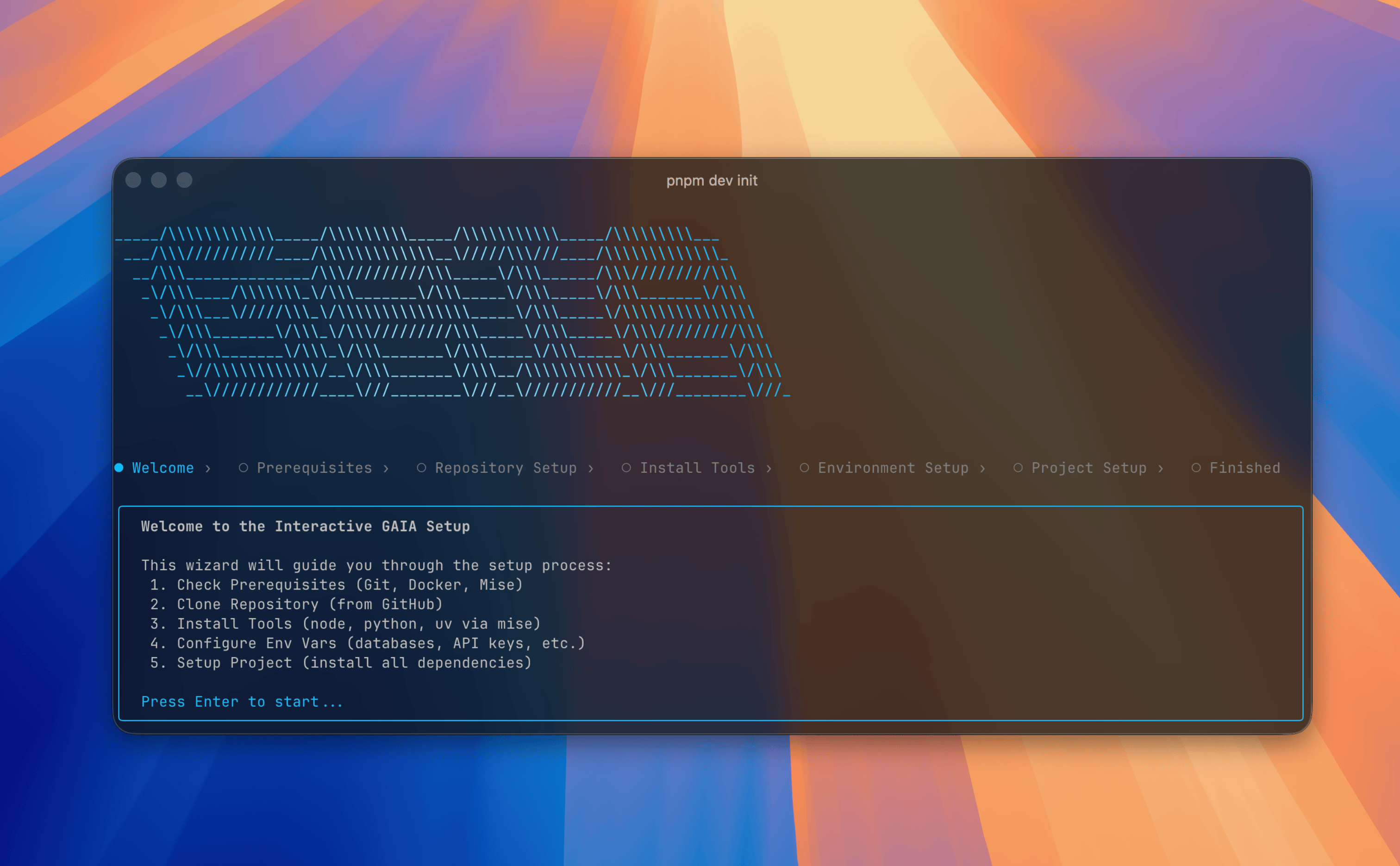
One CLI sets up the whole stack — clone, configure, and launch every service in Docker. Prerequisites: Docker (Engine 20.10+, Compose v2+) and Node.js 20+.
# 1. Install the CLI  (pnpm add -g / bun add -g also work)
npm install -g @heygaia/cli

# 2. Clone, configure, and launch — the wizard walks you through it
gaia init        # pick "Self-Host (Docker)" when asked

# 3. Open GAIA in your browser
#    http://localhost:3000
gaia init checks your prerequisites, clones the repo, helps you fill in environment variables, then builds and starts everything in Docker. Manage it anytime:
gaia status   # health-check every service
gaia logs     # stream logs
gaia stop     # stop everything
gaia start    # bring it back up
Already cloned the repo? Run gaia setup inside it to configure an existing checkout.
gaia init for hot-reload local dev, then see Developer SetupUse GAIA directly inside the tools you're already in.
| Platform | How to Use | |
|---|---|---|
 |
Message GAIA and send messages or use /gaia commands |
|
 |
Telegram | Message @heygaia_bot and send messages or use /gaia commands |
 |
Slack | Add GAIA to your workspace and use /gaia and other slash commands |
 |
Discord | Add the bot or join the server — use /gaia or @mention GAIA in any channel |
 |
iMessage | Coming soon — text GAIA right from Messages on your iPhone or Mac |
See the Bot Integrations Guide for setup and usage details.
GAIA is a full-stack Nx monorepo spanning web, desktop, mobile, backend, voice, and infrastructure.
| Layer | |
|---|---|
| Web Frontend | |
| Desktop | |
| Mobile | |
| Backend | |
| AI / Agents | |
| Databases | |
| Queue & Tasks | |
| Monitoring | |
| Bots | |
| Infrastructure | |
| Tooling |
We track upcoming features, planned improvements, and in-progress work publicly.
View Roadmap · Submit a Feature Request
This repository is a full-stack monorepo managed with Nx.
gaia
├── apps
│   ├── web              → Next.js web app                  https://heygaia.io
│   ├── desktop          → Electron desktop app (beta)      https://heygaia.io/download
│   ├── mobile           → React Native mobile app (beta)
│   ├── api              → FastAPI + LangGraph backend
│   ├── voice-agent      → Voice processing worker
│   └── bots
│       ├── discord      → Discord bot
│       ├── slack        → Slack bot
│       └── telegram     → Telegram bot
├── docs                 → Documentation Website            https://docs.heygaia.io
├── packages
│   ├── cli              → @heygaia/cli setup tool           npm install -g @heygaia/cli
│   └── gaia-ui          → @heygaia/ui (wrapper)             https://ui.heygaia.io
├── libs
│   ├── shared
│   │   ├── py           → gaia-shared Python package (used by api, voice-agent, bots)
│   │   └── ts           → Shared TypeScript utilities
│   └── wake-word        → @gaia/wake-word — cross-platform on-device "Hey GAIA" detection
│       │                  (122 KB ONNX, web + electron + react native, ~80 ms time-to-wake)
│       ├── src/core     → platform-agnostic detector + 3-stage openWakeWord pipeline
│       ├── src/web      → onnxruntime-web + AudioWorklet + React hook
│       ├── src/native   → onnxruntime-react-native + audio capture + RN hook
│       ├── models       → bundled ONNX artifacts (mel + embedding + VAD + classifier)
│       └── training     → Python pipeline: Piper TTS synthesis + LibriSpeech negatives + MPS training
└── infra
    └── docker           → Docker Compose configs (dev + prod)
For a deeper look at how the pieces connect, see the Architecture Overview in the docs.
Our comprehensive documentation is available at docs.heygaia.io:
The interface is identical on both. Cloud is zero-setup at heygaia.io, free to start, with plan-based usage limits and managed infrastructure. Self-hosting gives you full data control, no usage caps, and the ability to swap models freely — in exchange for running the stack on your own machines and bringing your own API keys.
Open /integrations. Browse by category (Productivity, Communication, Developer, and more) or search by name. Click Connect — for providers like Gmail, Calendar, Slack, Linear or Notion, you'll be redirected to their consent screen to grant the scopes GAIA needs; for API-key providers, a modal pops up where you paste the token. Once connected, the sidebar shows the tools that integration unlocks, and a Disconnect button revokes access in one click.
Need something that isn't in the catalogue? You can add your own MCP integration from the same page, connect it privately, or publish it to the community marketplace.
Only the threads relevant to whatever you've asked it to do, and only with the scopes you granted on the provider's OAuth consent screen when you connected Gmail. Email content isn't mirrored into GAIA's database — it's fetched per request. You can disconnect the integration from /integrations at any time, which revokes access immediately.
Yes, all of it is under your control:
Integration content (email bodies, calendar events, documents) is not persisted — it's fetched on demand when a request needs it.
Head to the Workflows page and build one. Two kinds of triggers today:
Chain steps across your integrations ("fetch → summarise → post to Slack") and GAIA will run the whole thing in the background, no prompt required. When a run produces something you should see — a drafted email, a new todo, a reminder, a suggested calendar event — it lands in the notifications bell in the header and on the /notifications page, where you can approve, edit or dismiss it.
On self-hosted, yes — provider keys (model providers, integration services) are configured via environment variables. On cloud, no — the platform manages models on your behalf and usage is governed by your plan. You can still pick between the available models from the chat composer; which ones are unlocked depends on your plan.
The GAIA code is free under Polyform Strict (noncommercial use). Real costs are: model API usage (scales with how much you use it), any paid-tier integration services you opt into, and hosting — a single modestly-sized VM handles a small team. See the self-hosting guide for detailed numbers.
Join our growing community of users and contributors:
 Twitter — Get the latest news and updates.
We welcome contributions of all kinds — bug fixes, features, docs, and tests.
🤖 AI & vibe-coded PRs are welcome! Built it with Claude, Cursor, or any AI tool? That's great — just mention it in the PR description.
Where to start:
For bugs and feature requests, open an issue.
GAIA is built on the shoulders of giants — the language models, frameworks, and open-source projects that make this possible. Full credits at heygaia.io/thanks.
This project is licensed under the Polyform Strict License 1.0.0.
Warning
This license allows noncommercial use only.
See the full license terms at LICENSE.md.
Feel free to contact the team at contact@heygaia.io or aryan@heygaia.io for any questions
If GAIA could save you even an hour a week, consider giving it a ⭐ — it helps more people find the project and keeps us building in the open.
Made with ❤️ by
heygaia.io • Documentation • Contact Us
more like this
Widgets for Douban and Trakt watchlists plus personalized recommendations, live TV streaming including PlutoTV, Yatu ra…
A to-do list that runs your Claude Code agents — capture anywhere, dispatch in parallel, review from your phone.
Arduino library and MATLAB/Simulink API for the AutomationShield Arduino expansion boards for control engineering educa…
search projects, people, and tags