fridge_tracker
鲜知贴:可复刻的 ESP32 墨水屏食材保鲜提醒器,包含 H5/Node.js/SQLite 服务端、C3/S3 固件、三色/四色屏渲染和 3D 打印外壳,支持公共托管、本地与自托管部署。
JavaScript★ 69
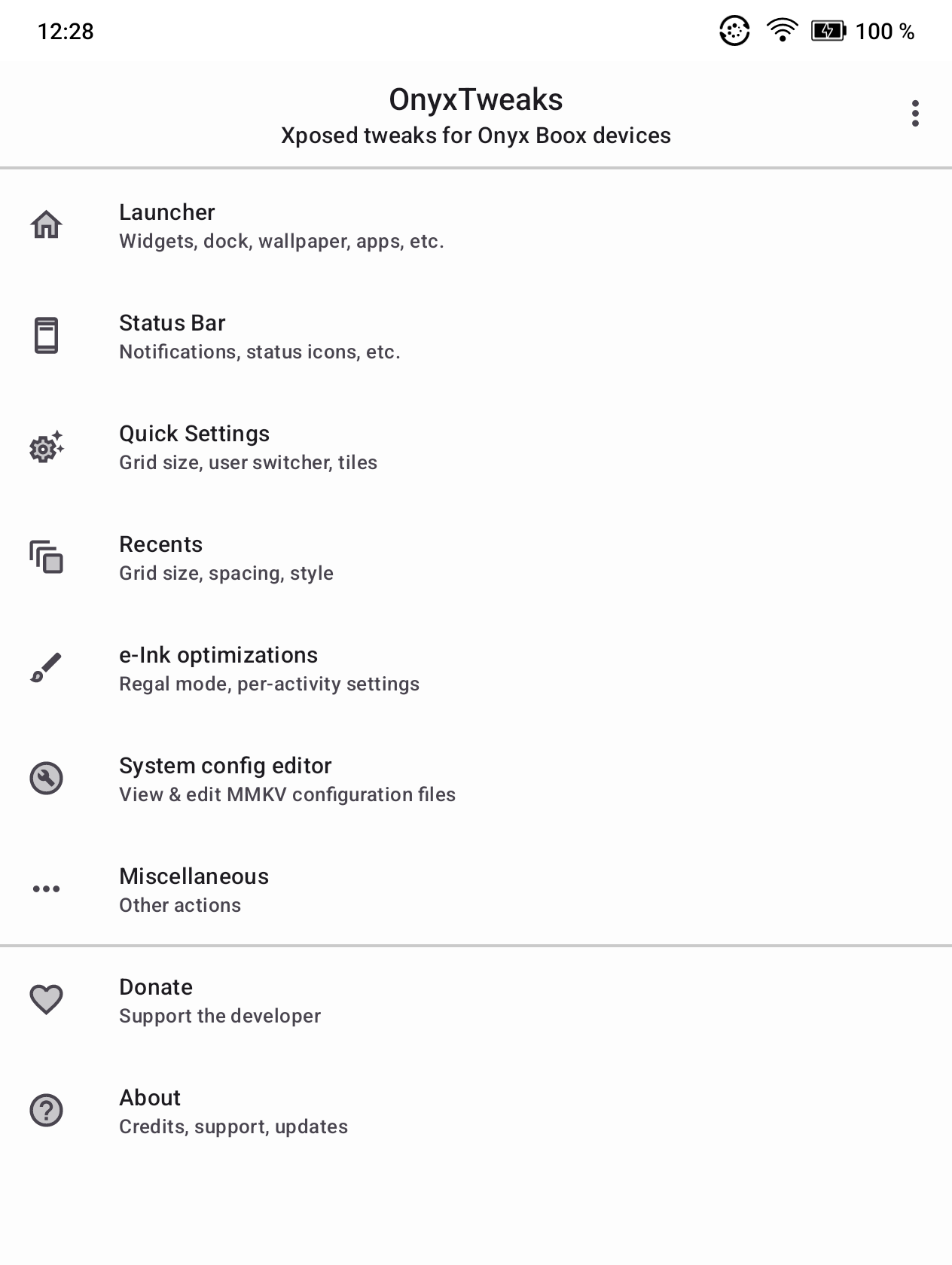
Xposed module for Onyx Boox e-Ink devices with Android 12. Tested with Onyx Boox Go Color 7 (1st gen)
 timschneeb
git clone https://github.com/timschneeb/OnyxTweaks.gittimschneeb/OnyxTweaks
Compatibility • Features • Downloads • Screenshots
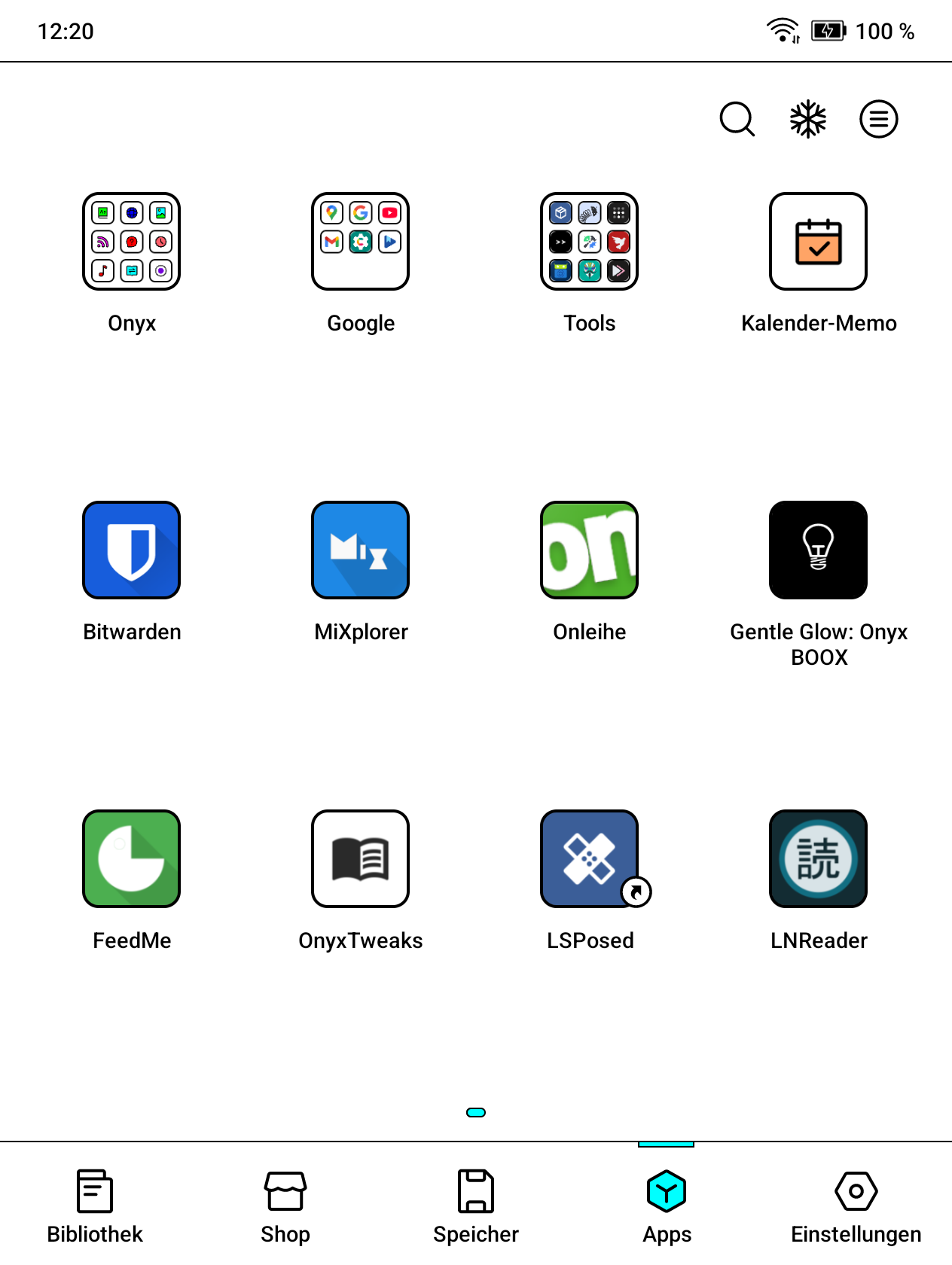
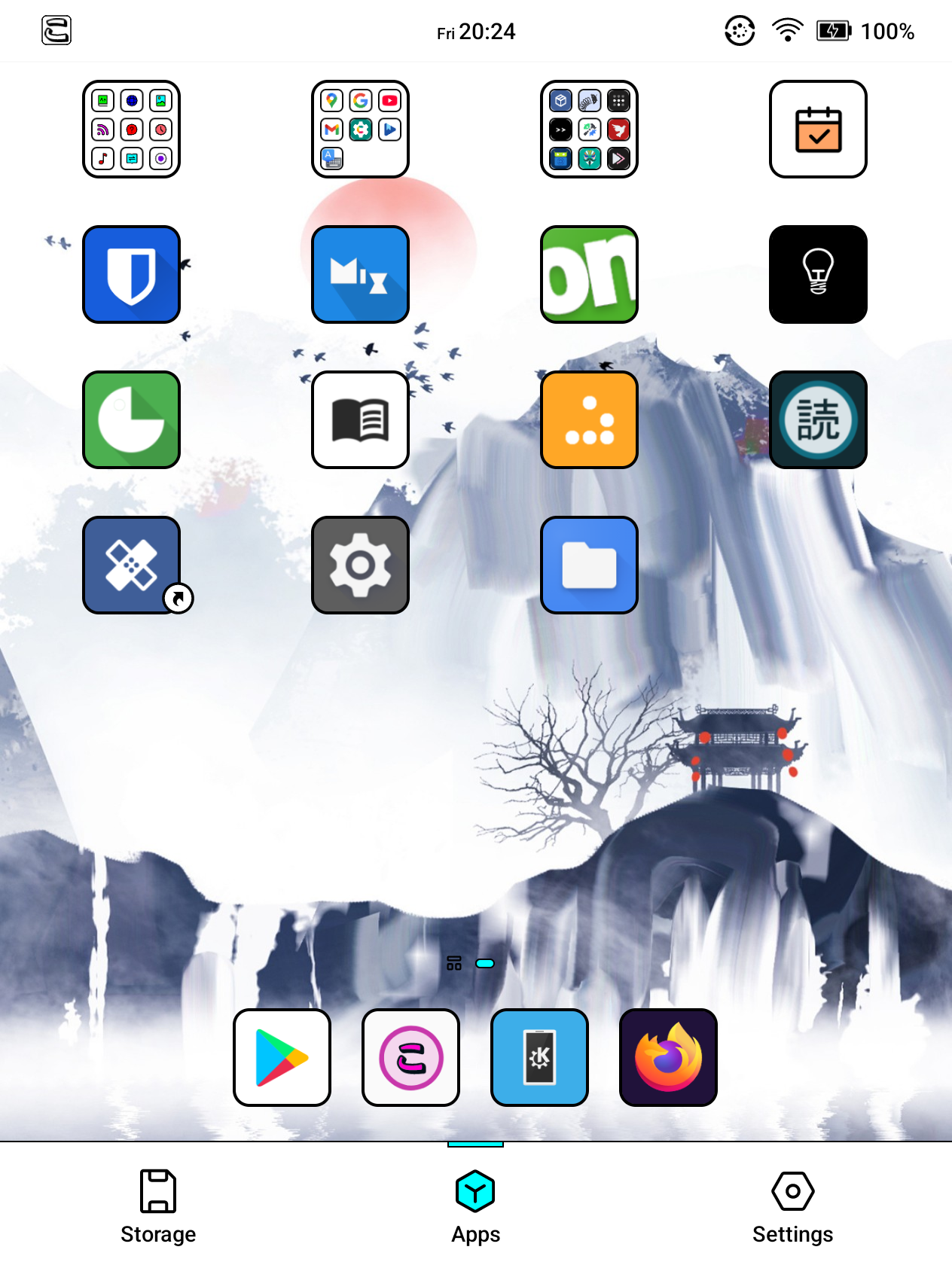
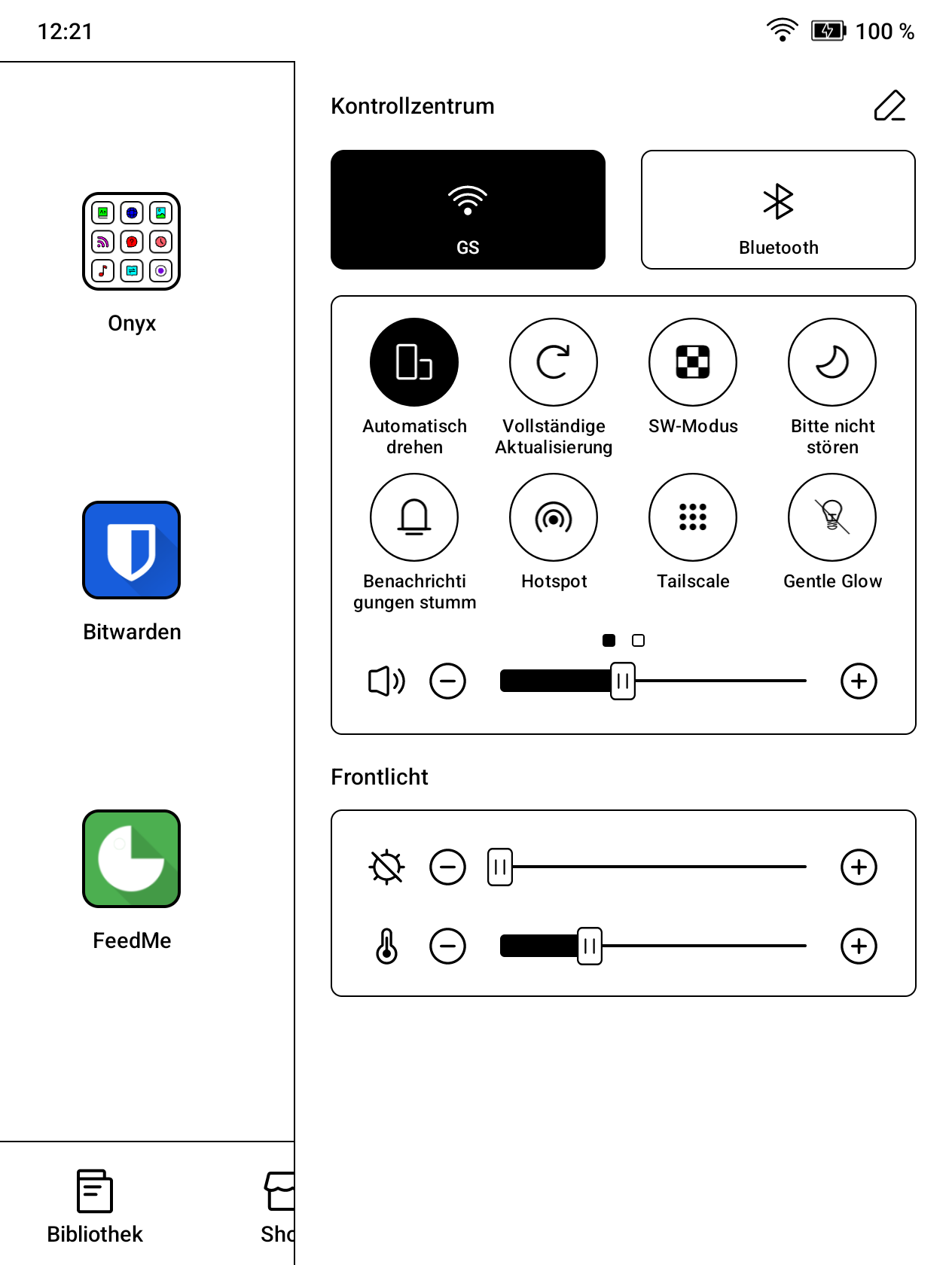
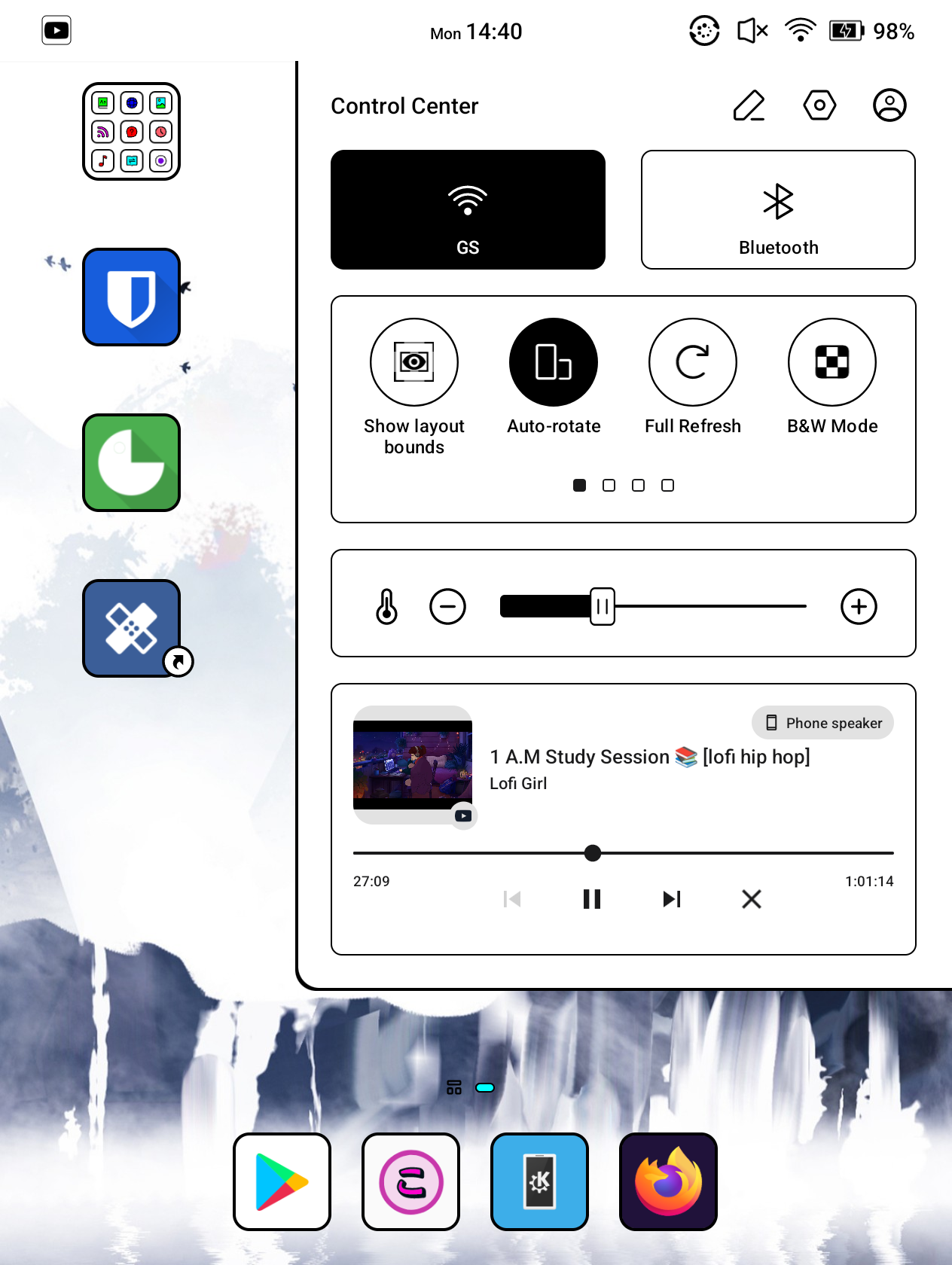
Before vs. after
Caution
This Xposed module was primarily designed for my Go Color 7 (1st gen) running the 4.2, 4.1 or 4.0 firmware with Android 12. I cannot guarantee full compatibility with other Boox models, especially if they do not run the firmware versions listed above.
However, in general, it should largely work on other devices, provided they are running Android 12.
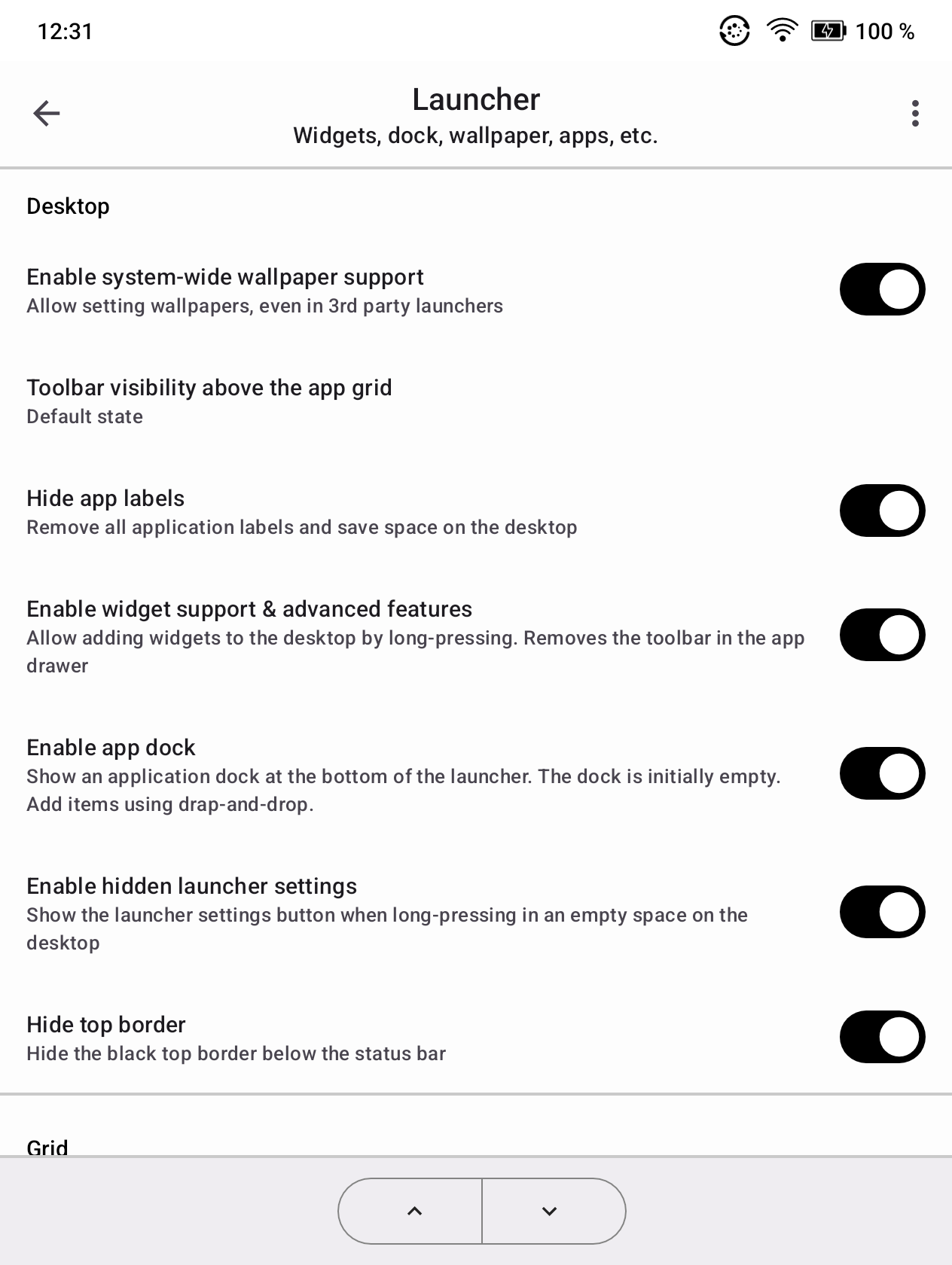
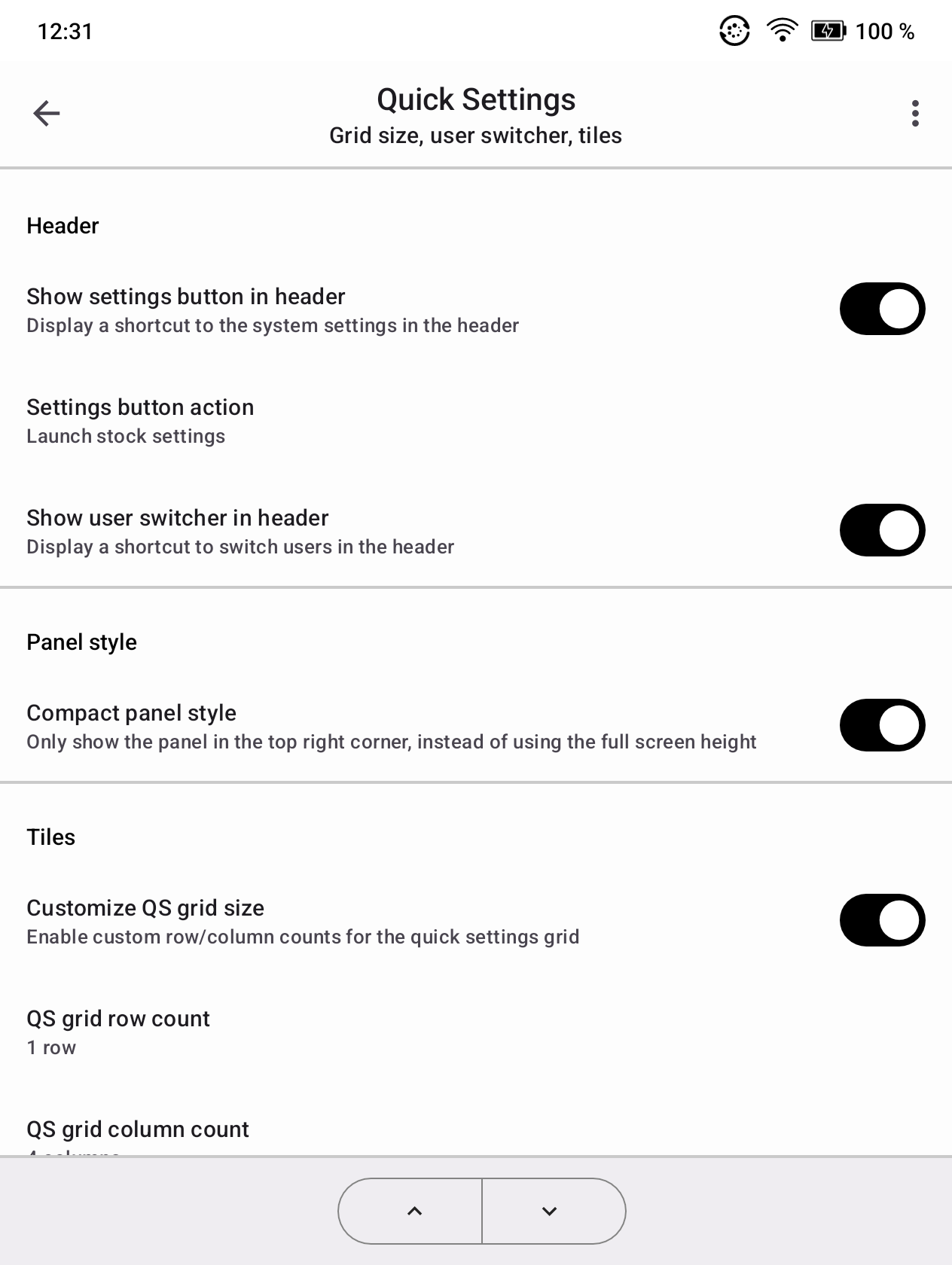
This module unlocks several features that are only available on high-end devices with screens larger than my Go Color 7. It also adds other mods to the SystemUI, Android Framework, and Onyx Launcher.
Widgets
Desktop
Function bar
Onyx settings
Notifications
Clock
Status icons
Header
Panel
Tiles
NaviBall (Floating button)
All apps
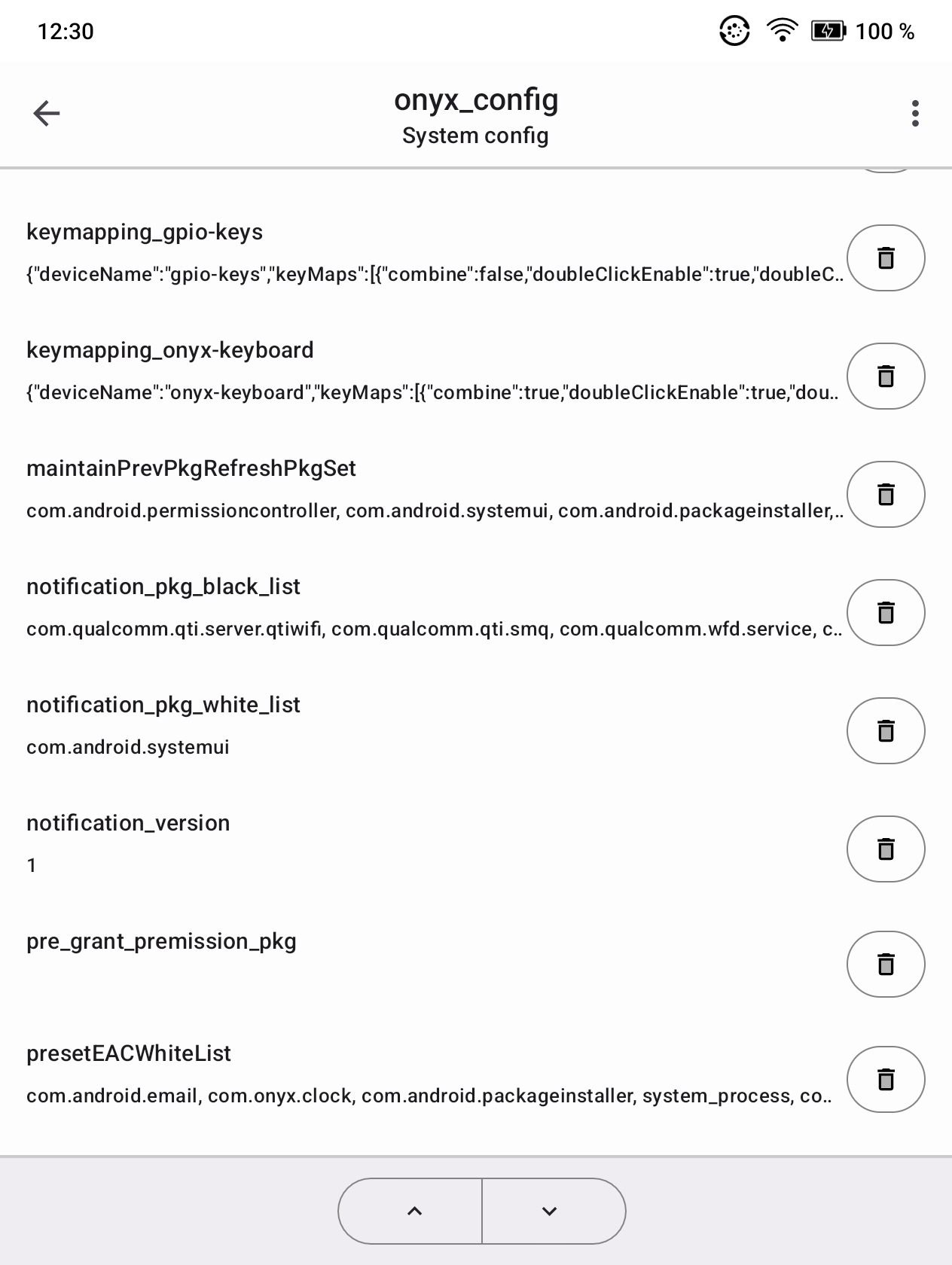
The app also includes an editor for the MMKV file format. It is used in Onyx apps and by the system to store configuration data.
This components works without Xposed. You can modify the system config at /onyxconfig without root access, but you may need to grant the 'all file access' permission on newer firmware versions or device models. To modify private MMKV data stores, used by other Onyx apps, root access is required.
Non-rooted users can also use this tool to edit /onyxconfig, which also supports an easy way to enable handwriting optimizations for more 3rd-party apps.
Important
To use this module, you must root your device using Magisk. See the mobileread.com forum for guides & support. Then enable Zygisk in Magisk Manager and install the LSPosed Magisk module.
See releases for module downloads.
This module is also published in the LSPosed module repository and can be downloaded within LSPosed Manager.
Before reporting crashes or issues, please retrieve the Xposed log files from LSPosed manager.
On the 'Log' page of LSPosed manager, tap on the save icon in the top toolbar to save all important diagnostic data into a compressed file. When opening an issue, please attach that file.
more like this
鲜知贴:可复刻的 ESP32 墨水屏食材保鲜提醒器,包含 H5/Node.js/SQLite 服务端、C3/S3 固件、三色/四色屏渲染和 3D 打印外壳,支持公共托管、本地与自托管部署。
search projects, people, and tags