agentlytics
Comprehensive analytics dashboard for AI coding agents — Cursor, Windsurf, Claude Code, VS Code Copilot, Zed, Antigravi…
JavaScript★ 555
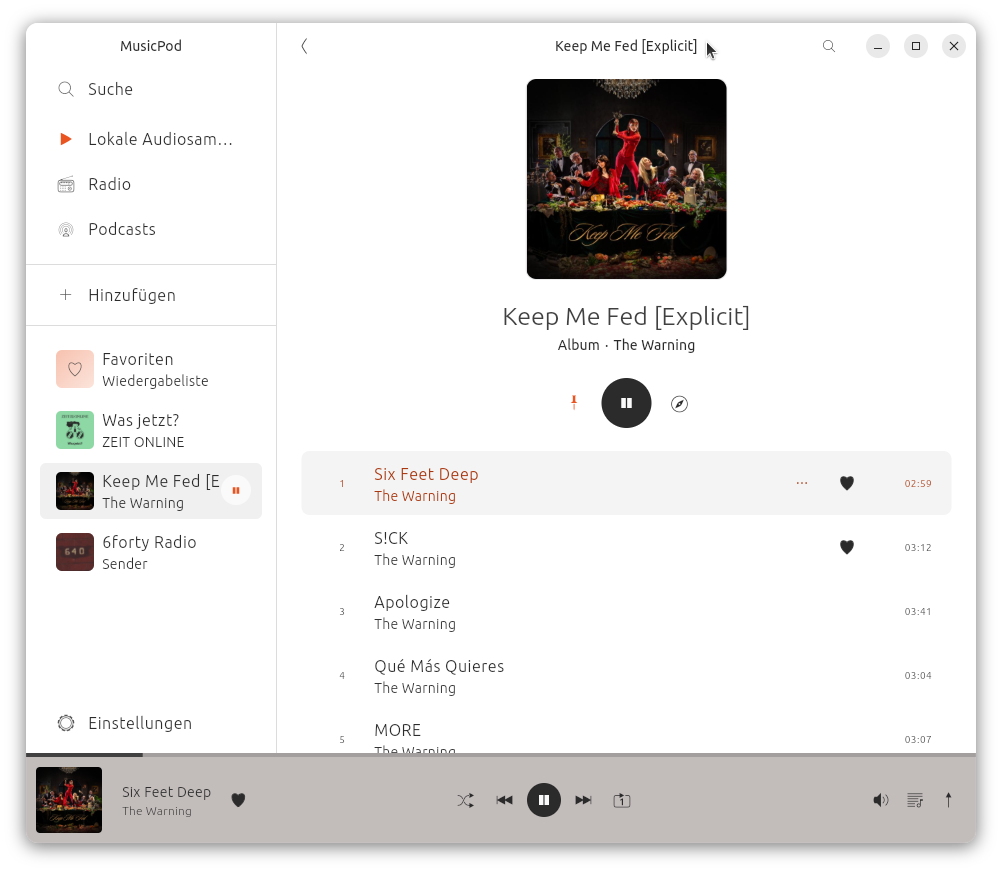
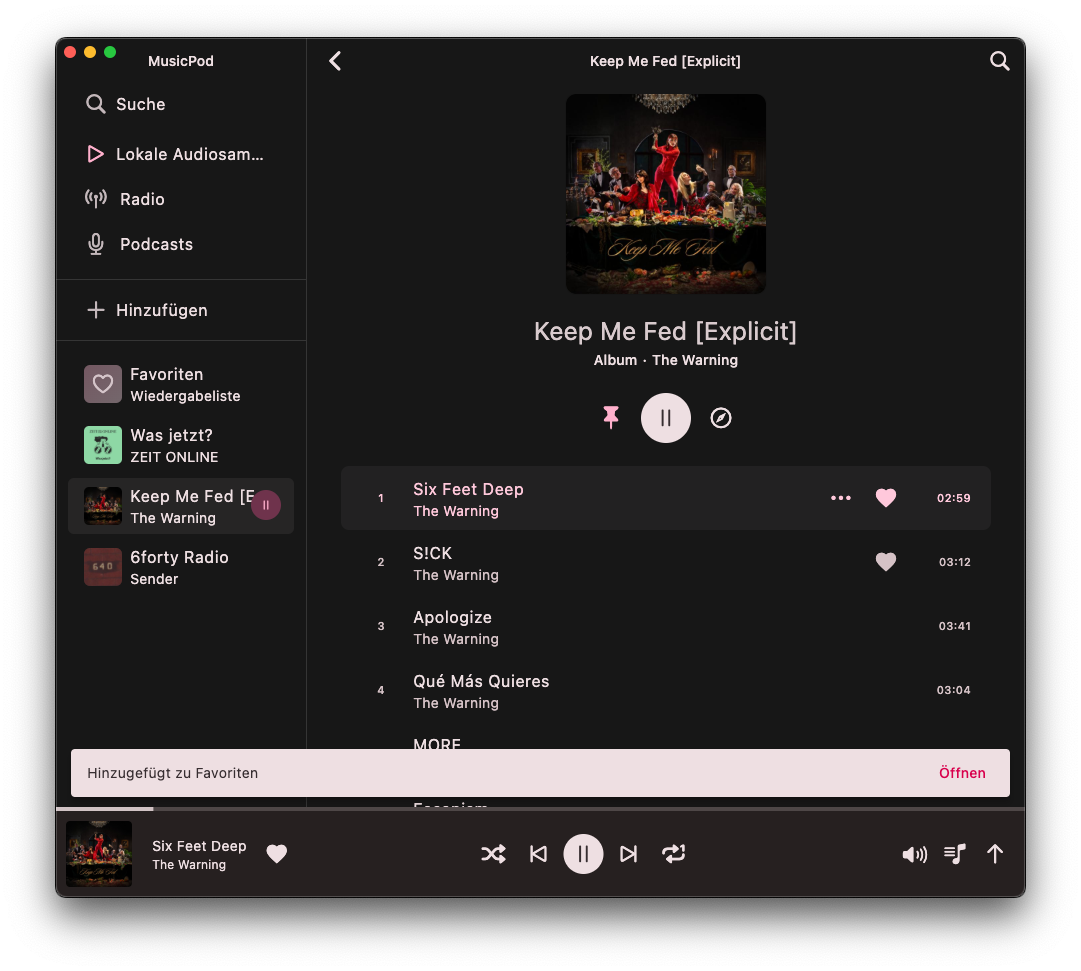
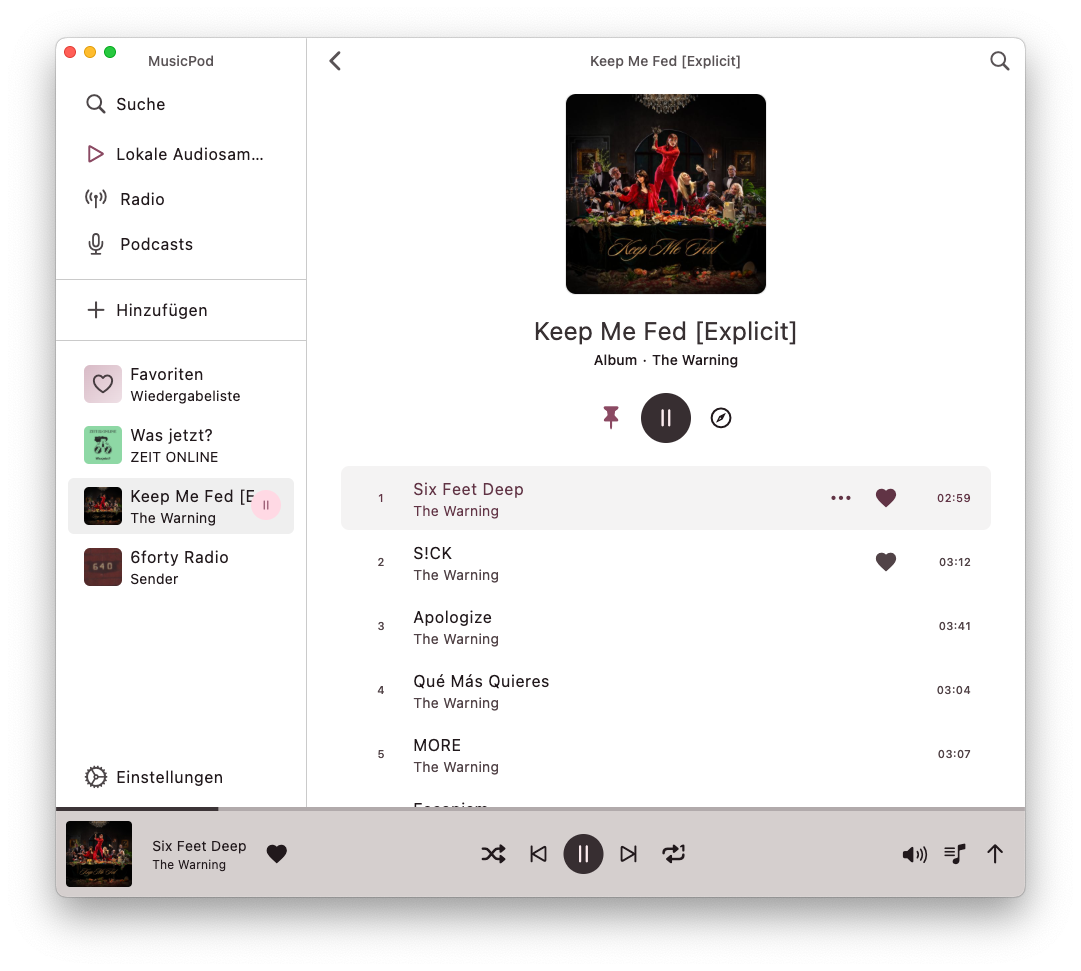
Music, radio, television and podcast player for Ubuntu, MacOs and maybe soon Android
 ubuntu-flutter-community
git clone https://github.com/ubuntu-flutter-community/musicpod.gitubuntu-flutter-community/musicpod
MusicPod is a local music, radio, television and podcast player for Linux Desktop, MacOS and Windows (currently the metadata loading for local audio takes ages, so the Windows version is not considered stable if you are looking for the local audio feature. See #264 ). (Android is planed but no ETA yet when it will happen.)
| OS | How to install |
|---|---|
| Linux | or or (Arch Linux) install from archlinuxcn via sudo pacman -S musicpod |
| Windows | Release Page |
| MacOS | Release Page |
| Android | WIP |
| Features | Dark Linux | Light Linux | Dark MacOS | Light MacOS |
|---|---|---|---|---|
| Play local audio | 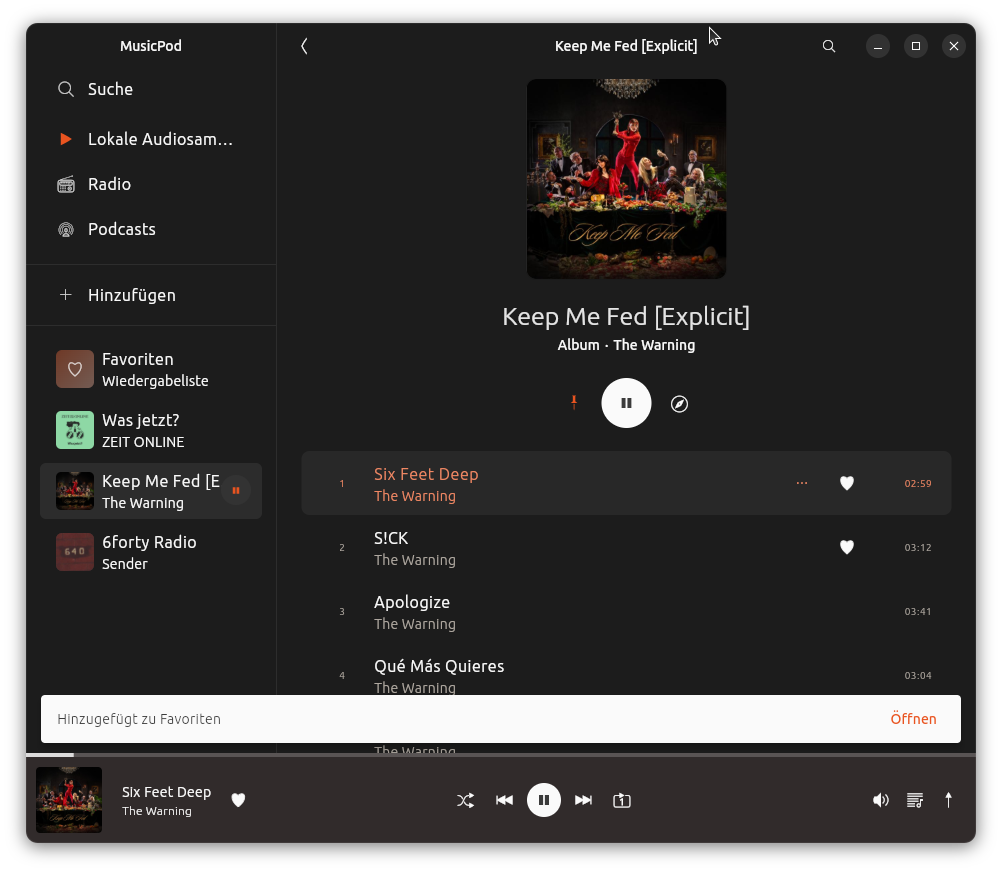 |
 |
 |
 |
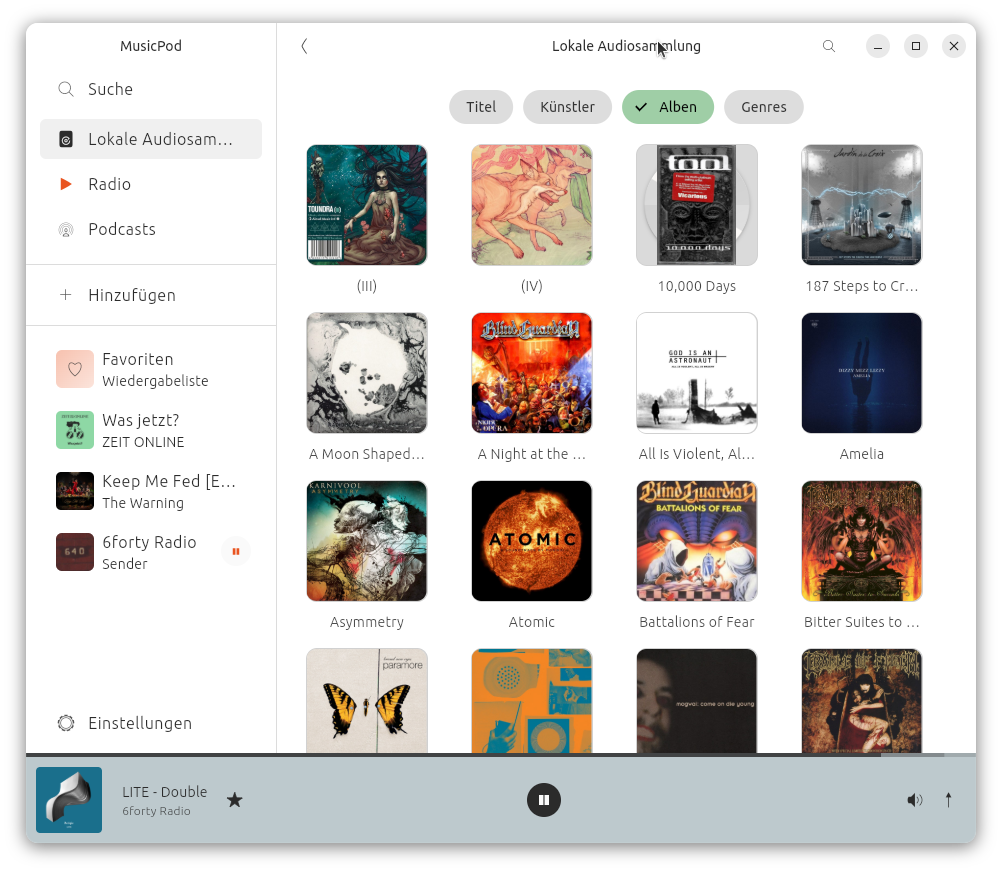
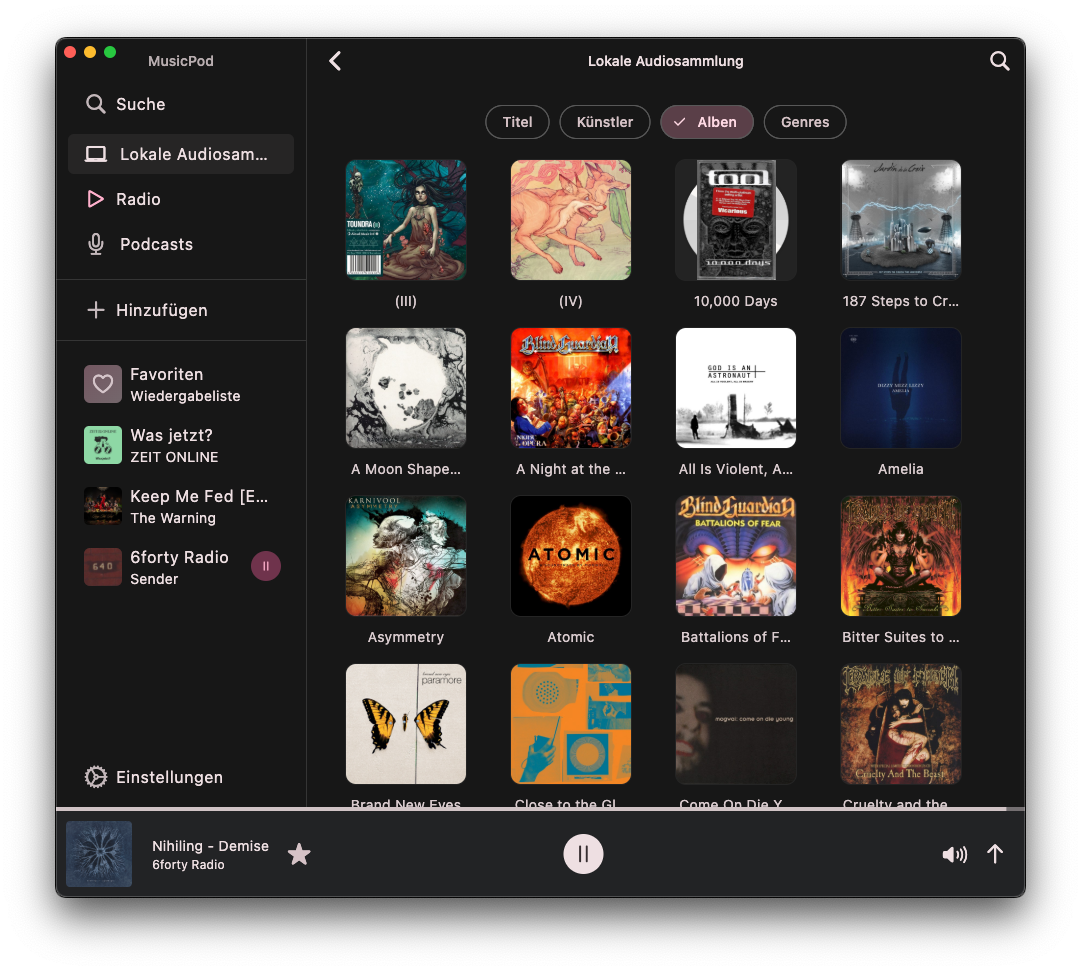
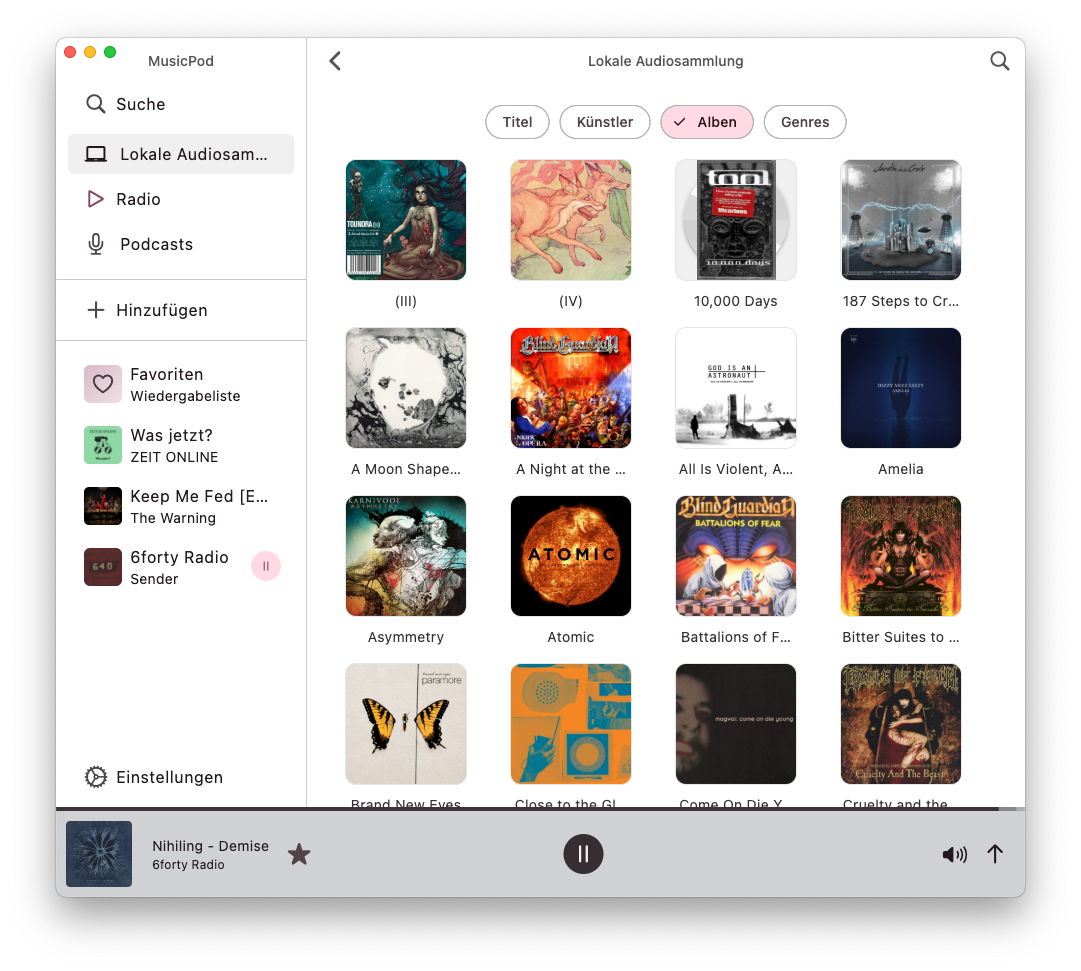
| Find local audios sorted by Metadata | 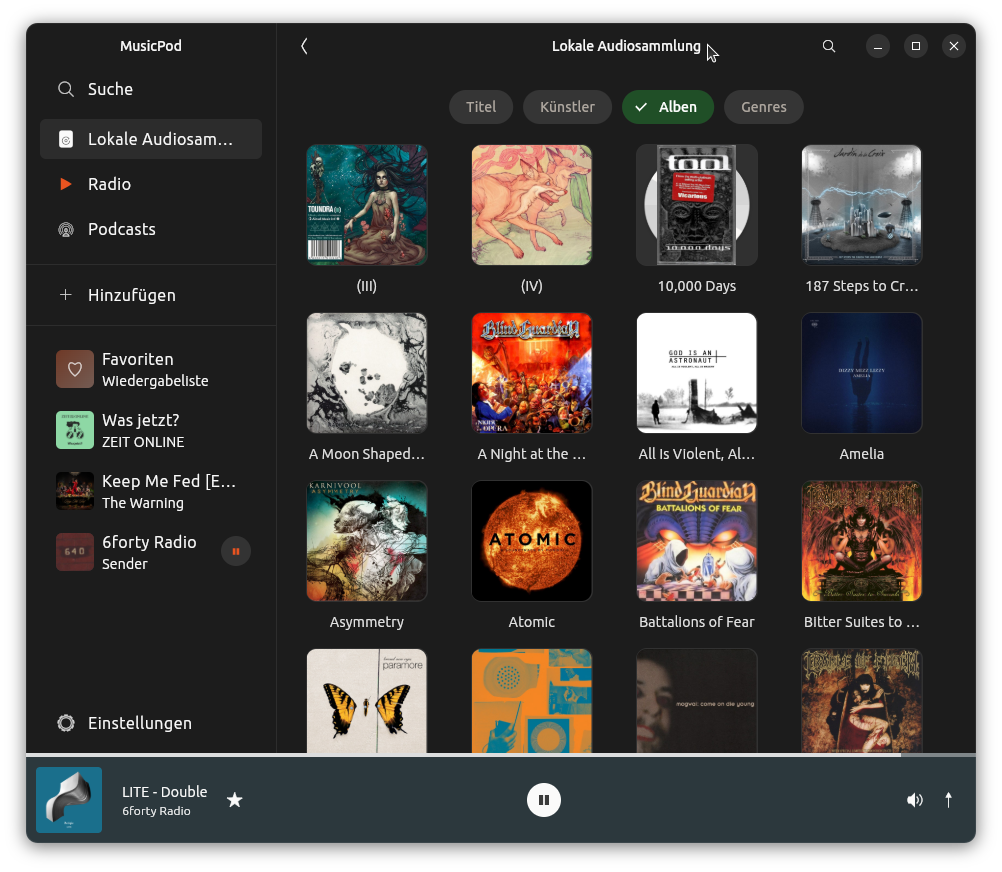 |
 |
 |
 |
| Play radio stations, with icytags and artwork looked up! | 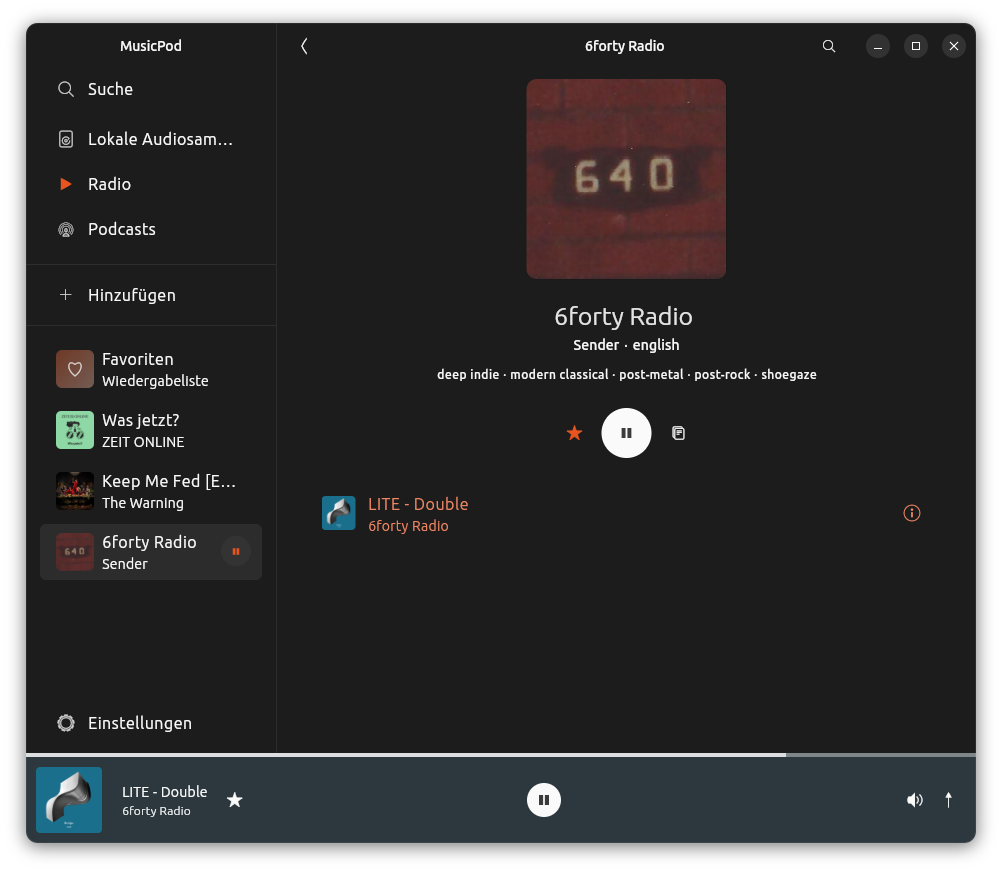 |
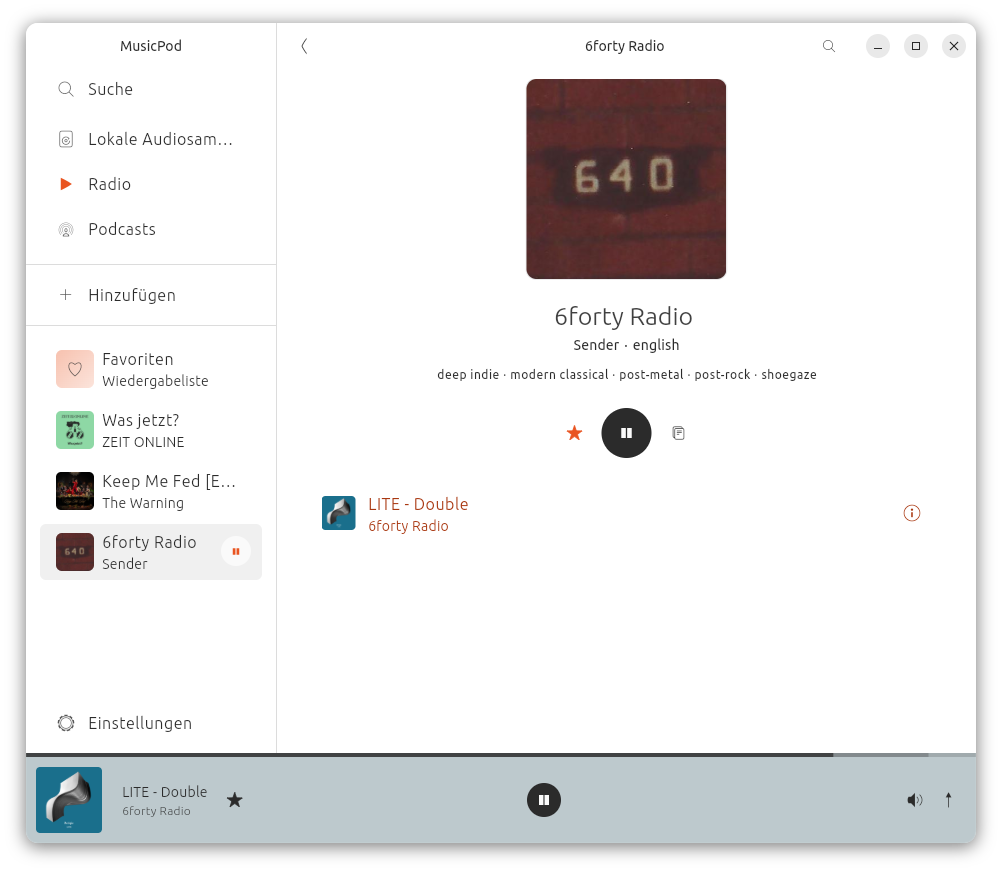 |
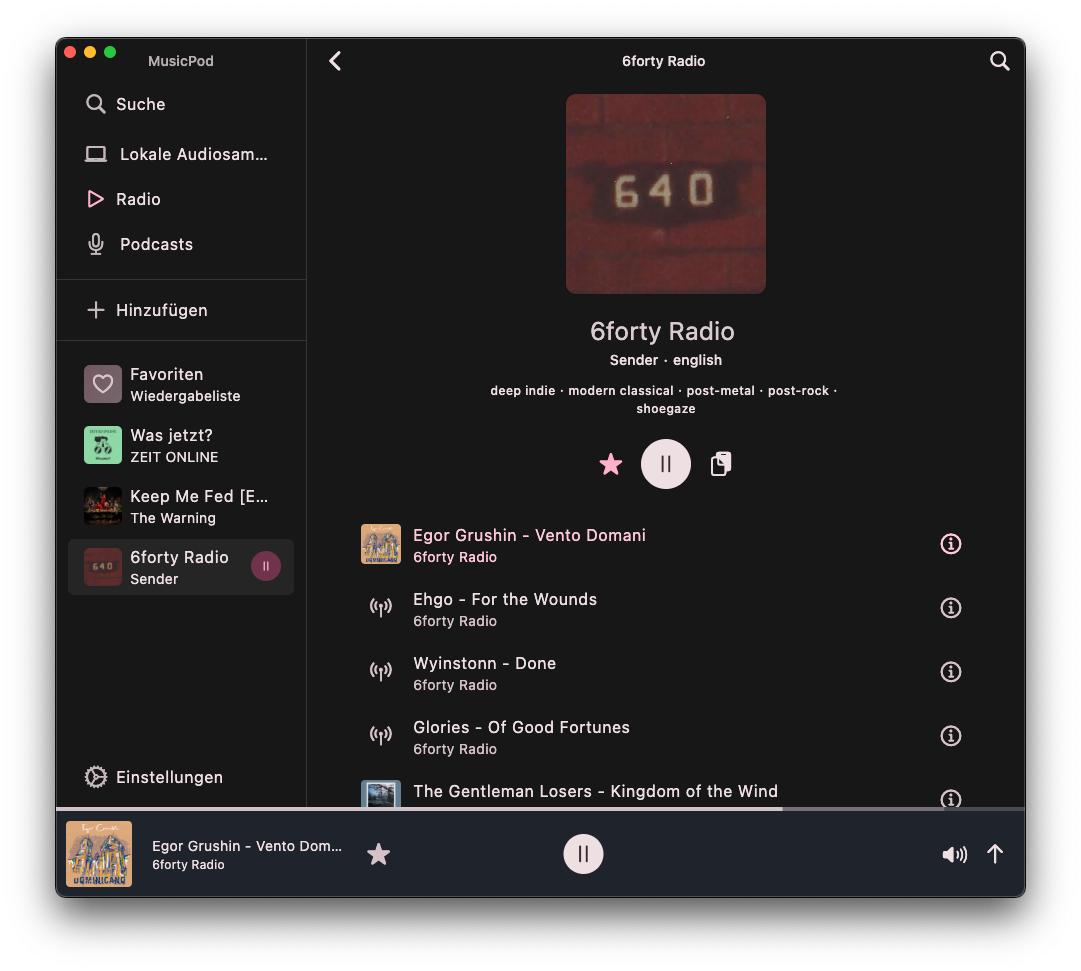 |
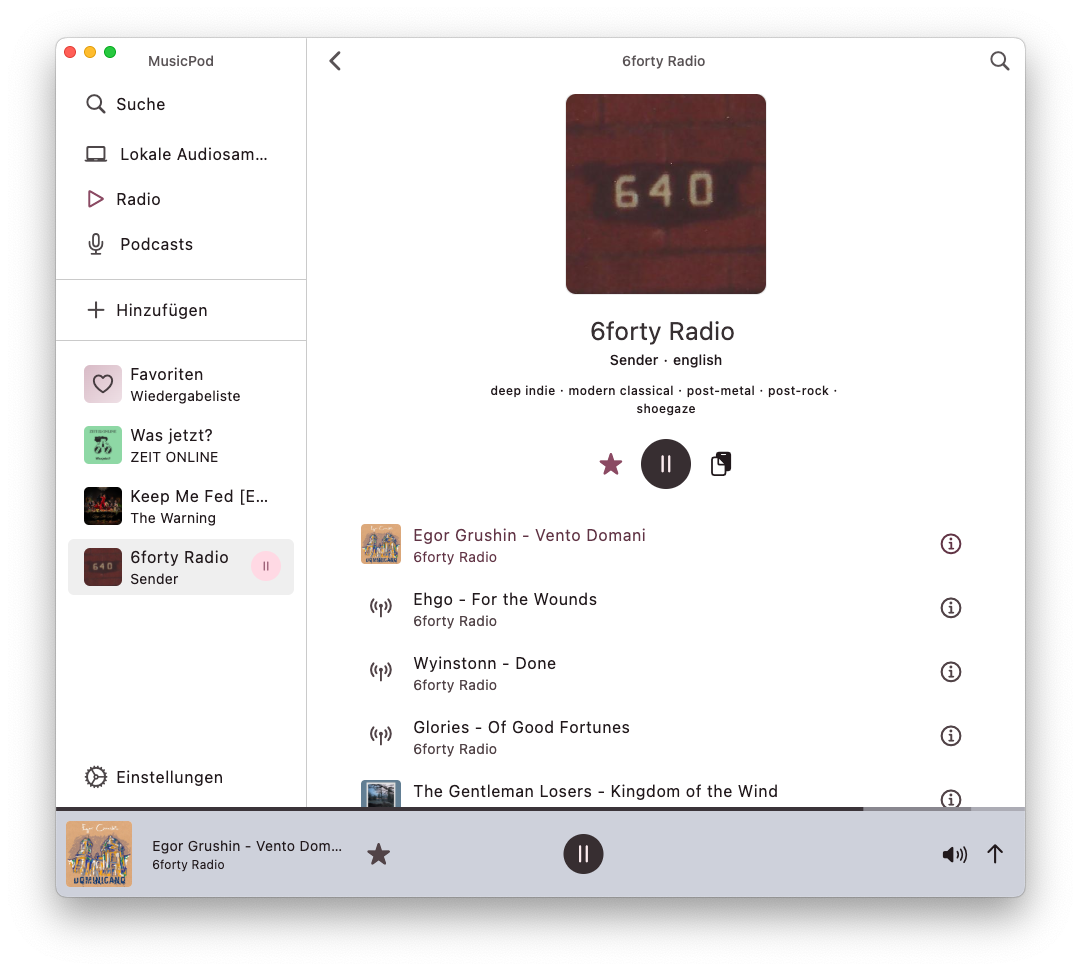 |
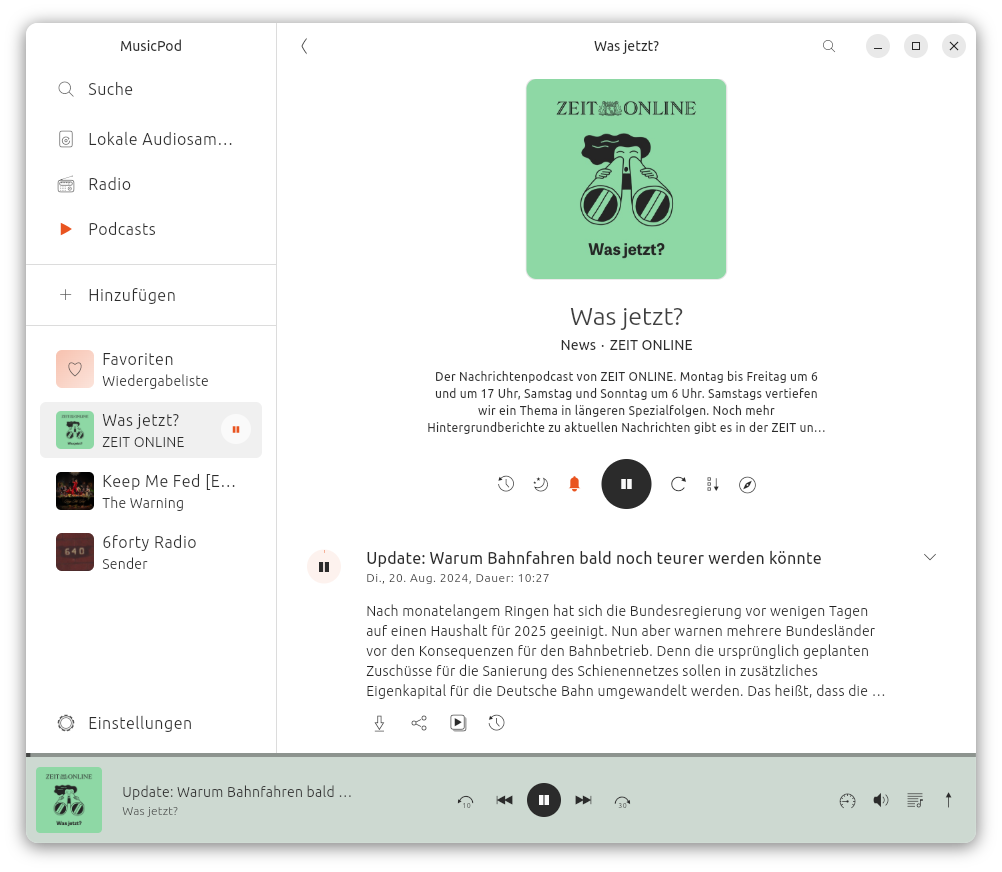
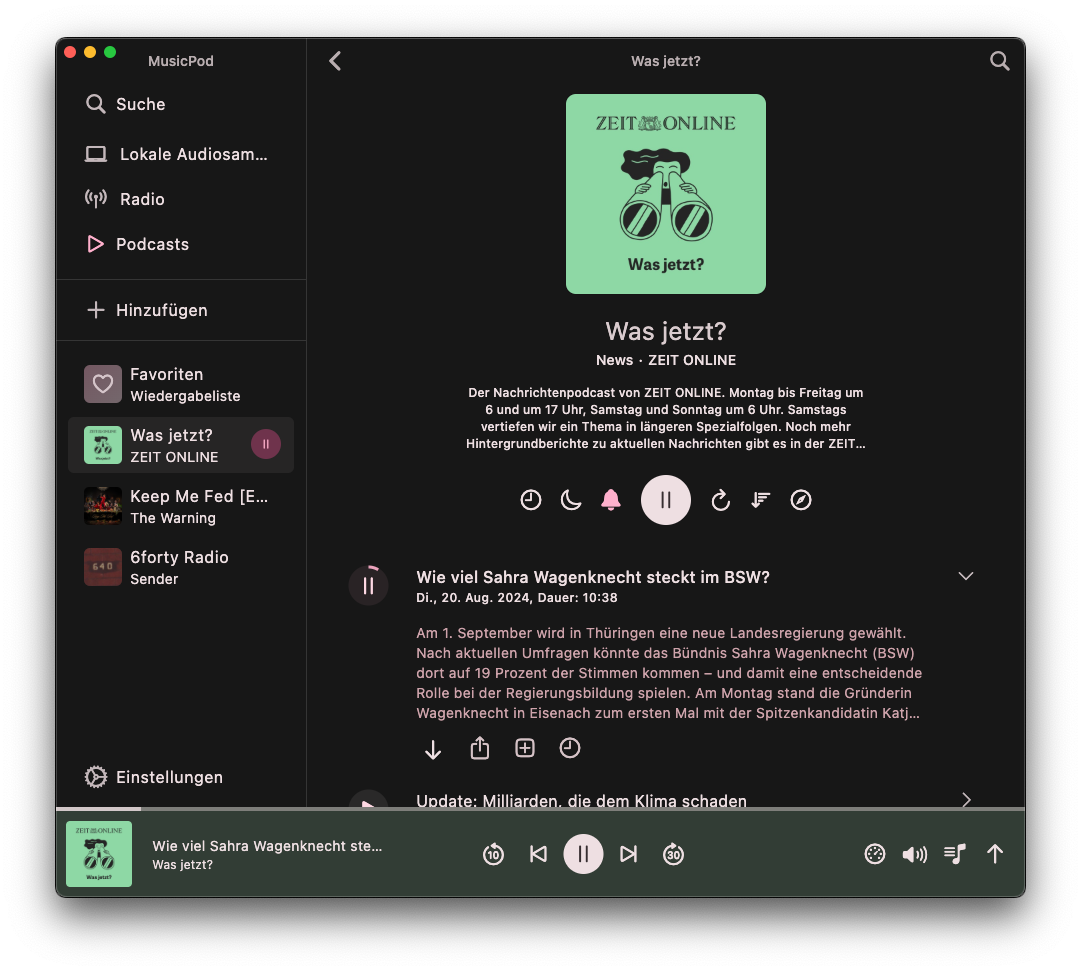
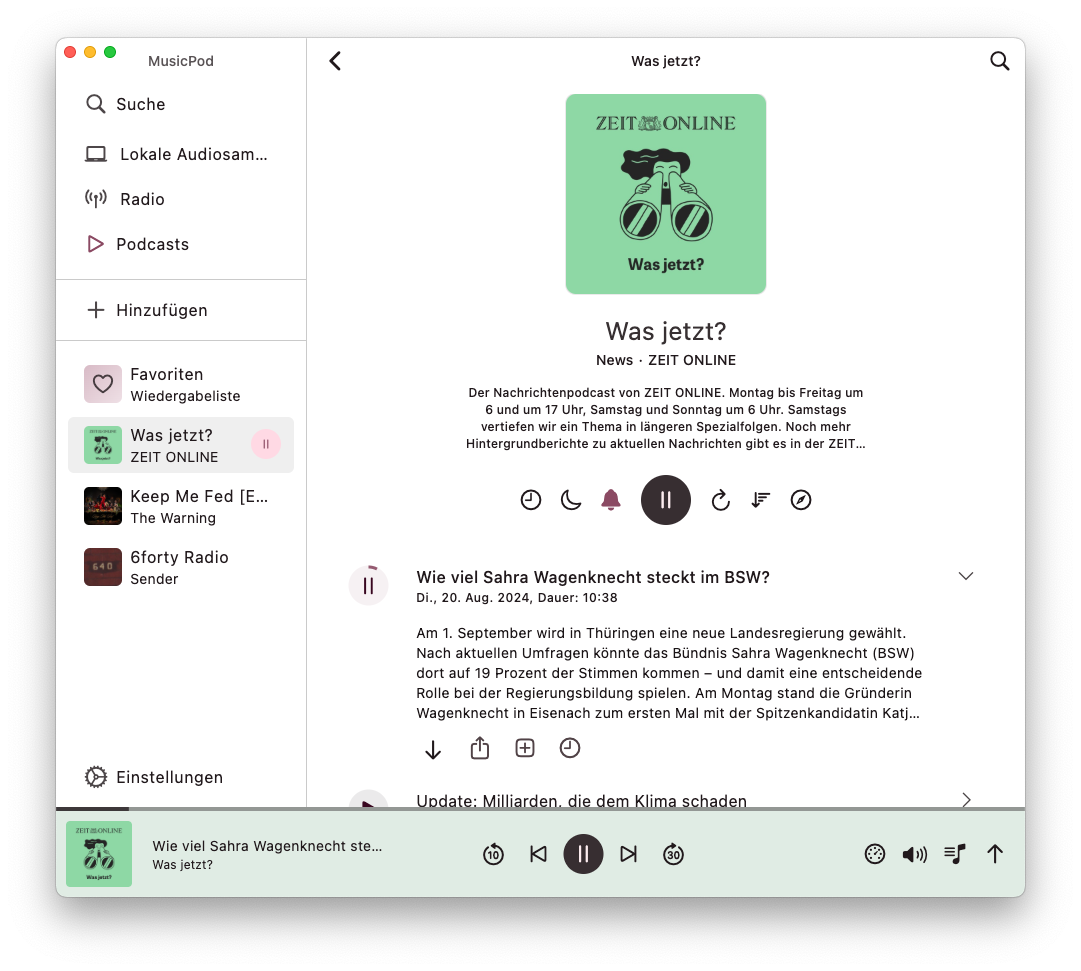
| Play and download podcasts, safe progress, sort episodes and more! | 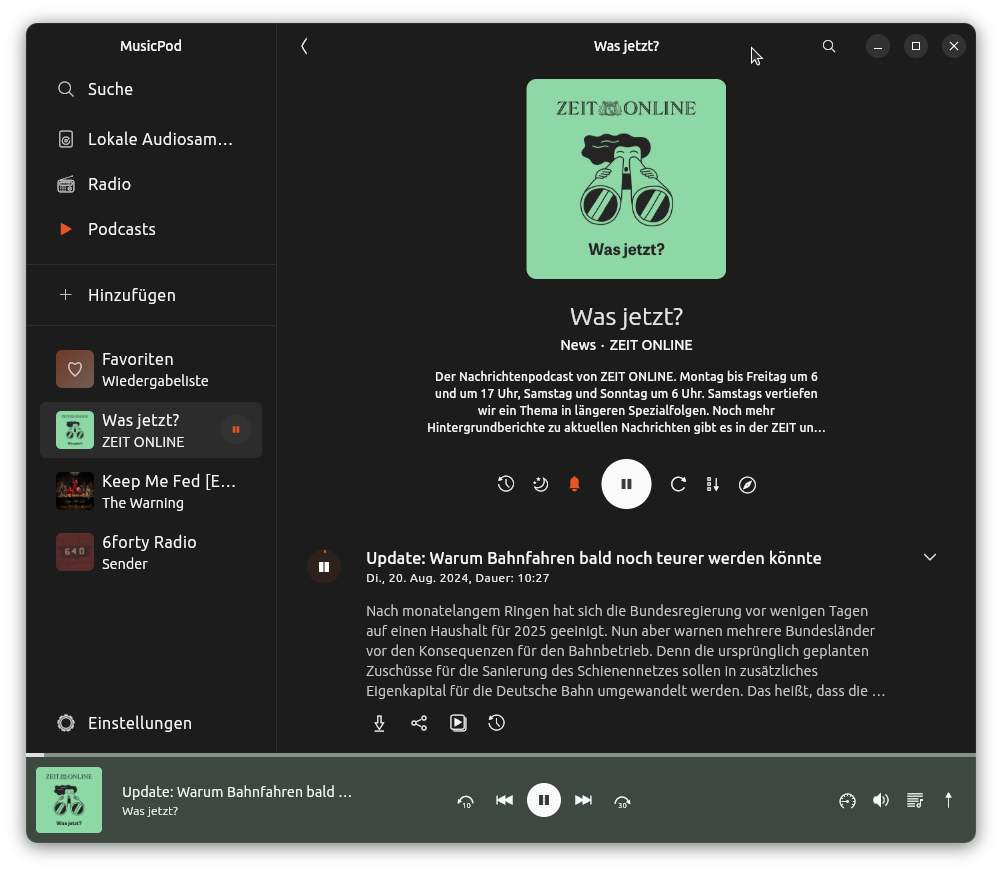 |
 |
 |
 |
| Video podcast support! |  |
 |
 |
 |
| Discover podcasts, filtered as you like | 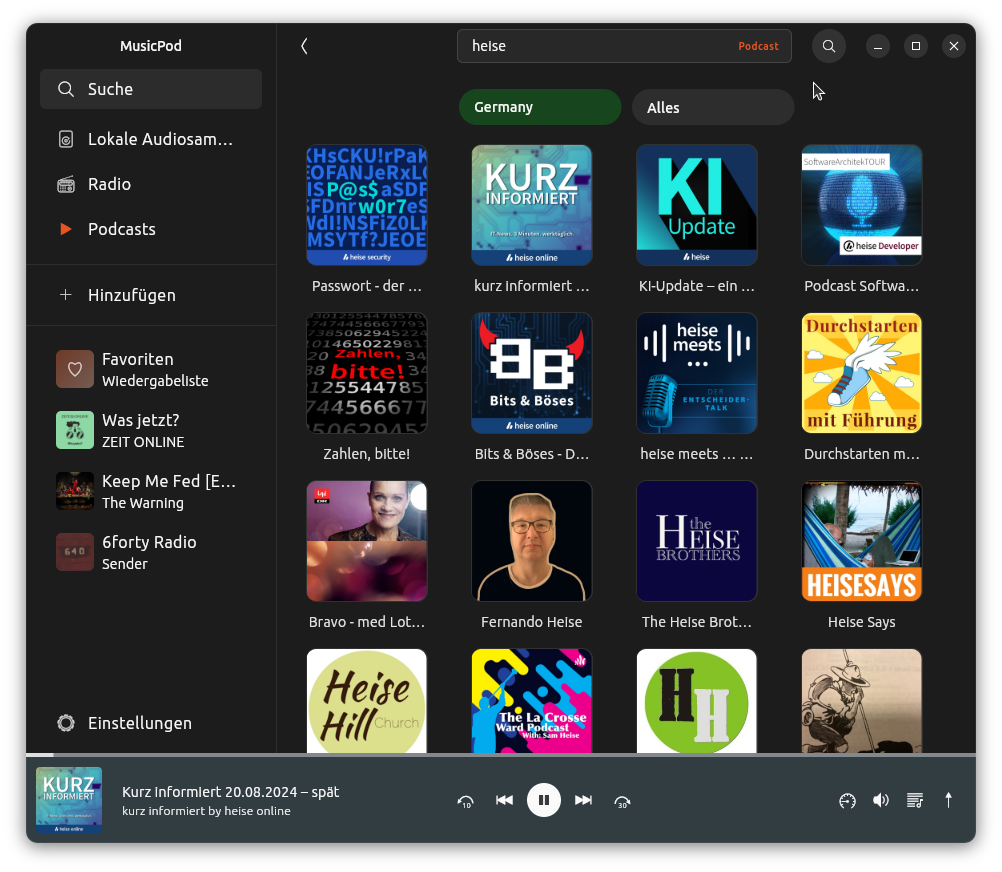 |
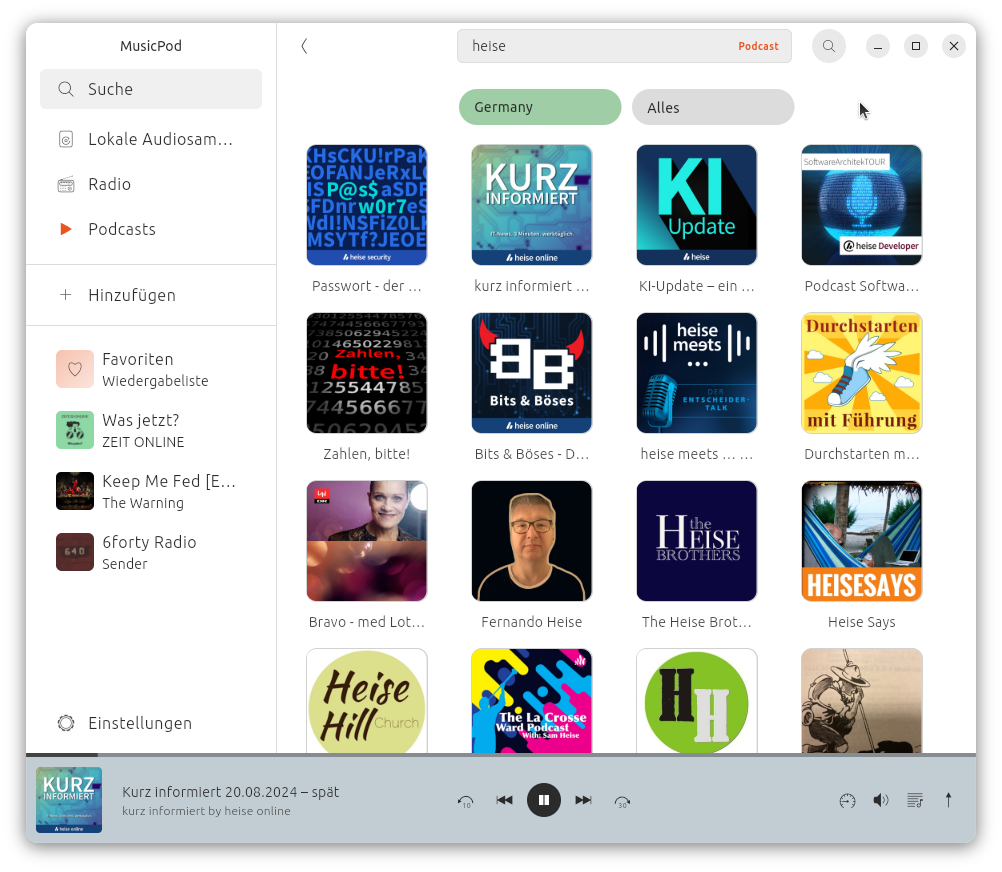 |
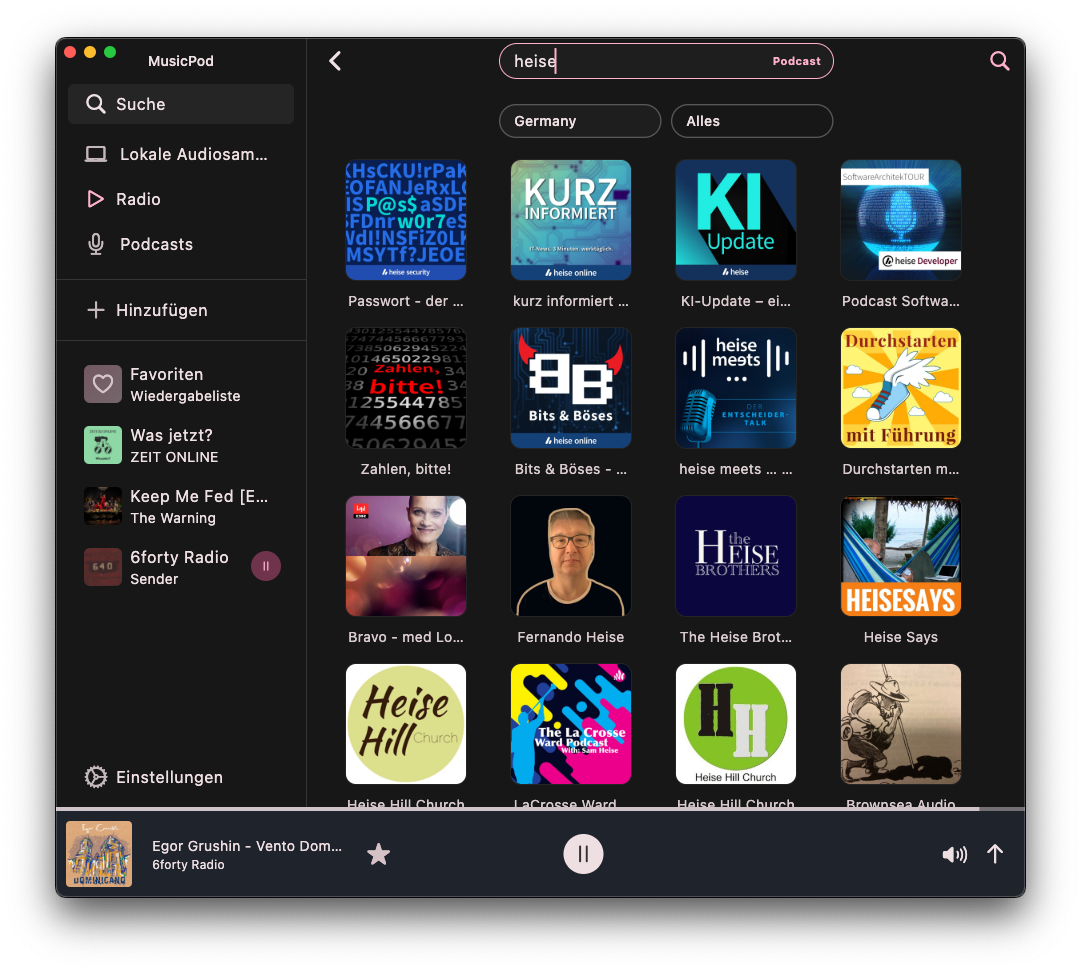 |
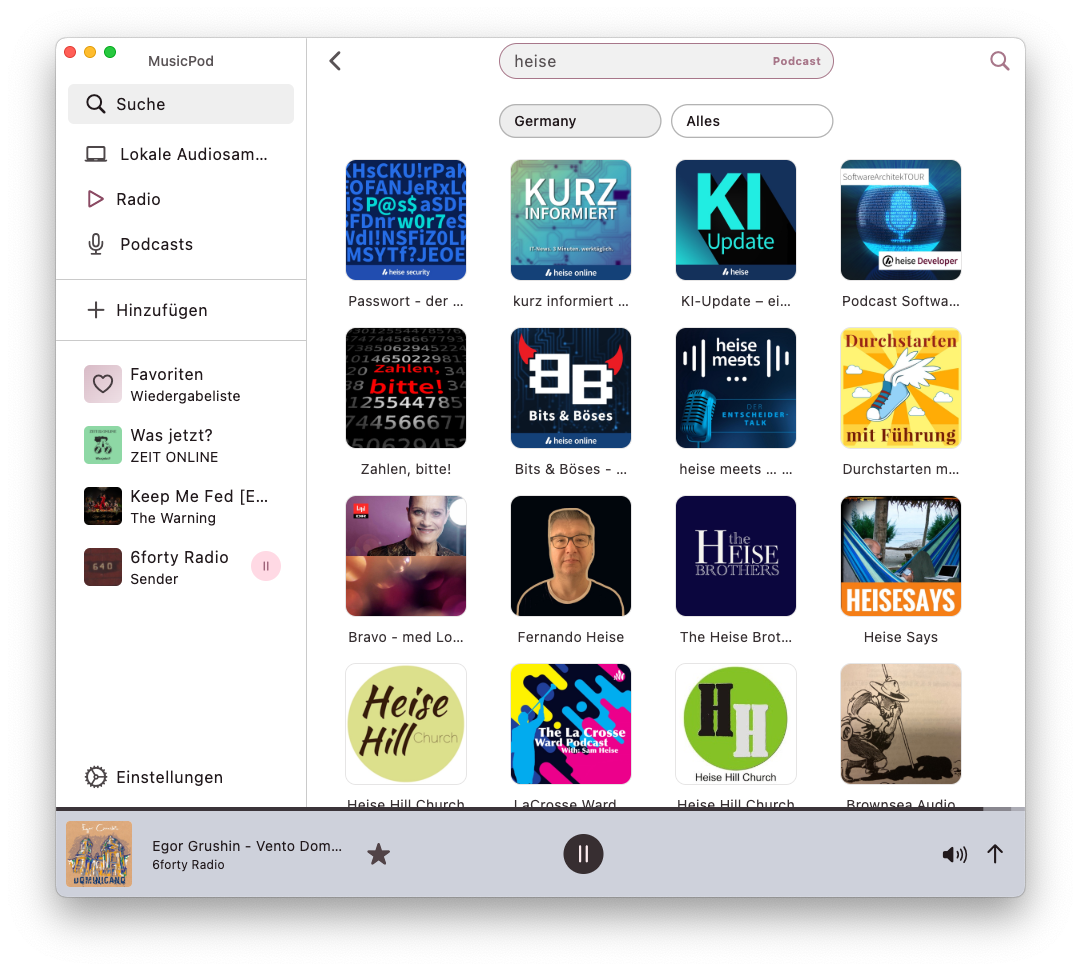 |
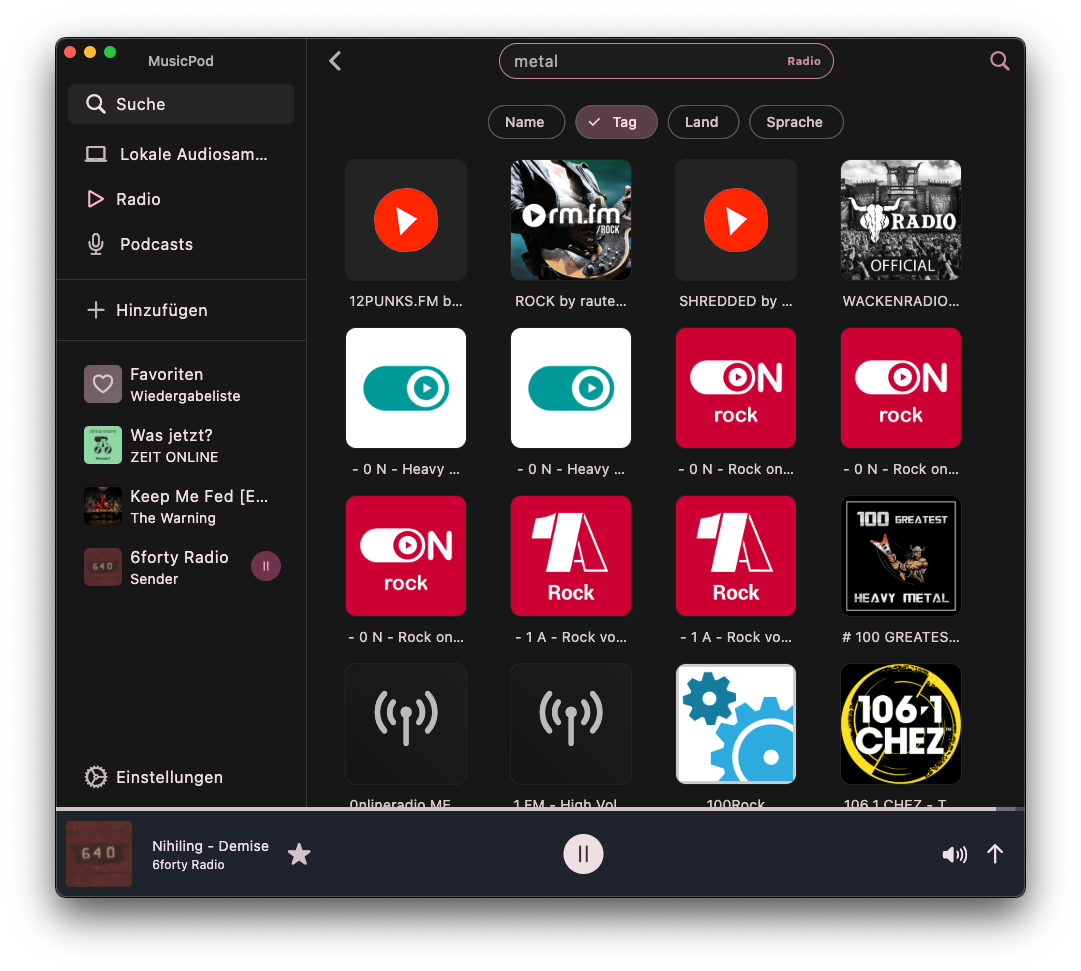
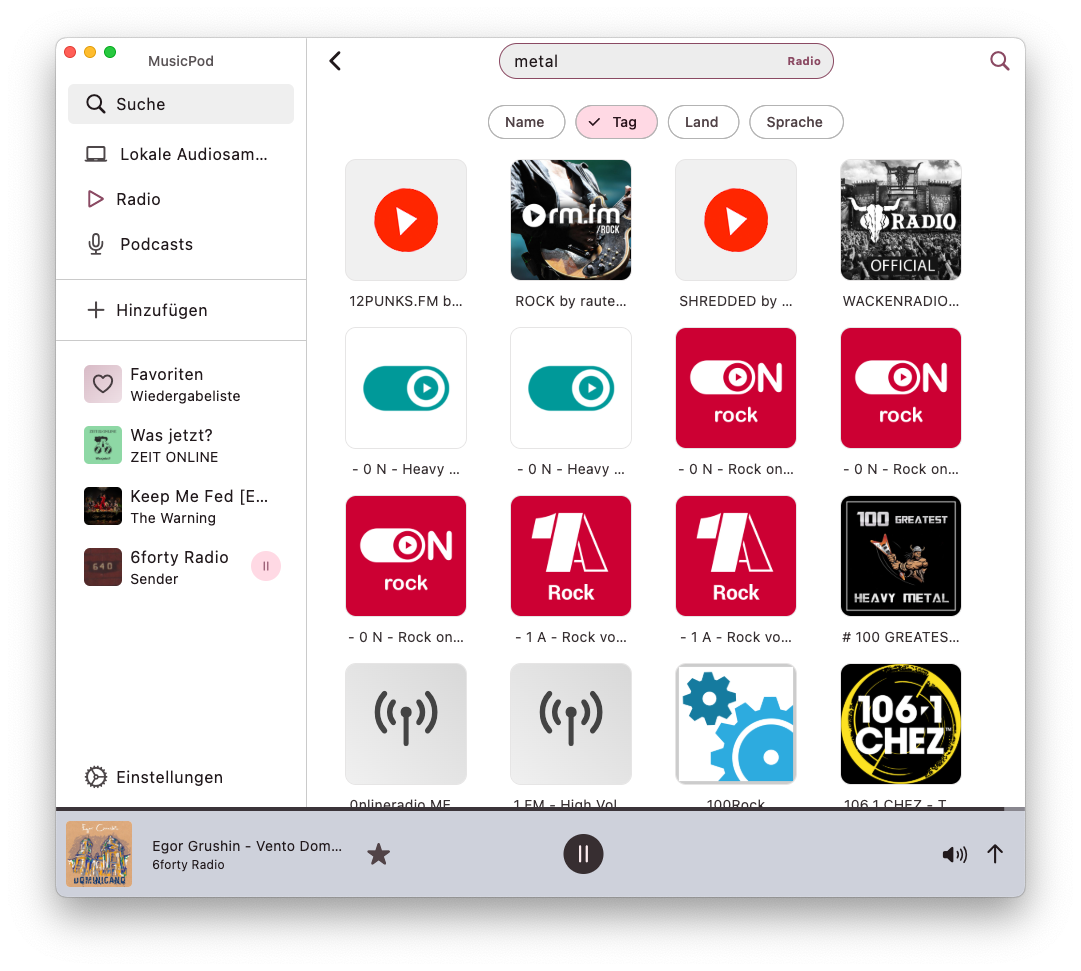
| Discover radio stations, filtered as you like | 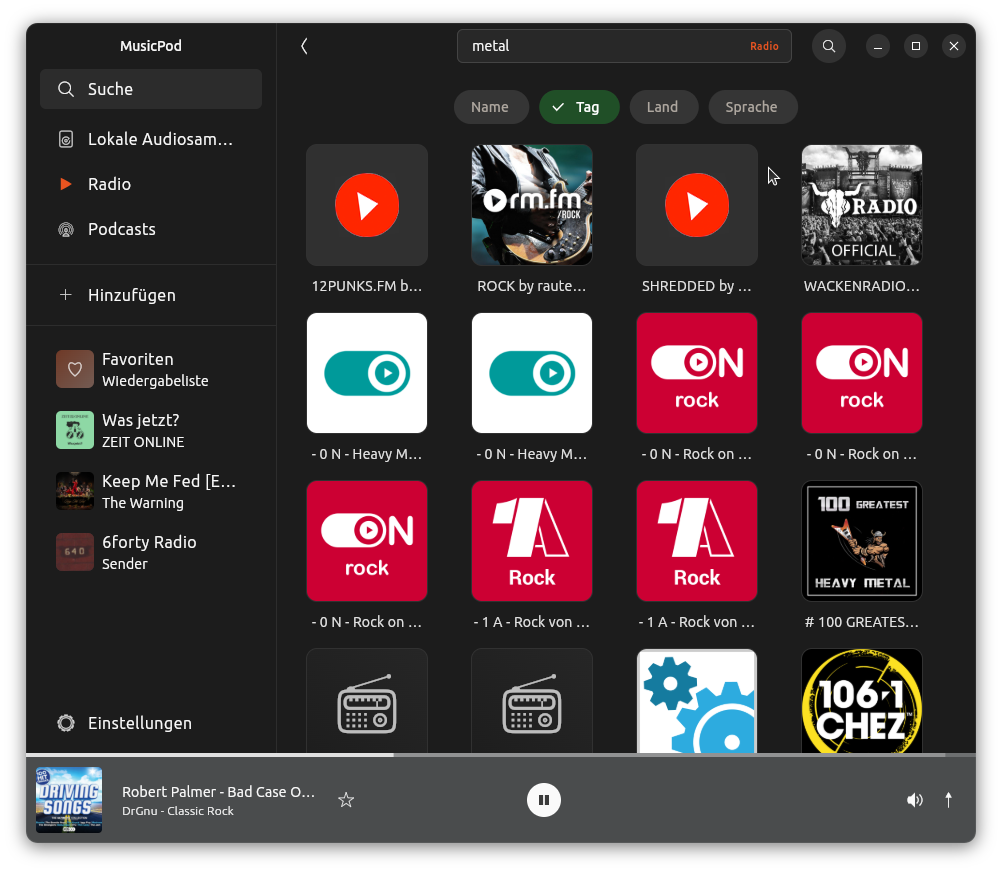 |
 |
 |
 |
| Different view modes | 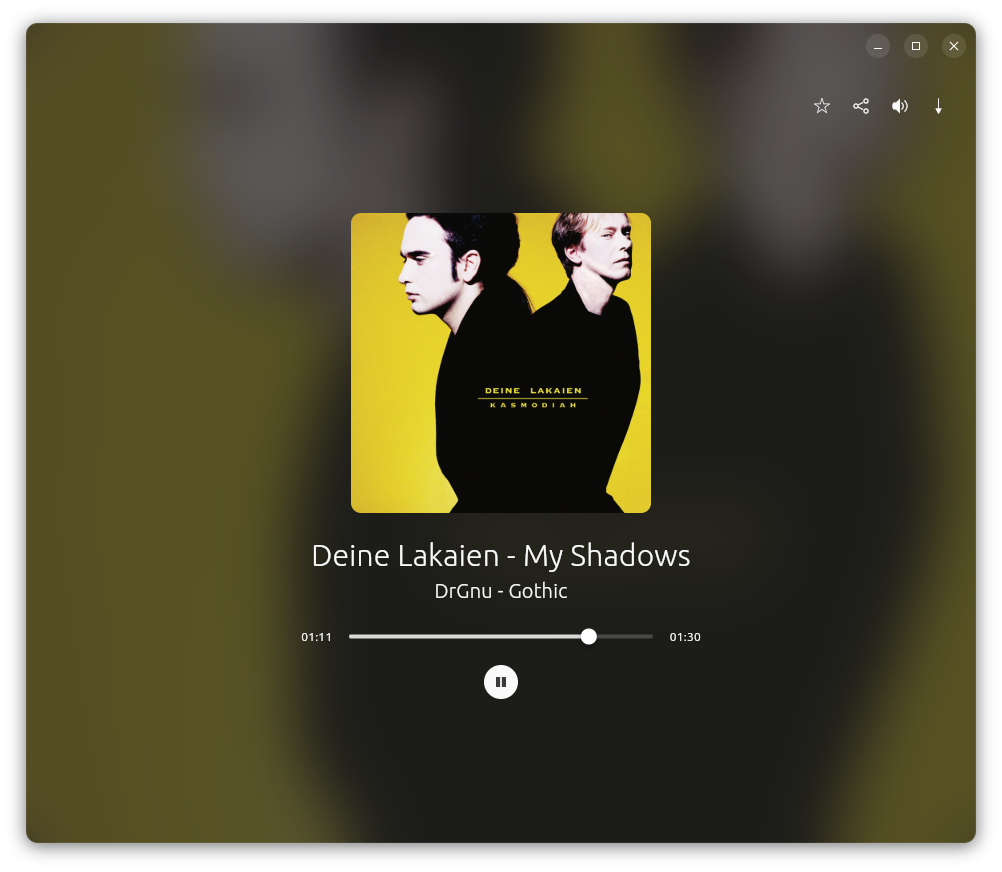 |
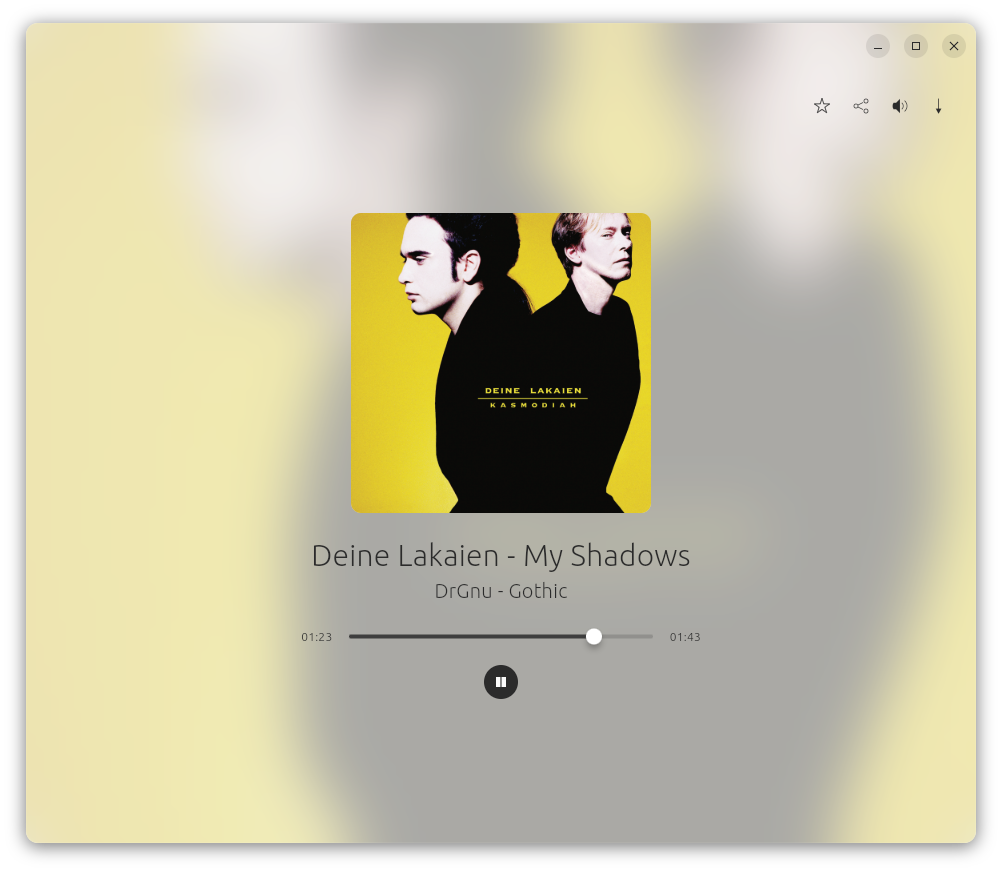 |
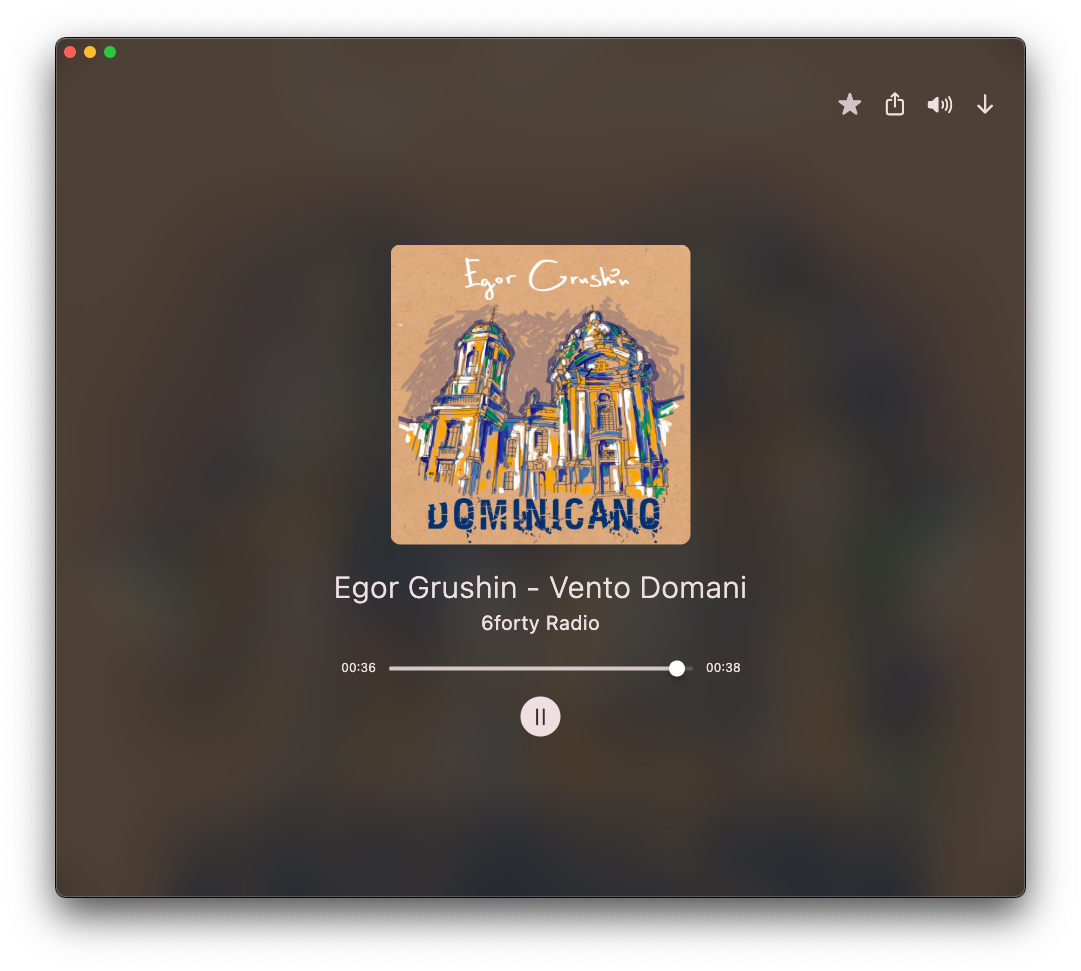 |
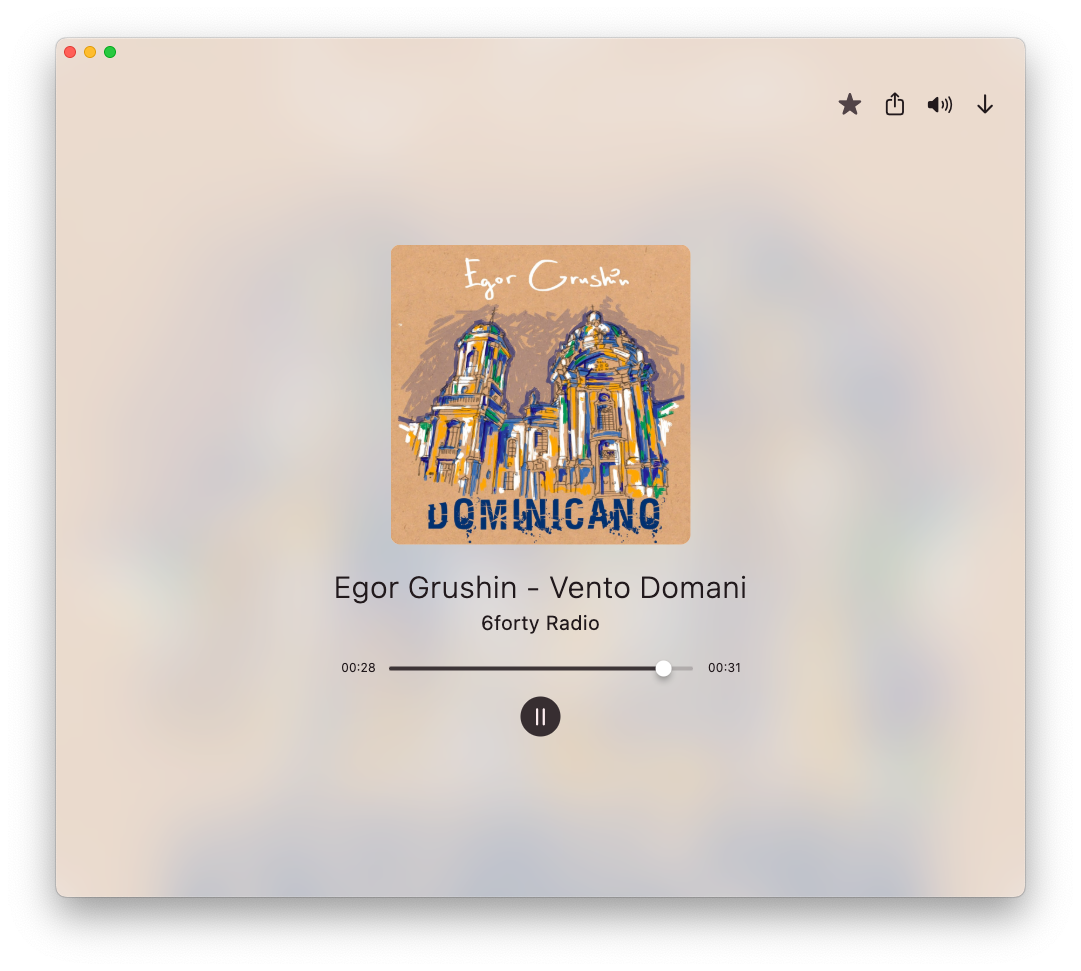 |
The app icon has been made by Stuart Jaggers, thank you very much Stuart!
Thanks TheShadowOfHassen for packaging MusicPod as a Flatpak!
Thanks to all the MPV contributors!
Thank you @amugofjava for creating the very easy to use and reliable podcast_search!
Thanks @alexmercerind for the super performant Mediakit library and mpris_service dart implementation!
Thank you @KRTirtho for the very easy to use smtc_windows package and Flutter Discord RPC
Thank you @tomassasovsky for the dart implementation of radiobrowser-api!
Thank you @ClementBeal for the super fast, pure dart Audio Metadata Reader!
Thank you @escamoteur for creating get_it, watch_it, command_it and listen_it, which made my application faster and the source code cleaner!
Contributions are highly welcome. Especially translations.
The help of translators is highly appreciated! For translations MusiPod is now on Weblate thanks to @keunes:
https://hosted.weblate.org/projects/musicpod/app
If you find any error please feel free to report it as an issue and describe it as good as you can. If you want to contribute code, please create an issue first, then proceed as follows:
Please fork MusicPod to your GitHub namespace, clone it to your computer, create a branch named by yourself, commit your changes to your local branch, push them to your fork and then make a pull request from your fork to this repository. I recommend the vscode extension GitHub Pull Requests especially for people new to Git and GitHub.
sudo apt install libglib2.0-dev libgtk-3-dev curl git unzip xz-utils zip libglu1-mesa libmpv-dev mpv libnotify-devThe dependencies and test mocks are generated with build_runner. You need to run the build_runner command in order to re-generate dependencies, in case you changed the signatures of service methods, like this:
dart pub run build_runner build --force-jit
or if you use fvm:
fvm dart pub run build_runner build --force-jit
Now you can run the app with flutter run or fvm flutter run in the project directory. If not, please open an issue if I maybe have forgotten a step which I had locally, but not in the README.md.
The release please bot automatically creates a pull request when new changes after the last release are made with conventional commits. It force pushes those to its branch and updates the version string in pubspec.yaml and the changelog file. When the release please pull request is merged the version and changelog will be updated in main.
The linux snap packages are always build when a new commit lands in main. When a new release is made go to https://snapcraft.io/musicpod/releases and promote the latest snap from edge to stable.
fvm flutter build macos --releasecreate-dmg --idenfity=XXXXXXXX musicpod.app (XXXXXXXX is your apple dev ID which needs to be with your certificate in your mac...)Currently inno setup is needed. This hopefully changes some day when #964 is merged.
msvcp140.dll
msvcp140_1.dll
msvcp140_2.dll
vcruntime140.dll
vcruntime140_1.dll
Test mocks are generated with Mockito. You need to run the build_runner command in order to re-generate mocks, in case you changed the signatures of service methods.
dart run build_runner build
MusicPod is basically a fancy front-end for MPV! Without it it would still look nice, but it wouldn't play any media :D!
The ever living discussion about state (Initially I didn't really like the word "state", in german it is "Zustand") in flutter is certainly an amusing topic. Often the word "state" means simply "data", "loading" and "error" state. Flutter let's the developer choose how to manage state, which can be awkward coming from UI frameworks with inbuilt data binding and state management solutions.
Amusing or not, it is incredibly important to understand where you keep state alive and when you want to dispose it and to treat the memory of the compuers of your users with respect!
So the "state management" topic is at least three fold:
Flutter provides very good out of the box solutions with State, StatefulWidgets and InheritedWidgets. Also for async state we have FutureBuilder and StreamBuilder.
But managing state becomes harder if your data is not only async but also needs to be shared across multiple widgets and you want to update and listen to it from different places in the app. And in case of MusicPod that data consists of local music, podcasts and radio stations, which all have different sources (and in case of slocal audio files, I initially underestimated how big the library of some users are...) which means you deal with huge lists of objects, which means huge amount of data, which means huge amount of allocated memory.
So if you want to access state from different places in your app, one could just make it available everywhere inside the app. But this means that the instantiated objects living in the heap of your apps process never will be garbage collected, which is really bad for every app.
So I was looking for a solution that:
Stateful widgets work fine and exactly as they should and dispose the data instantiated within them when the widgets are disposed but as soon as the state consists of multiple objects or fields it becomes hard to only redraw the parts that should be redrawn. And also when the the state needs to be created and updated asynchronoulsy it becomes a pain to only update loading error and loading states for this particular piece of state that you are currently interested in. Long story short: at a certain feature amount and size of your app, stateful widgets become a pain to manage and you need to look for a more scalable solution.
So I found my personal favorite solution with get_it plus watch_it plus command_it and listen_it. Additionally, to make my life easier when connecting the dependencies of classes I use Injectable for code generation of the dependency graph of get_it, by annotating the constructors of my classes and then running the build_runner command to generate the code for get_it.
(get_it, watch_it, listen_it and command_it be obtained with flutter_it which is a meta package for all of them.)
WIP
Reading the local covers and fetching remote covers for radio data happens inside additional second dart isolates. When idle MusiPod's CPU power consumption is 0%. For a 10 years old intel dual core, the CPU usage is about 2% while playing music, since only the parts are redrawn which need to be, thanks to watch_it. Memory allocation can spike depending on the size of a page's data, but it is freed as soon as the user leaves the page, thanks to get_it's cached factories (the same behaviour can ofc be achieved with flutter's stateful widgets, but I prefer the get_it solution for the reasons mentioned above in the "state" section).
Preferences are stored with shared_preferences, the rest is stored within drift in a local sqlite database.
more like this
Comprehensive analytics dashboard for AI coding agents — Cursor, Windsurf, Claude Code, VS Code Copilot, Zed, Antigravi…
Free open-source Cloudflare R2 desktop client and S3 GUI for macOS, Windows, and Linux. Manage Cloudflare R2, AWS S3, M…
search projects, people, and tags