agentlytics
Comprehensive analytics dashboard for AI coding agents — Cursor, Windsurf, Claude Code, VS Code Copilot, Zed, Antigravi…
JavaScript★ 555
Open source Loom alternative. Professional, local-first screen recordings with a studio-grade UI.
 uzairkath
100% Private, Local-First, and Browser-Based Screen Studio for High-End Creators.
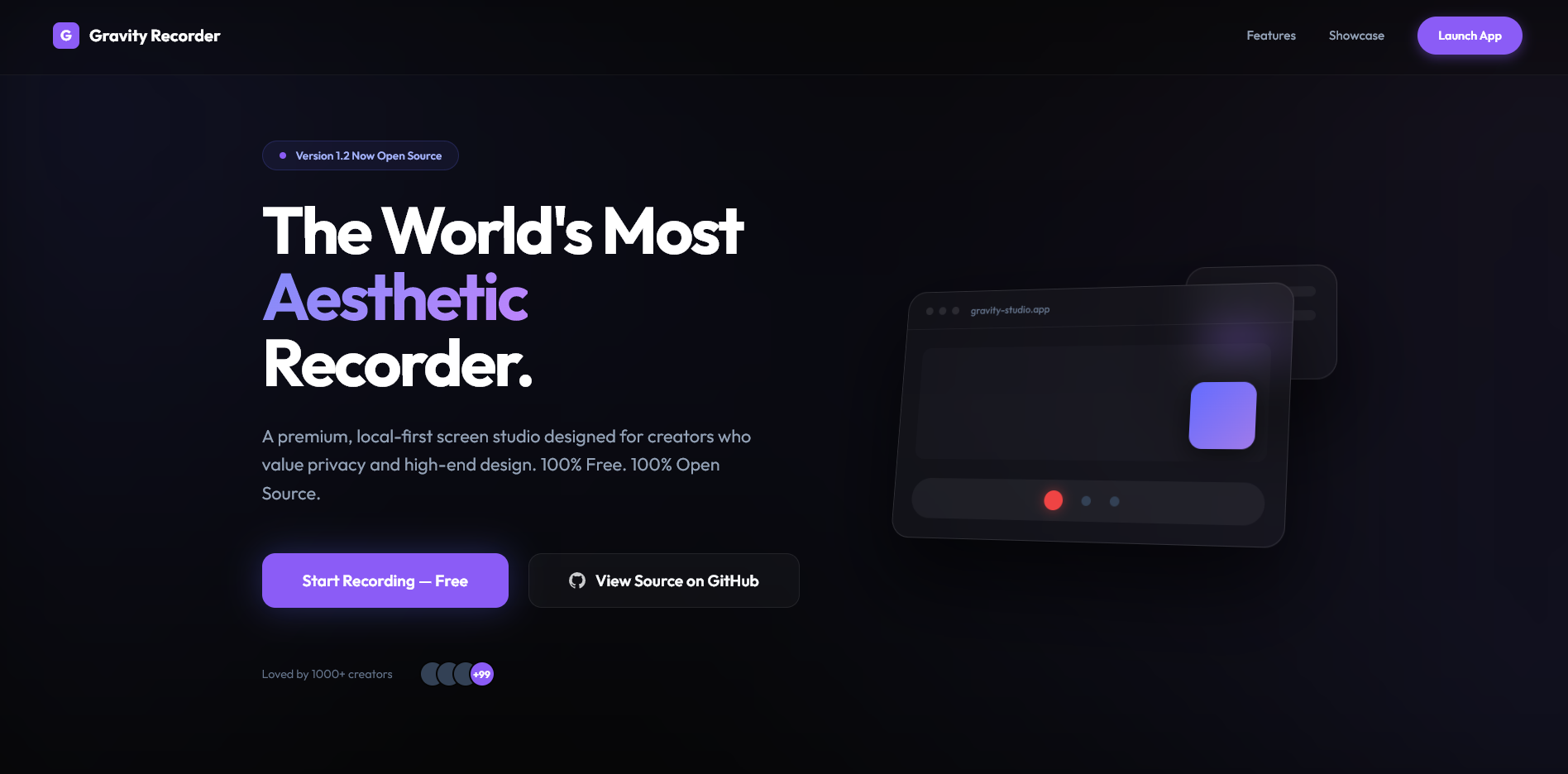
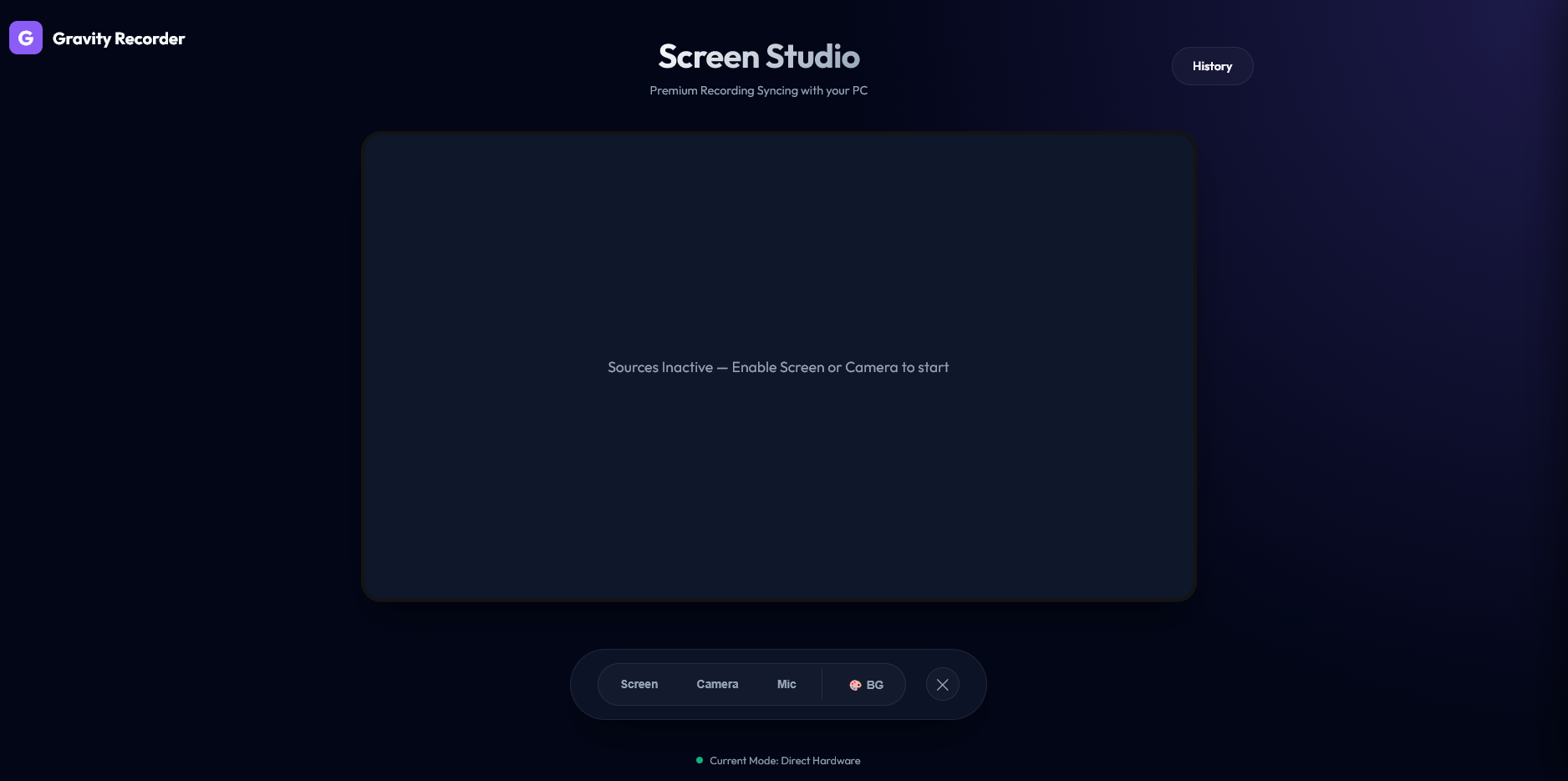
Watch this video to see the studio in action and learn how to use Gravity Recorder:
Zero setup. Zero lag. 100% Privacy.
Most screen recorders require logins, upload your data to their servers, and hit you with subscription walls. Gravity is built differently.
| Feature | Loom / Tella / Cap | Gravity Recorder |
|---|---|---|
| Price | Paid Subscriptions | $0 (100% Free) |
| Privacy | Stored on Cloud | Local-First (Privacy) |
| Login | Mandatory Account | No Login Required |
| Setup | Docker / S3 / SQL | Zero Infrastructure |
| Aesthetics | Generic | Studio-Grade UI |
Gravity uses the Browser File System Access API. We don't have a backend to store your videos. When you hit save, the browser writes the stream directly to a folder you select on your computer. Your data never touches our servers.
Gravity is optimized for Chromium-based browsers (Chrome, Edge, Brave) which support the advanced File System and Media Capture APIs.
Gravity is a high-performance Web Studio accessible directly via the web. Standalone Electron builds (.exe/.dmg) are currently in development.
Gravity is primarily a Web-First Studio. You can use the full production version today at gravityrecorder.com.
For those who want to test the latest experimental features or help us debug the upcoming standalone releases:
beta branch.Clone & Install:
git clone https://github.com/uzairkath/gravityRecorder.git
cd gravityRecorder
npm install
Configure Environment Variables:
cp .env.example .env.env and add your Google and Supabase credentials. (See "Setup Guides" below).Launch Development:
npm run dev
To enable the Google Drive Cloud Sync feature locally, you need to configure a Google Cloud Project. Follow these detailed steps:
Gravity Recorder and click Create.Gravity Recorder as the app name and your email for support.https://www.googleapis.com/auth/drive.file (this allows Gravity to only see files it creates, maximizing user privacy)..../auth/userinfo.profile and .../auth/userinfo.email for the login feature.Web application.Gravity Local Dev.http://localhost:5173..envPaste both values into your .env file:
VITE_GOOGLE_CLIENT_ID=your_id_here.apps.googleusercontent.com
VITE_GOOGLE_API_KEY=your_key_here

VITE_SUPABASE_URL=your_project_url_here
VITE_SUPABASE_ANON_KEY=your_anon_key_here
While Gravity is local-first, we integrated a lightweight Supabase backend to solve a critical UX hurdle: Google OAuth Token Expiration.
Google’s security policy limits "Client-side" (Implicit) Access Tokens to exactly 1 hour. For a screen recorder, this is a dealbreaker—your upload could fail mid-way if your session expires.
By using Supabase as our Auth provider, we can securely exchange a one-time code for a Refresh Token. Supabase handles the silent background rotation of your Google tokens, ensuring you stay logged in and your big 4K uploads never get interrupted.
Gravity Recorder.Client ID and Client Secret (from your Google Cloud Console)..env:
VITE_SUPABASE_URL=https://your-project.supabase.co
VITE_SUPABASE_ANON_KEY=your-long-anon-key-here
To build the project for production and preview the optimized bundle:
npm run build
npm run preview
We welcome everything from bug reports (Vibe-fixes) to deep architectural updates. Check out our CONTRIBUTING.md to get started.
This project is licensed under the MIT License.
more like this
Comprehensive analytics dashboard for AI coding agents — Cursor, Windsurf, Claude Code, VS Code Copilot, Zed, Antigravi…
本地优先的 macOS AI Agent 信号灯:状态栏 + 桌面悬浮信号灯,自动监控 Codex / Claude Code。Local menu bar and floating desktop status lights for A…
search projects, people, and tags