meine
meine 🌒 - A CLI file manager and system utility built with Textual. It combines intuitive command parsing with rich t…
Python★ 50
CLI Ebook (epub2, epub3, fb2, mobi) Reader
 wustho
git clone https://github.com/wustho/epy.gitwustho/epy$ epy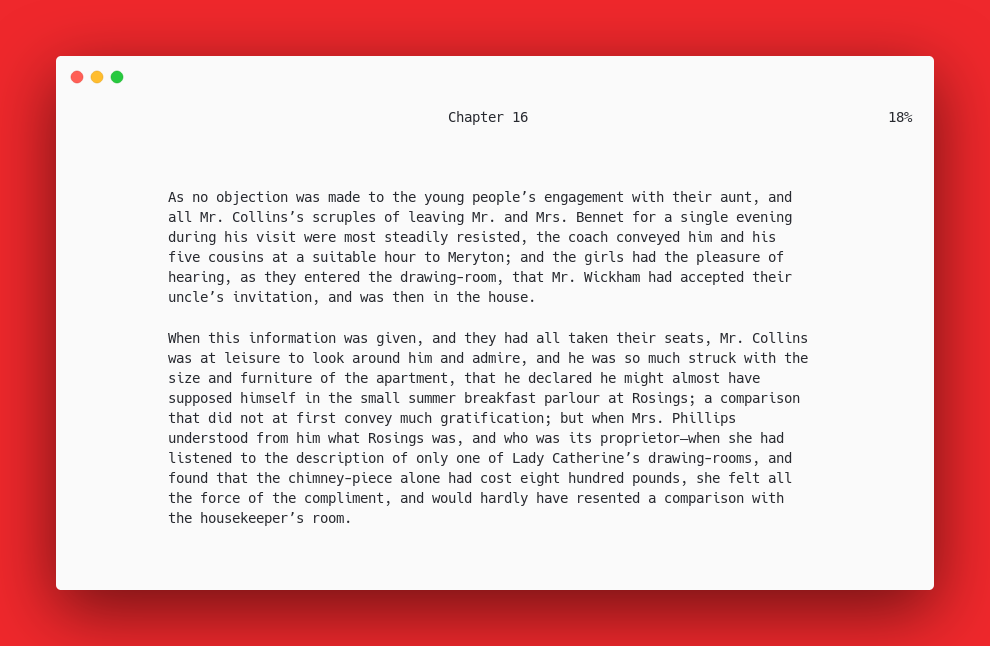
CLI Ebook Reader.
This is just a fork of epr with these extra features:
sdcv, dict or wkdict)Via PyPI (Linux and Mac OS)
pip3 install epy-reader
Via Pip+Git
pip3 install git+https://github.com/wustho/epy
Via AUR
yay -S epy-ereader-git
Windows Binary
Standalone binary for Windows is available at release page.
epy /path/to/your/book/book.epub (Remember to make sure your book's title doesn't contain any spaces)In the config file you will see the following section.
 "DarkColorFG": 47,
 "DarkColorBG": 235,
 "LightColorFG": 238,
 "LightColorBG": 253,
Change the values by using this image. (Make sure to ignore zeros at the beginning, it won't launch otherwise.)

When reading using epy you might occasionally find triple asteriks ***.
That means you reach the end of some section in your ebook
and the next line (right after those three asteriks, which is in new section)
will start at the top of the page.
This might be disorienting, so the best way to get seamless reading experience
is by using next-page control (space, l or Right)
instead of next-line control (j or Down).
If you really want to get seamless reading experience, you can set SeamlessBetweenChapters
to true in configuration file. But it has its drawback with more memory usage, that's why
it's disabled by default.
Config file is available in json format which is located at:
~/.config/epy/configuration.json or ~/.epy/configuration.json%USERPROFILE%\.epy\configuration.jsonYou can read online books like: short stories, fan fiction, etc. using epy with an url as cli argument.
Pretty useful when you want to read with less distraction.
epy will also remember your reading progress online.
eg. You can read Moby Dick from gutenberg directly with:
$ epy https://www.gutenberg.org/files/2701/2701-h/2701-h.htm
But note that epy will never be a web browser, it's simply a TUI program to read
your favorite fiction stories in the comfort of a terminal.
So please do not expect for web browser features to be implemented in epy.
Although mouse support is useful when running epy on Termux Android, it’s disabled by default
since most people find it intrusive when using epy in desktop.
But you can enable it by setting MouseSupport to true in config file.
| Key | Action |
|---|---|
Left Click (right side of screen) |
next page |
Left Click (left side of screen) |
prev page |
Right Click |
ToC |
Scroll Up |
scroll up |
Scroll Down |
scroll down |
Ctrl + Scroll Up |
increase text width |
Ctrl + Scroll Down |
decrease text width |
To get Text-to-Speech (TTS) support, external TTS engine is necessary.
List of supported engines:
To use "Define Word" you will have to install an external dictionary cli program (sdcv, dict or wkdict). After you've done that, it is recommended to manually modify the configuration.json file, and set your desired dictionary there, so everything works properly.
After that you will be able to find definition of word by pressing d, and aprompt will appear to let you type in word to define.
Double spread is intended to mimic the behaviour of real book, so line scrolling navigation will act as scrolling page and textwidth is not adjustable.
v2021.10.23: Major refactoring which harness a lot of new stuff in python>=3.7
and epy won't be backward compatible with older python version and older configuration.
v2022.1.8: Change in configuration and reading states schema that is not backward compatible.
So if error is encountered, deleting the configuration and states file might fix the issue.
v2022.1.15: Early implementation of URL support, table of contents isn't available for now.
v2022.1.23: Library implementation: ability to switch ebook from reading history
inside epy (default key: R).
v2022.2.5: Fix process.join() issue for unstarted process.
v2022.10.2: Major breakdown epy.py module into package structure for easier development.
more like this
meine 🌒 - A CLI file manager and system utility built with Textual. It combines intuitive command parsing with rich t…
Create and add progress bars, Office365 Files and Dropbox Paper papers by labels and link them to your Todoist tasks.
search projects, people, and tags