An Infinite Canvas Tutorial


Online App | Self-Deployment Guide
My free course in Gumroad. Feel free to rate!


What is an Infinite Canvas? The term "infinite" in infinitecanvas is described as follows:
- High scalability. Users can freely organize content structures in a non-linear fashion.
- Zooming. Emulates the "zoom in" to get an overview and "zoom out" to observe details as in the real world.
- Direct manipulation. Provides intuitive editing capabilities for basic shapes, including moving, grouping, and modifying styles.
The infinitecanvas showcases numerous examples ranging from design tools to creative boards, including some well-known products such as: Figma, Modyfi, Motiff, rnote, tldraw, excalidraw and so on.
As a front-end developer, I am very interested in the rendering technologies involved. Although tldraw, excalidraw, and others generally use more user-friendly technologies like Canvas2D/SVG, there are also many editors and design tools in the JS and Rust ecosystems that use more low-level rendering technologies for 2D graphics with GPU acceleration to achieve better performance and experience:
- Figma uses a tile-based rendering engine written in C++, compiled into WASM and then calls WebGL and WebGPU for rendering.
- Motiff also uses a tile-based rendering engine with WebGL.
- Modyfi uses wgpu from the Rust ecosystem, also compiled into WASM and then calls WebGL2 for rendering.
- Zed uses GPUI to render rectangles, shadows, text, images, and other UI elements.
- Vello and xilem experimentally use Compute Shader for 2D rendering.
Therefore, in this tutorial, I hope to implement the following features:
- Use @antv/g-device-api as a hardware abstraction layer, supporting WebGL1/2 and WebGPU.
- Use Becsy to implement high-performance, highly scalable systems based on the ECS architecture.
- Use SDF (Signed Distance Field) rendering for circles, ellipses, rectangles, etc.
- GPU-accelerated text and Bezier curve rendering.
- Use rough.js to support hand-drawn styles.
- Use CRDT (Conflict-free Replicated Data Type) to support collaborative Yjs.
- Referencing mapbox and Figma, attempt to use tile-based rendering.
I hope to rewrite the rendering part of the canvas with Rust in the future, but the current project completion is still relatively low:
- wgpu is a very reliable hardware abstraction layer, which can even implement the backend for piet.
- Shaders can basically be reused.
- Hand-drawn styles can use rough-rs.
- y-crdt is the Rust implementation of Yjs.
Let's get started!
Getting Started
The course project uses pnpm workspace, so you need to install pnpm first.
pnpm i
After entering the course directory, run Vite devserver:
cd packages/lesson_001
pnpm run dev
Or you can run the site locally:
pnpm run build
cd packages/site
pnpm run dev
If you want to use it in your own project, you can refer to:
Lesson 1 - Initialize canvas 🔗
- A hardware abstraction layer based on WebGL1/2 and WebGPU.
- Canvas API design.
- Implementing a simple plugin system.
- Implementing a rendering plugin based on the hardware abstraction layer.
Lesson 2 - Draw a circle 🔗
- Adding shapes to the canvas.
- Drawing a circle using SDF.
- Anti Aliasing.
- Dirty flag design pattern.
Lesson 3 - Scene graph and transform 🔗
- Transformations. Make shapes support pan, zoom, rotate, and skew transformations.
- Scene graph.
Lesson 4 - Camera 🔗
- What is a Camera?
- Projection transformation.
- Camera transformation.
- Camera animation. Using Landmark transition between different camera states.
Lesson 5 - Grid 🔗
- Drawing straight lines using Line Geometry or screen-space techniques.
- Drawing dots grid.
- Drawing wireframe for Geometry.
| Grid |
Wireframe |
 |
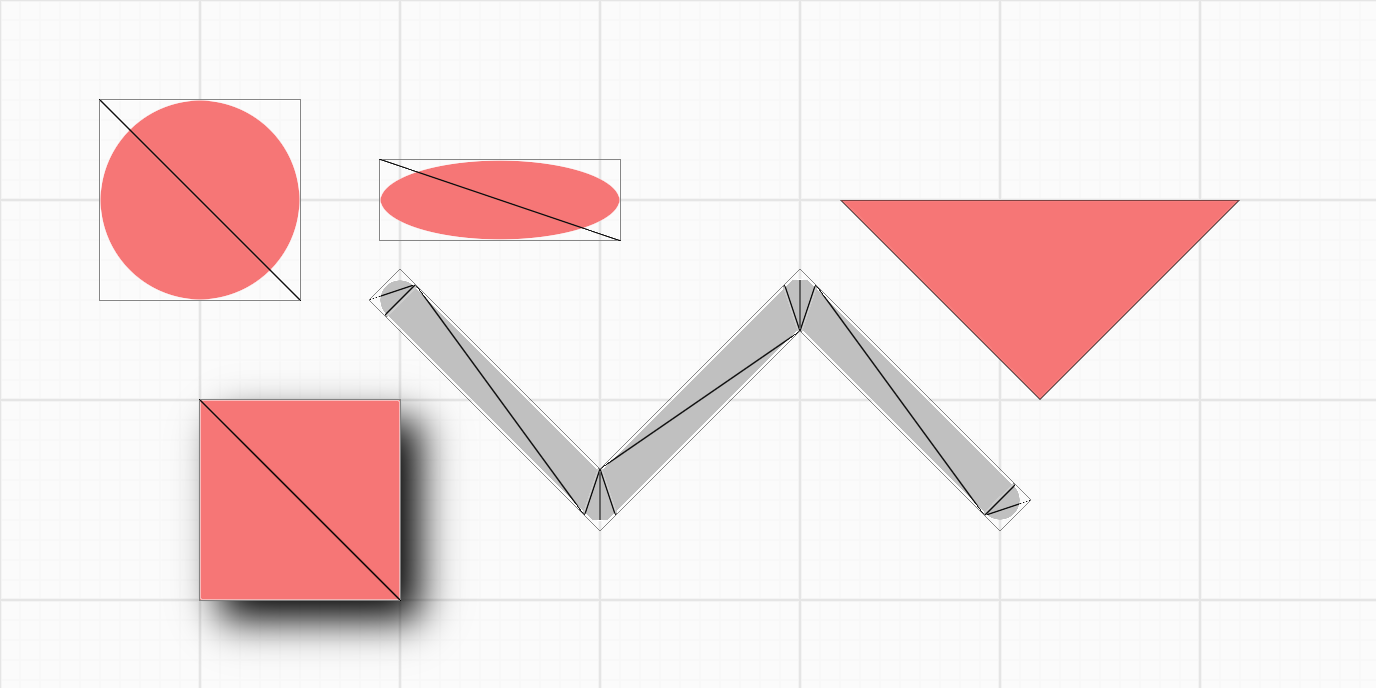 |
Lesson 6 - Event system 🔗
- Implement an event system compatible with DOM Event API.
- How to pick a circle.
- Implement a drag-and-drop plugin based on our event system.
- Support for pinch zoom gestures.
Lesson 7 - Web UI 🔗
- Developing Web UI with Lit and Shoelace
- Implementing a canvas component
- Implementing a zoom toolbar component
- Implementing a dark theme
- I18n with Lit localization
Lesson 8 - Optimize performance 🔗
- What is a draw call
- Reducing draw calls with culling
- Reducing draw calls by combining batches
- Using spatial indexing to improve pickup efficiency
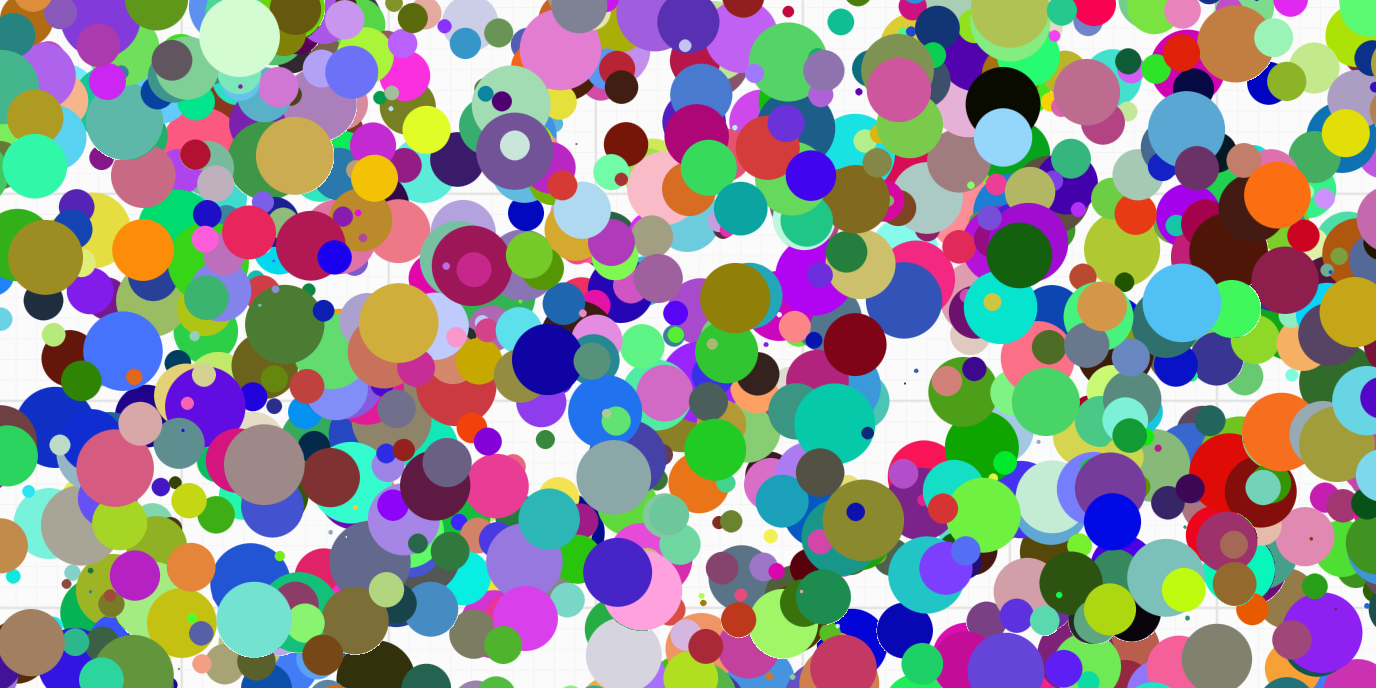
Lesson 9 - Draw ellipse and rectangle 🔗
- How to derive the SDF representation of an ellipse or rounded rectangle
- Render drop-shadow and inner shadow for SDF
- How to determine if a point is inside an ellipse or rounded rectangle
| Drop Shadow |
Inner Shadow |
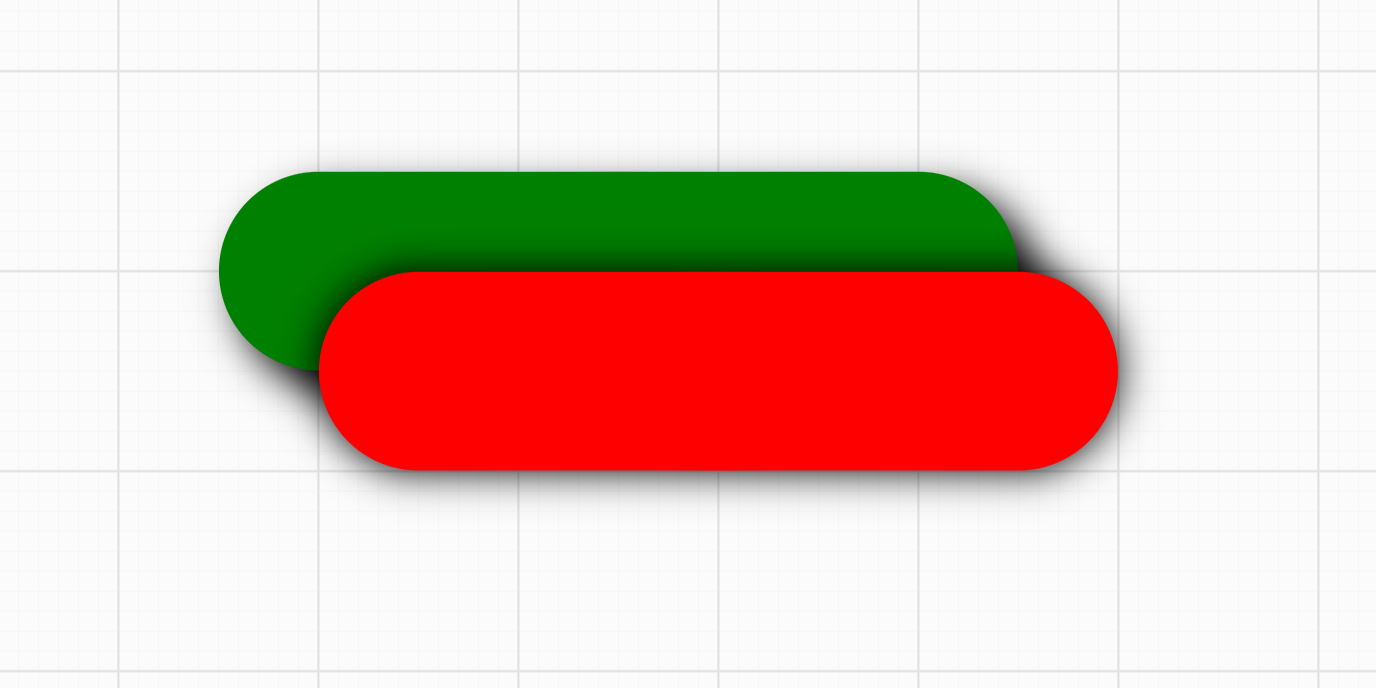 |
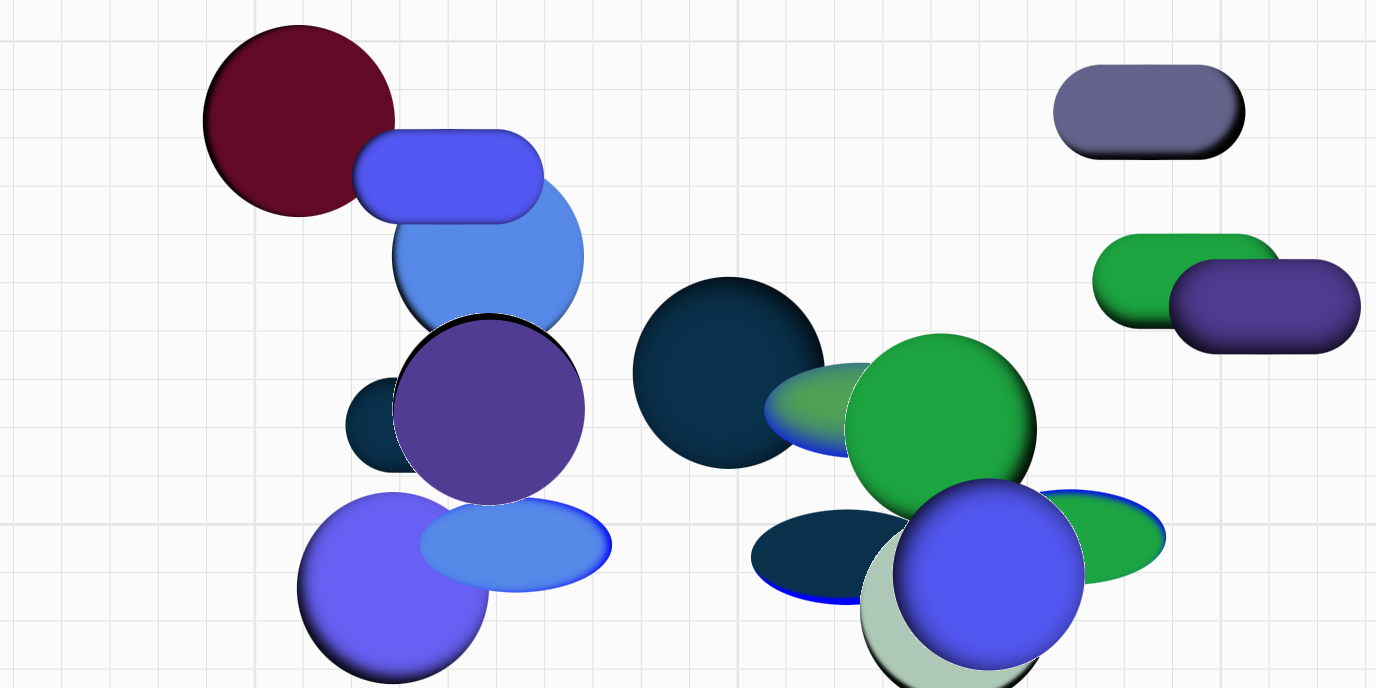 |
Lesson 10 - Import and export images 🔗
- Exporting canvas content to PNG, JPEG and SVG formats
- Rendering images in the canvas
- Extending the capabilities of SVG, using
stroke-alignment as an example
- CSS
object-fit and object-position on image fills (fill, contain, or cover)
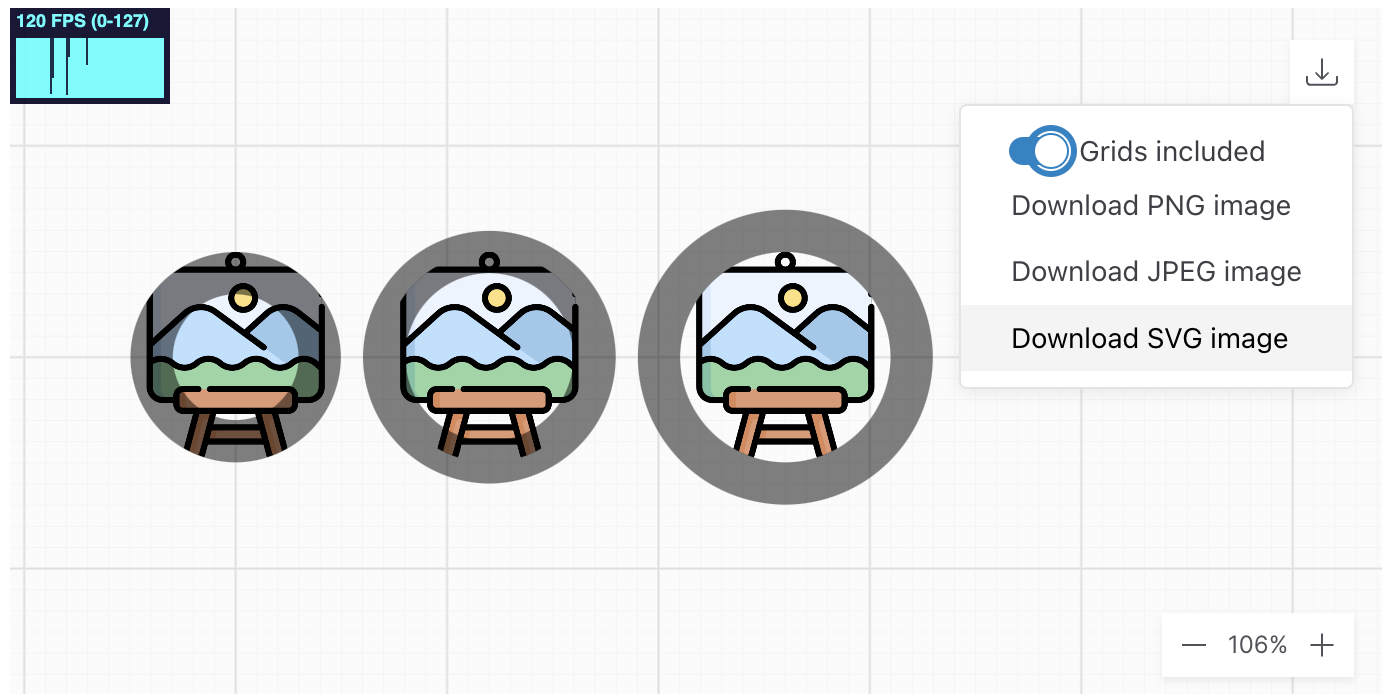
Lesson 11 - Test and server-side rendering 🔗
- Jest-based test environment setup, including local and CI environments
- Using unit tests to improve code coverage
- Visual regression testing
- Server-side rendering based on headless-gl, targets WebGL1
- E2E testing base on Playwright, targets WebGL2 & WebGPU
- E2E UI testing
- Browser Compatibility Test based on BrowserStack
- Render in WebWorker
Lesson 12 - Draw polyline 🔗
- Why not just use
gl.LINES?
- Building Mesh in the CPU or Shader
- Building segments, caps and joints, antialiasing, and drawing dashed lines in shader
- How to calculate its bounding box?
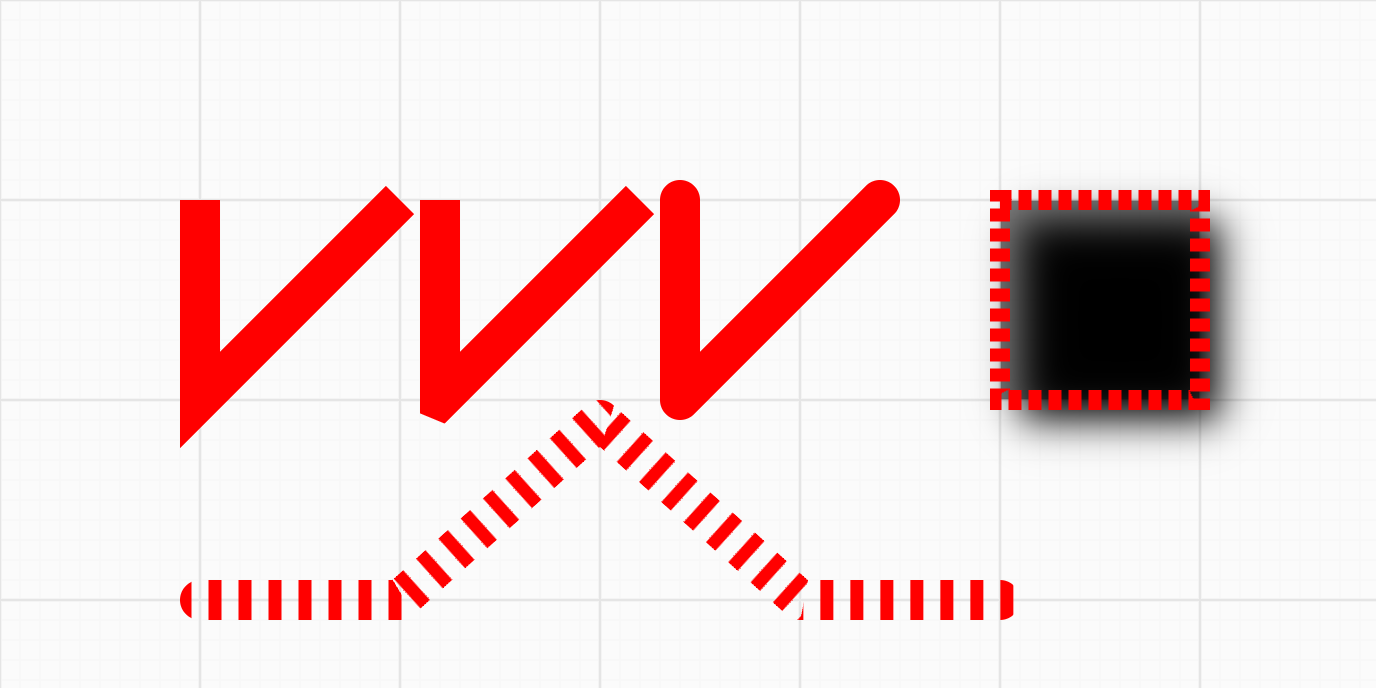
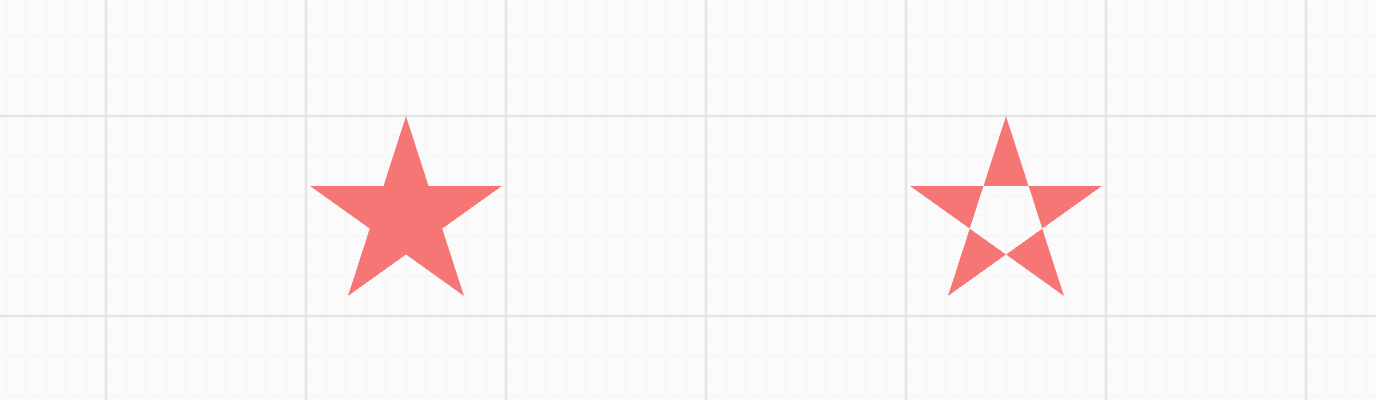
Lesson 13 - Draw path and sketchy style 🔗
- Experimenting with SDF
- Trying to draw fills using some triangulating methods and strokes using polylines
- Support earcut and libtess.js two triangulation schemes
- Handle holes in the path correctly
- Support
fillRule property
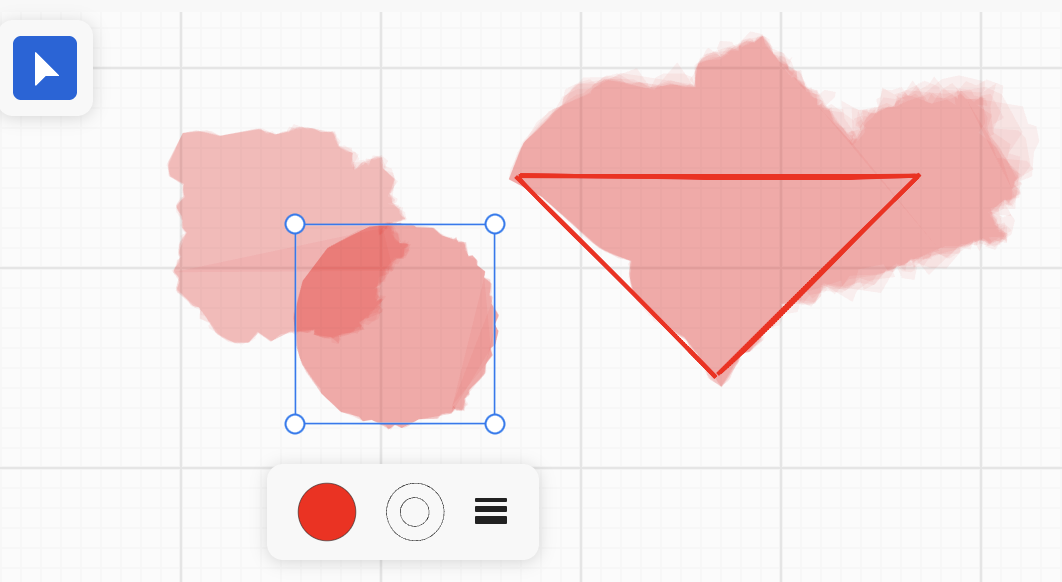
- Draw some hand-drawn shapes
- Watercolor effect
| Path and rough shapes |
Fill rule |
Watercolor |
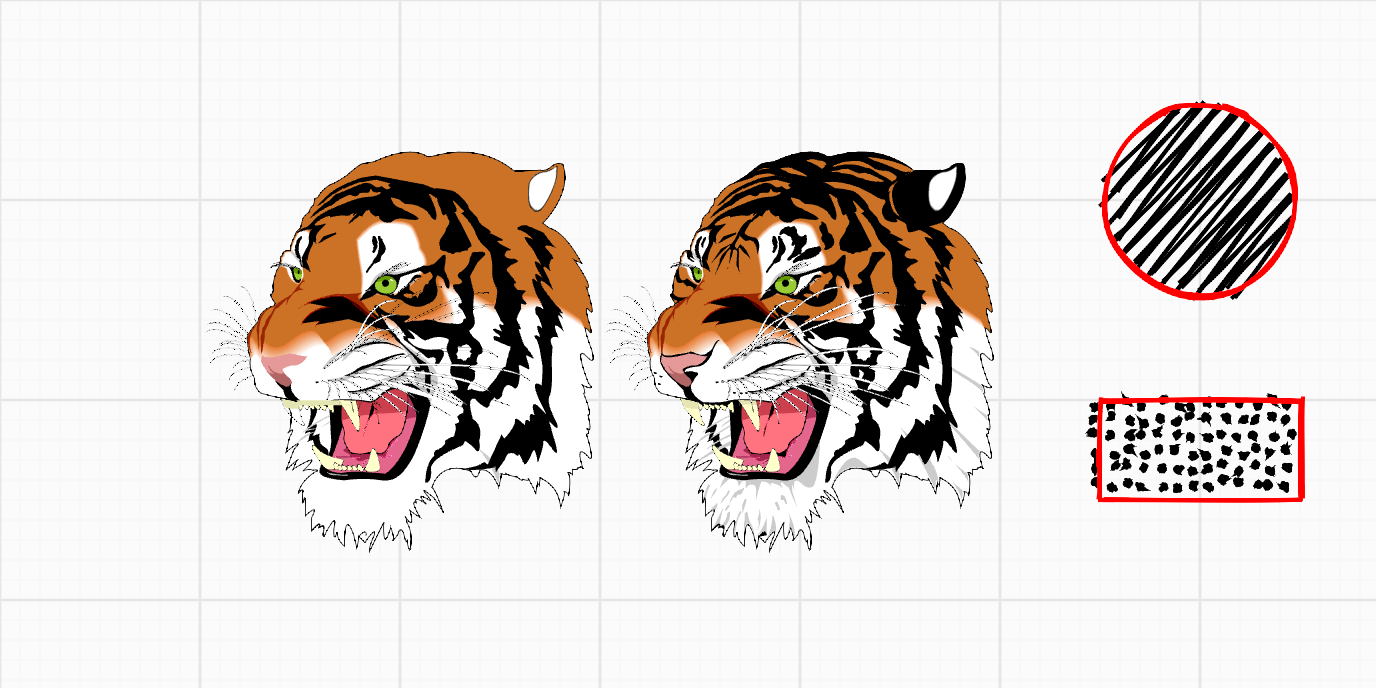 |
 |
 |
Lesson 14 - Canvas mode and auxiliary UI 🔗
- Implement
zIndex and sizeAttenuation
- Add more canvas modes, e.g. move and select and shapes
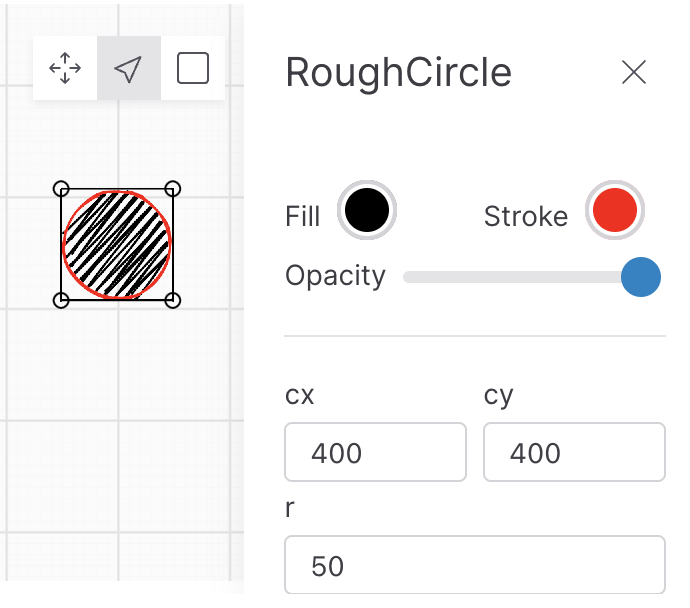
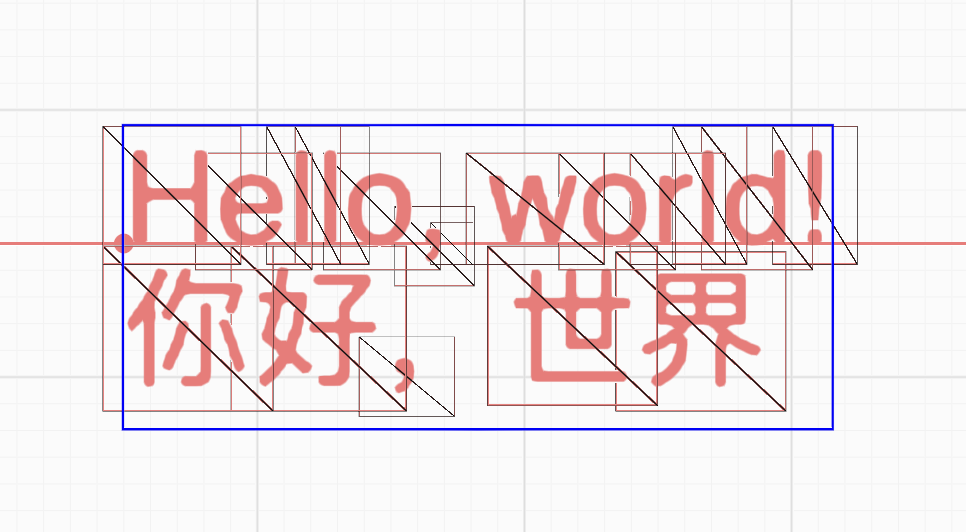
Lesson 15 - Text rendering 🔗
- What's TextMetrics and how to get it in server and browser side
- What's shaping? Implement letterSpacing and kerning
- Paragraph layout
- Auto wordbreak
- BiDi, arabic shaping included
- Handle clusters
- Support text-align
- How to generate SDF atlas and use it to draw
- How to use ESDT and MSDF to improve text rendering quality
- How to draw bitmap font
- How to draw emoji
| Render text with SDF atlas |
Bitmap font, emoji, BiDi and clusters |
 |
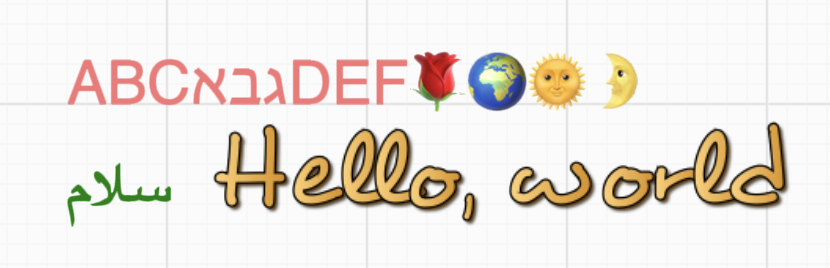 |
Lesson 16 - Text advanced features 🔗
- Using Bezier curves to render text, shaping with OpenType and Harfbuzz
- Render TeX math
- Text stroke, decoration, dropshadow and text along path
- Physical text rendering
- Load web font with web font loader
| Shaping TeX with MathJax |
Physical text |
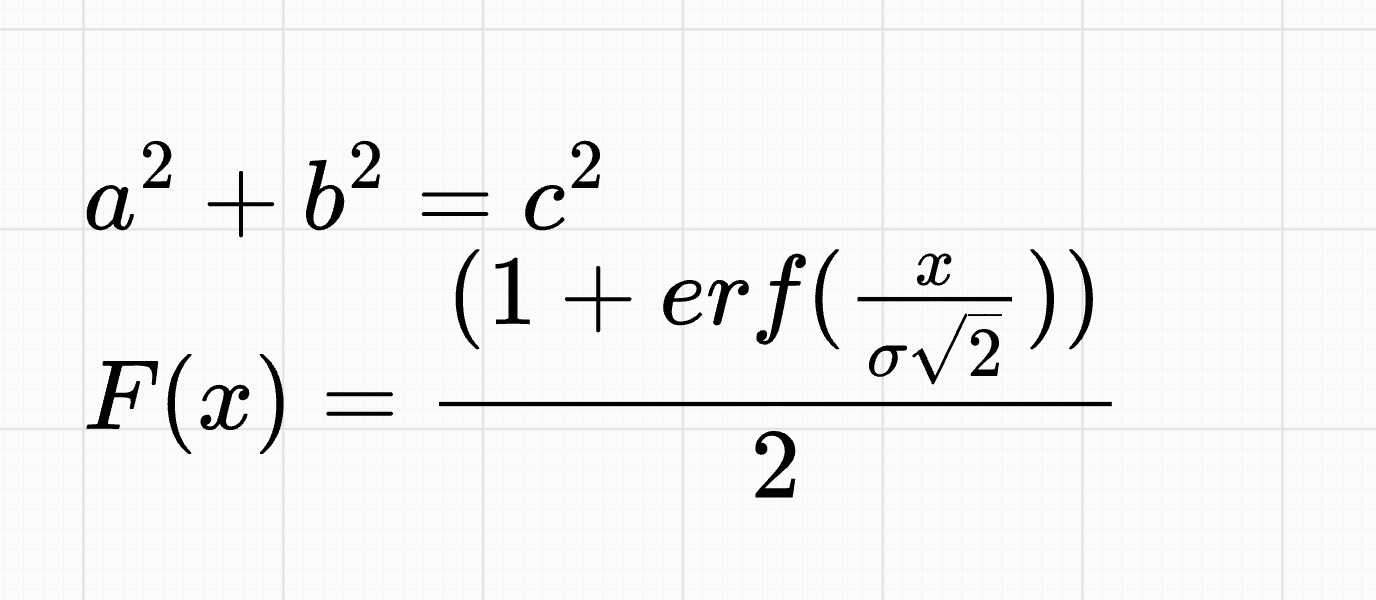 |
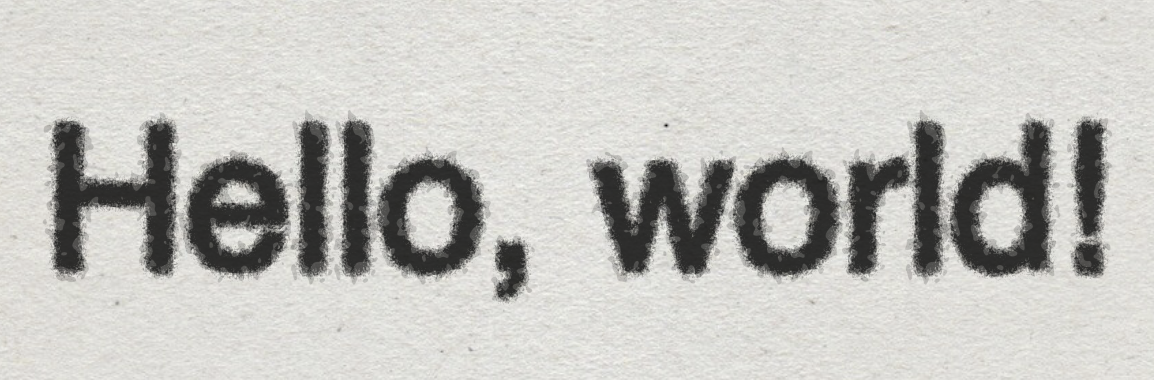 |
| Text decoration |
Text stroke |
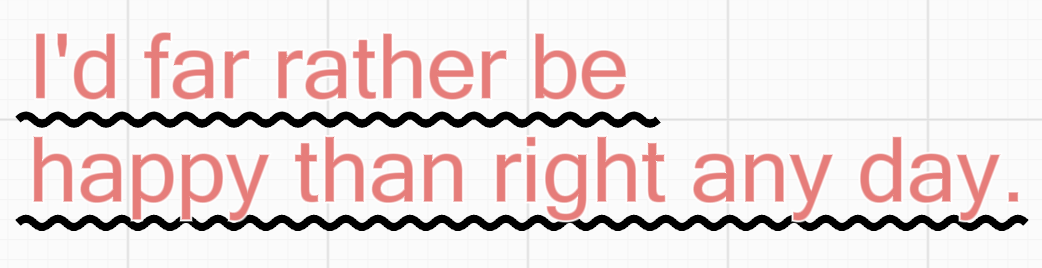 |
 |
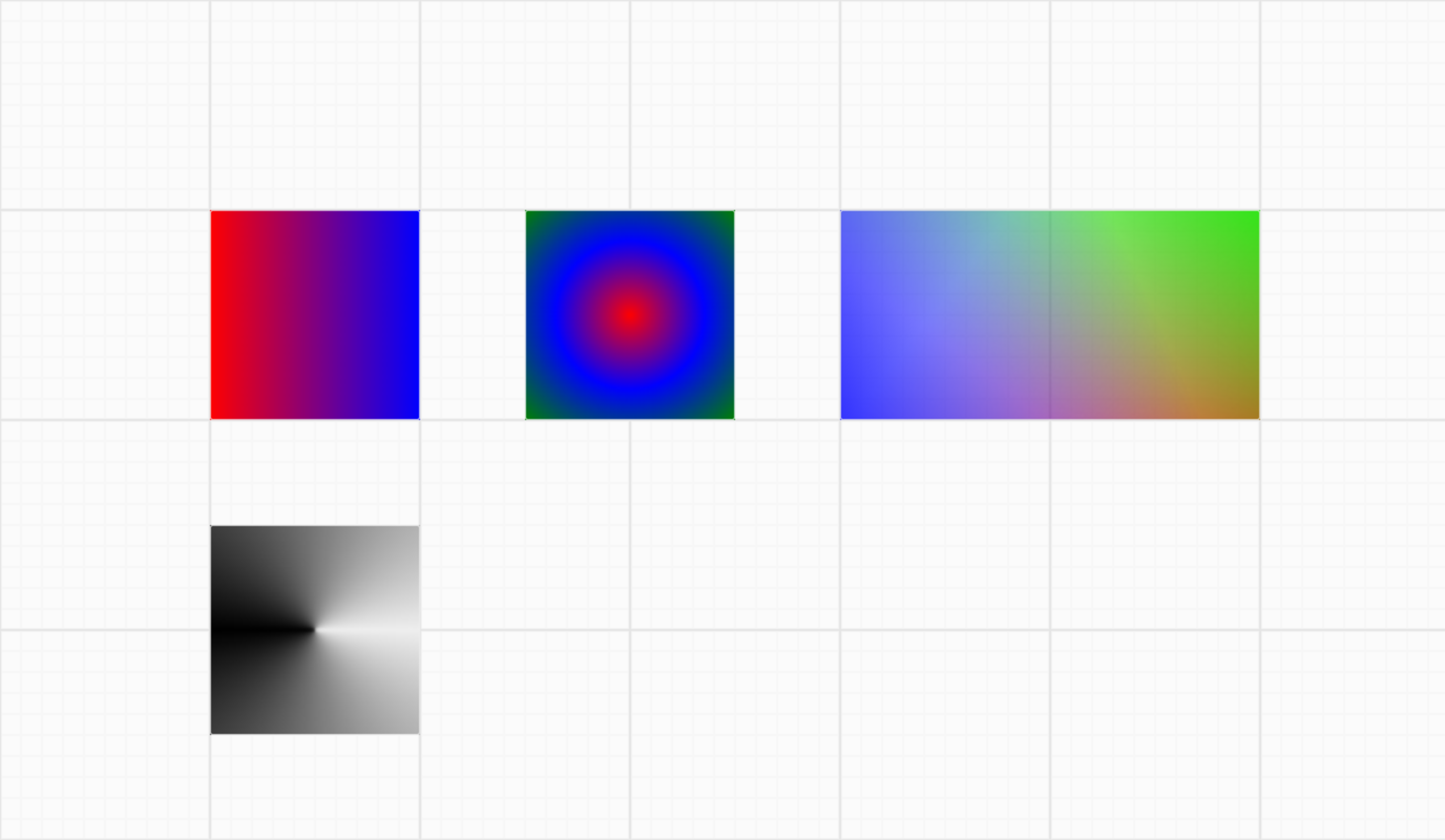
Lesson 17 - Gradient and Pattern 🔗
- Use CanvasGradient to implement gradients
- Imperative. Create textures using the Device API
- Declarative. Supports CSS gradient syntax:
linear-gradient, radial-gradient, conic-gradient
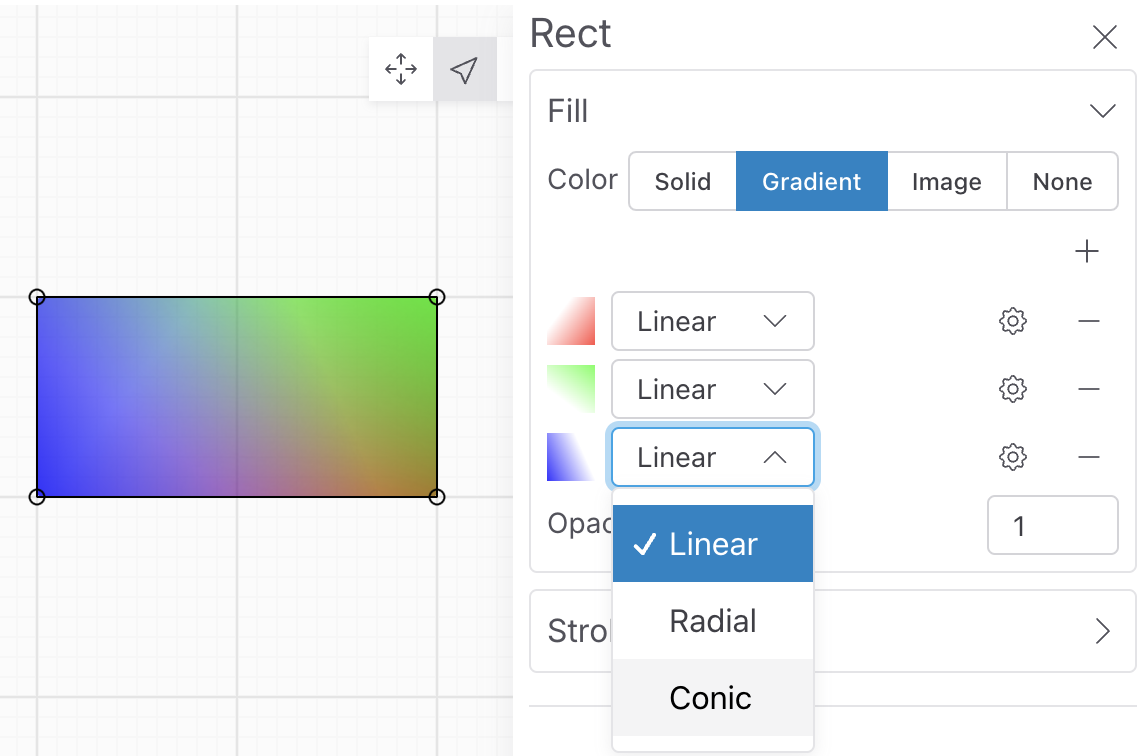
- Use Shoelace to implement gradient configuration panel
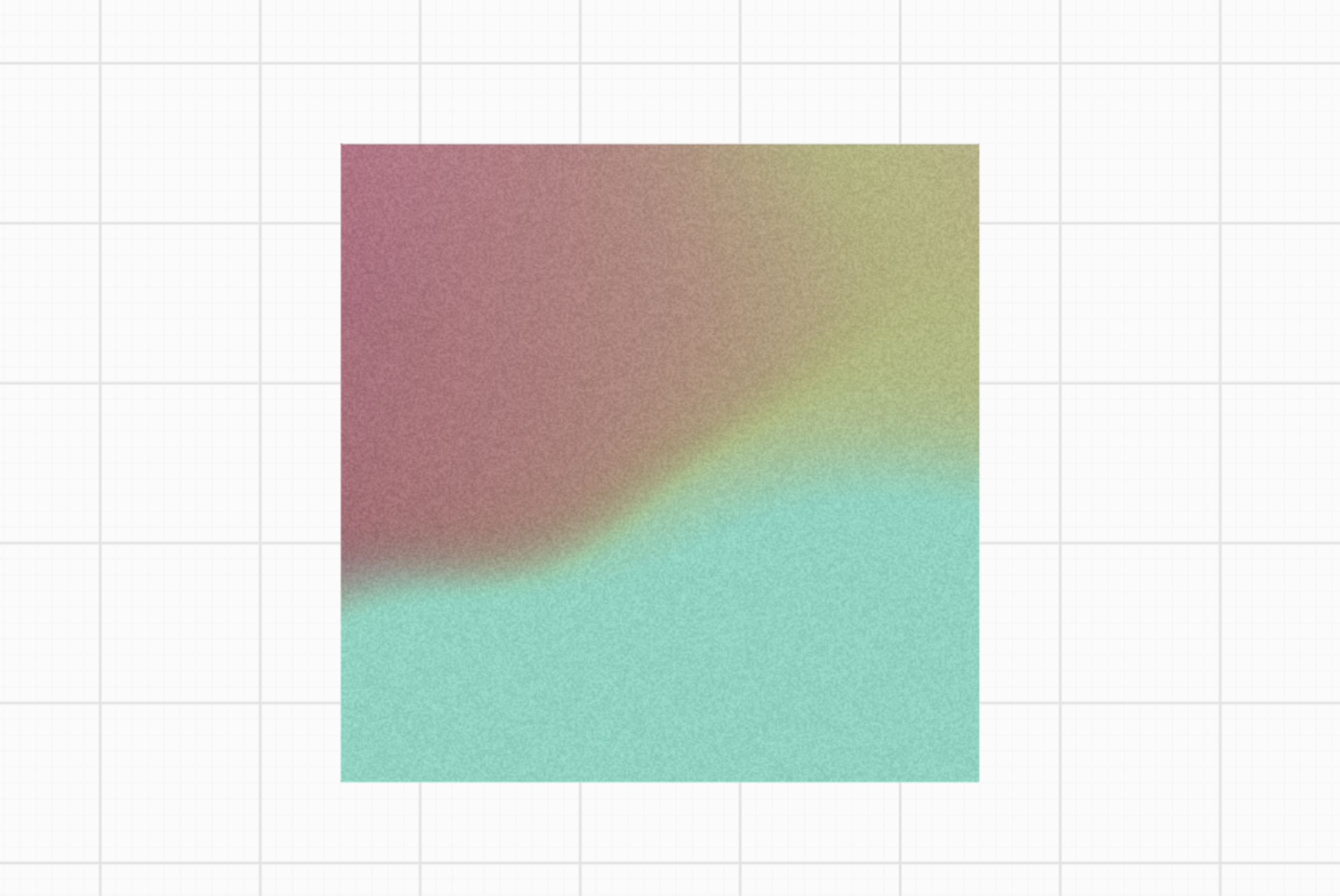
- Use Shader to implement Mesh Gradient
- Simulate random
- Value Noise and Gradient Noise
- Voronoi, FBM and Domain Warping
- Server-side rendering in AWS lambda function
- Export SVG
- Use CanvasPattern to implement repeating patterns
| Linear, Radial, Conic Gradient |
Mesh Gradient |
 |
 |
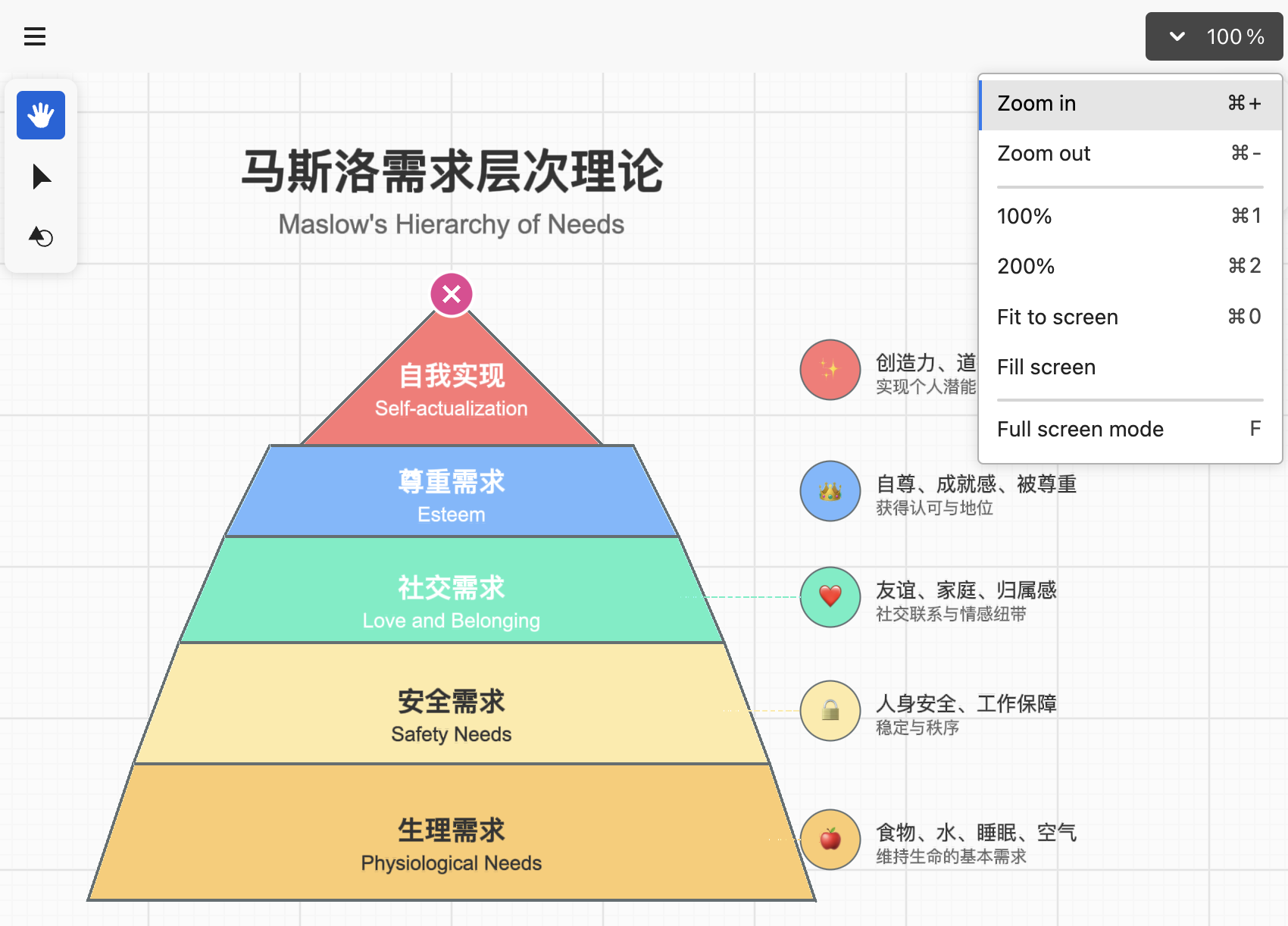
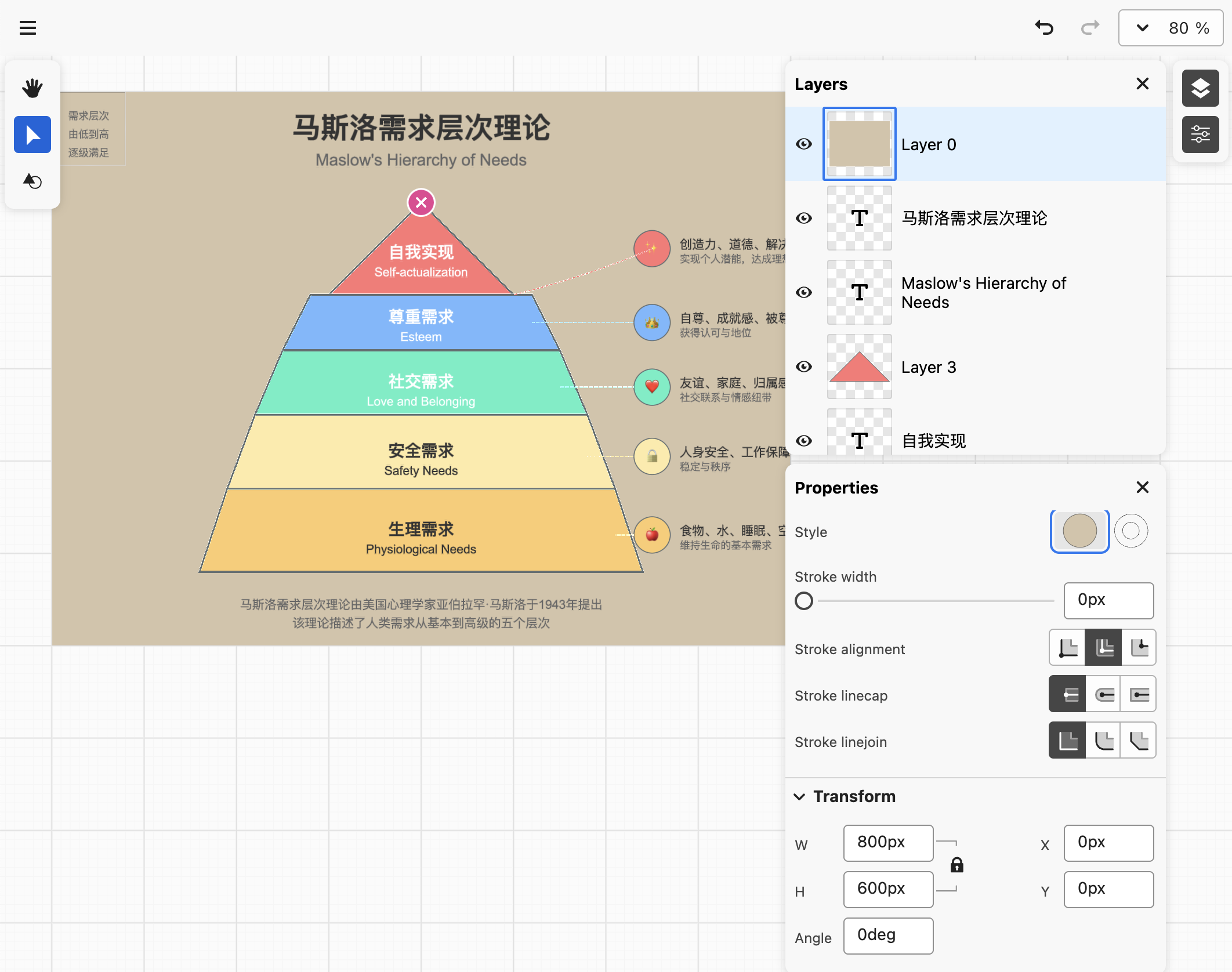
Lesson 18 - Refactor with ECS 🔗
- What is ECS architecture
- Using ECS architecture to refactor the application with Becsy
- Using Spectrum to implement UIs instead of shoelace
| Top nav and zoom toolbar |
Layers and properties panels |
 |
 |
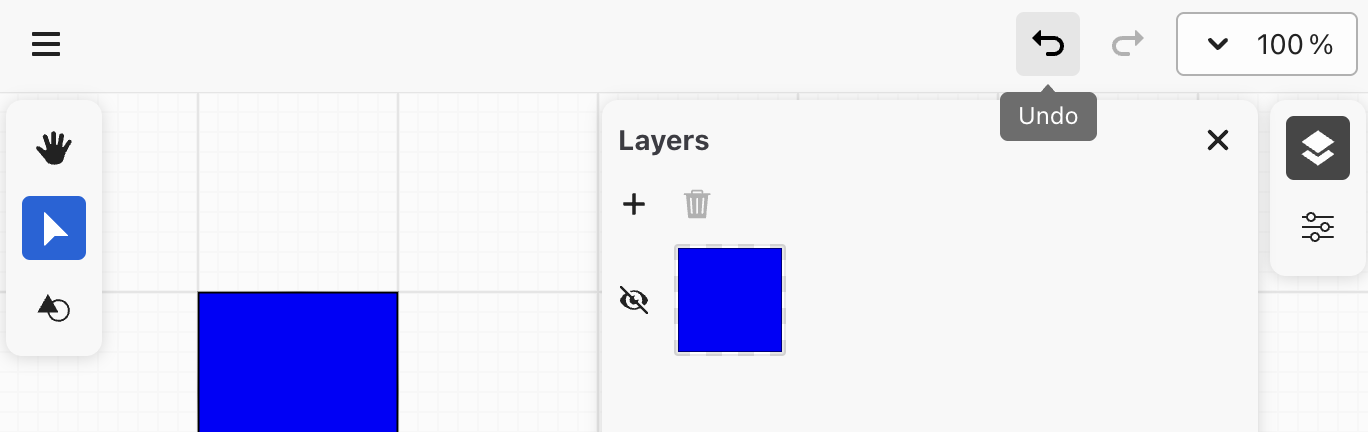
Lesson 19 - History 🔗
- Implement a simple history system, including undo and redo
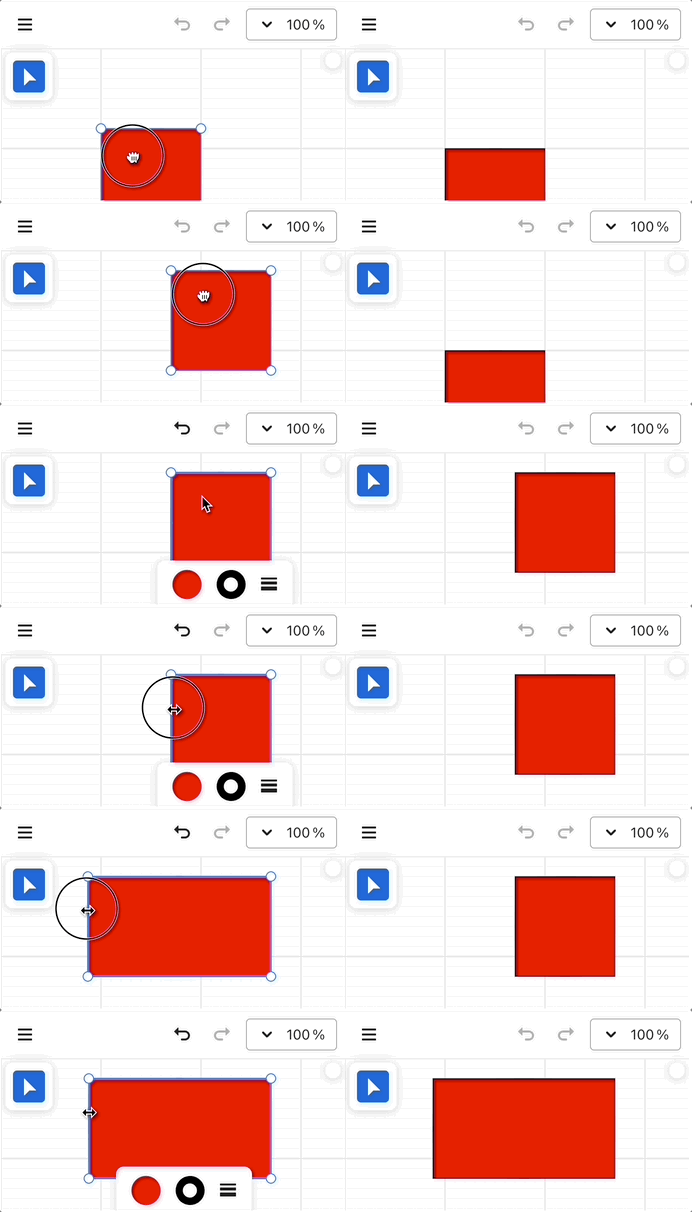
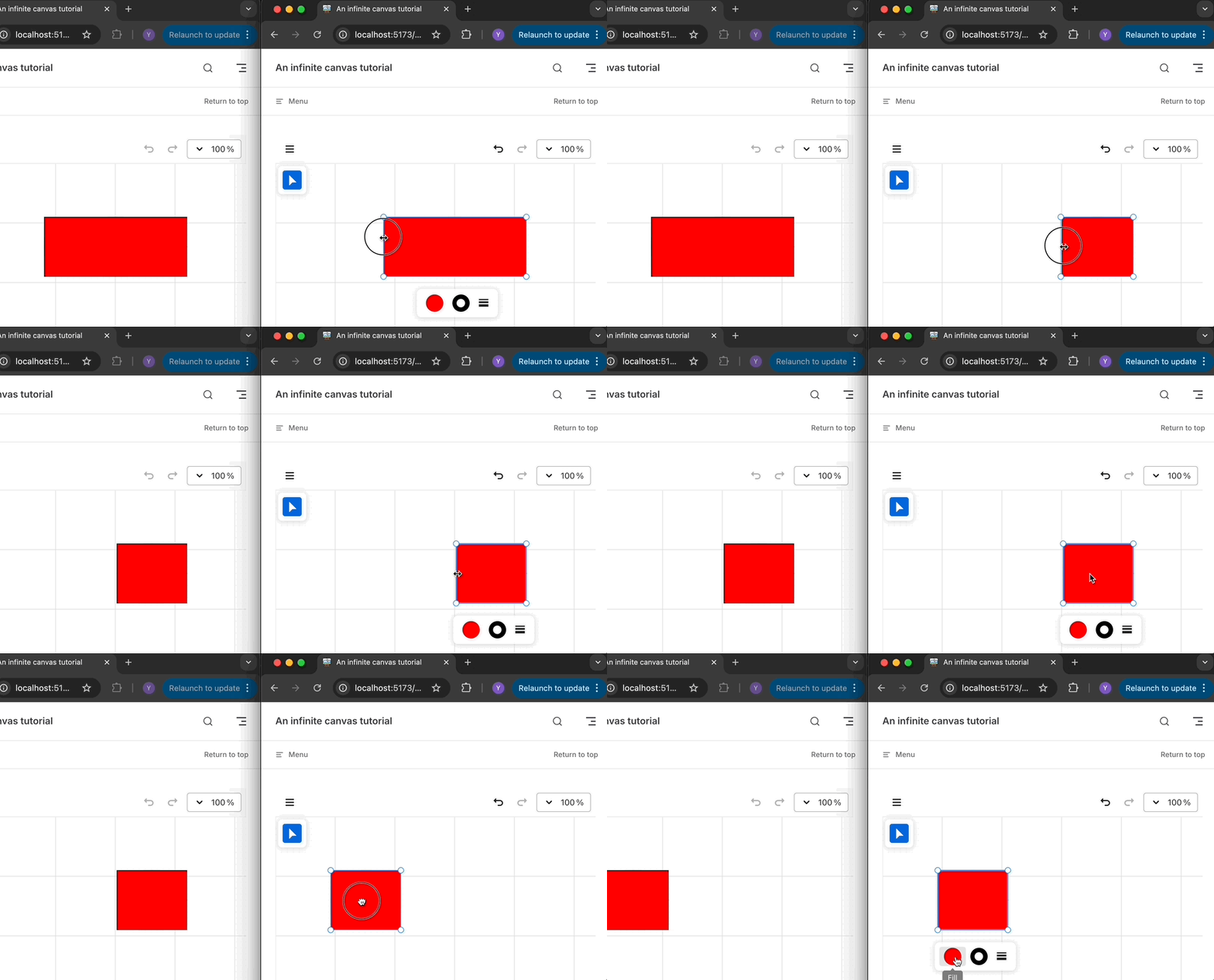
Lesson 20 - Collaboration 🔗
- Implement collaboration through CRDT
- Using Loro / Yjs and BroadcastChannel to simulate collaboration on localhost
- Using liveblocks to implement collaborative editing between servers and multiple clients
- End-to-end encrypted CRDTs
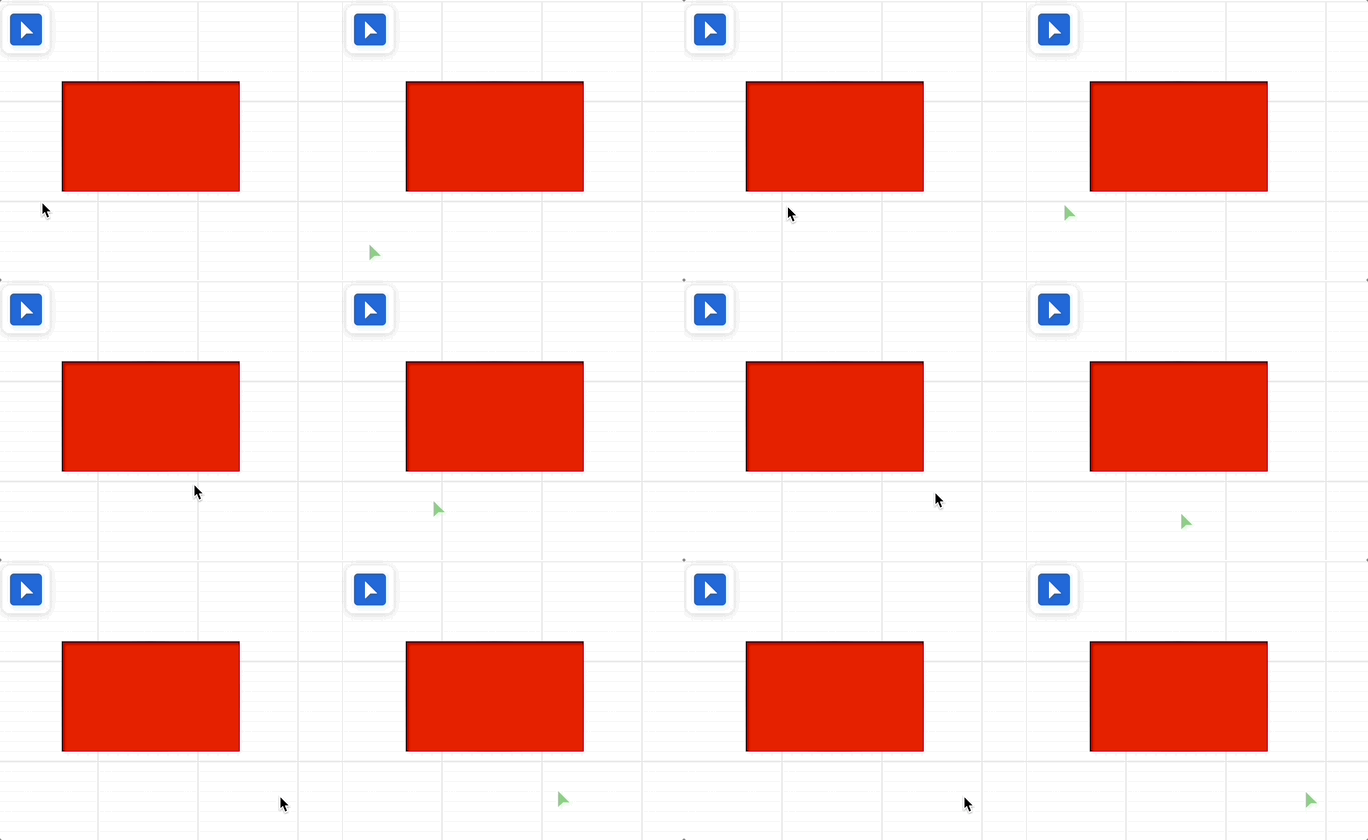
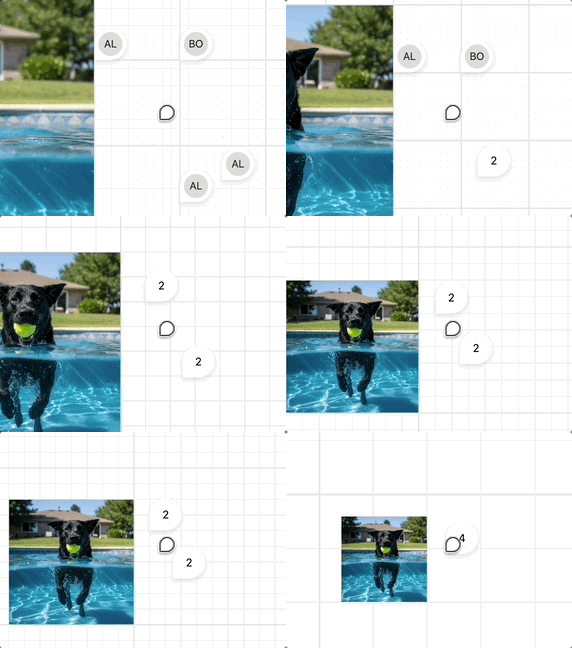
- Awareness & Presence: multiplayer cursors and comments
| BroadcastChannel with Loro or Yjs |
Liveblocks as backend |
 |
 |
| Multiplayer cursors |
Comments |
 |
 |
Lesson 21 - Transformer 🔗
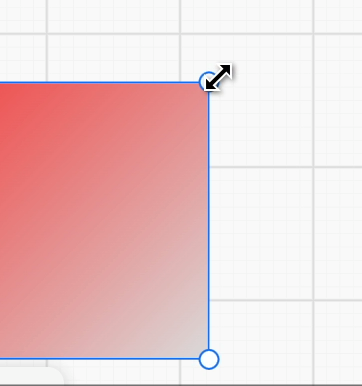
- Resize, lock aspect ratio and centered scaling
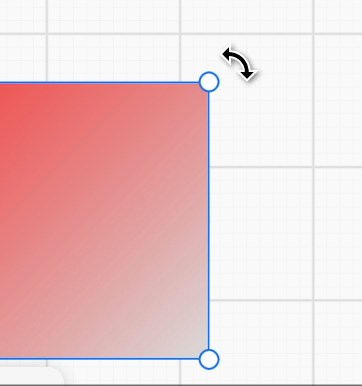
- Rotate and change the rotation origin
- Nudge shapes with arrow key
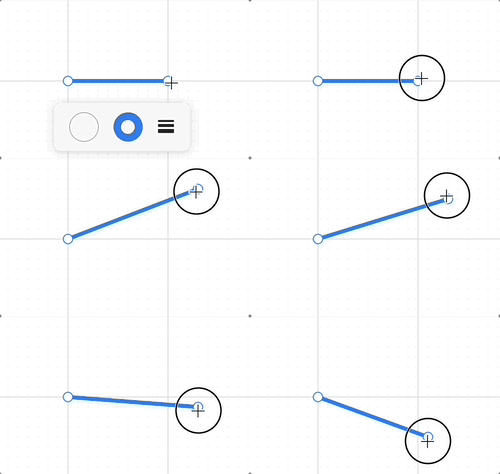
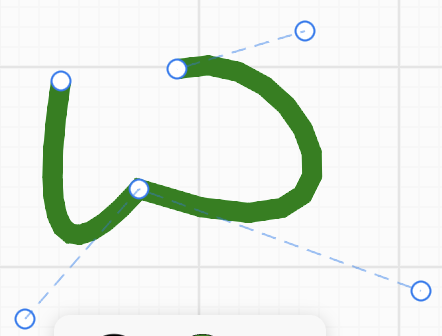
- Edit Line, Polyline and Path with control points
| Rotate anchor |
Resize anchor |
Line transformer |
Path transformer |
 |
 |
 |
 |
Lesson 22 - VectorNetwork 🔗
- Limitations of SVG Path
- What is VectorNetwork
Lesson 23 - Mindmap 🔗
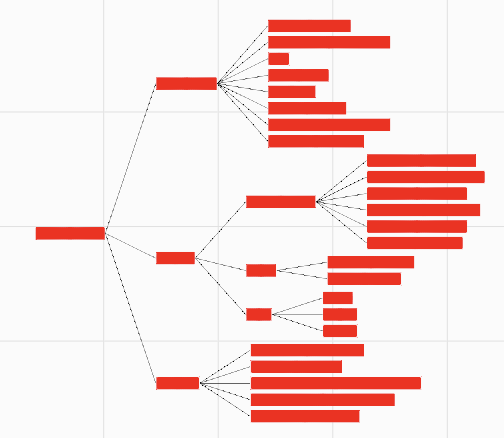
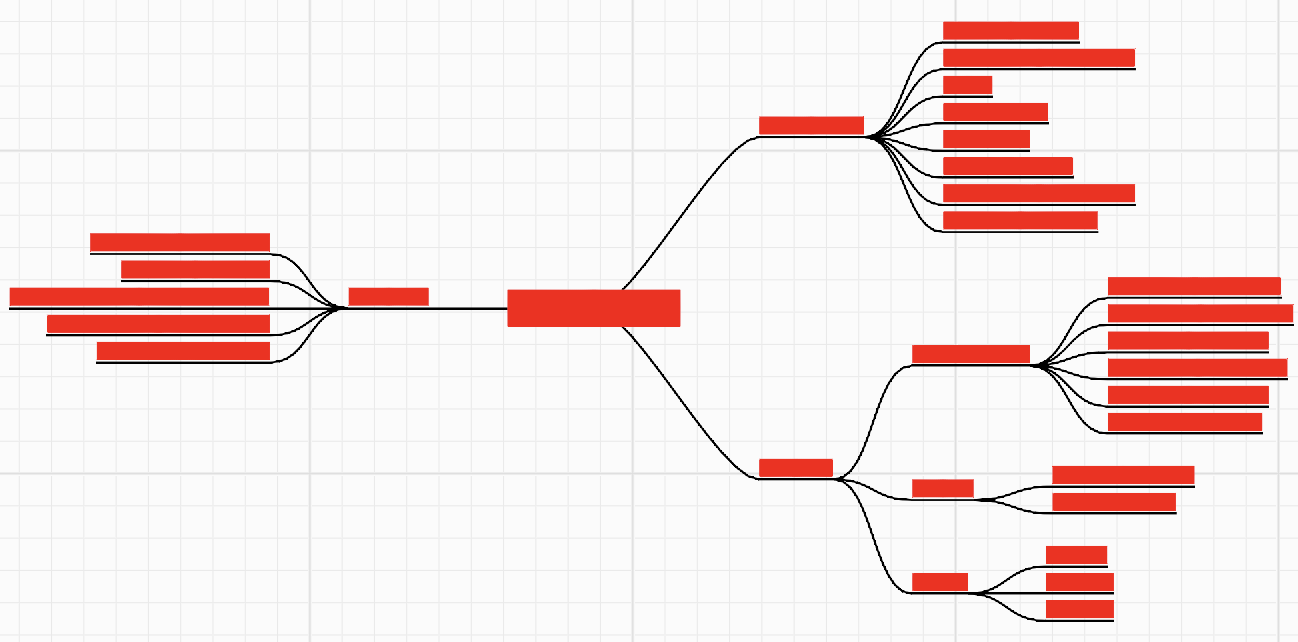
- Analyze d3-tree, d3-flextree and @antv/hierarchy
| D3 flextree |
Mindmap |
 |
 |
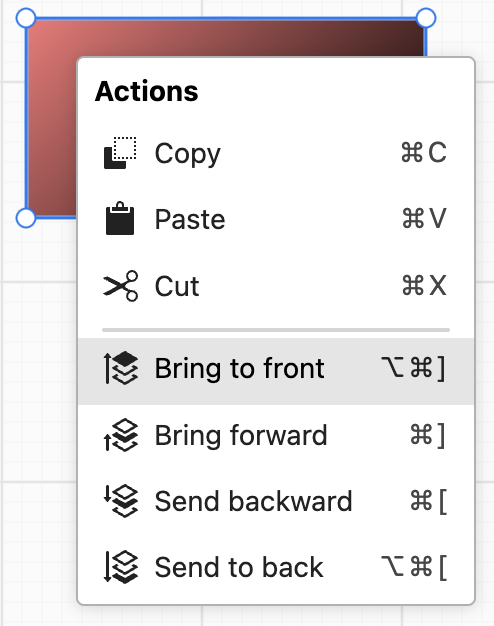
Lesson 24 - Context menu and clipboard 🔗
- How to implement context menu with Spectrum
- Adjust z-index with bring forward and send back
- Writes and reads clipboard content, supports pasting serialized graphics, non-vector images, SVG and plain text
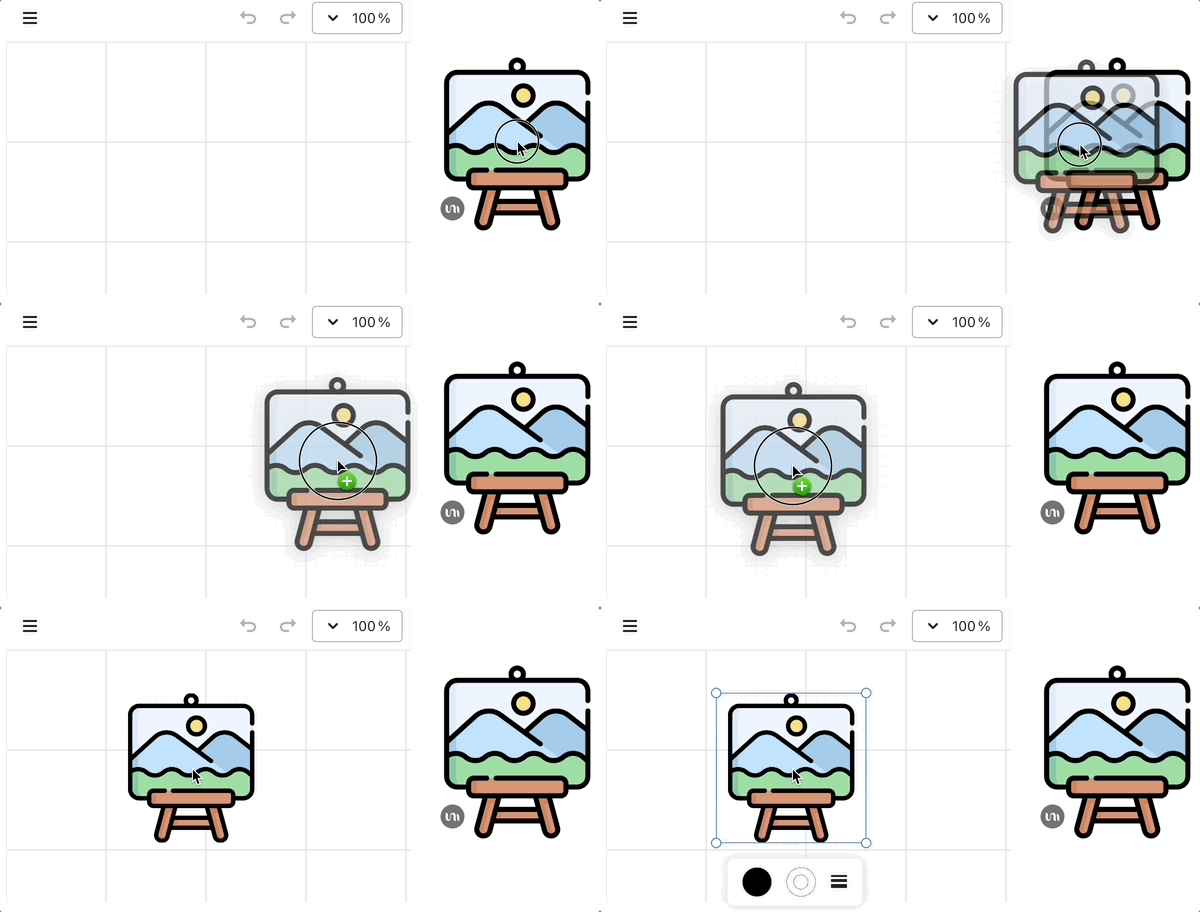
- Drag-and-drop import of image files from file systems and pages
| Context menu |
Drag'n'drop image |
 |
 |
Lesson 25 - Draw rect mode and brush 🔗
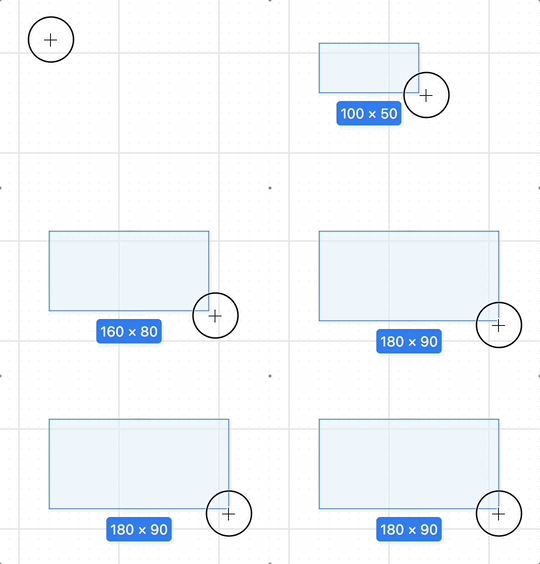
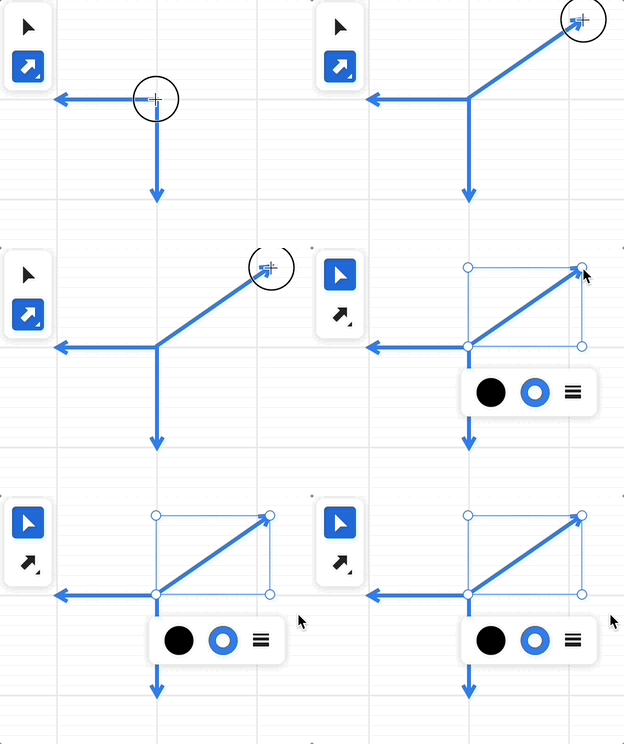
- Draw shapes mode: draw rect, ellipse, line and arrow with dragging
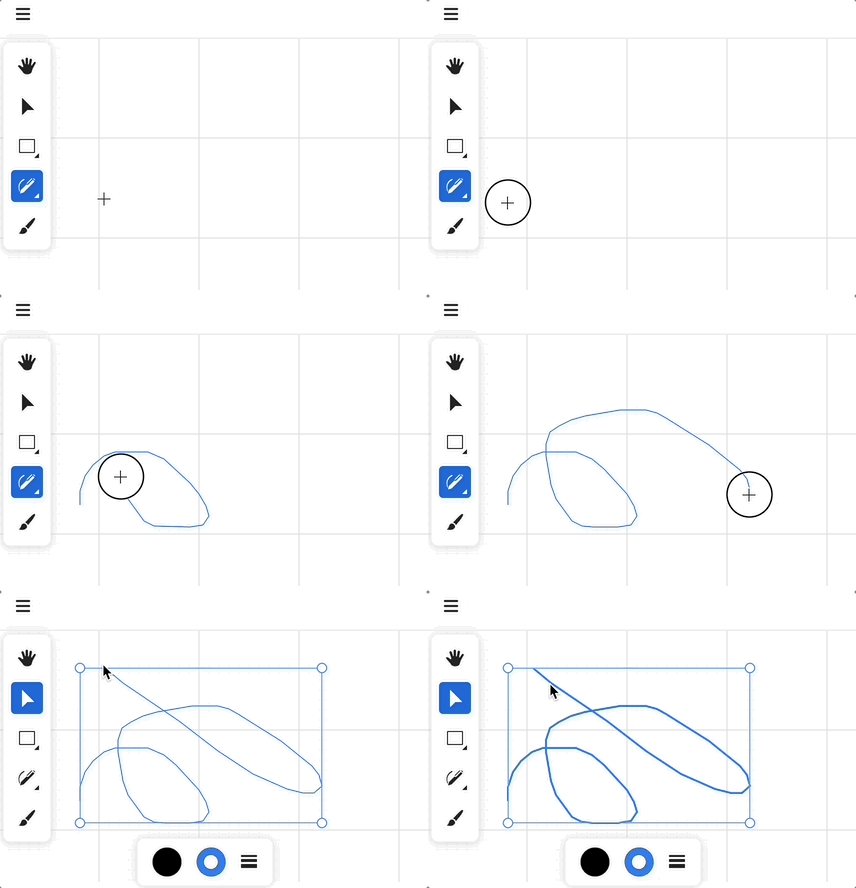
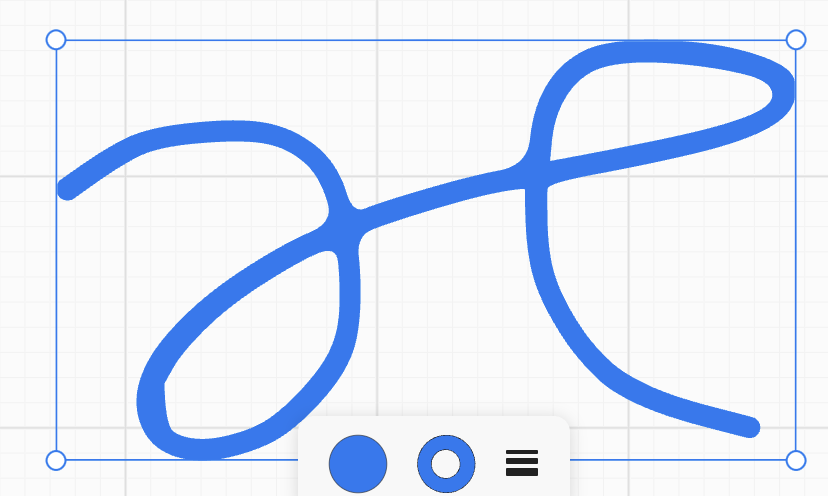
- Pencil mode, including freehand
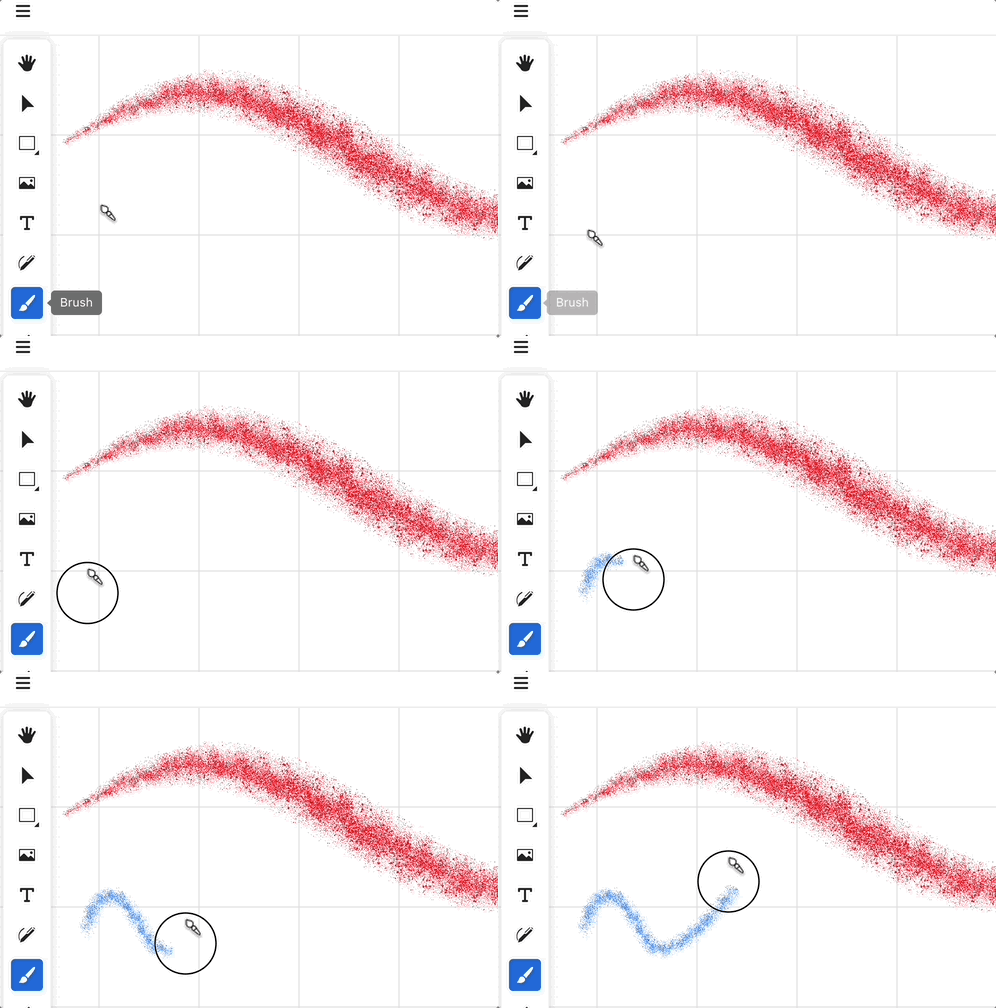
- Brush mode
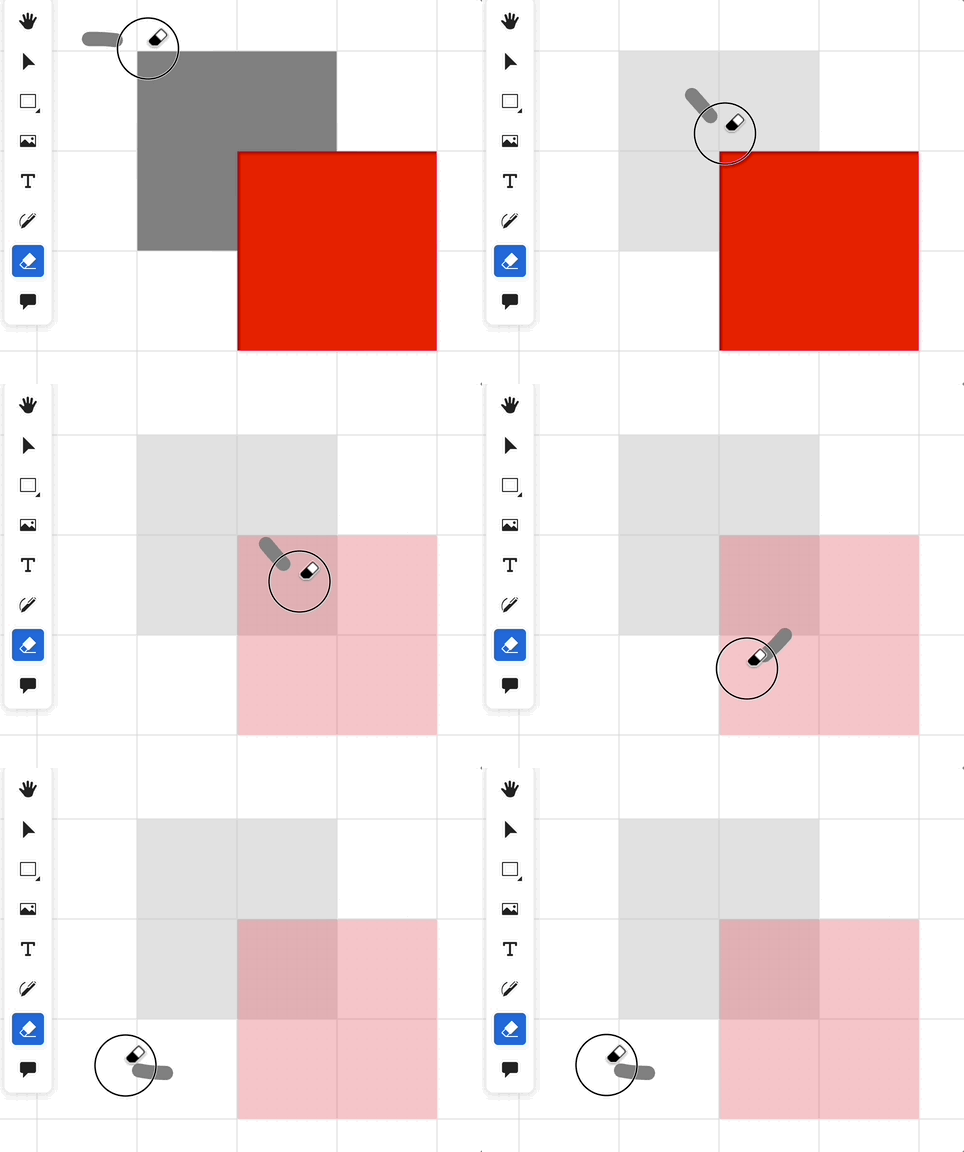
- Eraser tool, try to support non-atomic effect
- Laser pointer tool for presentation
| Draw rect mode |
Draw arrow |
Brush |
 |
 |
 |
| Pencil tool |
Pencil tool with freehand |
Eraser |
 |
 |
 |
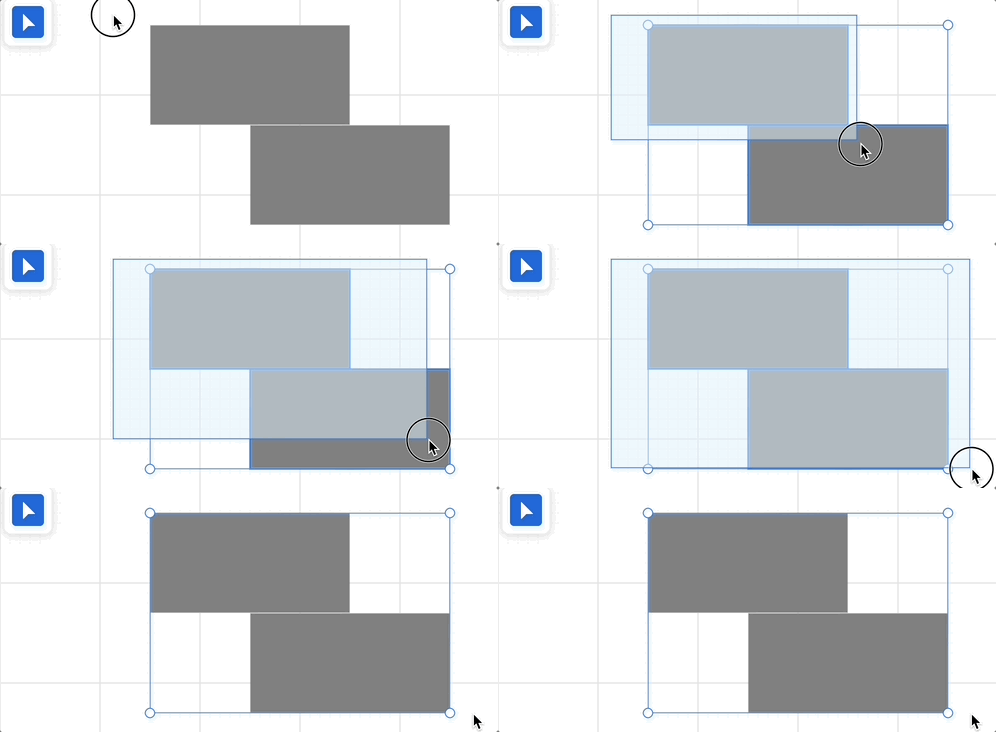
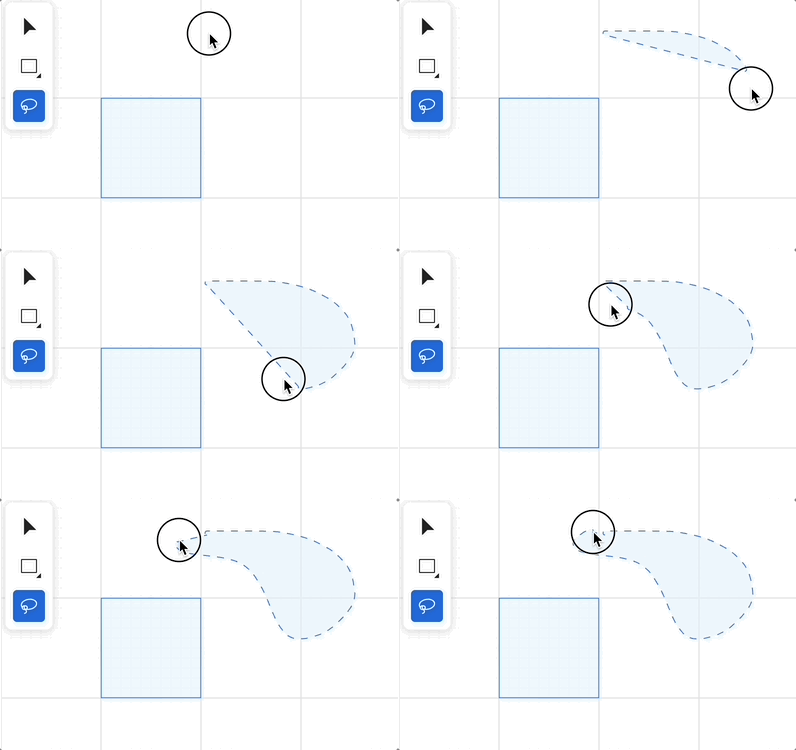
Lesson 26 - Selection tools 🔗
- Single and multi-selection with Shift keypress
- Marquee selection
- Lasso tool
| Marquee selection |
Lasso selection |
 |
 |
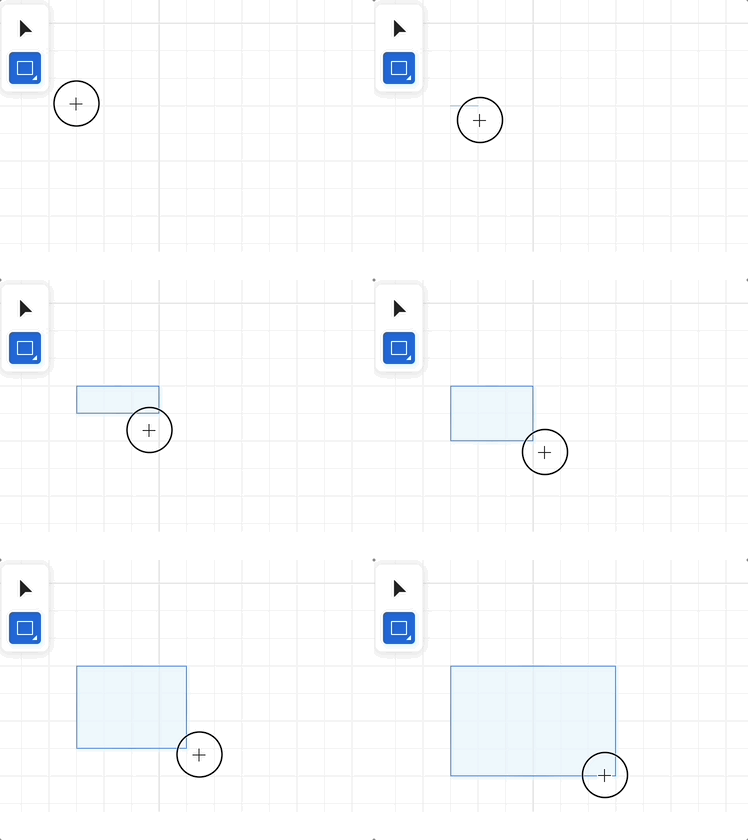
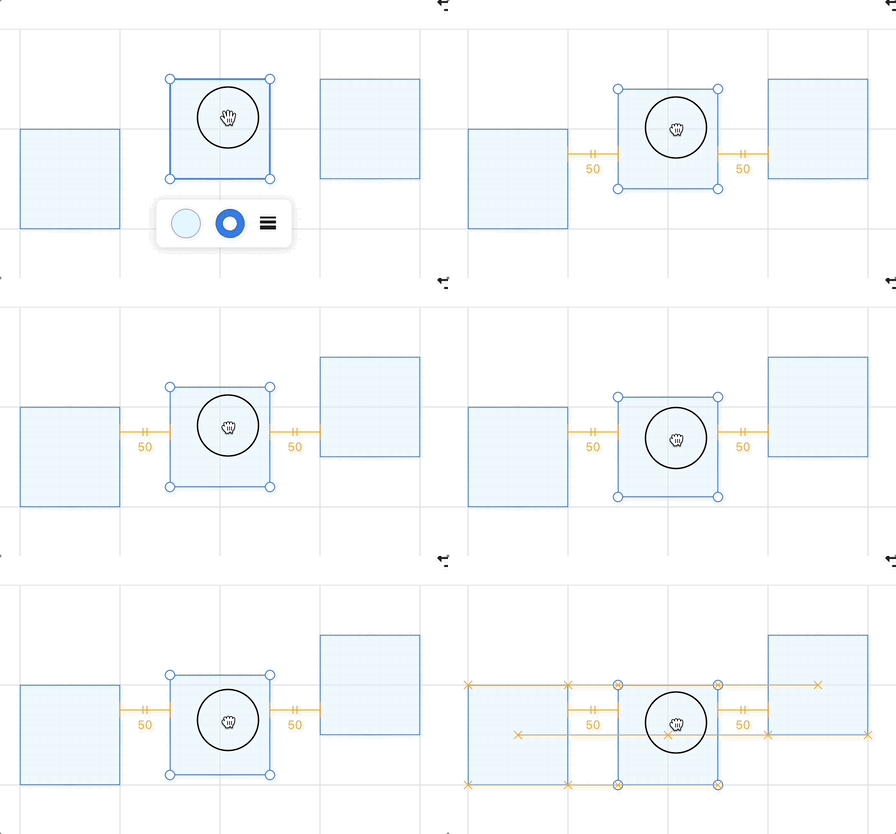
Lesson 27 - Snap and alignment 🔗
- Snap to pixel grid
- Snap to objects, display snap points & gap lines
| Snap to pixel grid |
Snap to objects |
 |
 |
Lesson 28 - Integrating with AI 🔗
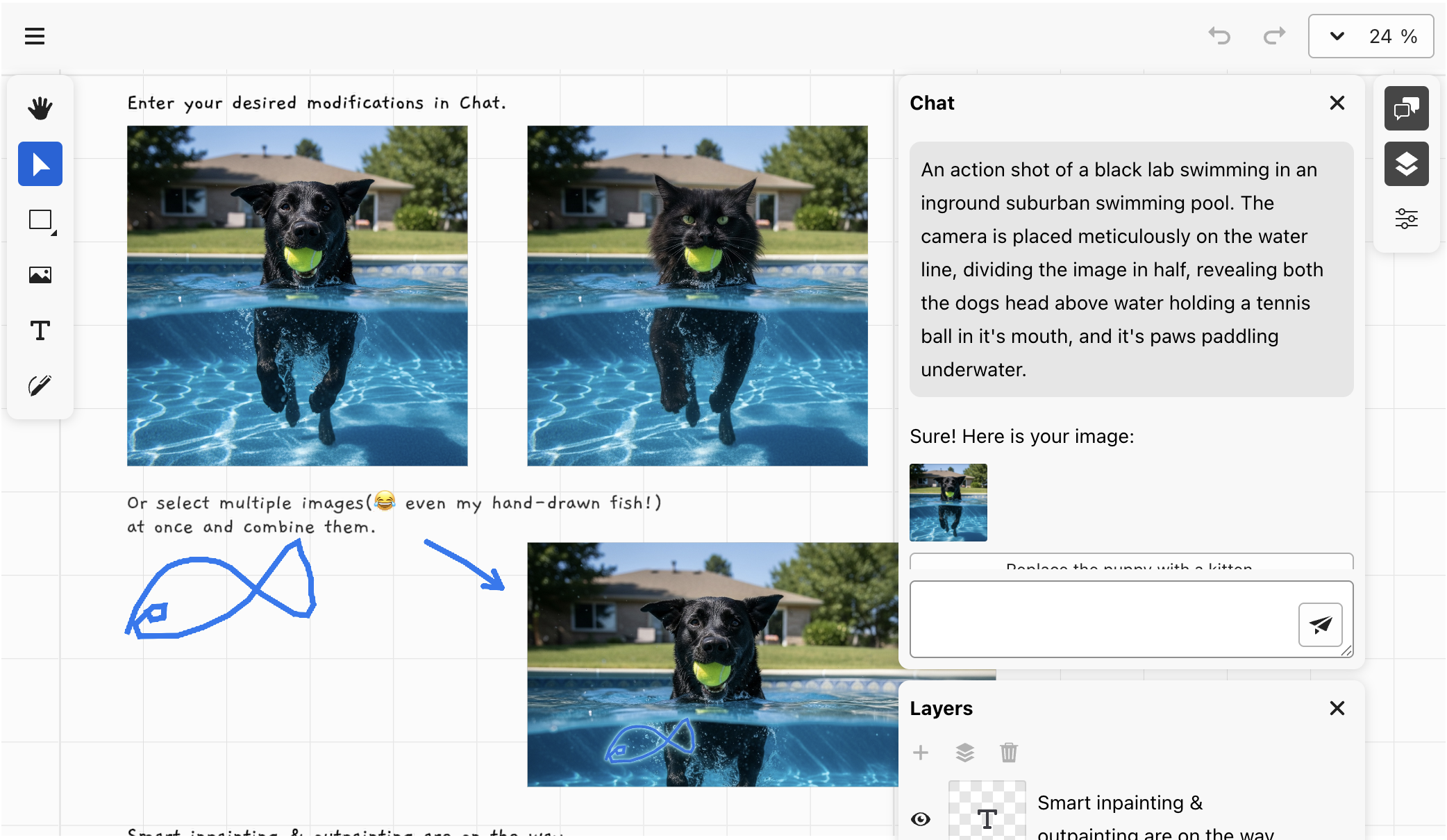
- Use chatbox
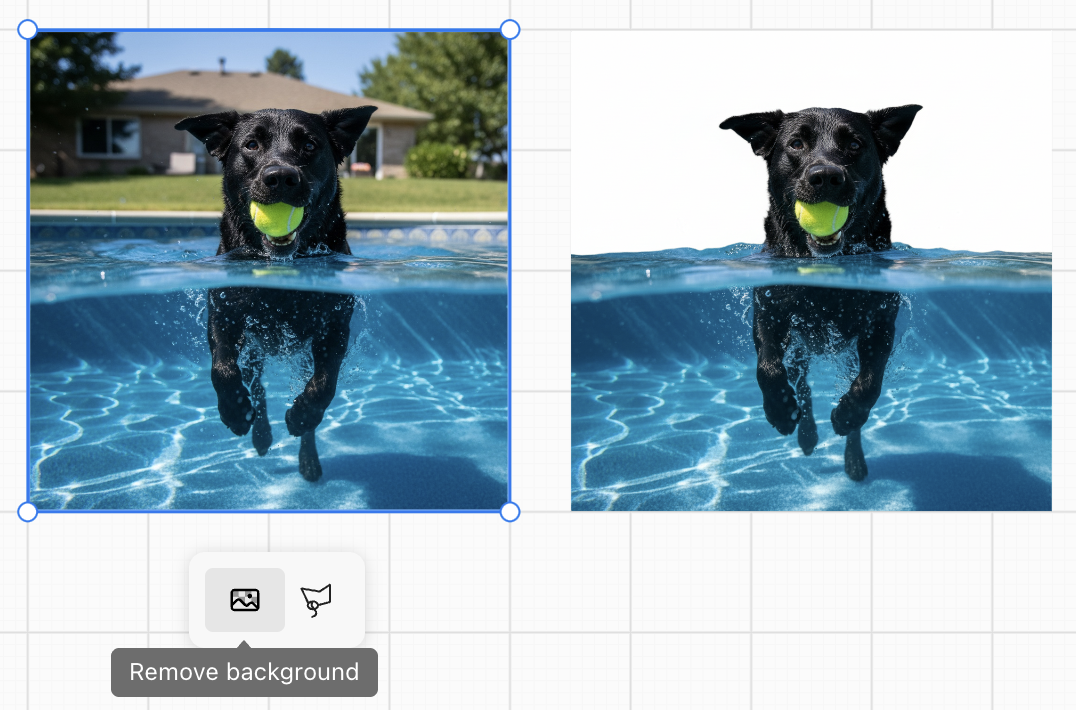
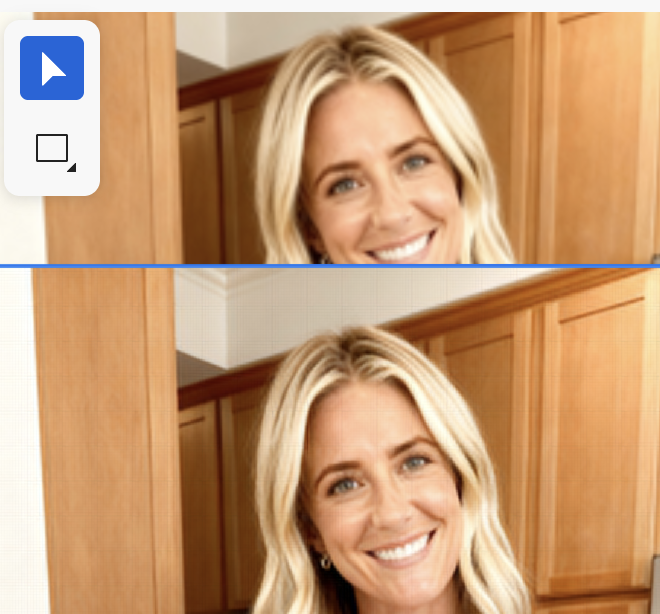
- Use Nano banana to edit image, e.g remove background
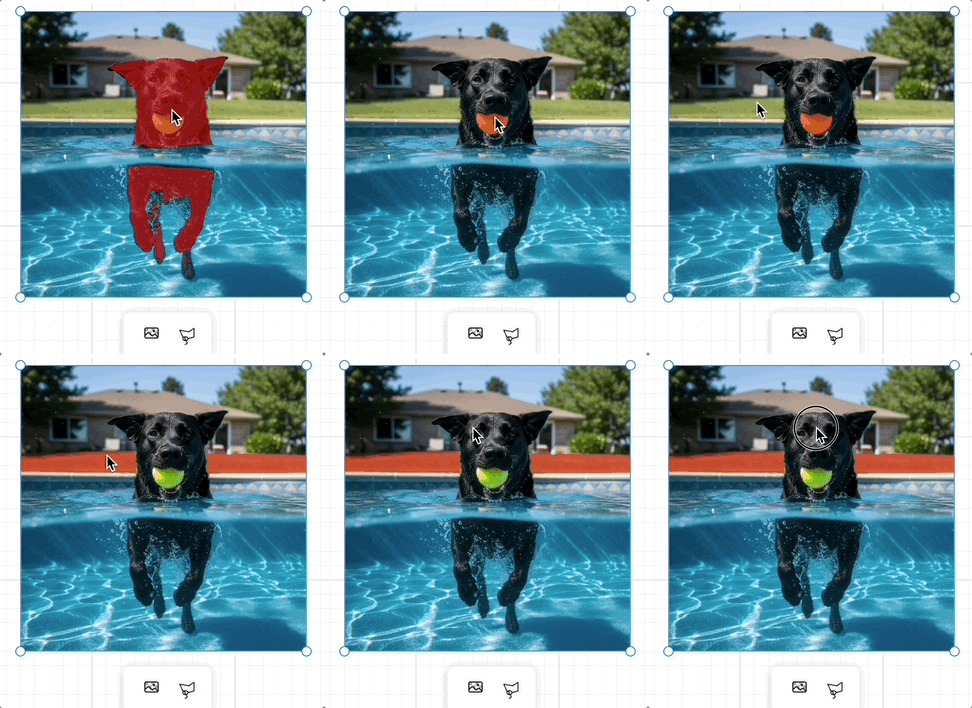
- Use SAM with ONNX WebGPU runtime in WebWorker
- Use Qwen-Image-Layered to decompose an image into multiple layers
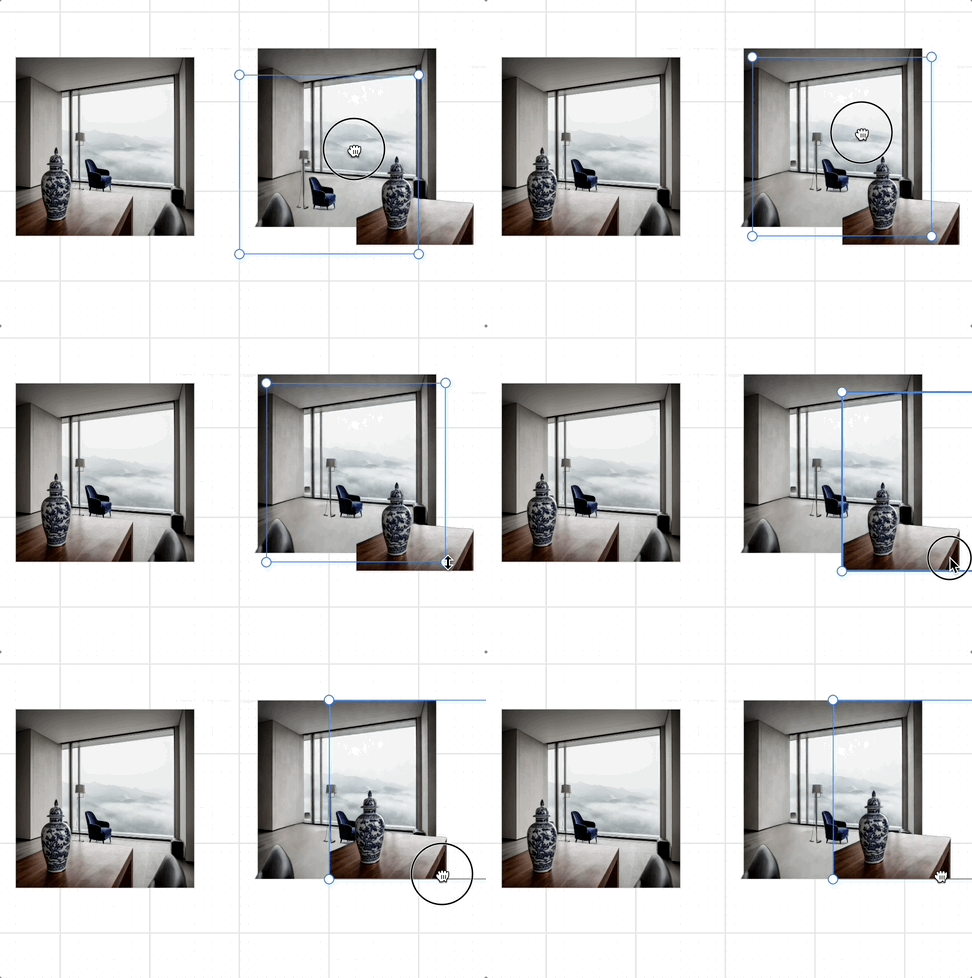
- Use UpscalerJS to upscale an image to 2X
| Use chatbox |
Remove background |
 |
 |
| Use SAM with ONNX WebGPU runtime in WebWorker |
Decompose into layers with Qwen-Image-Layered |
Upscale image with UpscalerJS |
 |
 |
 |
Lesson 29 - Embedding HTML content 🔗
- Create HTML container and sync camera with CSS transform
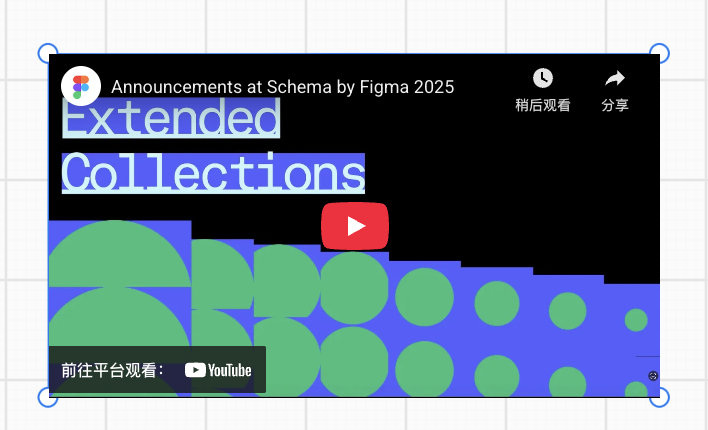
- Paste URL, display with bookmark and iframe
- Paste HTML content
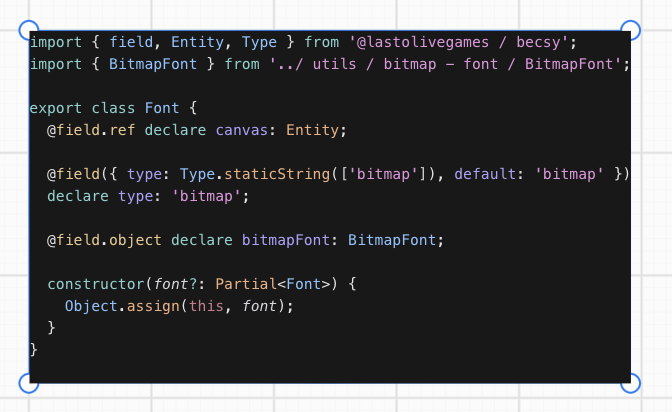
- Export to image
| VS Code snippet |
Embeded YouTube |
 |
 |
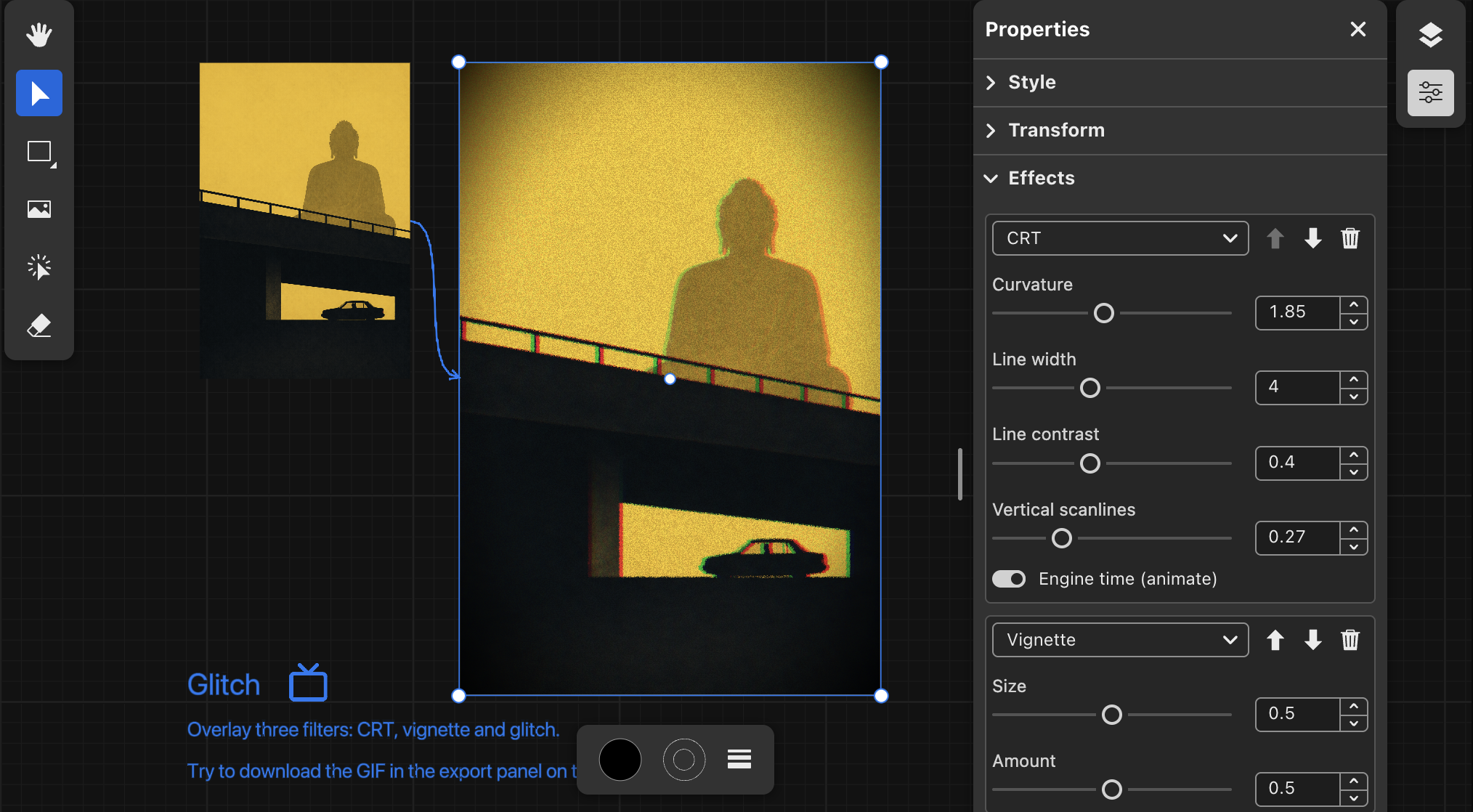
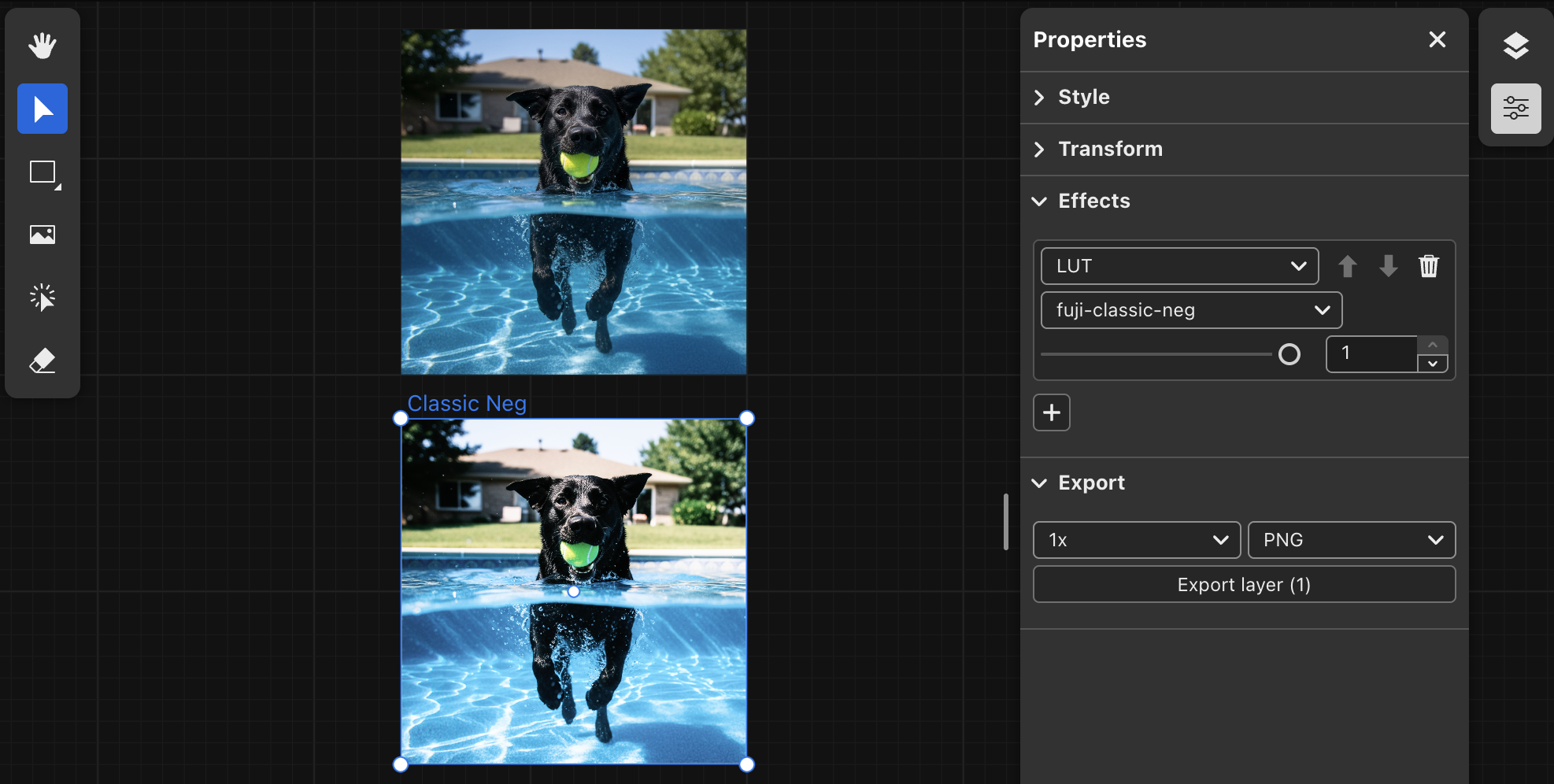
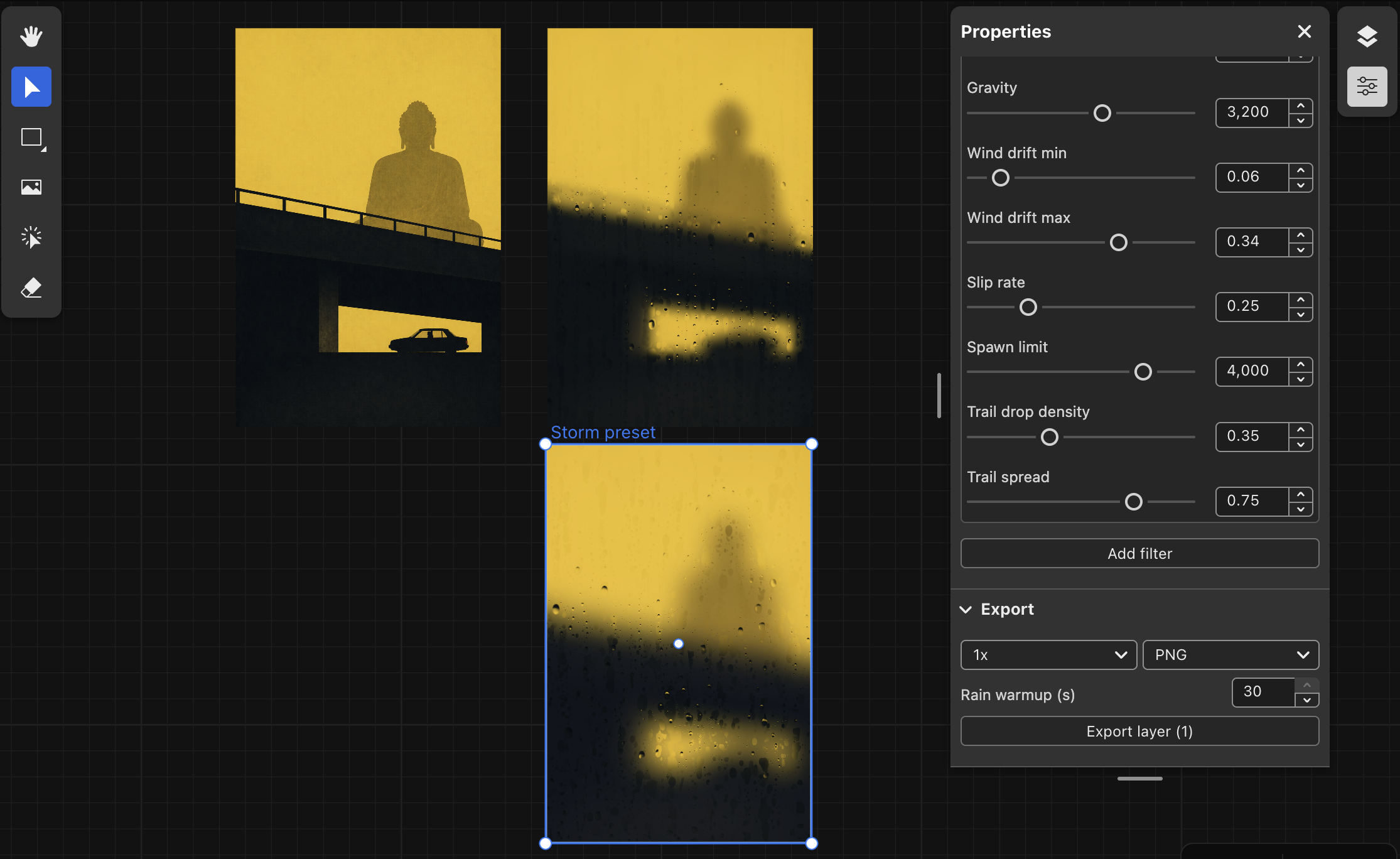
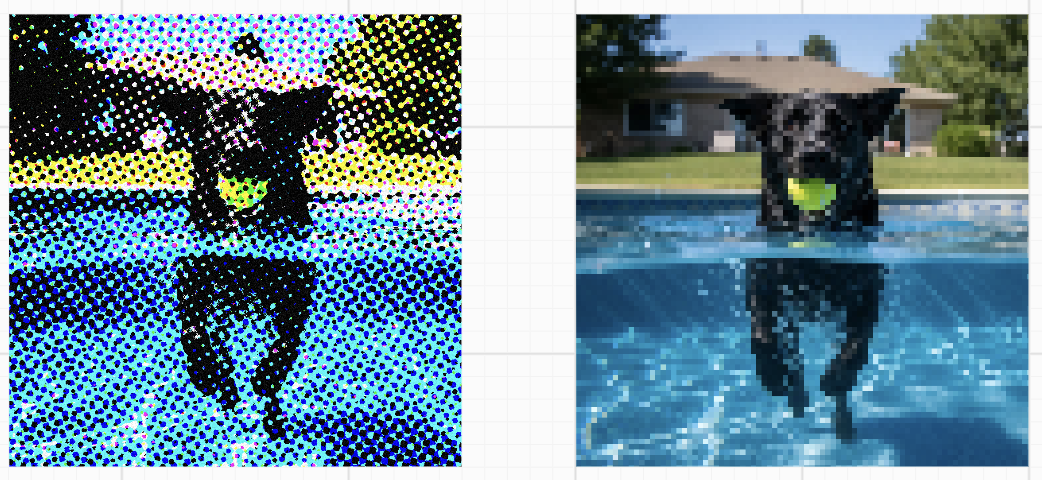
Lesson 30 - Image processing and render graph 🔗
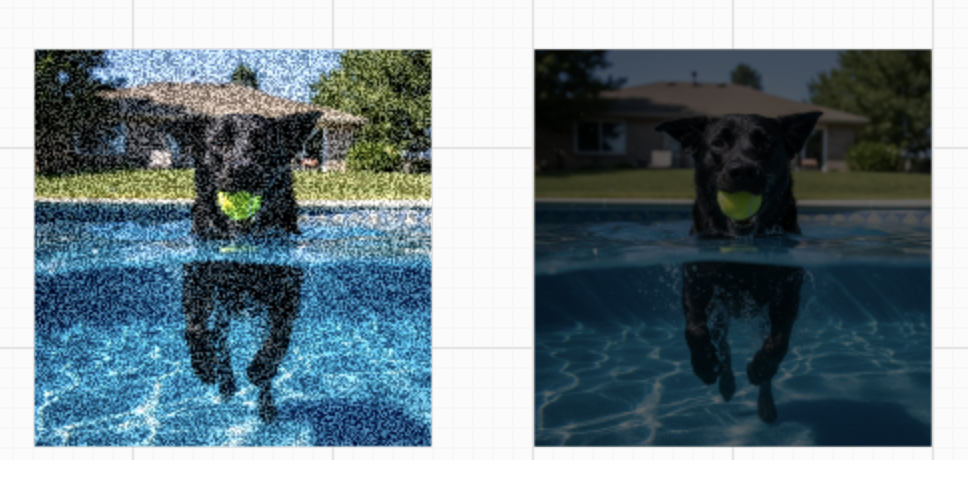
- Image processing, including brightness, noise, liquid glass, CRT, Glitch, Ascii etc.
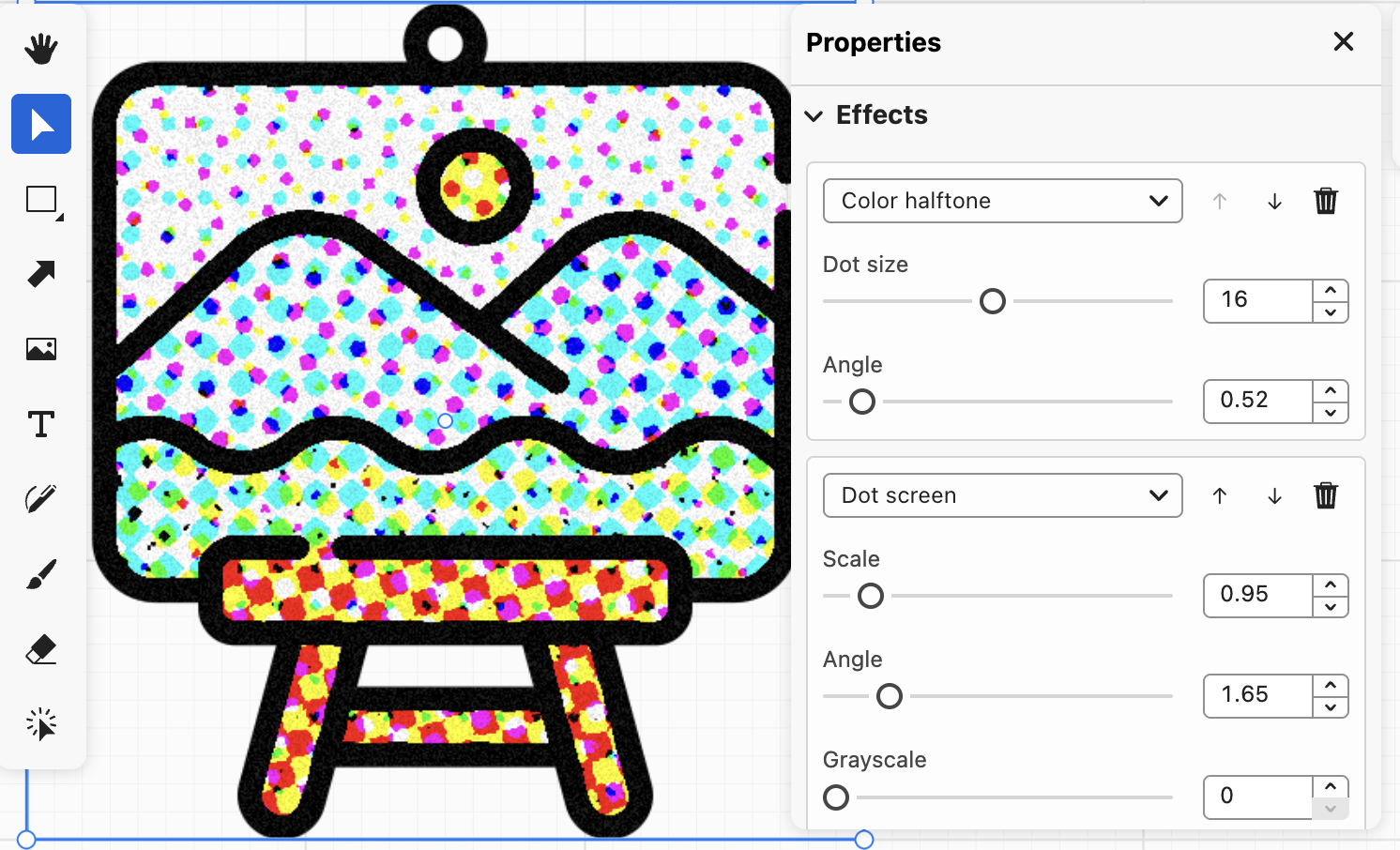
- Effects panel
- Export time-based shader animation in GIF or WebM format
- The design concept and implementation of Render graph
- Use FXAA render pass
| Image processing |
Effects panel |
  |
 |
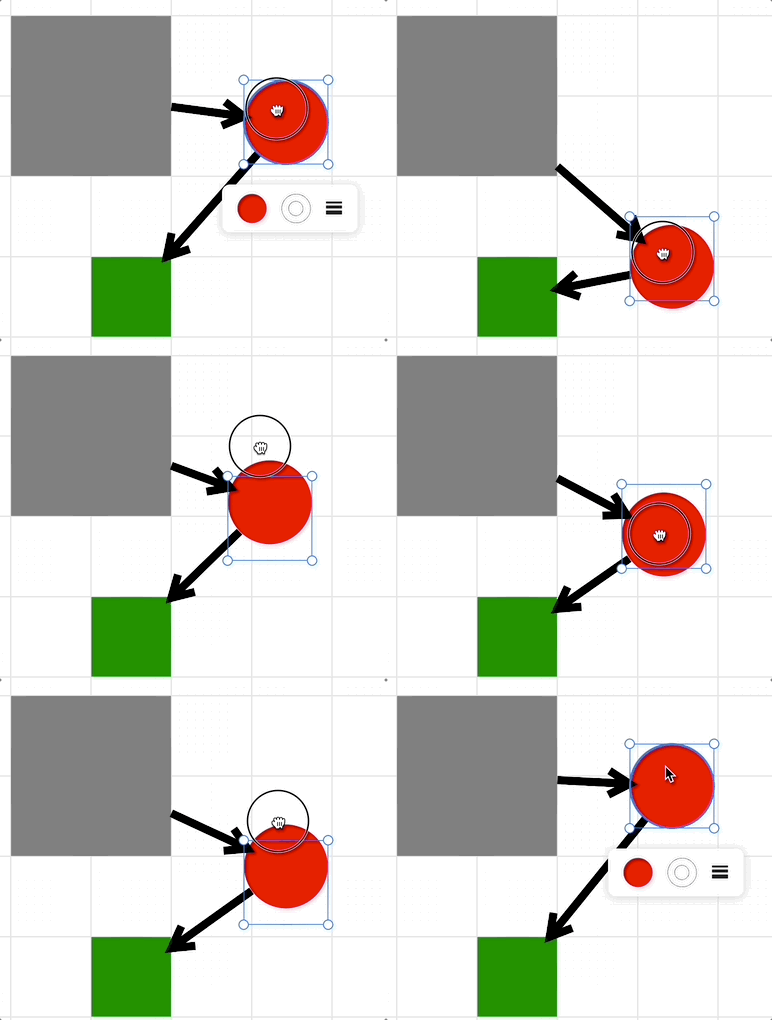
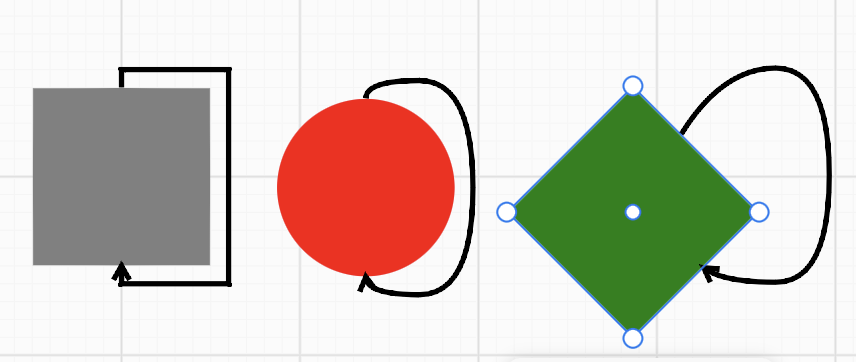
Lesson 31 - Bindings between shapes 🔗
- Analyze the data-structure design in excalidraw, tldraw, drawio and g6
- Perimeter algorithm, including rectangle and ellipse
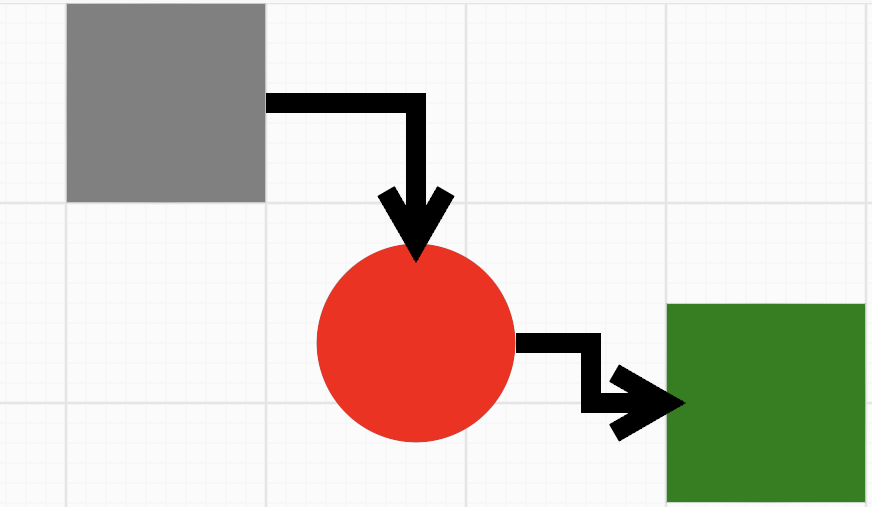
- Routing rules
- Orth Connector
- Segment Connector
- Loop Connector
- More line styles: rounded, curved and bezier
| Bindings |
Orth Connector |
Loop Connector |
 |
 |
 |
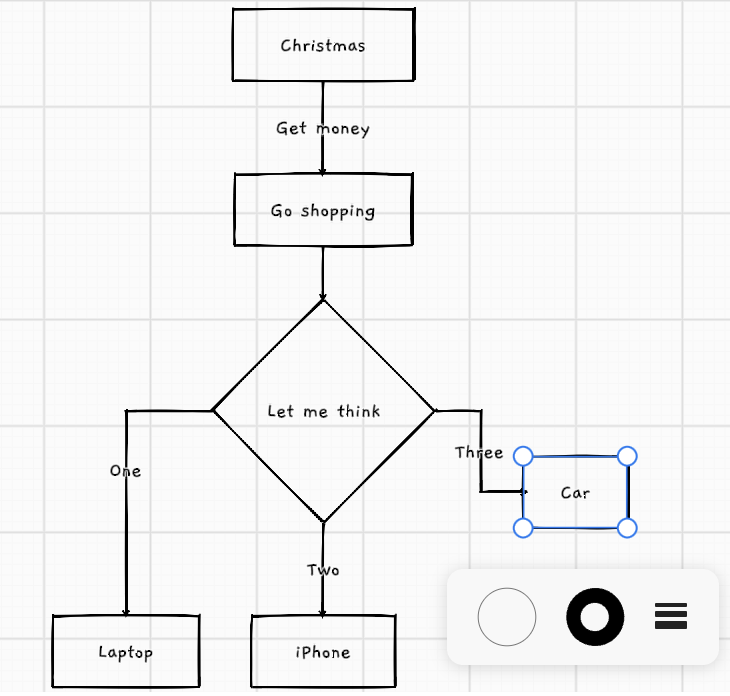
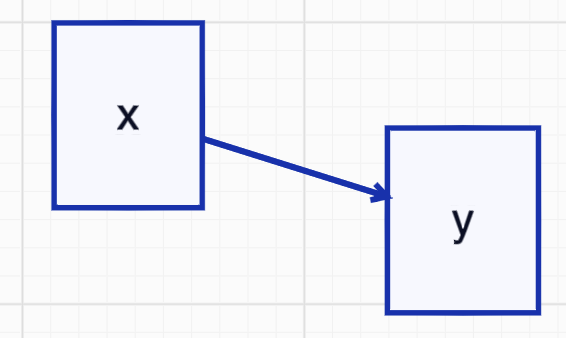
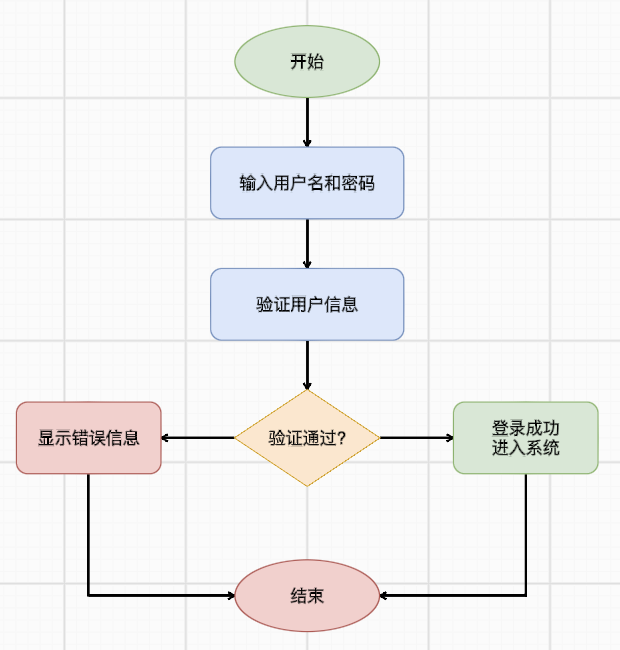
Lesson 32 - Text to diagram 🔗
- Parse Mermaid and render in our canvas
- Parse D2 and render in our canvas
- Parse draw.io and render in our canvas
- Implement label on edge and improve its readability
| Mermaid flowchart |
D2 flowchart |
Draw.io flowchart |
 |
 |
 |
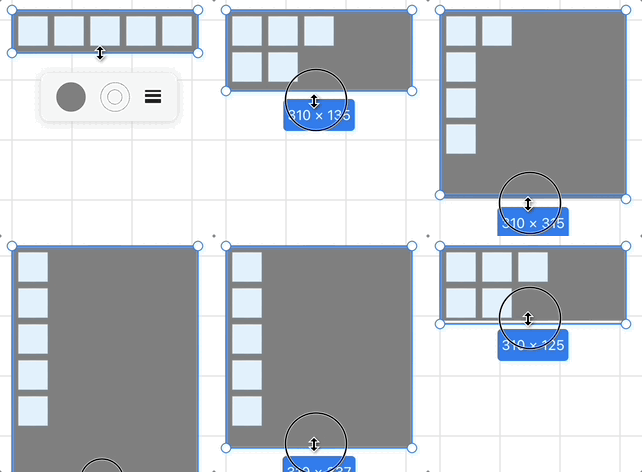
Lesson 33 - Layout engine 🔗
- Implement Flexbox layout with Yoga
- AlignItems & JustifyContent
- Gap
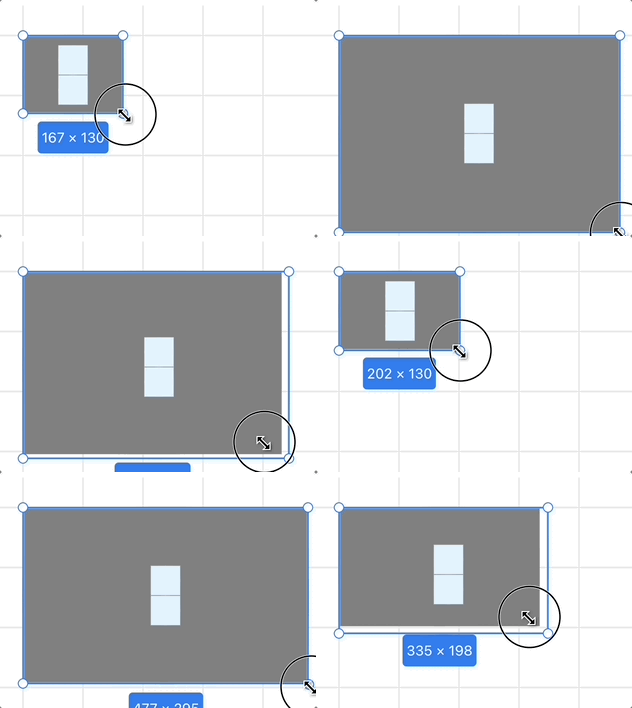
- Flex Basis, Grow, and Shrink
- Min/Max Width and Height
| Gap |
AlignItems & JustifyContent |
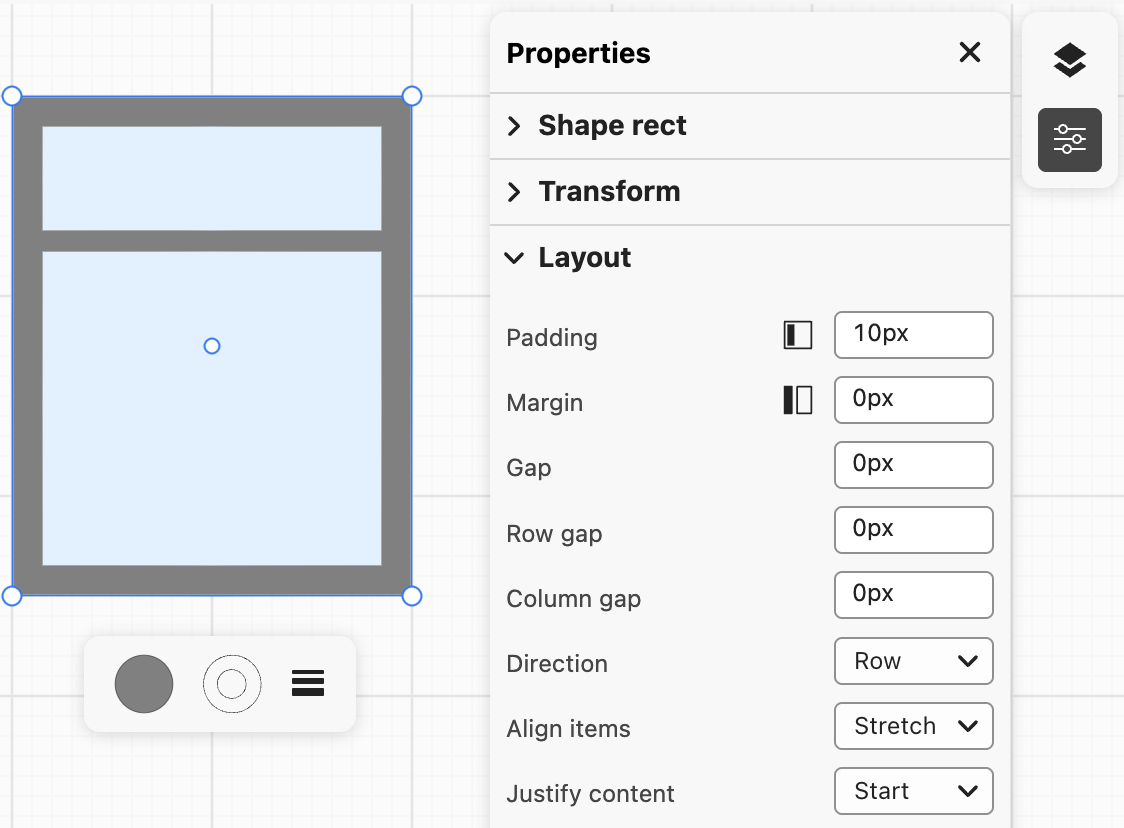
Layout panel |
 |
 |
 |
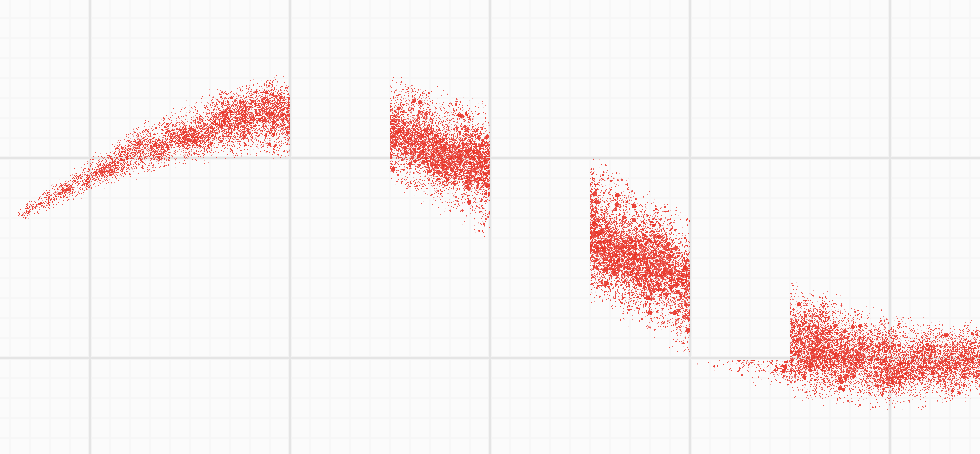
Lesson 34 - Frame and clip 🔗
- Implement clip and mask effect with stencil buffer
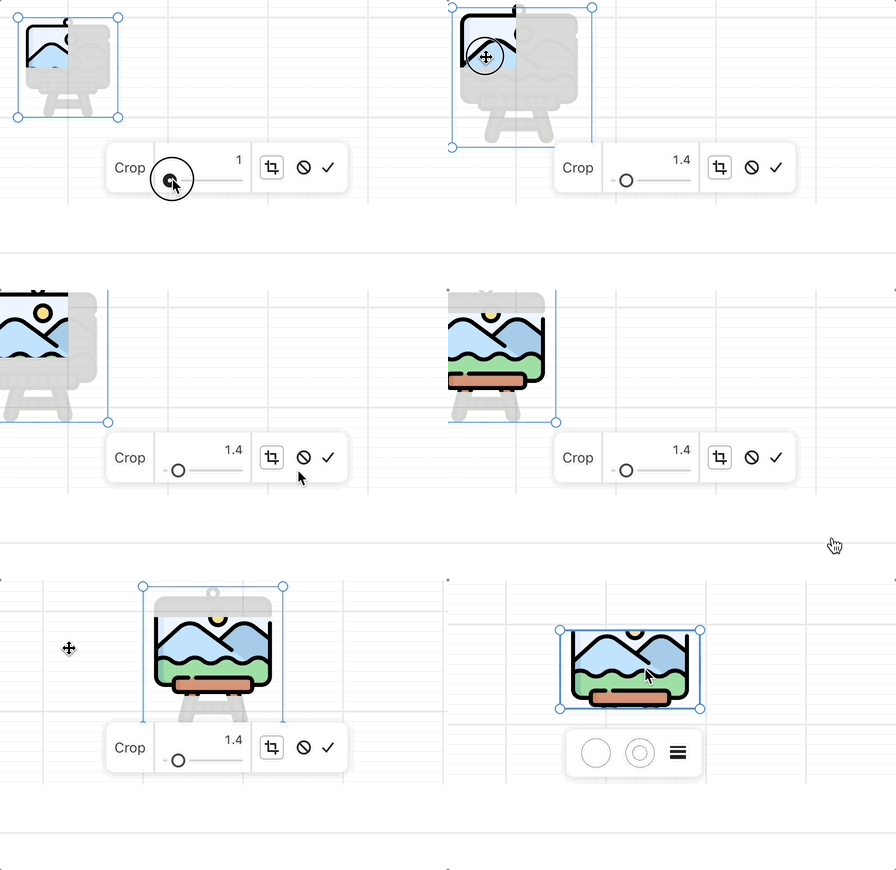
- Crop an image
- Non-atomic eraser
| Crop an image |
Brush with eraser |
 |
 |
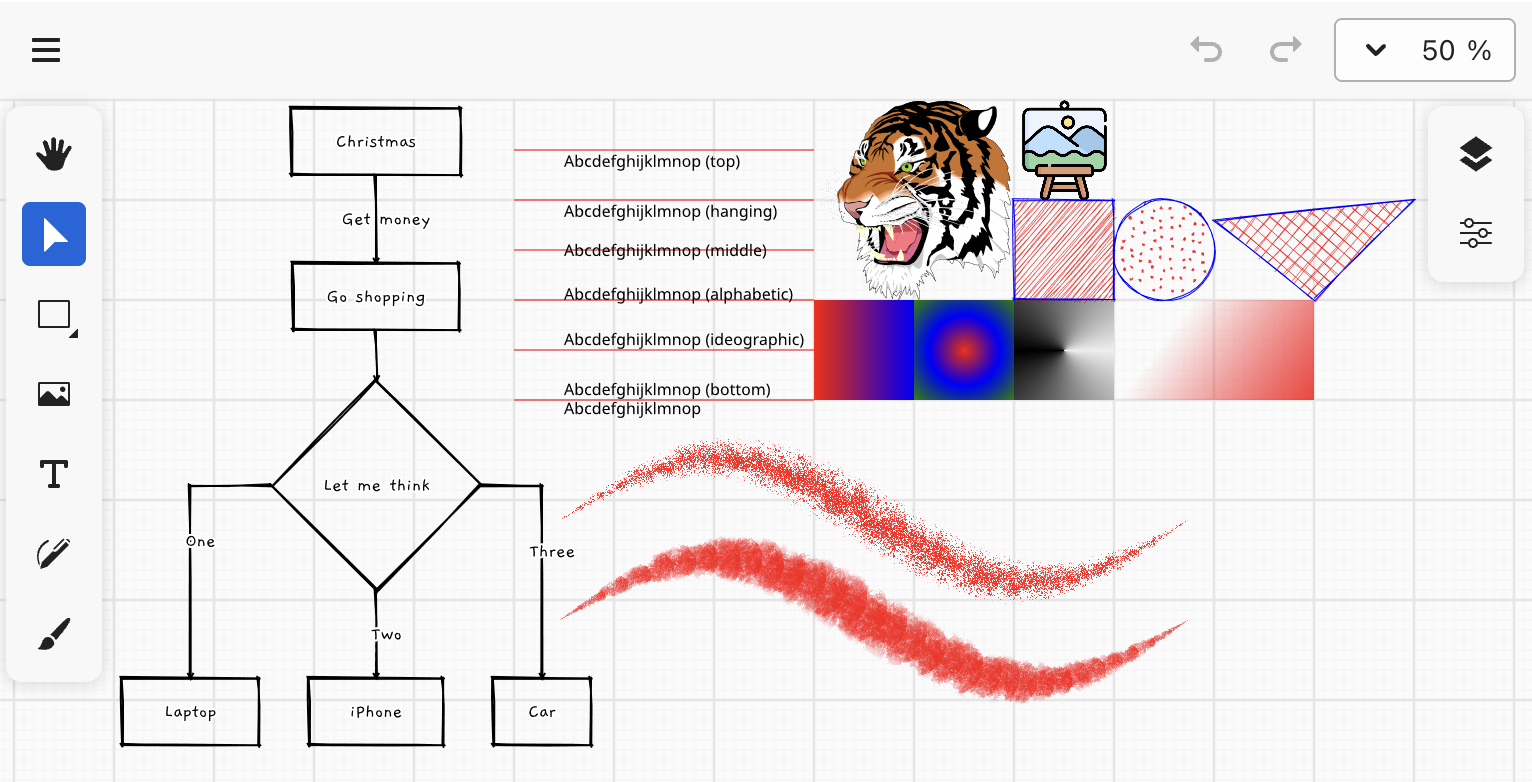
Lesson 35 - Tile-based rendering 🔗
- Use vello as tile-based rendering engine via WASM, fully based on WebGPU compute shader
- Text shaping, BiDi with parley
- Compute bounds of Polyline, Path and hit-testing with kurbo
| Vello |
|
 |
|
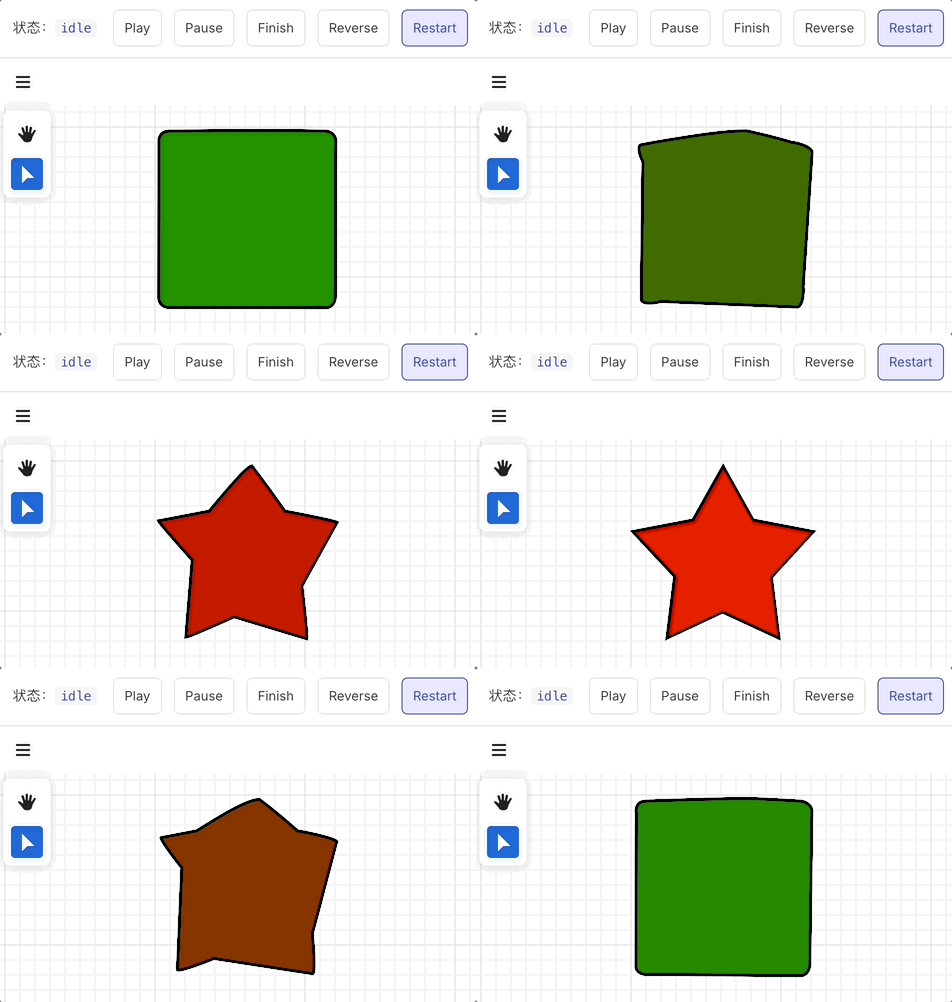
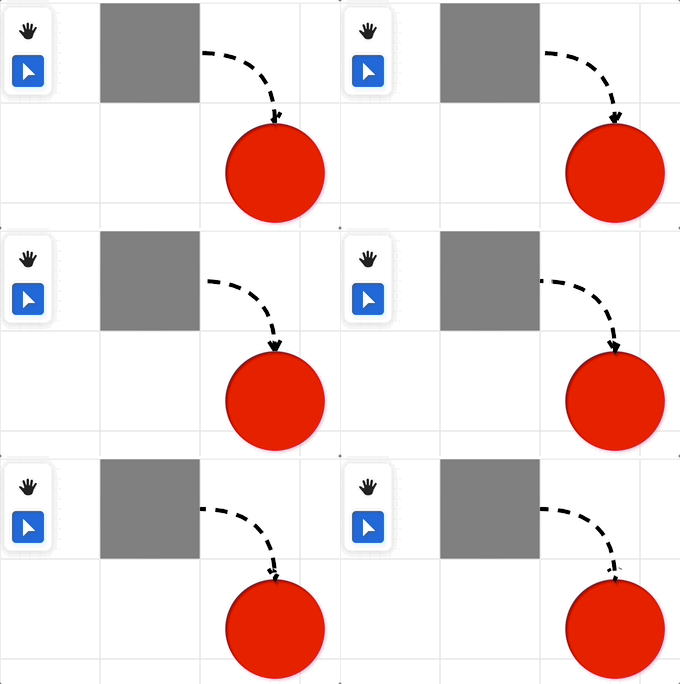
Lesson 36 - Animation 🔗
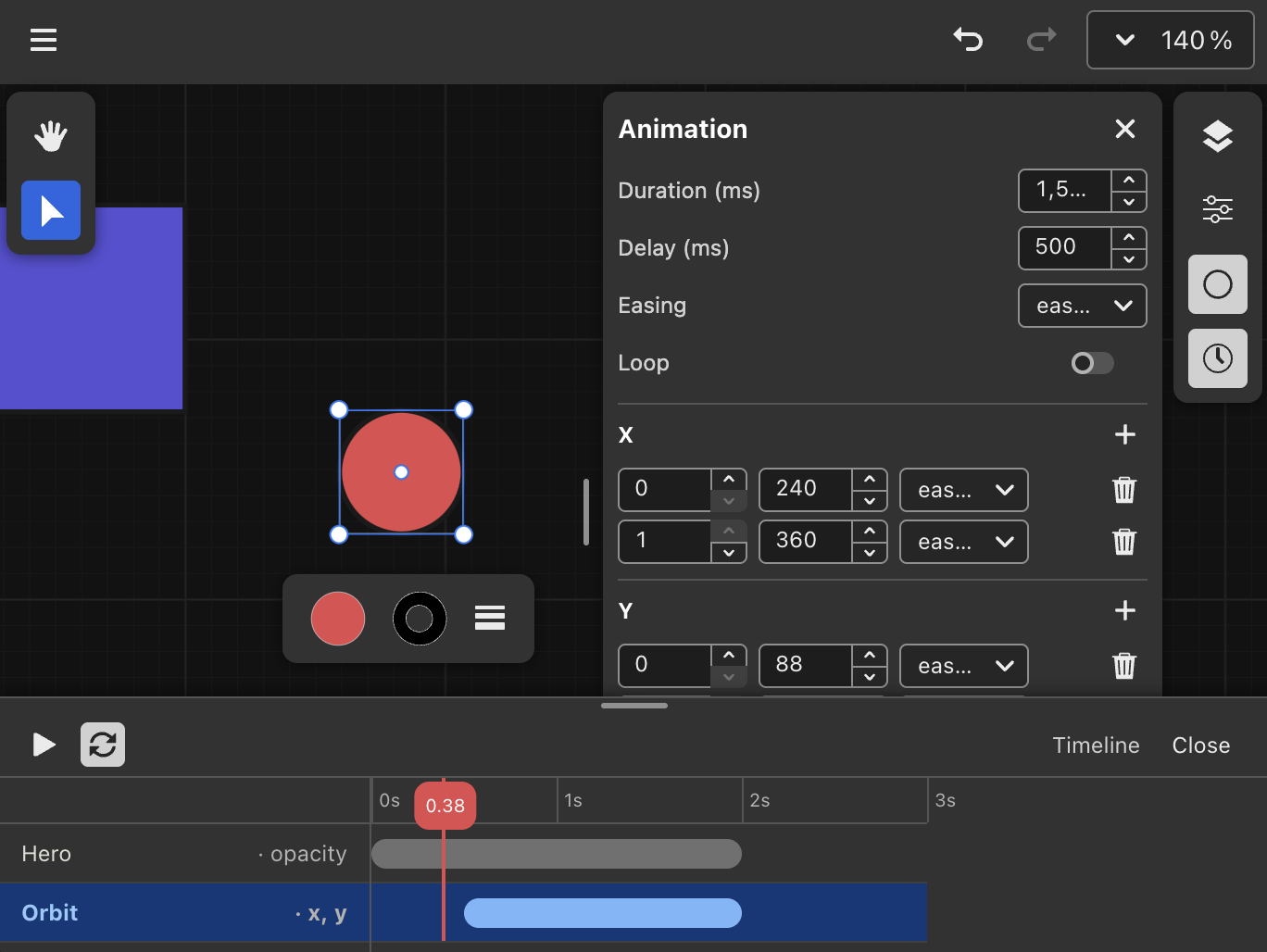
- How to design an animation API
- How to implement declarative keyframes and controllers aligned with the Web Animations API
- How to implement path, stroke, and morphing effects
- How formats like Lottie fit in
- Timeline panel
| Morph |
Dashoffset animation |
Timeline panel |
 |
 |
 |
Lesson 37 - Global illumination with radiance cascades 🔗
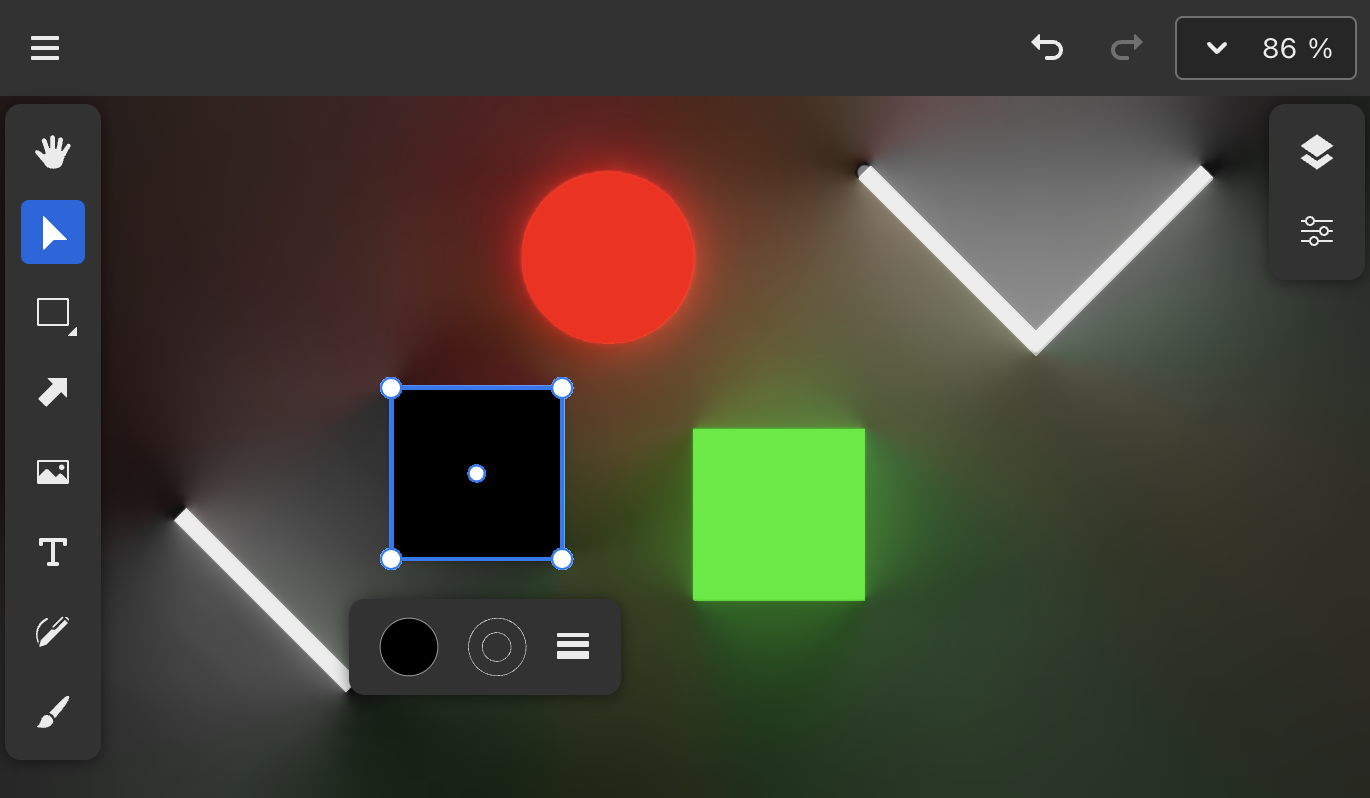
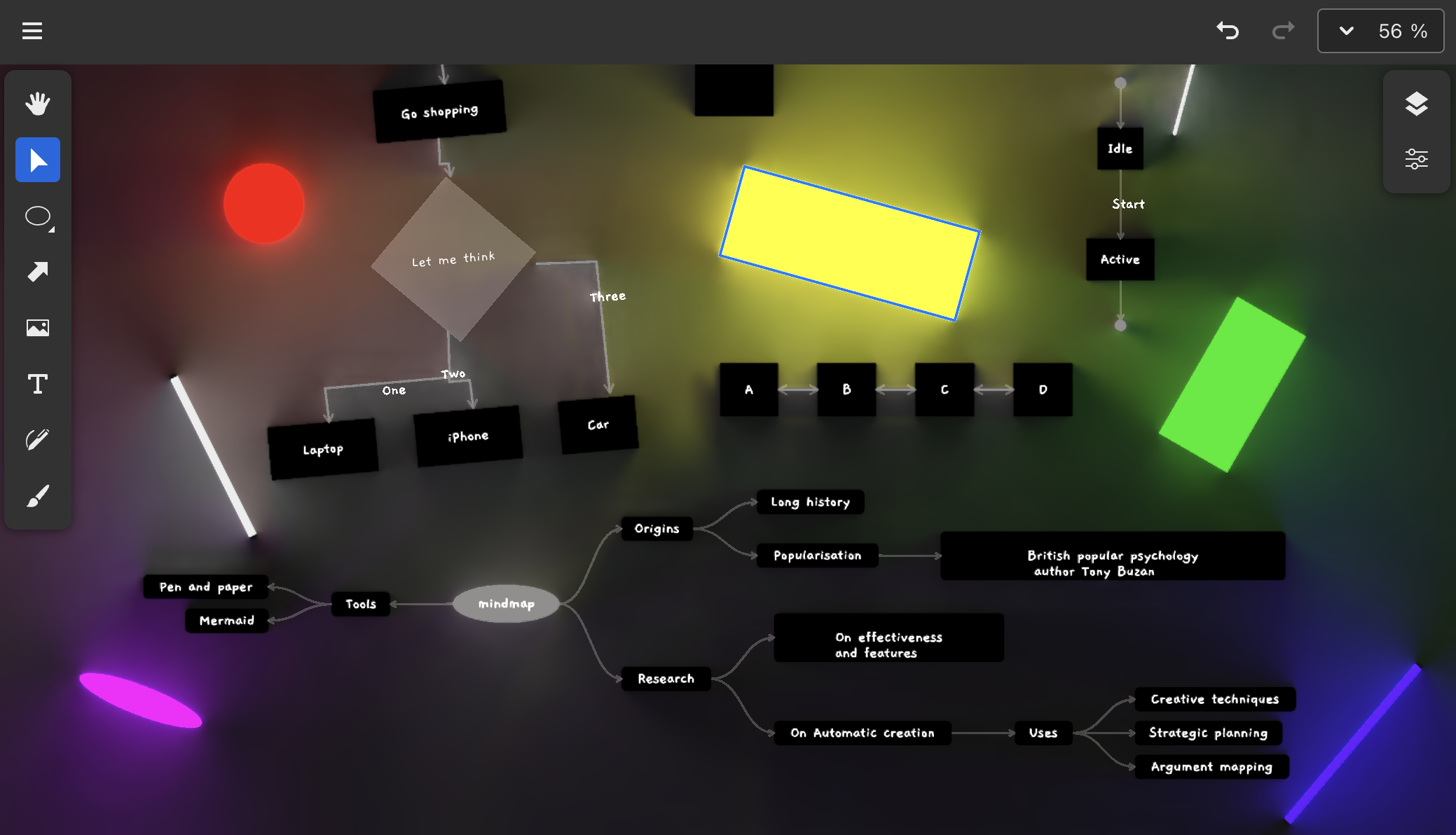
- Implement radiance cascades with WebGPU Compute Shader
- Generate SDF with analytic geometry methods
- Compute cascade: ping-pong, dispatch rays, raymarch and merge
- Generate mipmap
- Composite with vello pipeline
| Radiance Cascades |
with mermaid flowchart, mindmap, state diagram |
 |
 |
Lesson 38 - From design to code 🔗
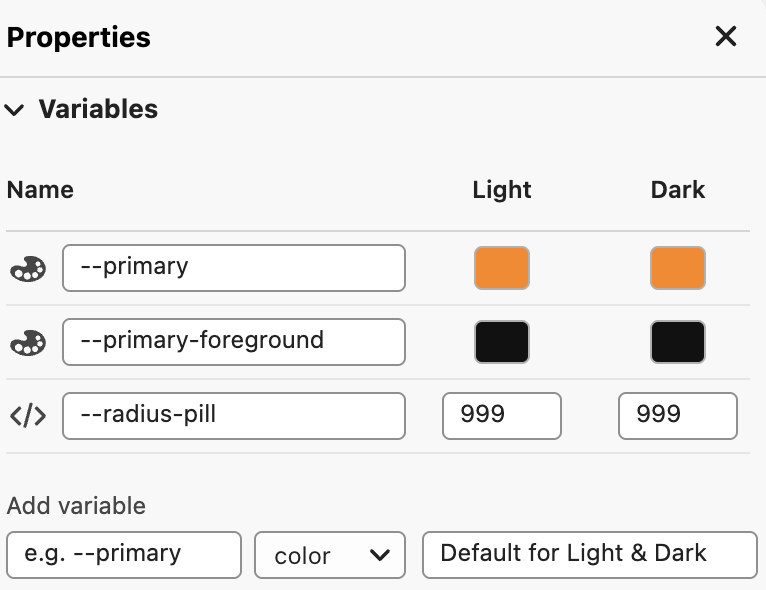
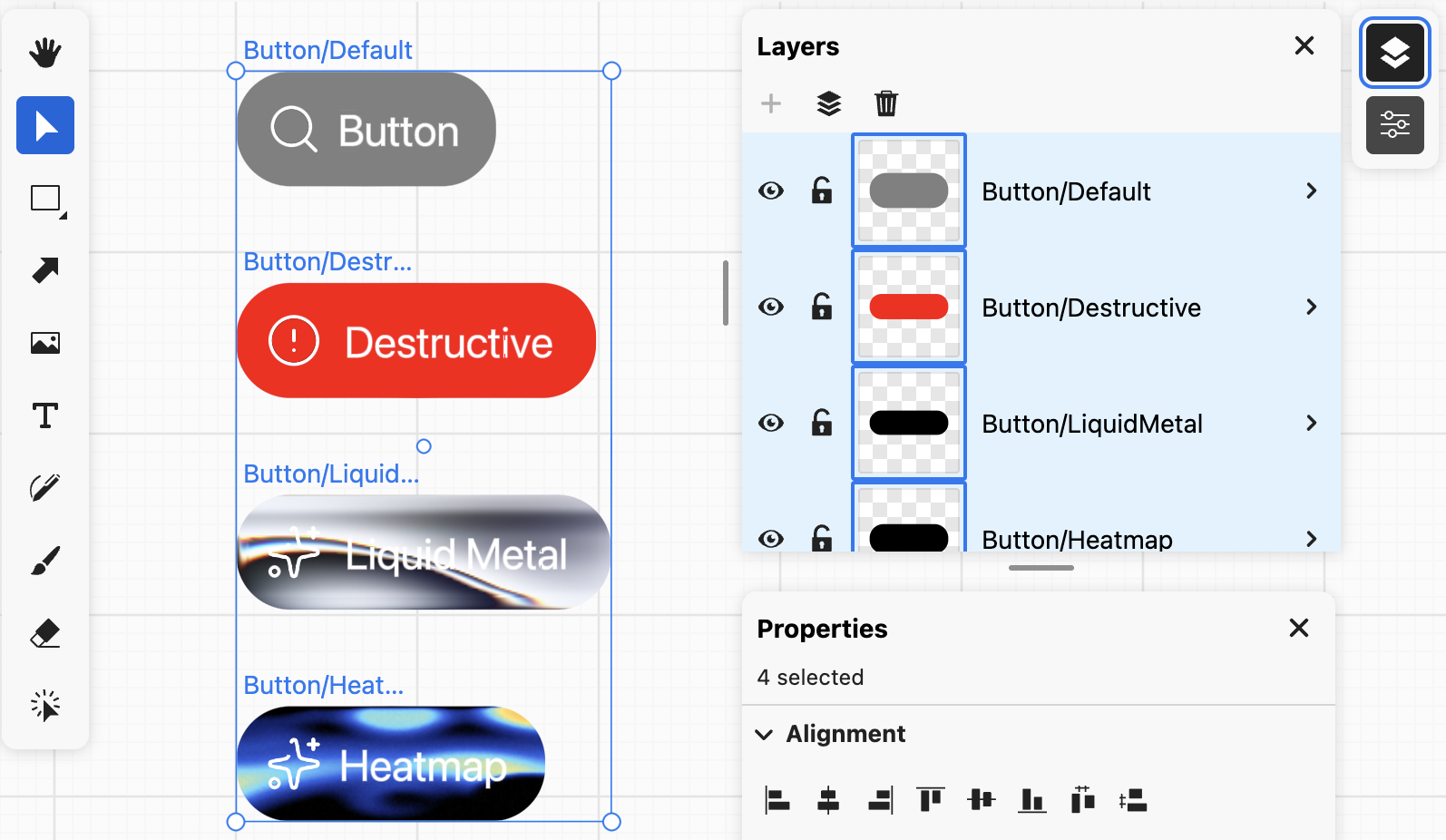
- Variables and themes
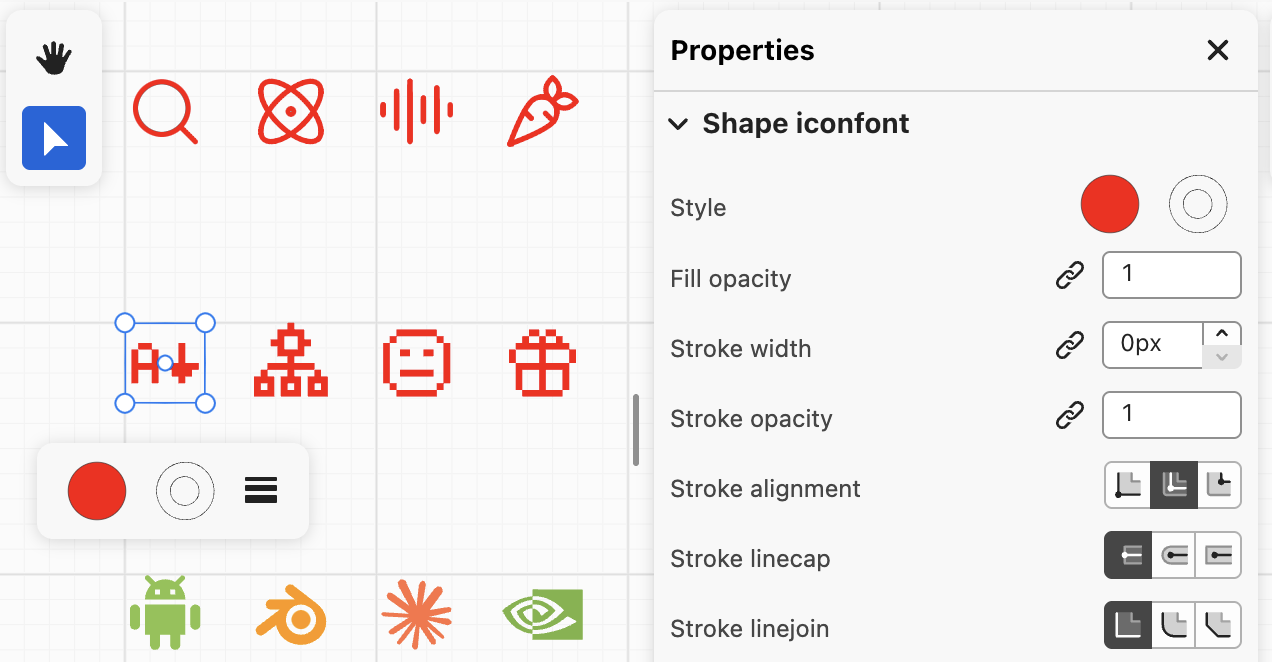
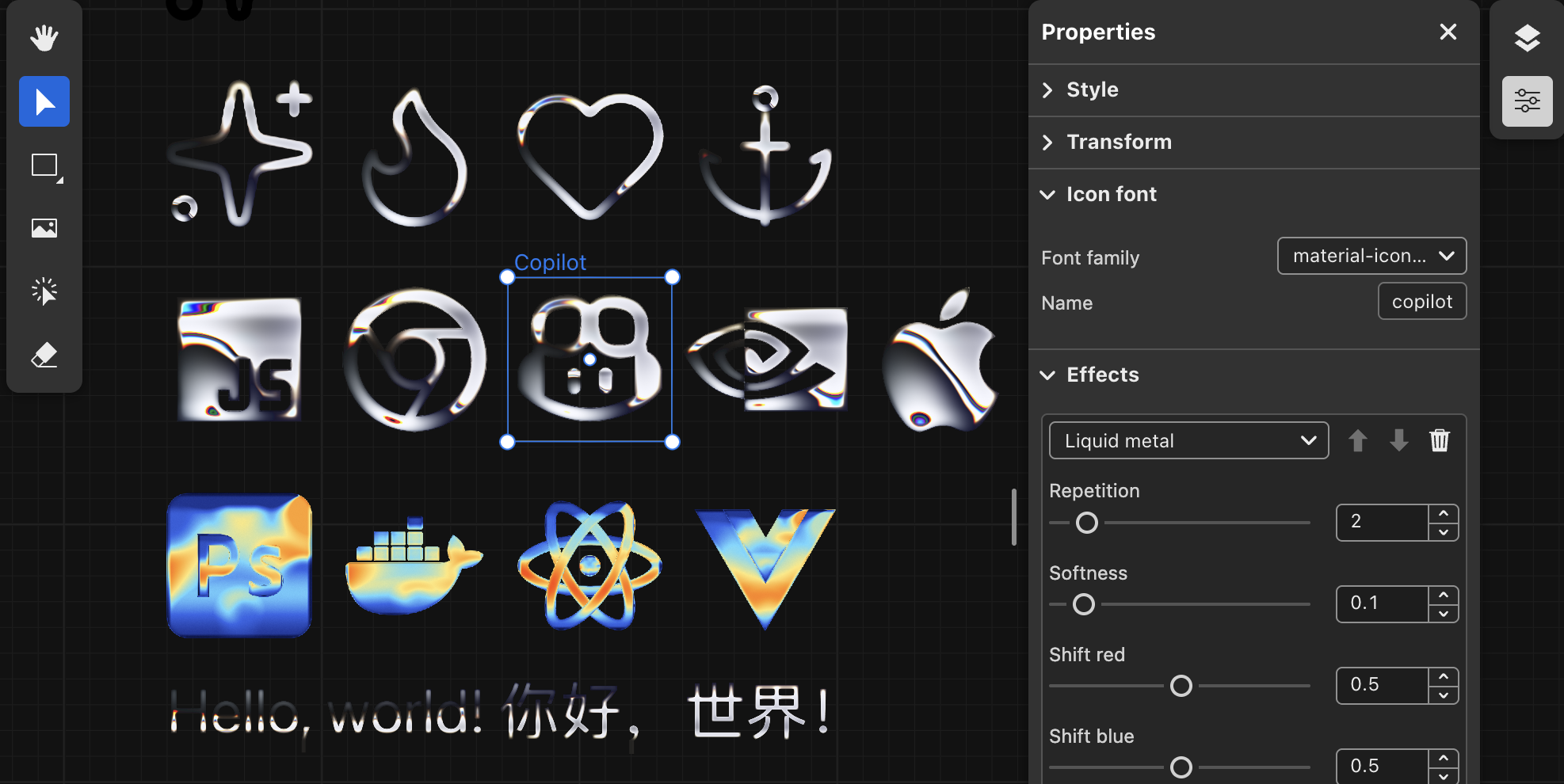
- Render iconfont, import lucide, material and other iconsets
- Use components and instances with ref and descendants
| Variables and themes |
Components and instances |
 |
 |
| Iconfont(lucide, material and pixelarticons) |
Iconfont with filters |
 |
 |
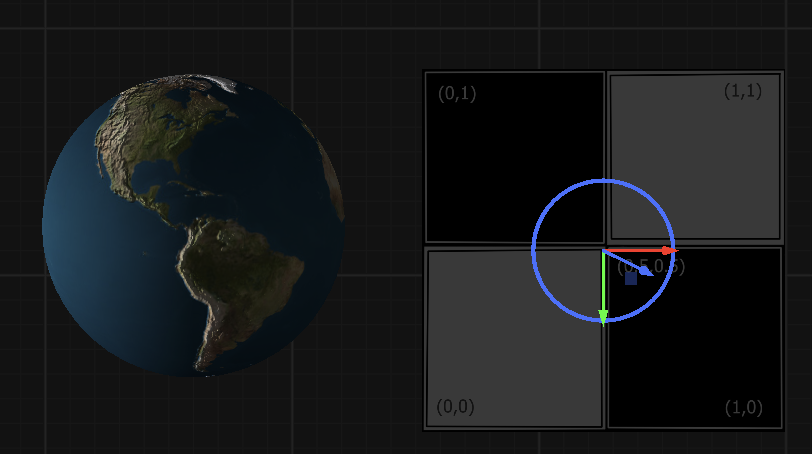
Lesson 39 - 3D mesh rendering 🔗
- 3D mesh pipeline
- Linked with 2D camera, orthographic and perspective
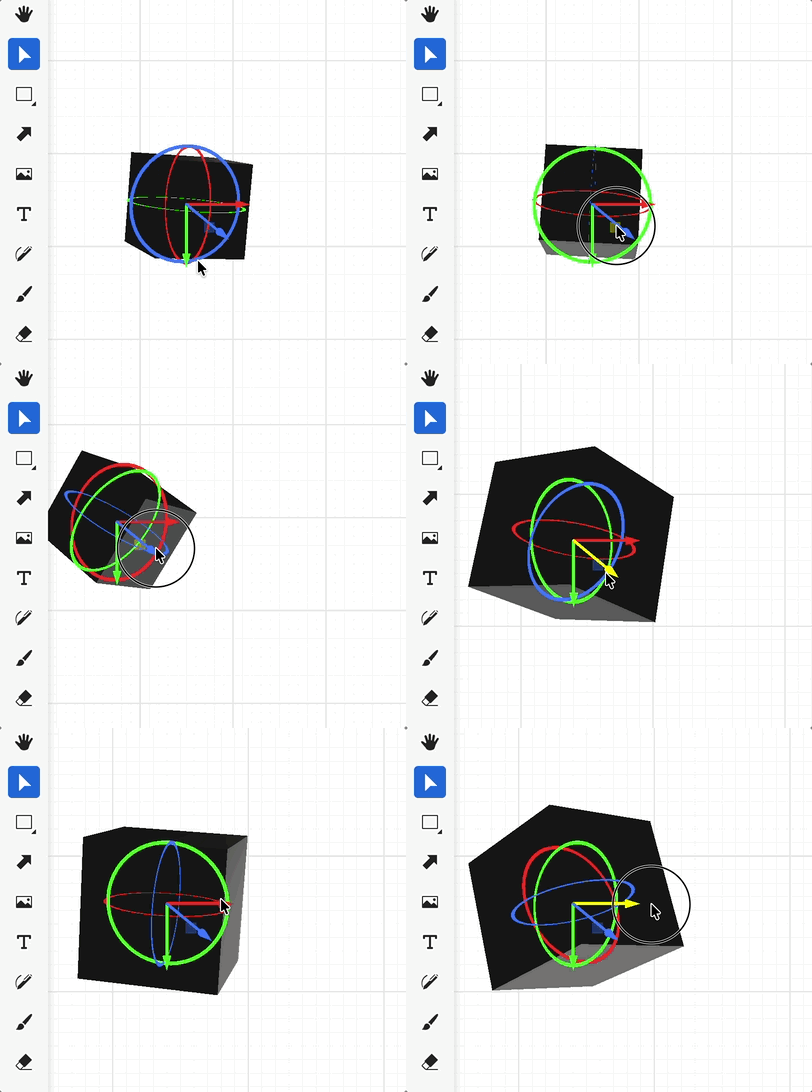
- 3D Gizmo
- Picking with raycast
- Lighting: ambient, spot, directional lights
| Gizmo |
Textured earth |
 |
 |
 xiaoiver