agentlytics
Comprehensive analytics dashboard for AI coding agents — Cursor, Windsurf, Claude Code, VS Code Copilot, Zed, Antigravi…
JavaScript★ 555
Opinionated macOS setup
 yatish27
git clone https://github.com/yatish27/omakos.gityatish27/omakos
Omakos turns your macOS laptop into a fully functional development machine in a single command. A shell script to setup a new mac.
Omakos is inspired by Basecamp's Omakub project. The name is a combination of "omakase" (お任せ, Japanese for "I leave it up to you") and "macOS", reflecting its purpose of providing a curated development environment setup for macOS.
It can be run multiple times on the same machine safely. It installs, upgrades, or skips packages based on what is already installed on the machine.
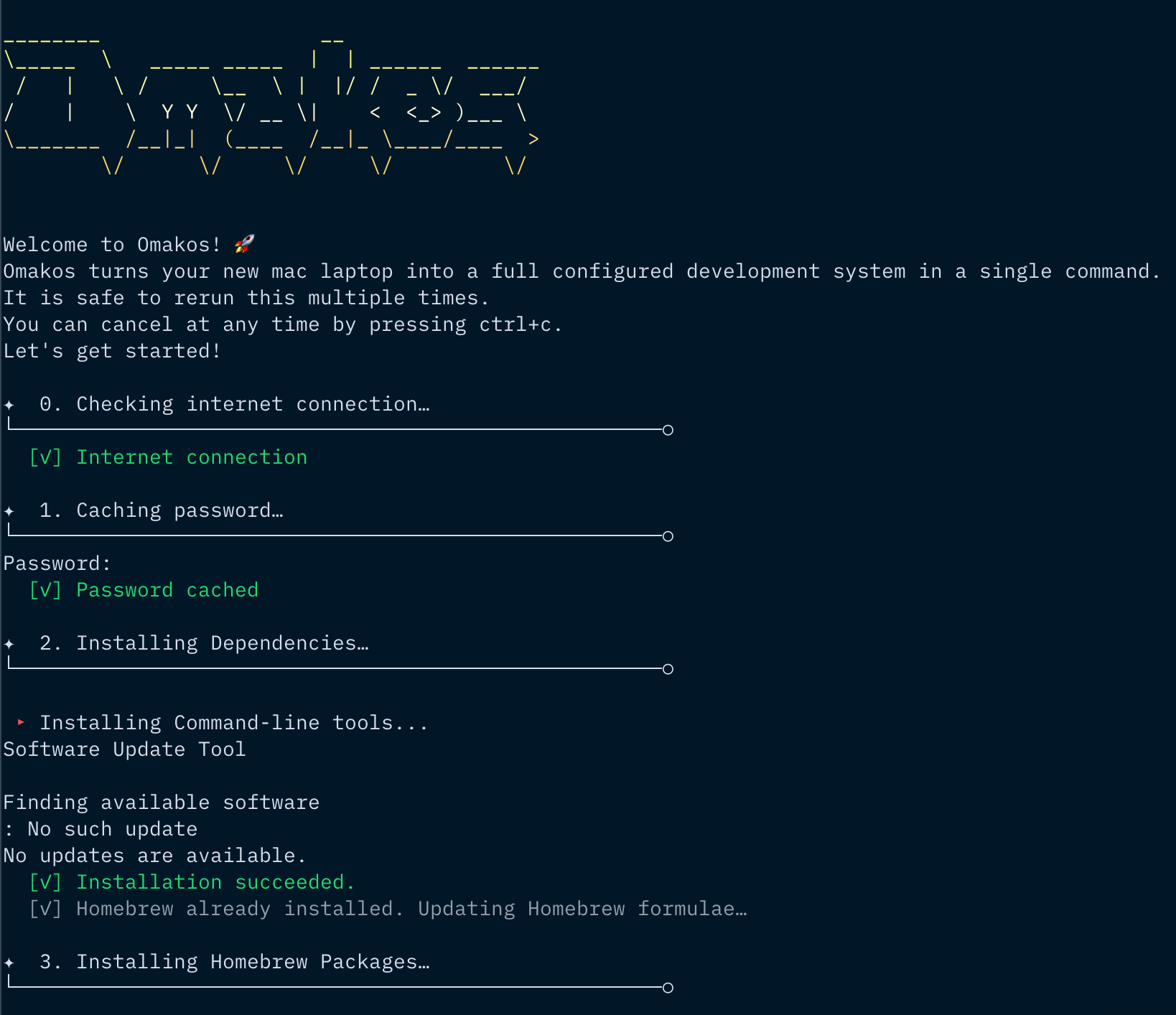
You can install Omakos using one of these two methods:
Run this single command in your terminal:
curl -L https://raw.githubusercontent.com/yatish27/omakos/main/install.sh | bash
If you prefer to review the code first:
git clone https://github.com/yatish27/omakos.git && cd omakos
less setup.sh
./setup.sh 2>&1 | tee ~/omakos.log
Just follow the prompts and you'll be fine. 👌
The setup process will install and configure the following tools and applications.
All packages are managed through Homebrew and defined in configs/Brewfile.
libpq for database management~/.mise.toml exists)The setup applies developer-optimized macOS configurations including:
~/Desktop/Screenshots/ folder without shadowsEach script in the scripts/ directory can be run independently:
# Run individual scripts
./scripts/mac.sh       # Only configure macOS settings
./scripts/git.sh       # Only setup Git configuration
./scripts/cursor.sh    # Only configure Cursor editor
./scripts/nvim.sh      # Only configure Neovim with LazyVim
./scripts/zed.sh       # Only configure Zed editor
./scripts/iterm2.sh    # Only configure iTerm2
./scripts/mise.sh      # Only setup mise and install configured runtimes
./scripts/rubocop.sh   # Only setup Rubocop configuration
./scripts/gemrc.sh     # Only setup Gem configuration
./scripts/irbrc.sh     # Only setup IRB configuration
./scripts/zshrc.sh     # Only setup Zsh configuration
./scripts/ssh.sh       # Only configure SSH settings
The scripts are designed to be:
The project follows a modular structure where each component is responsible for a specific setup task. You can run any script individually if you only want to set up specific parts of your system.
omakos/
├── setup.sh                 # Main setup script
├── scripts/
│   ├── ascii.sh            # ASCII art for terminal output
│   ├── brew.sh             # Homebrew package installation
│   ├── cursor.sh           # Cursor editor configuration
│   ├── gemrc.sh            # Gem configuration
│   ├── ghostty.sh          # Ghostty terminal configuration
│   ├── git.sh              # Git configuration
│   ├── irbrc.sh            # IRB configuration
│   ├── iterm2.sh           # iTerm2 configuration
│   ├── mac.sh              # macOS system preferences
│   ├── mise.sh             # Mise runtime manager setup
│   ├── nvim.sh             # Neovim configuration
│   ├── rubocop.sh          # Rubocop configuration
│   ├── ssh.sh              # SSH configuration
│   ├── utils.sh            # Utility functions
│   ├── zed.sh              # Zed editor configuration
│   ├── zsh.sh              # ZSH shell setup
│   └── zshrc.sh            # Zshrc configuration
├── configs/
│   ├── Brewfile            # Homebrew packages list
│   ├── cursor/             # Cursor editor settings
│   ├── git/                # Git configuration files
│   ├── iterm2/             # iTerm2 preferences
│   ├── nvim/               # Neovim configuration with LazyVim
│   ├── ssh/                # SSH configuration files
│   ├── zed/                # Zed editor settings
│   ├── gemrc              # Ruby gems configuration
│   ├── ghostty.conf       # Ghostty terminal config
│   ├── irbrc              # IRB (Interactive Ruby) configuration
│   ├── mise.toml          # Mise runtime versions config
│   ├── rubocop.yml        # Ruby code style config
│   └── zshrc              # Zsh shell configuration
└── README.md
The configs/ directory contains all config files.
The script is designed to be customizable. You can:
Brewfile to add/remove packagesscripts/mac.shconfigs/ directoryThis project is licensed under the MIT License - see the LICENSE file for details.
Inspiration and code was taken from many sources, including:
more like this
Comprehensive analytics dashboard for AI coding agents — Cursor, Windsurf, Claude Code, VS Code Copilot, Zed, Antigravi…
Free open-source Cloudflare R2 desktop client and S3 GUI for macOS, Windows, and Linux. Manage Cloudflare R2, AWS S3, M…
search projects, people, and tags