moxon-frame-generator
simple generator for 3D-printed frames for a moxon rectangle antenna
OpenSCAD★ 50
Cura plugin which enables you to add 6 types of custom supports. It was originaly based on the Support Eraser plugin co…
 5axes
5axesgit clone https://github.com/5axes/CustomSupportCylinder.git5axes/CustomSupportCylinderCura plugin which enables you to add custom different support types. It was originaly based on the Support Eraser plugin code of Ultimaker BV. But instead of creating only a fixed sized cube "anti_overhang_mesh", this plugin offer you the possibility to define a custom sized shape "support_mesh" element.
Source code on Github : https://github.com/Ultimaker/Cura/tree/master/plugins/SupportEraser
New 2.4.0
New 2.5.X
New 2.6.X
Updated for Cura 5.0
The initial version was tested on Cura 4.5 but last release tested from 4.5 to 5.0
Download the latest release from this repository
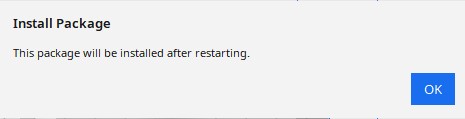
Drop the curapackage according to your Cura release in the 3d viewport in Cura as if you were opening a 3d model. You will then be prompted to restart Cura.
First, make sure your Cura version is 4.5 or newer. This plugin is now avalaible in the Cura marketplace. So you can install it automaticaly from this place:
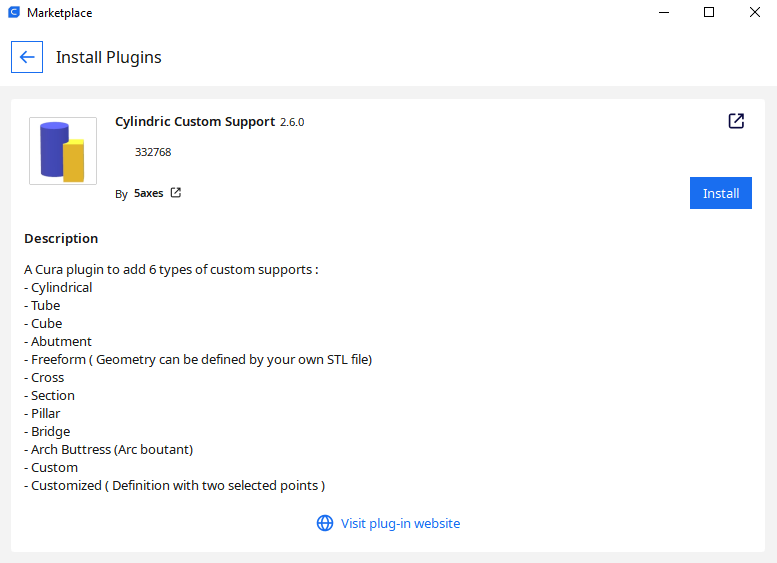
Cylindric Custom Support on Ultimaker Market place
Load a model in Cura and select it
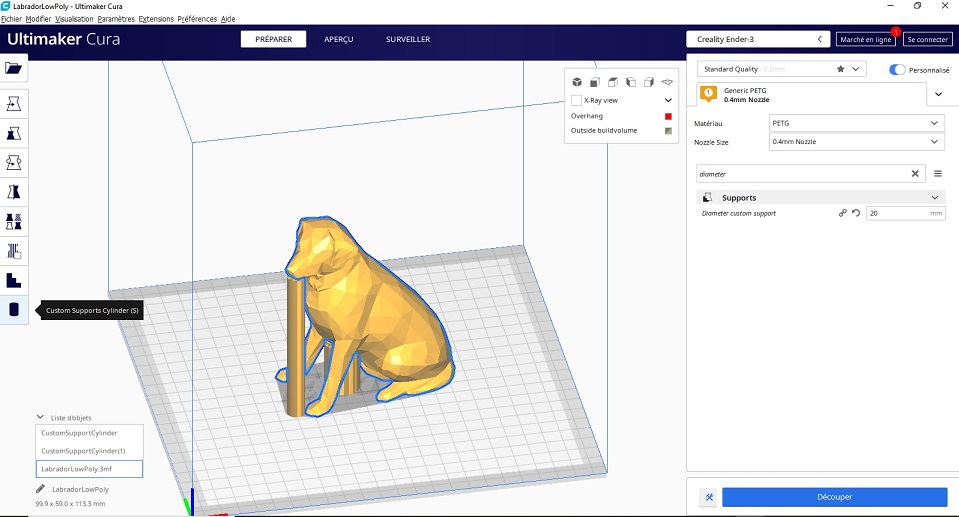
Click on the "Custom Supports Cylinder" button on the left toolbar
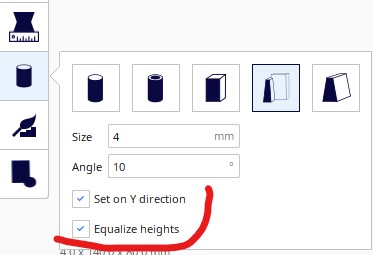
With the 6 buttons in the plugin windows, it's possible to switch the geometry between a cylinder, a tube, a cubic, an abutment, a freeform or a custom support.
Change the value for the support Size in numeric input field in the tool panel if necessary
Change the value for the support Angle in numeric input field in the tool panel if necessary (Version 1.0.03)
You can limit the size of the tappered support by fixing a Max Size Value if necessary (Version 2.4.0)
Change the value for the support Interior size in numeric input field in the tool panel if necessary (Version 2.2.0 for Tube support)
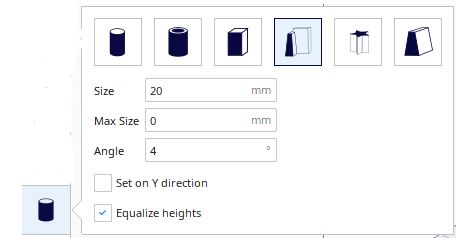
Select the type of support to create with the buttons in the support plugin interface :

Clicking existing support deletes it
Clicking existing support + Ctrl switch automaticaly to the Translate Tool to modify the position of the support.
Clicking existing support + Alt this shorcut allow to add a support on a existing support.
Before to slice your model, uncheck the "Generate Support" checkbox in the right panel (if you want to use ONLY custom supports)
Note: it's easier to add/remove supports when you are in "Solid View" mode
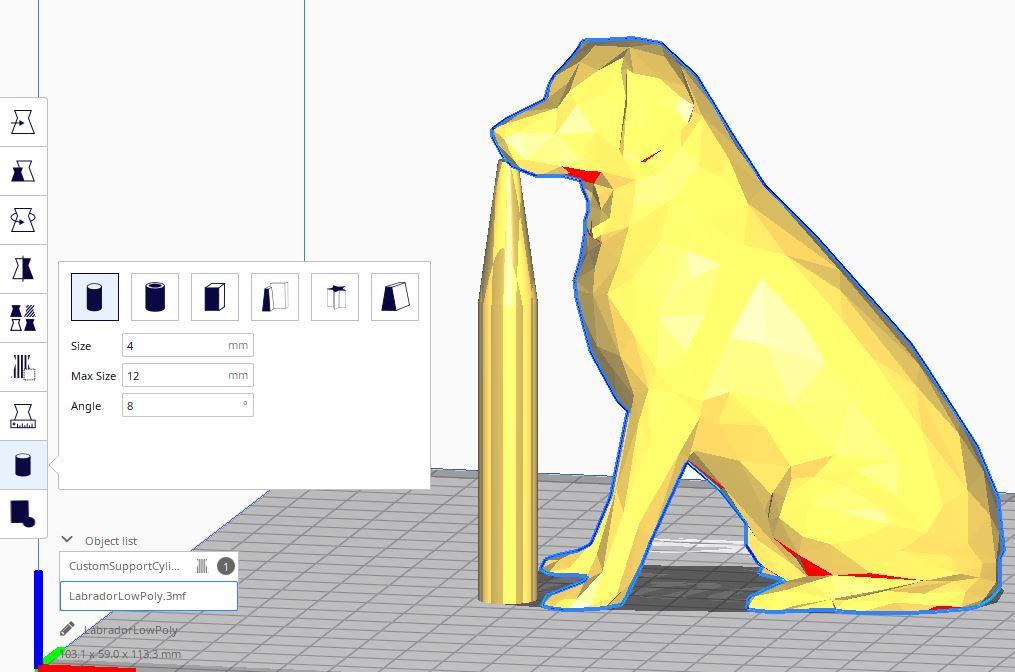
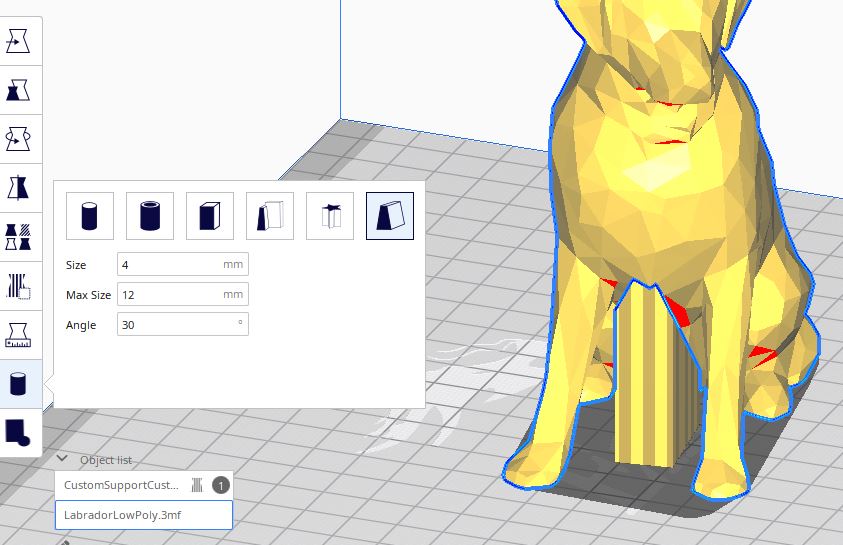
To create custom support you need to clic 2 points on the model.
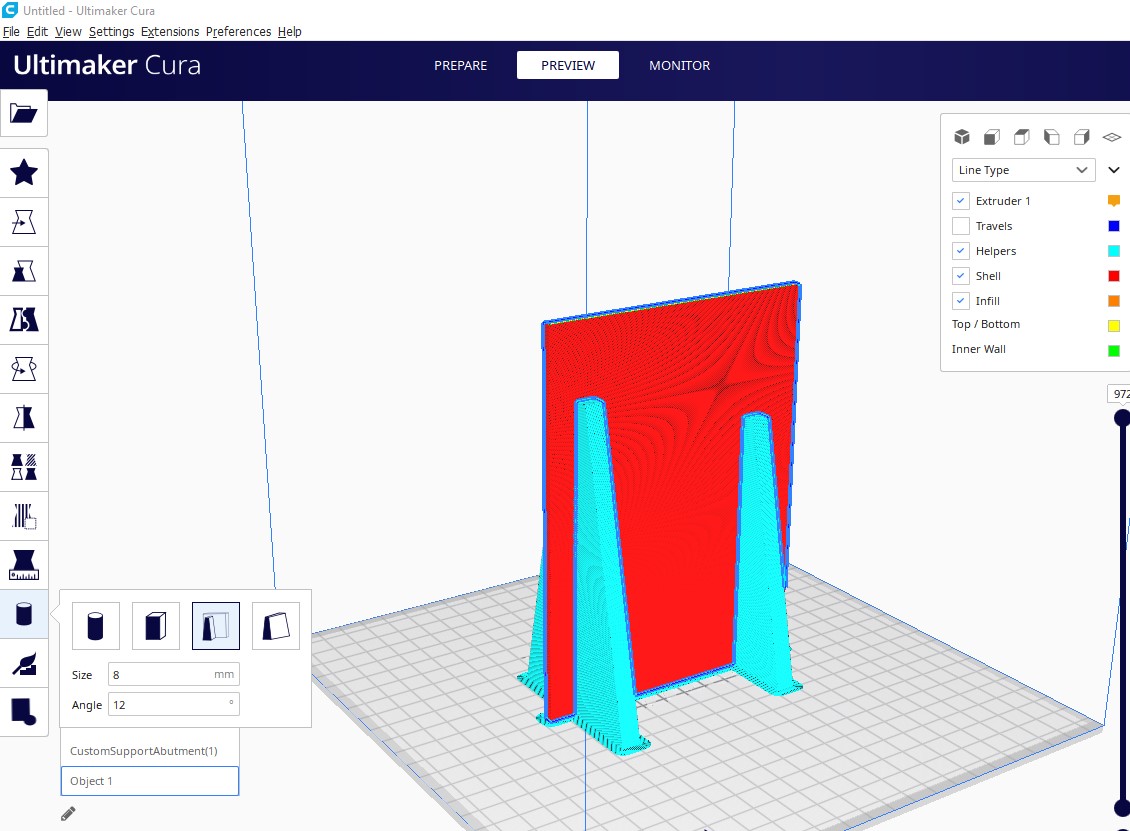
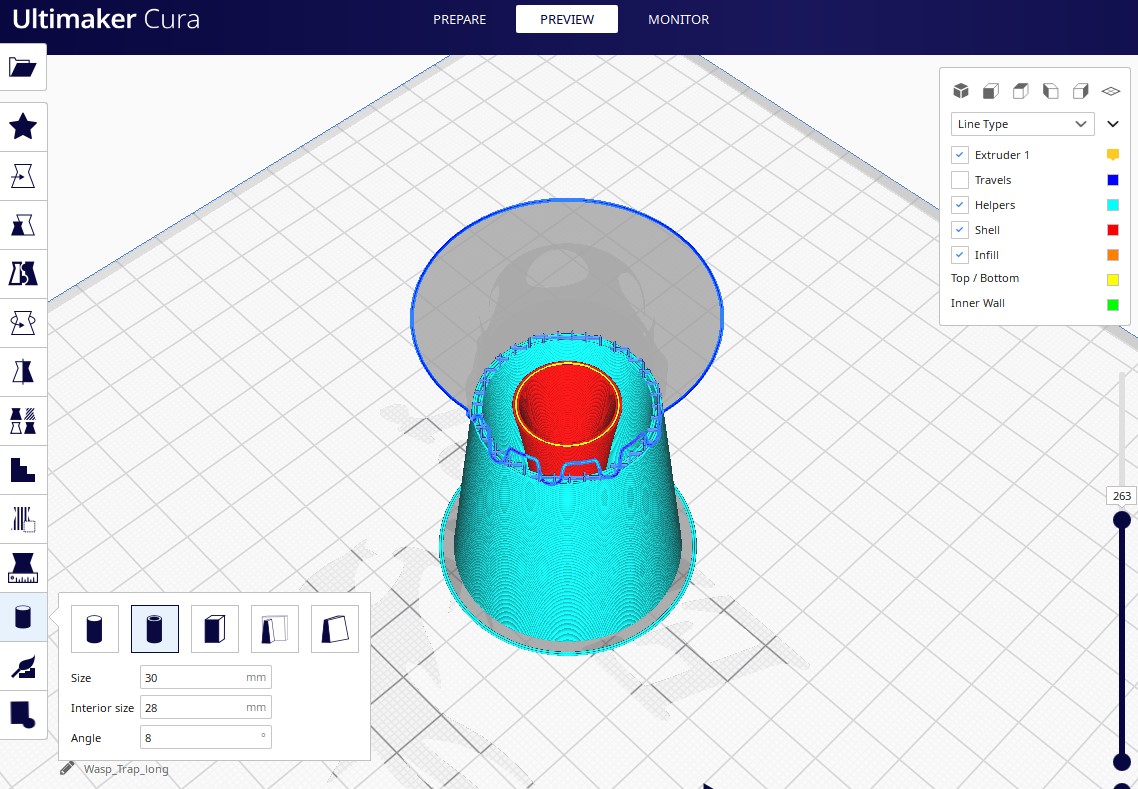
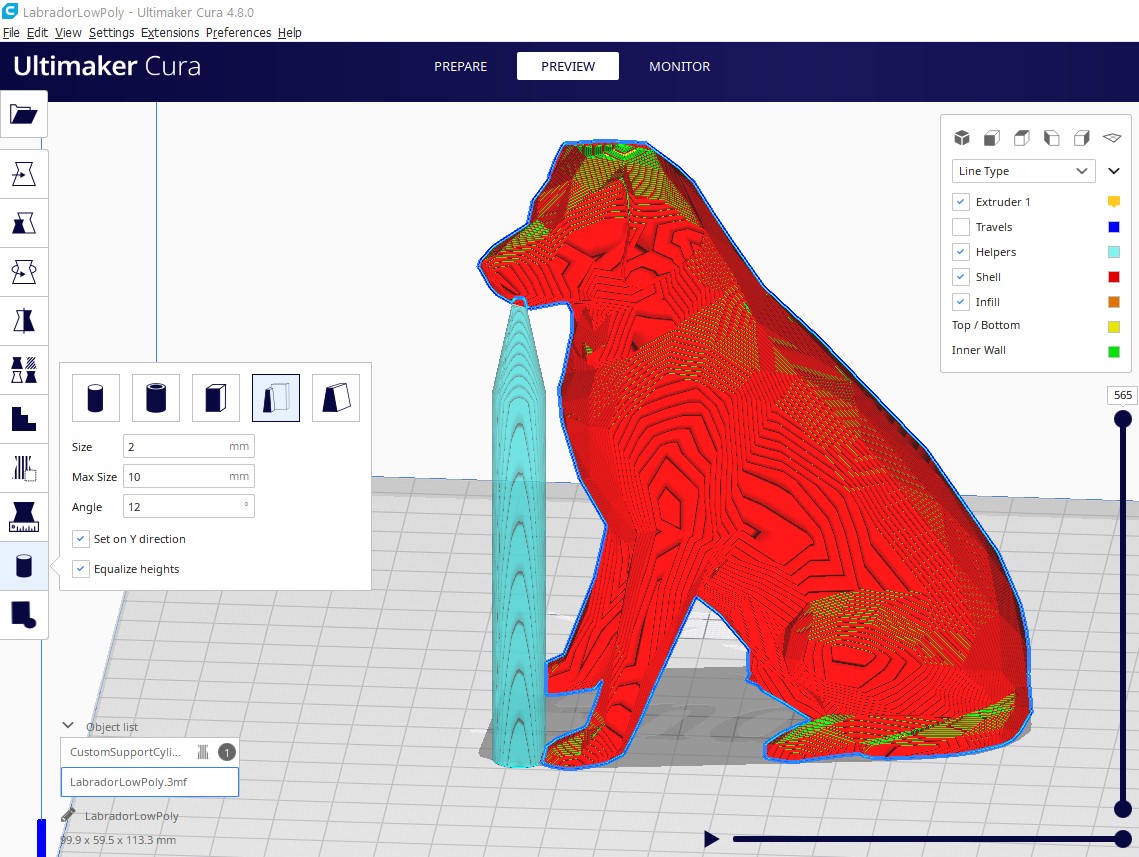
Version 2.4.1 : By default Support Mesh are not define as Drop Down Support Mesh. This option will offer the possibility to define new shape for the mesh. But this modification must be validated by the users before going further in the development.
Version 2.5.X : New option for Freeform Support : Can add a support with a form freely defined by an STL file ( Model must have the size 1x1x1 bo be modified according to the Size value and the height ) :
Version 2.6.X : Update for Cura 5.0
Version 2.7.0 : Add possibility to translate the plugin. Add French translation
Version 2.7.1 add auto-orientation on freeform support.
Version 2.8.0 Add Define As Model For Cylindrical Model.
Version 2.8.1 Change Code for automatic orientation.
more like this
simple generator for 3D-printed frames for a moxon rectangle antenna
GPX 轨迹转 3D 可打印地形模型 | Hiking trail to 3D printable terrain | Electron + Vue。 一款面向户外爱好者与 3D 打印玩家的 Web 工具。将 GPX 徒步/骑行轨迹一键转…
Install and monitor KlipperScreen on Android via DroidKlipp APK, USB ADB forwarding, and WiFi fallback
search projects, people, and tags