flex-horseshoe-card
Flexible Horseshoe card for Home Assistant Lovelace UI. A card with a flexible layout, a horseshoe-like donut graph, s…
 AmoebeLabs
git clone https://github.com/AmoebeLabs/flex-horseshoe-card.gitAmoebeLabs/flex-horseshoe-card
 Flexible Horseshoe Card
Flexible Horseshoe Card is a highly configurable dashboard card for Home Assistant. Use it to combine entity data, horseshoe gauges, text, icons, shapes, colors, animations, and history graphs in a layout that is entirely your own.
Build a simple gauge with a single value, or create a complete reusable dashboard element with multiple entities and visual layers.
-- IMPORTANT NOTE --
The manual and this README is based on the latest v5.4-7.dev.* version. A new stable version will be released in August and will not be very different from the current dev version. You can install any dev version and revert if necessary using HACS! No harm done.
Read the manual | Install the card | Browse examples
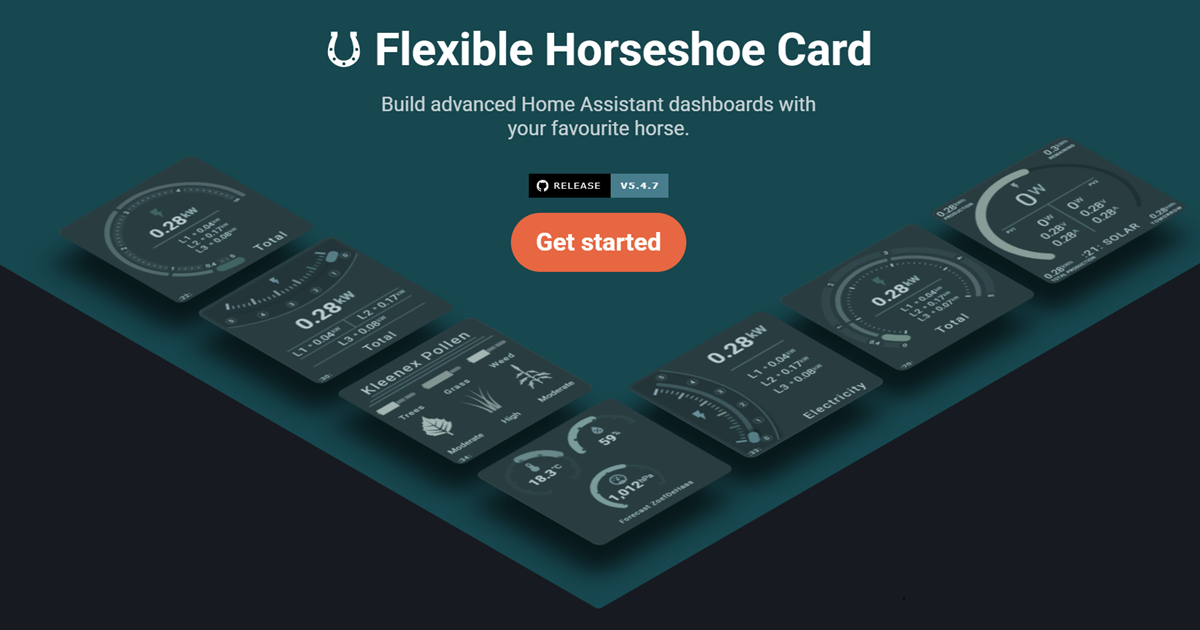
What is the Flexible Horseshoe Card?
The card turns Home Assistant entity states and attributes into compact visual dashboard components. A card can contain one simple gauge and value, or combine multiple entities, horseshoes, labels, icons, shapes, and graphs into a complete reusable dashboard element.
Unlike cards with a fixed layout, the Flexible Horseshoe Card lets you position every item individually or organize related items into groups. SVG-based rendering keeps layouts scalable, while Home Assistant integration supplies entity names, units, icons, localization, state colors, actions, and theme variables.
⚙️ Powerful and highly configurable
Configure custom card dimensions and populate a layout with any number of entities, horseshoes, lines, circles, and other visual shapes. Position items individually with the layout overview, or use positioning and groups to move, scale, and rotate related elements together.
🧩 Build faster with less YAML
Reuse similar section items with same_as instead of copying complete YAML blocks. Shared constants, ref(), and calc() keep colors, positions, and dimensions consistent. The reuse introduction explains the available layers, while the reuse reference documents each option.
🏠 Built with and for Home Assistant
Flexible Horseshoe Card uses Home Assistant entity names, units, icons, areas, state colors, actions, themes, and localization and formatting. Override precision, units, icons, names, and other values through entity definitions whenever a card needs more control.
💻 Dynamic templating
Use JavaScript templating throughout supported areas of the card configuration to change icons, colors, styles, positions, and behavior from current entity states. Card templates, color stops, and state maps make the same design reusable for different sensors.
🎨 Color stops and gradients
Apply fixed colors, state-based thresholds, segmented colors, or smooth gradients through color stops. The same color configuration can style horseshoes, graphs, icons, states, names, labels, lines, circles, and other supported elements.
🖌️ Themes and palettes
Use existing Home Assistant theme variables or load external color palettes with separate light and dark mode colors. This keeps related cards visually consistent without repeating the complete palette in every configuration.
📈 History and sparkline graphs
Display line, area, bar, and dots charts, or use advanced visual history components such as equalizer, graded, barcode, radial barcode, and state-band charts. Configure their time range through history periods and bins.
📐 Built with SVG and CSS
Scalable Vector Graphics keep horseshoes, text, shapes, and charts sharp at different card sizes. Use CSS styling to control their appearance and add transitions or state-driven behavior through animations.
↩️ Backwards compatible
The refreshed horseshoe implementation remains compatible with the original horseshoe YAML configuration, so existing cards should continue to work. Custom CSS or card-mod rules targeting the previous internal HTML or SVG structure may require adjustments.
Installation
Installing through HACS is the recommended option, as HACS also manages future updates. The installation guide explains how to install the card through HACS or manually, add the Lovelace resource, and check that everything is working.
Create your first card
Replace the example entity with one from your own Home Assistant instance:
type: custom:flex-horseshoe-card
entities:
  - entity: sensor.living_room_temperature
    name: Living room

layout:
  icons:
    - id: temperature
      entity_index: 0
      xpos: 50 # Centre of a 100x100 default size square card
      ypos: 45 # just above the centre
      icon_size: 2

  states:
    - id: temperature
      entity_index: 0
      xpos: 50 # Centre of a 100x100 default size square card
      ypos: 55 # just below the centre
      styles:
        font-size: 3em

  horseshoes:
    - id: temperature
      show:
        style: colorstopgradient # Full gradient from color_stops

      horseshoe_scale:
        min: 0 # Scale runs from 0 to 40
        max: 40

      color_stops:
        0: '#2196f3' # blue from 0..20
        20: '#4caf50' # green from 20..30
        30: '#ff9800' # orange from 30..40
        40: '#f44336' # and red for anything above 40 degrees
Ready to go further? Continue with Card Structure, Entity Definitions, Layout Overview, and Horseshoe Gauges.
Card gallery
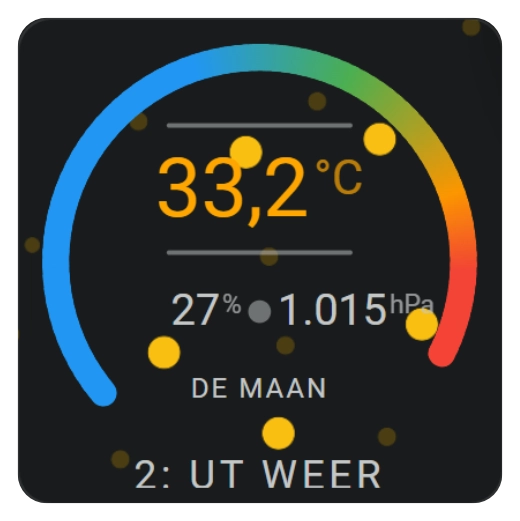
Horseshoe Examples |
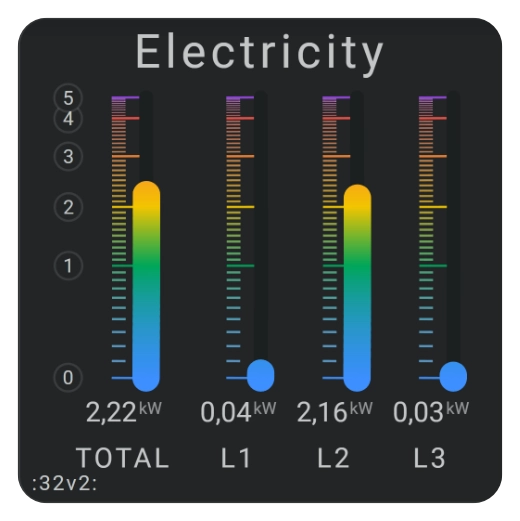
Electricity card examples |
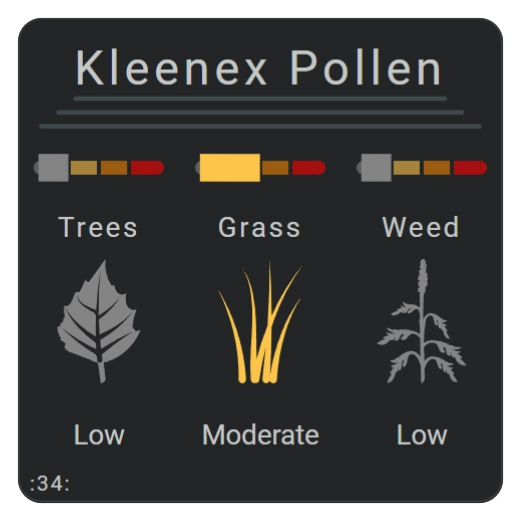
Pollen radar card examples |
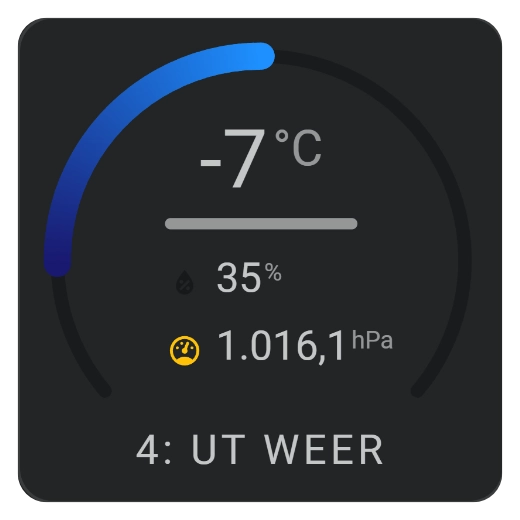
Horseshoes |
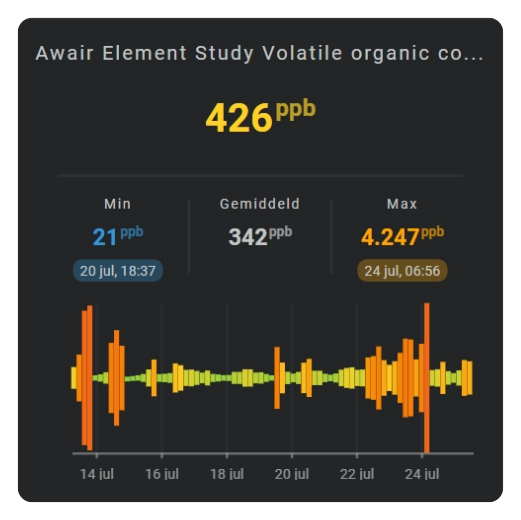
Cartesian history charts |

Specialized history charts |
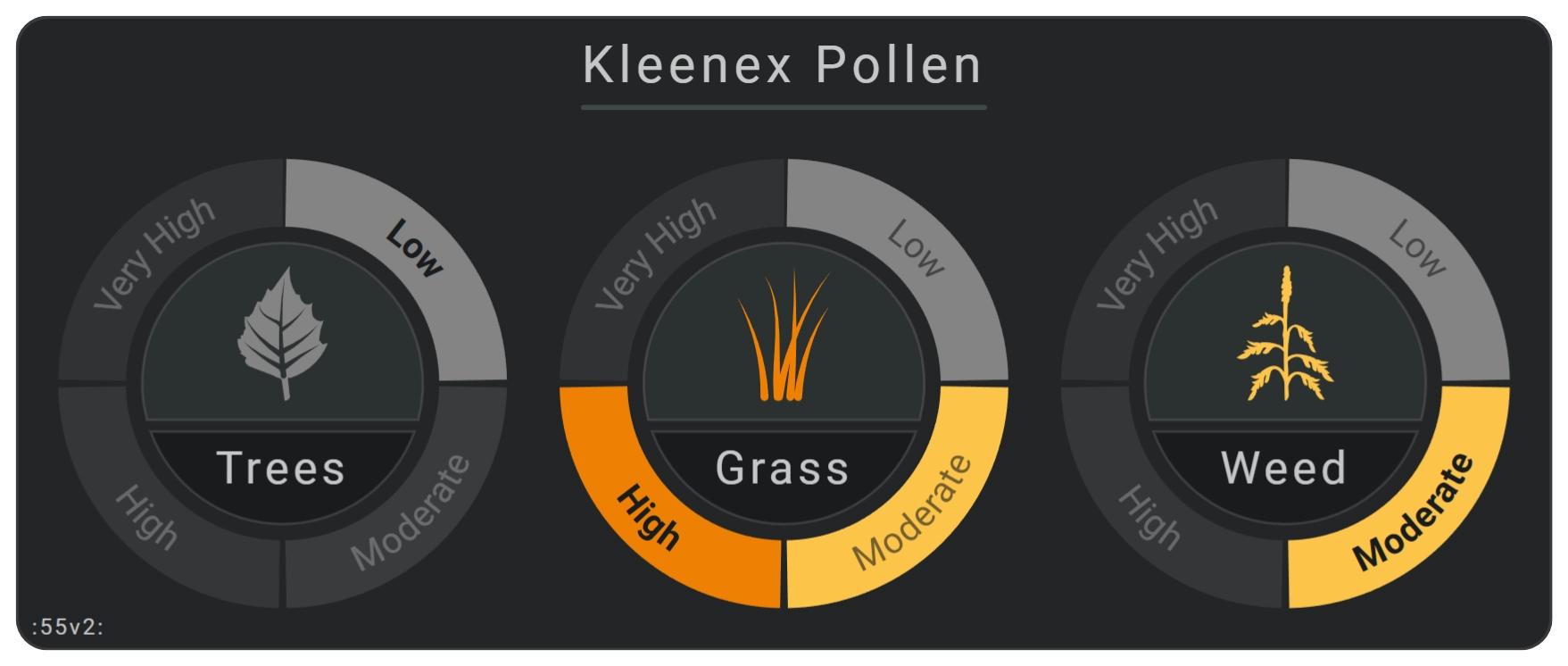
Pollen radar card examples |
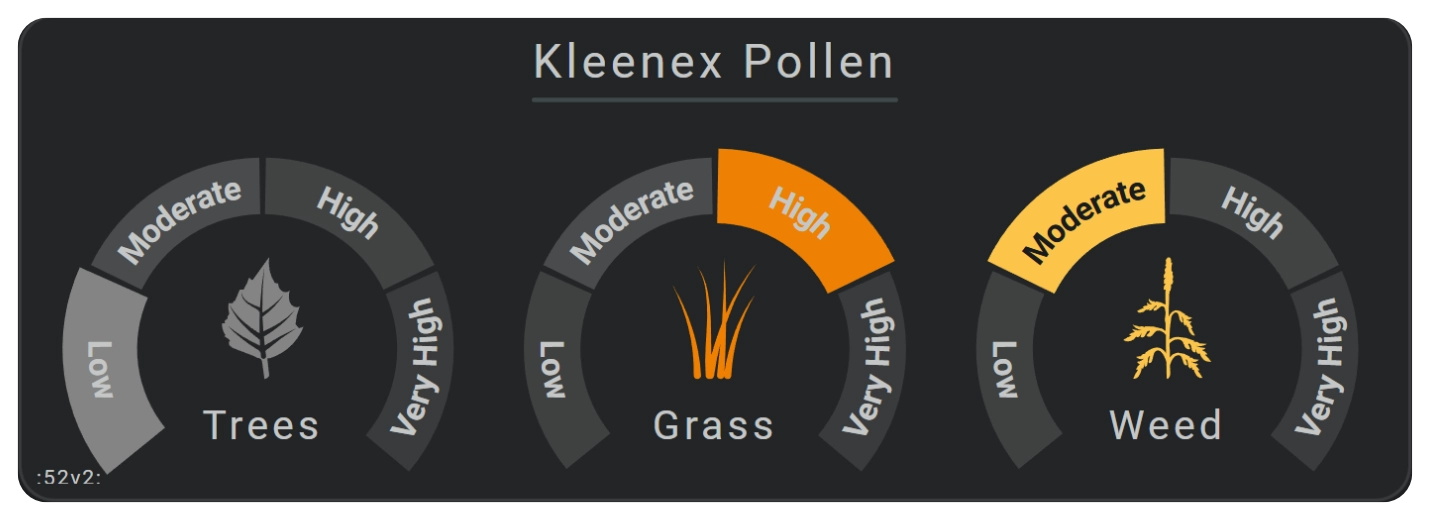
Pollen radar card examples |
Documentation
Getting started
New to the card? Start with the introduction to Flexible Horseshoe Card for a clear overview of its layout, styling, and Home Assistant integration. Then follow the installation guide and explore the card examples overview.
For complete real-world configurations, see the electricity card examples and pollen radar card examples. They show how the individual features work together in larger cards.
Configure a card
Begin with the card structure, then connect your Home Assistant data through entity definitions. The layout overview explains how the available sections form a card, while positioning and groups introduces the shared coordinate system.
Use the dedicated groups section for grouped transformations, add values and labels from entity parts, and finish the layout with visual shapes.
Configure horseshoe gauges
The horseshoe gauges overview covers both single and multiple gauges. Next, use horseshoe scale and state configuration to control geometry and value display, then add tick marks and labels.
To bring the gauge to life, the color stops and gradients guide explains fixed colors, value ranges, segmented colors, and smooth gradients.
Add history and sparkline graphs
Start with the sparkline graphs overview, then choose the required time range with history periods and bins.
The Cartesian charts and axes guide covers line, area, bar, and dots charts. For alternative visualizations, the specialized sparkline charts guide covers equalizer, graded, barcode, radial barcode, and state-band displays.
Style dynamic cards
Use CSS styling to customize the card and its SVG elements, then add state-driven motion with animations. Shared colors can come from external color palettes, while color filters offer another way to change visual elements.
The card follows Home Assistant localization and formatting. With JavaScript templating, supported configuration values can also respond dynamically to entity states.
Reuse configuration
The introduction to reusable configuration explains the available reuse layers and when each one is useful. Continue with the reusable card examples for practical YAML, and keep the reuse reference nearby when working with templates, same_as, constants, ref(), or calc().
Releases and support
For everyday dashboards, use the stable release. The latest release may be a development or pre-release version intended for testing new functionality.
Browse all GitHub releases for version details. Found a reproducible problem? Report it through the issue tracker.
Flexible Horseshoe Card is built for Home Assistant and distributed through the Home Assistant Community Store.
License and credits
Flexible Horseshoe Card is available under the MIT license.
- The project builds on Home Assistant, Lit, SVG, CSS, and the work shared by the Home Assistant custom-card community. The archived README in
dev/reference/preserves the original extended credits and legacy configuration reference. - Original "Human Imagination" image created by Agata from Good Stuff, No Nonsense., and customized to use the Amoebelabs colors.

more like this
todo-swipe-card
A specialized swipe card for todo lists in Home Assistant with custom styling
esphome_modbus_bridge
ESPHome Modbus TCP↔RTU Bridge – Transparent bridge for ESP8266/ESP32 that lets multiple Modbus TCP clients communicate…
ESPGeiger
☢️ ESP8266 / ESP32 Firmware for collecting and reporting statistics from Geiger counters