linux-wallpaperengine-gui
GUI for Almamu/linux-wallpaperengine using Go (Backend) and Electron (Frontend) .
 AzPepoze
git clone https://github.com/AzPepoze/linux-wallpaperengine-gui.gitAzPepoze/linux-wallpaperengine-gui

✦ LINUX WALLPAPER ENGINE GUI ✦
◈ A graphical user interface for managing wallpapers for [linux-wallpaperengine](https://github.com/Almamu/linux-wallpaperengine) ◈
◈ Powered by Go (Backend) and Electron (Frontend) ◈
CONTENTS
- CONTENTS
- SCREENSHOTS
- FEATURES
- MEMORY EFFICIENCY
- PREREQUISITES
- INSTALLATION
- USAGE
- BUILD FROM SOURCE
- DEVELOPMENT
- STONKS!
Note
This GUI will be compatible with my linux-wallpaperengine in the future.
It's a Go implementation of Wallpaper Engine for Linux. It's still in early development. Maybe you want to check it out!
SCREENSHOTS
| Main Window |
|---|
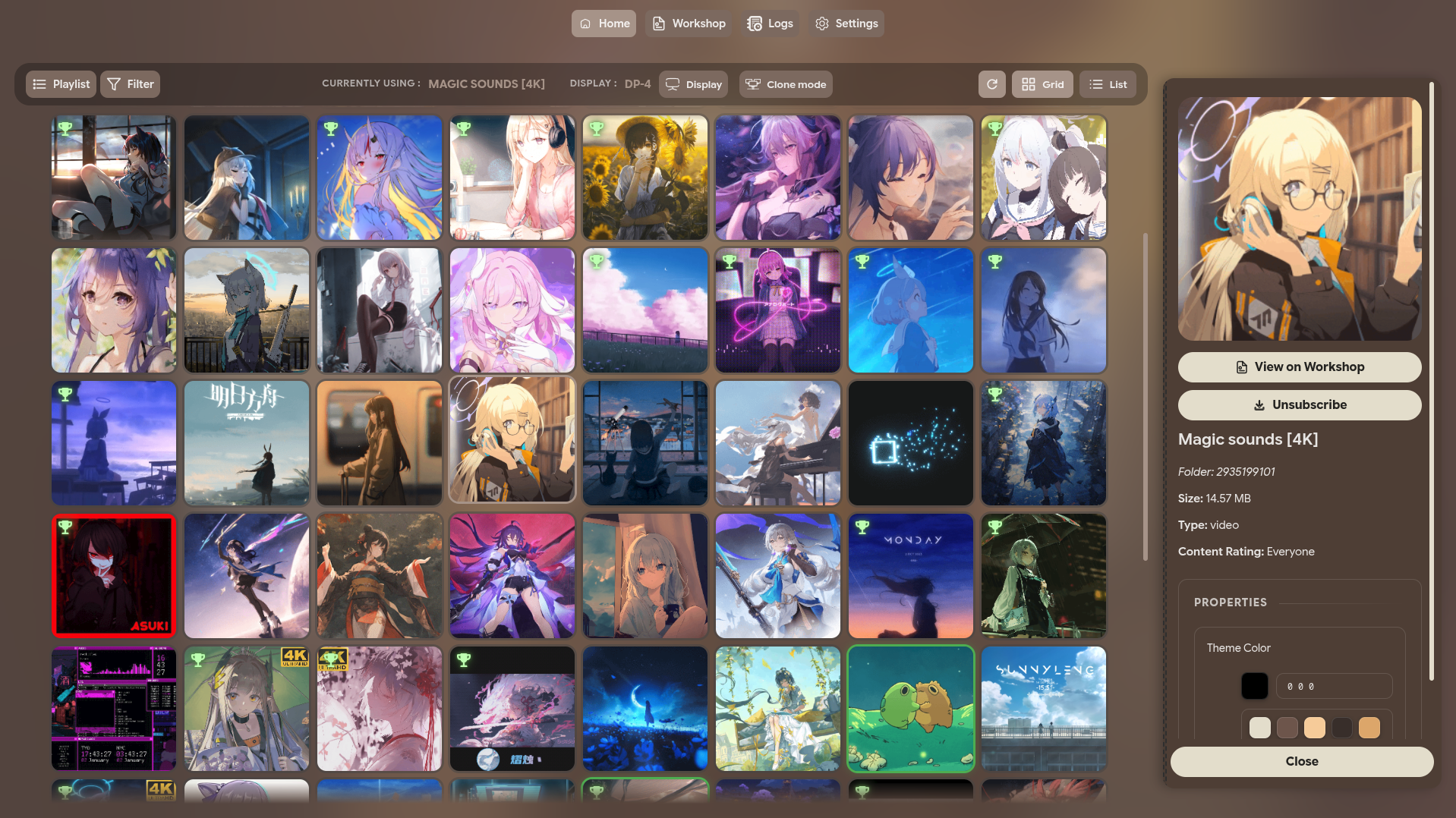 |
| Main Window (List) |
|---|
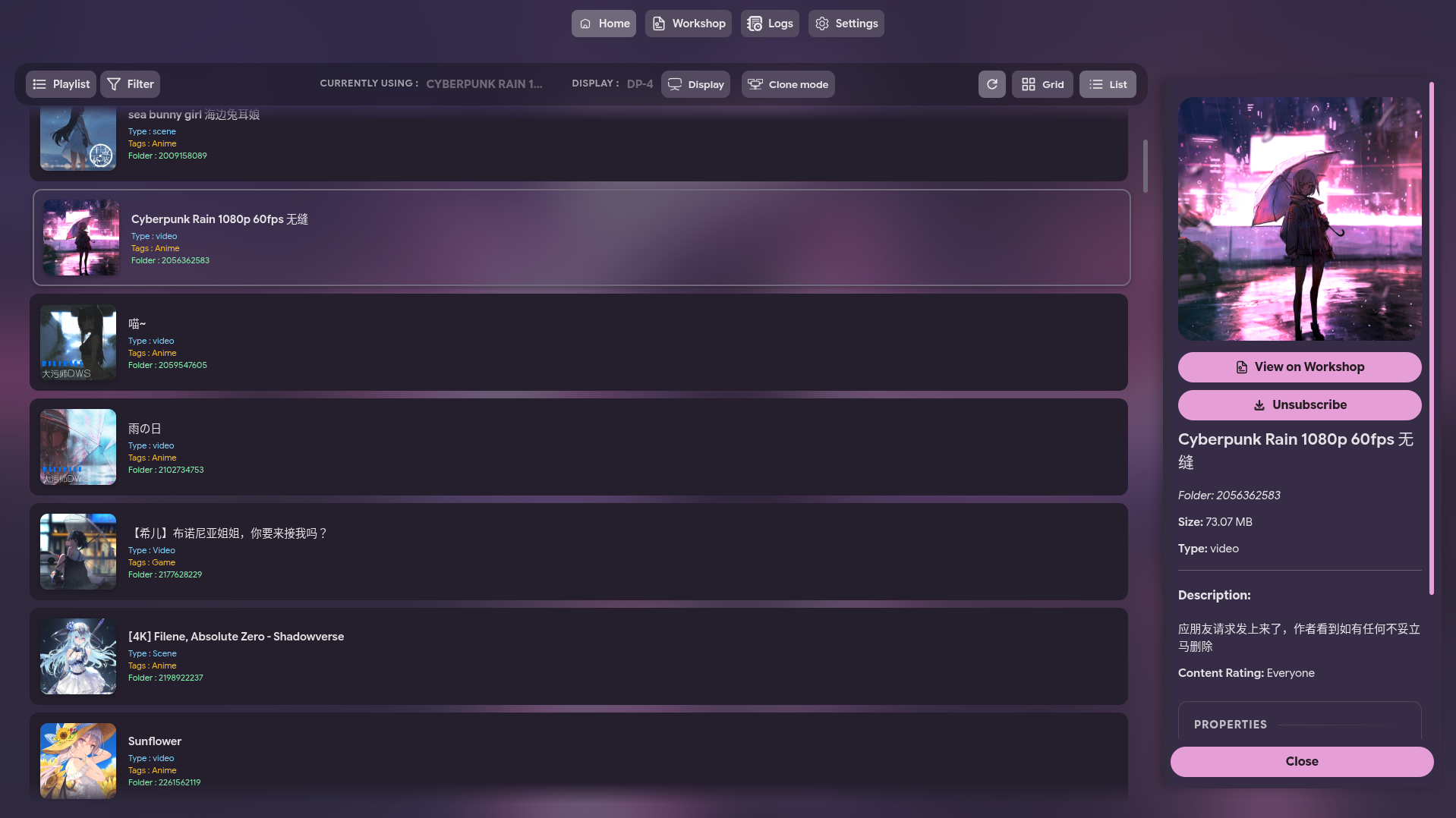 |
| Display Settings |
|---|
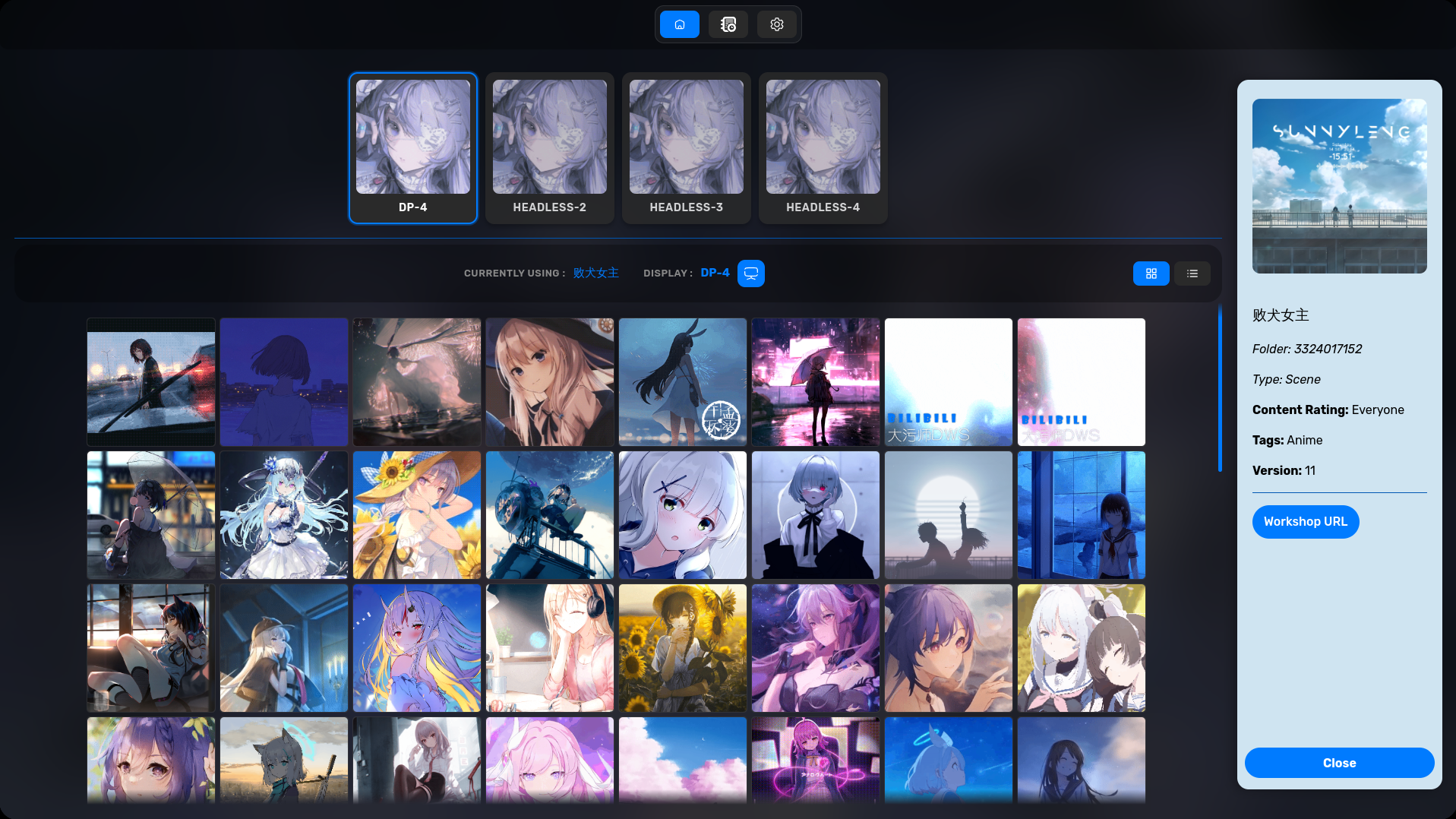 |
| WORKSHOP |
|---|
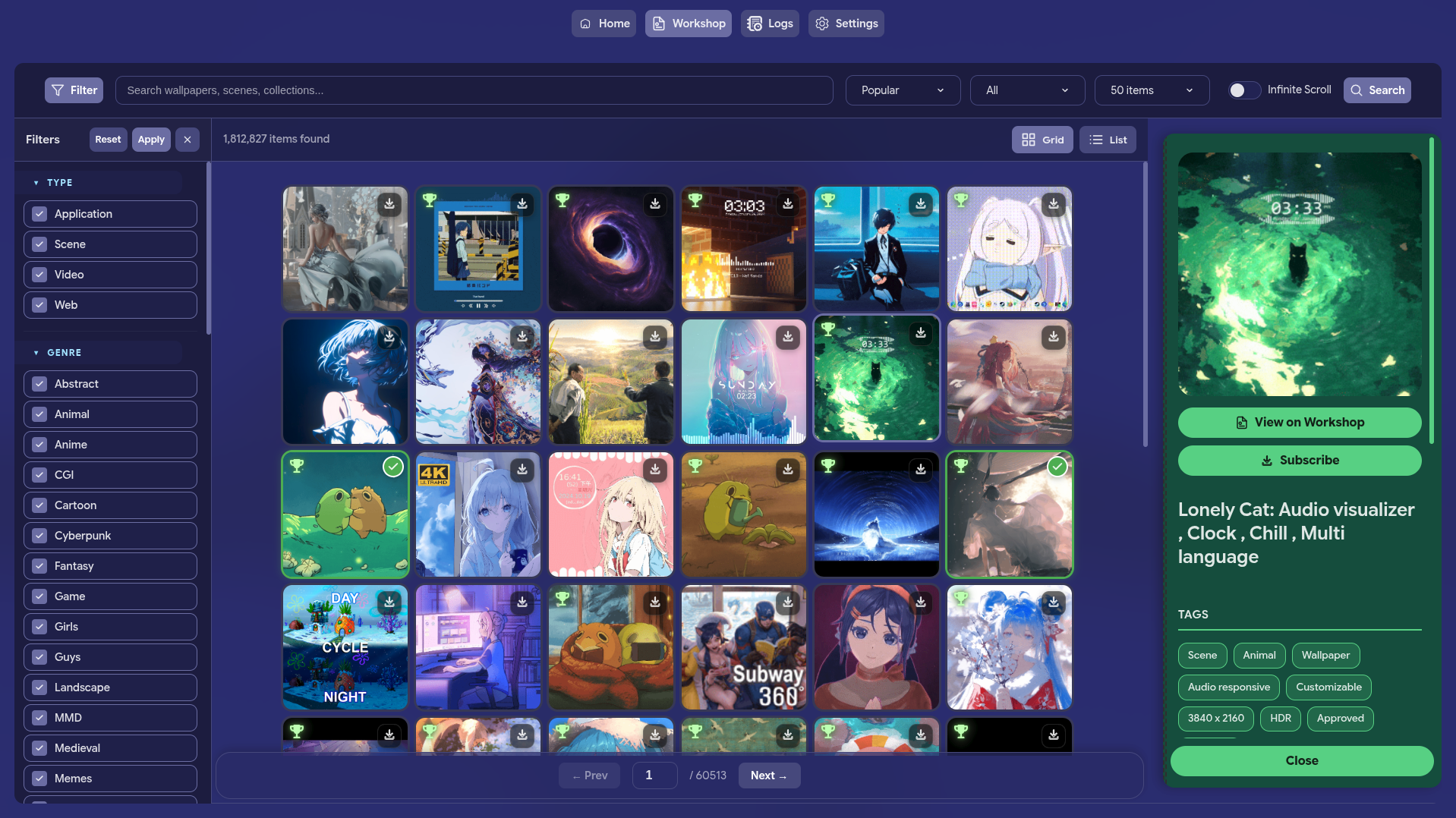 |
| PLAYLIST |
|---|
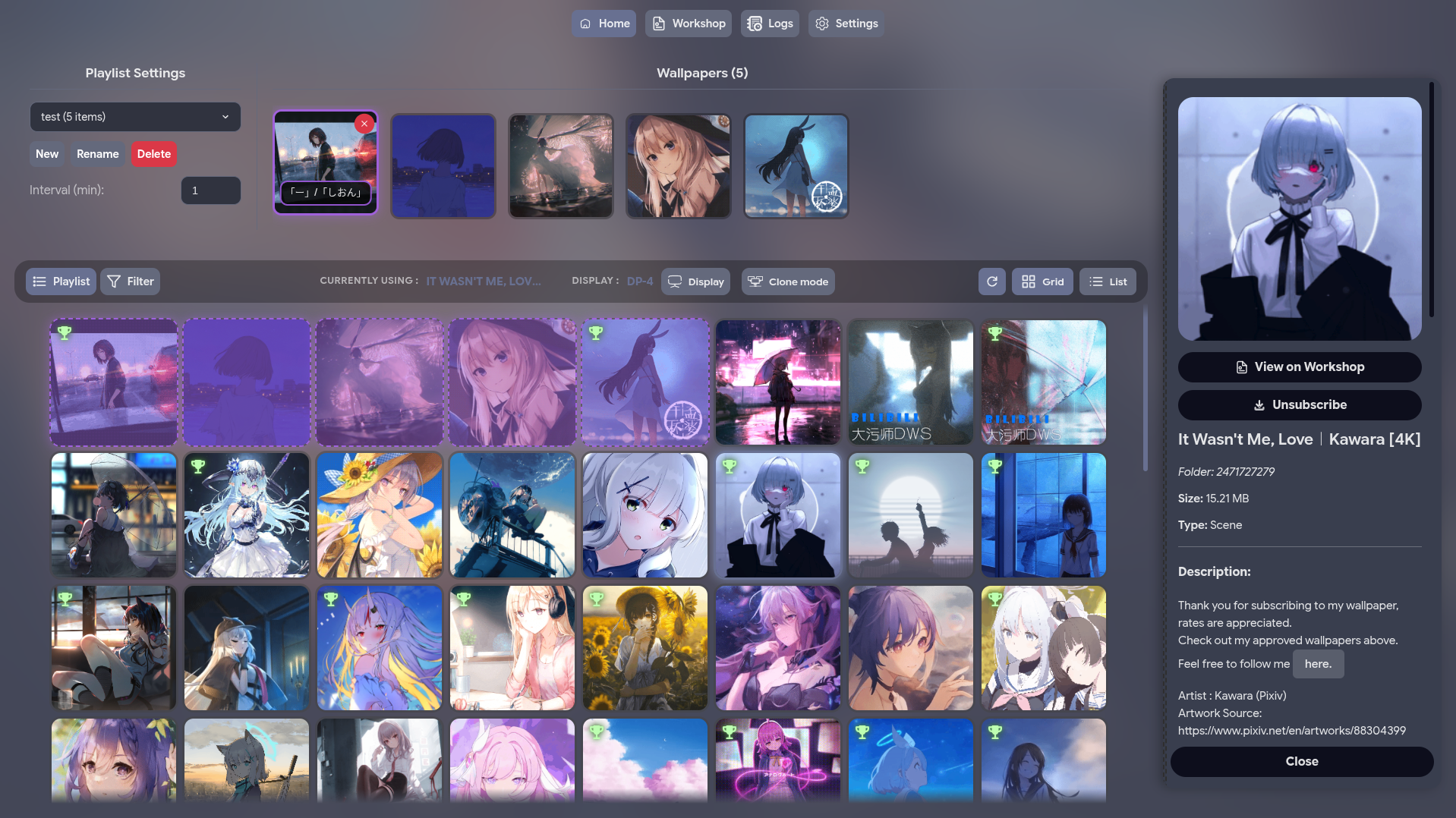 |
| PLAYLIST - SETTING |
|---|
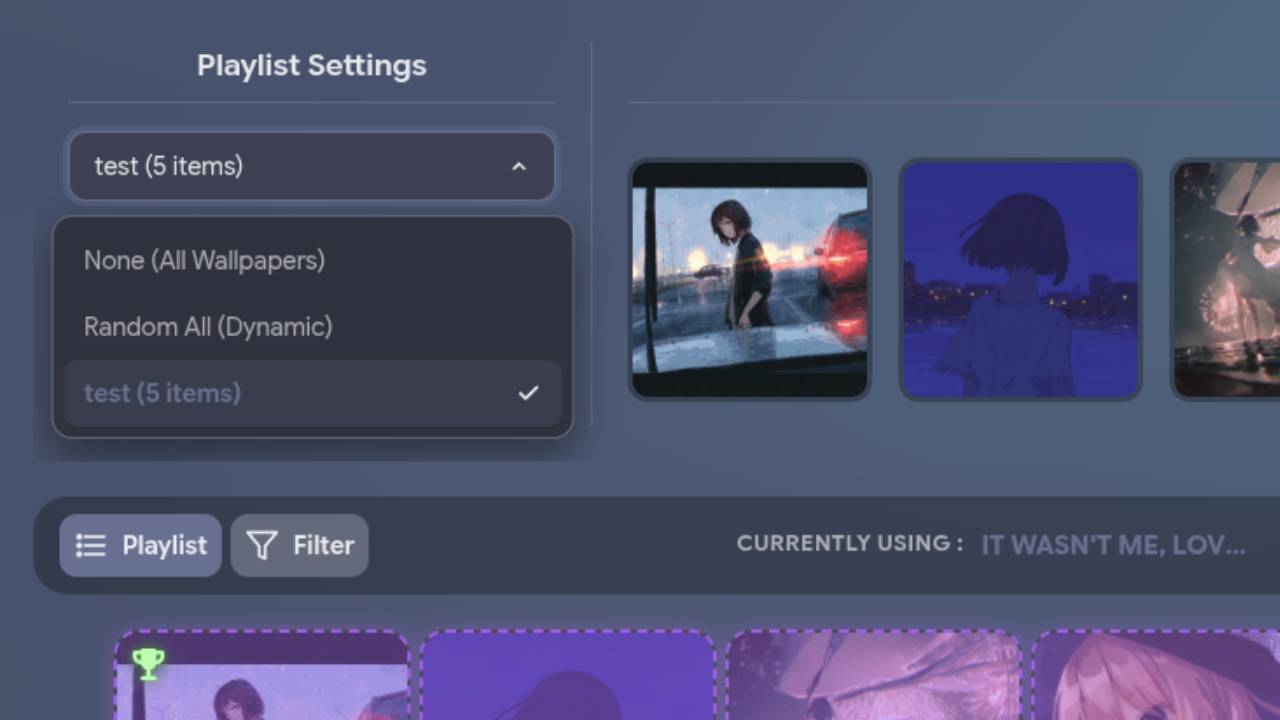 |
| WORKSHOP - DOWNLOADING |
|---|
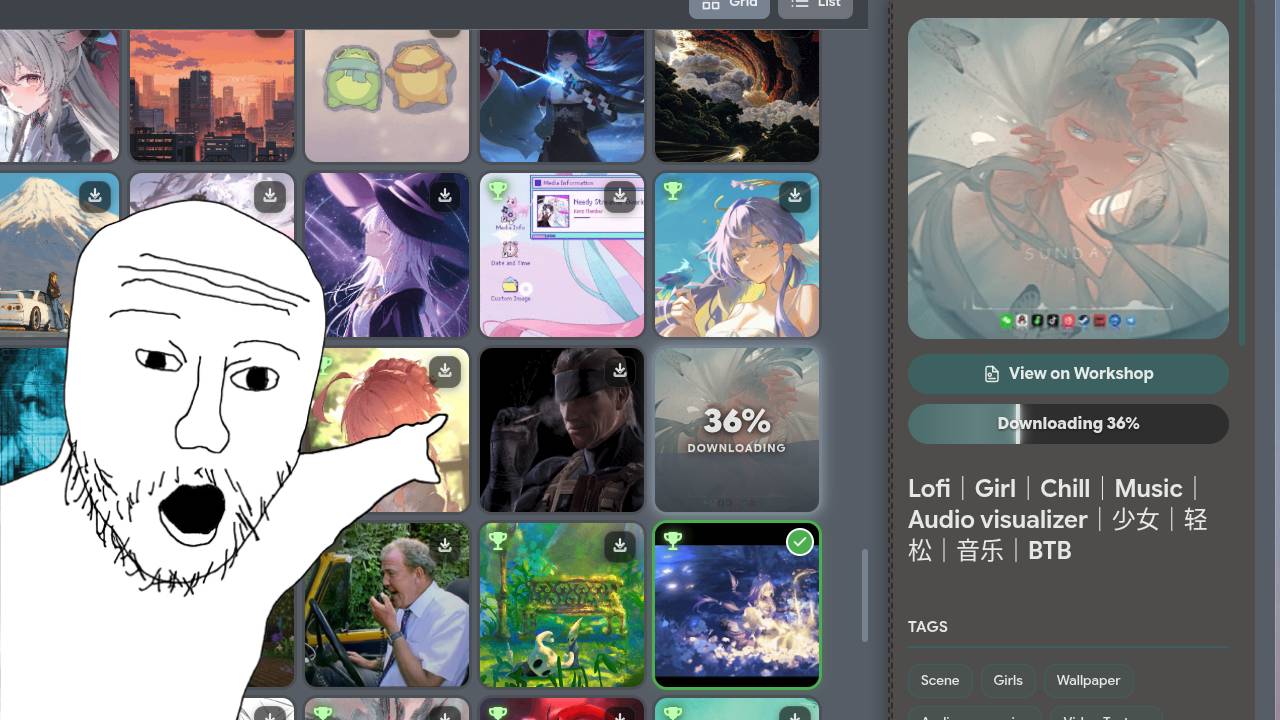 |
| Settings |
|---|
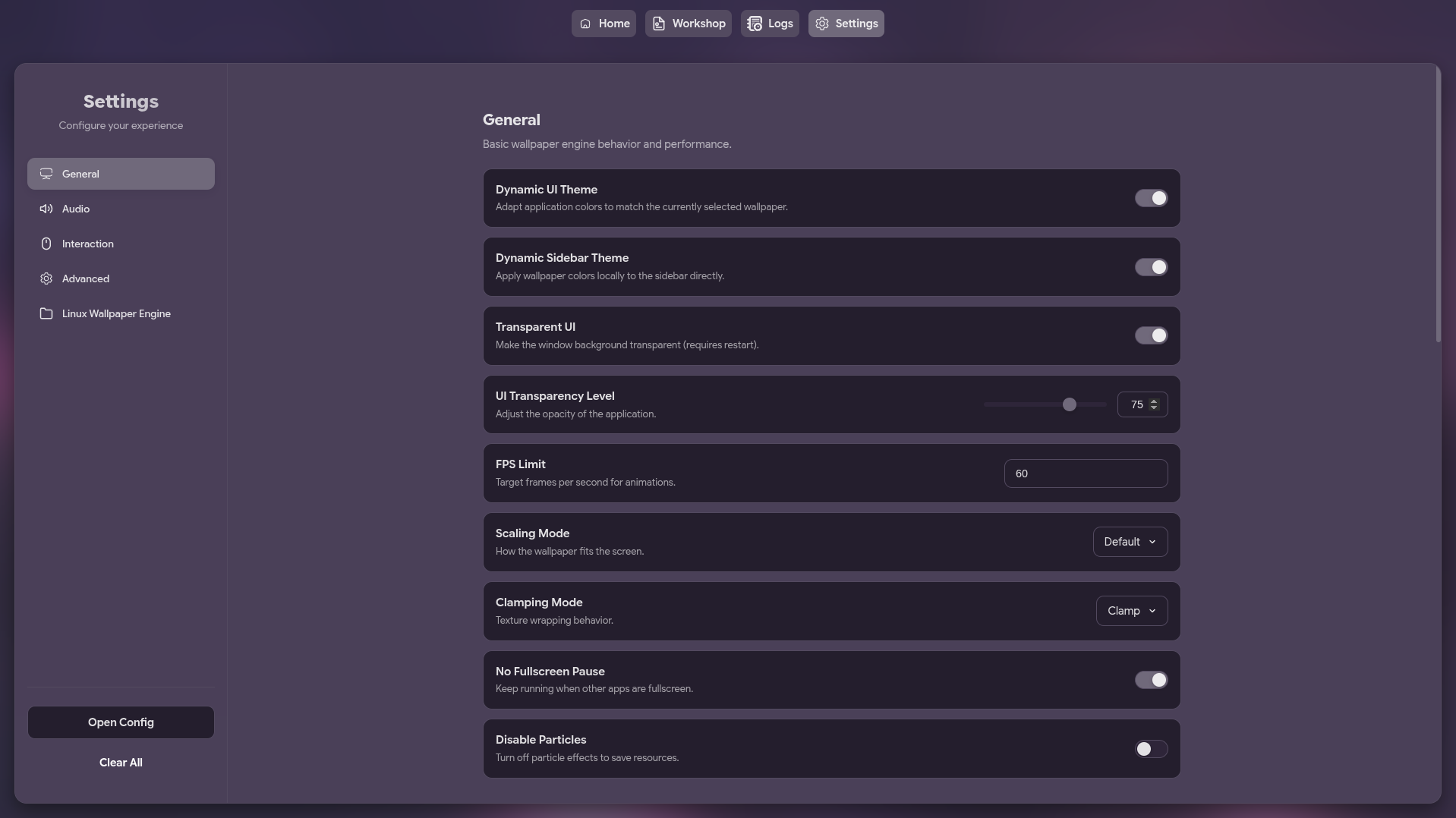 |
FEATURES
| Feature | Description |
|---|---|
| Wallpaper Management | Browse and select wallpapers from your Steam Workshop content |
| Steam Workshop Integration | Search and download wallpapers directly from Steam Workshop |
| Playlist Support | Create and manage playlists including dynamic "Random All" |
| Wallpaper Properties | Adjust individual wallpaper settings |
| Multi-Monitor Support | Choose which screen to apply wallpapers to |
| Auto-Save & Auto-Run | Remembers and applies last used wallpaper on startup |
| Native Wayland Support | Optional native Wayland mode for fixing scaling issues |
| Customizable Settings | Edit settings or raw JSON config |
| System Tray | Minimize to tray for seamless background operation |
MEMORY EFFICIENCY
I know that many users are scared of Electron applications due to their reputation for being "RAM eaters". This GUI is specifically designed for maximum efficiency to address those concerns:
- Go Backend: A lightweight Go process handles the system tray, configuration, and wallpaper management.
- Electron Frontend: The Electron-based UI is only launched when needed. When you minimize the application to the tray, the Electron process is completely terminated, freeing up all the memory it was using.
PREREQUISITES
Important
This application requires linux-wallpaperengine to be installed on your system to function.
INSTALLATION
Arch Linux (AUR)
Install using your favorite AUR helper:
# Using yay
yay -S linux-wallpaperengine-gui-git

# Using paru
paru -S linux-wallpaperengine-gui-git
Other Distributions
Download the latest pre-built binaries (AppImage, deb, rpm) from the Releases page.
USAGE
Launch it from your application menu or via terminal:
linux-wallpaperengine-gui [options]
[Options]
--minimized: Starts the application minimized in the system tray.--native-wayland: Makes electron use native Wayland instead of XWayland to solve fractional scaling issues (only works on Wayland sessions)--debug-mode: Enables debug mode for the application.
BUILD FROM SOURCE
Requirements:
-
Clone & Enter:
git clone https://github.com/AzPepoze/linux-wallpaperengine-gui
cd linux-wallpaperengine-gui
-
Install Deps:
bun install
-
Build:
bun run build
The output will be in the
distdirectory.
DEVELOPMENT
Run with hot-reloading:
bun run dev
STONKS!
✦ Made with ♥︎ by AzPepoze ✦
more like this
DailyWallpaperHub
多源壁纸聚合平台 · 自动归档 Bing + Unsplash 精选壁纸 · AI 视觉故事生成 · 企业微信推送 · GitHub Pages 在线画廊
r2
Free open-source Cloudflare R2 desktop client and S3 GUI for macOS, Windows, and Linux. Manage Cloudflare R2, AWS S3, M…