DailyWallpaperHub
多源壁纸聚合平台 · 自动归档 Bing + Unsplash 精选壁纸 · AI 视觉故事生成 · 企业微信推送 · GitHub Pages 在线画廊
 Hana19951208
Python★ 50⑂ 12 forksupdated 1 day ago
git clone https://github.com/Hana19951208/DailyWallpaperHub.gitHana19951208/DailyWallpaperHubREADME.mdfork it — it’s yours
📅 DailyWallpaperHub
多源壁纸聚合平台 · 自动归档 Bing + Unsplash 精选壁纸 · AI 视觉故事生成 · 企业微信推送 · GitHub Pages 在线画廊

✨ 项目特性
- 🎨 多源聚合: 支持 Bing、Unsplash 等多个壁纸源,配置化管理,易于扩展新数据源
- ⚡️ 异步架构: AI 故事生成异步处理,主流程快速完成,图片立即可用
- 🤖 AI 视觉故事: 集成 LLM 视觉大模型,自动为每张壁纸生成精美的地理文化背景故事(约 500 字)
- 📝 提示词外部化: AI 提示词存储在
prompts/story_prompt.txt,可随时自定义优化 - ⏰ 智能调度: GitHub Actions 每小时自动检测更新,第一时间获取最新壁纸
- 💾 持久化归档: 高清原图、缩略图、元数据 (JSON) 及 AI 故事自动提交至仓库,永不丢失
- 📂 GitHub 镜像图床: 支持自动同步至另一个 GitHub 仓库(如
blog-images),作为备份与 CDN 加速使用 - 🎭 现代化展示: 内置 GitHub Pages 在线画廊,支持响应式布局与暗黑模式
- 📱 企业微信推送: 自动推送多源图片、元数据和 AI 故事到企业微信群(支持动态数据源标识)
- 🎯 数量限制: 索引默认只展示最近 10 天,避免页面过长(可在
config/sources.yaml中调整) - 🛠 批量工具: 支持按日期和源批量抓取历史壁纸
- 💰 零成本: 完全基于 GitHub 免费资源构建
🖼 效果展示
在线画廊
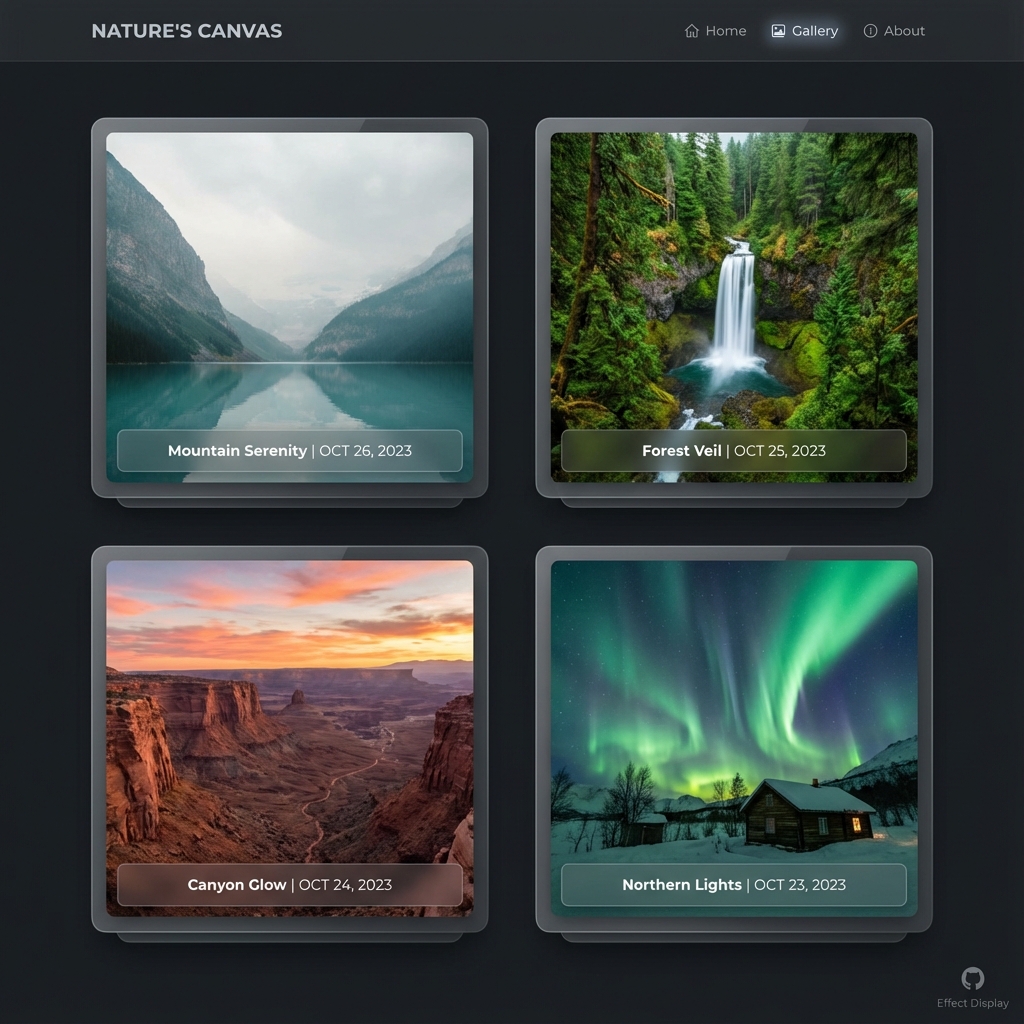
AI 故事 (点击标题阅读)
点击壁纸索引中的标题,即可跳转阅读由 AI 生成的背景故事(包含原图展示)。
📅 壁纸索引 (最新)
| 日期 | Bing 🔍 | Unsplash 📷 |
|---|---|---|
| 2026-07-30 | 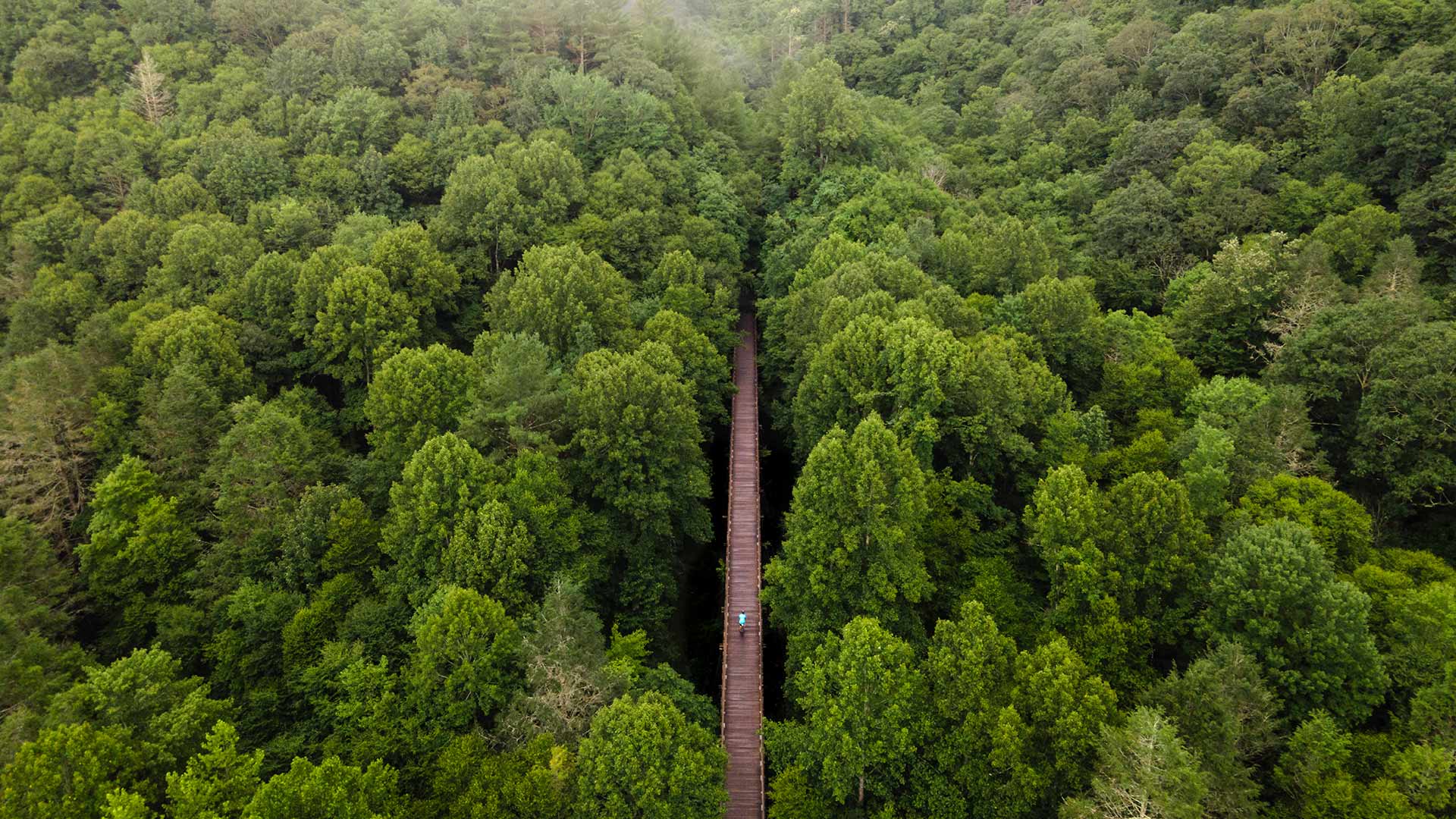 穿越时光的足迹 |
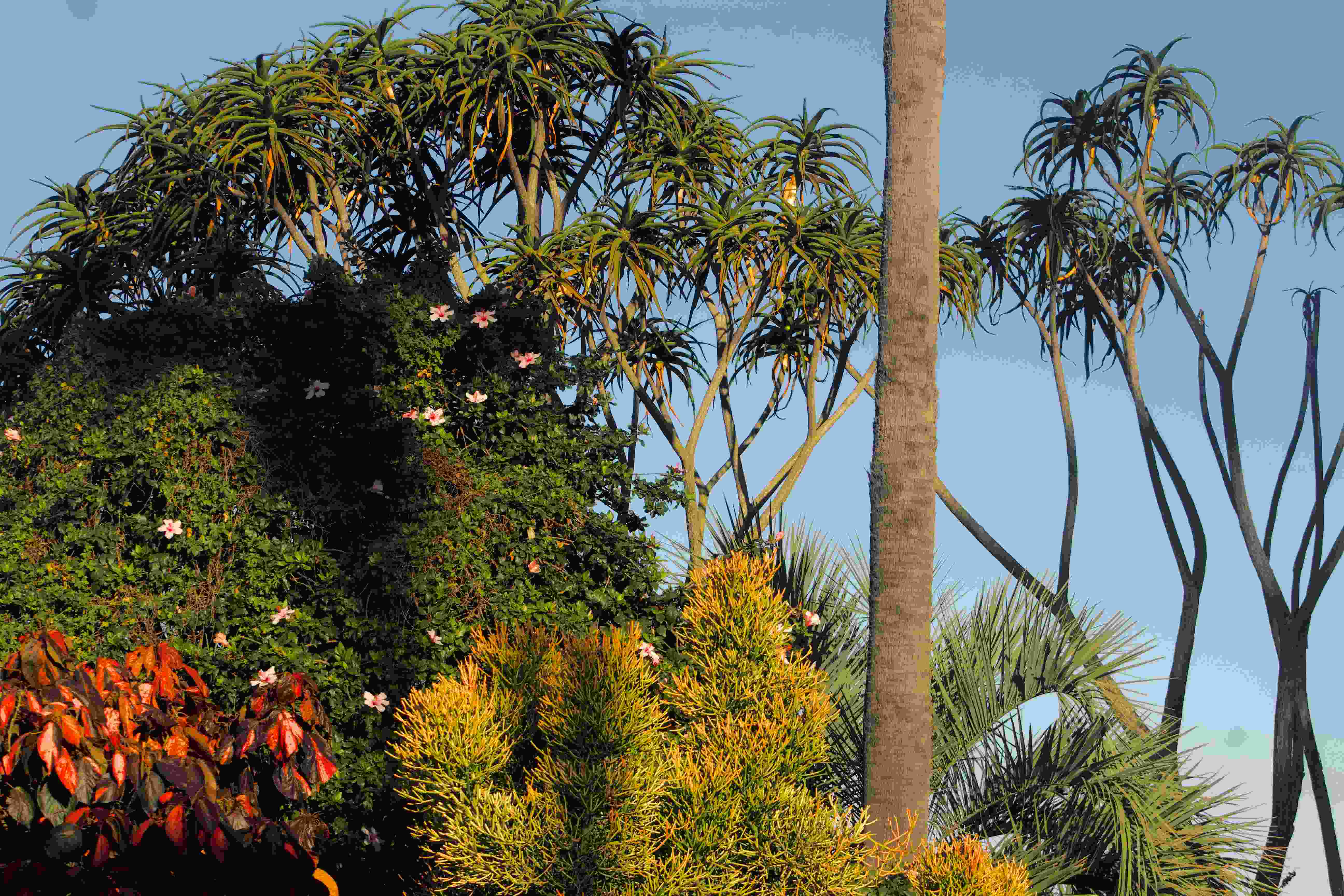 Mother Nature |
| 2026-07-29 | 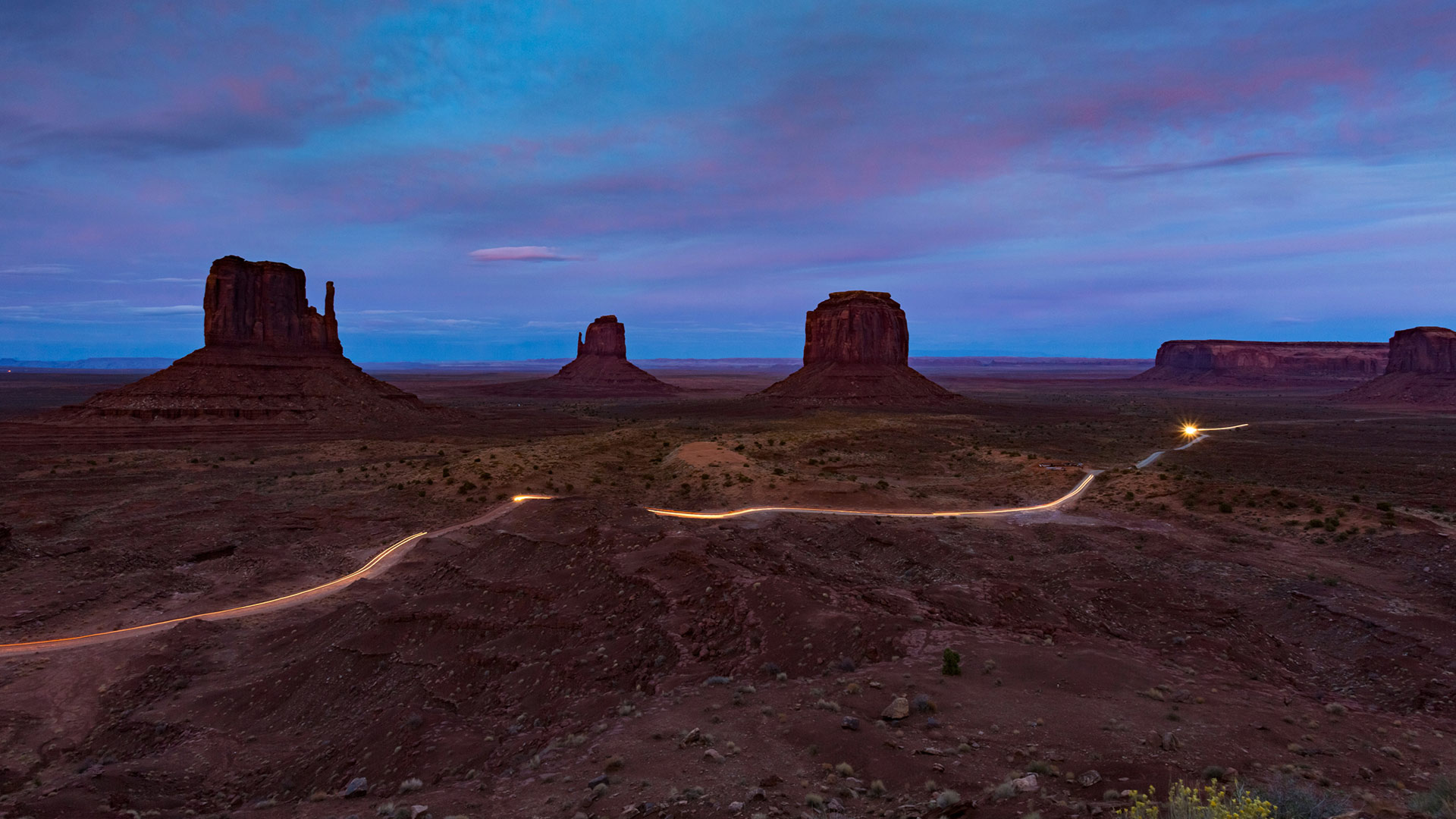 旷野无声,活态传承之境 |
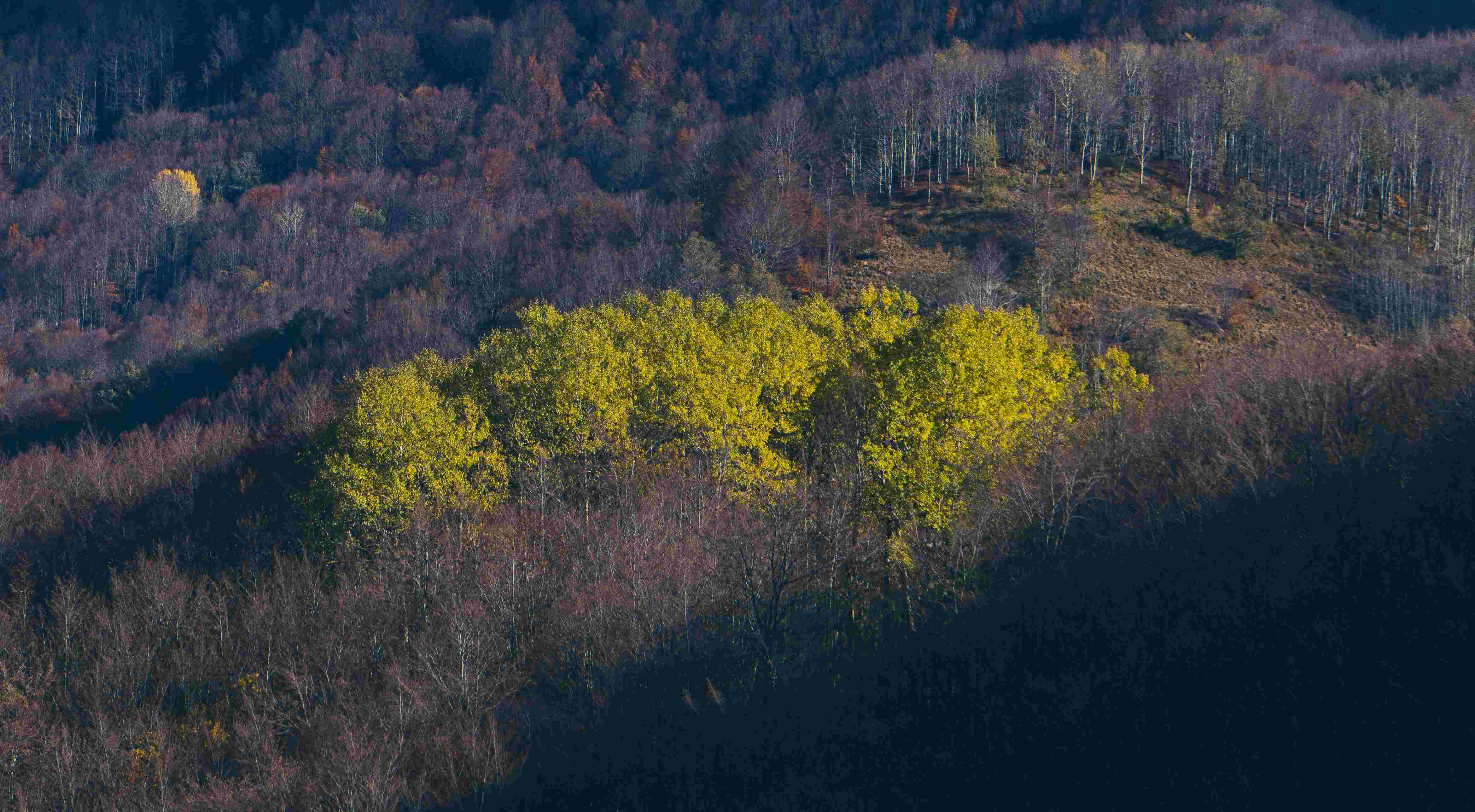 a field of yellow flowers |
| 2026-07-28 |  虎啸归来,锐爪重临 |
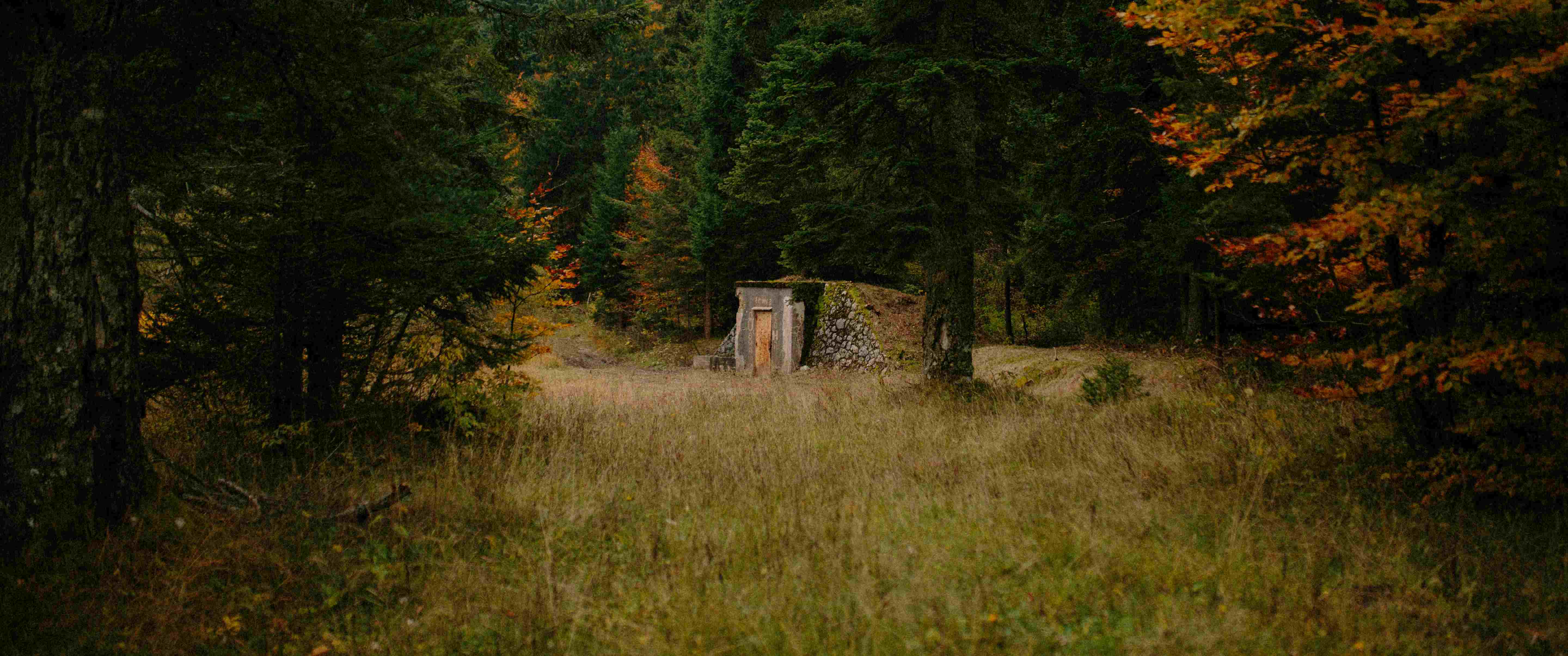 FOLLOW ME: https://www.instagram.com/dark_indigox/ DONATE: paypal.me/darkindigo |
| 2026-07-27 | 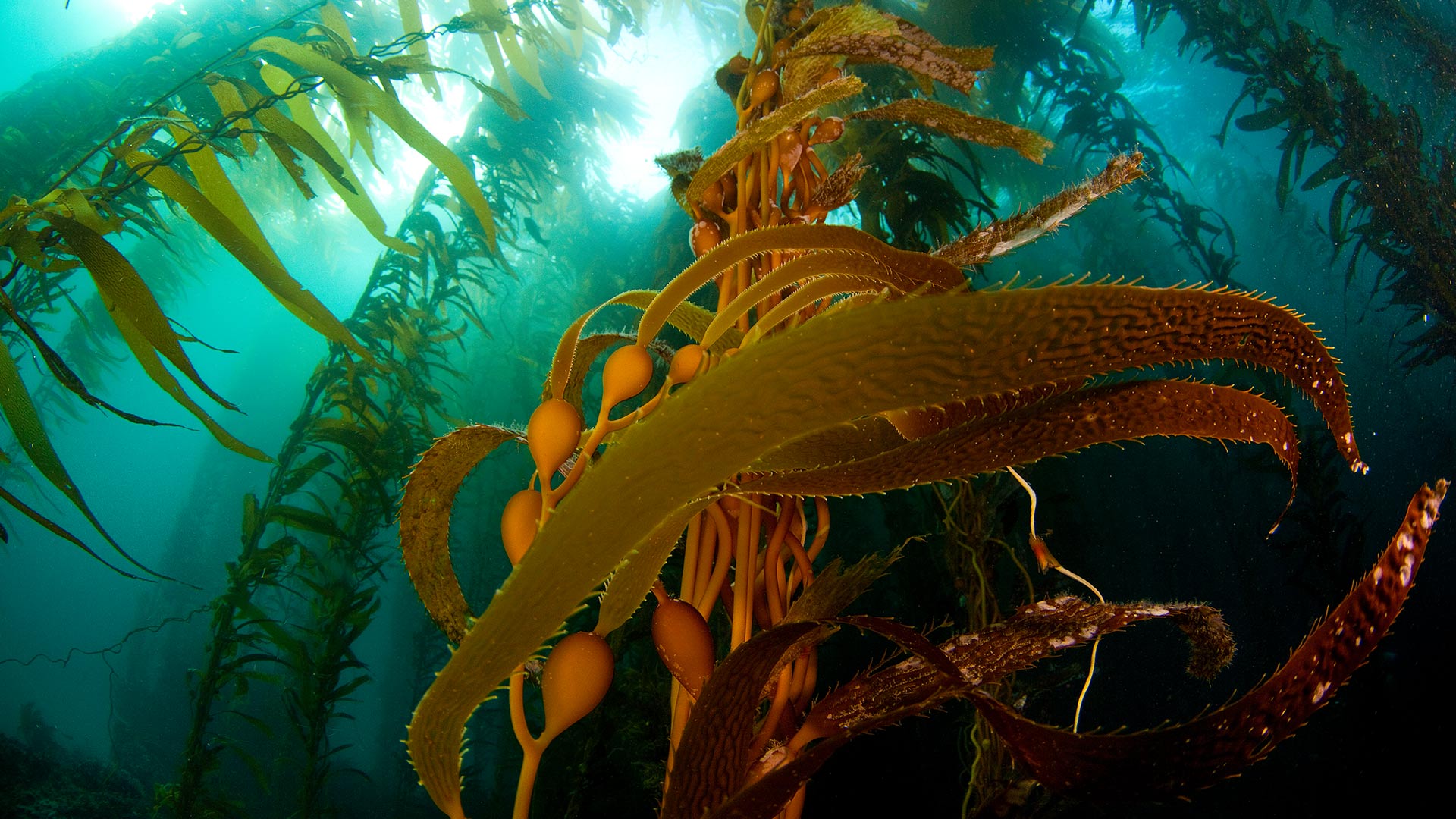 生机律动,恒久之衡 |
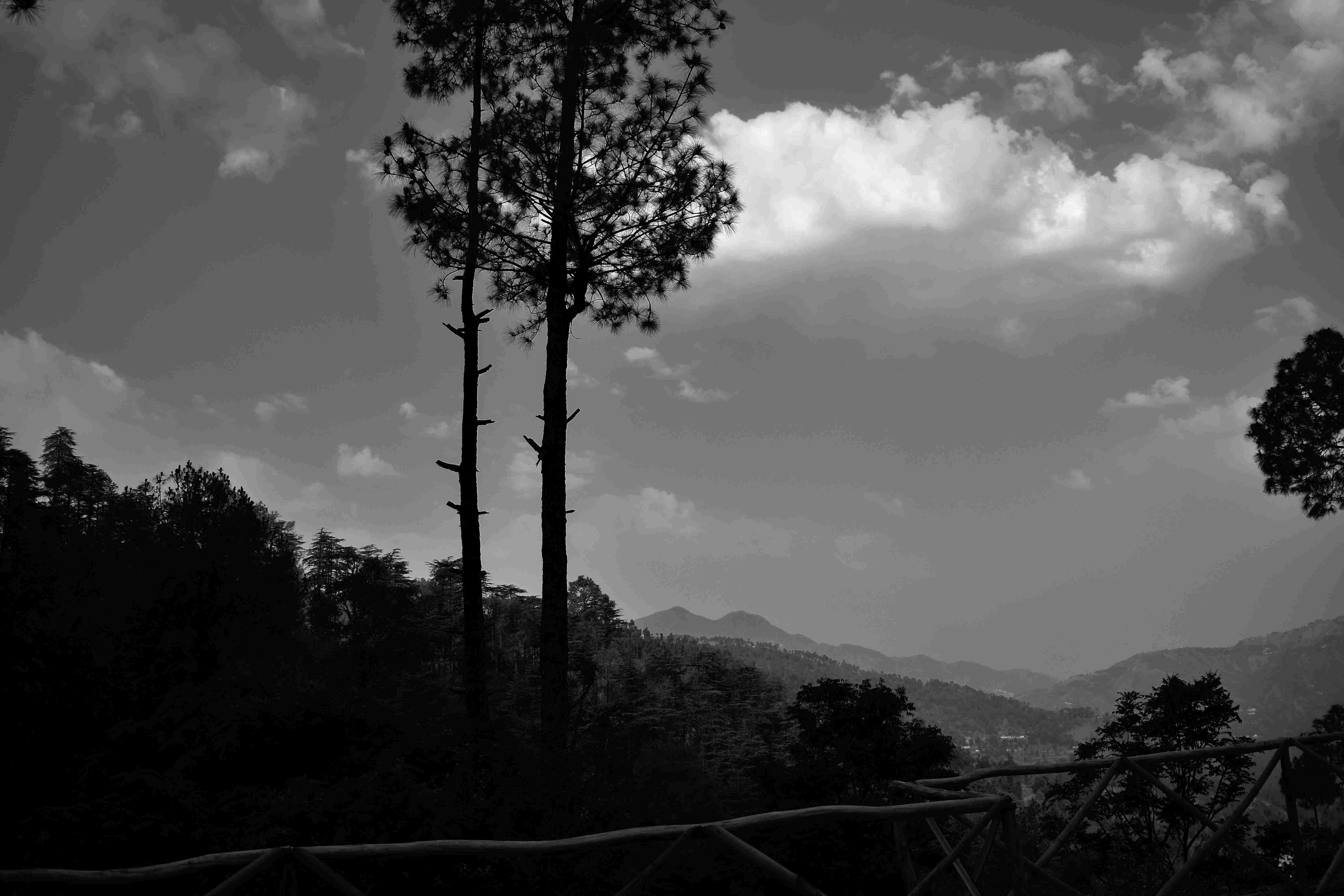 a black and white photo of trees and mountains |
| 2026-07-26 | 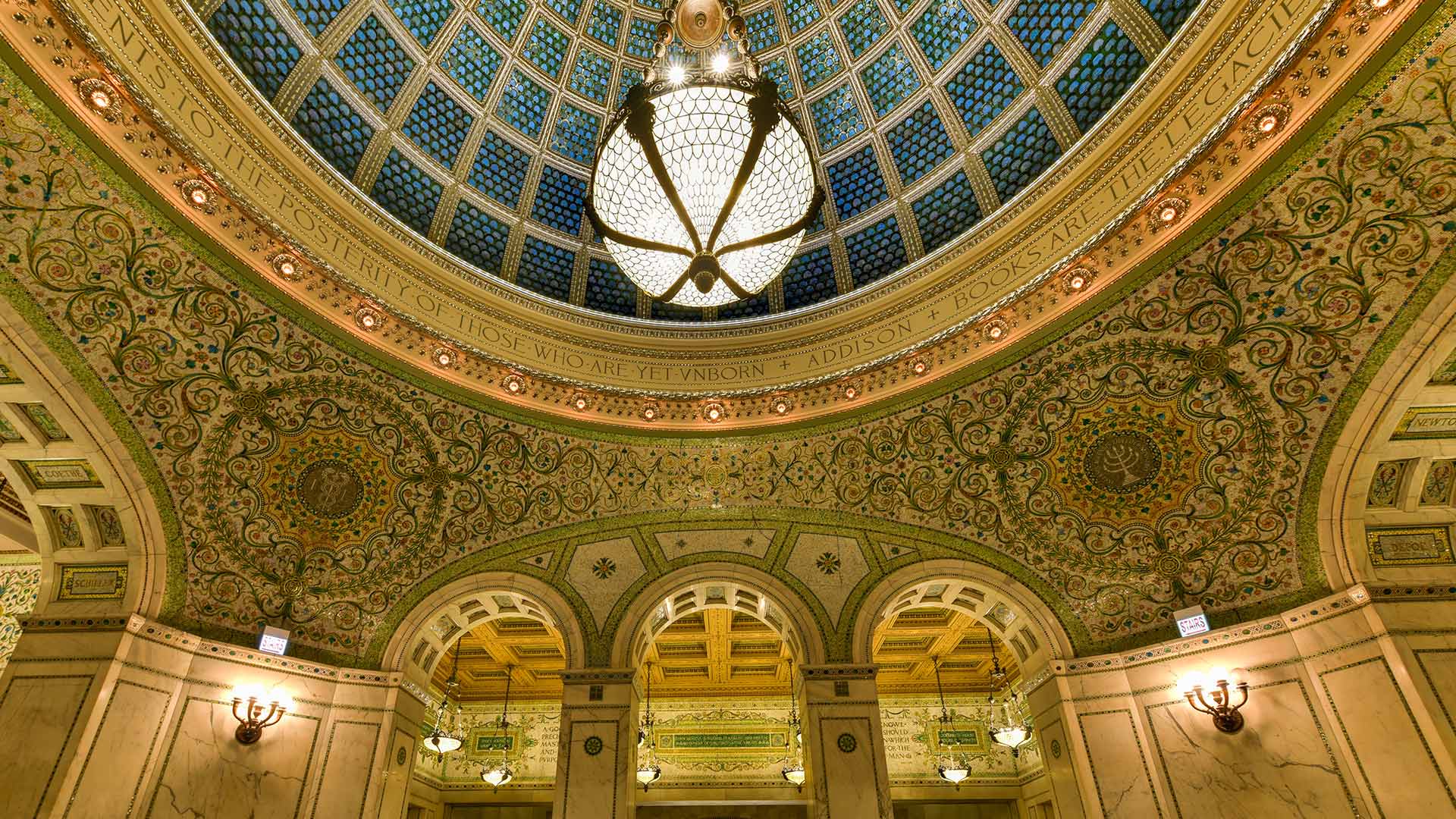 仰望芝城,流光溢彩 |
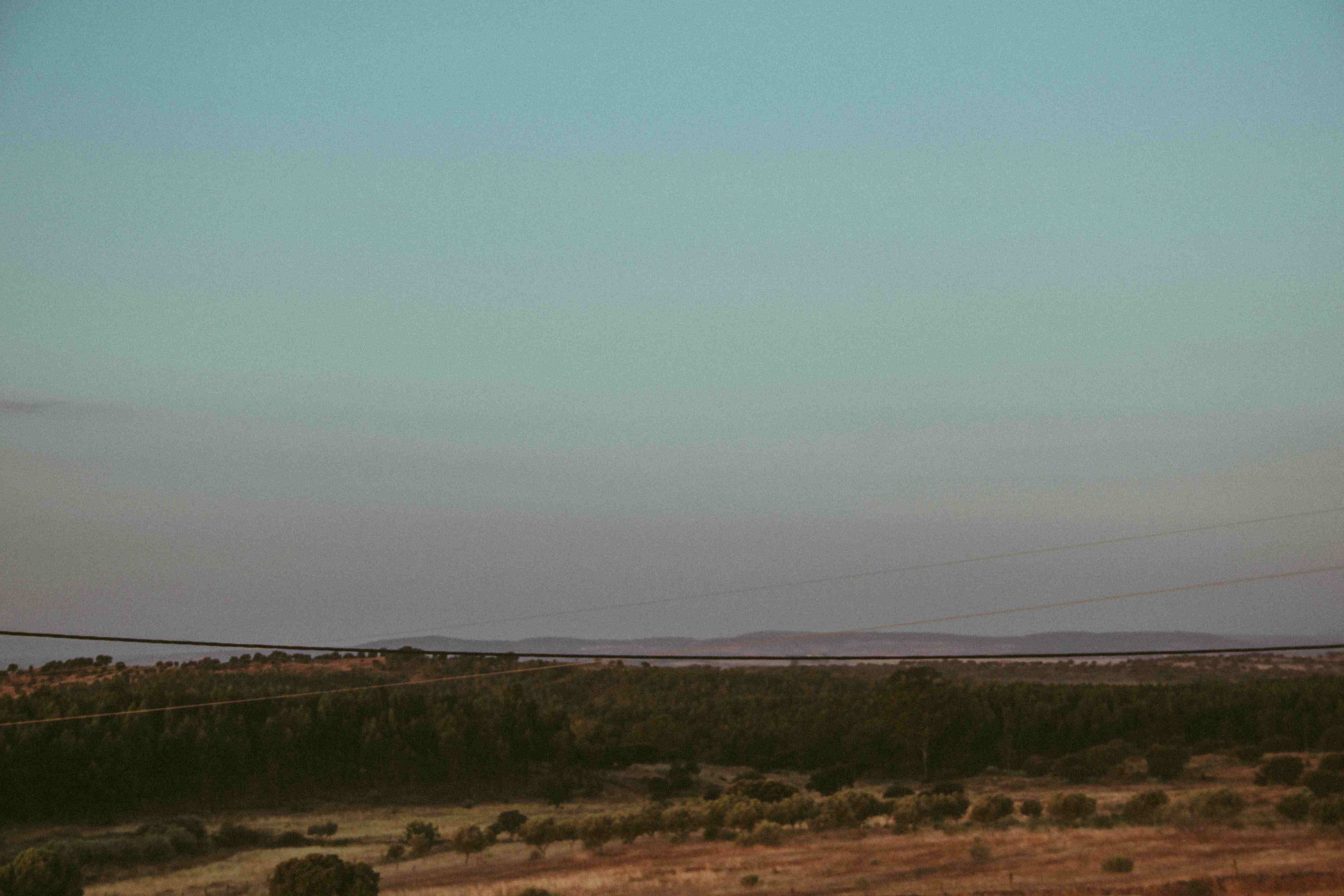 brown field under blue sky during daytime |
| 2026-07-25 | 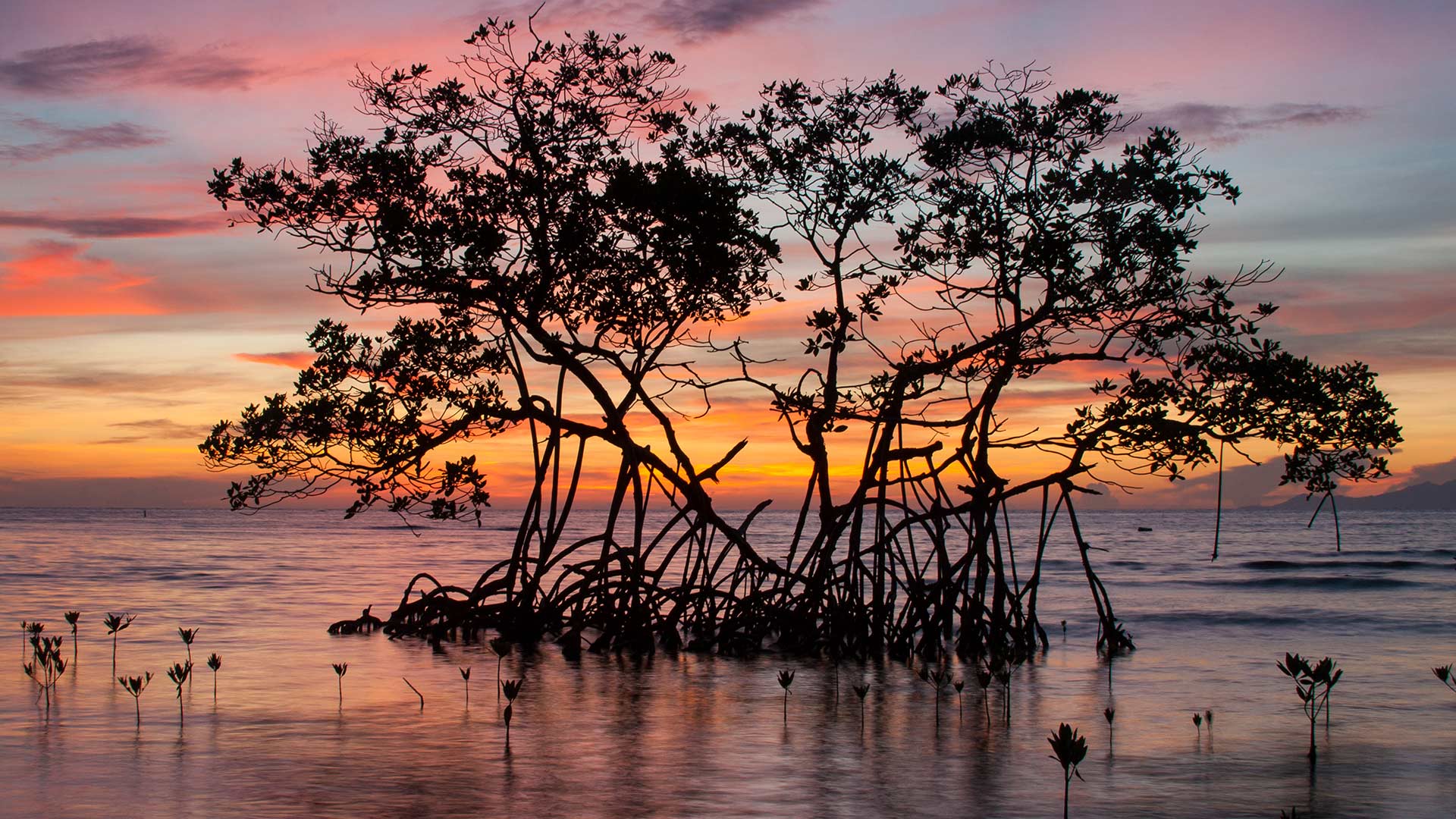 海陆际会,生机肇始 |
 Nature art |
| 2026-07-24 | 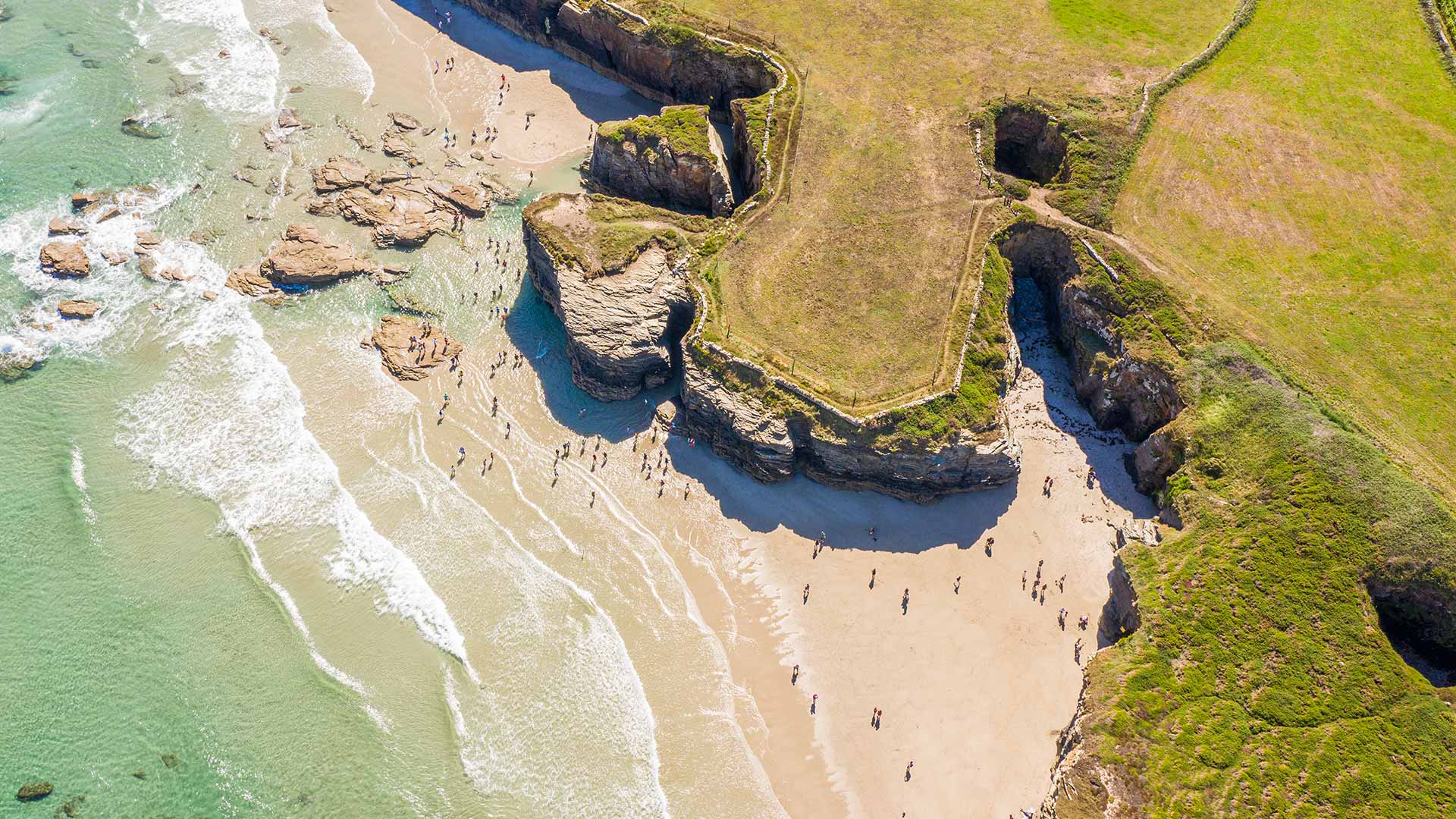 加境幽廊 |
 green trees on green grass field during daytime |
| 2026-07-23 | 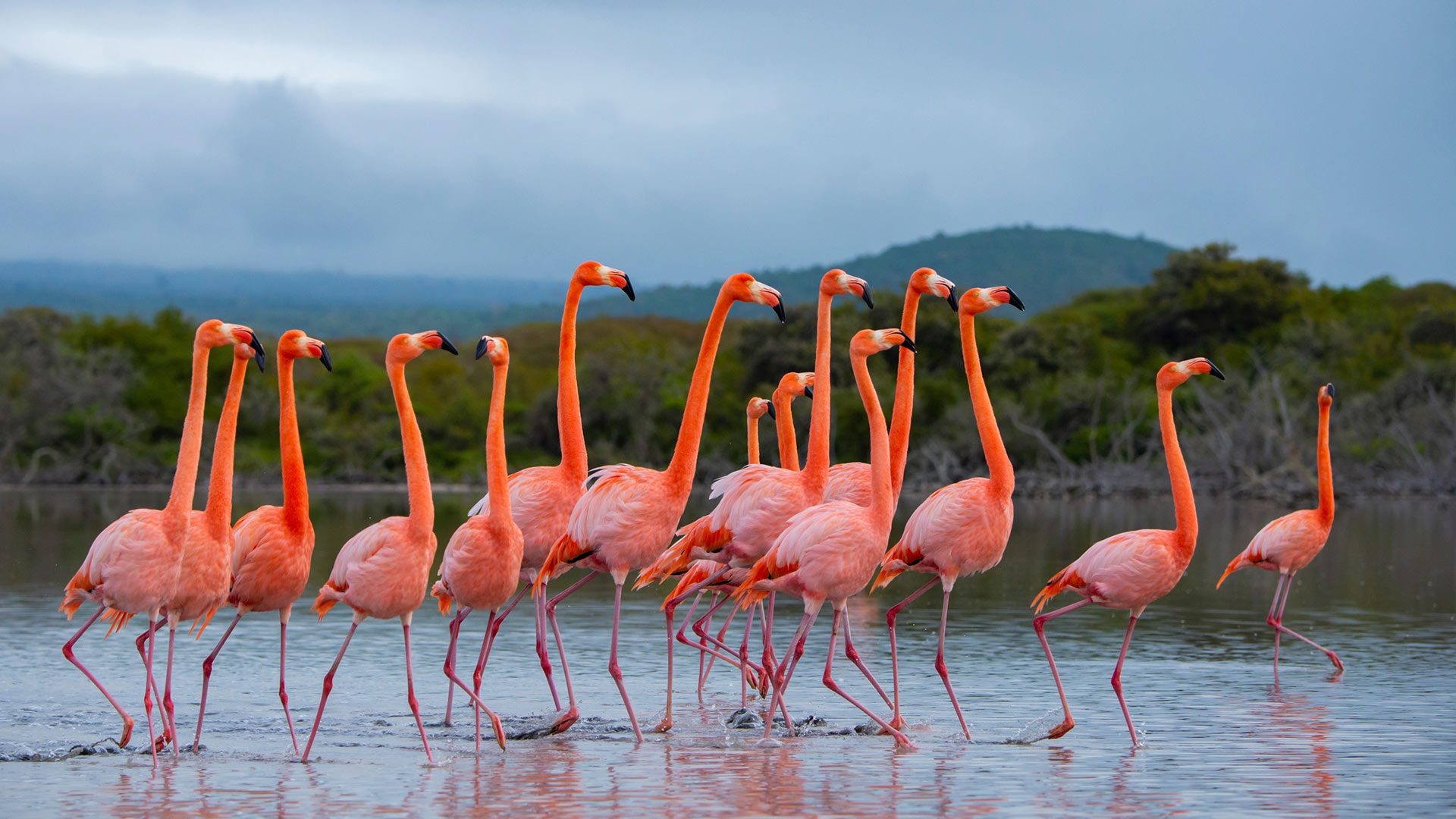 缤纷多彩的一家人 |
 Kalikuning Bridge, Sleman, Yogyakarta |
| 2026-07-22 | 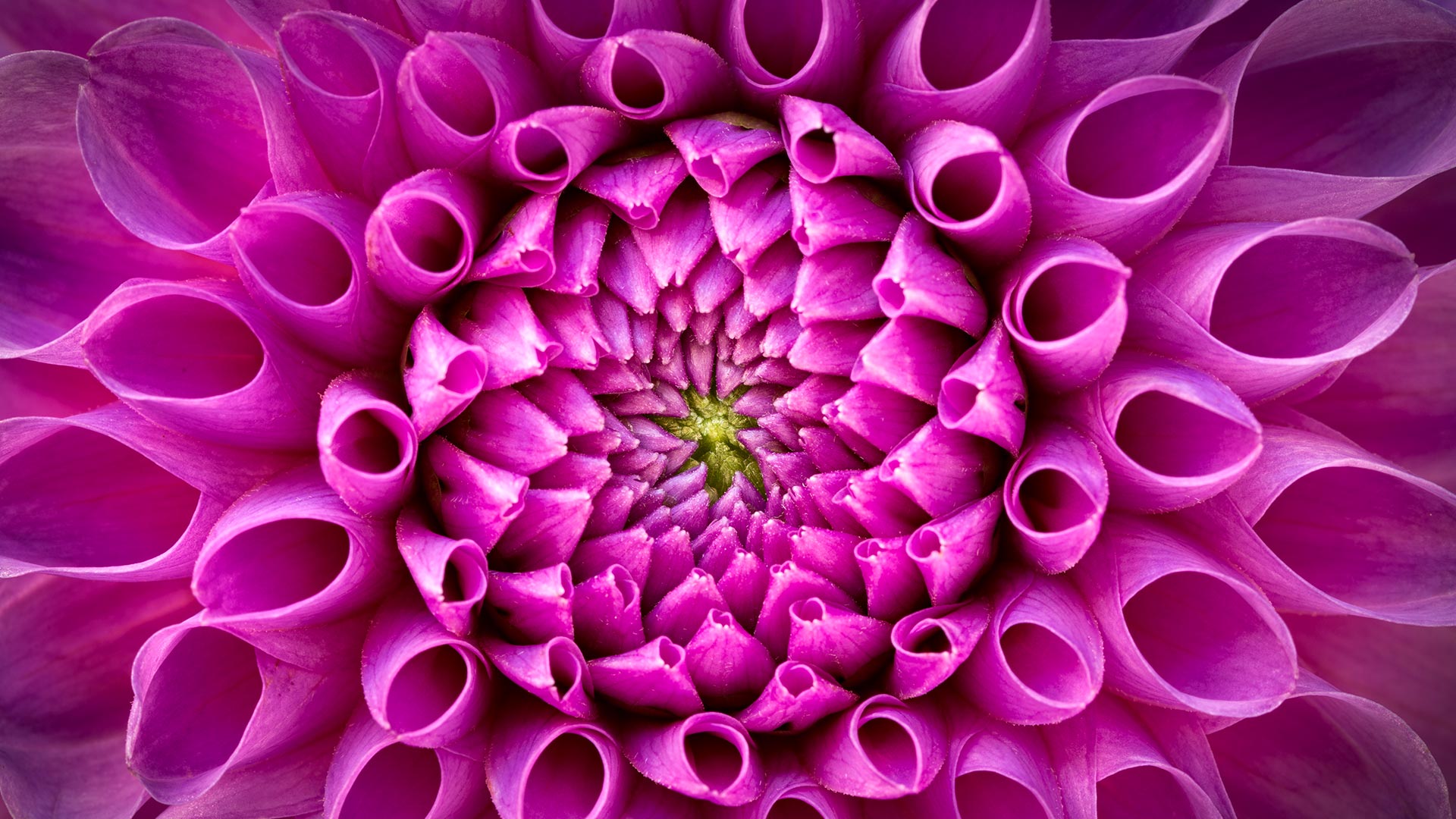 瓣叠交响 |
 a castle in the middle of a mountain surrounded by clouds |
| 2026-07-21 | 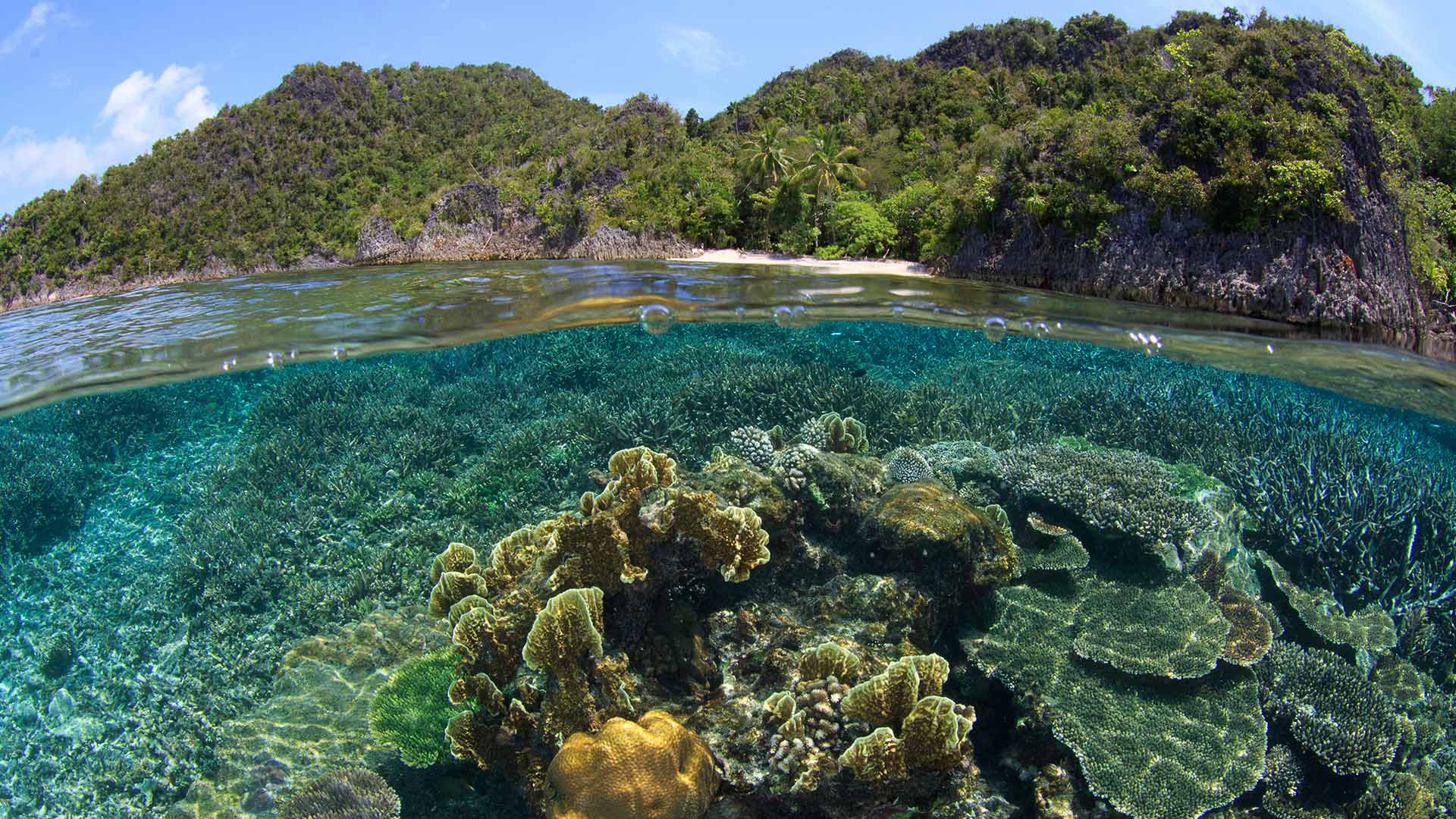 细微之举,影响深远 |
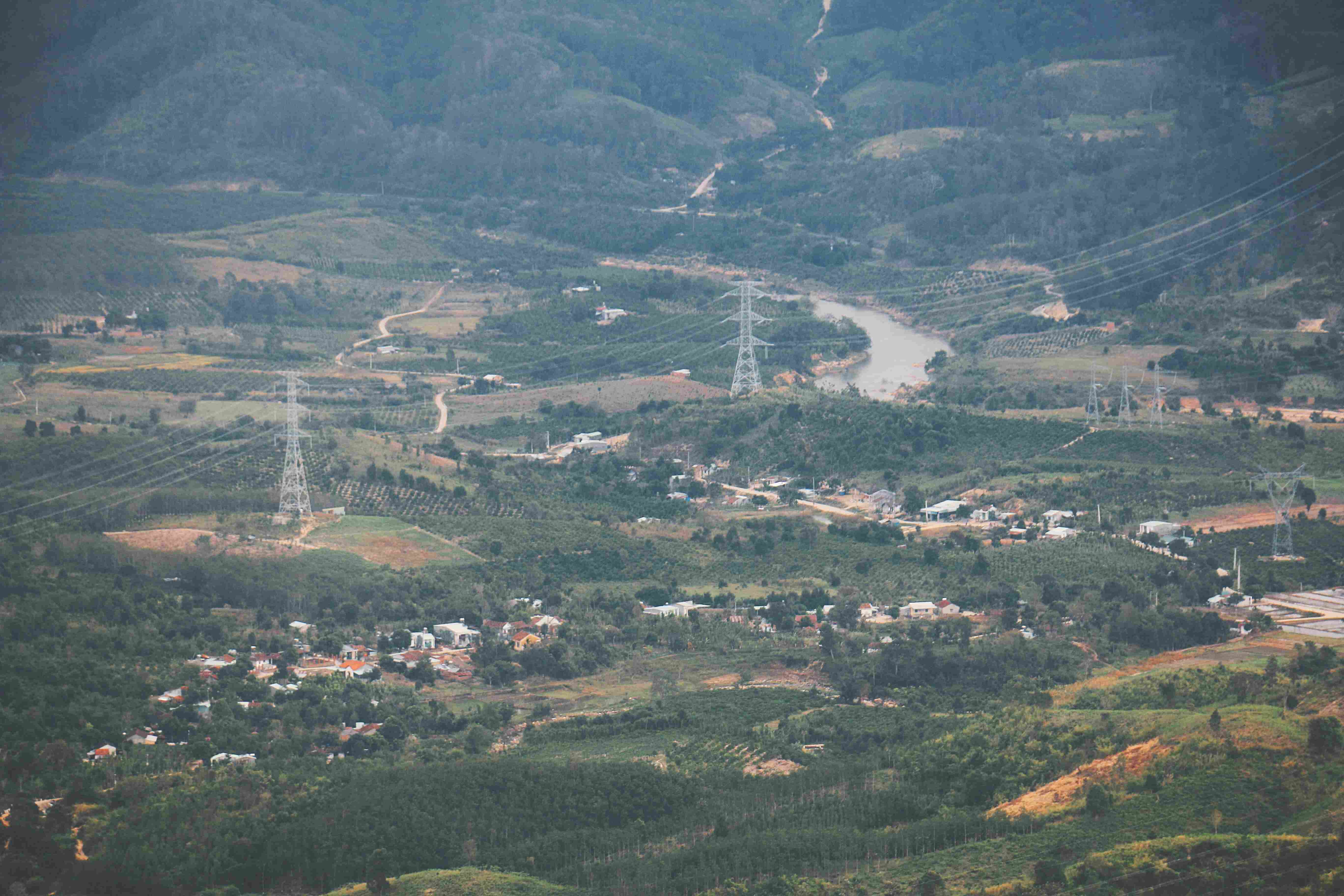 an aerial view of a valley with a river running through it |
🚀 快速开始
本地开发
# 1. 克隆仓库
git clone https://github.com/Hana19951208/DailyWallpaperHub.git
cd DailyWallpaperHub

# 2. 安装依赖(使用 conda 环境)
conda activate base
pip install -r requirements.txt

# 3. 配置环境变量
cp .env.example .env
# 编辑 .env 文件,填入以下配置:
# WEWORK_WEBHOOK=your_webhook_url
# LLM_API_KEY=your_api_key
# LLM_BASE_URL=https://api.openai.com/v1
# LLM_MODEL_NAME=gpt-4o
# UNSPLASH_ACCESS_KEY=your_unsplash_key

# 4. 快速抓取壁纸(跳过故事生成)
python fetch_bing_wallpaper.py --skip-story
python fetch_unsplash_wallpaper.py --skip-story

# 5. 异步生成故事(后台运行)
python scripts/generate_missing_stories.py

# 6. 批量抓取历史壁纸
python batch_fetch.py bing 2025-12        # 抓取 Bing 整月
python batch_fetch.py unsplash 2025-12-10 # 抓取 Unsplash 指定日期
GitHub Actions 部署
-
Fork 本仓库
-
配置 GitHub Secrets(Settings → Secrets and variables → Actions):
WEWORK_WEBHOOK: 企业微信群机器人 Webhook URLLLM_API_KEY: LLM API 密钥LLM_BASE_URL: LLM API 基础 URLLLM_MODEL_NAME: LLM 模型名称UNSPLASH_ACCESS_KEY: Unsplash API 访问密钥IMAGE_REPO: 镜像图床仓库路径(如Hana19951208/blog-images)GITHUB_TOKEN: GitHub Token (默认已提供,无需手动设置)
-
启用 GitHub Pages:
- Settings → Pages
- Source: Deploy from a branch
- Branch:
main/docs
-
手动触发或等待定时任务:
- Actions → Daily Wallpaper Fetch → Run workflow
📁 项目结构
DailyWallpaperHub/
├── config/
│   └── sources.yaml          # 数据源配置
├── prompts/
│   └── story_prompt.txt      # AI 提示词模板
├── scripts/
│   ├── fill_unsplash_dec.py  # Unsplash 数据补充脚本
│   └── generate_missing_stories.py  # 异步故事生成脚本
├── src/
│   ├── config_loader.py      # 配置加载器
│   ├── utils.py              # 企业微信推送工具
│   ├── update_readme.py      # README 更新器
│   └── update_gallery.py     # Gallery 更新器
├── docs/
│   ├── index.html            # GitHub Pages 画廊
│   └── wallpapers/           # 404 修复:由于部署源在 docs/,壁纸必须放在此目录下
│       ├── bing/
│       │   └── YYYY-MM-DD/
│       │       ├── image.jpg
│       │       ├── thumb.jpg
│       │       ├── meta.json
│       │       └── story.md
│       └── unsplash/
│           └── YYYY-MM-DD/
│               ├── image.jpg
│               ├── thumb.jpg
│               ├── meta.json
│               └── story.md
├── .github/workflows/
│   └── daily.yml             # 自动化工作流
├── fetch_bing_wallpaper.py   # Bing 抓取器
├── fetch_unsplash_wallpaper.py # Unsplash 抓取器
├── batch_fetch.py            # 批量抓取工具
├── requirements.txt          # Python 依赖
└── README.md                 # 项目文档
🎯 使用说明
异步故事生成
为了提升用户体验,本项目采用异步架构:
-
快速模式(默认推荐):
python fetch_bing_wallpaper.py --skip-story
- 只下载图片和元数据
- 立即更新 README 和 Gallery
- 图片可立即查看
-
后台生成故事:
python scripts/generate_missing_stories.py
- 扫描所有缺失故事的壁纸
- 批量调用 LLM 生成故事
- 自动更新元数据和页面
批量抓取
# 抓取 Bing 壁纸
python batch_fetch.py bing 2025-12        # 整月
python batch_fetch.py bing 2025-12-10     # 指定日期

# 抓取 Unsplash 壁纸
python batch_fetch.py unsplash 2025-12    # 整月(多张当前精选)
python batch_fetch.py unsplash 2025-12-10 # 指定日期

# 源参数忽略大小写
python batch_fetch.py BING 2025-12
python batch_fetch.py Unsplash 2025-12-10
添加新数据源
-
编辑
config/sources.yaml:sources: - name: new_source display_name: "新数据源 🎨" enabled: true api_key_env: "NEW_SOURCE_API_KEY" fetcher_script: "fetch_new_source.py" -
创建
fetch_new_source.py抓取脚本 -
运行测试并提交
🤝 关注我

扫码关注「把知识变成系统」
⚖️ 开源协议
本项目基于 MIT 协议开源。仅供学习交流,壁纸版权归微软必应和 Unsplash 所有。
more like this