meine
meine 🌒 - A CLI file manager and system utility built with Textual. It combines intuitive command parsing with rich t…
Python★ 50
Customizable TUI Pomodoro timer with ASCII art, progress bar, desktop notifications, and productivity statistics.
 Bahaaio
git clone https://github.com/Bahaaio/pomo.gitBahaaio/pomo

A simple, customizable Pomodoro timer for your terminal, built with Bubble Tea.
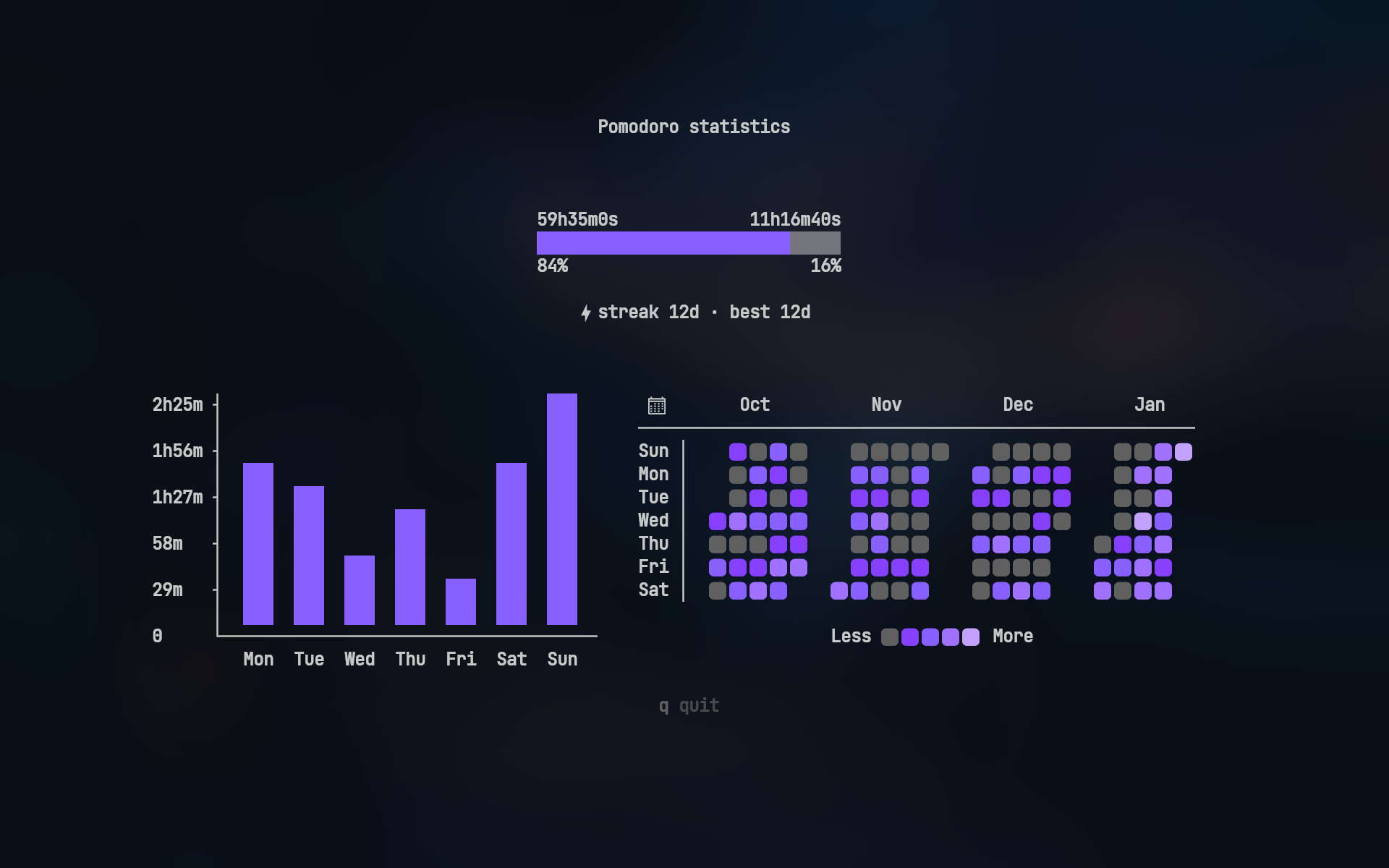
Track your productivity with pomo stats:
Heatmap icons require a Nerd Font
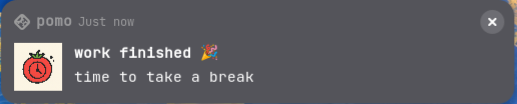
pomo sends native desktop notifications when sessions complete
Linux (GNOME)
Windows
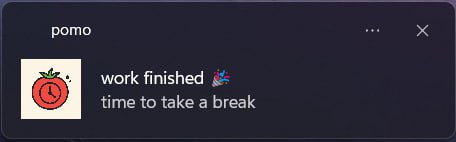
Note: Actual notification appearance varies by operating system and desktop environment
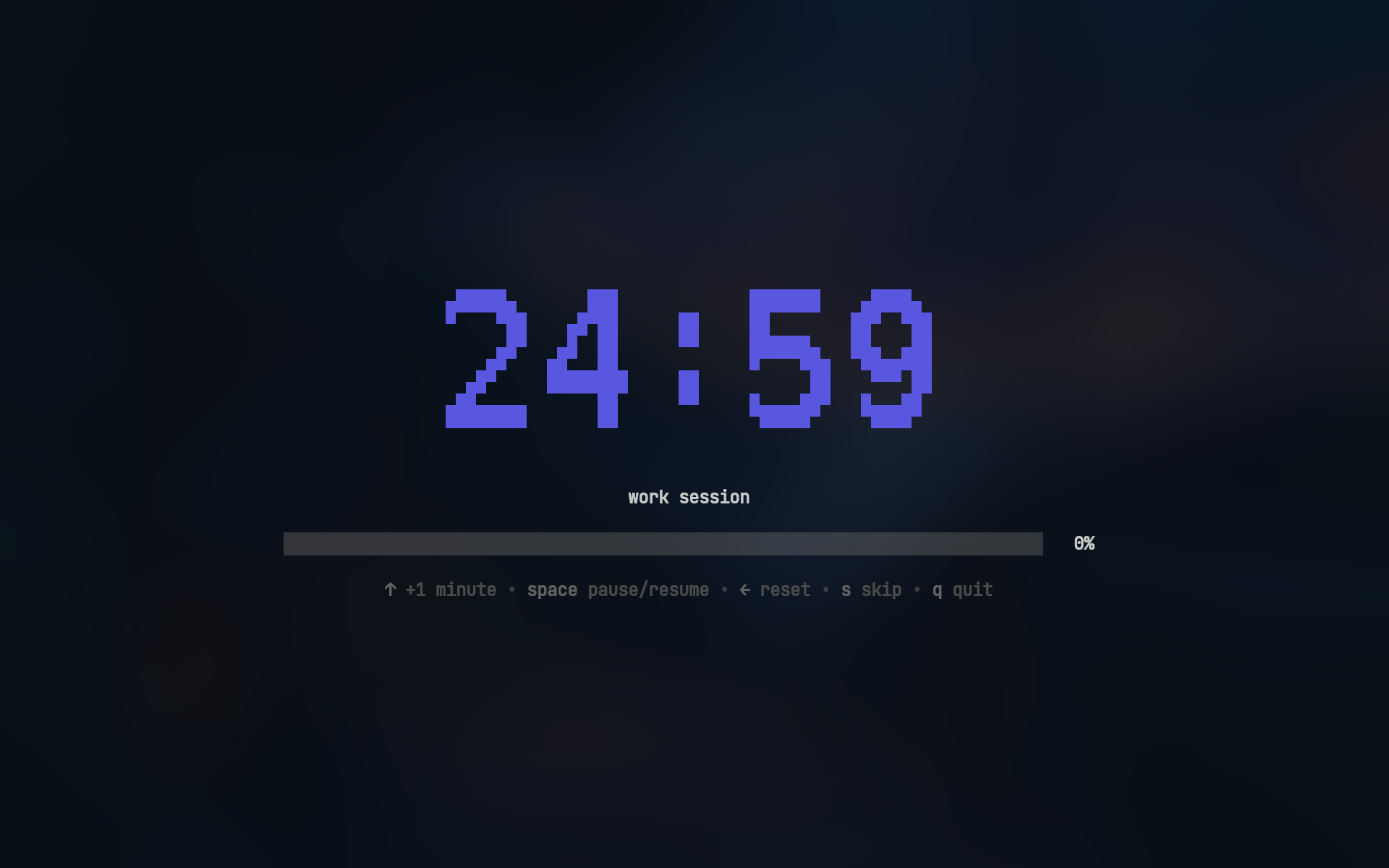
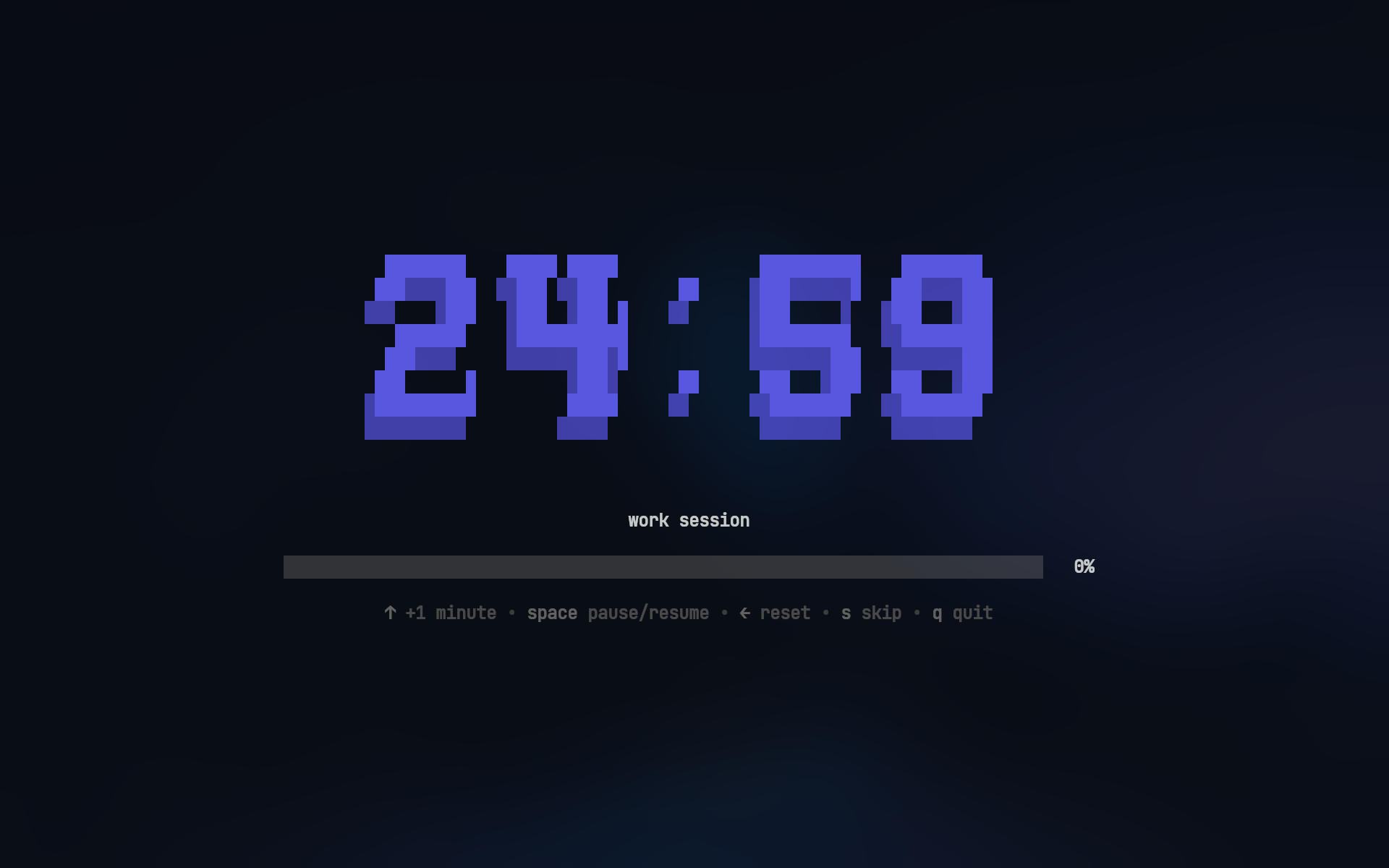
| mono12 | rebel |
|---|---|
 |
 |
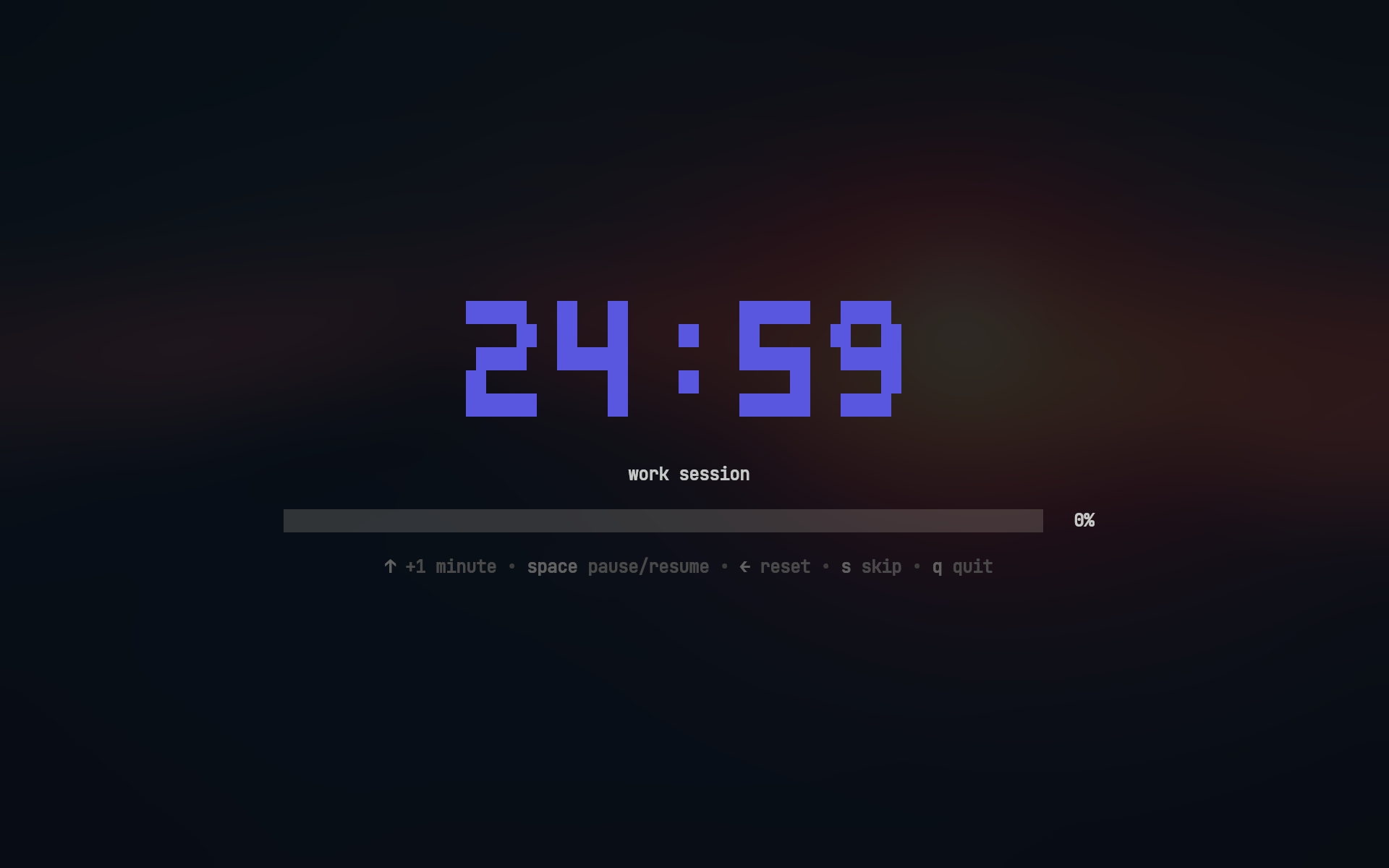
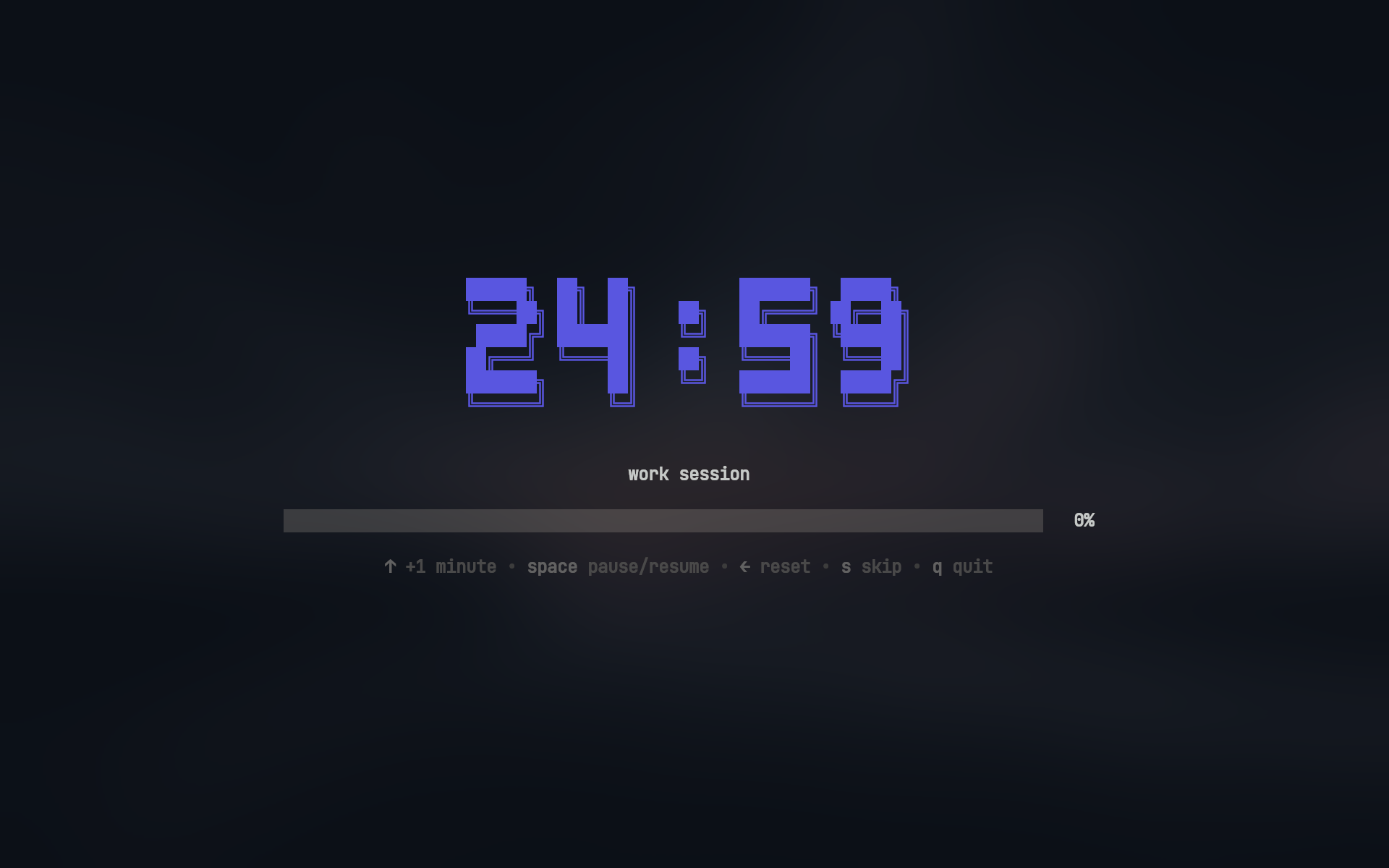
| ansi | ansiShadow |
 |
 |
Work sessions:
pomo                    # work session
pomo 30m                # 30m work session
pomo 45m 15m            # 45m work with 15m break
pomo -t "write report"  # work session with custom title (or --title)
Break sessions:
pomo break              # break session
pomo break 10m          # 10m break session
View statistics:
pomo stats # View your productivity stats
brew install --cask bahaaio/pomo/pomo
winget install Bahaaio.pomo
go install github.com/Bahaaio/pomo@latest
Download pre-built binaries from the releases page.
Option 1: Add to flake inputs and system packages
In your flake.nix:
pomo = {
  url = "github:Bahaaio/pomo";
  inputs.nixpkgs.follows = "nixpkgs";
};
Then add to your system packages:
environment.systemPackages = with pkgs; [
  inputs.pomo.packages.${pkgs.stdenv.hostPlatform.system}.default
];
Option 2: Run directly
nix run github:Bahaaio/pomo
git clone https://github.com/Bahaaio/pomo
cd pomo
go build .
pomo looks for its config file in the following order:
pomo.yaml (highest priority)~/.config/pomo/pomo.yaml%APPDATA%\pomo\pomo.yamlExample pomo.yaml:
# action to take after session completion
# options: "ask" | "start" | "quit"
onSessionEnd: "ask"

asciiArt:
  # use ASCII art for timer display
  enabled: true

  # available fonts: "mono12" | "rebel" | "ansi" | "ansiShadow"
  # default: mono12
  font: ansiShadow

  # color of the ASCII art timer
  # hex color or "none"
  color: "#5A56E0"

work:
  duration: 25m
  title: work session

  # cross-platform notifications
  notification:
    enabled: true
    urgent: true # persistent notification with alert sound (platform-dependent)
    title: work finished 🎉
    message: time to take a break
    icon: ~/my/icon.png

break:
  duration: 5m

  # will run after the session ends
  then:
    - [spd-say, "Back to work!"]

longBreak:
  # enable long break after a certain number of work sessions
  enabled: true

  # number of work sessions before long break
  after: 4

  # long break duration
  duration: 15m
Check out pomo.yaml for a full example with all options.
You can play sounds when sessions complete by running commands in the then section.
work:
  then:
    - [paplay, ~/sounds/work-done.mp3] # Linux
    # - [afplay, ~/sounds/work-done.mp3] # macOS
    # - [powershell, start, work-done.mp3] # Windows
Commands run with a 5 second timeout and are automatically cancelled when starting the next session.
| Key | Action |
|---|---|
↑ / k |
Increase time by 1 minute |
Space |
Pause/Resume timer |
← / h |
Reset to initial duration |
s |
Skip to next session |
q / Ctrl+C |
Quit |
Skip button skips directly to the next session, bypassing any prompts
| Key | Action |
|---|---|
y |
Confirm (Yes) |
n |
Cancel (No) |
s |
Start short session (2 minutes) |
Tab |
Toggle selection |
Enter |
Submit choice |
q / Ctrl+C |
Quit |
Short sessions extend the current session by 2 minutes, useful when you need a bit more time
This project is licensed under the MIT License. See the LICENSE file for details.
more like this
meine 🌒 - A CLI file manager and system utility built with Textual. It combines intuitive command parsing with rich t…
Open the next door in your Vim journey — personalized command discovery based on your actual usage
MTT File Manager is a Rust-based Windows file manager with tabbed navigation, rich media previews, deep system integrat…
search projects, people, and tags