Agent-Signal-Bar
本地优先的 macOS AI Agent 信号灯:状态栏 + 桌面悬浮信号灯,自动监控 Codex / Claude Code。Local menu bar and floating desktop status lights for A…
Swift★ 53
Local-first chat history analyzer with AI. | 本地优先的 AI 聊天记录分析工具
 ChatLab
Your chat history, finally yours.
English | 简体中文
Official Website · Docs · Quick Start · Roadmap · Releases
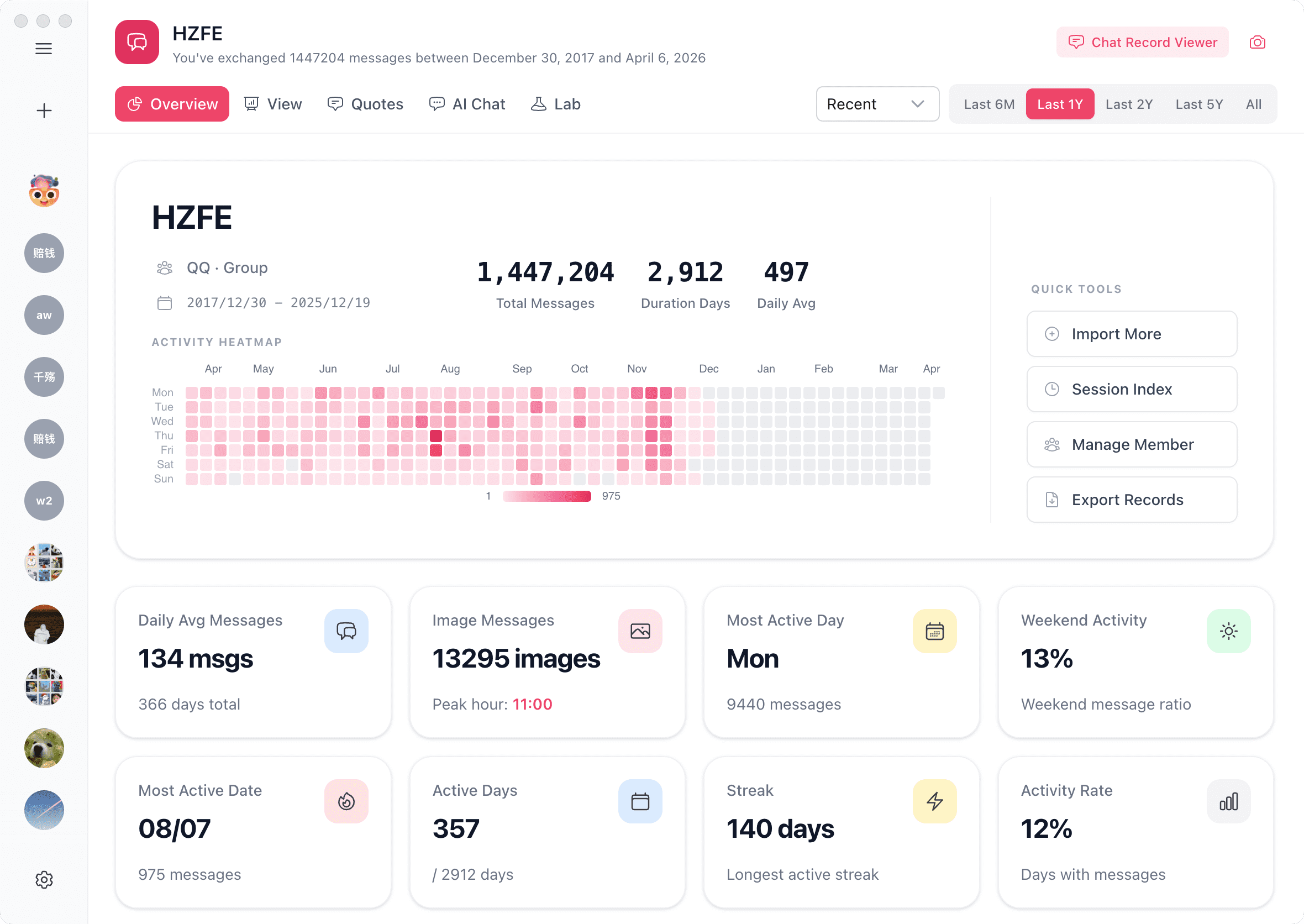
ChatLab is an open-source desktop app for understanding your social conversations. It combines a flexible SQL engine with AI agents so you can explore patterns, ask better questions, and extract insights from chat data, all on your own machine.
Currently supported: WhatsApp, LINE, QQ, Discord, Instagram, Telegram, iMessage, and Google Chat. Coming next: Messenger and KakaoTalk.
New install? Start here: Getting started
Download the installer for your OS from the official website or GitHub Releases, then double-click to install.
Requires Node.js ≥ 20.
npm i chatlab-cli -g
Start ChatLab:
chatlab start            # Start API + Web UI, auto-open in browser
chatlab start --no-open  # Start API + Web UI, skip auto-open
chatlab start --headless # API only, no Web UI (for scripts / AI Agents)
Common options: --port <port> (default 3110), --host <address>, --token <token>.
To run as a persistent background service (auto-start on login + auto-restart on crash):
chatlab start --daemon   # Install as system service (macOS / Linux)
chatlab status           # Check service status
chatlab stop             # Stop and uninstall service
For a full walkthrough, see the Quick Start guide.
For more previews, please visit the official website: chatlab.fun
ChatLab is a pnpm monorepo built on Electron + Vue 3 + Nuxt UI + Tailwind CSS. Core business logic lives in shared packages (@openchatlab/core, @openchatlab/node-runtime, @openchatlab/tools), consumed by both the desktop app and the CLI service — so they stay in sync.
Data flows in five stages: format detection → stream parsing → local persistence → SQL + AI query → visualization.
For a deep dive, see the architecture documentation.
For complete contributor instructions, see the Development Guide.
# Install dependencies
pnpm install

# Start dev mode — prompts you to choose which app to launch
pnpm dev
Or launch a specific target directly:
pnpm dev:desktop   # Electron desktop app
pnpm dev:cli-web   # CLI Web frontend + local server
pnpm dev:web-wasm  # Browser-only Web WASM
pnpm dev:serve     # CLI server only
pnpm docs:dev      # Docs site
If Electron encounters exceptions during startup, you can try using electron-fix:
npm install electron-fix -g
electron-fix start
Before using this software, please read the Privacy Policy & User Agreement.
Please follow these principles before submitting a Pull Request:
Thanks to all contributors:
AGPL-3.0 License
more like this
本地优先的 macOS AI Agent 信号灯:状态栏 + 桌面悬浮信号灯,自动监控 Codex / Claude Code。Local menu bar and floating desktop status lights for A…
Dispatch your task backlog to local, interactive AI coding agents. One git worktree per task, sandboxed by default.
Use Codex and Claude Code with COMSOL via sim-cli: .mph inspection, live Desktop sessions, bounded execution, artifacts.
A macOS desktop AI pet that mirrors your Claude Code & Codex CLI session state in real time. 支持Claude Code和Codex CLI 的像…
search projects, people, and tags