Scythe
SCYTHE is a lightweight, C#-based game engine focused on modifiability and rapid iteration using Raylib.
C#★ 50
New block based programming language, with advanced features, built from ground up in C
 Grisshink
Scrap is a new block based programming language with the aim towards advanced users. It is written in pure C and mostly inspired by other block based languages such as Scratch and its forks such as Turbowarp.
Warning
Scrap is currently in Beta stage. Some features may be missing or break, so use with caution!
Ctrl to take single block, Alt to duplicate blocks and Shift to pickup/drop multiple block chainsTab to jump to chain in code base (Useful if you got lost in code base)F5 to run the project. Press F6 to stop it.Enter to enter the highlighted text box and Esc to leave that text boxS to open block search menuSee Releases page for all available download options for Windows and Linux
Scrap is now available for download from Arch User Repository (AUR) as scrap-git package. This package will download and build latest Scrap commit from git
To install Scrap from AUR you can use your preferred AUR helper, for example with yay:
yay -S scrap-git
Scrap requires these dependencies to run:
Currently Scrap can be built for Windows, Linux, MacOS and FreeBSD.
pacman -S mingw-w64-ucrt-x86_64-gcc make gettext
ln -sf "${MSYSTEM_PREFIX}/bin/windres.exe" "${MSYSTEM_PREFIX}/bin/x86_64-w64-mingw32-windres"
sudo apt install libxcursor-dev libxrandr-dev libxinerama-dev libxi-dev gettext
Download command for arch-based distributions:
sudo pacman -S libx11 libxrandr libxi libxcursor libxinerama gettext
Download command for openSUSE:
sudo zypper install libX11-devel libXrandr-devel libXi-devel libXcursor-devel libXinerama-devel gettext
Before building the repo needs to be cloned along with its submodules. To do this, run:
git clone --recursive https://github.com/Grisshink/scrap.git
cd scrap
NOTE: This guide will assume that you have MSYS2 installed and running on your system.
After that, run the following commands:
make -B TARGET=WINDOWS
./scrap.exe
NOTE: When running make clean MSYS2 will occasionally drop you into command prompt.
To fix this, just type exit in the cmd and the cleanup process will proceed
To build and run Scrap on linux you need to install gcc (10+) and make. After install, just run following commands:
make -j$(nproc)
./scrap
To build and run Scrap on FreeBSD you need to install gcc (10+) and gmake. After install, just run following commands:
gmake MAKE=gmake -j$(nproc)
./scrap
To build and run Scrap on NixOS, just run the following commands:
nix-shell
make -j$(nproc)
./scrap
Warning
MacOS build is not being tested right now, so it may not work properly or not at all, you have been warned!
To build and run Scrap on macOS, you need to install gcc (10+) and make.
First, install Homebrew:
/bin/bash -c "$(curl -fsSL https://raw.githubusercontent.com/Homebrew/install/HEAD/install.sh)"
After that, you need to run the following commands:
brew install gettext
make -j$(nproc) TARGET=OSX
./scrap
Thanks to @arducat for MacOS support.
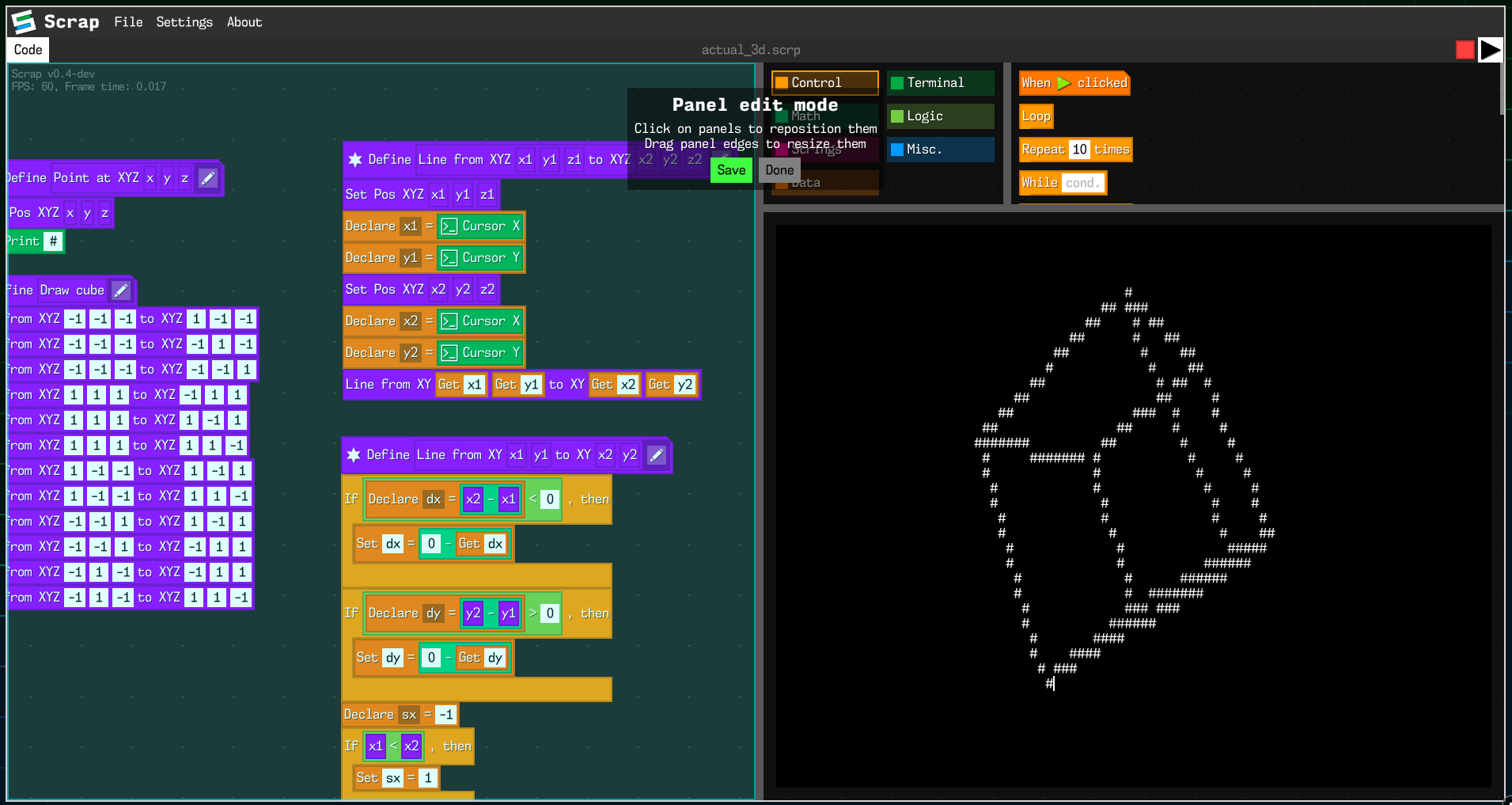
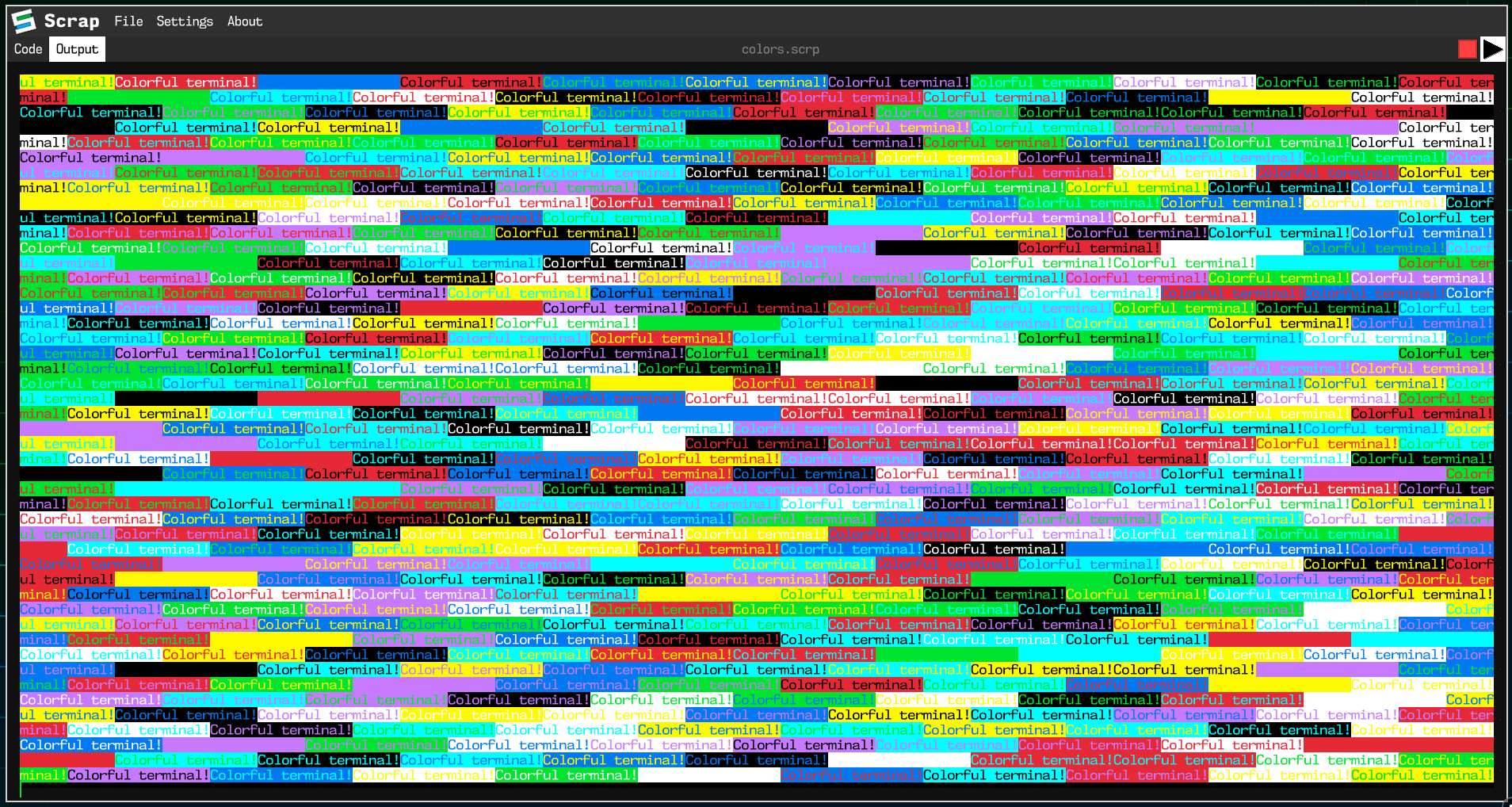
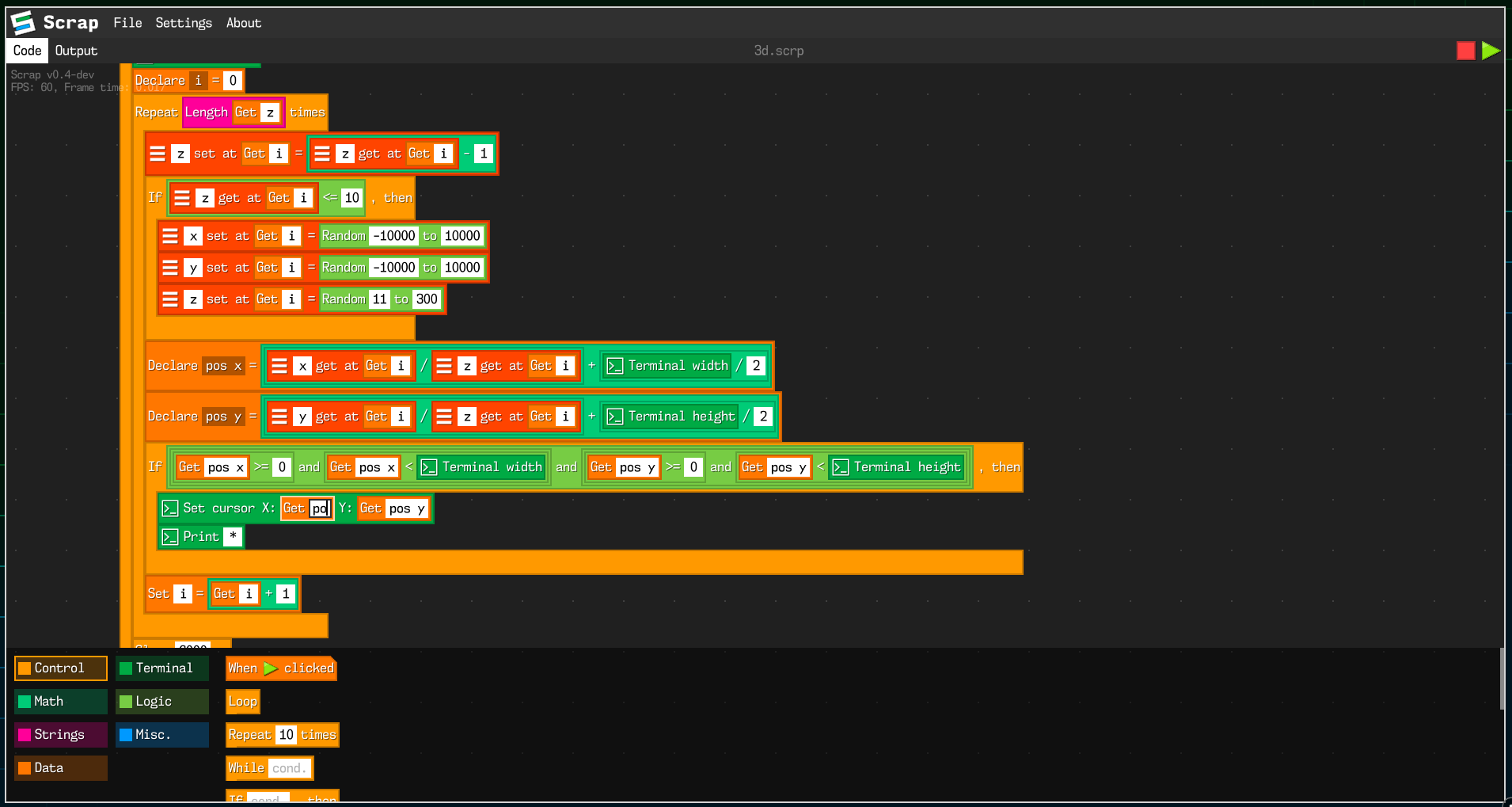
In examples/ folder you can find some example code writen in Scrap that uses most features from Scrap
In extras/ folder you can find some various artwork made for Scrap.
The splash art was made by @FlaffyTheBest,
the logo was made by @Grisshink with some inspiration for logo from @unixource,
the wallpaper was made by @Grisshink
All scrap code is licensed under the terms of zlib license.
more like this
SCYTHE is a lightweight, C#-based game engine focused on modifiability and rapid iteration using Raylib.
.Net 10 (.Net 8+) webassembly starter project using raylib-cs nuget 7.0.2 and raylib 5.5
search projects, people, and tags