agentlytics
Comprehensive analytics dashboard for AI coding agents — Cursor, Windsurf, Claude Code, VS Code Copilot, Zed, Antigravi…
JavaScript★ 555
Terminal pixel-art office for AI coding agents
 IvanWng97
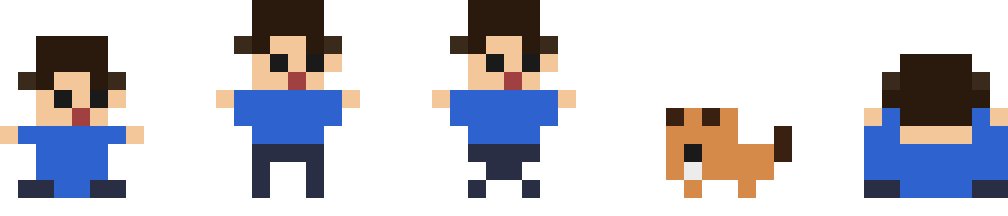
Your AI coding agents, visualized as pixel-art coworkers in a terminal office.
pixel + tui + (agent-)oid
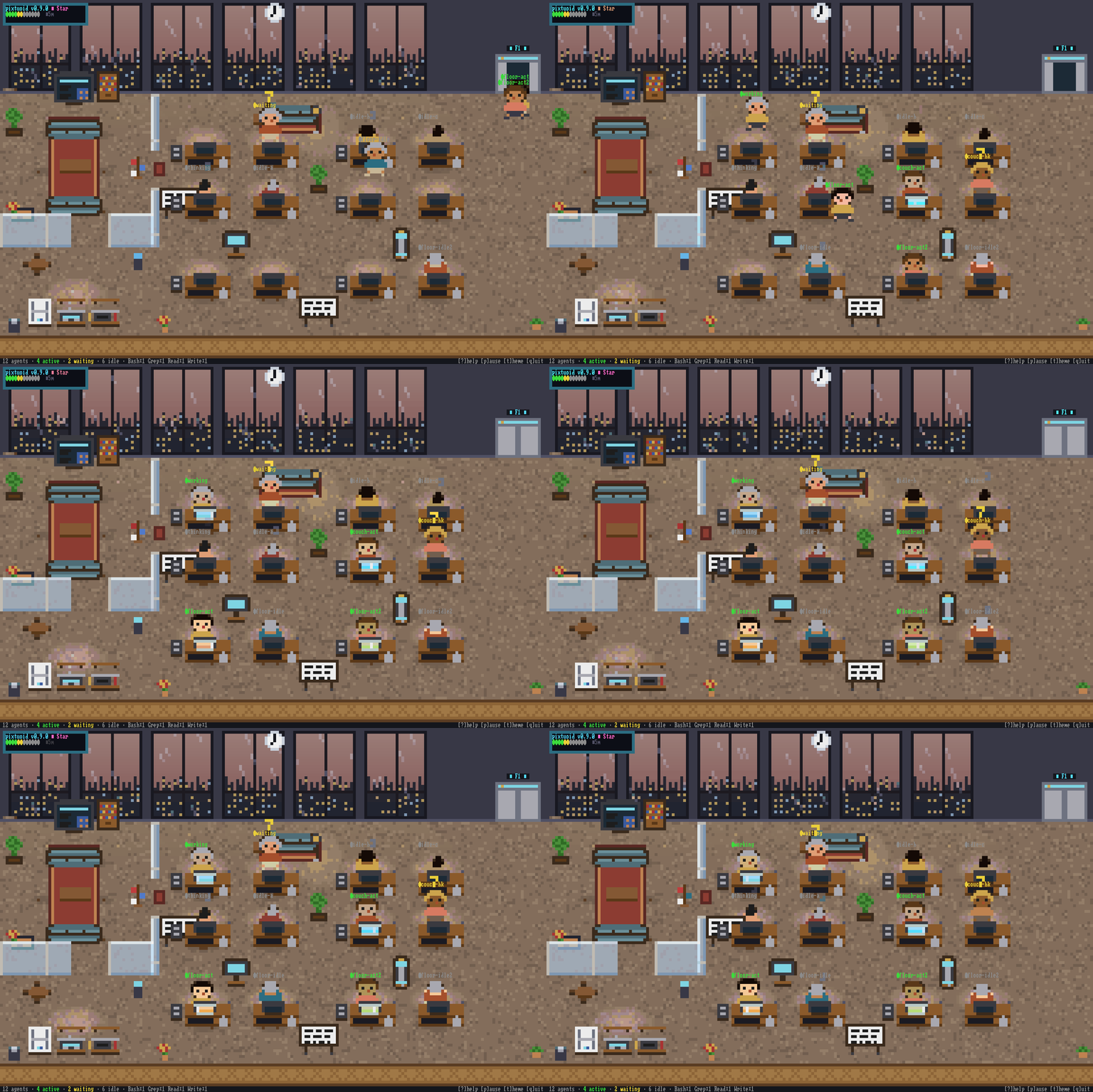
🖥︎ Live demo ↗ · Architecture · Configuration · Contributing
Running several coding agents means alt-tabbing between terminals to find out who's stuck, who's waiting on a permission prompt, and who finished ten minutes ago. pixtuoid puts them all in one tiny pixel-art office you can watch from above — every session is a character at a desk: typing while it works, raising a ? when it needs you, dozing off when it's done.
A little bit Black Mirror, a little bit The Sims — and the most glanceable multi-agent dashboard you'll ever use.
Pick one:
Homebrew (Linux, macOS, or WSL2):
brew install pixtuoid
npm (any OS):
npm install -g pixtuoid
Then launch:
pixtuoid
Press s to open the Sources panel and connect your agent CLI (Claude Code, Codex, Antigravity, Reasonix, …) — pixtuoid wires up the integration for you, no separate install step. In another terminal, start that coding agent. A character walks in from the elevator within a second; disconnect in the same panel and it walks back out. The panel also flags a source whose hooks are connected but broken (run pixtuoid doctor for the full health report).
Keyboard shortcuts: q quit · p pause · s sources (connect / health) · t themes · m sound (+/- volume) · Tab agent dashboard · ? help · ↑↓/jk/PgUp/PgDn floors · click an agent to bring its terminal to the front (f in the dashboard)
More ways to install — Cargo, prebuilt binaries, and Debian .debs — are on the install guide ↗.
| Feature | Description | |
|---|---|---|
 |
Multi-agent office | Every agent session gets its own desk — when a floor fills up, a new floor opens automatically |
 |
Multi-floor office | Hop between floors with PageUp/PageDown, ↑/↓, or j/k — each switch slides into view |
 |
Office spaces | Cubicles, a meeting lounge, and a pantry — the office is laid out in distinct furnished zones, not just a grid of identical desks |
 |
Animated characters | Coworkers type, wait with a ?, sleep under little z's, and walk A*-routed paths between desks |
 |
Team palette | Shirt and pants take their colors from the working directory — same repo, same colors, so the room reads like an org chart. Hair and skin vary per agent; 16 curated outfits |
 |
Per-tool monitor glow | Each desk's monitor glows with the tool in use — Edit blue, Bash orange, Read cyan — so you can read the whole room at a glance |
 |
Token meter | Paper stacks up on a desk as its session burns tokens — the pile climbs through 250K / 2M / 16M tiers, a big spend drops a fresh sheet, and hovering shows the exact total (Σ) |
 |
Hover tooltips | Hover an agent for session duration, tool-call count and active-time %; hover any furniture — desks, sofas, plants, vending machine, printer — for its name |
 |
Agent tree dashboard | Tab opens a collapsible tree of every floor's agents — each badged with the CLI it runs, color-tinted by what it's doing, with tool-call counts |
 |
Office pets | A cat or dog (one per floor) roams desks, pantry, sofas; sleeps near idle agents. Click to pet — pixel-art hearts float up |
 |
OpenClaw gateway mascot | A live OpenClaw gateway shows up as a wandering lobster — the way it moves shows the gateway's health |
 |
Office vibes | The sun and moon cross the skyline as the day goes by, weather rolls past the windows — rain, storm, snow, fog, overcast, windy, smog — and six themes give the office a whole new look |
 |
Lofi soundtrack | A lofi soundtrack synthesized entirely in code — no audio files shipped. Day and night tracks follow the office's clock and weather, typing sounds swell with activity, and the door chime, printer and vending machine play as coworkers come and go. m mutes, +/- volume |
 |
Floating desktop window | pixtuoid floating opens the office in a frameless, always-on-top window — on your desktop, not just in your terminal |
 |
Hook-safe | The tiny hook shim pixtuoid installs always exits 0 — even a stuck office can never block your agent |
▶ See every feature live — floors, themes, weather, pets, the office tour →
| Tool | Runs on |
|---|---|
| Claude Code | macOS · Linux · Windows* |
| Codex CLI | macOS · Linux · Windows* |
Also supported: Antigravity CLI, DeepSeek-Reasonix, CodeWhale, Copilot CLI, opencode, Cursor CLI, Hermes Agent, Oh My Pi, OpenClaw, Grok Build, Kimi Code CLI.
→ Full tool × OS support matrix on the site
* experimental — limited testing, unsigned binaries.
Adding a new tool? Implement the
Sourcetrait — or, for a hook-only CLI, just a hook decoder + an installTarget— then add a row tosite/src/sources.json(itssupportedset is pinned to the code by a test). One file, one channel, done.
Everything lives in ~/.config/pixtuoid/config.toml (created on first launch;
every key optional) — theme, desk cap, custom pet names, and sprite packs. CLI
flags override the file (pixtuoid run --theme dracula).
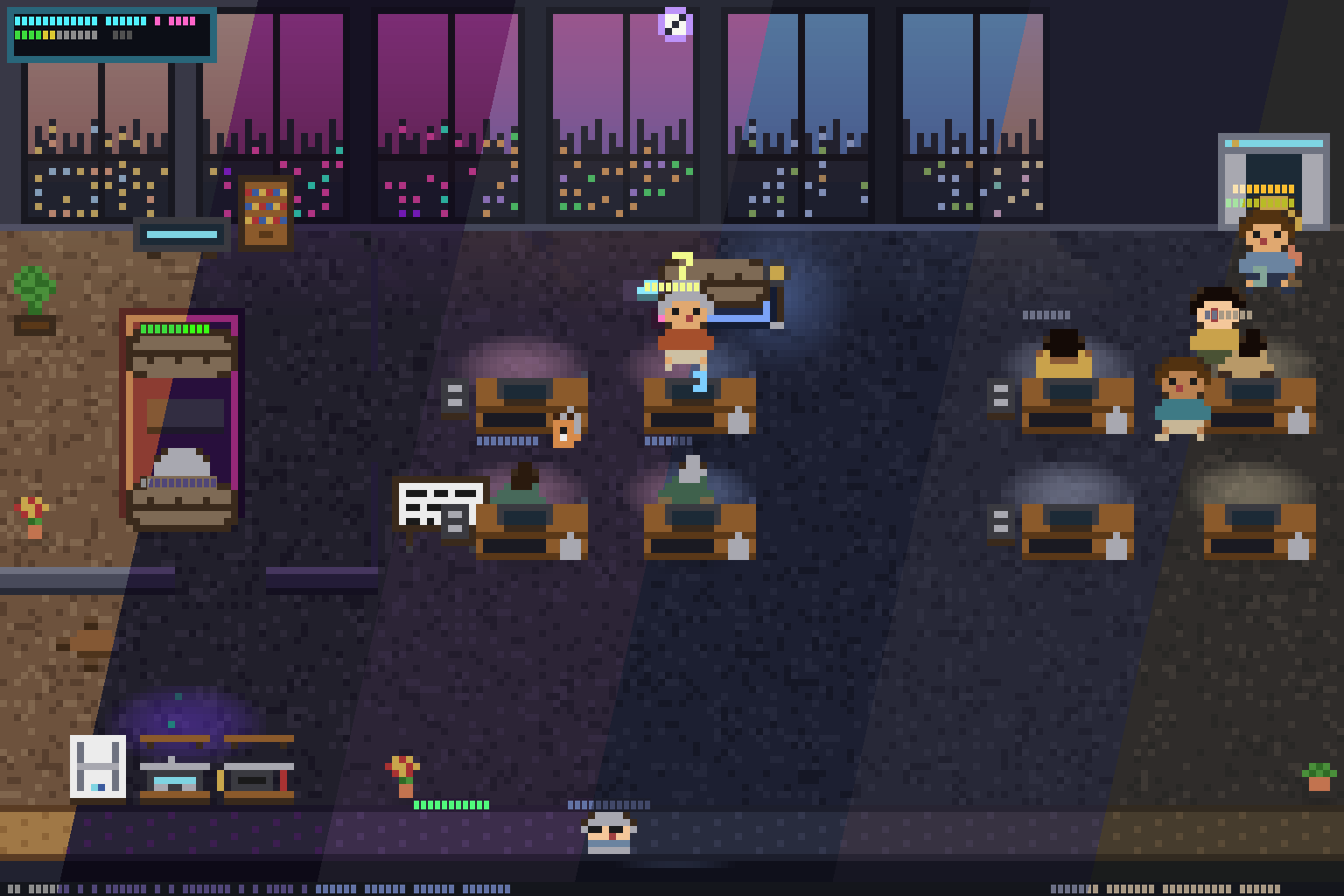
The setting you'll reach for most is the theme — press t in the TUI for a
live-preview picker across six built-in palettes; your pick persists across sessions.
See docs/CONFIGURATION.md for the full key reference
(defaults, system-managed keys), the custom sprite-pack workflow, and logging /
troubleshooting (diagnostics go to ~/.cache/pixtuoid/log) — or browse it live
at /config.
Agent CLIs emit events two ways — a hook shim (a 200ms fire-and-forget write to a Unix socket, or a named pipe on Windows, that can never block your agent) and JSONL transcript watching. Both feed one channel; a reducer folds events into office state; the renderer draws it as half-block pixel art. Five Rust crates, zero terminal deps in the core.
Full architecture with diagrams → · single source: docs/ARCHITECTURE.md
pixtuoid is local-only and telemetry-free — it makes no network connections,
ships no analytics or "phone home", and reads your agent transcripts read-only to
animate the office. Your session data never leaves your machine. The dependency
set is audited for advisories daily (cargo-deny). For the trust boundaries (the
hook shim, the owner-only socket, and how hook installation edits another tool's
config), see SECURITY.md.
PRs welcome — especially new themes, sprite/decoration polish, and Source adapters for agent CLIs we don't support yet (the twelve agent CLIs plus the OpenClaw gateway already wired up are in Supported Tools). See CONTRIBUTING.md for the build/test workflow, conventions, the review process, and how to add a new agent CLI. Architecture and the load-bearing invariants live in CLAUDE.md.
Inspired by pixel-agents (VS Code), clawd-on-desk (desktop pet), and Claude Code's Buddy.
Enjoying the little office? ☕ Buy me a coffee · ⭐ Star the repo
more like this
Comprehensive analytics dashboard for AI coding agents — Cursor, Windsurf, Claude Code, VS Code Copilot, Zed, Antigravi…
TachiSnap — Pixel Snapper for animation pixel artists. Rust + WebAssembly client-side tool for cleaning up AI-generated…
meine 🌒 - A CLI file manager and system utility built with Textual. It combines intuitive command parsing with rich t…
search projects, people, and tags