vim-dap
Vim/Neovim debugger plugin providing a terminal interface to the Debug Adapter Protocol
Vim Script★ 50
Vim plugin that horizontally centers the current window(s)
 JMcKiern
git clone https://github.com/JMcKiern/vim-venter.gitJMcKiern/vim-ventervim-venter is a vim plugin that vertically horizontally centers the current window(s)
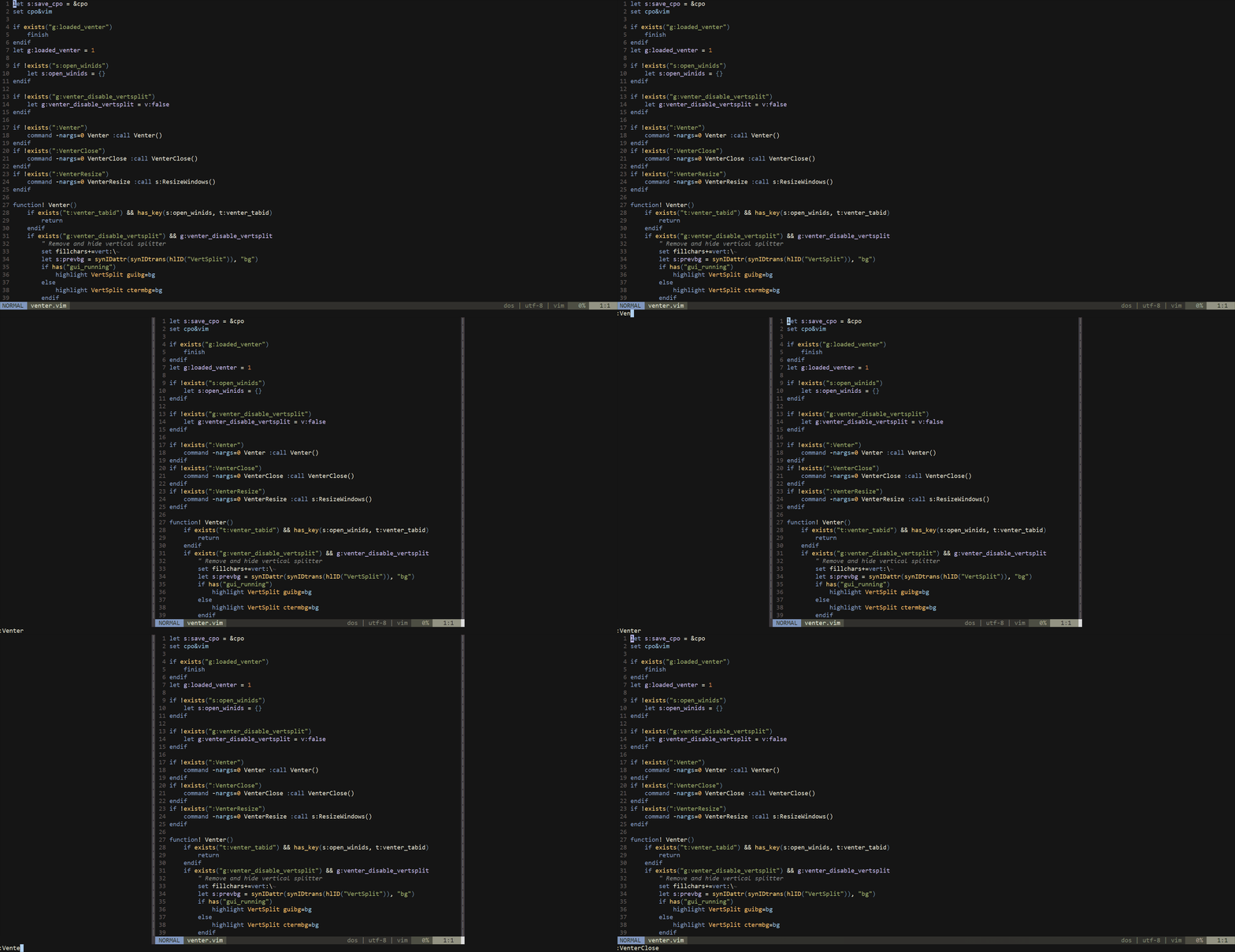
This is mainly useful when working with one file on a large monitor
Similar to goyo.vim but keeps the functionality (statusbar, tabline etc.)
Add Plug 'jmckiern/vim-venter' to .vimrc
Then run :PlugInstall in vim
Add Plugin 'jmckiern/vim-venter' to .vimrc
Then run :PluginInstall in vim
Run git clone https://github.com/jmckiern/vim-venter ~/.vim/bundle/vim-venter in a terminal
:Venter - Open venter
:VenterClose - Close venter
:VenterToggle - Toggle venter
:VenterResize - Force a window resize (usually only happens on VimResized, TabEnter and WinEnter events)
g:venter_disable_vertsplit - Set to v:true before calling :Venter to disable the vertical window separators
g:venter_width - Manually set width of padding windows (defaults to &columns/4)
g:venter_use_textwidth - If true, venter will resize the main window to it's textwidth. Note, this only works with 1 window open (excl. venter padding windows)
g:venter_close_tab_if_empty - Close the tab when the final window is closed if there are other tabs open (defaults to v:true)
more like this
Vim/Neovim debugger plugin providing a terminal interface to the Debug Adapter Protocol
Open the next door in your Vim journey — personalized command discovery based on your actual usage
search projects, people, and tags