Scythe
SCYTHE is a lightweight, C#-based game engine focused on modifiability and rapid iteration using Raylib.
C#★ 50
Load Aseprite files for animated sprites in raylib.
 RobLoach
git clone https://github.com/RobLoach/raylib-aseprite.gitRobLoach/raylib-asepriteLoad Aseprite .aseprite and .ase files for animated sprites in raylib.
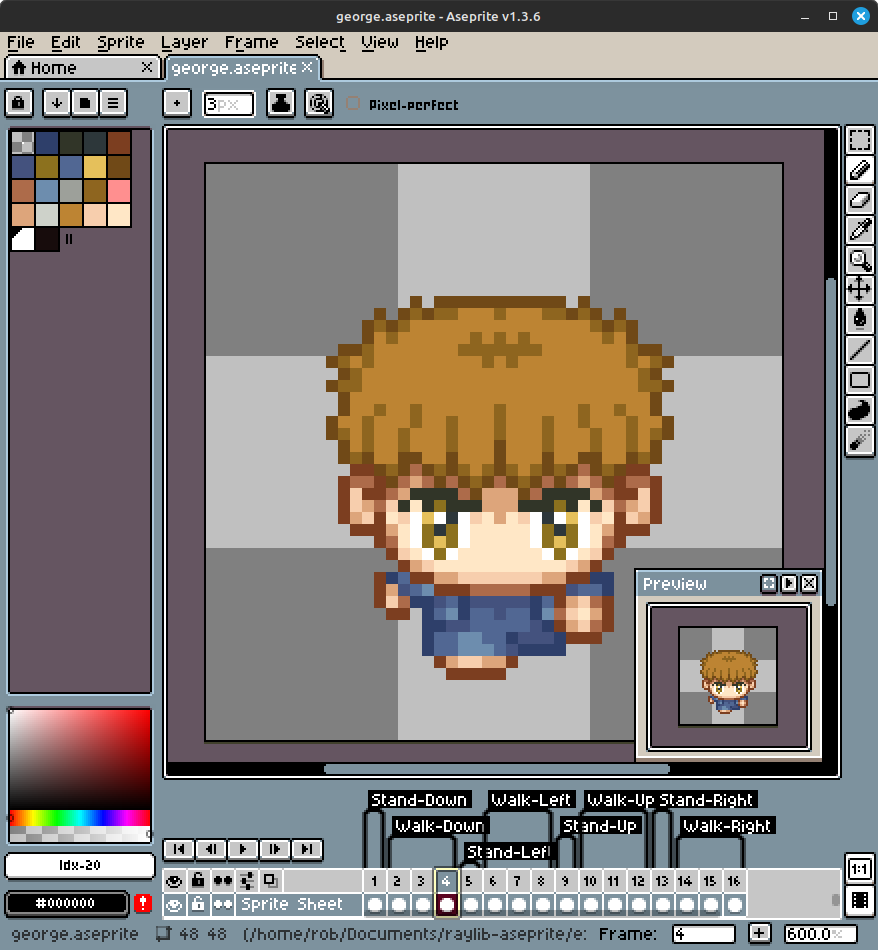
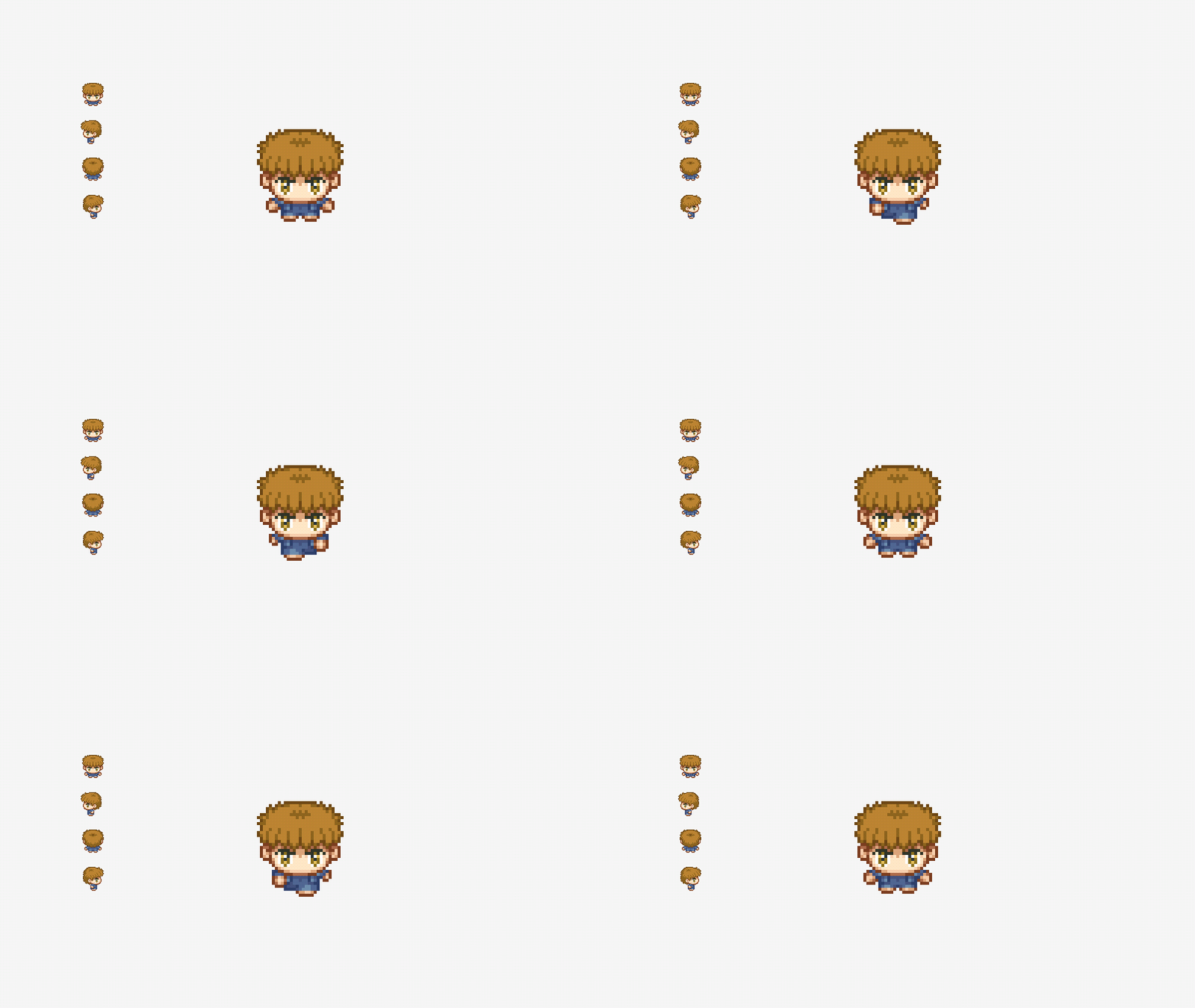
tag.speedtag.pausetag.loopThis is a header-only library. To use it, define RAYLIB_ASEPRITE_IMPLEMENTATION in one .c source file before including raylib-aseprite.h. You will also have to link the raylib dependency.
The below is a basic example, see the examples folder for more.
#include "raylib.h"

#define RAYLIB_ASEPRITE_IMPLEMENTATION
#include "raylib-aseprite.h"

int main() {
    InitWindow(640, 480, "Aseprite Example");

    // Load the George Aseprite file.
    Aseprite george = LoadAseprite("resources/george.aseprite");

    // Load the Walk Down tag.
    AsepriteTag walkdown = LoadAsepriteTag(george, "Walk-Down");
    walkdown.speed = 2; // Double the animation speed.

    while(!WindowShouldClose()) {
        // Update the animation frame.
        UpdateAsepriteTag(&walkdown);

        BeginDrawing();
        {
            ClearBackground(RAYWHITE);

            // Draw the first frame from the George sprite.
            DrawAseprite(george, 0, 100, 100, WHITE);

            // Draw the Walk Down animation.
            DrawAsepriteTag(walkdown, 200, 100, WHITE);
        }
        EndDrawing();
    }

    // Clean up the George aseprite.
    UnloadAseprite(george);

    CloseWindow();
    return 0;
}
See the examples directory for more demonstrations of how to use raylib-aseprite.
// Aseprite functions
Aseprite LoadAseprite(const char* fileName);                        // Load an .aseprite file
Aseprite LoadAsepriteFromMemory(unsigned char* fileData, int size);  // Load an aseprite file from memory
bool IsAsepriteValid(Aseprite aseprite);                            // Check if the given Aseprite was loaded successfully
void UnloadAseprite(Aseprite aseprite);                             // Unloads the aseprite file
void TraceAseprite(Aseprite aseprite);                              // Display all information associated with the aseprite
Texture GetAsepriteTexture(Aseprite aseprite);                      // Retrieve the raylib texture associated with the aseprite
int GetAsepriteWidth(Aseprite aseprite);                            // Get the width of the sprite
int GetAsepriteHeight(Aseprite aseprite);                           // Get the height of the sprite
void DrawAseprite(Aseprite aseprite, int frame, int posX, int posY, Color tint);
void DrawAsepriteV(Aseprite aseprite, int frame, Vector2 position, Color tint);
void DrawAsepriteEx(Aseprite aseprite, int frame, Vector2 position, float rotation, float scale, Color tint);
void DrawAsepritePro(Aseprite aseprite, int frame, Rectangle dest, Vector2 origin, float rotation, Color tint);

// Aseprite Tag functions
AsepriteTag LoadAsepriteTag(Aseprite aseprite, const char* name);   // Load an Aseprite tag animation sequence
AsepriteTag LoadAsepriteTagFromIndex(Aseprite aseprite, int index); // Load an Aseprite tag animation sequence from its index
int GetAsepriteTagCount(Aseprite aseprite);                         // Get the total amount of available tags
bool IsAsepriteTagValid(AsepriteTag tag);                           // Check if the given Aseprite tag was loaded successfully
void UpdateAsepriteTag(AsepriteTag* tag);                           // Update the tag animation frame
AsepriteTag GenAsepriteTagDefault();                                // Generate an empty Tag with sane defaults
void DrawAsepriteTag(AsepriteTag tag, int posX, int posY, Color tint);
void DrawAsepriteTagV(AsepriteTag tag, Vector2 position, Color tint);
void DrawAsepriteTagEx(AsepriteTag tag, Vector2 position, float rotation, float scale, Color tint);
void DrawAsepriteTagPro(AsepriteTag tag, Rectangle dest, Vector2 origin, float rotation, Color tint);

// Aseprite Slice functions
AsepriteSlice LoadAsepriteSlice(Aseprite aseprite, const char* name);   // Load a slice from an Aseprite based on its name.
AsepriteSlice LoadAsepriteSliceFromIndex(Aseprite aseprite, int index); // Load a slice from an Aseprite based on its index.
int GetAsepriteSliceCount(Aseprite aseprite);                       // Get the amount of slices that are defined in the Aseprite.
bool IsAsepriteSliceValid(AsepriteSlice slice);                     // Return whether or not the given slice was found.
AsepriteSlice GenAsepriteSliceDefault();                            // Generate empty Aseprite slice data.
To build the example locally, and run tests, use cmake.
git submodule update --init
mkdir build
cd build
cmake ..
make
cd examples
./raylib-aseprite-example
This uses cute_aseprite.h to handle loading the aseprite file. Thank you to Randy Gaul's cute_headers for making this all possible.
raylib-aseprite is licensed under an unmodified zlib/libpng license, which is an OSI-certified, BSD-like license that allows static linking with closed source software. Check LICENSE for further details.
more like this
SCYTHE is a lightweight, C#-based game engine focused on modifiability and rapid iteration using Raylib.
.Net 10 (.Net 8+) webassembly starter project using raylib-cs nuget 7.0.2 and raylib 5.5
search projects, people, and tags