flipp_pomodoro
Boost Your Productivity with the Pomodoro Timer for Flipper Zero! Don't let your flipper get bored, let him help you in…
 Th3Un1q3
git clone https://github.com/Th3Un1q3/flipp_pomodoro.gitTh3Un1q3/flipp_pomodoroFlipp Pomodoro
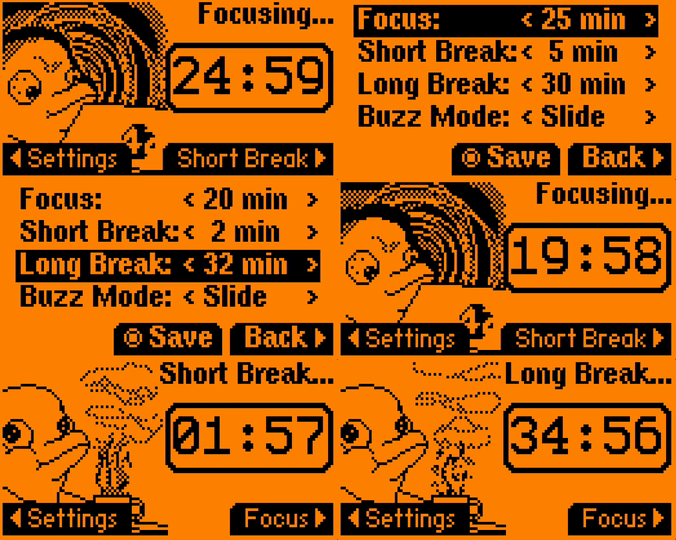
Boost Your Productivity with the Pomodoro Timer for Flipper Zero! Don't let your flipper get bored, let him help you instead.
Install
From Repository
Download from releases and follow instructions there.
From Application Marketplace
- Using
FlipperMobile App - Open
Hubtab, then openApps - Find and install
Flipp Pomodoro
Bundled into Firmware
Flipp Pomodoro is prepacked in unleased firmware releases suffixed with e. Once you have the firmware installed, you can find Flipp Pomodoro among Tools.
Guide
Focus Phase
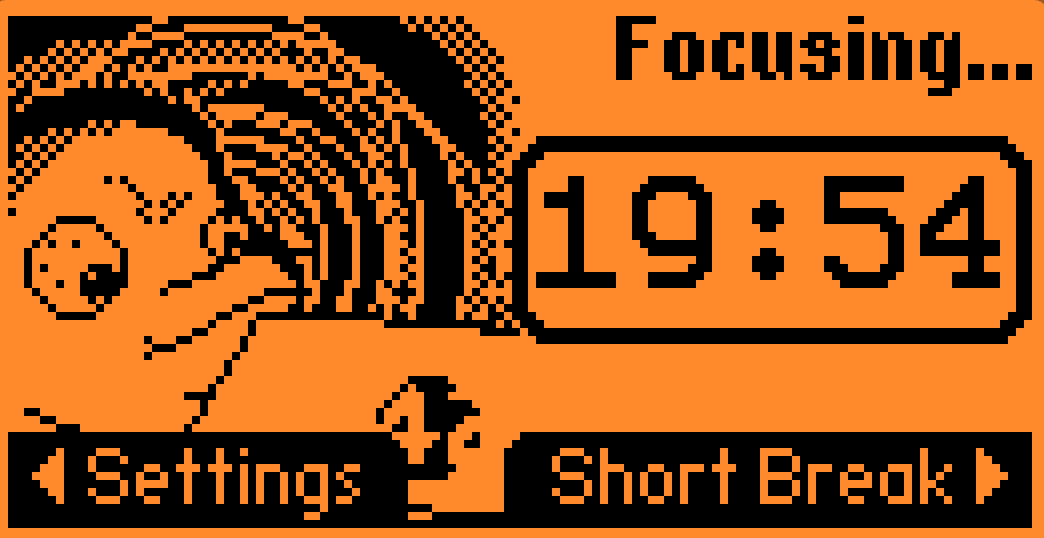
Do the following:
- Check your past notes
- Choose a task and note it down
- Work on the task until the Flipp Pomodoro rings
- If task is done during
Focusphase- Review completed work
- Plan a task to focus on next
- Reflect what have you have learned
- If task is not complete by the end of the
Focusphase- Place a bookmark and return to it during the next cycle
- Think how to define task the way it would fit into a single phase
- If there is some distraction(remember: many things can wait 25 minutes)
- Incomming message - take a note and answer during
Restphase - Genius idea - note a hint down, plan as a task or return to it when work is done
- Everything unavoidable - feel free to leave the cycle, once it's mitigated you have task to work on
- Incomming message - take a note and answer during
Hint: By completing
Focusphase your flipper gains good mood boost
Rest Phase
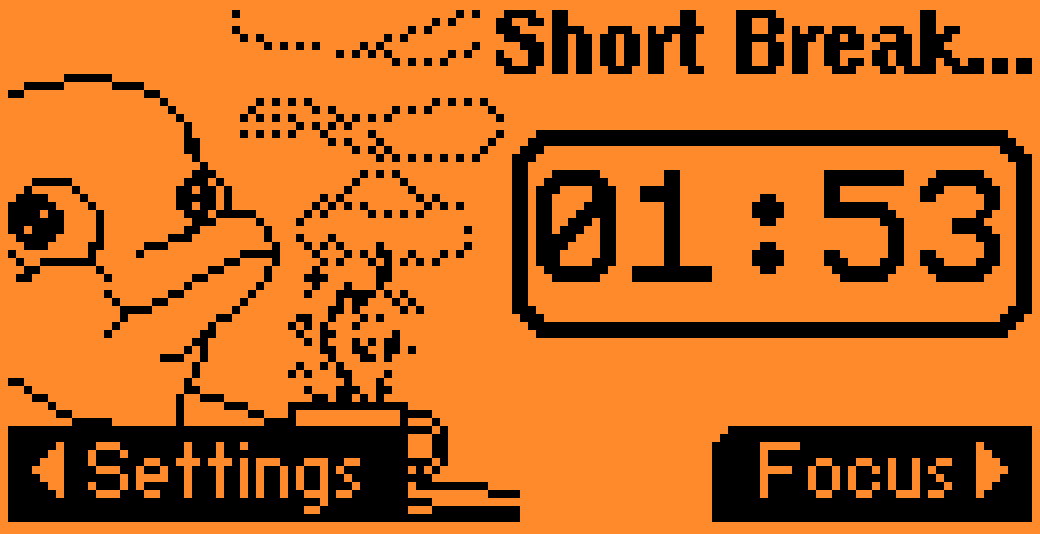
Do the following:
- Take a walk around or do a little stretch
- Take some fresh air
- Refill your drink
- Answer pending messages
- Talk to a colleague
Settings
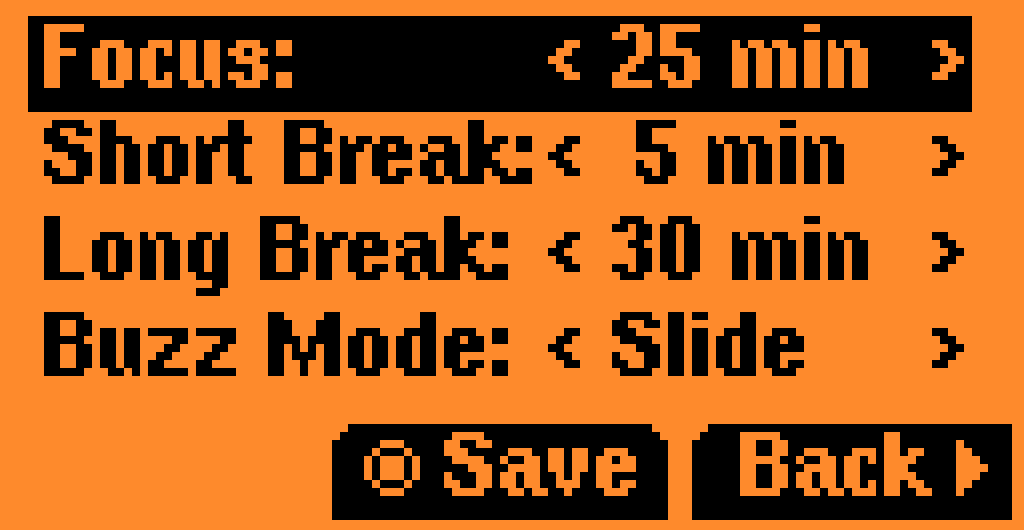
About the Menu
All settings are persistent — they are saved automatically and reloaded when the app restarts.
You can exit the settings menu without saving changes if needed.
Entering the settings menu will pause any active timer — use this intentionally, as excessive use breaks the spirit of the Pomodoro technique.
Available Settings
You can configure:
- Focus time
- Short break
- Long break
- Notification mode (
Buzz Mode)
Buzz Modes
- Slide — Notifies you and immediately starts the next timer.
- Once — Notifies you once, then waits for manual confirmation.
- Naggy — Sends 10 consecutive alerts until you press the center button, open the settings menu, or start a new timer manually.
- Flash — Keeps toggling the backlight/LED without playing any sound until you acknowledge the stage change.
- Vibrate — Emits repeating, silent vibration bursts and flashes the screen until you acknowledge the stage change.
- Beep soft — Plays a gentle repeating chime pattern so you can catch the change without startling everyone around you.
- Beep loud — Uses a longer, high-contrast beep pattern to make sure you notice the finished stage even in noisy environments.
Contributing
I welcome contributions to this project! If you're interested in helping out, here are a few ways to get started:
- Join discussions to ask questions and share ideas with other contributors.
- If you've found a bug or have an idea for a new feature, please open an issue on issue tracker. Before opening a new issue, please search the existing issues to see if someone has already reported the problem.
- If you're ready to start contributing code, please fork this GitHub repository and submit a pull request.
Development
Track
You can follow project development on the project board.
Build and Package
Build application commands
# For standard(official) firmware
bash tools/build.sh

# For unleashed firmware
bash tools/build.sh -f unleashed

# While flipper connected via USB and serial port is not bussy
# Build, run on flipper and keep the app in `Tools` directory
bash tools/build.sh -f unleashed -i
To try the app on real hardware:
- Connect your Flipper Zero over USB and make sure no other process is using the serial port.
- Run
bash tools/build.sh -i(add-f unleashedif you're targeting the unleashed firmware). - Once flashing completes, open
Tools → Flipp Pomodoroon the device to start the timer.
Developer Environment
If you want to build with ufbt without touching your global Python installation:
# create (once) and activate the virtualenv
python3 -m venv .venv_ufbt
source .venv_ufbt/bin/activate

# install ufbt locally
python -m pip install --upgrade ufbt

# build the app
bash tools/build.sh

# when you're done
deactivate
more like this
tobira.nvim
Open the next door in your Vim journey — personalized command discovery based on your actual usage
MTT-File-Manager-RUST
MTT File Manager is a Rust-based Windows file manager with tabbed navigation, rich media previews, deep system integrat…