dont-track-me-google
Firefox and Chrome extensions to prevent Google from making links ugly.
JavaScript★ 587
A self-hosted habit-tracker with a new approach to heatmaps, and flexible habits that happen X times in Y days.
 Vsein
Vseingit clone https://github.com/Vsein/Neohabit.gitVsein/Neohabit
Install • Features • Demo • Discuss • Donations
A highly customizable habit-tracker
that is wired for systematic self-improvement
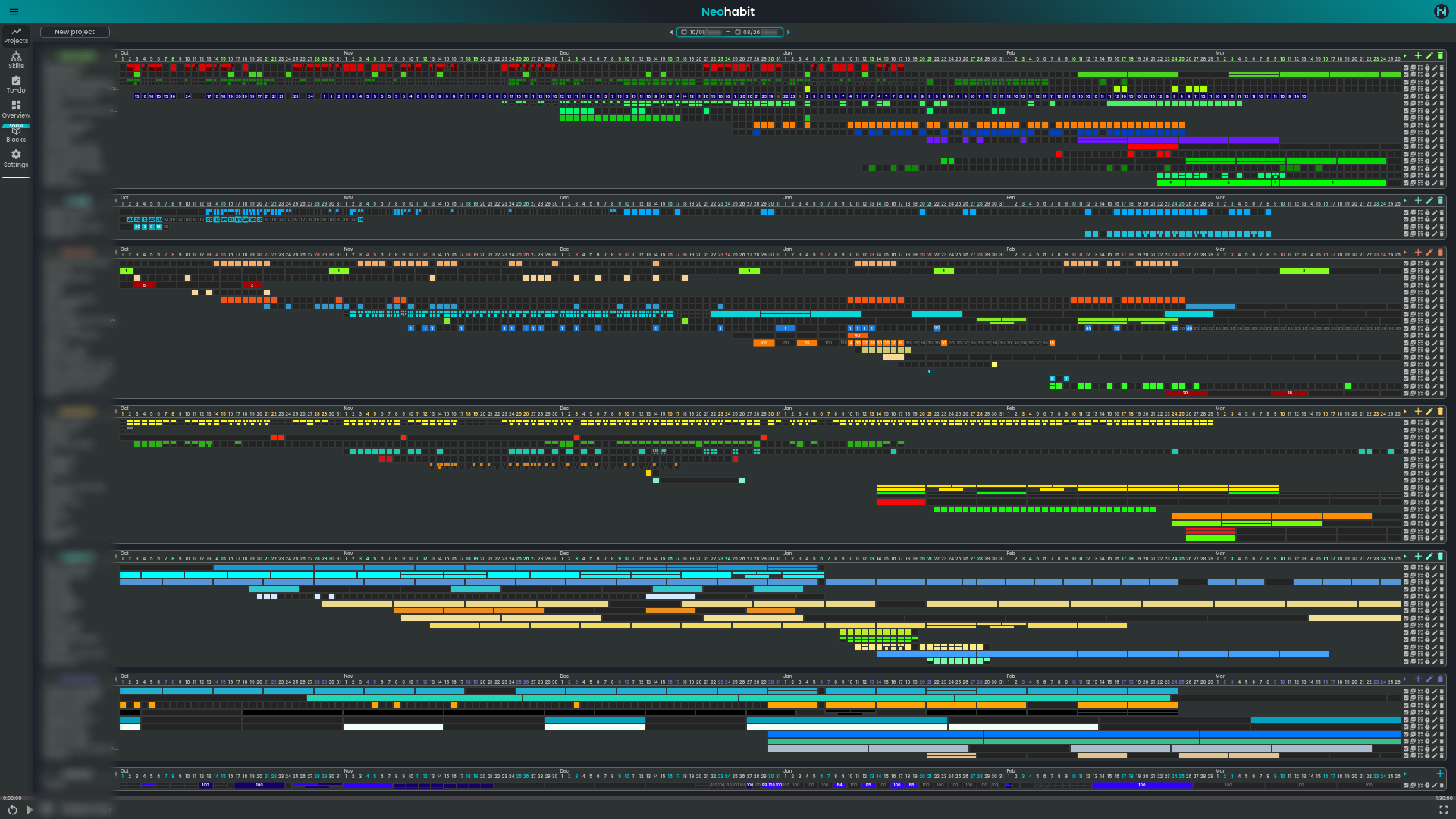 zoomed out overview for 6 months
You can see the features explained with examples on the landing. And you can also check out the demo version.
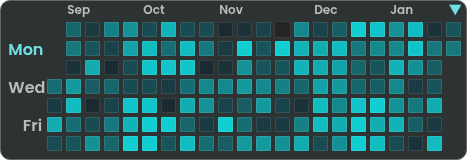
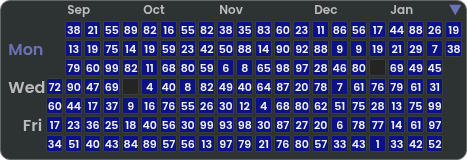
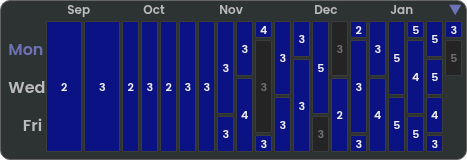
Designed specifically to track habits that have to happen many times per period (available up to 16, then defaults to numeric):
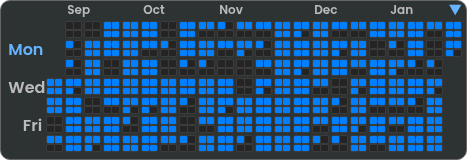
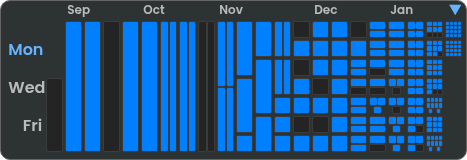
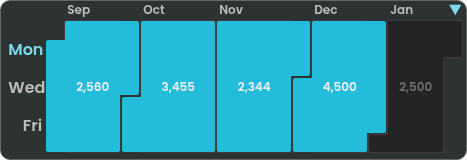
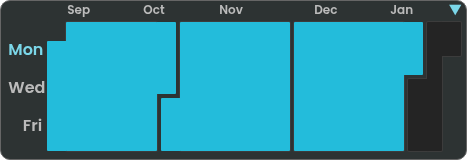
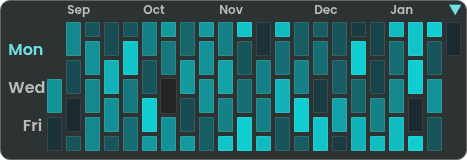
All displayed in a 1-dimensional mode, which is more suitable for day-to-day tracking:
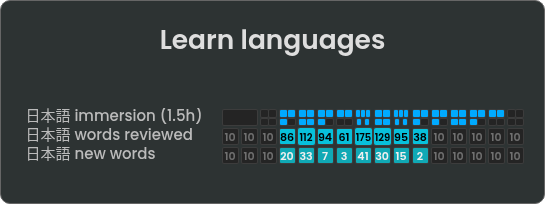
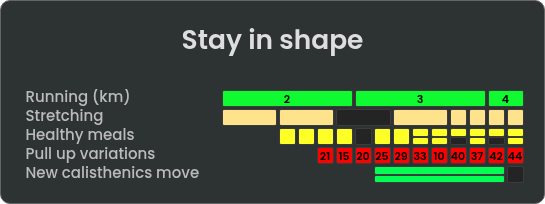
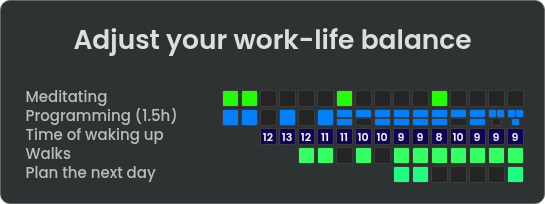
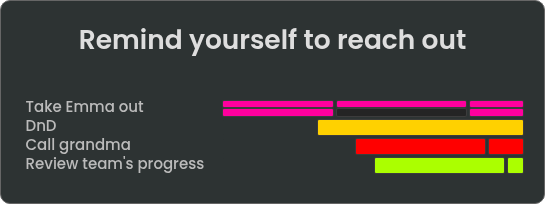
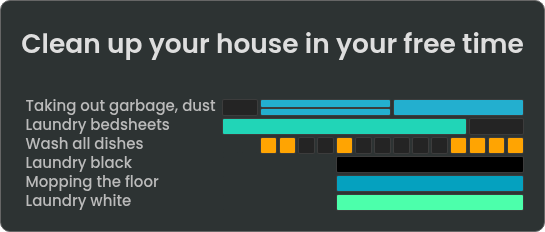
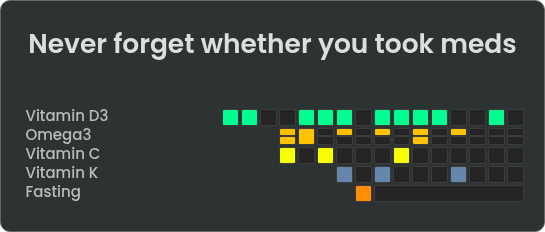
Excellent for planning and tracking progressions:
Currently, there are three methods available:
First, make a directory for docker-compose's configs, then copy
docker-compose.yaml, .env and Caddyfile from this repo:
wget -O docker-compose.yaml https://raw.githubusercontent.com/Vsein/Neohabit/refs/heads/main/docker-compose.yaml &&
wget -O .env https://raw.githubusercontent.com/Vsein/Neohabit/refs/heads/main/.env.example &&
wget -O Caddyfile https://raw.githubusercontent.com/Vsein/Neohabit/refs/heads/main/Caddyfile
Then, edit as desired:
.env to change the db/backend settings, and in-app settings like login behaviordocker-compose.yaml to configure the reverse proxy ports, volumes, and other docker stuffCaddyfile to adjust the host:
:80 for LAN or localhost:443 for LAN+HTTPS (also uncomment the tls internal and frontend's
reverse proxy)example.com for web-hostingWhen ready, run:
docker compose up -d
In ~15 seconds, head to http://127.0.0.1:8080 (default) and check if everything's up and running.
If you encounter any issues, you can check the logs by running:
docker compose logs
If you've chosen this step because I previously recommended to use it for web-hosting in v1.0.0, that's no longer the case and you can use the first method instead
Clone this repo and change to the cloned directory:
git clone https://github.com/Vsein/Neohabit.git && cd Neohabit
Copy .env.example into .env
cp .env.example .env
After that, edit the following files as desired:
.env to change the db/backend settings, and in-app settings like login behaviordocker-compose.yaml to configure the reverse proxy ports, volumes, and to
uncomment lines for building manuallyCaddyfile to adjust the host:
:80 for LAN or localhost:443 for LAN+HTTPS (also uncomment the tls internal and frontend's
reverse proxy)example.com for web-hostingWhen ready, run:
docker compose up -d
In ~30 seconds, head to http://127.0.0.1:8080 (default) and check if everything's up and running.
If you encounter any issues, you can check the logs by running:
docker compose logs
Also, alternatively to simple docker compose up -d, you can force to rebuild everything:
docker compose up --build --force-recreate
Requirements:
Change into the frontend directory and install dependencies:
cd frontend && npm ci
Build static files:
npm run build
Serve the static files in /dist, for example with python:
python -m http.server 8080
Or, run in development mode:
npm start
Change into the backend directory and install go packages
go mod download
Create a new Postgres database:
createdb neohabit_database
And modify the env vars before finally running:
JWT_SECRET="SuperSecretInformation" \
PG_DSN="postgres://user:password@localhost:5432/neohabit_database?sslmode=disable" \
go run core/cmd/main.go -config core/config/config.yaml
By default, reverse proxies are set up with Caddy. If you prefer a different web
server, here's a sample nginx.conf
that was used previously. If you've set up the reverse proxy through Traefik,
HAProxy or anything else - feel free to propose a sample snippet, so that it can
be copy-pasted by others in the future for ease of use.
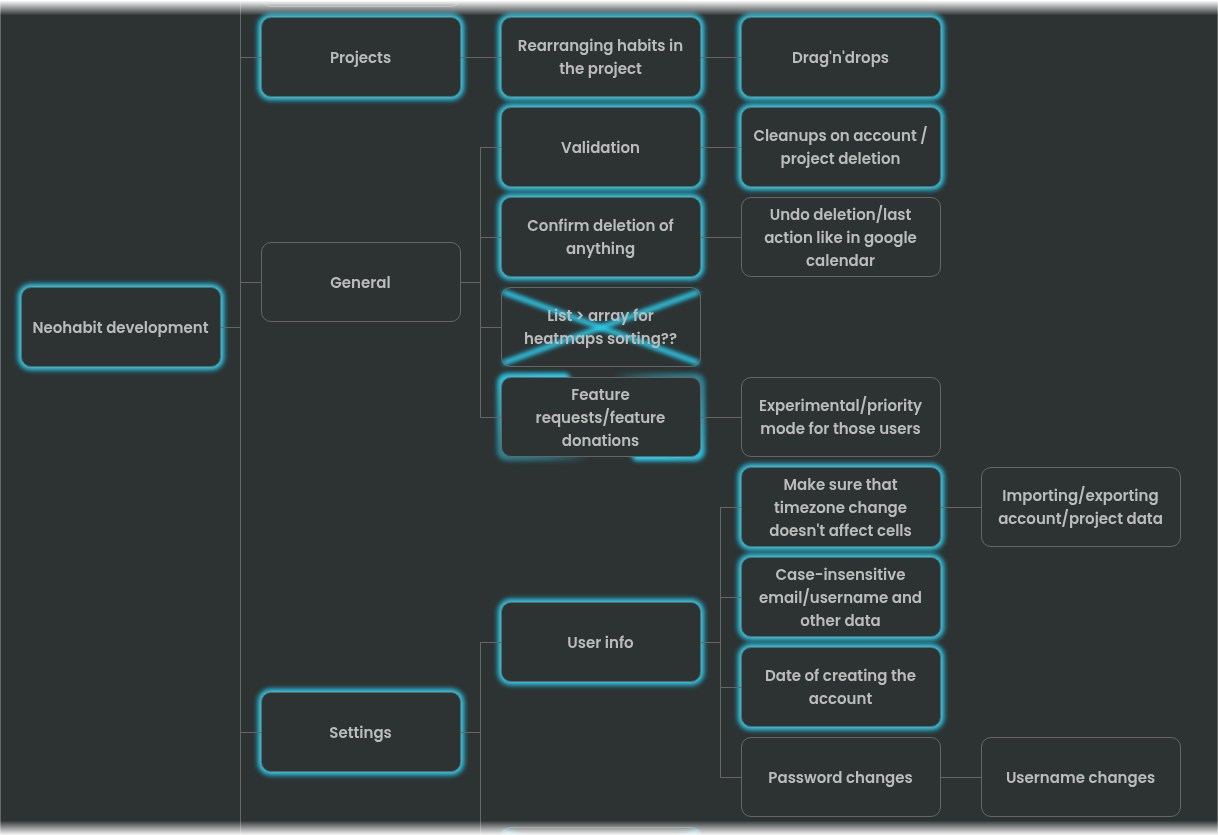
My ultimate vision for Neohabit is to have a public, community-driven archive of habits that may be imported into your database/account, with all the needed progressions. Somewhat similar to the Anki's shared decks, except for habits. I've implemented the core feature - the habit-tracking part, but the rest of it still needs some time to come together.
For example:
This project is licensed under the GNU Affero General Public License v3.0 (AGPL-3.0).
The AGPL-3.0 applies to the entire repository, including all historical commits. Any modified versions - especially when offered as a network service or SaaS - must comply with its copyleft terms.
This license is chosen specifically so that Neohabit remains open-source forever.
BTC: bc1qkt9xge2a8h3zt65ju7qkyvh6z6qjn6kdz8tm4a
XMR: 48F86e1vigUU8jUSf3kBYNJhMGp38dKxqBhga9sLz1Lr5qM8QqXrY3g4X8uQyqh7wQKhm7MpxSsSpdp1PGvY96jh1MGwyx8
To anyone who's kind enough to donate, thank you! Neohabit's development has cost me more than I'm comfortable admitting, if not financially then just in time alone. Spreading the word and mentioning this project to your friends is also welcome and much appreciated.
more like this
Firefox and Chrome extensions to prevent Google from making links ugly.
Open the next door in your Vim journey — personalized command discovery based on your actual usage
MTT File Manager is a Rust-based Windows file manager with tabbed navigation, rich media previews, deep system integrat…
search projects, people, and tags