kasane
Drop-in Kakoune frontend with an extensible UI foundation
 Yus314
git clone https://github.com/Yus314/kasane.gitYus314/kasaneKasane
Kakoune handles editing. Kasane rebuilds the rendering pipeline — terminal or GPU — and opens the full UI to extension: splits, image display, workspace persistence, and beyond. Extend it yourself with sandboxed WASM plugins — a complete one fits in 15 lines of Rust. Your kakrc works unchanged.
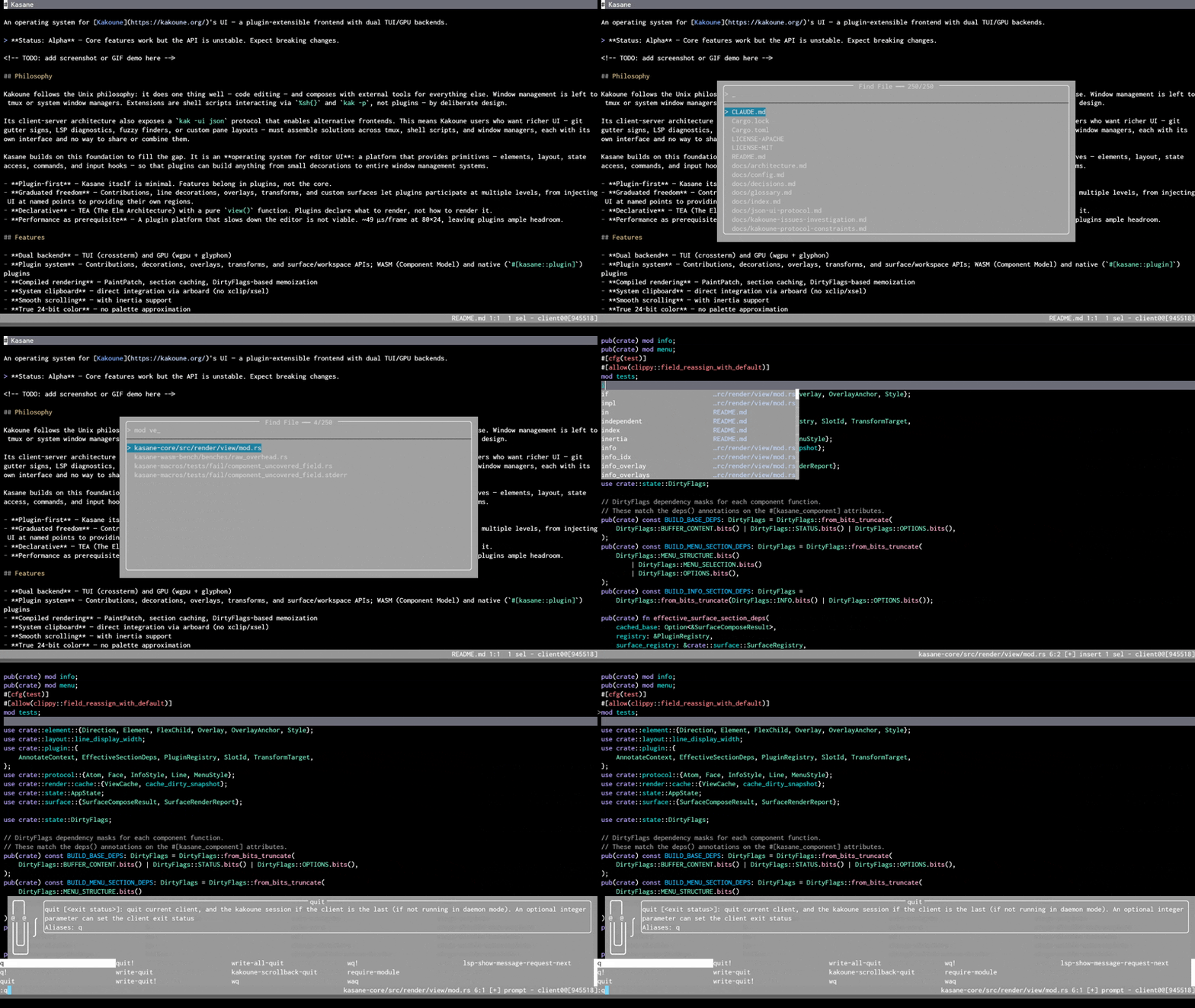
GPU backend (--ui gui) — cursor highlighting and color preview running as WASM plugins

Getting Started · What's Different · Plugin Development · Vision
What You Get
alias kak=kasane and these improvements apply automatically:
- Flicker-free rendering — no more tearing on redraws
- Multi-pane without tmux — native splits with per-pane status bars
- Clipboard that just works — Wayland, X11, macOS, SSH — no xclip needed
- Correct Unicode — CJK and emoji display correctly regardless of terminal
Add --ui gui for a GPU backend with system font rendering,
smooth animations, and inline image display.
Existing Kakoune plugins (kak-lsp, …) work as before. See What's Different for the full list.
Quick Start
Note
Requires Kakoune v2026.04.12 or later. Binary packages skip the Rust toolchain requirement.
Arch Linux: yay -S kasane-bin
· macOS: brew install Yus314/kasane/kasane
· Nix: nix run github:Yus314/kasane
· From source: cargo install --path kasane
kasane file.txt               # your Kakoune config works unchanged
alias kak=kasane              # add to .bashrc / .zshrc
GPU backend: cargo install --path kasane --features gui, then
kasane --ui gui.
See Getting Started for detailed setup.
Plugins
Plugins can add floating overlays, line annotations, virtual text, code folding, gutter decorations, input handling, scroll policies, and more. Bundled example plugins you can try today:
| Plugin | What it does |
|---|---|
| cursor-line | Highlight the active line with theme-aware colors |
| color-preview | Inline color swatches next to hex values |
Each plugin builds into a single .kpk package — sandboxed, composable,
and ready to install. A complete plugin — here is cursor-line in its
entirety:
kasane_plugin_sdk::define_plugin! {
    manifest: "kasane-plugin.toml",

    state {
        #[bind(host_state::get_cursor_line(), on: dirty::BUFFER)]
        active_line: i32 = -1,
    },

    display() {
        if state.active_line < 0 {
            return vec![];
        }
        let bg = theme_style_or(
            "cursor.line.bg",
            if is_dark_background() {
                style_bg(rgb(40, 40, 50))
            } else {
                style_bg(rgb(220, 220, 235))
            },
        );
        vec![style_line(state.active_line as u32, bg)]
    },
}
Additional plugins (fuzzy finder, pane manager, sel-badge, smooth scroll,
prompt highlight, session UI, image preview) are slated to move to a future
external kasane-plugin-gallery repo — recoverable from this repo's git
history before the δ-3 cleanup commit.
Start writing your own:
kasane plugin new my-plugin    # scaffold from 6 templates
kasane plugin dev              # hot-reload while you edit
See Plugin Development, Plugin API, and ABI Versioning Policy.
Status
Kasane is stable as a Kakoune frontend — ready for daily use. The plugin API is evolving; see Plugin Development for the current ABI version and migration guides.
Usage
kasane [options] [kak-options] [file]... [+<line>[:<col>]|+:]
All Kakoune arguments work — kasane passes them through to kak.
kasane file.txt              # Edit a file
kasane -c project            # Connect to existing session
kasane -s myses file.txt     # Named session
kasane --ui gui file.txt     # GPU backend
kasane -l                    # List sessions (delegates to kak)
See docs/config.md for configuration.
Contributing
See CONTRIBUTING.md for development setup and guidelines.
cargo test                             # Run all tests
cargo clippy -- -D warnings            # Lint
cargo fmt --check                      # Format check
License
MIT OR Apache-2.0
more like this
TachiSnap
TachiSnap — Pixel Snapper for animation pixel artists. Rust + WebAssembly client-side tool for cleaning up AI-generated…
bit_gossip
Pathfinding library for calculating all node pairs' shortest paths in an unweighted undirected graph.
RaylibWasm
.Net 10 (.Net 8+) webassembly starter project using raylib-cs nuget 7.0.2 and raylib 5.5