ExcaliDash
A self-hosted dashboard and organizer for Excalidraw with multi-user collaboration and scoped sharing.
 ZimengXiong
git clone https://github.com/ZimengXiong/ExcaliDash.gitZimengXiong/ExcaliDash
ExcaliDash
A self-hosted dashboard and organizer for Excalidraw with live collaboration features.
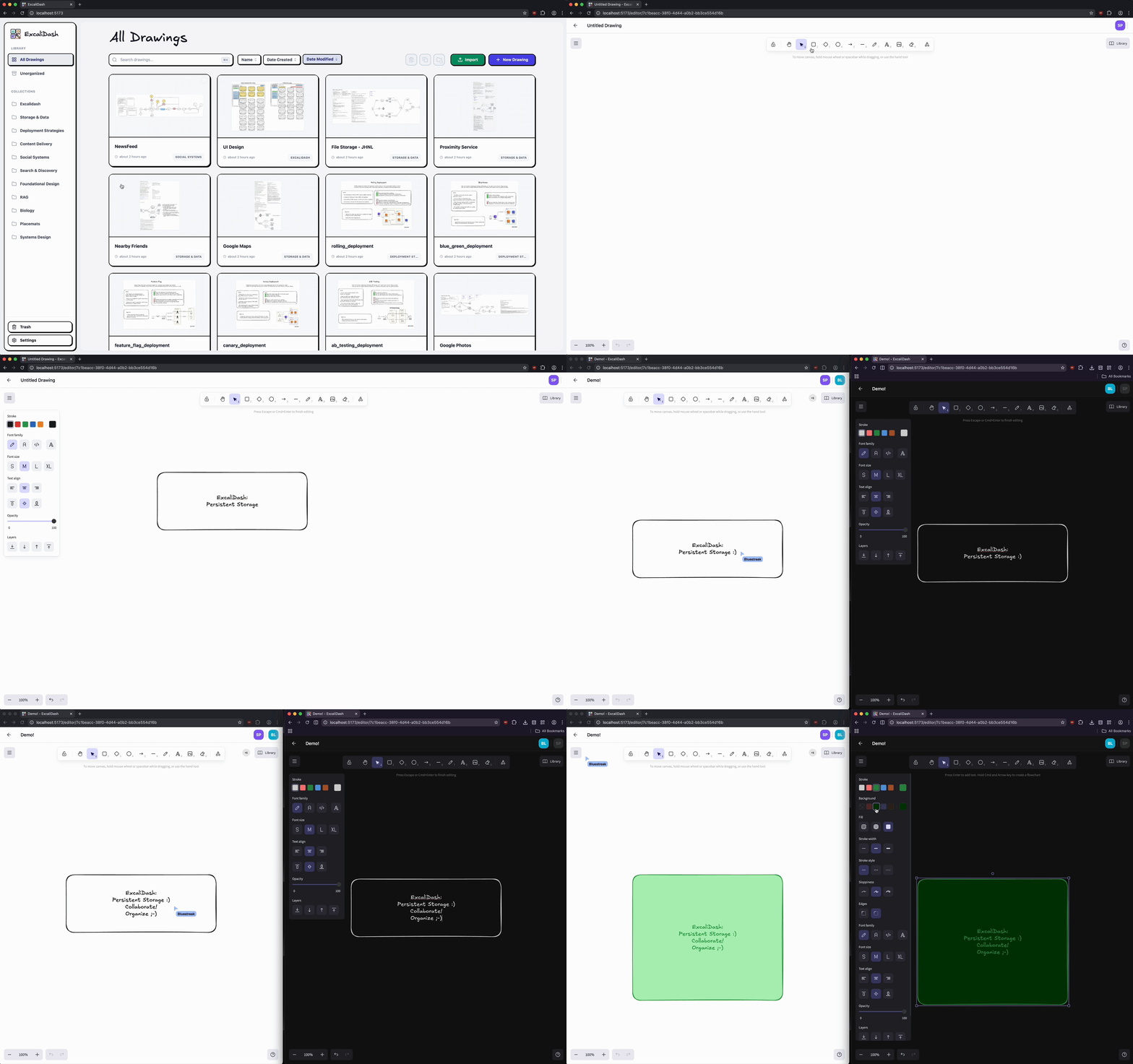
Table of Contents
Features
Persistent storage for all your drawings
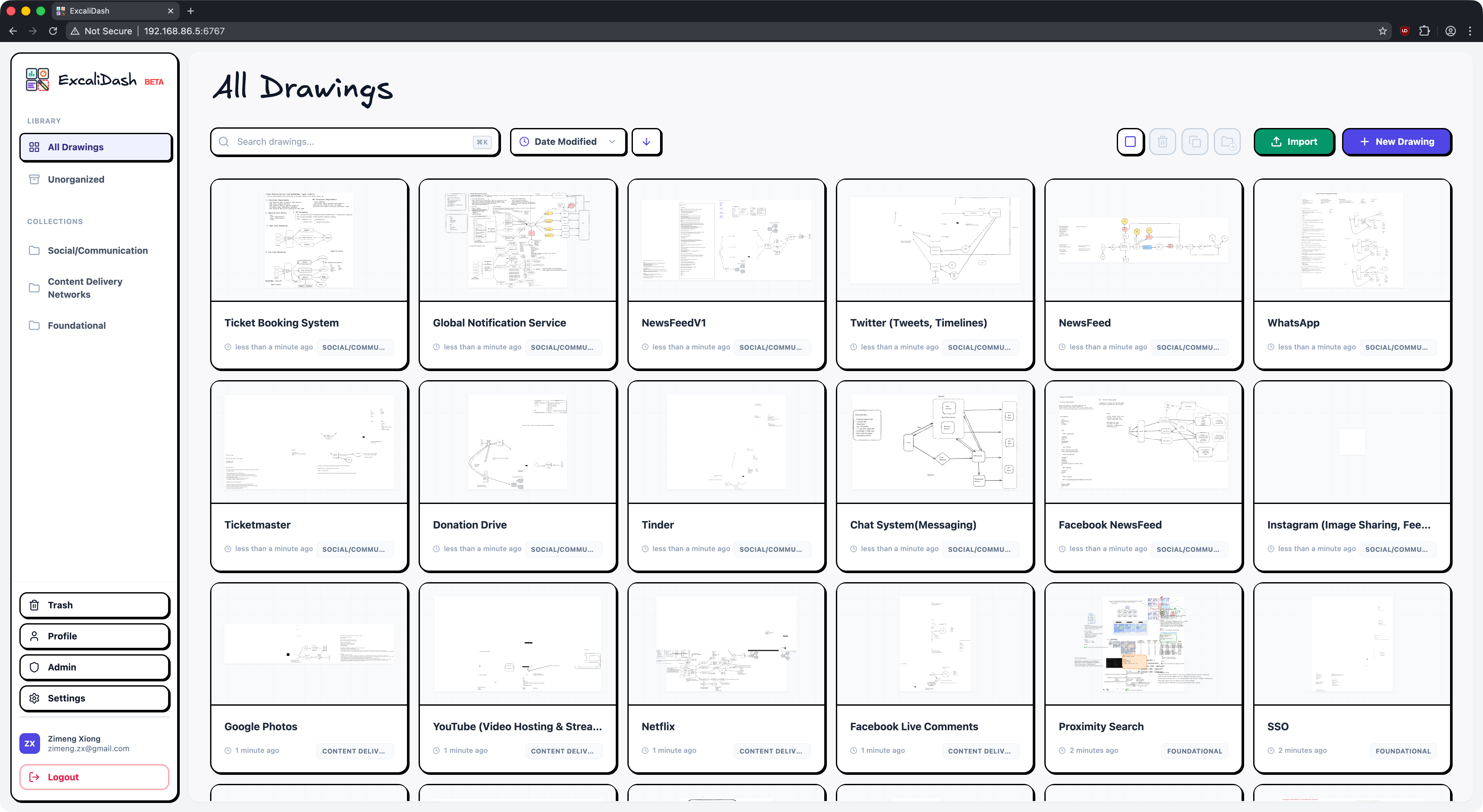
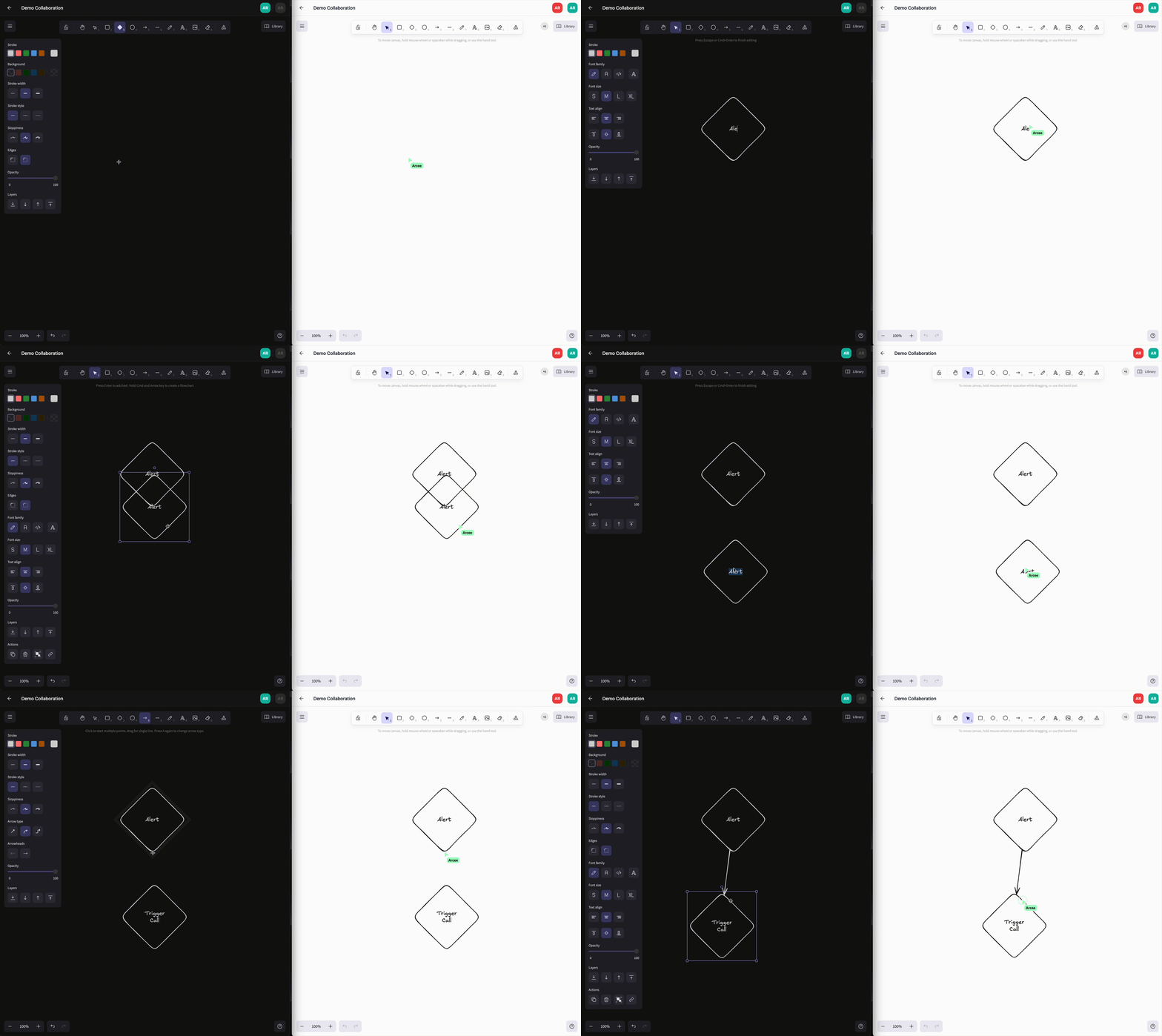
Real time collaboration
Version history and restore
Automatically retain recent drawing snapshots, preview past versions from the editor, and restore a previous state when needed.
(Optional) Multi User Authentication, OIDC Support
Sign in with OIDC
Migration from v0.3
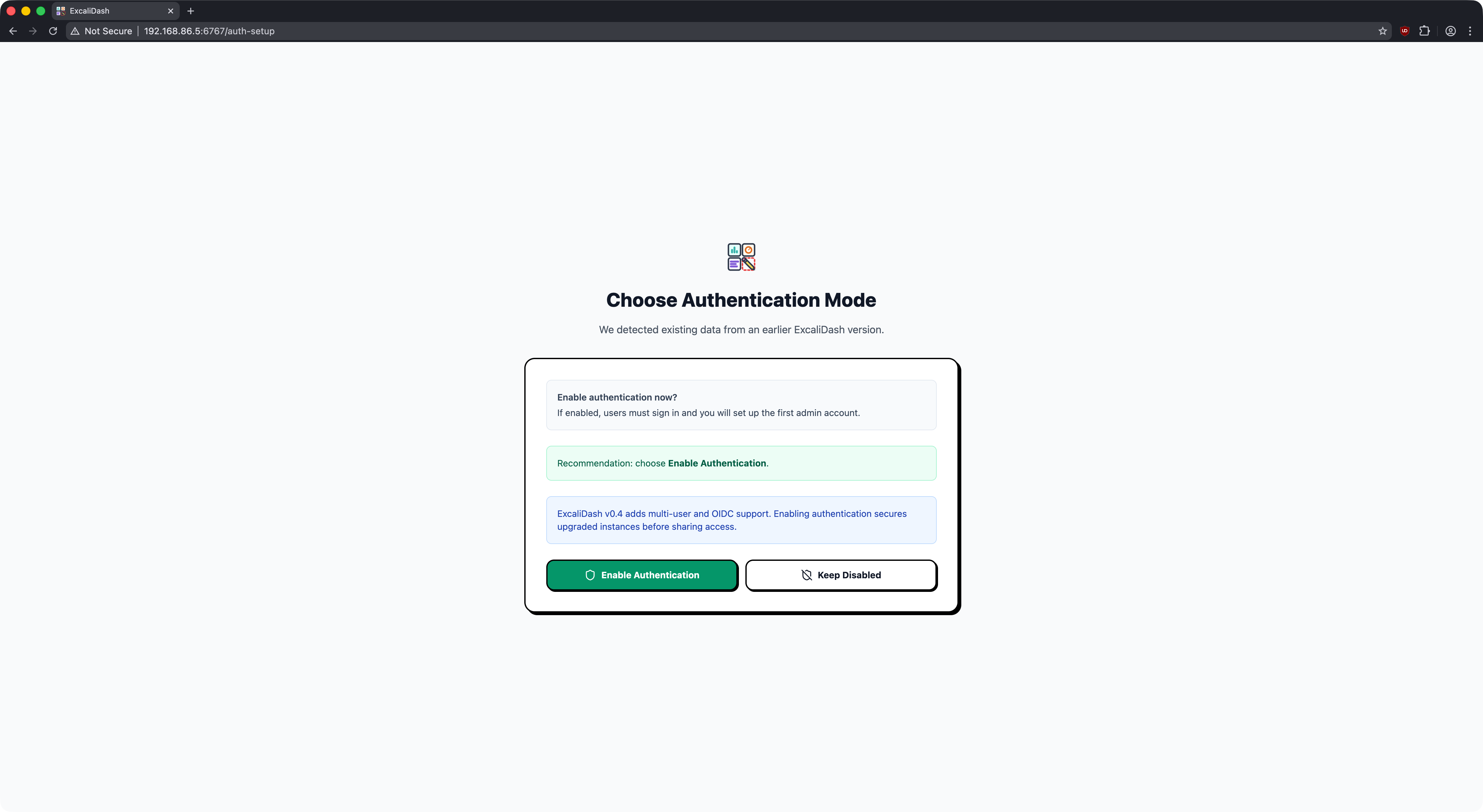
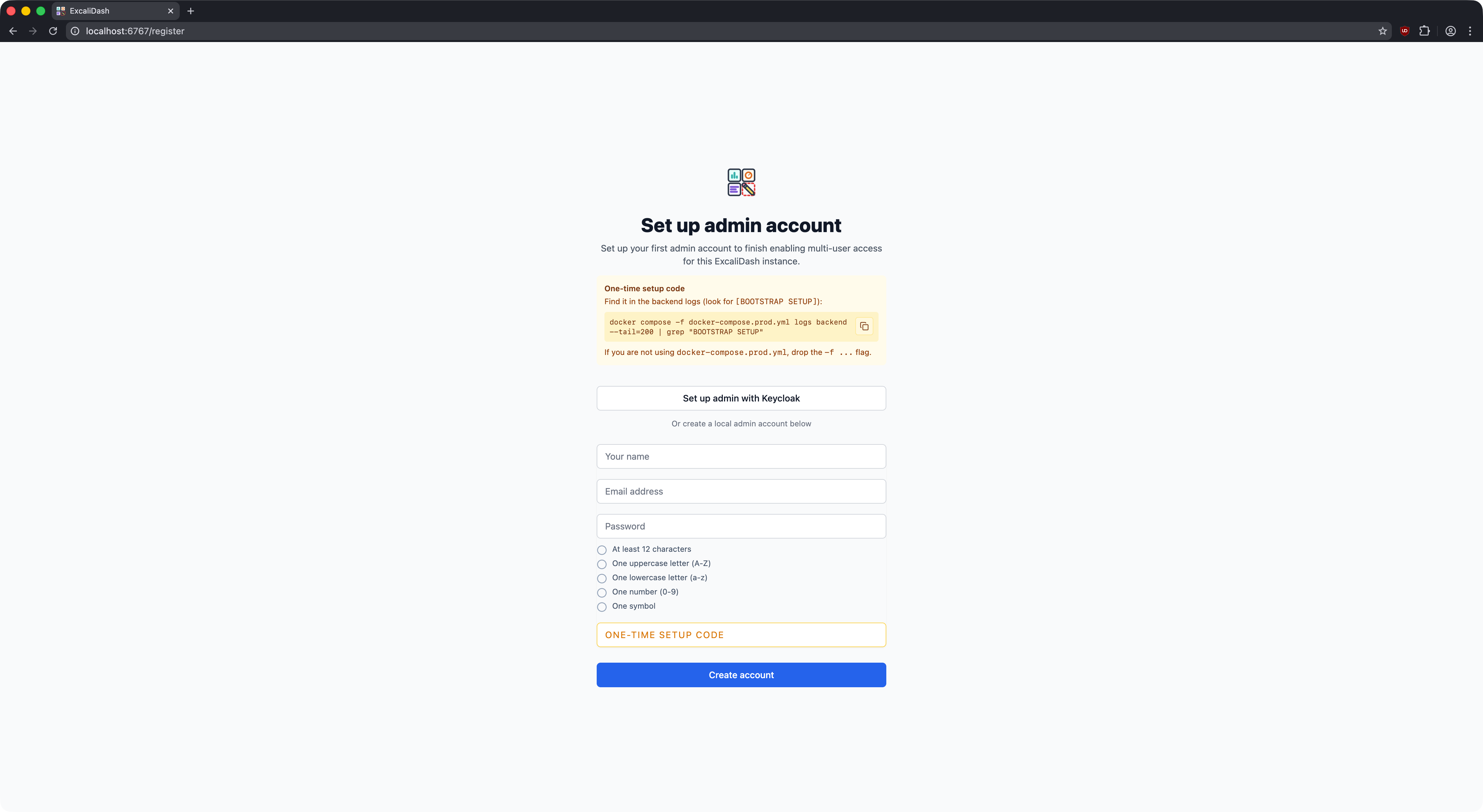
Admin Bootstrap
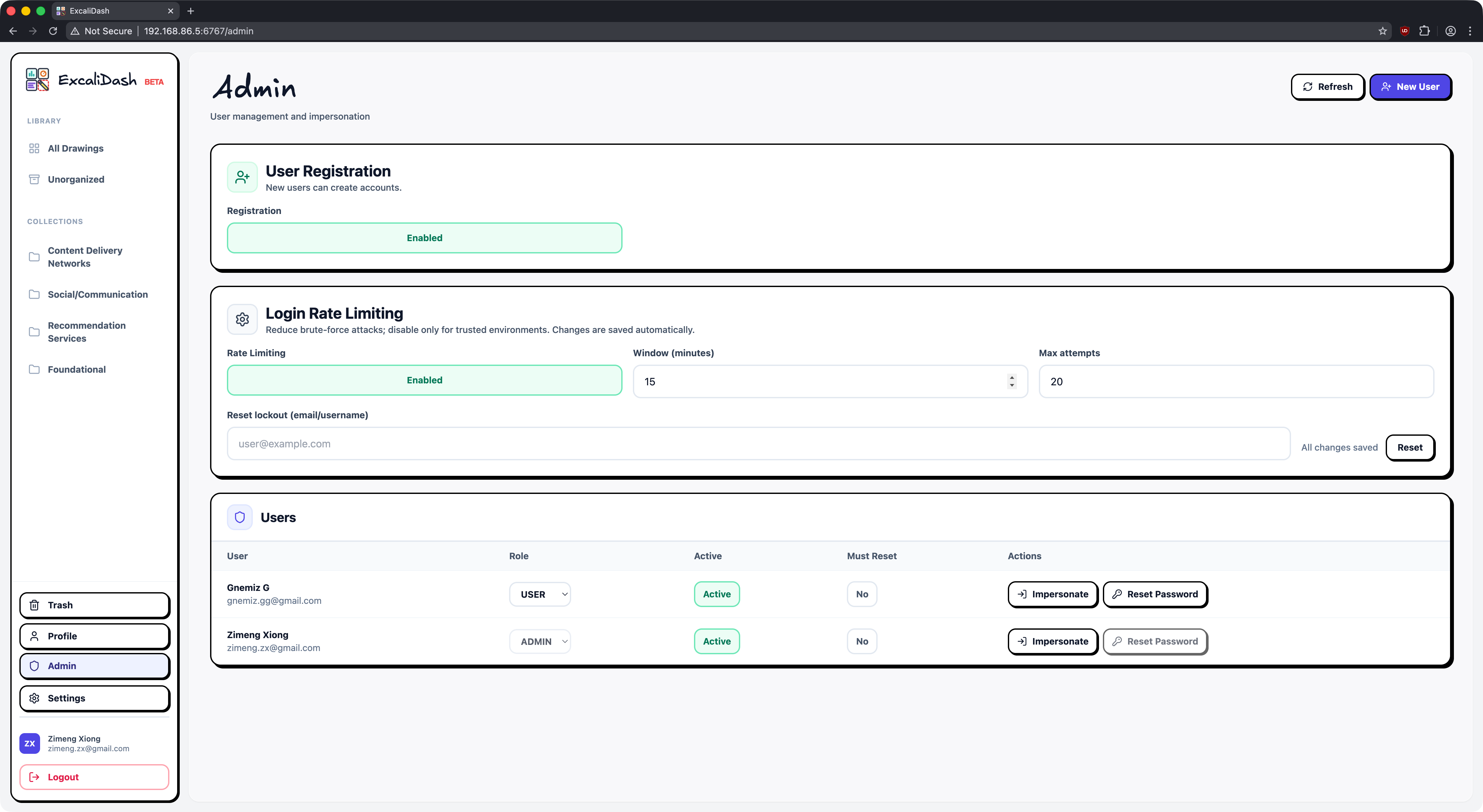
Admin Dashboard
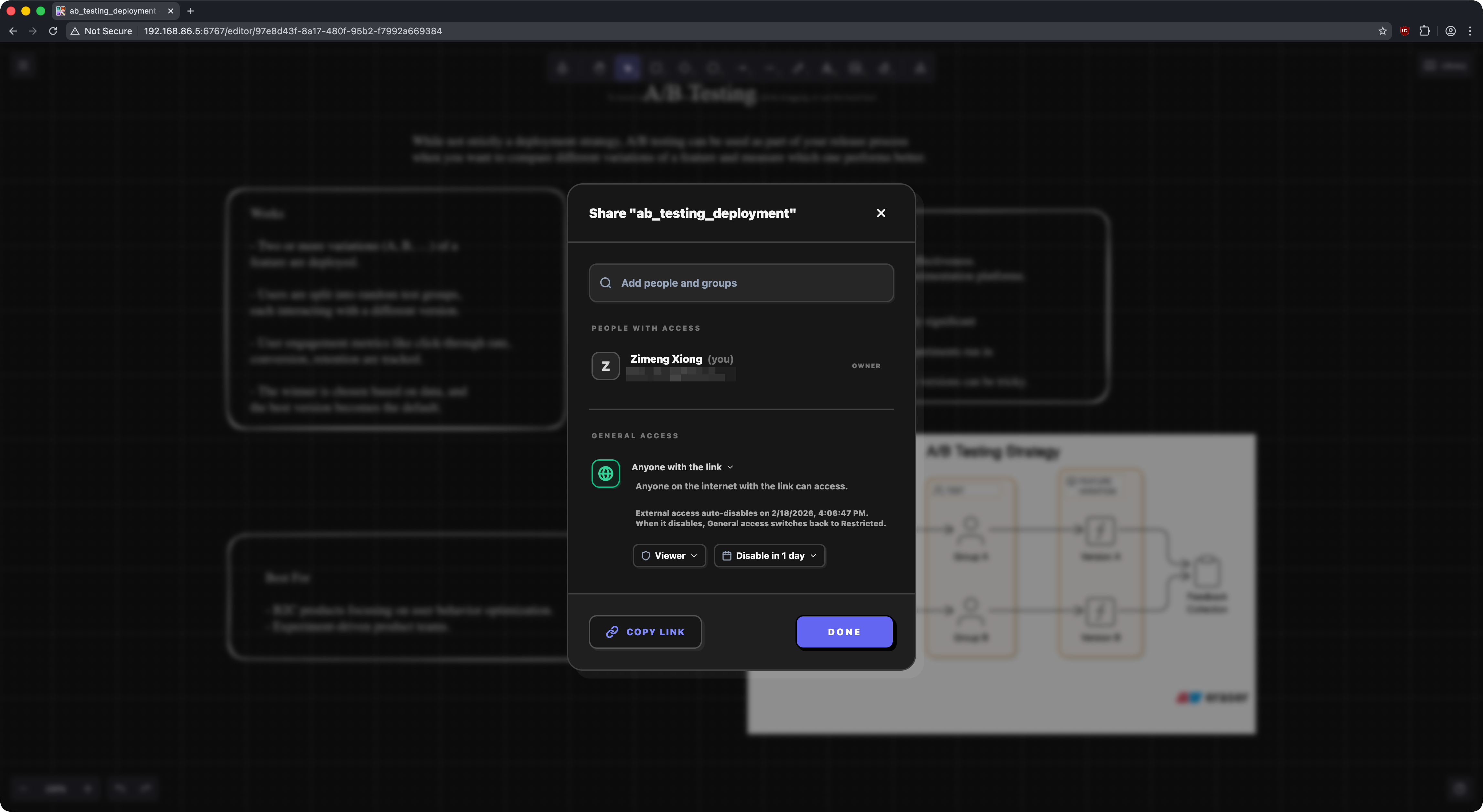
Scoped internal & external sharing
Search your drawings
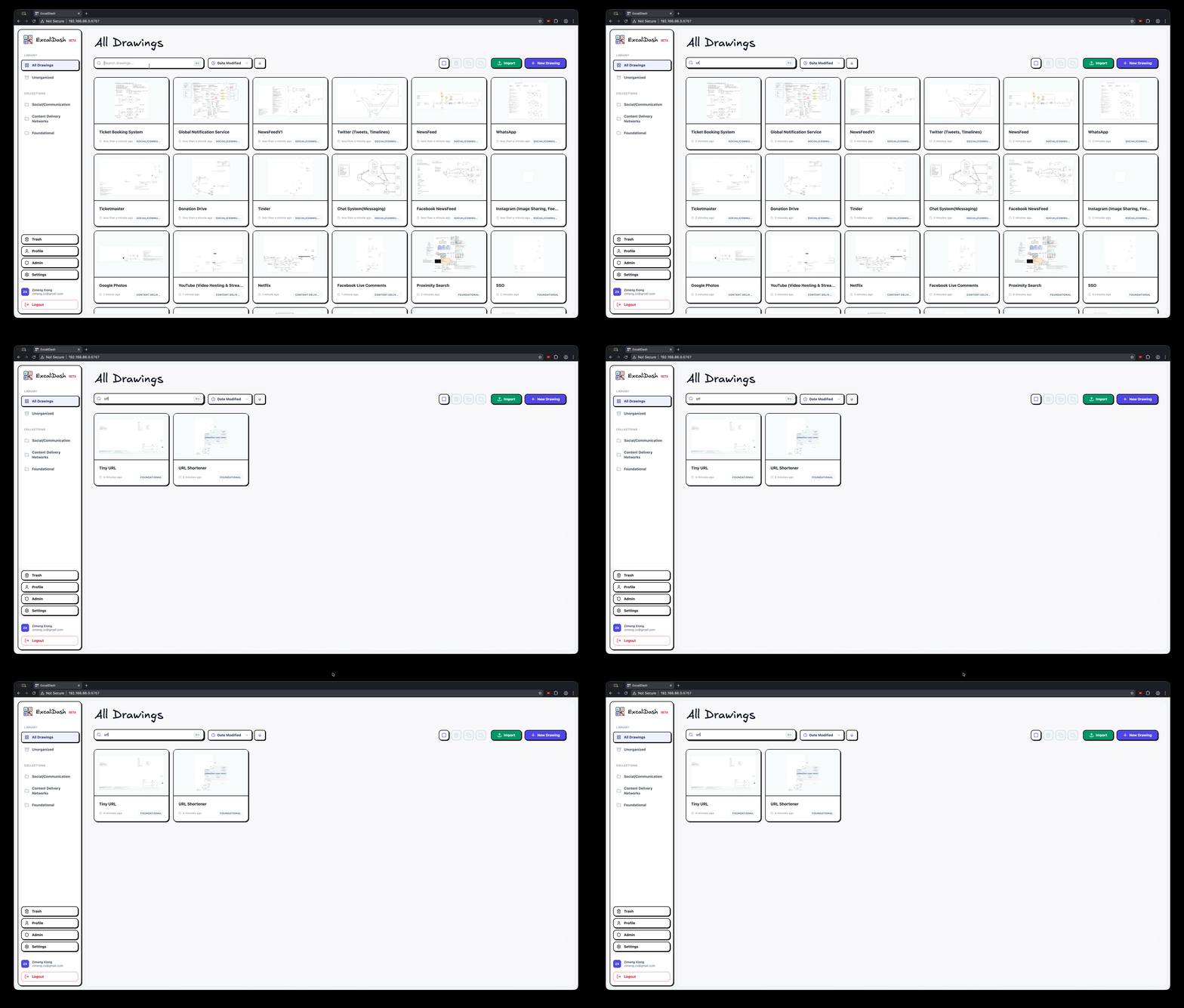
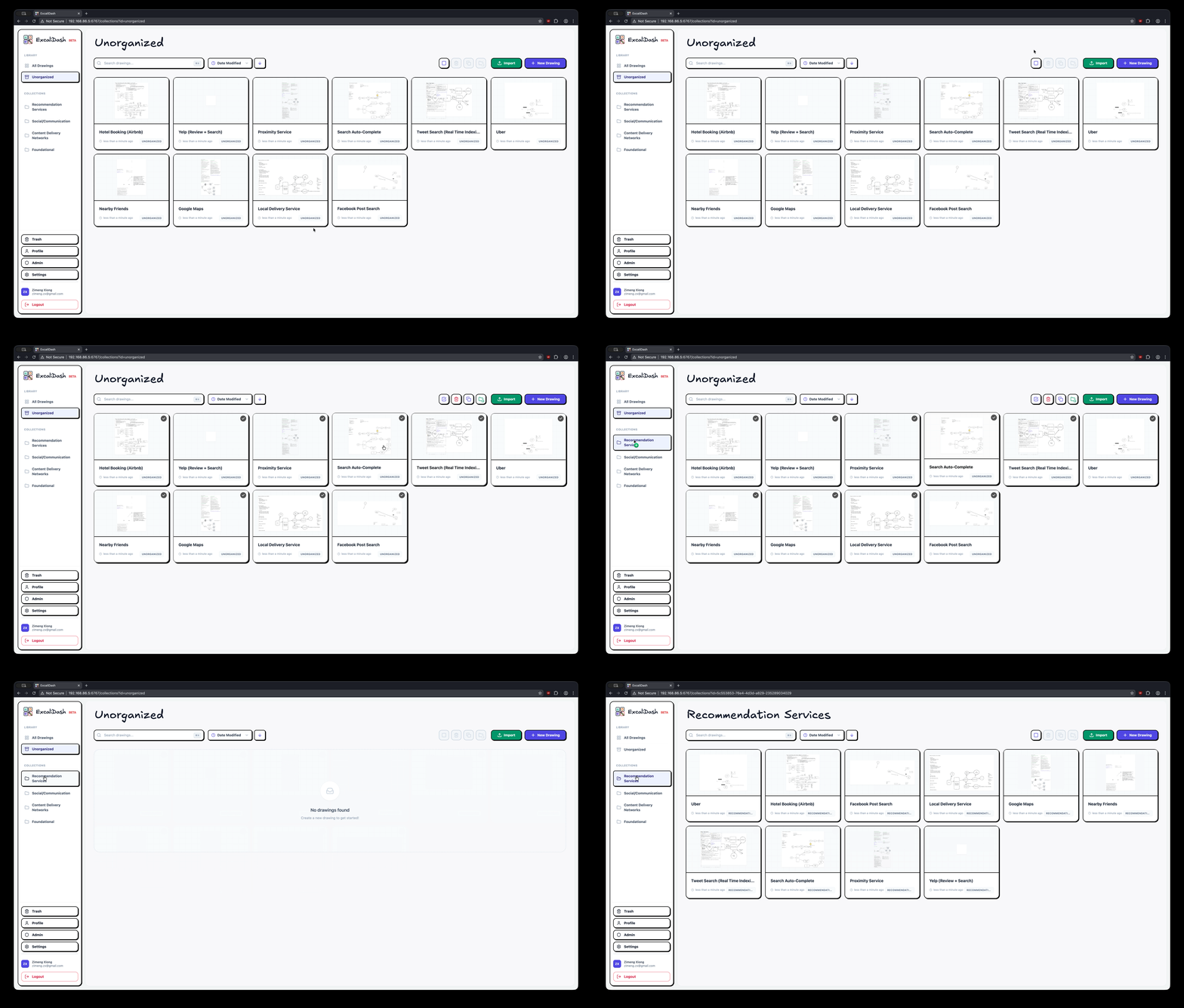
Drag and drop drawings into collections
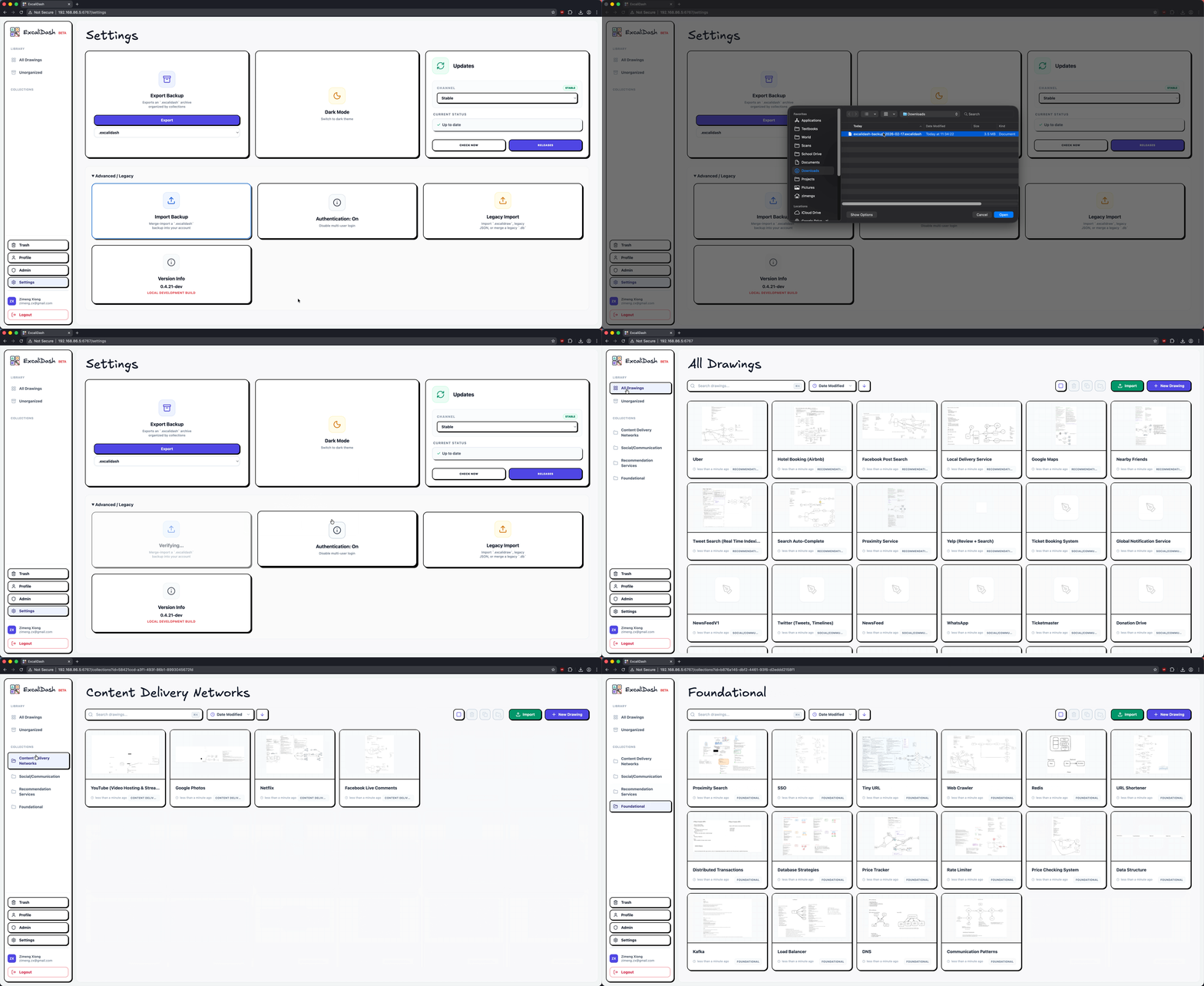
Export/import your drawings for backup
Excalidash uses a non-proprietary archival format that stores your drawings in plain .excalidraw format
Upgrading
See release notes for a specific release.
ExcaliDash includes an in-app update notifier that checks GitHub Releases. If your deployment must not make outbound network calls, disable it on the backend:
UPDATE_CHECK_OUTBOUND=false
Docker Hub Upgrades
If you deployed using docker-compose.prod.yml (Docker Hub images), upgrade by pulling the latest images and recreating containers:
docker compose -f docker-compose.prod.yml pull && \
  docker compose -f docker-compose.prod.yml up -d
If you prefer a clean stop/start (more downtime, but simpler), you can do:
docker compose -f docker-compose.prod.yml down && \
  docker compose -f docker-compose.prod.yml pull && \
  docker compose -f docker-compose.prod.yml up -d
Notes:
- Don’t add
-vtodownunless you intend to delete the persistent backend volume (your SQLite DB + secrets). - Only add
--remove-orphansif you previously ran a different Compose file for the same project name and need to remove old/renamed services.
Installation
Caution
This is a BETA deployment and production-readiness depends on deployment controls: use TLS, trusted reverse proxy, fixed secrets, backups, and endpoint rate limits.
Caution
ExcaliDash is in BETA. Please backup your data regularly.
Quickstart
Prereqs: Docker + Docker Compose v2.
Docker Hub (Recommended)
Docker Hub (Recommended)
# Download docker-compose.prod.yml
curl -OL https://raw.githubusercontent.com/ZimengXiong/ExcaliDash/main/docker-compose.prod.yml

# Pull images
docker compose -f docker-compose.prod.yml pull

# Run container
docker compose -f docker-compose.prod.yml up -d

# Access the frontend at localhost:6767
For single-container deployments, JWT_SECRET can be omitted and will be auto-generated and persisted in the backend volume on first start. For portability and most production deployments, set a fixed JWT_SECRET explicitly.
By default, the provided Compose files set TRUST_PROXY=false for safer setup. Only set TRUST_PROXY to a positive hop count (for example, 1) when requests always pass through a trusted reverse proxy that correctly sets forwarded headers.
Docker Build
Docker Build
# Clone the repository (recommended)
git clone git@github.com:ZimengXiong/ExcaliDash.git

# or, clone with HTTPS
# git clone https://github.com/ZimengXiong/ExcaliDash.git

docker compose build
docker compose up -d

# Access the frontend at localhost:6767
Advanced
The root README keeps the install path short. See advanced deployment and operations for reverse proxy, auth/OIDC, database provider, offline, backup, password policy, and operational details.
For release-candidate validation across multiple local configurations, see the configuration lab.
Development
For contributor workflow, make dev starts the app in local single-user mode so you can reproduce editor bugs without going through login/onboarding. Use make dev-auth if you need to test local auth or OIDC flows from your backend/.env.
Clone the Repository
Clone the Repository
# Clone the repository (recommended)
git clone git@github.com:ZimengXiong/ExcaliDash.git

# or, clone with HTTPS
# git clone https://github.com/ZimengXiong/ExcaliDash.git
Frontend
Frontend
cd ExcaliDash/frontend
npm install

# Copy environment file and customize if needed
cp .env.example .env

npm run dev
Backend
Backend
cd ExcaliDash/backend
npm install

# Copy environment file and customize if needed
cp .env.example .env

# Generate Prisma client and setup database
npx prisma generate
npx prisma db push

npm run dev
Simulate Auth Onboarding (Development)
Simulate Auth Onboarding (Development)
To simulate first-run authentication choice flows in local development:
cd ExcaliDash/backend

# Preview what would change (no data modifications)
npm run dev:simulate-auth-onboarding:dry-run

# Simulate "fresh install" onboarding state
# (wipes drawings/collections/libraries and removes non-bootstrap users)
npm run dev:simulate-auth-onboarding:fresh

# Simulate "migration" onboarding state (ensures legacy data exists)
npm run dev:simulate-auth-onboarding:migration
After running a simulation while the backend is already running, wait about 5 seconds (auth mode cache TTL) or restart the backend before refreshing the UI.
Setup and Operational Scripts
Setup and Operational Scripts
In backend/package.json there are helper scripts for maintenance:
| Script | Purpose |
|---|---|
admin:recover |
Emergency admin credential recovery/reset. |
Admin recovery example:
cd backend
npm run admin:recover -- --identifier admin@example.com --generate --activate --must-reset
Common flags:
| Flag | Description |
|---|---|
--password "<new-password>" |
Set explicit new password. |
--generate |
Generate a secure random password. |
--activate |
Activate the admin account immediately. |
--promote |
Promote user to admin role. |
--must-reset |
Force password reset on first login. |
--disable-login-rate-limit |
Temporarily disable login throttling for this operation. |
Credits
If you find ExcaliDash useful, please consider sponsoring
more like this
offgrid-weather-station
A fully local, Raspberry Pi–based weather station using an Ecowitt WS90 and RTL-SDR.